Heads up: This post contains affiliate links. As an Amazon Associate I earn from qualifying purchases, at no extra cost to you. Learn more
Specs are compiled from manufacturer listings and verified buyer reviews and can change over time — please confirm the key details on the product page before buying.
Buying a 1TB M.2 SSD depends on one thing: how fast the drive moves data and whether it fits the slot already on your motherboard. A Gen 4 drive (the fourth generation of the PCIe connection standard) can read a game level before the intro music finishes, but only if your board supports that generation. Get that match right and a 5,000 MB/s drive feels as quick as a 7,400 MB/s flagship in everyday use. Get it wrong and your computer refuses to see the drive at all.
This guide is built by comparing the manufacturers’ published specifications and the patterns across verified customer reviews, so you get each pick’s real strengths and trade-offs instead of marketing spin.
The picks below split by what you actually do with your machine, from a cheap drive for a family laptop to a premium model built for a PS5 expansion slot. Every recommendation in this breakdown of the 1tb m.2 ssd market ties back to published specs.
Top Picks

How To Choose The Best 1TB M.2 SSD
Your first job is not picking a drive. It is checking what your board can feed. An M.2 2280 drive is a stick roughly the size of a stick of gum that slides into a dedicated slot and screws down flat. The 2280 figure is the length and width in millimeters, and it is the size nearly every desktop and laptop slot expects.
Match the PCIe generation to your slot
A PCIe Gen 4 drive uses four data lanes for a big pipe into the processor. If your board only runs Gen 3, a Gen 4 drive usually still fits and works, but it drops back to the older, slower lane speed. Check your motherboard manual for the slot’s generation before you commit. A laptop from a few years back often runs Gen 3 and will never let a top-tier drive stretch its legs.
Read speed versus write speed
Read speed is what you feel when Windows boots or a game loads its map. Write speed is what you feel when you copy a 50GB folder onto the drive. Many drives quote a huge read figure and a lower write figure, so look at both. A drive reading at 5,000MB/s can still feel crisp for gaming even if its write side is gentler.
Heatshields, labels, and thin laptops
A thin graphene or aluminum label is there for a reason. Fast drives warm up, and when they get hot they throttle, meaning they slow down to protect themselves. On a desktop with airflow this rarely bites. In a slim laptop or a PS5 expansion bay, a drive that manages its own heat is worth more than a slightly higher speed figure on paper.
Side-by-Side Comparison
| Model | Best For | Sequential Read | Sequential Write | Form Factor | Amazon |
|---|---|---|---|---|---|
| WD_BLACK SN850X 1TB★ Best Overall | All-round gaming and workstation speed | Up to 7,300 MB/s | Up to 6,300 MB/s | M.2 2280 | Amazon |
| Kingston NV3 1TBQuality Anchor | Balanced quality with cloning software included | Up to 6,000 MB/s | Up to 4,000 MB/s | M.2 2280 | Amazon |
| Crucial E100 1TB | Laptop and desktop upgrades with easy cloning | Up to 5,000 MB/s | — | M.2 | Amazon |
| TEAMGROUP MP44L 1TB | Heat-conscious builds and heavy file work | Up to 5,000 MB/s | Up to 4,500 MB/s | M.2 2280 | Amazon |
| Acer Predator GM7 1TB | Fastest reads for enthusiasts | Up to 7,400 MB/s | Up to 6,500 MB/s | M.2 | Amazon |
| fanxiang S880E 1TB | PS5 expansion and gaming storage | Up to 7,000 MB/s | Up to 3,000 MB/s | M.2 2280 | Amazon |
| Patriot P400 Lite 1TB | Entry-level desktop builds | Up to 3,500 MB/s | Up to 2,700 MB/s | M.2 | Amazon |
Detailed Reviews
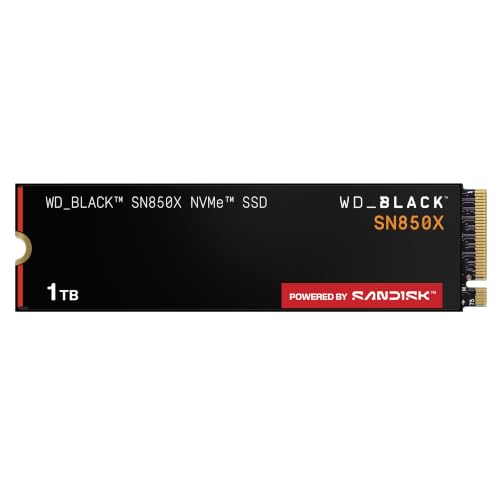
1. WD_BLACK SN850X 1TB NVMe SSD
Our pick — 4.5+★ from 17,500+ verified ratings; the strongest balance of quality and price.
The 7,300 MB/s drive that turns a two-minute boot into a blink.
Start with the number that decides everything else here. This drive reads at up to 7,300 MB/s and writes at up to 6,300 MB/s, both over the NVMe protocol, which is the language a modern SSD uses to talk to your processor through the PCIe lanes. In practice that means a large open-world game loads its map before you finish reaching for the mouse. Windows itself starts so quickly that the boot screen barely registers.
The two things owners lean on hardest are raw performance and long-term reliability, and both hold up across the huge base of buyers who have run this drive. It works in a desktop, a laptop with a matching slot, and a Sony PlayStation 5 as an expansion drive. The WD_BLACK Dashboard software, a small app you install to monitor the drive, lets you watch its temperature and health. Buyers report a dramatic drop in Windows boot time after swapping to this Gen 4 drive.
Here is the honest catch. Compatibility is the one area where experiences split, and a drive that your board does not recognize is usually a BIOS or slot-generation issue rather than a faulty stick. Check your slot’s Gen 4 support first. Thermals also draw mixed notes, so in a tight laptop bay give the drive a little breathing room. For the money it asks, the read speed lead over the Patriot P400 Lite is stark: 7,300 MB/s against 3,500 MB/s, which is the largest gap on this list.
What earns it first place
- Reads at up to 7,300 MB/s and writes at up to 6,300 MB/s, the fastest readable pair among the mid-range picks here
- Works in desktops, laptops, and as a PS5 expansion drive
- Dashboard software tracks temperature and drive health in one place
Where it asks for care
- Needs a Gen 4 slot to reach its headline speed
- Runs warm under sustained load, so airflow matters in slim builds
- Runs slightly hotter on compatibility in some machines than buyers expect
Reach for this if: you want one drive that games, boots, and edits without ever feeling like the bottleneck.
Think twice if: your motherboard only offers Gen 3 lanes, since you would be paying for speed your slot cannot deliver.
2. Kingston NV3 1TB M.2 2280 NVMe SSD
Reliability first, speed second, and Acronis cloning software thrown in.
The Kingston NV3 trades a little top-end speed for something a first-time upgrader will actually feel: build quality the buyer base trusts. It reads at up to 6,000 MB/s and writes at up to 4,000 MB/s over a Gen 4×4 interface, which uses all four PCIe lanes for a wide path to the processor. That is enough to boot Windows almost instantly and to open demanding apps without the spinning-ball wait.
What wins people over is how consistently this drive behaves. It fits desktops, laptops, and a PS5, and the included Acronis cloning software lets you copy your entire old drive onto this one so you skip a fresh Windows install. Owners mention real-world transfer speeds beating the rated 6,000 MB/s, and note the 1TB holds a large video and music library without filling up. A five-year limited warranty backs the whole package.
Customers note one recurring gripe: compatibility. Your slot, chipset (the motherboard chip that controls data lanes), and BIOS (the startup firmware) need to line up. Thermals get positive notes, though a warm laptop bay still rewards a drive with some airflow. As a mid-range pick it sits a full tier below the top speed of the WD_BLACK above, yet most people upgrading a daily machine will never notice the gap.
Why it holds its place: the clone-and-go installation is the real prize for buyers moving off a smaller drive, and a five-year warranty covers years of daily boots and game loads.
Fair warning: it earns its name on quality more than on raw numbers, so if you benchmarked for the fastest read figure here, the flagship picks beat it.
Best match for: a first SSD upgrade where you would rather copy your old setup than rebuild it.
Less of a fit for: buyers chasing the absolute top read speed on this page.
3. TEAMGROUP MP44L 1TB NVMe PCIe Gen 4×4 SSD

A graphene-wrapped drive built to shrug off heat, not just speed loads.
Consider the label before the speed. TEAMGROUP puts a conductive graphene coating on aluminum foil, a combination that spreads heat across the drive rather than letting it build in one spot. The label is under 1mm thick, so it slides into tight laptop bays without pressing against the case. Paired with the onboard M.2 heat sink, the drive stays cooler during long game or video sessions, which is when a hot SSD would otherwise slow itself down.
The speed side is solid rather than headline-grabbing. Sequential reads reach up to 5,000 MB/s and writes up to 4,500 MB/s over a Gen 4×4 interface, and the company says that is more than double what a Gen 3 connection delivers. SLC Caching, a technique where the drive uses a fast portion of memory as scratch space, sharpens everyday responsiveness. Reviewers point out a 50GB game transfer finishing in roughly ten seconds, and describe the M.2 2280 install as straightforward. The 1TB capacity and the value it offers round out the appeal, and a five-year or TBW limited warranty covers it.
What keeps it out of the winner’s spot is plain: on raw read speed it trails the WD_BLACK, 5,000 MB/s against 7,300 MB/s, and the fanxiang leads it on gaming-focused throughput. Compatibility depends on your board and BIOS, so confirm your slot before ordering. It also lists a desktop in some specs and a notebook in others, so match the 2280 length to your slot.
The heat angle earns its keep: a thin graphene label plus an onboard heat sink is exactly what a slim laptop or a thermally tight build needs.
The reality check: this is a balanced drive, not a speed record holder, so chase a faster model if your work is measured in gigabytes of transfers per hour.
Pick it when: your machine runs hot or space is tight and you want a drive that manages its own temperature.
Look past it if: you only care about the biggest read number on the box.
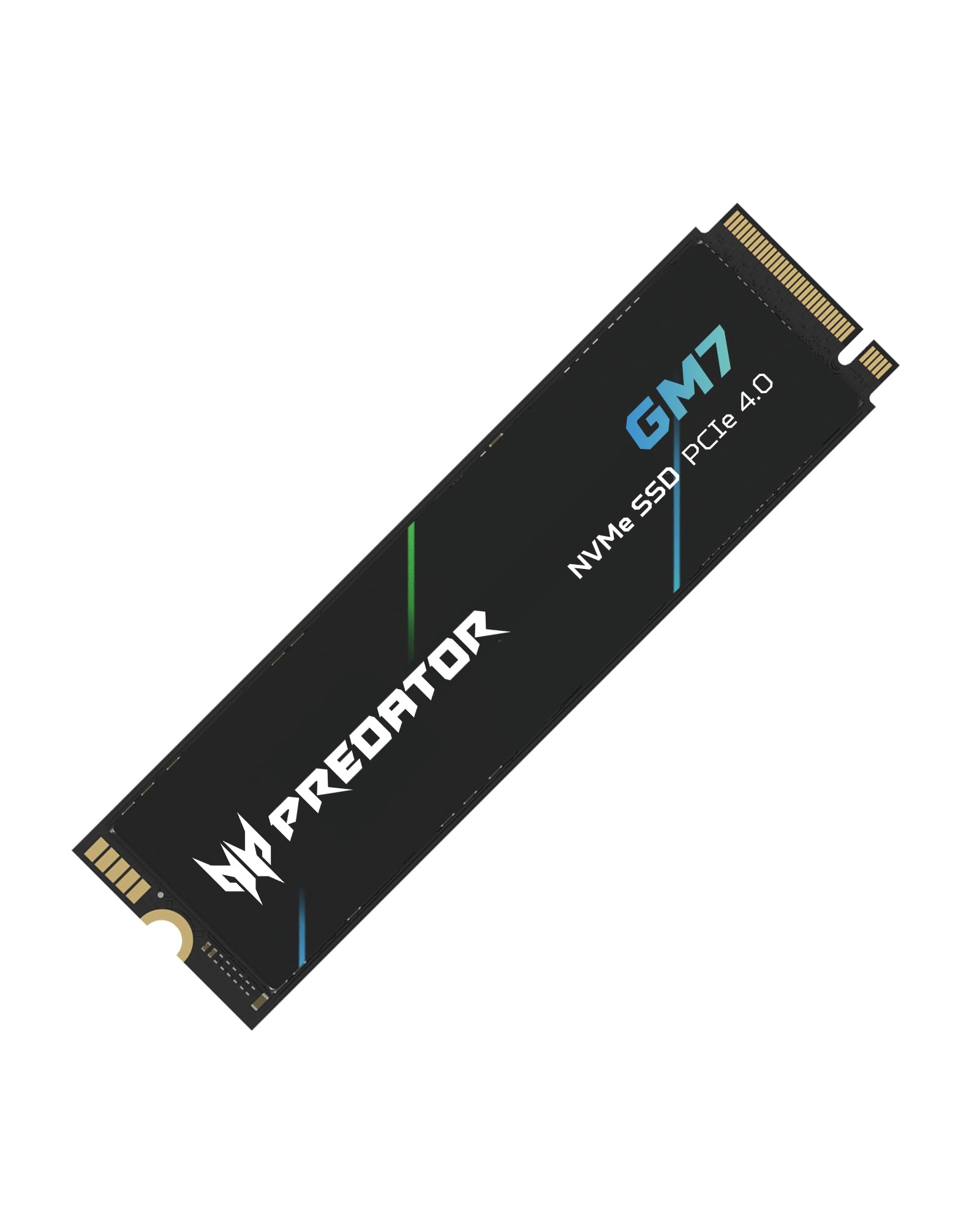
4. Acer Predator GM7 1TB PCIe Gen 4 x4 NVMe 2.0
The highest read figure on this page, paired with a cool-running controller.
If the spec sheet is the whole story for you, this is the number to read: up to 7,400 MB/s sequential read and up to 6,500 MB/s write over the PCIe 4.0 interface with NVMe 2.0. That is the top pair in this lineup, though the WD_BLACK runs at 7,300/6,300 MB/s and sits close enough that you would be splitting hairs in daily use. Where the Predator pulls ahead is in how it keeps those speeds. HMB, short for Host Memory Buffer, borrows a slice of your system memory to speed up lookups, and SLC Cache handles quick bursts of writes.
Thermal Throttling and Power Management work together to keep temperatures in check, which is exactly what stops a drive from slowing itself down under heavy load. Biwin Intelligence, the management app built for Predator storage, handles performance tests, data migration, and drive cloning in one place. It works in desktops, gaming consoles, and laptops, and the PS5 slot is on the compatibility list. Buyers describe smooth data transfers and easy installation, with extra room left over once the drive is formatted.
What gives pause is not the speed. At this price tier you are paying for the top of the curve, and for a family laptop that only runs Gen 3 that money is wasted on lanes the board cannot use. Capacity lands at 1TB, so if you hoard a hundred large games, plan on managing space. But for a gaming rig chasing every last frame of load time, it earns the premium position.
The case for the Predator
- Top read speed here at up to 7,400 MB/s, ahead of the fanxiang’s 7,000 MB/s
- Thermal Throttling keeps performance steady during long sessions
- Biwin Intelligence handles cloning and performance tests
The honest counterpoint
- You pay the premium, so it is only worth it on a Gen 4 board
- The write figure of 6,500 MB/s still trails the drive’s own read lead
- 1TB fills fast for large libraries of modern games
Built for: enthusiasts and creators who want the fastest read number and steady thermals under load.
Not the spend for: a Gen 3 laptop where the speed can never surface.
5. fanxiang S880E 1TB NVMe PCIe Gen 4 Gaming SSD

Gaming storage with a graphite and copper sandwich to keep it cool.
For a console or a gaming rig, the sticker on this drive does real work. fanxiang adds a graphite-coated copper foil layer plus an aluminum foil layer to the label, and those layers help pull heat off the drive while it runs. During heavy games the company says performance holds near peak read speed rather than tailing off. It reads at up to 7,000 MB/s and writes at up to 3,000 MB/s over a PCIe Gen 4 x4 controller (four data lanes) with NVMe 2.0 (the current SSD communication standard), and it supports DirectStorage, which lets games load assets straight from the drive to the GPU (graphics card).
What shows up most in the experience is speed you notice at the desk. Shoppers say near-instant boots, and the 1TB capacity makes the price easy to justify. It is compatible with a PS5 for expansion, desktops, laptops, and all-in-one machines. A five-year service window and lifetime technical support back it, and the company has more than 20 years of manufacturing behind it. One caution straight from the maker: this drive is not for Mac OS.
The trade-offs are worth naming. Write speed at up to 3,000 MB/s is well behind its own 7,000 MB/s read figure, so large file copies are not this drive’s strength. Compatibility draws mixed feedback, and PS5 use is where that shows, so confirm your console accepts the drive in its expansion slot. Capacity reports also split, so expect the usual formatting overhead rather than the full 1TB showing in your file manager.
Where it wins: a PS5 owner adding storage gets a drive that targets gaming loads and heat, and the copper-foil label backs that up.
Where it gives ground: that 3,000 MB/s write side means big video projects or folder migrations will feel slower than the read figure promises.
Suits you if: your goal is extra game storage on a PS5 or a gaming desktop and you want the heat handled.
Skip the upgrade if: you work mainly with huge file transfers, where the gentler write speed shows.
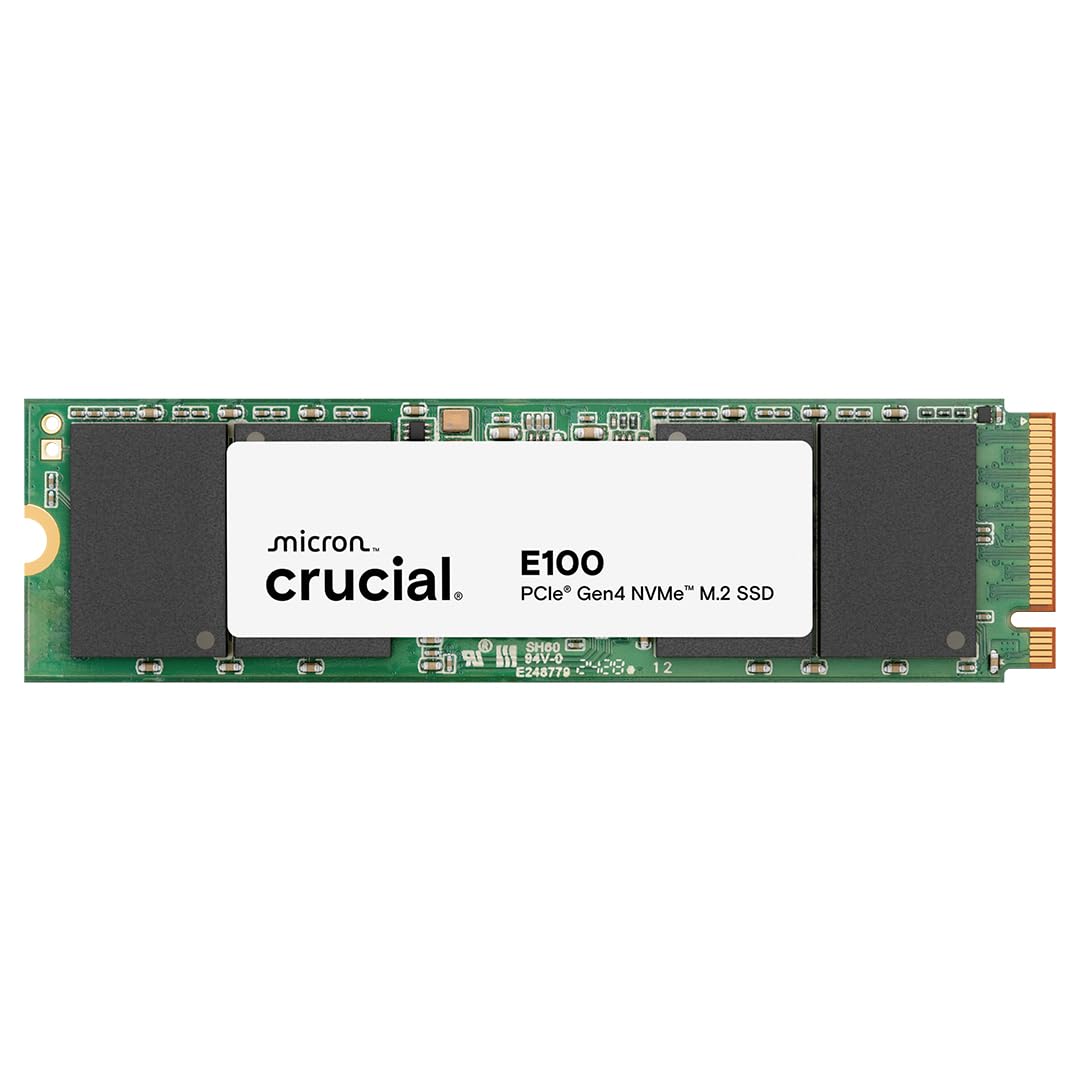
6. Crucial E100 1TB M.2 NVMe PCIe Gen4 Internal SSD
An easy, no-drama swap for anyone still running a spinning drive.
If your machine is still booting off an old hard disk, this is the drive that makes the difference obvious. It runs at Gen 4 speed with readings up to 5,000 MB/s, and the maker states that is 8x faster than SATA and 33x faster than a hard disk drive. Those published comparisons are the whole reason a mechanical-drive upgrade feels dramatic. It also runs quieter and cooler than a hard drive, which you notice in a small laptop or a bedroom desk setup.
The install path is aimed squarely at first-timers. Crucial walks you through installation and cloning step by step, so you can move your data across without rebuilding Windows from scratch. It works in desktops, laptops, and a Microsoft Xbox Series X. What earns it mentions is how reliably it just works once installed, and the value read holds up for the capacity you get. A limited three-year warranty stands behind it.
Where it gives ground is on speed, plainly. At up to 5,000 MB/s it sits a tier down from the TEAMGROUP and well below the 7,000 MB/s and 7,400 MB/s drives above, so buyers chasing elite gaming numbers will feel the gap. The three-year warranty is also shorter than the five-year terms elsewhere on this page. For a general-purpose upgrade, though, those are reasonable compromises.
The right call for: upgrading an older laptop or desktop off a mechanical drive with a straightforward clone.
Hold off if: you are building a gaming machine and expect the top read figures on this list.
7. Patriot P400 Lite 1TB PCIe Gen 4 x4 SSD

The lowest-cost way onto a Gen 4 slot, with a slim heat shield included.
Speeds here are modest for a Gen 4 drive: up to 3,500 MB/s sequential read and up to 2,700 MB/s write over a PCIe 4×4 controller. Against the WD_BLACK at 7,300 MB/s, that is the widest gap on the page, which is no surprise at the entry level. For a basic desktop upgrade, though, it is still a big jump from an older drive and handles everyday tasks without strain. A slim graphene heat shield helps keep it cool, and end-to-end data path protection adds a layer of built-in data handling.
Where it asks for patience is under sustained speed. The drive gets strong notes on general performance, but the speed side splits, with some reporting fast results and a few hitting severe read degradation over time. That makes it a sensible pick for a light-use or secondary machine, not a drive you lean on for constant large transfers. Compatibility centers on desktop builds, so a laptop upgrade should be matched carefully to the slot.
It also lists a set of Windows versions in its support notes, so check that your system lines up before you install. For the money it asks at the bottom of this list, you are buying capability, not a speed record, and it delivers on that bargain.
Keep in mind: the graphene heat shield is a nice touch at this tier, and the read speed beats a standard mechanical drive with room to spare.
Temper expectations: the read speed trails every other drive here, and the mixed notes on sustained speed make it best suited to light or secondary use.
A good fit for: a budget desktop build or a second drive where speed is not the point.
Look higher up the list if: you need consistent throughput for heavy, continuous transfers.
Know the Specs
Sequential Read and Write Speed (MB/s)
This is how many megabytes the drive can move per second in a straight line, which is the best-case scenario. Read speed is what you feel on a boot or a game load. Write speed is what you feel when you copy a large folder or install a big game. A drive reading at up to 7,000 MB/s loads a level far quicker than one at 3,500 MB/s, but both feel fast in ordinary desktop work.
PCIe Generation (Gen 3 vs Gen 4)
PCIe is the data highway between your drive and processor, and each generation offers more lanes of bandwidth. A Gen 4 drive needs a Gen 4 slot to hit its full speed. Drop one into a Gen 3 slot and it usually still works, just slower. Check your motherboard manual for the slot’s generation before you buy a fast drive.
SLC Cache and HMB
SLC Cache is a fast scratch area the drive uses for quick bursts, so short copies and everyday tasks stay snappy. HMB, or Host Memory Buffer, borrows a little of your system memory to speed up lookups. Both help, but they work within limits, so extremely long continuous writes can still slow down once the fast area fills.
Form Factor and Heatshields
The M.2 2280 size is a stick of fixed length and width that slips into a dedicated slot, and it is what most boards expect. Heatshields, whether a thin graphene label or an aluminum layer, spread heat so the drive does not throttle itself under load. Thin laptops and a PS5 expansion bay benefit most from a drive that manages its own heat.
Common Questions
Will a 1TB M.2 NVMe SSD fit my laptop?
Do I need a Gen 4 slot to use a Gen 4 1TB M.2 SSD?
Which is better for a PS5, the fanxiang S880E or the WD_BLACK SN850X?
How long does a 1TB M.2 SSD usually last?
What does 1TB actually show up as once I install the drive?
Is a 5,000 MB/s drive fast enough for gaming?
Will a drive with a heatshield fit in a slim laptop?
Can I copy my old drive onto a new 1TB M.2 SSD without reinstalling Windows?
Does a faster 1TB M.2 SSD run hotter?
The Bottom Line
For most buyers spending on a 1tb m.2 ssd, the one to reach for is the WD_BLACK SN850X 1TB. Its up to 7,300 MB/s read and 6,300 MB/s write speeds top the mid-range pack, it works in a desktop, laptop, or PS5, and the Dashboard software keeps you informed. If you want the fastest read figure on the page and steady thermals, the Acer Predator GM7 1TB clocks in at up to 7,400 MB/s. And for a PS5 owner adding storage, the fanxiang S880E 1TB pairs up to 7,000 MB/s reads with a copper-and-graphite label built to shed heat. Match the PCIe generation to your slot, and any of these will make your machine feel new.
How we choose
We do not accept paid placement. Every pick is matched to a real buyer and a real use-case; we do not hands-on test units.
Sources
Specifications: manufacturer listings and product documentation. Review insights: verified customer reviews, as of November 2026. Pricing: not shown on this page (it changes often); check the current price via the retailer link.
As an Amazon Associate, My Heart Lives Here earns from qualifying purchases. This does not affect which products we feature.