Heads up: This post contains affiliate links. As an Amazon Associate I earn from qualifying purchases, at no extra cost to you. Learn more
Specs are compiled from manufacturer listings and verified buyer reviews and can change over time — please confirm the key details on the product page before buying.
You want a big, cheap slab of storage that your desktop actually recognizes on the first boot, and you do not want to gamble on a drive that dies in month five. That is exactly what a 3.5-inch SATA hard drive does: a desktop-sized spinning disk that plugs into your motherboard’s SATA port. Below are seven drives that fit a standard desktop bay, sorted by what they are genuinely good at — everyday speed, bulk capacity, or gaming load times — so you can pick the right one in a couple of minutes instead of reading spec sheets all evening.
This guide is built by comparing the manufacturers’ published specifications and the patterns across verified customer reviews, so you get each pick’s real strengths and trade-offs instead of marketing spin.
Some drives here spin at 7200 RPM for snappier loading, while others trade speed for quiet, roomy storage. Either way, you get a plain-English read on which 3.5 inch sata hard drive earns a slot in your case.
Top Picks


How To Choose The Best 3.5 Inch SATA Hard Drive
Every drive on this page is a mechanical hard disk (a spinning platter inside a metal case, not a chip-based SSD), and they all mount in the same 3.5-inch desktop bay. The differences that actually matter are how fast the platter spins, how big the cache is, and how much data the thing holds. Nail those three specs and the rest barely matters.
Rotational speed decides whether your PC feels snappy
A 7200 RPM drive spins its platter 7200 times a minute, which shortens the wait when Windows or a game asks for scattered files. A 5400 RPM drive spins slower and saves power and noise instead. For a boot drive or a game library you load daily, 7200 RPM is the one to want; for a photo archive you open twice a month, the slower drive is calmer and cooler.
Cache is the drive’s short-term memory
The cache is a small buffer of fast memory on the drive itself, and it holds recently read data so the platter does not have to fetch it again. A 64 MB cache is the common middle ground, 128 MB helps with large sequential files, and 256 MB or 512 MB is the gaming-oriented end of the scale. More cache does not make a slow drive fast — it smooths out bursts.
Capacity planning without the guesswork
Think in terms of what you already store. A 500 GB drive covers an operating system plus documents and a handful of apps. A 1 TB or 2 TB drive is where most game libraries and video projects live comfortably. Anything at 4 TB or above is bulk territory — backups, media servers, and archives that would cost far more to keep on flash storage.
Check your board’s SATA ports before you buy
A SATA 6 Gb/s drive plugs into the same flat data cable and power connector as older SATA drives, so a desktop from the last decade almost certainly has a free port and a spare power lead inside. You will also need a 3.5-inch bay or a mounting bracket. Laptops are out — these drives are too tall for a notebook slot.
Side-by-Side Comparison
| Model | Best For | Capacity | Rotational Speed | Cache | Amazon |
|---|---|---|---|---|---|
| Seagate BarraCuda 2TB (ST2000DM008)★ Best Overall | Everyday desktop all-rounder | 2 TB | 7200 RPM | 256 MB | Amazon |
| Western Digital 1TB WD Blue (WD10EZEX)Best Value | Budget-friendly everyday computing | 1 TB | 7200 RPM | 64 MB | Amazon |
| Seagate BarraCuda 1TB (ST1000DM010) | Fast, quiet general storage | 1 TB | 7200 RPM | 64 MB | Amazon |
| Western Digital 4TB WD Blue (WD40EZZX) | Bulk media and backup storage | 4 TB | 5400 RPM | 128 MB | Amazon |
| WD_Black 10TB Performance (WD102FZBX) | Gaming rigs and creative workstations | 10 TB | 7200 RPM | 512 MB | Amazon |
| Toshiba DT01ACA050 | Entry-level system builds | 500 GB | 7200 RPM | 32 MB | Amazon |
| WD Blue 500GB Desktop (WD5000AZLX) | Spare desktop storage on a budget | 500 GB | 7200 RPM | 32 MB | Amazon |
Detailed Reviews
1. Seagate BarraCuda 2TB Internal Hard Drive HDD
Our pick — 4.5+★ from 75,000+ verified ratings; the strongest balance of quality and price.
Two terabytes of fast storage that slots into a desktop without a fight.
This is the drive for someone building or refreshing a desktop who wants both a real turn of speed and enough room to stop uninstalling games. It spins at 7200 RPM and carries a 256 MB cache — a big buffer of fast memory on the drive that holds recently used data ready to hand back. In everyday terms, that combination is what keeps a game level loading steadily instead of grinding while the platter hunts for files.
You get 2 TB of space, enough to hold your operating system, a working folder and a library of games on one drive without juggling partitions. Seagate includes its DiscWizard software, a free tool that clones your old drive’s contents onto the new one, so you skip reinstalling Windows from scratch. Buyers report good speed and a strong price-to-space ratio; the thing that wins people over here is that it does not feel like a budget drive while you are using it.
The honest catch is long-term reliability: a large share of owners mention years of trouble-free service, while a smaller group hit a failure inside six months. That is the one subject where feedback splits — a large share of customers note years of trouble-free service, while a smaller group hit a failure inside six months. Treat any mechanical drive as a part that can fail and keep a backup of anything you cannot re-download.
What’s genuinely strong here
- 256 MB cache is generous for a mainstream drive, so large file transfers stay steady
- 7200 RPM platter keeps game and program load times brisk
- 2 TB holds an OS plus a full game library without juggling
- Free DiscWizard software clones your existing drive over
Where it asks for care
- Mechanical drives can fail early; keep backups of irreplaceable files
- Noise and speed feedback is mixed rather than glowing
- Desktop only — it will not fit a laptop bay
Best for: a desktop that needs one drive doing both storage and everyday speed.
Look elsewhere if: your priority is silence above all — the WD 4TB spins at 5400 RPM for a calmer case.
2. WD Blue 1TB WD10EZEX
A terabyte of dependable desktop storage that quietly does its job.
If you just want a boot drive and a home for your files without paying for capacity you will never fill, this is the sensible choice. It spins at 7200 RPM and holds 1 TB, which is plenty for Windows, a folder of documents and a decent pile of games. The cache sits at 64 MB — half the buffer of the WD_Black further down, but enough to keep everyday file copies moving smoothly.
Owners rate the value and speed here above almost everything else, and the desktop install is about as simple as it gets: one SATA data cable, one power lead, and the drive shows up in Windows. Western Digital also bundles Acronis True Image WD Edition, free cloning software that copies your old drive across so you are not rebuilding your setup by hand.
Where the story gets less tidy is reliability. Most drives run for years without complaint, but a share of reviewers point out early failures and the occasional drive that a motherboard simply refuses to see. The other thing to watch is packaging — some units arrive damaged in transit, so inspect the drive the day it lands and get a replacement fast if it looks rough. For a small build or a straight replacement, though, the maths still works.
The everyday workhorse: 1 TB and 7200 RPM covers a normal desktop’s needs, and the free Acronis software saves you a Windows reinstall.
Check on arrival: a damaged delivery is the recurring snag to watch for, so open the box promptly and test the drive before you rely on it.
Reach for this if: you want a proven, no-drama boot drive for a standard desktop build.
Think twice if: you need room for a large game library — the BarraCuda 2TB above offers twice the space.
3. Seagate BarraCuda 1TB Internal Hard Drive HDD (ST1000DM010)

The 1 TB BarraCuda that boots Windows quicker than you expect from spinning metal.
This drive is aimed squarely at the person who wants faster boot times without doubling their storage budget. A 64 MB cache (a small fast buffer that holds recently used data) and a 7200 RPM spin speed (the platters inside turn 7200 times a minute) keep everyday tasks moving, and Seagate rates the interface at 750 megabits per second. Compare that to the WD 4TB bulk drive in this list, which is rated at 180 megabits per second — the BarraCuda’s interface rating is several times higher, so it is the better pick when you move large files on and off the drive regularly.
Owners home in on two things: the price against the capacity, and the speed of the read and write. If you have a music collection, a pile of video projects or a few large game installs, 1 TB holds them all with room to spare. Seagate also includes a two-year limited warranty, which is a real cushion given that mechanical parts wear.
Buyer feedback repeatedly flags heat and noise, and reliability splits the same way it does across this whole category — most drives run for years, a minority die around the six-month mark. If your case has good airflow and you are not stacking drives on top of each other, this one is a steady performer.
Why it earns a spot: a 750 megabit-per-second interface rating and 7200 RPM spin make this the quicker mover among the 1 TB options here.
One honest limit: it is a mechanical drive with a two-year warranty for a reason — plan a backup for anything critical.
Pick it for: a gaming or media desktop that values fast reads over raw capacity.
Skip it for: a silent archive build where the slower, quieter WD 4TB makes more sense.
4. WD Blue 4TB WD40EZZX
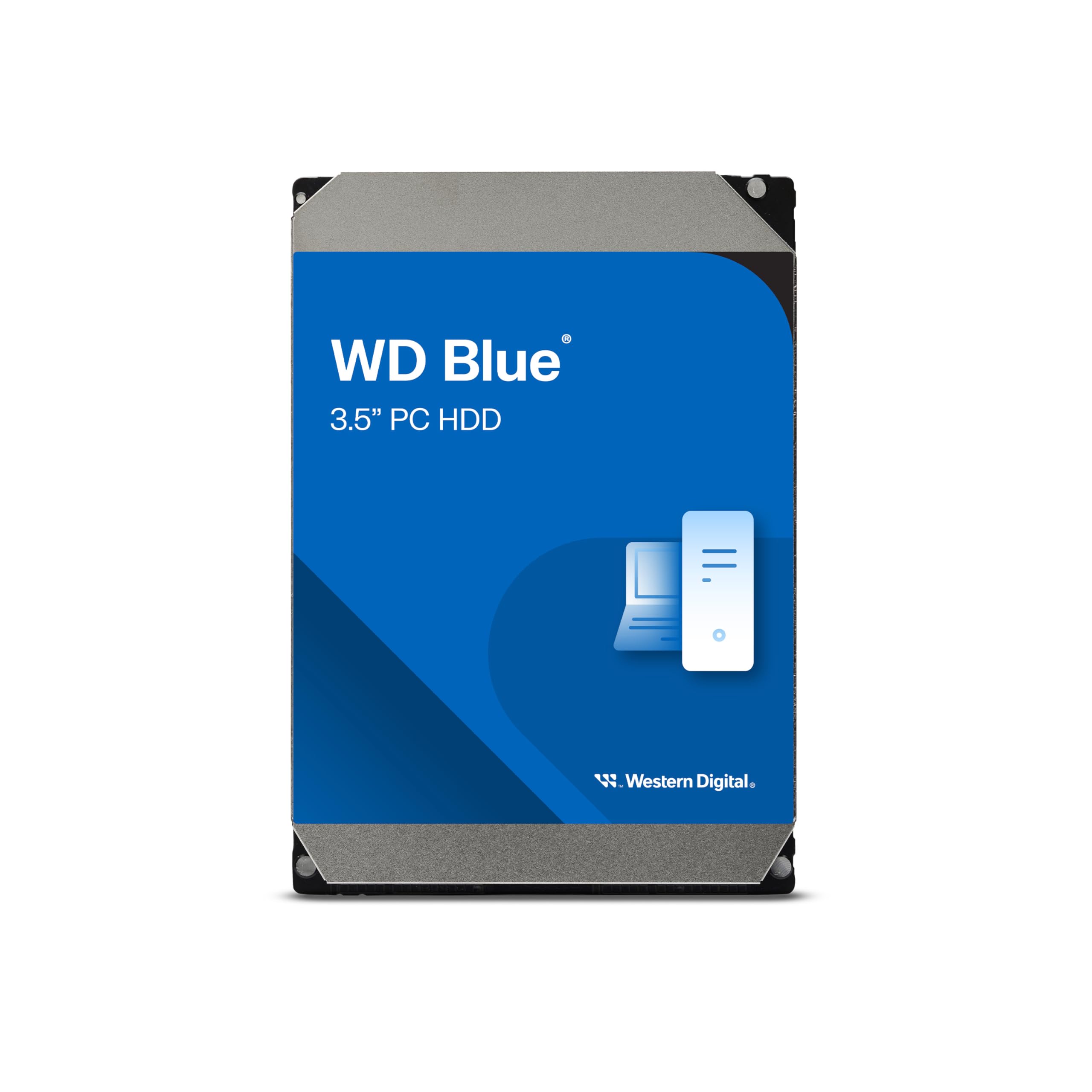
Four terabytes of calm, roomy storage for the files you rarely open.
This is the drive you buy when capacity matters more than speed. At 4 TB it holds four times what the 1 TB WD Blue manages, and a 128 MB cache keeps big sequential transfers — a folder of family videos, a full system backup — moving without stalling. The 5400 RPM platter is the deliberate trade: it spins slower, so it runs cooler and quieter than the 7200 RPM drives in this list, but it will not load a game as briskly.
What owners value most is the price against the space, and the drive installs and runs quietly once it is in. Western Digital throws in Acronis True Image WD Edition for cloning, and there is a two-year limited warranty covering the drive. The interface is rated at 180 megabits per second, which is on the slower side — enough for streaming media and backups, not the drive you want for a busy editing scratch disk.
The same reliability caveat applies as with any mechanical drive: most units run for years, and a small share fail early or refuse to be recognised by a motherboard. For a media server, a NAS box or a big archive, none of that is a reason to walk away.
The case for the big one
- 4 TB holds four times the data of the 1 TB WD Blue
- 128 MB cache smooths out large file copies
- 5400 RPM runs cooler and quieter than a 7200 RPM platter
- Acronis cloning software and a two-year warranty included
What you trade away
- 180 megabit-per-second interface rating is the slowest here
- 5400 RPM means slower game and program load times
- Early failure still happens occasionally on mechanical drives
Made for: media servers, backup vaults and archives that need space over speed.
Not for: a primary gaming drive — the 7200 RPM BarraCuda loads far quicker.
5. WD_Black 10TB WD102FZBX
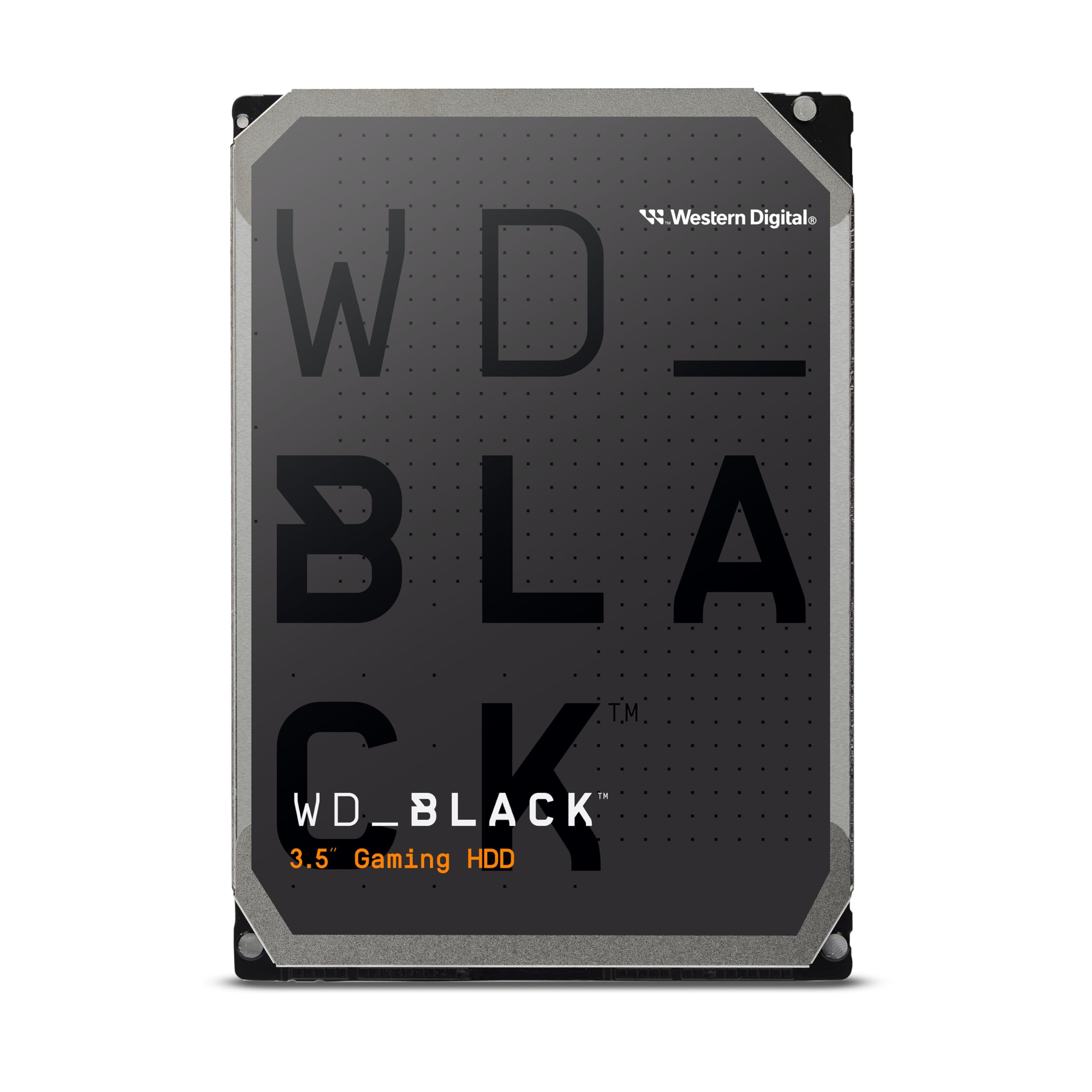
Ten terabytes with a cache sixteen times the size of the entry WD drive.
For a gaming rig or a creative workstation where storage is the bottleneck, this is the top of the pile. It carries a 512 MB cache — a large fast buffer that holds recently used data so the platter does not have to fetch it again. Compare that to the 32 MB cache on the WD Blue 500GB below: 512 MB versus 32 MB is a sixteen-times gap in buffer size, and it shows when you are streaming large game assets or scrubbing through video footage.
The drive spins at 7200 RPM and holds 10 TB, which is enough to keep a whole game library, a project archive and a photo vault on one spindle. It is built for desktop and PC systems, and Western Digital’s StableTrac and Dynamic Cache Technology are the engineering bits behind the reliability and the smoother bursts of speed. Expect a 267 megabit-per-second data transfer rating and a 4.2 millisecond average latency — the second figure being the average time it takes the platter to reach the right spot, lower meaning less waiting.
The cost side is where buyers pause. This is the most expensive drive here by a clear margin, and at this capacity you are paying for space and cache that only make sense if you will actually use them. If you are storing a few hundred gigabytes and nothing else, the cheaper 1 TB drives do the same job.
The ceiling of this list: 512 MB cache and 10 TB make it the fastest, roomiest drive on offer, and the gaming-focused tuning is what separates it from the plain WD Blue drives.
The maths to check: you pay premium money for capacity most people never fill — only worth it if your library is genuinely huge.
Right for: system builders and creative professionals whose storage needs run into terabytes.
Wrong for: anyone who just wants a boot drive — a 1 TB BarraCuda costs far less and boots just as fast.
6. Toshiba DT01ACA050 500GB

A small, quick platter for getting an older desktop back into service.
Not every build needs a terabyte. This Toshiba packs 500 GB onto a 7200 RPM platter and connects over SATA III, the interface standard that plugs into the same flat cable as every other drive in this list. Its 32 MB cache is modest — enough for documents, an OS and light apps, but not the buffer you want for editing large video files.
Owners frame it as solid, honest value, which is the right read for its role: a modest drive for a modest job. The 750 megabit-per-second data transfer rating is actually higher than the WD 4TB’s 180, so if you are moving a one-off large file this drive does not embarrass itself. The enclosure is aluminium and the drive is built for a standard computer, so it drops into a spare desktop bay without fuss.
The clear limit is capacity. 500 GB fills up fast once you install modern games, and there is no room to grow. If you are replacing a failed drive in a secondary machine or putting together a basic office PC, that is a non-issue — the drive is not pretending to be anything grander.
Good match for: a budget build or a straight replacement in an older desktop.
Not the one if: you are planning a game library — 500 GB will not hold a modern collection.
7. WD Blue 500GB Desktop Hard Disk Drive (WD5000AZLX)

Half a terabyte of proven mechanical storage with the smallest cache here.
This drive exists for one job: spend as little as possible on storage that just works day to day. It holds 500 GB a 7200 RPM platter, and a 32 MB cache, and it connects over SATA 6 Gb/s — the same flat-cable standard as everything else here. If you are adding a spare drive to an existing machine or replacing a dead one in an office desktop, it gets the job done without ceremony.
Owners consistently rate its functionality and performance, and the short version is that it works. The 600 megabit-per-second data transfer rating puts it well ahead of the 4 TB WD on paper — so for the occasional big file it is not the slowest option on the page. Western Digital’s long-running reputation for desktop drives is part of what you are buying, along with a drive that behaves identically whether it ends up in an old tower or a basic home PC.
Be realistic about the storage, though. 500 GB is tight for anything involving modern games, and the tiny 32 MB cache means big sequential transfers — copying a whole movie library across — will feel slower than on the higher-cache drives. Treat it as a spare-bay drive, not the centerpiece of a build.
Where it quietly wins
- 7200 RPM platter keeps light everyday use responsive
- 600 megabit-per-second transfer rating beats the bulk WD drive on paper
- Small and simple to install in an existing desktop
- Western Digital’s long-standing desktop-drive pedigree
Small print to respect
- 32 MB cache is the smallest buffer in this entire list
- 500 GB is limiting for games or video work
- Occasional units arrive damaged — check the drive as soon as it lands
Ideal if: you need cheap, reliable storage for a secondary or office machine.
Step up if: capacity matters — the 1 TB WD Blue doubles it for a small increase.
Know the Specs
Rotational Speed (RPM)
RPM is how many times the platter spins each minute. A 7200 RPM drive gets to a file faster, which shortens Windows boot times and game loading screens. A 5400 RPM drive takes longer to find data but spins with less noise and less heat — the right choice for a bulk archive that sits in a spare bay.
Cache Size
Cache is a small pool of fast memory on the drive that holds recently read data. A 32 MB cache is entry level, 64 MB is the everyday middle, and 128 MB or above suits large sequential files. A bigger cache smooths bursts — it will not turn a 5400 RPM drive into a 7200 RPM one.
SATA Interface Speed
SATA 6 Gb/s is the newer standard and the one most desktops support; SATA III is the same thing under a different name. The headline figure is a ceiling, not a promise — a mechanical platter rarely reaches it, but a faster interface keeps large transfers from stalling at the cable.
Capacity in TB
Capacity is what the drive will hold after formatting, and it is measured in terabytes (1 TB is roughly a thousand gigabytes). 500 GB suits an OS plus documents, 1 TB to 2 TB covers a game library, and 4 TB or more is bulk territory for backups and media servers.
Common Questions
Will a 3.5 inch SATA hard drive fit my desktop PC?
Is a 7200 RPM drive worth it over a 5400 RPM one?
How much cache do I actually need?
Will a 3.5 inch hard drive work with a SATA II motherboard?
Do I need to clone my old drive or reinstall Windows?
How long does a mechanical hard drive typically last?
Are 3.5 inch hard drives noisy?
Can I use a 3.5 inch hard drive for a NAS or media server?
Should I install an SSD or a hard drive as my main drive?
Do I need a mounting bracket for a 3.5 inch drive?
The Bottom Line
For most people, the 3.5 inch sata hard drive that makes the most sense is the Seagate BarraCuda 2TB, because it pairs a 7200 RPM platter and a 256 MB cache with enough room to grow without rethinking your setup. If you want a proven everyday boot drive, the WD Blue 1TB is the well-trodden choice. And for a media server or backup vault that needs space over speed, the WD 4TB WD Blue is the one to reach for. Match the drive to what you actually store — that single decision outweighs every other on this page.
How we choose
We do not accept paid placement. Every pick is matched to a real buyer and a real use-case; we do not hands-on test units.
Sources
Specifications: manufacturer listings and product documentation. Review insights: verified customer reviews, as of November 2026. Pricing: not shown on this page (it changes often); check the current price via the retailer link.
As an Amazon Associate, My Heart Lives Here earns from qualifying purchases. This does not affect which products we feature.