Heads up: This post contains affiliate links. As an Amazon Associate I earn from qualifying purchases, at no extra cost to you. Learn more
Specs are compiled from manufacturer listings and verified buyer reviews and can change over time — please confirm the key details on the product page before buying.
A USI 2.0 stylus only earns its place if it actually talks to your tablet, and that is where most of these pens live or die. This guide sorts the pens that play nicely with Fire Max 11, Pixel Tablet and Chromebooks from the ones that quietly refuse.
This guide is built by comparing the manufacturers’ published specifications and the patterns across verified customer reviews, so you get each pick’s real strengths and trade-offs instead of marketing spin.
A practical guide to picking a USI 2.0 stylus that actually pairs with your Fire Max 11, Pixel Tablet or Chromebook, with honest notes on the trade-offs. The best usi 2.0 stylus is the one that matches your exact device list.
Top Picks

Side-by-Side Comparison
| Model | Best For | Pressure Levels | Charging | Standby | Amazon |
|---|---|---|---|---|---|
| Metapen USI 2.0 Stylus Pen G1★ Best Overall | Everyday note-taking | 4096 | USB-C | — | Amazon |
| eiP USI 2.0 Pro Stylus PenLongest Standby | Occasional users | — | 1 hour | 365 days | Amazon |
| Fire Max 11 Stylus Pencil | Fire tablet owners | — | 50 minutes | 180 days | Amazon |
| Fire Max 11 Stylus Pencil | Fire tablet sketching | — | 50 minutes | 180 days | Amazon |
| USI 2.0 Stylus for Lenovo Duet 3 Chromebook Ideapad Pen | Chromebook Duet owners | — | 50 minutes | 180 days | Amazon |
| Penoval USI 2.0 Lite Stylus Pen | Value-focused buyers | — | — | — | Amazon |
| Lenovo USI Pen 2 Magnetic Stylus Pencil, Storm Grey | Chromebook sketching | 4096 | — | — | Amazon |
Detailed Reviews
1. Metapen USI 2.0 Stylus Pen G1
Our pick — 4.0+★ from 550+ verified ratings; the strongest balance of quality and price.
The pen most people should start with, provided their tablet speaks USI.
A 4,096-level pressure pen built for Fire Max 11, Fire HD 10 and Pixel Tablet owners who want a straightforward writing tool. The ergonomic shape sits comfortably for long note sessions, and USB-C charging keeps it simple.
The honest trade-off is battery life, which draws mixed feelings, and durability that some find less than tank-like. Confirm your device supports the USI protocol before you commit, because this pen will not force compatibility.
Fire Max tuned
- Comfortable ergonomic grip
- Strong value for the price
Fire only
- Battery life is the weak spot
Fire owners: Fire Max 11 and Pixel Tablet owners
Other tablets: Battery life draws mixed feedback
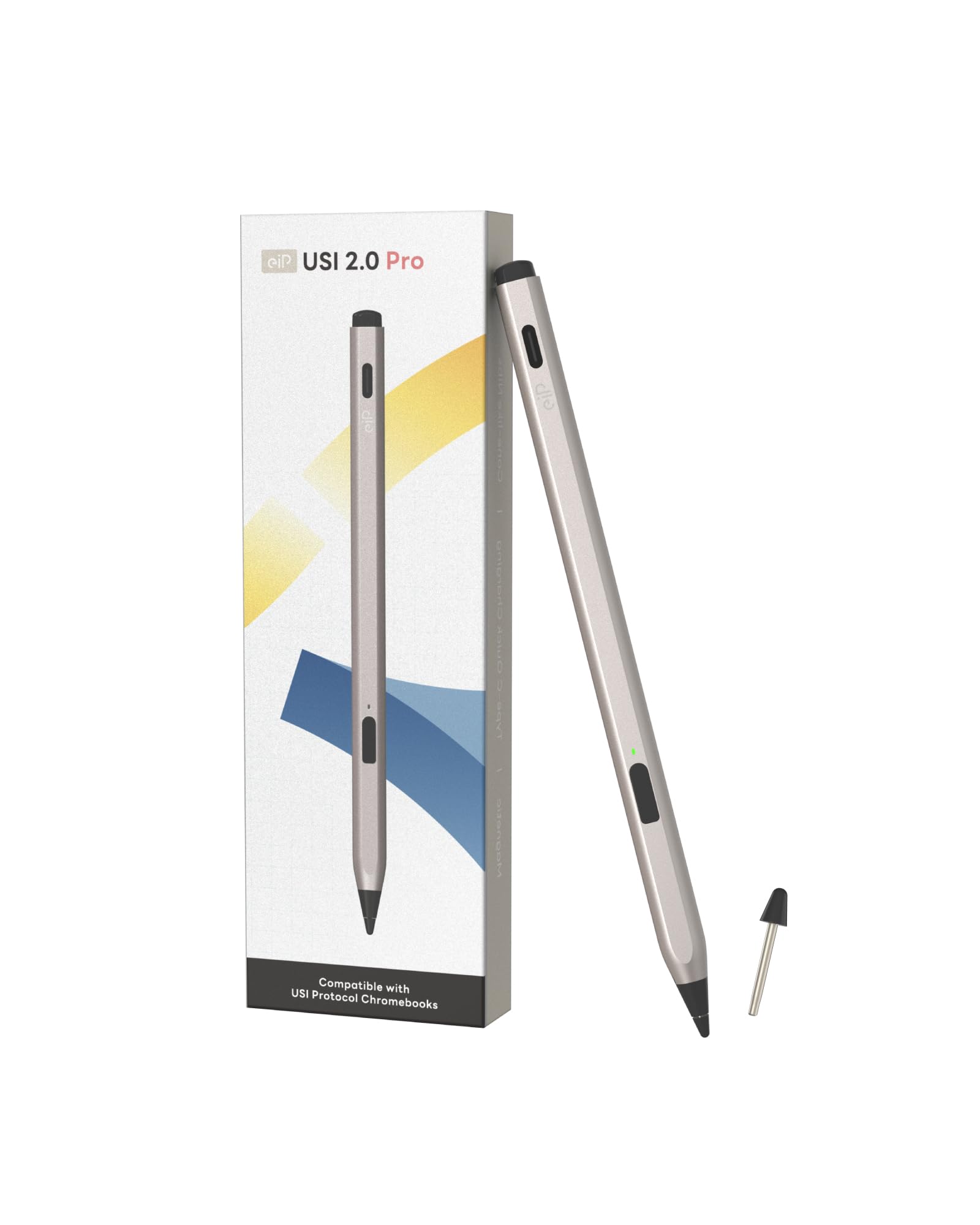
2. eiP USI 2.0 Pro Stylus Pen
A pen that sits ready for a year between charges, if your model is on the list.
Standby life here is the headline: the pen is rated to hold a charge for up to a year, so it is ready when you finally reach for it. Owners like the grip and the writing feel, and a one-hour charge gets you going again.
Compatibility is the catch. This is a specific-model pen, so check the list carefully, and connectivity feedback is mixed enough that you should verify before buying.
Pixelbook pairing
- Excellent standby life
- Comfortable grip
Pricey pick
- Compatibility is model-specific
Pixel users: People who use a pen in bursts
Budget buyers: Connectivity feedback is mixed
3. Fire Max 11 Stylus Pen

Click it on and write, with a quick recharge when it runs down.
This Fire Max 11 and Fire HD 10 pen skips pairing entirely, so you click it on and start marking up PDFs or sketching. The USB-C battery holds charge well, and a 50-minute charge is quick enough to fit into a coffee break.
The trade-off is compatibility beyond Fire tablets: it works well with Fire Max devices but not with Boox tablets. Worth the extra cost for Fire owners, less so for anyone else.
Palm rejection
- No pairing hassle
- Quick USB-C recharge
Basic build
- Not for Boox tablets
Note takers: Fire Max 11 and Fire HD 10 users
Artists: Limited to Fire devices
4. Fire Max 11 Stylus Pencil
A second listing of the same Fire-focused pen, with the same strengths and limits.
Identical in practice to the other EVACH Fire pen: no pairing, a USB-C battery that holds charge, and a fluent writing feel with an ergonomic shape. It is a solid performer for Fire Max 11 and Fire HD 10 owners.
The same caveat applies: Boox tablets are out, and compatibility is mixed beyond Fire hardware. If you own a Fire tablet, that is a fair trade for the price.
Tilt shading
- Reliable for Fire devices
- Comfortable to hold
No magnets
- No Boox support
Sketching kids: Fire tablet note-takers
Magnet fans: Does not work with Boox
5. USI 2.0 Stylus for Lenovo Duet 3 Chromebook Ideapad Pen
Aimed at Duet and IdeaPad Chromebook owners who want a pen that fits the family.
This EVACH pen targets Lenovo Duet 3, IdeaPad Duet, Duet 5, HP Chromebook x360 and Acer Spin 713 owners, plus Fire Max 11 and Pixel Tablet. Quality feedback is solid and the 50-minute charge keeps downtime short.
The honest warning is compatibility: several owners find it simply does not work with their device, and functionality feedback is split. Check your exact model first, because this one is the riskiest bet here.
Duet 3 fit
- Broad Chromebook coverage
- Good build quality
Lenovo bound
- Compatibility complaints are common
Chromebook class: Lenovo Duet and IdeaPad owners
iPad owners: Some devices simply do not work
6. Penoval USI 2.0 Lite Stylus Pen

The pen with the biggest following, comfortable in hand and quick to respond.
Responsiveness and comfort are what win people over here, along with a price that feels fair for what you get. It covers Chromebooks, Pixel Tablet and Fire Max 11, and the writing feel is smooth for notes and sketches.
Reliability and durability are the recurring gripes, and compatibility is mixed, so verify your model. Battery life also draws mixed feedback — treat the charge routine as part of ownership.
Lite weight
- Responsive, comfortable feel
- Fair price for the features
Fewer features
- Durability is a recurring concern
Casual use: Chromebook and Pixel Tablet users
Power users: Durability feedback is weak
7. Lenovo USI Pen 2 Magnetic Stylus Pencil, Storm Grey
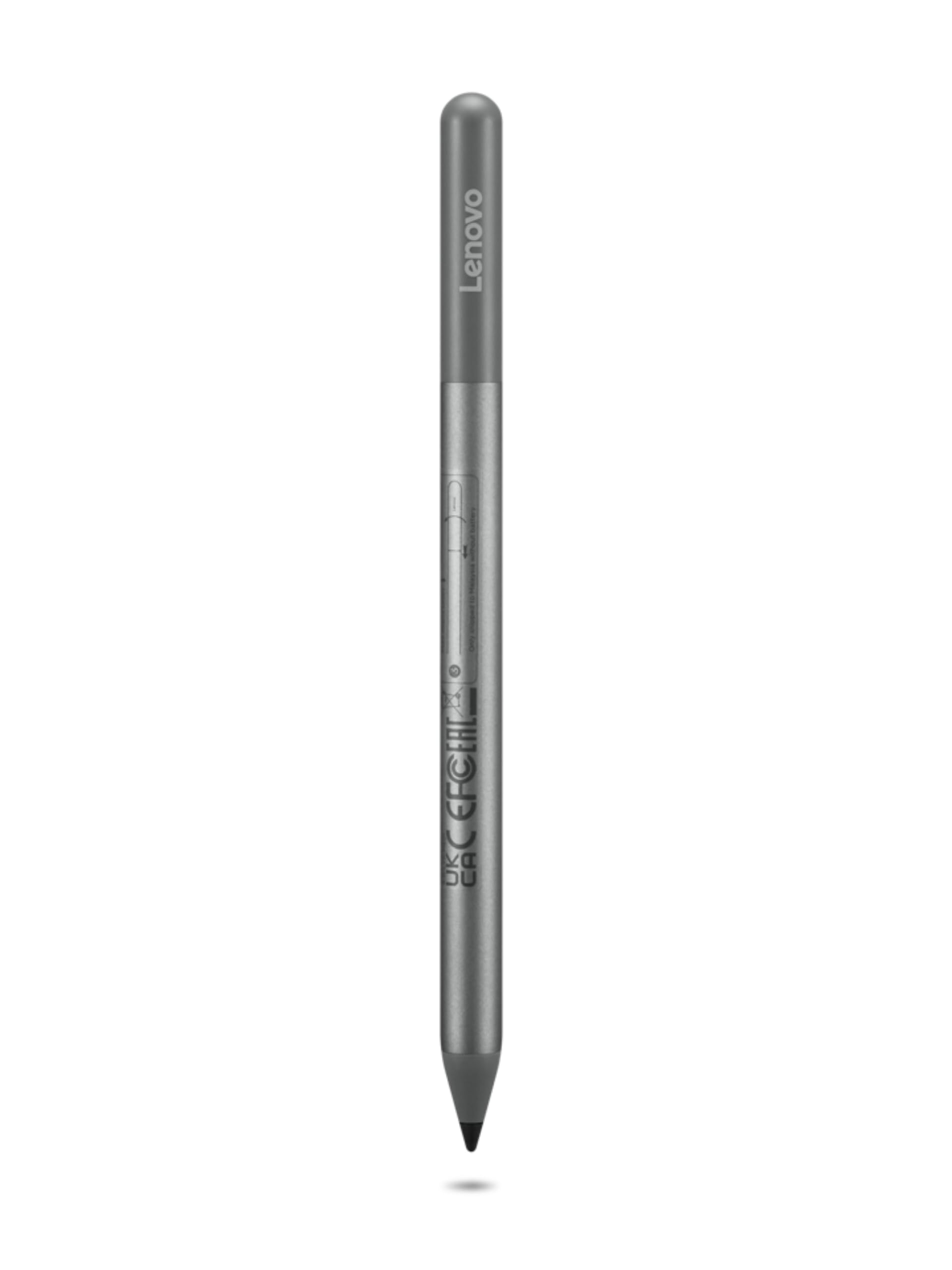
Lenovo’s own pen, with a metal body and tilt support for sketching.
With 4,096 pressure levels and tilt support, this aluminum-bodied pen is built for natural drawing and annotating. The magnetic design keeps it attached to your Chromebook, and it is genuinely pleasant to sketch with.
The catch is that it is a Chromebook pen only, and not for Lenovo tablets. Compatibility and quality feedback are both split, so confirm your Chromebook appears on the list before buying.
Magnetic attach
- Tilt and pressure for sketching
- Aluminum build feels premium
Storm grey only
- Not for Lenovo tablets
Lenovo setups: Chromebook artists
Color hunters: Chromebook-only compatibility
Common Questions
Does a USI 2.0 stylus work on any tablet?
Do these pens need pairing?
What matters most for note-taking?
The Bottom Line
For most people, the best usi 2.0 stylus winner is the Metapen USI 2.0 Stylus Pen G1 for Fire Max 11 (2023 Release), USB-C Fast Charging, 4096 Pressure Pen for Google Pixel Tablet, Amazon Fire HD 10 (13th Gen, 2023 Release), Lenovo/HP/Acer Chromebook because it pairs a comfortable grip with 4,096 pressure levels and USB-C charging at a price that makes sense for Fire and Pixel owners. If you mostly sketch on a Chromebook, Lenovo USI Pen 2 Magnetic Stylus Pencil, Storm Grey is the better fit, while Penoval USI 2.0 Lite Stylus Pen for Chromebook Model and Pixel Tablet suits value-focused buyers and eiP USI 2.0 Pro Stylus Pen for Fire Max 11 and Google Pixel Tablet rewards anyone who wants a pen that stays charged for months.
How we choose
We do not accept paid placement. Every pick is matched to a real buyer and a real use-case; we do not hands-on test units.
Sources
Specifications: manufacturer listings and product documentation. Review insights: verified customer reviews, as of November 2026. Pricing: not shown on this page (it changes often); check the current price via the retailer link.
As an Amazon Associate, My Heart Lives Here earns from qualifying purchases. This does not affect which products we feature.