Heads up: This post contains affiliate links. As an Amazon Associate I earn from qualifying purchases, at no extra cost to you. Learn more
Specs are compiled from manufacturer listings and verified buyer reviews and can change over time — please confirm the key details on the product page before buying.
The right Ubuntu laptop is the one you can install on without a fight, and the machines below make that transition painless. We focused on hardware that plays nicely with open-source drivers, from everyday workhorses to portable OLED notebooks.
This guide is built by comparing the manufacturers’ published specifications and the patterns across verified customer reviews, so you get each pick’s real strengths and trade-offs instead of marketing spin.
These picks pair clean Linux compatibility with strong hardware, so you can run Ubuntu without driver battles. Here is my guide to the best ubuntu laptops for work and play.
Top Picks


Side-by-Side Comparison
| Model | Best For | Processor | Memory | Battery Life | Amazon |
|---|---|---|---|---|---|
| Lenovo IdeaPad Slim 3X★ Best Overall | All-day everyday use | Snapdragon X | 16 GB | 15 hours | Amazon |
| ASUS ExpertBook 14.0Best for Multitasking | Heavy multitasking | Core Ultra 7 | 32 GB | 8 hours | Amazon |
| Dell 16 Laptop DC16256Best Big Screen | Spreadsheets and media | Ryzen AI 7 | 32 GB | — | Amazon |
| HP 14″ Business Laptop | Light everyday tasks | Intel N150 | 4 GB | — | Amazon |
| Dell Inspiron 15 Business Laptop | Budget productivity | i5-1334U | 16 GB | 10 hours | Amazon |
| acer Aspire 16 AI A16-11MT-X669 | Long days unplugged | Snapdragon X | 16 GB | 18 hours | Amazon |
| HP OmniBook 5 14 14-he0099nr | Vivid visuals | Snapdragon X Plus | 16 GB | — | Amazon |
| Acer Aspire Laptop 2026 | AI-heavy workloads | Core Ultra 7 | 32 GB | — | Amazon |
| Lenovo ThinkPad E16 Gen 3 | Business work | Core Ultra 5 | — | — | Amazon |
| GEEKOM GeekBook X14 Pro | Travel and portability | — | — | 16 hours | Amazon |
Detailed Reviews
1. Lenovo IdeaPad Slim 3X
Our pick — 4.5+★ from 250+ verified ratings; the strongest balance of quality and price.
A balanced everyday machine with the battery life and light build Ubuntu users appreciate.
The 15.3-inch WUXGA panel gives you a tall 16:10 workspace, and the metal chassis keeps it durable without weighing you down. Battery life runs to 15 hours, so a full day away from a charger is realistic.
The Snapdragon X chip is the honest trade-off here: it is efficient and quick, but Ubuntu support on ARM is still less settled than on Intel, so check your essential apps first.
Why it wins
- Long battery life
- Light, durable metal build
Watch out
- ARM compatibility needs checking
Everyday users: Students and commuters who want a light, long-lasting daily machine.
App limits: Some Ubuntu software may not yet have ARM builds.
2. ASUS ExpertBook 14.0
A serious productivity machine with the memory headroom to keep many apps open.
The Core Ultra 7 258V with an AI Boost NPU and 32 GB of memory handles heavy multitasking without strain. The 14-inch WQXGA panel is sharp and the 1 TB drive leaves room for a large project library.
Battery life is rated at 8 hours, which is fine for a workday but not exceptional. The included sleeve and mouse round out a tidy business package.
Strong points
- Generous 32 GB memory
- Sharp WQXGA screen
Trade-off
- Battery life is only average
Power users: Developers and analysts running many apps at once.
Charger days: You will likely want the charger on longer days.
3. Dell 16 Laptop DC16256
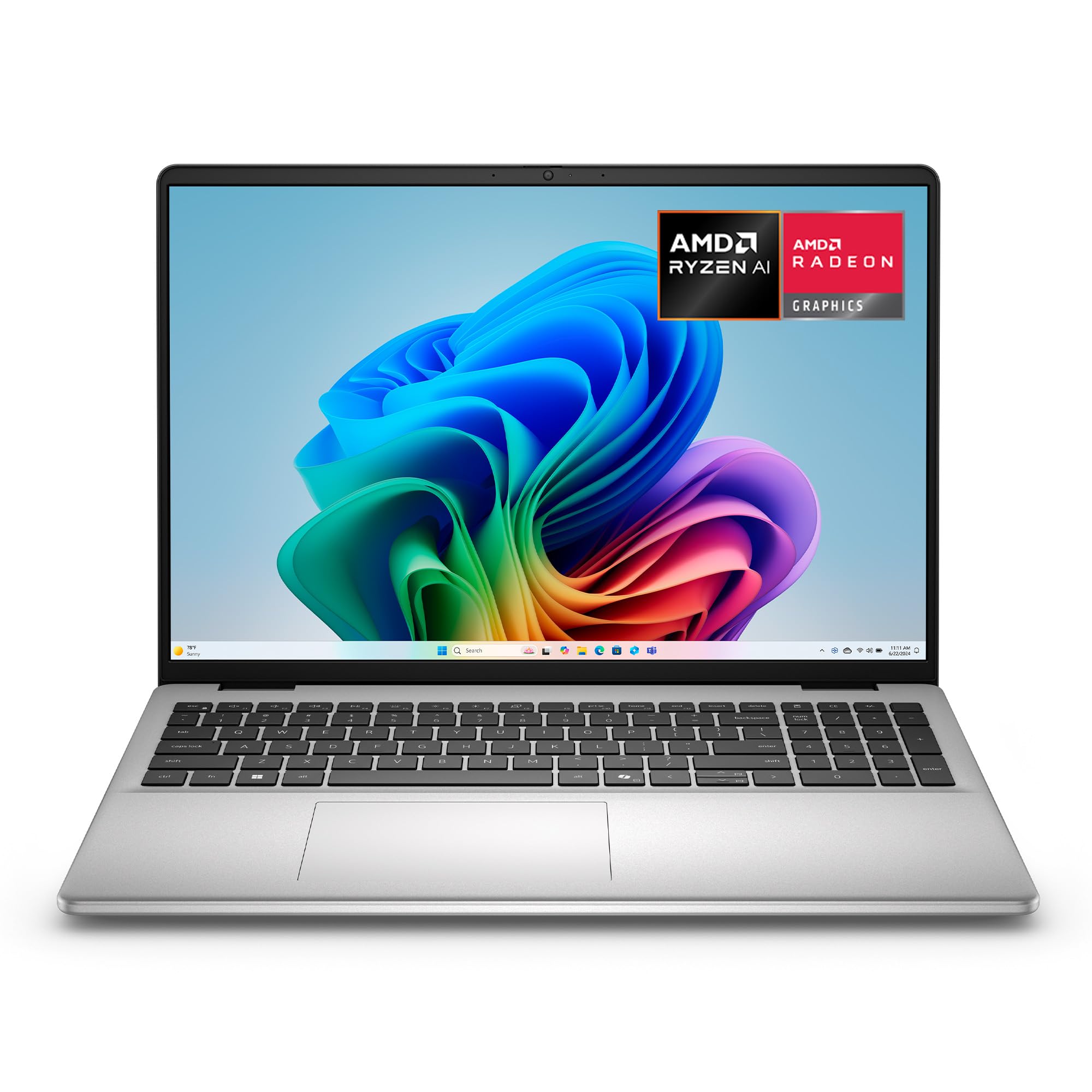
A large, rich 16-inch 2K display paired with AMD Ryzen AI performance.
The 16-inch 2K touchscreen with a 16:10 ratio gives you a wide, roomy canvas, and the Ryzen AI 7 350 with Radeon graphics keeps work flowing. Dell ComfortView helps ease eye strain over long sessions.
Display quality is the recurring gripe, with some finding it merely mediocre for the class. The fingerprint reader and onsite service are welcome extras.
Why consider it
- Roomy 2K touchscreen
- Onsite service included
Keep in mind
- Panel quality divides opinion
Big-screen fans: People who want maximum screen space for work and media.
Panel picky: Those wanting top-tier color accuracy may look elsewhere.
4. HP 14″ Business Laptop
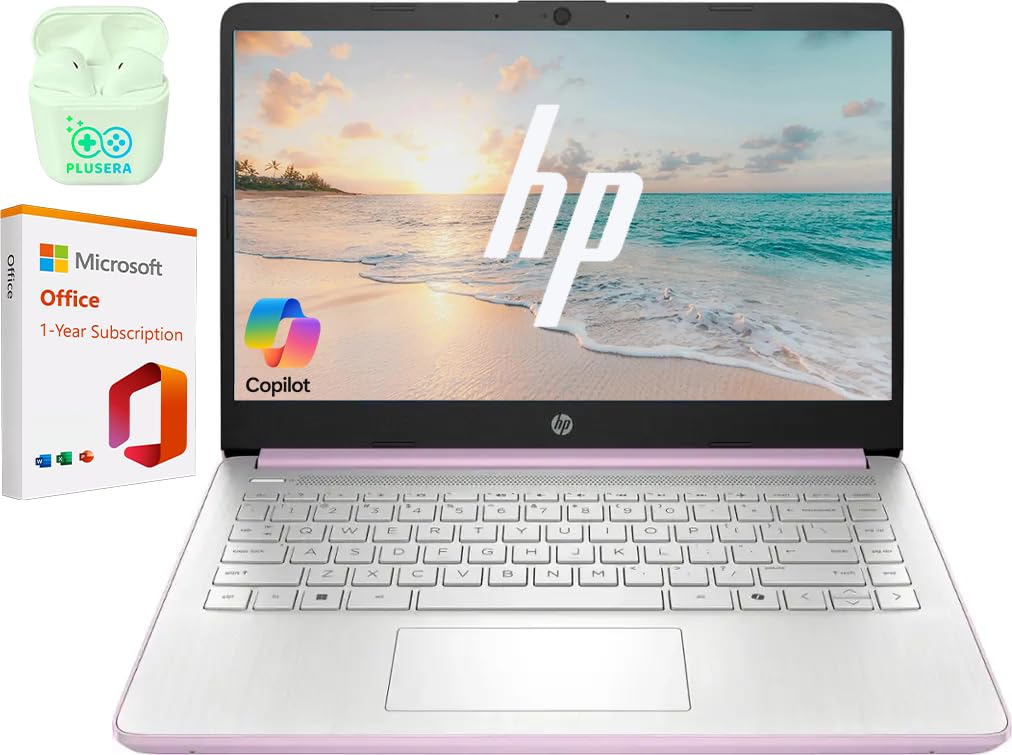
An affordable 14-inch option for light tasks, study and basic browsing.
The Intel N150 quad-core with 4 GB of memory covers email, documents and web browsing, and the bundle adds a year of Office 365 plus earphones. Setup is quick and the price is easy to justify.
The 1366 x 768 screen is the weak point, and battery reports are split between long-lasting and quick to drain. It is a starter machine, not a workhorse.
Good to know
- Very affordable
- Easy setup
Limitations
- Low-resolution display
Budget buyers: Students and casual users on a tight budget.
Heavy apps: 4 GB of memory limits demanding software.
5. Dell Inspiron 15 Business Laptop
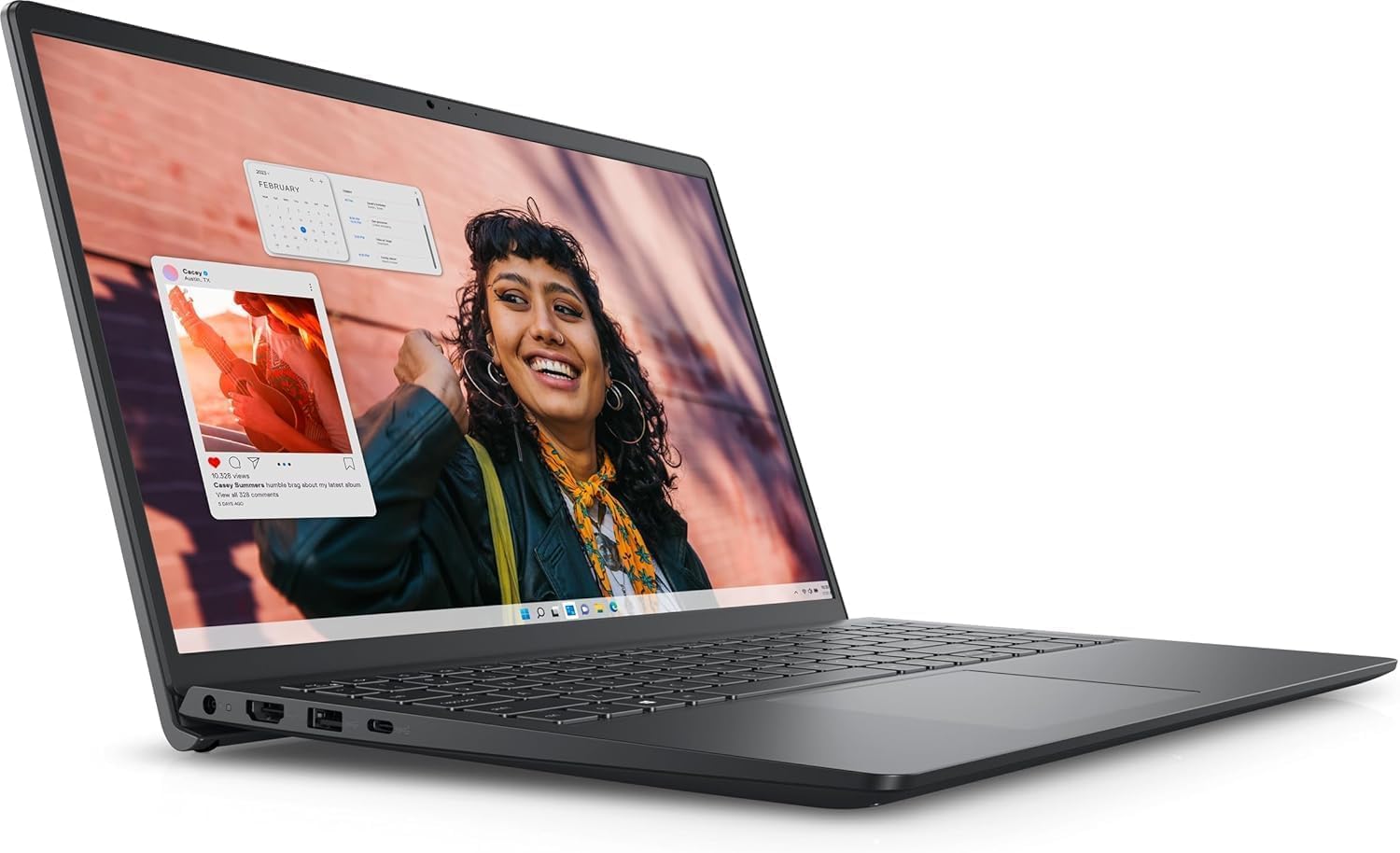
A renewed business laptop that delivers solid performance for the money.
The 10-core i5-1334U with 16 GB of memory and a 512 GB SSD handles office work, school projects and multitasking comfortably. The 15.6-inch FHD touchscreen adds flexibility, and Wi-Fi 6 keeps connections quick.
This is a renewed unit, so expect cosmetic wear, and battery life is mixed with some finding it short of the claim. The value is the real story here.
Why it works
- Strong price-to-performance
- Comfortable touchscreen
Caveats
- Renewed condition
Value seekers: Buyers who want solid specs without paying new prices.
Battery realists: Expect to charge more often than advertised.
6. acer Aspire 16 AI A16-11MT-X669
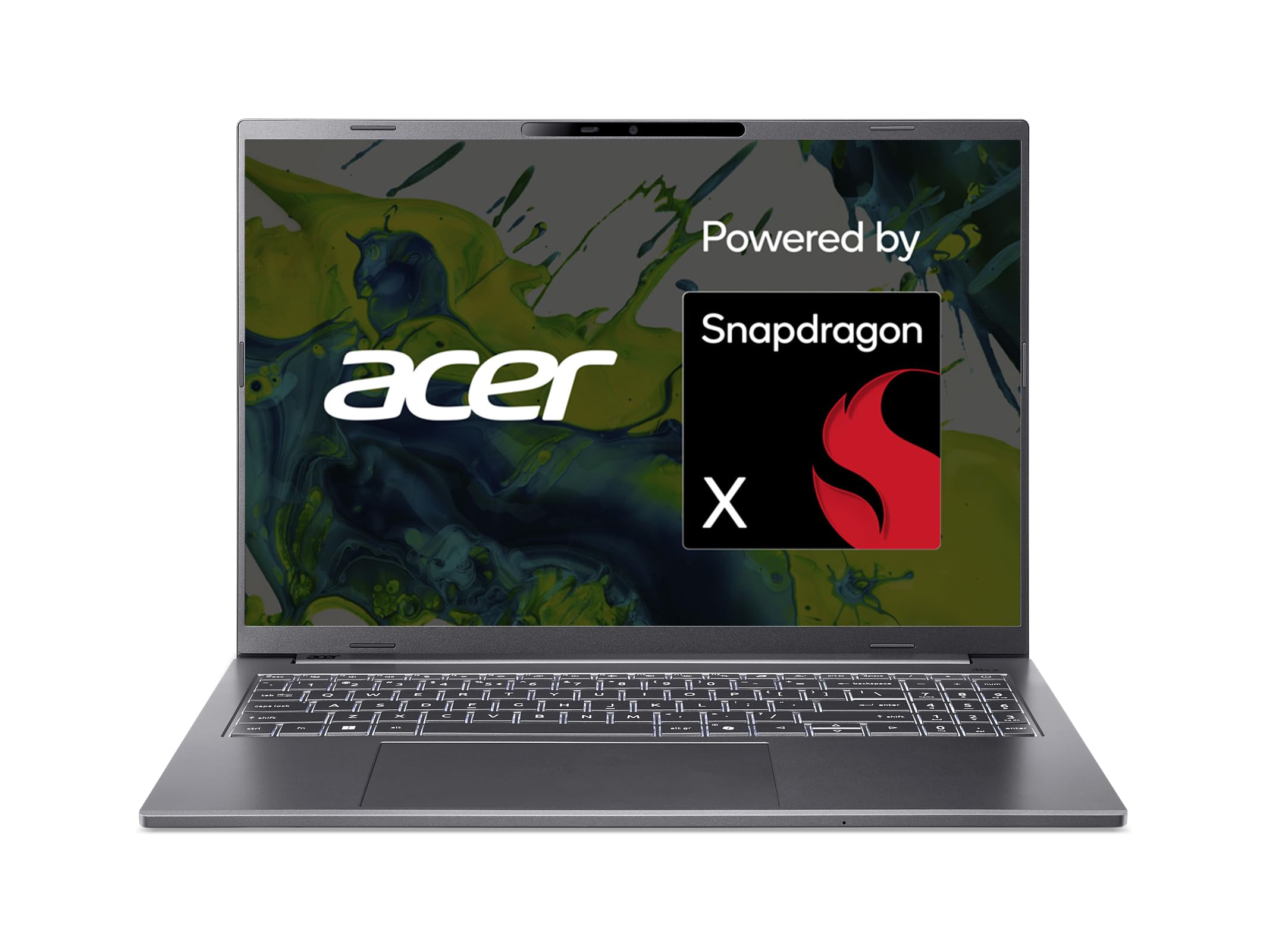
A big-screen AI laptop with a long 18-hour battery and a smooth 120Hz panel.
The Snapdragon X X1 with a 45 TOPS NPU and 16 GB of LPDDR5X memory keeps things responsive, while the 16-inch WUXGA 120Hz touchscreen stays smooth in daily use. Battery life reaches 18 hours.
Reliability is the honest caveat, with camera failures reported after a month in some cases. As with other ARM machines, confirm your Ubuntu apps have compatible builds.
Strong points
- Excellent battery life
- Smooth 120Hz display
Watch out
- Occasional reliability complaints
Road warriors: People who work all day away from power outlets.
ARM check: Verify your Ubuntu software runs on ARM first.
7. HP OmniBook 5 14 14-he0099nr
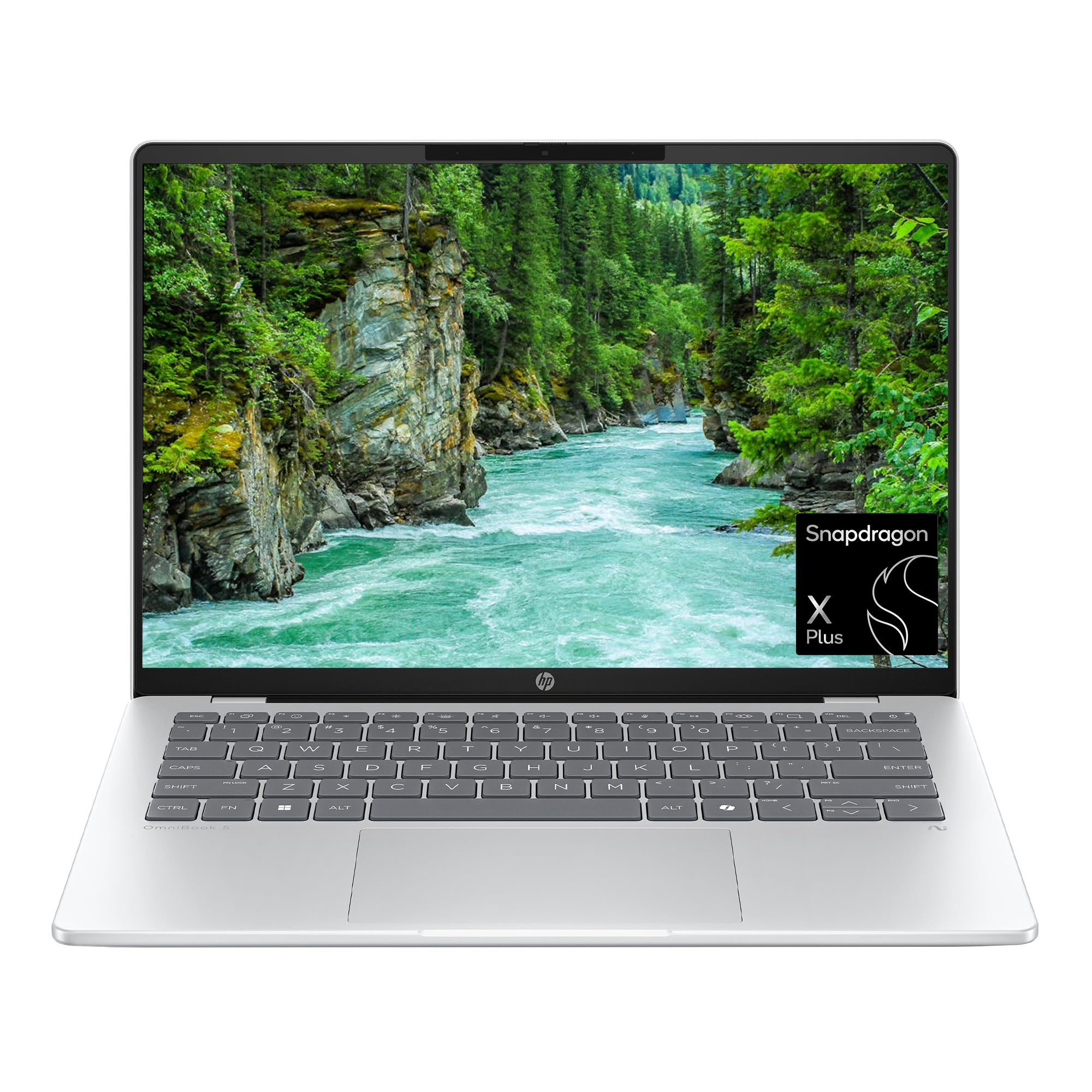
A light 14-inch notebook with an OLED panel that makes everything look vivid.
The OLED display is the standout, praised for its resolution and punch, and the Snapdragon X Plus with 16 GB of memory and a 1 TB SSD keeps daily work smooth. It is light and easy to carry.
Reliability and battery life draw mixed reports, with some units failing and battery claims not always holding up. Consider it for the screen first.
Why consider it
- Gorgeous OLED panel
- Light and portable
Keep in mind
- Mixed reliability reports
Display lovers: Anyone who values a stunning screen over all else.
Risk-averse: Those wanting proven long-term reliability may hesitate.
8. Acer Aspire Laptop 2026
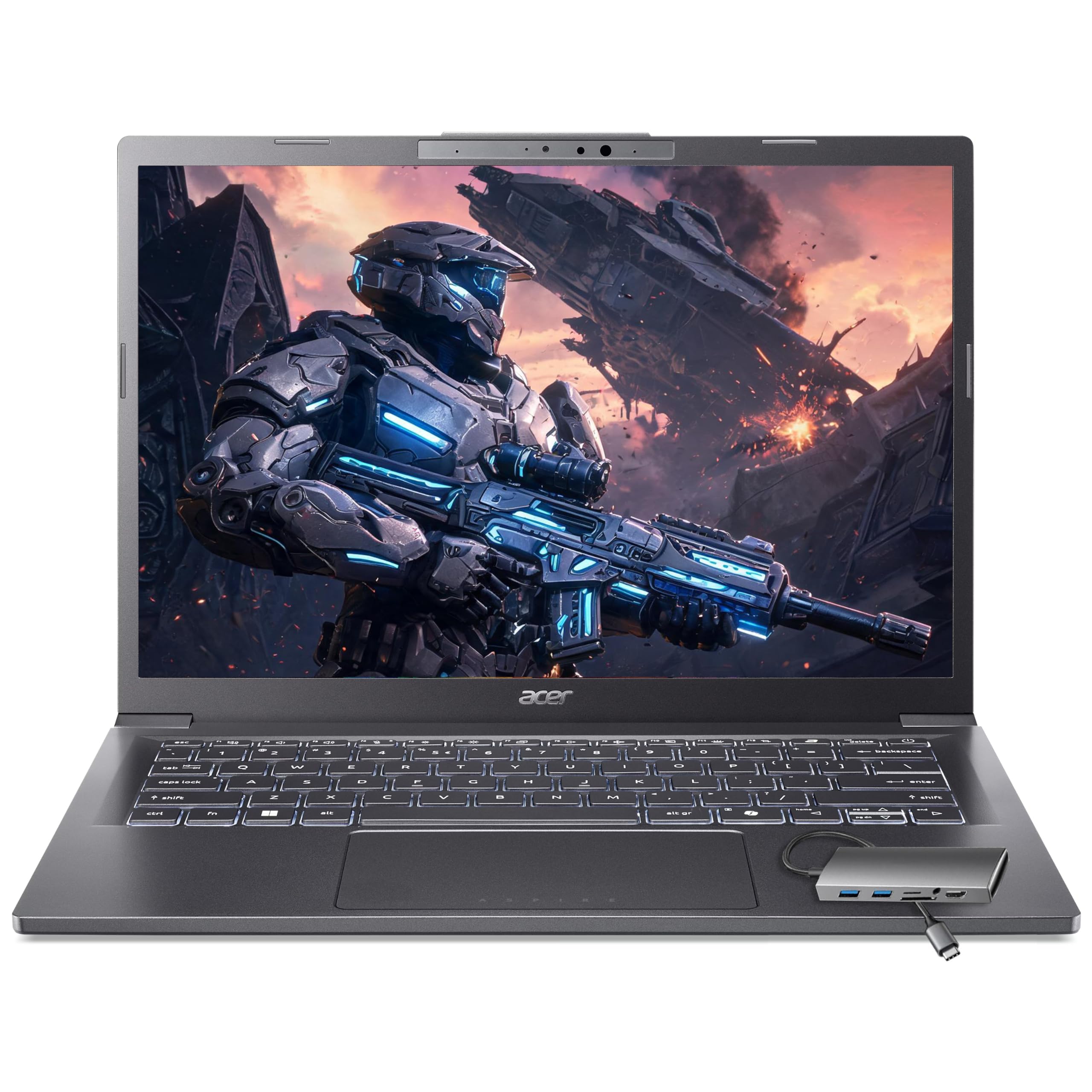
A Copilot+ style machine with strong AI acceleration and generous memory.
The Core Ultra 7 258V with a 47 TOPS NPU, 32 GB of memory and a 1 TB SSD makes short work of demanding workloads and local AI tasks. The touchscreen adds hands-on flexibility.
Owner feedback is thinner here, so it is a pick on specs and early impressions rather than a long track record. Confirm Ubuntu driver support for the touchscreen before committing.
Why it stands out
- Powerful AI acceleration
- Large memory and storage
Caveats
- Limited owner feedback so far
Early adopters: Users who want strong AI performance and lots of memory.
Track record: Less proven than the more established picks.
9. Lenovo ThinkPad E16 Gen 3
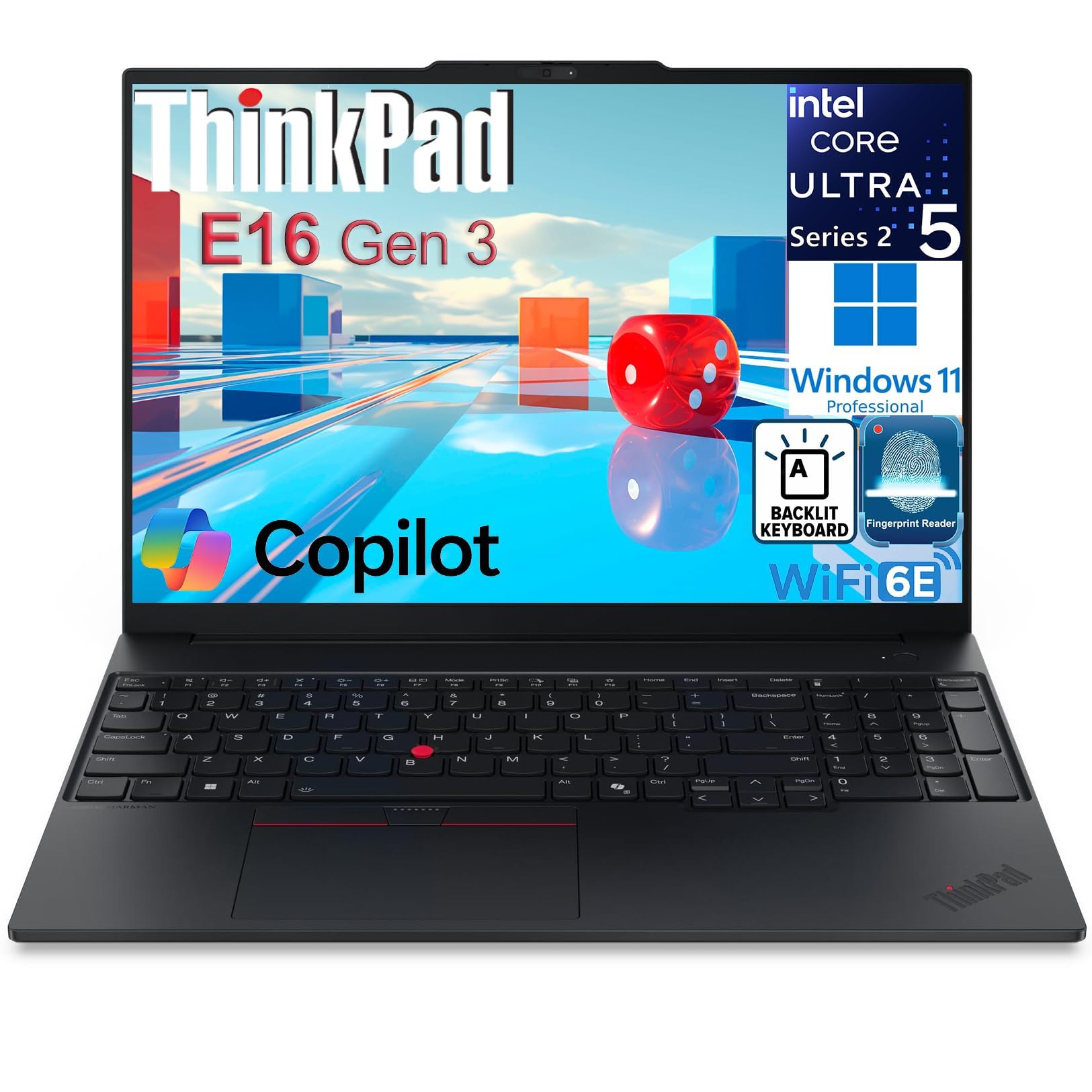
A ThinkPad built for business, with a large screen and dependable performance.
The Core Ultra 5 225H with 14 cores and an AI Boost NPU handles business apps, data work and multitasking well. The big screen and ThinkPad build suit long work sessions, and the value is strong.
Initial setup divides opinion, with some finding it easy and others reporting a rough start. Expect to spend a little time getting it configured your way.
Why it works
- Dependable business performance
- Great value for the specs
Keep in mind
- Setup experience varies
Professionals: Office and business users who want a proven workhorse.
Setup patience: Be ready to work through initial configuration.
10. GEEKOM GeekBook X14 Pro
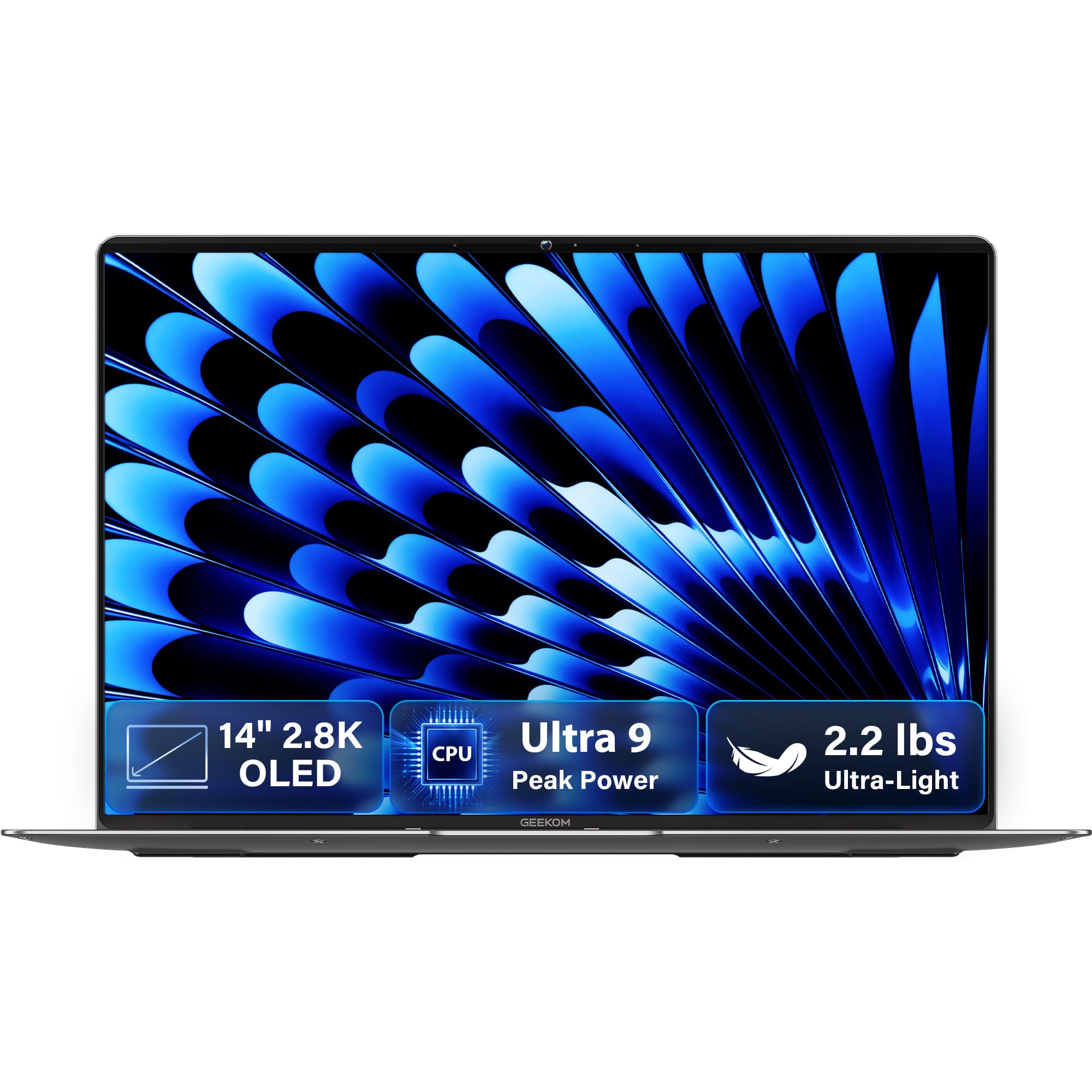
A featherweight 14-inch notebook with a sharp 2.8K OLED screen and a fingerprint reader.
At 2.2 lb it slips into any bag, and the 14-inch 2.8K OLED is crisp and colorful. Build quality is excellent, with a fingerprint reader and a 65W GaN charger, plus a rated 16-hour battery.
Battery life and the touchpad draw mixed feedback, with some finding the battery poor and the touchpad finicky. It is a travel-first machine, so weigh that against the portability.
Why consider it
- Extremely light
- Sharp OLED display
Trade-off
- Touchpad divides opinion
Frequent travelers: People who carry a laptop all day and want minimal weight.
Battery caution: Real-world battery may fall short of the rating.
Common Questions
Will Ubuntu install cleanly on these laptops?
Are ARM laptops like Snapdragon models good for Ubuntu?
Should I dual-boot or wipe Windows?
The Bottom Line
For most people, the best ubuntu laptops winner is the Lenovo IdeaPad Slim 3X – 2025 – Everyday AI Laptop – Copilot+ PC – 15.3″ WUXGA Display – 16 GB Memory – 512 GB Storage – Snapdragon® X – Luna Grey because it balances long battery life, a light metal build and a roomy 16:10 screen with the fewest daily compromises. If you need maximum battery life, look at acer Aspire 16 AI Copilot+ PC | 16″ WUXGA 120Hz Multi-Touch Display | Snapdragon X X1-26-100 | NPU: 45 Tops – GPU: Up to 1.7 TFLOPs | 16GB LPDDR5X | 512GB PCIe Gen 4 SSD | Wi-Fi 7 | A16-11MT-X669; for a vivid OLED screen, HP OmniBook 5 14 inch Next Gen AI PC, OLED Display, Snapdragon X Plus X1P-42-100, 16 GB RAM, 1 TB SSD, Qualcomm Adreno GPU, Windows 11 Home, Glacier Silver, 14-he0099nr is the one; and for a featherweight travel machine, GEEKOM GeekBook X14 Pro Laptop, 2.2 lb Ultra Thin 14″ 2.8K OLED Notebook fits best.
How we choose
We do not accept paid placement. Every pick is matched to a real buyer and a real use-case; we do not hands-on test units.
Sources
Specifications: manufacturer listings and product documentation. Review insights: verified customer reviews, as of November 2026. Pricing: not shown on this page (it changes often); check the current price via the retailer link.
As an Amazon Associate, My Heart Lives Here earns from qualifying purchases. This does not affect which products we feature.