Heads up: This post contains affiliate links. As an Amazon Associate I earn from qualifying purchases, at no extra cost to you. Learn more
Specs are compiled from manufacturer listings and verified buyer reviews and can change over time — please confirm the key details on the product page before buying.
A Thunderbolt 4 enclosure is the cheapest way to turn a bare NVMe stick into a pocket drive that moves huge files in seconds. These seven are the ones worth your money, sorted by what they actually do well.
This guide is built by comparing the manufacturers’ published specifications and the patterns across verified customer reviews, so you get each pick’s real strengths and trade-offs instead of marketing spin.
A practical guide to picking a fast, cool-running Thunderbolt 4 SSD enclosure for your own bare NVMe drive. This is the best thunderbolt 4 ssd enclosure shortlist for most buyers.
Top Picks

Side-by-Side Comparison
| Model | Best For | Transfer Rate | Install | Cooling | Amazon |
|---|---|---|---|---|---|
| OWC Express 1M2 40Gb/s Portable NVMe SSD★ Best Overall | Fast daily transfers | 40Gb/s | Screwdriver kit | Passive heat sink | Amazon |
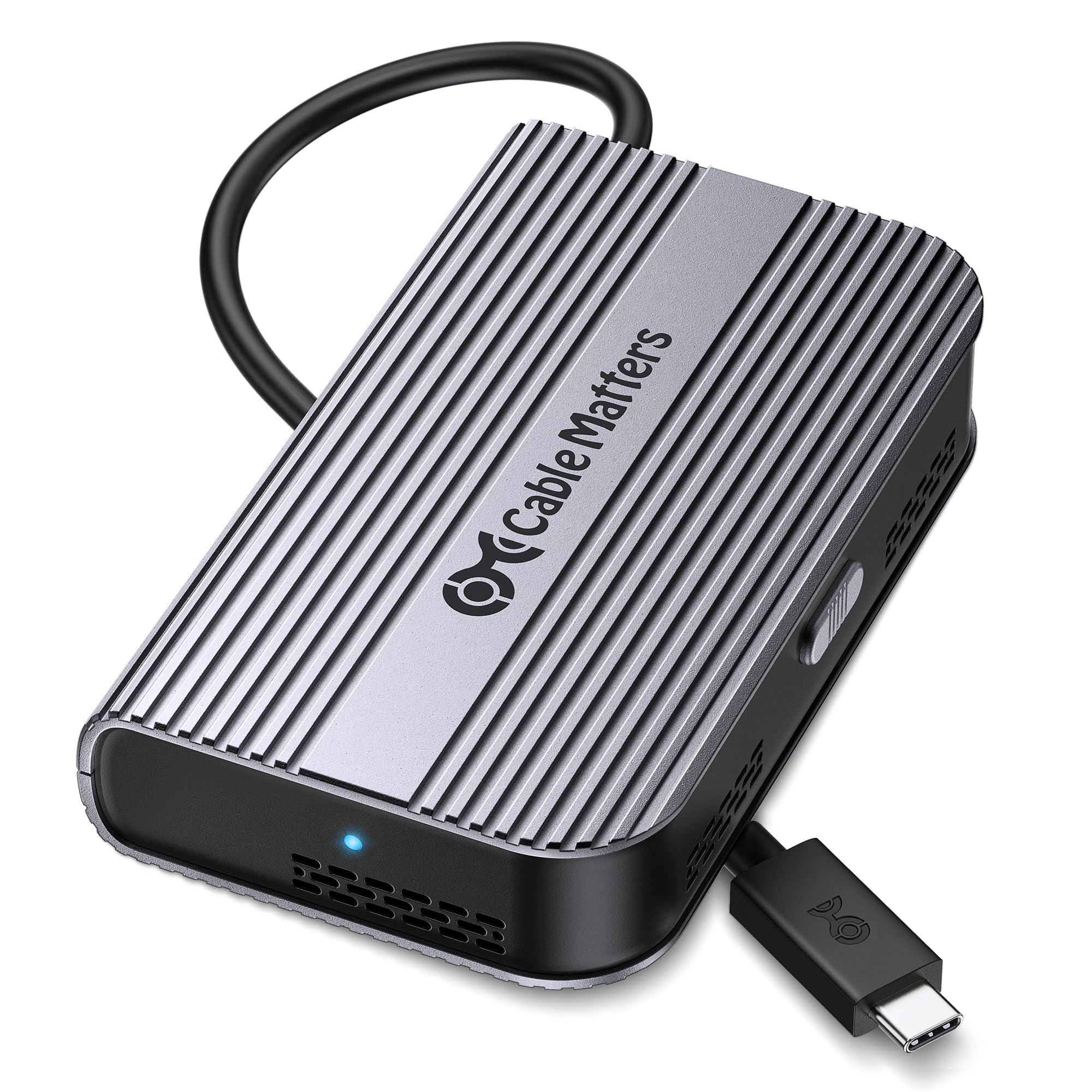
| Cable Matters USB4 SSD EnclosureBest Foldable | Tidy travel setups | 40Gb/s | Foldable body | Thermal pads | Amazon |
| UGREEN 40Gbps M.2 NVMe Enclosure (SSD Not Included) | Mac desktop owners | 40Gb/s | Disassembly kit | Cooling pad | Amazon |
| Satechi USB4 NVMe SSD Pro Enclosure | Large drives | 40Gb/s | Tool-free | Thermal pad | Amazon |
| SABRENT USB4 NVMe SSD Enclosure EC-U4TN | Most people | 40Gb/s | Tool-free | Thermal pad | Amazon |
| ACASIS 40Gbps M.2 NVMe SSD Enclosure | Laptop users | 40Gb/s | Tool-free | Active fan | Amazon |
| Zike USB4 M.2 NVMe SSD Enclosure | Quick drive swaps | 40Gb/s | Toolless | Aluminum body | Amazon |
Detailed Reviews
1. OWC Express 1M2 40Gb/s Portable NVMe SSD
Our pick — 4.5+★ from 1,000+ verified ratings; the strongest balance of quality and price.
The enclosure that makes Thunderbolt 4 feel genuinely fast, with real-world speeds past 3800MB/s.
This is the pick that wins on sheer performance: buyers report read and write speeds well above older Thunderbolt enclosures, and the heat-dissipating chassis keeps a working drive warm but never hot. It is beautifully built and stable under sustained transfers.
The honest trade-off is price. Some buyers call it the best value around while others find it overpriced, and reliability draws a few mixed notes. If budget is tight, look down the list.
fast portable NVMe
- Real-world speeds past 3800MB/s
- Cool-running under load
pricey single drive
- Premium price
need speed: You want top speed and clean cooling
budget limited: You are working to a tight budget
2. Cable Matters USB4 SSD Enclosure
A foldable USB4 enclosure that tucks its own cable away and handles big transfers without drama.
This one is built around convenience: the foldable body keeps the cable tidy, and it runs cool thanks to the included thermal pads and rubber stoppers. It works with Thunderbolt 4 and Thunderbolt 5 hosts and takes M.2 NVMe drives.
The design splits opinion and mounting the drive takes some patience, so expect a little fiddling on first install. Speed is solid but not the fastest here.
solid USB4 enclosure
- Foldable, cable-friendly design
- Good heat dissipation
drive sold apart
- Fiddly drive mounting
build your own: You want a compact, self-contained enclosure
want complete: You want the simplest possible install
3. UGREEN 40Gbps M.2 NVMe Enclosure (SSD Not Included)
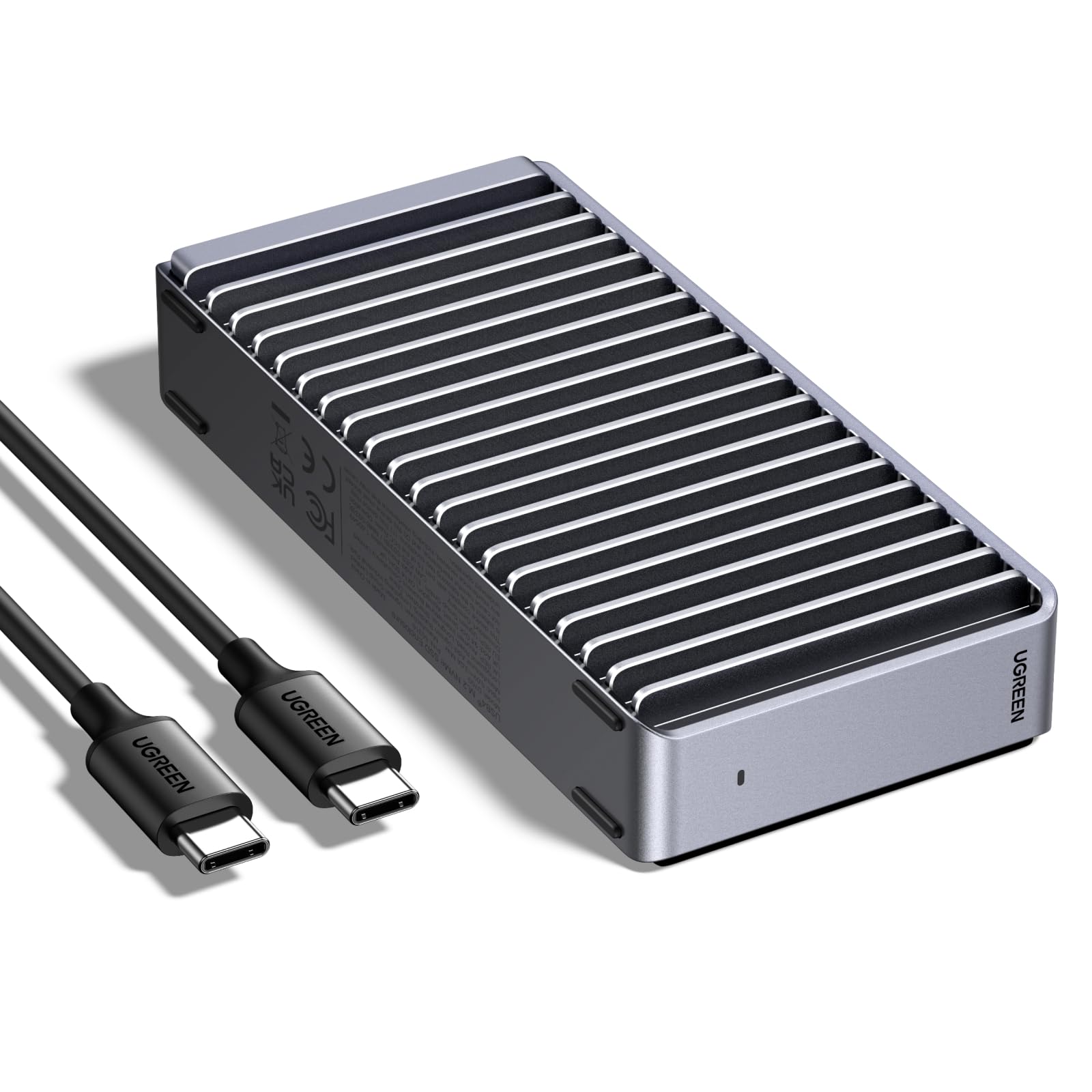
A popular pick that pairs neatly with Mac desktops and hits serious sequential speeds.
Owners mention this one performing beautifully with Mac Studio and Mac Mini, with sequential writes reaching up to 3.8GB/s and temperatures staying comfortably under control. The ASM2464PD chip covers USB4 and Thunderbolt 3 and 4, and setup is quick.
Value and long-term reliability draw a few mixed notes, and you must use Thunderbolt 4 cables and devices to reach the top speed. The drive itself is not included.
affordable M.2 shell
- Great speeds on Mac desktops
- Easy to set up
no SSD inside
- Needs Thunderbolt 4 gear for top speed
have spare drive: You run a Mac desktop and want fast writes
need plug play: Your host ports are older USB
4. Satechi USB4 NVMe SSD Pro Enclosure

A big-capacity enclosure that installs without tools and still hits full 40Gbps speeds.
This Satechi takes large drives and delivers the full 40Gbps transfer rate, with tool-free installation and a snug, well-fitting build. It is backward compatible with slower USB standards so older machines still work.
Heat is the split point: some owners find temperature well controlled while others report it running very hot under load. Give it airflow during long transfers.
sleek aluminum body
- Handles very large drives
- Tool-free install
costs more
- Can run hot under load
care about looks: You want to house a big NVMe drive
tight budget: You push sustained writes in a hot room
5. SABRENT USB4 NVMe SSD Enclosure EC-U4TN
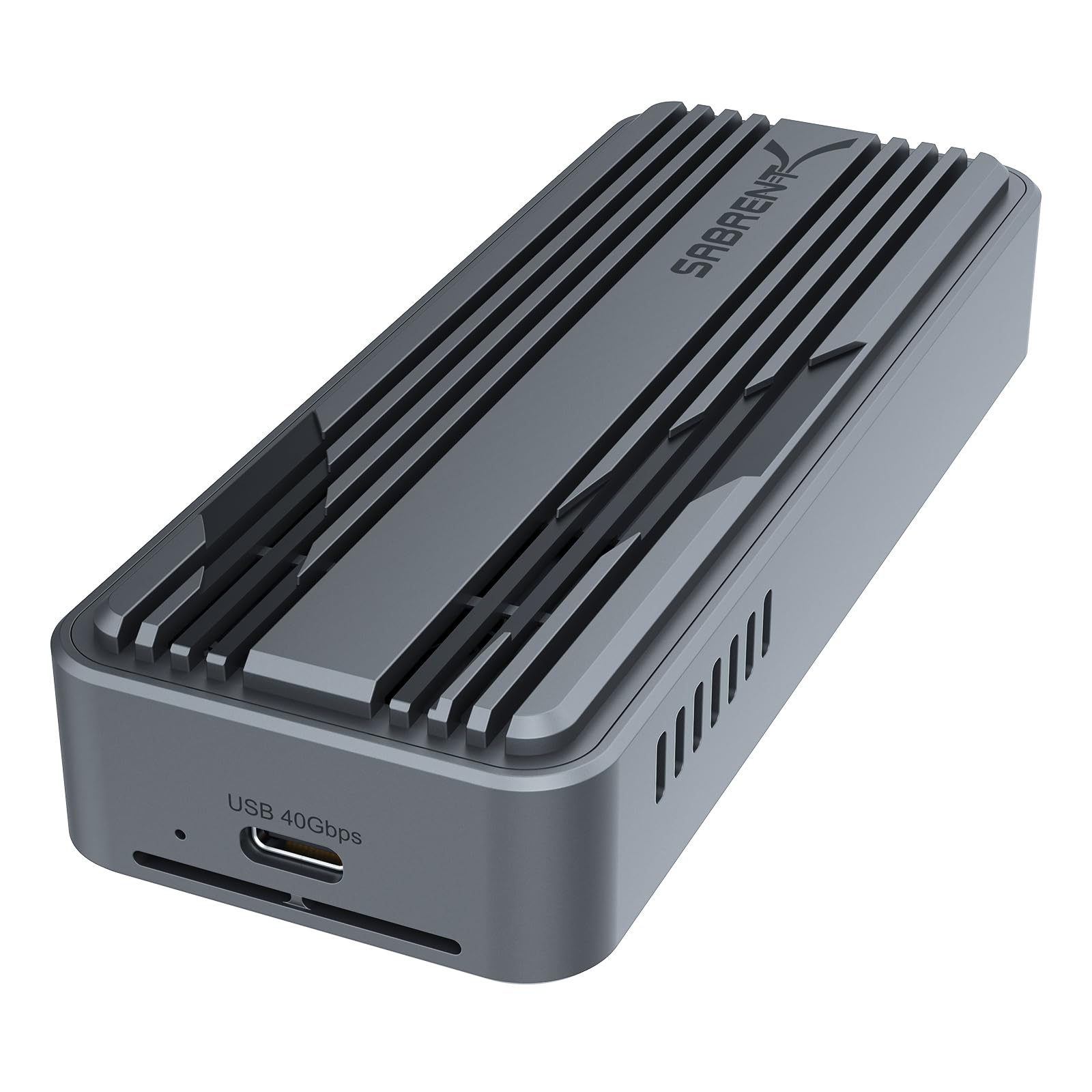
The crowd favorite: a tool-free enclosure that hits up to 3900MB/s and just works.
This Sabrent is the one most owners reach for, and it earns that with plug-and-play installation, no tools needed, and top-end USB4 speed. Build quality feels solid, and it drops back gracefully to slower USB-C ports.
Heat is the recurring gripe, so expect it to get warm during heavy transfers. Compatibility and durability draw a few mixed notes, but the overall package is tough to top.
tool-free install
- Plug-and-play, no tools
- Up to 3900MB/s on USB4
plain design
- Gets warm during long transfers
quick setup: You want easy setup and fast speed
want premium: You need it to stay cool to the touch
6. ACASIS 40Gbps M.2 NVMe SSD Enclosure
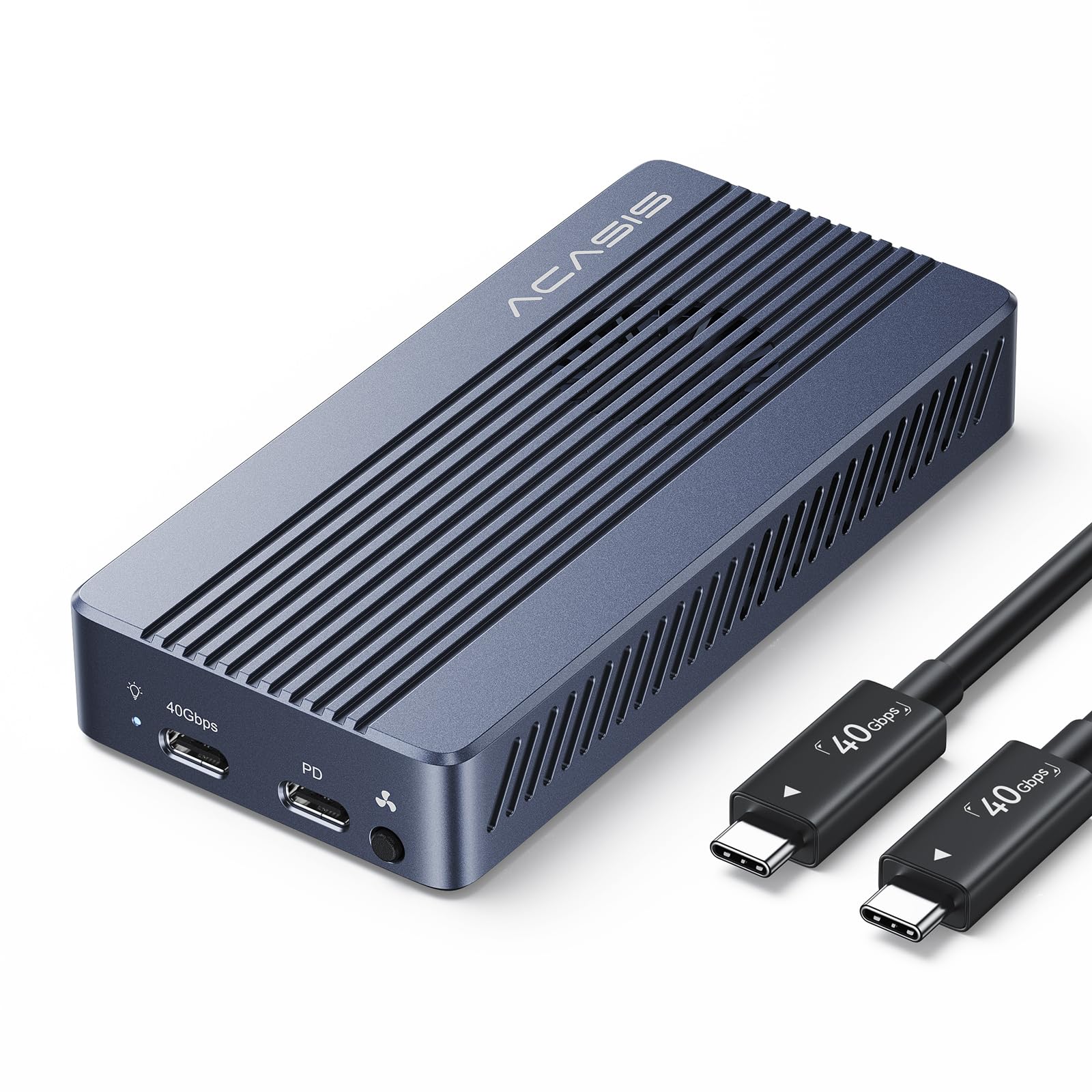
The only one here that charges your laptop while it moves your files.
This ACASIS combines storage with 60W PD charging, so one port handles both data and power and frees up a Thunderbolt port for other gear. An active cooling fan keeps temperatures in check during long jobs, and it installs with a thermal pad.
The fan and charging combo make it a little more involved than a plain enclosure, but for laptop users juggling ports it solves two problems at once.
charges laptop too
- Charges while transferring
- Active fan cooling
bulky adapter
- More complex than a plain enclosure
one cable setup: You want one port for power and data
travel light: You prefer a silent, fanless drive
7. Zike USB4 M.2 NVMe SSD Enclosure

A slim aluminum enclosure that swaps drives in seconds and reads at up to 3.8GB/s.
The Zike is all about speed and simplicity: read speeds up to 3.8GB/s and write up to 3.1GB/s, with toolless installation so you can swap a drive without a screwdriver. The aluminum body feels well made.
Speed feedback is genuinely mixed, with some owners finding it the fastest they have tried and others reporting performance drops. Buy it for the build and the easy install.
high sequential reads
- Toolless drive swaps
- Solid aluminum build
firmware quirks
- Speed reports vary
large file transfers: You swap drives often and want it easy
need reliability: You need guaranteed top speed every time
Common Questions
Do I need a Thunderbolt 4 cable to hit full speed?
Can I install the drive without tools?
Will these enclosures get hot?
The Bottom Line
For most people, the best thunderbolt 4 ssd enclosure winner is the OWC Express 1M2 40Gb/s Portable NVMe SSD because it pairs the fastest real-world speeds here with cooling that keeps a working drive merely warm. If you want one port for power and data, ACASIS 40Gbps M.2 NVMe SSD Enclosure with 60W PD Charging & Cooling Fan is the clever pick, while SABRENT USB4 NVMe SSD Enclosure, Tool-Free, 3900MB/s (EC-U4TN) is the easy, popular choice and UGREEN 40Gbps M.2 NVMe Enclosure (SSD Not Included) suits Mac desktops best.
How we choose
We do not accept paid placement. Every pick is matched to a real buyer and a real use-case; we do not hands-on test units.
Sources
Specifications: manufacturer listings and product documentation. Review insights: verified customer reviews, as of November 2026. Pricing: not shown on this page (it changes often); check the current price via the retailer link.
As an Amazon Associate, My Heart Lives Here earns from qualifying purchases. This does not affect which products we feature.