Heads up: This post contains affiliate links. As an Amazon Associate I earn from qualifying purchases, at no extra cost to you. Learn more
Specs are compiled from manufacturer listings and verified buyer reviews and can change over time — please confirm the key details on the product page before buying.
Turning a shoebox of sports cards into a searchable digital collection starts with the right scanner. These machines handle thick stock, glossy finishes, and odd sizes without jamming or washing out color.
This guide is built by comparing the manufacturers’ published specifications and the patterns across verified customer reviews, so you get each pick’s real strengths and trade-offs instead of marketing spin.
Find the best scanners for sports cards. per verified buyer reviews top models for thick stock, glossy finishes, and fast batch scanning. Find the best scanners for sports cards here.
Top Picks

Side-by-Side Comparison
| Model | Best For | Scan Speed | Card Handling | Connectivity | Amazon |
|---|---|---|---|---|---|
| Plustek ePhoto Z300 Photo Scanner★ Best Overall | Fast batch scanning | 2 sec per 4×6 | Good for standard sizes | USB | Amazon |
| ScanSnap iX1300 Document ScannerBest Compact | Small spaces | Moderate | Excellent for thick items | USB, Wi-Fi | Amazon |
| Canon imageFORMULA R50 Document ScannerBest Touchscreen | Touchscreen control | Fast | Good for standard cards | USB, Wi-Fi | Amazon |
| ScanSnap iX2400 Document Scanner | High volume | 45 ppm | Good for standard cards | USB | Amazon |
| Epson RapidReceipt RR-600W Receipt Scanner | Data extraction | Moderate | Good for standard cards | Wi-Fi | Amazon |
| Epson FastFoto FF-680W Photo and Document Scanner | Photo quality | 1 photo per second | Good for photos and cards | Wi-Fi | Amazon |
| Canon imageFORMULA R40 Document Scanner | Financial integration | Fast | Good for standard cards | USB | Amazon |
| Brother ADS-4900W Desktop Scanner | Office use | 60 ppm | Good for standard cards | Ethernet, USB, Wi-Fi | Amazon |
Detailed Reviews
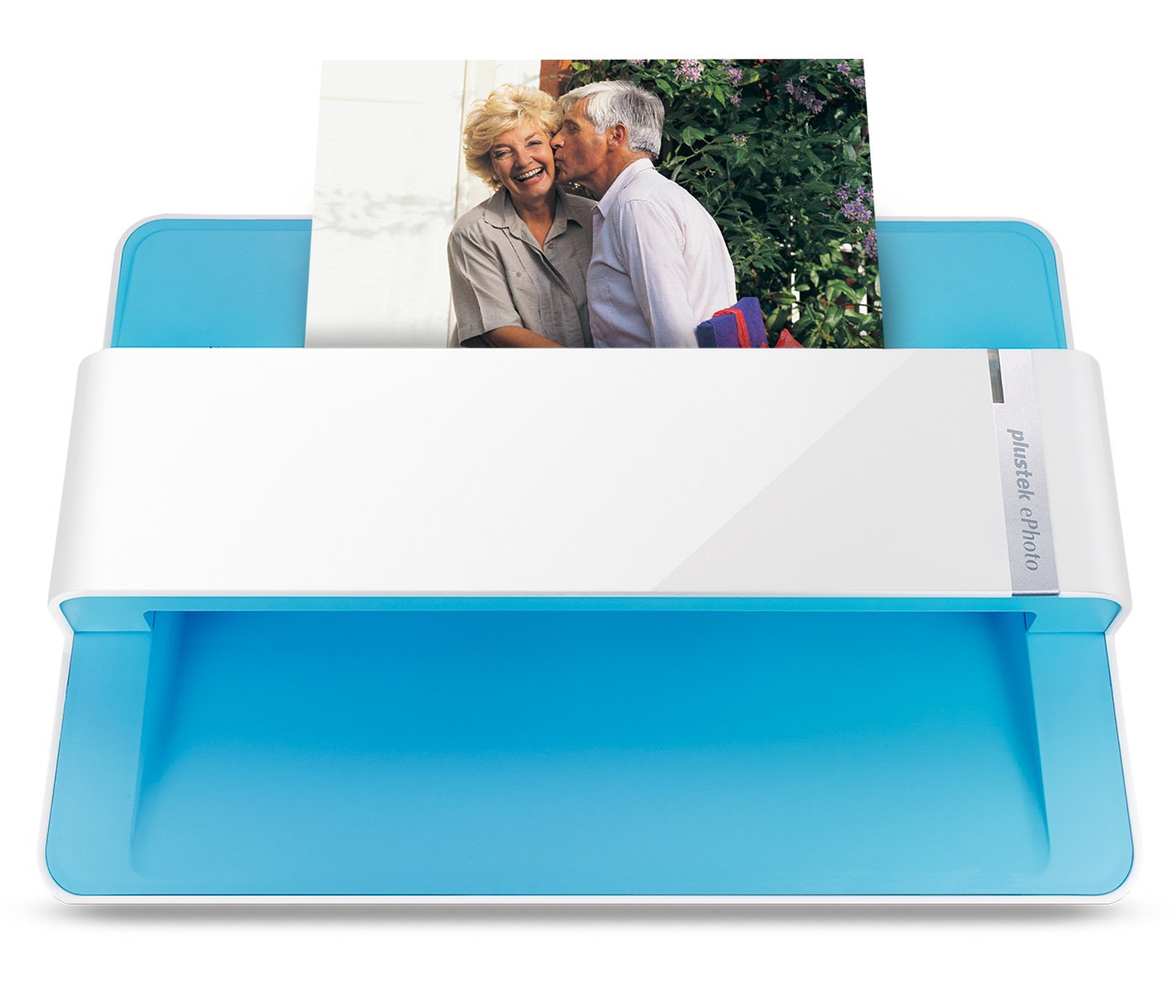
1. Plustek ePhoto Z300 Photo Scanner
Our pick — 4.5+★ from 9,500+ verified ratings; the strongest balance of quality and price.
A dedicated photo scanner that turns stacks of cards into digital files in minutes.
The Plustek ePhoto Z300 is built for photos, but its fast feed and gentle handling make it a natural for sports cards. It scans a 4×6 photo in about two seconds, so a whole collection moves quickly.
The trade-off is that it is designed for standard photo sizes, so ultra-thick cards or odd-shaped inserts may need extra care. Image quality is good but not always perfect for every card.
CCD photo detail
- Very fast for photos and cards
- Simple setup and reliable feeding
single-sheet feed
- May struggle with very thick cards
quick snapshot: Collectors with large stacks to digitize
thick cardstock: Ultra-thick cards might need manual feed
2. ScanSnap iX1300 Document Scanner
A space-saving scanner that fits on a crowded desk and still handles cards with care.
The ScanSnap iX1300 is designed to stay out of the way, folding down when not in use. It handles plastic cards and thick items, which makes it suitable for graded or encased cards.
The compact design means a smaller feeder, so you will need to load cards in smaller batches. Wireless connectivity is convenient but can be finicky.
compact wireless duplex
- Compact and easy to store
- Handles thick and plastic cards
small batch tray
- Small feeder requires frequent reloading
desk corner: Collectors with limited desk space
large stacks: Not ideal for very large batches at once
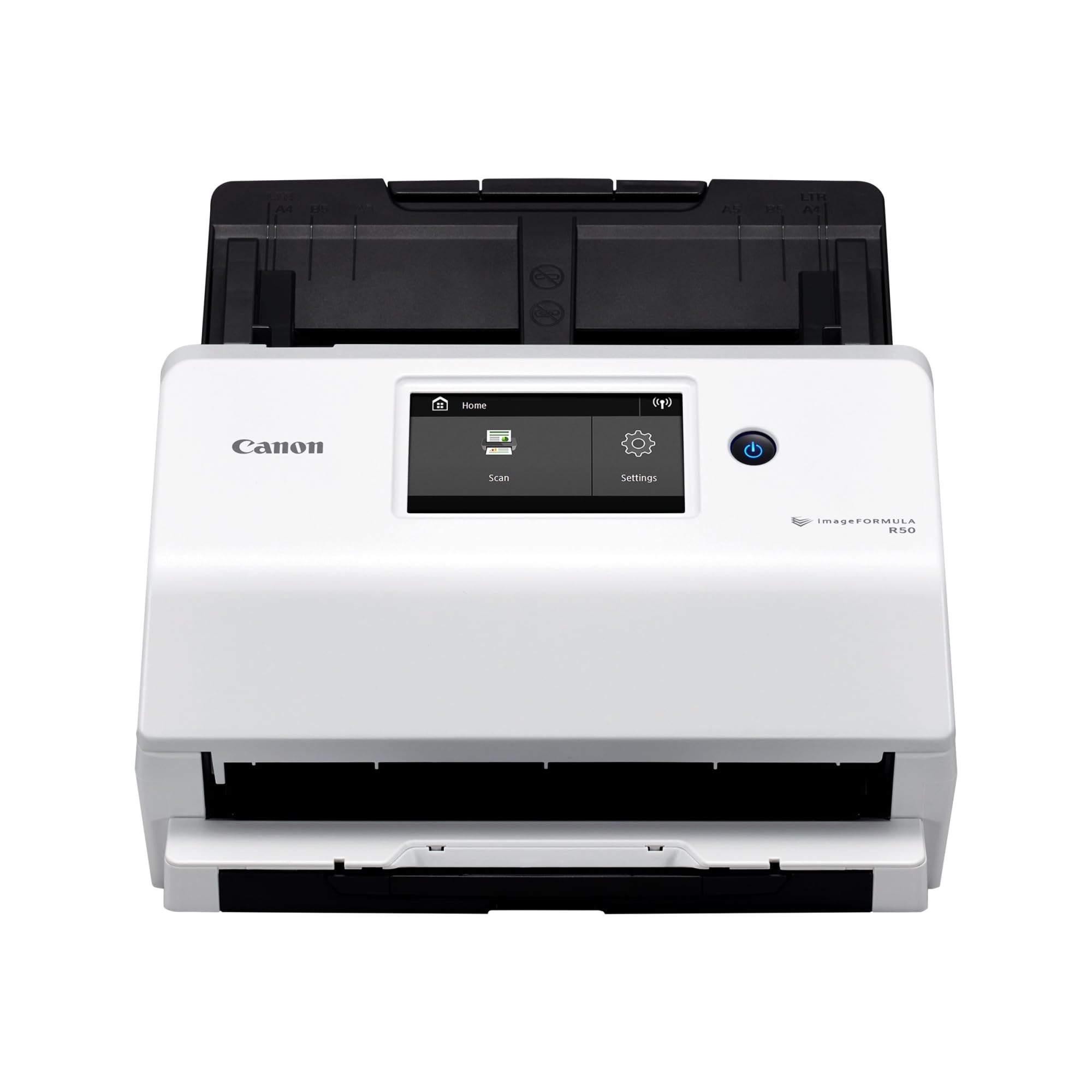
3. Canon imageFORMULA R50 Document Scanner
A business scanner with a big touchscreen that makes one-off card scans simple.
The Canon imageFORMULA R50 features a large touchscreen for easy selection of scan destinations. It delivers excellent scan quality and fast performance, making it a solid choice for cards.
Setup can be tricky for some, and wireless connectivity has been reported as unreliable. It is also larger and heavier than some competitors.
touchscreen business scanning
- Large touchscreen simplifies operation
- High-quality scans
wi-fi dropouts
- Wireless connectivity can be problematic
screen tapper: Users who prefer on-device controls
network flakiness: May need a wired connection for consistent results
4. ScanSnap iX2400 Document Scanner
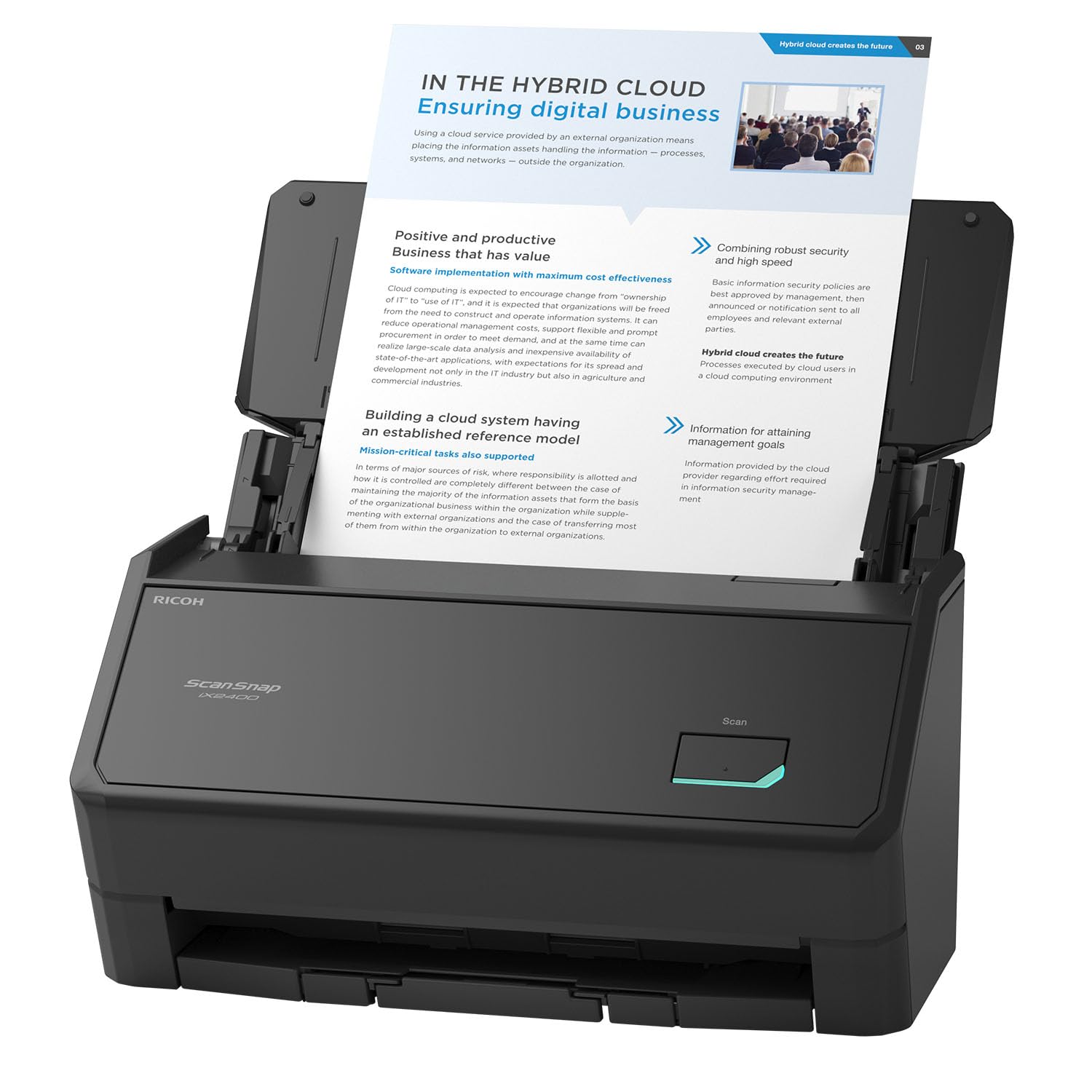
A high-speed scanner that blazes through stacks, perfect for large card collections.
The ScanSnap iX2400 scans up to 45 pages per minute with a 100-sheet feeder, so you can digitize hundreds of cards in one sitting. One-touch operation makes it easy to use.
The main drawback is the price, which is on the higher side. Some users have reported occasional jamming with thicker cards.
one-touch high speed
- Extremely fast scanning
- Large feeder capacity
paper jam risk
- Expensive for casual collectors
heavy volume: Collectors with thousands of cards
jam watcher: Thick cards may jam occasionally
5. Epson RapidReceipt RR-600W Receipt Scanner

A receipt scanner that also handles cards, with smart software to organize your scans.
The Epson RapidReceipt RR-600W is built for receipts but can scan cards and documents. Its AI technology extracts data, which could help catalog card details.
Setup and connectivity receive mixed feedback, with some users finding it difficult. It is also relatively heavy and bulky.
receipt capture wireless
- Smart software for organizing scans
- Reliable double-sided scanning
spotty connection
- Setup can be frustrating
receipt hoarder: Users who also need receipt scanning
wireless hiccups: Wi-Fi may require troubleshooting
6. Epson FastFoto FF-680W Photo and Document Scanner
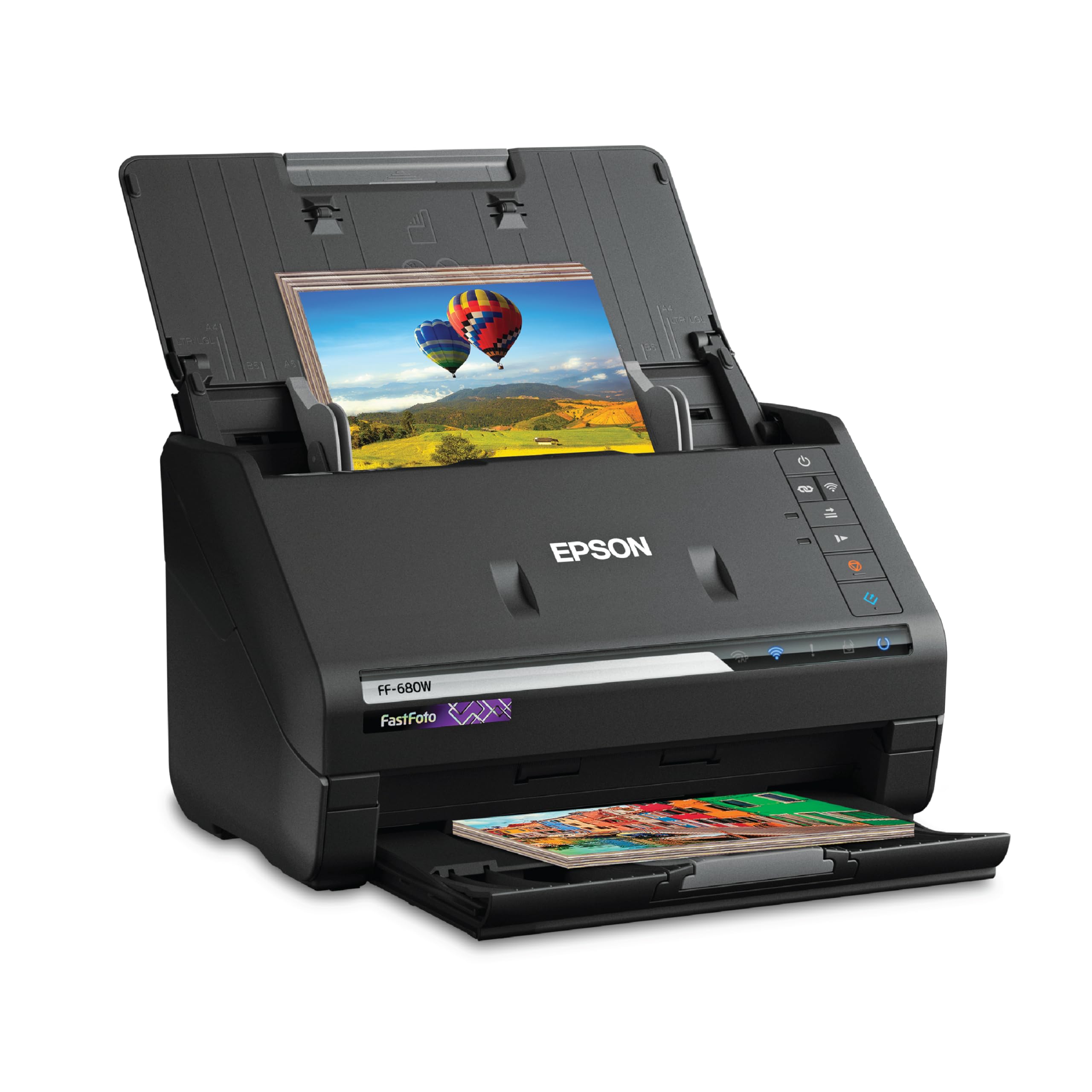
A high-speed photo scanner that preserves the detail and color of your cards.
The Epson FastFoto FF-680W is designed for photos, scanning up to one per second and handling batches of 36. It delivers excellent quality scans, making it great for cards with fine print.
Value for money is mixed, as it is pricier than some. Image quality is generally good but can vary with certain card types.
fast photo duplex
- Fast and high-quality scanning
- Large batch capacity
pricey purchase
- Pricey for occasional use
photo purist: Collectors who value image fidelity
budget buyer: Higher price than basic models
7. Canon imageFORMULA R40 Document Scanner

An office scanner that extracts data and syncs with QuickBooks, useful for card sales records.
The Canon imageFORMULA R40 scans batches of receipts and invoices, extracting key details. It can also scan cards with clean, clear images and fast speed.
Reliability is mixed, with some users reporting it almost never works. Setup is easy, but compatibility issues may arise.
office receipt editing
- Easy setup and intuitive software
- Dual-sided scanning
steady reliability
- Reliability concerns reported by some
daily bookkeeper: Collectors who track card sales
long-haul trust: Some units may have issues
8. Brother ADS-4900W Desktop Scanner
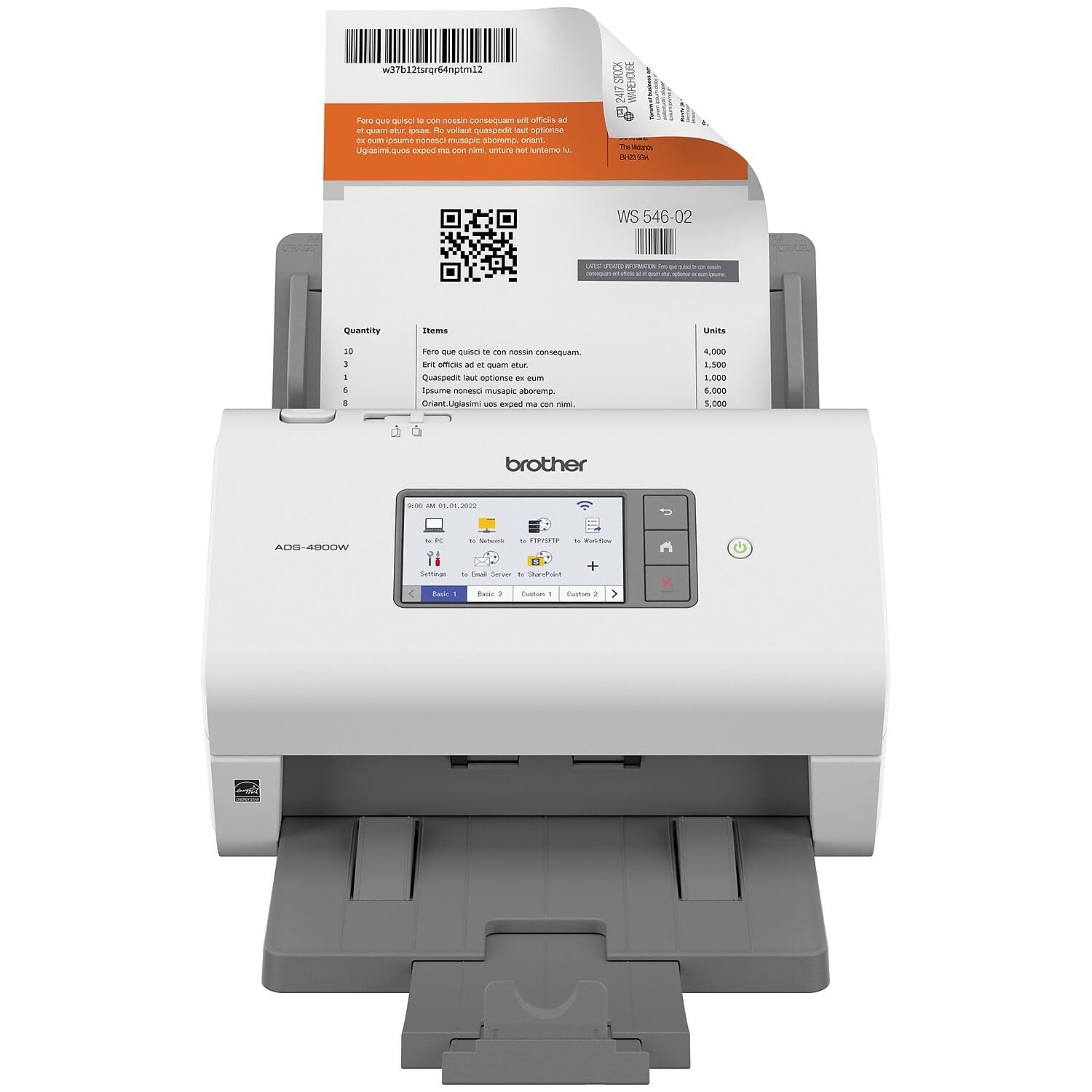
A professional desktop scanner built for busy offices, with speed and connectivity.
The Brother ADS-4900W scans at up to 60 ppm and offers Ethernet, USB, and Wi-Fi. It has a large touchscreen and handles double-sided materials in a single pass.
Reliability and connectivity receive mixed reviews, with some users reporting issues. It is also one of the more expensive options.
professional fast desktop
- Very fast scanning
- Multiple connectivity options
connection quirks
- High price point
busy office: Busy offices scanning cards and documents
network setup: Wi-Fi may be unreliable for some
Common Questions
Can these scanners handle thick sports cards?
Do I need a special scanner for sports cards?
How fast can I scan a large card collection?
The Bottom Line
For the majority of shoppers, the best scanners for sports cards winner is the Plustek ePhoto Z300 Photo Scanner – CCD Sensor Scan 4×6 photos in 2 sec because it combines fast batch scanning with reliable feeding, making it the most efficient for digitizing sports cards. If you need a compact option, consider ScanSnap iX1300 Wireless or USB Double-Sided Color Document Scanner, Black; for high-volume scanning, ScanSnap iX2400 High-Speed One-Touch Button Color Document Scanner, Black is a strong choice.
How we choose
We do not accept paid placement. Every pick is matched to a real buyer and a real use-case; we do not hands-on test units.
Sources
Specifications: manufacturer listings and product documentation. Review insights: verified customer reviews, as of November 2026. Pricing: not shown on this page (it changes often); check the current price via the retailer link.
As an Amazon Associate, My Heart Lives Here earns from qualifying purchases. This does not affect which products we feature.