Heads up: This post contains affiliate links. As an Amazon Associate I earn from qualifying purchases, at no extra cost to you. Learn more
Specs are compiled from manufacturer listings and verified buyer reviews and can change over time — please confirm the key details on the product page before buying.
A portrait monitor is the quiet productivity upgrade almost nobody makes: flip a screen vertical and documents, code, and long web pages suddenly fill the glass instead of swimming in empty side margins. The right pick depends on a stand that pivots cleanly, a panel with honest viewing angles, and text that stays crisp when you rotate.
This guide is built by comparing the manufacturers’ published specifications and the patterns across verified customer reviews, so you get each pick’s real strengths and trade-offs instead of marketing spin.
A vertical screen changes how documents, code, and spreadsheets feel at a desk. Here is the best portrait monitor for reading, coding, and side-by-side work.
Top Picks


Side-by-Side Comparison
| Model | Best For | Resolution | Pivot Stand | Panel | Amazon |
|---|---|---|---|---|---|
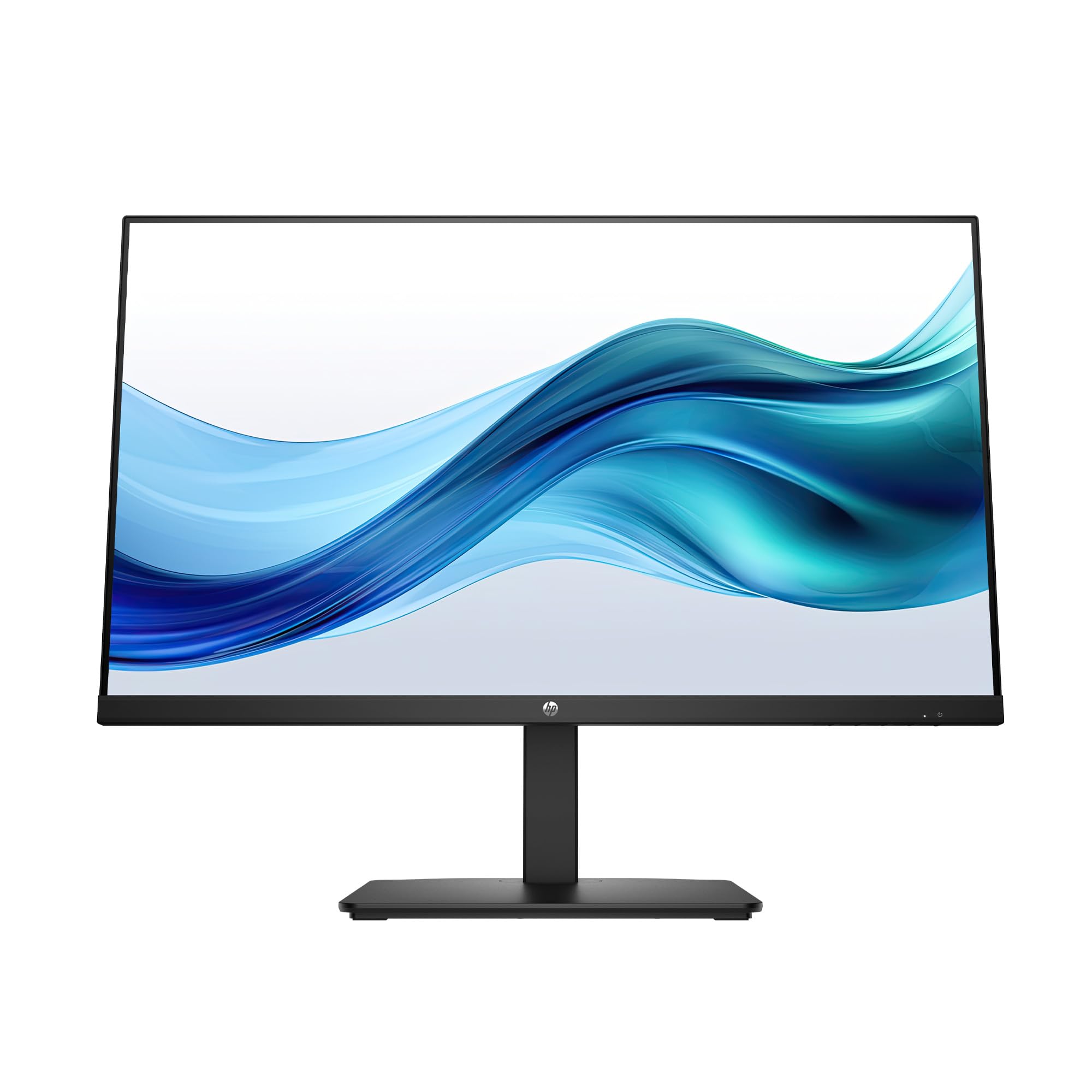
| HP Series 3 27 inch Monitor 327se★ Best Overall | Home office all-rounder | 1920 x 1080 | Tilt and height | IPS | Amazon |
| SAMSUNG Odyssey G3 G30A 24-InchBest for Gaming | Gamers who also read | 1920 x 1080 | Pivot, swivel, tilt | IPS-class | Amazon |
| acer CB242Y bir 23.8″ MonitorBest Value | First portrait setup | 1920 x 1080 | 360-degree rotation | IPS | Amazon |
| LG 27US500-W 27-inch Monitor | Crisp document reading | 3840 x 2160 | Fixed stand | IPS | Amazon |
| LG 27UP650K-W 27-inch Monitor | Mac users reading long | 3840 x 2160 | Pivot and height | IPS | Amazon |
| Dell S2722DC 27-inch Monitor | One-cable laptop desks | 2560 x 1440 | Pivot, swivel, tilt | IPS | Amazon |
| ASUS ProArt PA279CRV 27 Inch Monitor | Color-accurate editing | 3840 x 2160 | Pivot and height | IPS | Amazon |
| SAMSUNG ViewFinity S8 S80D 27″ Monitor | Detail-heavy vertical work | 3840 x 2160 | Pivot adjustment | IPS | Amazon |
| BenQ RD280U 28.2” Monitor | Programmers and developers | 3840 x 2560 | Height adjustment | IPS matte | Amazon |
Detailed Reviews
1. HP Series 3 27 inch Monitor 327se
Our pick — 4.5+★ from 25,000+ verified ratings; the strongest balance of quality and price.
A 27-inch Full HD panel that turns everyday desk work into something comfortable.
What wins people over is the balance: a 1920 x 1080 IPS picture with a 1300:1 contrast ratio that reads clearly for documents and spreadsheets, plus a 100Hz refresh that keeps scrolling smooth. Built-in speakers and a height-and-tilt stand round it out as a tidy one-box setup.
The honest trade-off is resolution: Full HD stretched across 27 inches is fine for reading and office work but not pixel-dense, and the stand tilts and rises without a pivot, so portrait use leans on a VESA arm.
sharp everyday full HD
- Clear, comfortable picture for office work
- Speakers and adjustable stand included
stand lacks height
- No pivot in the stand
desk basics: Desk workers who want an easy, affordable daily screen
port limits: You need a VESA arm for true portrait
2. SAMSUNG Odyssey G3 G30A 24-Inch
A 24-inch gaming panel that also flips vertical when work calls.
The 144Hz refresh and 1ms response keep motion clean, and AMD FreeSync Premium smooths fast scenes. What makes it a portrait candidate is the stand: pivot, swivel, tilt, and height adjustment mean it rotates to vertical without extra hardware.
Reliability is the recurring caveat, with some units quitting over time, and the 24-inch size is modest for stacked documents. Color accuracy draws mixed notes too, so treat it as a fast working screen rather than a color-critical one.
fast 144hz refresh
- Smooth 144Hz gaming
- Full pivot stand for portrait
dark scenes smear
- Reliability reports are mixed
twitch shooters: Gamers who want one screen for play and reading
narrow angles: Small panel for heavy document work
3. acer CB242Y bir 23.8″ Monitor
A budget 24-inch that rotates fully between portrait and landscape.
The ErgoStand is the draw: height, tilt, and 360-degree rotation let you swing it straight to portrait, and the zero-frame IPS panel with FreeSync keeps a 75Hz picture clean. It is a genuinely versatile cheap screen for both work and play.
Picture quality and brightness draw mixed feedback, so it is not the panel for color work, and reliability is a gamble on some units. At this size and price, though, it is an easy way to try vertical living.
zero frame IPS
- Full rotation to portrait
- Low-cost entry point
weak built-in sound
- Mixed brightness and picture notes
clean desk: Budget buyers testing a vertical setup
no height adjust: Not for color-accurate work
4. LG 27US500-W 27-inch Monitor
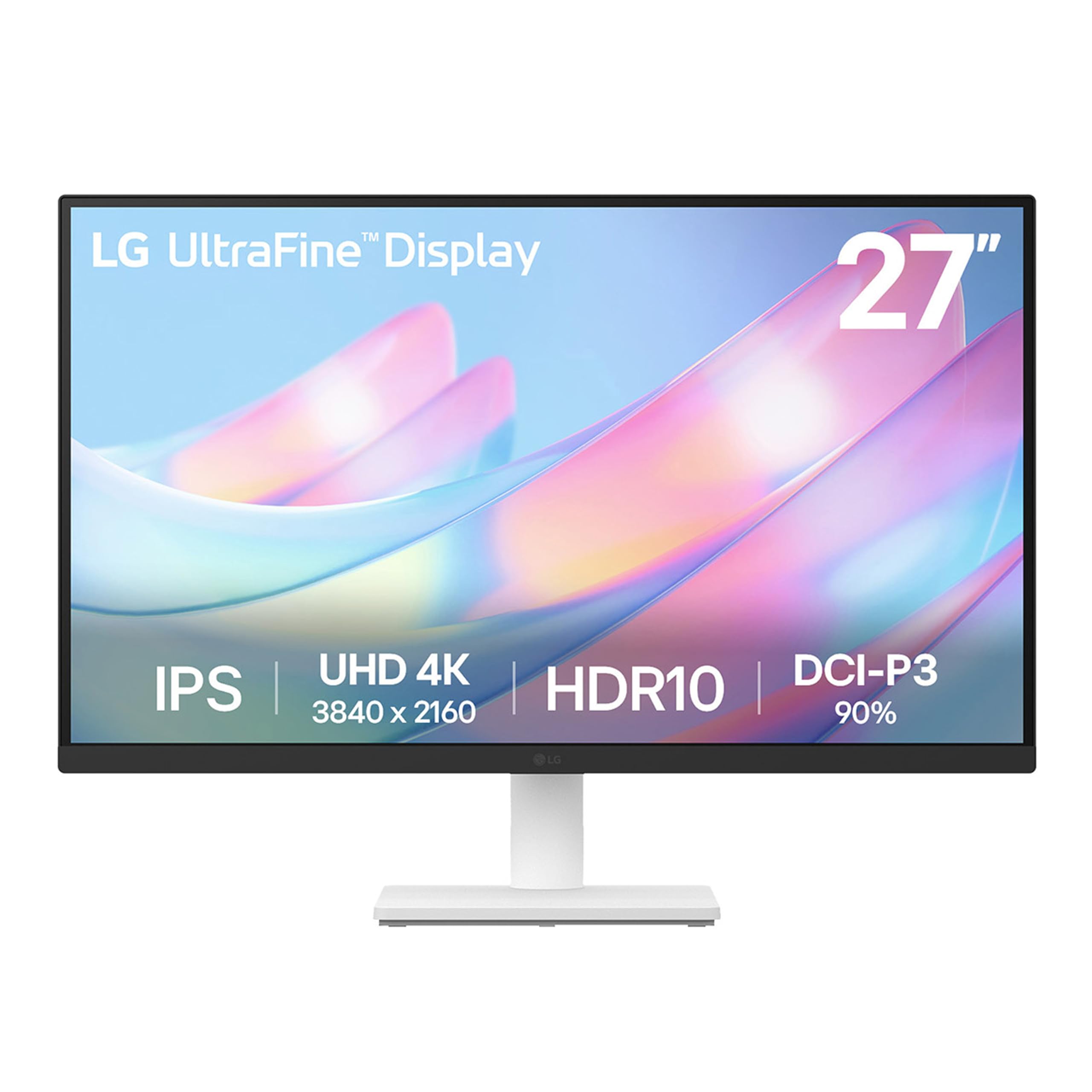
A 27-inch 4K panel that makes vertical text look printed.
4K UHD on a 27-inch IPS screen gives the pixel density that portrait work craves: crisp text, deep contrast, and HDR10 for detail-rich imagery. Creative professionals get wide viewing angles and plenty of resolution for zoomed-in editing.
The stand is the weak point, described as the shakiest part of the monitor, and reliability is mixed with some units failing early. For a sharp vertical document or editing screen, the panel itself is the reason to buy.
crisp 4K detail
- Very sharp 4K text
- HDR10 and wide angles
60hz only
- Shaky stand, mixed reliability
photo editing: Readers and editors who want density
light gaming: Plan for a sturdier mount
5. LG 27UP650K-W 27-inch Monitor

A 4K IPS screen that pairs neatly with a Mac and rotates vertical.
Bright 4K UHD with up to 95% DCI-P3 color and HDR10, plus an anti-glare finish that keeps a tall screen readable. Pivot and height adjustment are built in, so portrait orientation is a stand twist away, and text comes across clear and sharp.
Reliability draws mixed notes, and the color-leaning panel is tuned for viewing rather than strict calibration. It is a strong everyday 4K choice for Mac users who read and write more than they color-grade.
HDR10 color range
- Bright, sharp 4K picture
- Pivot stand included
modest brightness
- Mixed reliability reports
media viewing: Mac owners who want a tall 4K screen
no USB hub: Not a calibrated color reference
6. Dell S2722DC 27-inch Monitor

A 27-inch WQHD screen that powers your laptop over one cable.
USB-C with 65W power delivery means one cable carries video, data, and charge, clearing the desk for a clean vertical setup. The stand pivots, swivels, tilts, and rises, and the WQHD panel with FreeSync and built-in speakers keeps things tidy.
Reliability is mixed, with some units failing within a year, and the speakers are serviceable rather than rich. For a laptop-driven portrait desk, the single-cable convenience is the real argument.
roomy WQHD workspace
- USB-C charging and video
- Fully adjustable stand
slow 75hz panel
- Mixed long-term reliability
office multitask: Laptop users who want a clean desk
weak speakers: Speakers are modest
7. ASUS ProArt PA279CRV 27 Inch Monitor
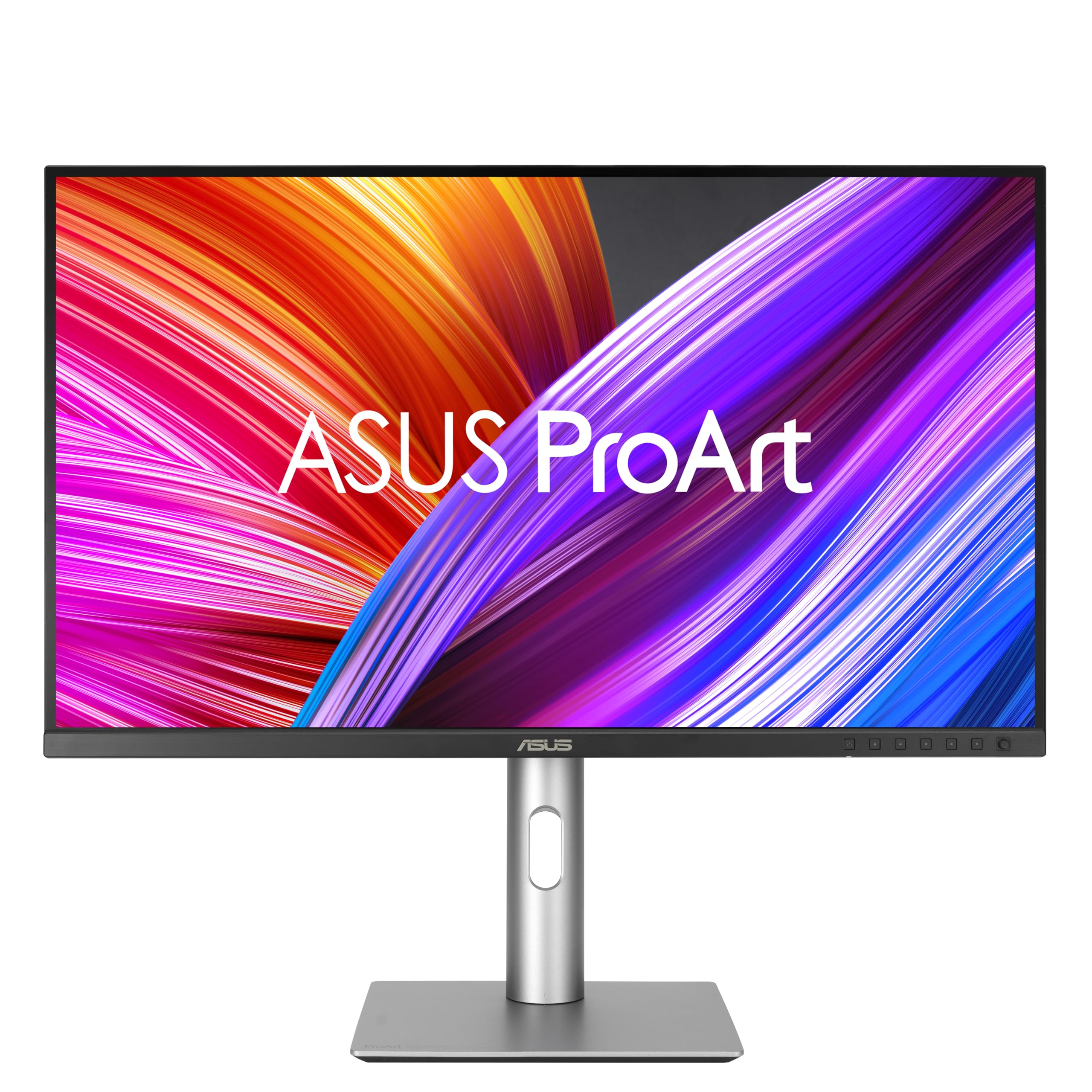
A 4K pro panel calibrated for accurate color in any orientation.
Factory-calibrated to Delta E under 2 and covering 99% DCI-P3 and 99% Adobe RGB, this is a serious color screen for photo and video editing. The IPS panel holds its accuracy at angles, and tilt, swivel, pivot, and height adjustment make portrait a first-class mode.
For creators who rotate a reference screen vertical, the calibration is the whole point.
pro color accuracy
- Factory-calibrated accuracy
- Wide gamut coverage
pricey for casual
- Pricier than casual use needs
design work: Photographers and video editors
overkill browsing: Overkill for plain reading
8. SAMSUNG ViewFinity S8 S80D 27″ Monitor
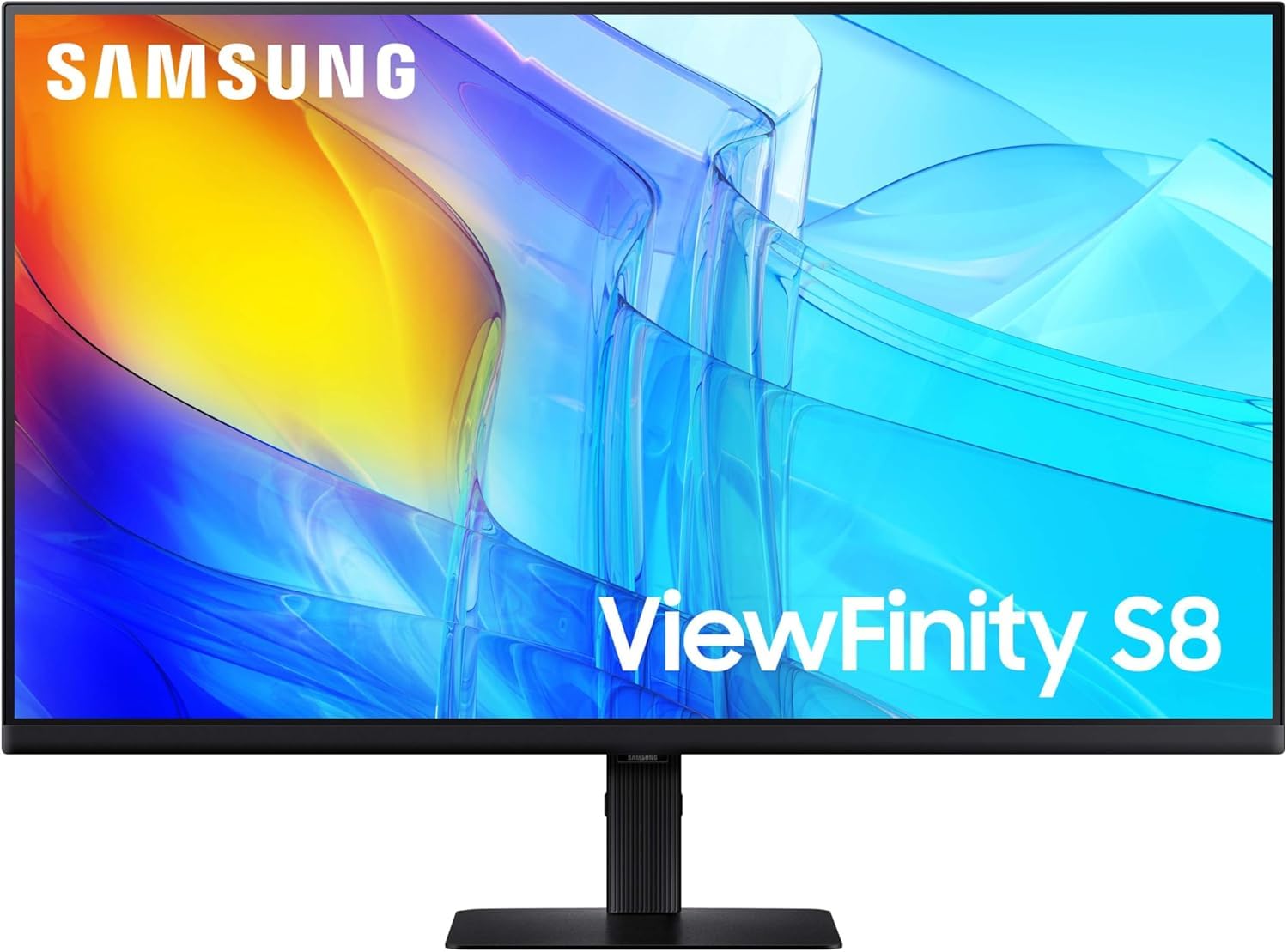
A 27-inch 4K screen built for crisp text and creators.
4K UHD resolution brings higher pixel density, crisp text, and rich color detail for designers and creators building content. Pivot adjustment is on the stand, an anti-glare finish keeps a vertical panel readable, and a USB hub plus multiple ports simplify the desk.
Brightness is mixed, with some reporting uneven panels, and durability draws mixed notes. For sharp vertical documents and detail-heavy work, the resolution is the reason it earns a place.
tall 4K resolution
- Crisp 4K text and color
- USB hub and multiple ports
heavy stand base
- Mixed brightness uniformity
large documents: Designers reading dense detail
tight desks: Panel brightness varies
9. BenQ RD280U 28.2” Monitor

A tall 3:2 4K screen made for programmers who live in code.
The 3:2 aspect ratio gives extra vertical room before you even rotate, and the nano matte panel fights glare while text renders exceptionally sharp. Coding modes improve code differentiation, and 90W USB-C with KVM keeps a laptop desk clean.
Value is the split note, with some finding it overpriced, and color accuracy is mixed for creative work. For programmers who want a tall, glare-free canvas, it is purpose-built.
tall 3:2 coding view
- Tall 3:2 canvas for code
- Sharp text and anti-glare
niche aspect ratio
- Some find it overpriced
code reading: Developers who want vertical room
video editing: Not tuned for color grading
Common Questions
Do I need a special monitor for portrait mode?
Is portrait better for reading and coding?
Does an IPS panel matter in portrait?
The Bottom Line
For most people, the best portrait monitor winner is the HP Series 3 27 inch FHD Monitor, Full HD Display (1920 x 1080), IPS Panel, 1300:1 Contrast Ratio, 250 Nits, Eye Ease with Eyesafe Certification, Black, 327se (2025) because it pairs a clear IPS picture and a height-and-tilt stand with built-in speakers at a price that makes everyday office work comfortable. If you want the sharpest 4K text, look at LG 27US500-W 27-inch UltraFine IPS 4K UHD 60Hz HDR10 HDMI Computer Monitor; for color-accurate editing, ASUS ProArt PA279CRV 27 Inch 4K UHD USB-C HDR Professional Monitor for Mac is the calibrated choice; and developers who want a tall canvas should consider BenQ RD280U 28.2” 4K 3840×2560 3:2 Programming Monitor, Eye-Care, Nano Matte Panel, Coding Modes, MoonHalo Backlight, 90W USB-C, KVM, VESA Mount, Developer Monitor.
How we choose
We do not accept paid placement. Every pick is matched to a real buyer and a real use-case; we do not hands-on test units.
Sources
Specifications: manufacturer listings and product documentation. Review insights: verified customer reviews, as of November 2026. Pricing: not shown on this page (it changes often); check the current price via the retailer link.
As an Amazon Associate, My Heart Lives Here earns from qualifying purchases. This does not affect which products we feature.