Heads up: This post contains affiliate links. As an Amazon Associate I earn from qualifying purchases, at no extra cost to you. Learn more
Specs are compiled from manufacturer listings and verified buyer reviews and can change over time — please confirm the key details on the product page before buying.
Open-source 3D printing means you can trace the firmware, swap the parts and keep the machine alive long after the warranty ends. These nine machines range from kit-built Voron clones to beginner-friendly bedslingers, so the right one depends on how much tinkering you actually want.
This guide is built by comparing the manufacturers’ published specifications and the patterns across verified customer reviews, so you get each pick’s real strengths and trade-offs instead of marketing spin.
A practical guide to open-source-friendly printers, from Voron-style CoreXY kits to beginner bedslingers. Here is the best open source 3d printer for your bench.
Top Picks


Side-by-Side Comparison
| Model | Best For | Build Style | Max Speed | Build Volume | Amazon |
|---|---|---|---|---|---|
| Bambu Lab A1 3D Printer★ Best Overall | beginners who tinker lightly | Bedslinger | — | — | Amazon |
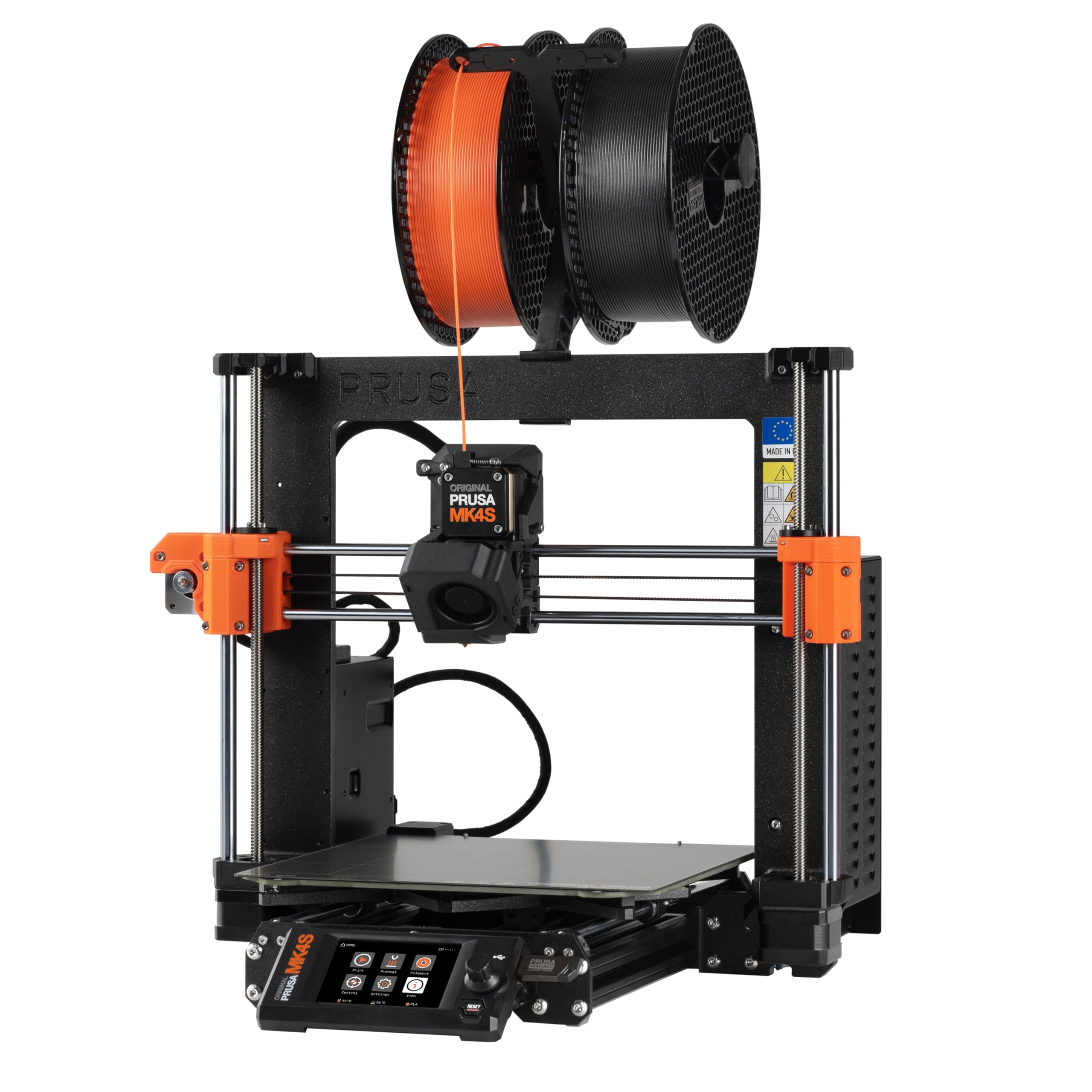
| Original Prusa MK4S Kit 3D PrinterBest Kit Build | makers who want to learn | Kit | — | — | Amazon |
| Creality K2 SE 3D PrinterBest Multi-Color | color-heavy printing | Bedslinger | 500mm/s | 220x215x245mm | Amazon |
| LONGER LK5 Pro 3D Printer | oversized prints | Bedslinger | 180mm/s | 300x300x400mm | Amazon |
| ELEGOO Centauri 2 3D Printer | first printers | Bedslinger | — | — | Amazon |
| Creality Ender 3 V3 Plus 3D Printer | large single-piece prints | CoreXZ | 600mm/s | 300x300x330mm | Amazon |
| Sovol SV08 CoreXY 3D Printer, Voron 2.4 700mm/s High Speed 3D Printers | speed-focused builders | CoreXY | 700mm/s | 350x350x345mm | Amazon |
| Sovol SV08 CoreXY 3D Printer, Voron 2.4 700mm/s High Speed 3D Printers | budget CoreXY builds | CoreXY | 700mm/s | 350x350x345mm | Amazon |
| QIDI Q2 Combo 3D Printer | engineering materials | Enclosed CoreXY | — | — | Amazon |
Detailed Reviews
1. Bambu Lab A1 3D Printer
Our pick — 4.5+★ from 750+ verified ratings; the strongest balance of quality and price.
A near-turnkey machine that still leaves room for the tinkerer.
What wins people over is how little setup stands between you and a finished print. It runs fast and accurate from the start, and the multi-color AMS lite turns single-spool jobs into full palettes without a rebuild.
The honest trade-off is that this is a closed ecosystem first and a modding platform second. Reliability holds up for most owners, though the occasional unit needs attention, so treat it as a workhorse rather than a blank canvas.
Ready-to-run FDM
- Fast, accurate from the start
- Multi-color ready
Single-color only
- Less open to deep mods
First printer: First-time owners who want results fast
Color limits: Closed ecosystem limits firmware swaps
2. Original Prusa MK4S Kit 3D Printer
You build it, you understand it, you can fix it.
This is the classic self-build route: a detailed guide walks you through the mechanics and electronics, so by the time it prints you know every part. Print quality and surface finish land where a well-tuned kit should.
Assembly is genuinely mixed, and the instructions divide opinion too, so budget an evening and some patience. Reliability is the same story, with some machines running flawlessly and others needing sorting.
DIY kit build
- Teaches the whole machine
- Strong print quality
Assembly required
- Assembly can be challenging
Tinkerers: Builders who enjoy the process
Build effort: Instructions and reliability vary
3. Creality K2 SE 3D Printer
Color-hungry projects without a second machine.
One CFS unit holds four spools, and chaining up to four units pushes the palette toward sixteen colors. Auto leveling and vibration control keep the fast 500mm/s runs tidy, and the 220x215x245mm build fits a compact desktop.
Reliability is the recurring gripe here, with some units failing repeatedly, and opinions on value split. Noise and calibration also divide owners, so go in expecting to dial it in rather than plug in and forget.
Multicolor printing
- Huge color range via CFS
- Fast with auto leveling
Enclosure cost
- Reliability reports are mixed
Color projects: Makers printing multi-color models
Price jump: Some units need real troubleshooting
4. LONGER LK5 Pro 3D Printer
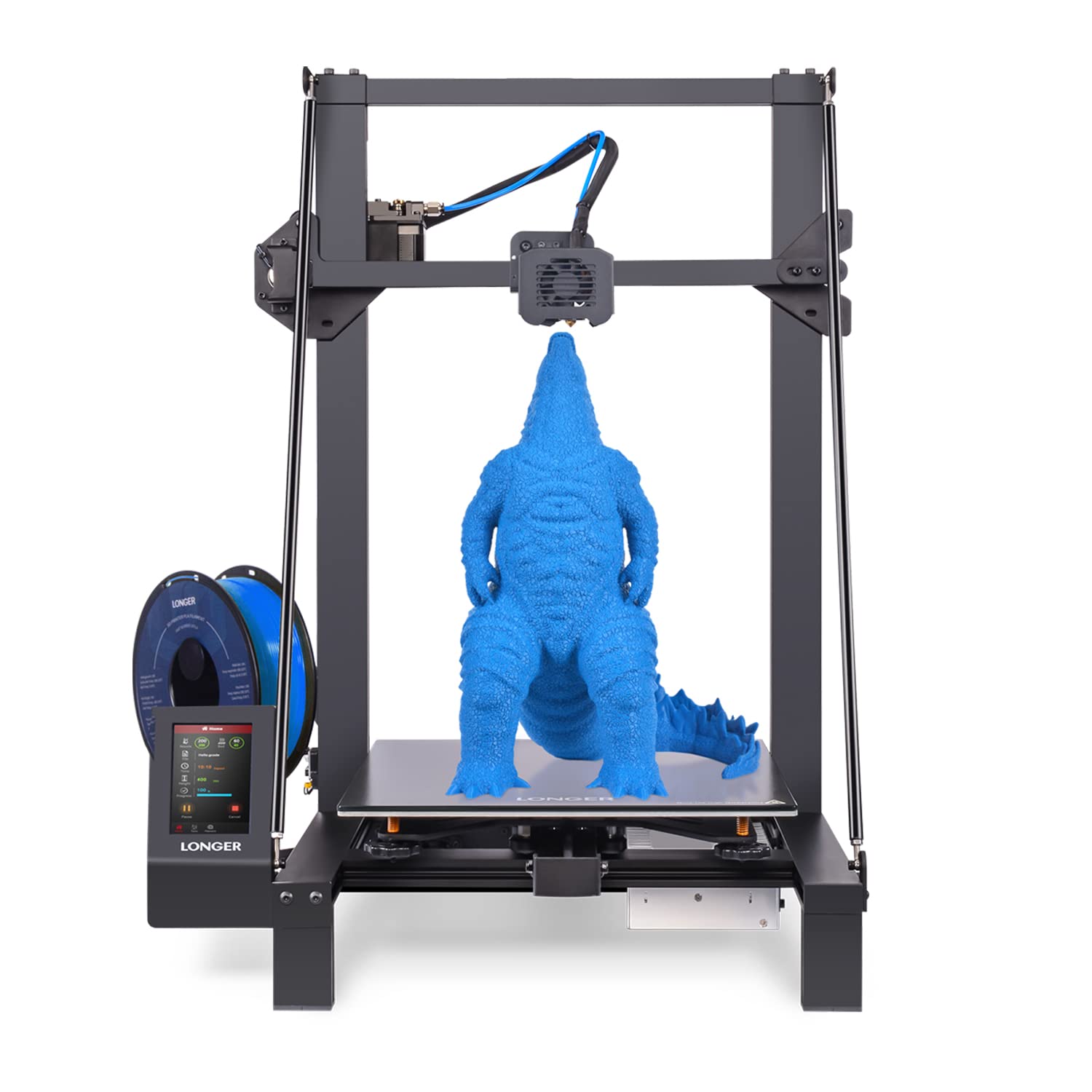
Big props and prototypes without cutting models apart.
The oversized bed swallows cosplay pieces, organizers and functional parts that compact printers force you to slice. Dual Z-axis support and diagonal braces steady the gantry, and assembly plus the interface are refreshingly simple.
Durability is where it stumbles, and the filament sensor has a habit of giving out, so keep a spare in mind. Bed leveling divides owners too, meaning you should expect to fuss with it now and then.
Large build volume
- Room for large models
- Easy to assemble
Slow stock speeds
- Filament sensor is a weak point
Big prints: Cosplay and prototype builders
Speed limits: Durability and leveling need care
5. ELEGOO Centauri 2 3D Printer
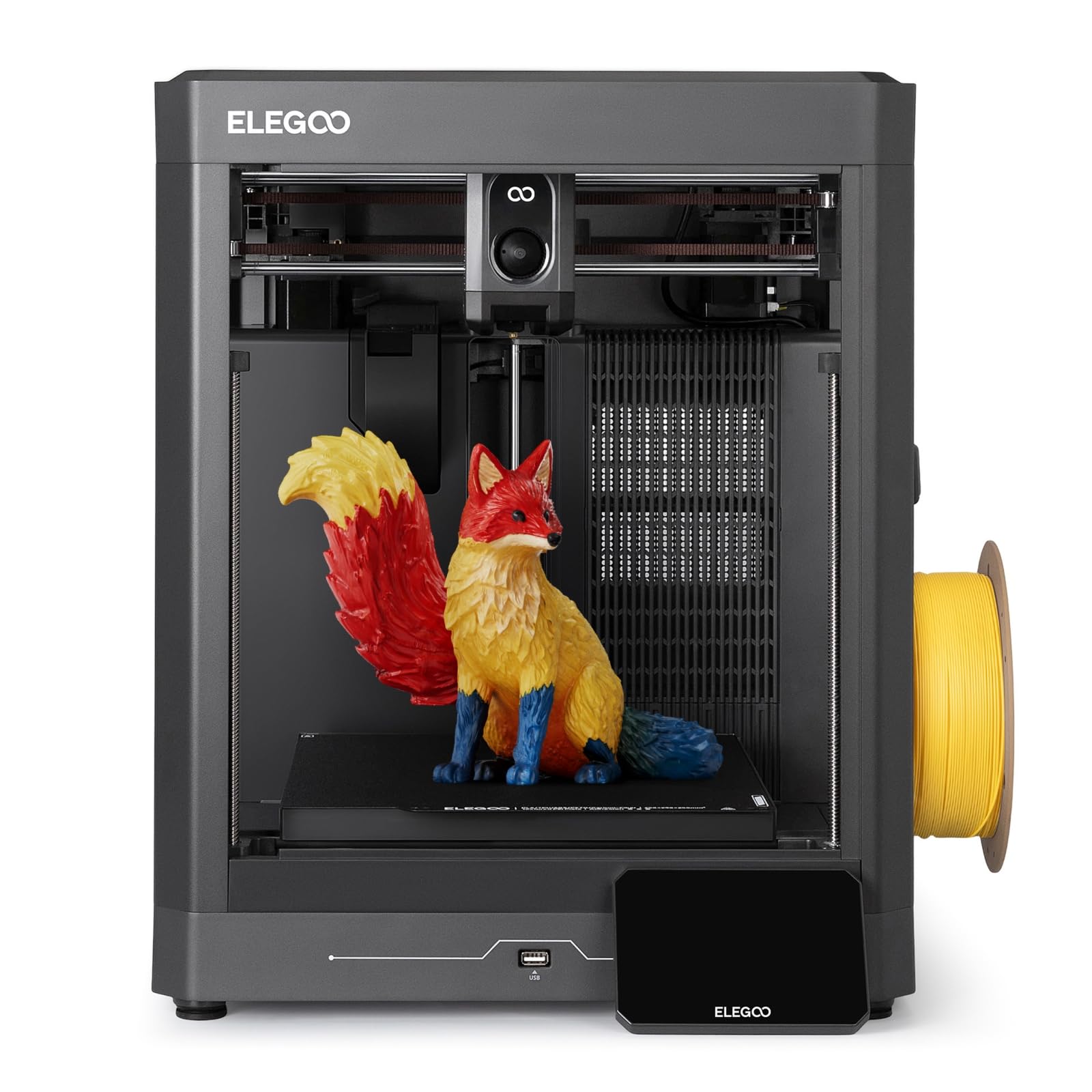
Load filament, hit print, and let it handle the rest.
Automatic calibration and pre-print checks take over the fiddly setup, and owners are up and running in about half an hour straight from the box. Print quality is detailed and the speed keeps jobs moving without drama.
Treat it as an excellent entry point rather than a forever workhorse.
Auto calibration
- Calibrates itself
- Quick to set up
Smaller build area
- Long-term durability questioned
Beginners: Total beginners on a budget
Size cap: Not built for heavy farm use
6. Creality Ender 3 V3 Plus 3D Printer

Life-size parts in one piece, at 600mm/s.
The larger volume lets you print life-size items in a single piece and batch more small parts per run, cutting down on model slicing. CoreXZ motion with a direct-drive extruder and tri-metal nozzle keeps speed high and setup simple.
Reliability and value split sharply, with some machines flawless and others producing frequent failed prints. Durability is a soft spot, so this rewards owners willing to troubleshoot rather than expect perfection.
CoreXZ speed
- Generous build volume
- Fast direct-drive setup
Tall footprint
- Failed prints reported by some
Fast makers: Makers needing bigger single prints
Desk space: Consistency varies unit to unit
7. Sovol SV08 CoreXY 3D Printer, Voron 2.4 700mm/s High Speed 3D Printers

Voron 2.4 lineage with the speed to match.
CoreXY kinematics cut moving mass and push acceleration high, while the 350x350x345mm volume leaves room for ambitious builds. It assembles easily and prints PLA and TPU cleanly, which is why it reads as a strong starter for the open-frame crowd.
Auto-bed leveling is the sticking point, with some owners fighting to get it right, and noise divides opinion. Durability is the other recurring note, so plan on maintenance as part of ownership.
CoreXY high speed
- Voron-style CoreXY speed
- Large build volume
Kit tuning needed
- Auto-bed leveling frustrates some
Speed seekers: Tinkerers chasing fast CoreXY
Setup time: Leveling and noise vary
8. Sovol SV08 CoreXY 3D Printer, Voron 2.4 700mm/s High Speed 3D Printers
The same Voron-style platform, priced to experiment.
This is the same CoreXY foundation as the pick above: low moving mass, strong acceleration and a 350x350x345mm volume that suits big functional parts. Assembly is approachable and print quality holds up well on PLA and TPU.
The auto-bed leveling again splits owners, and noise opinions differ, so dial it in carefully. Durability is the long-term question, making it a fine platform for those who enjoy tuning.
Voron-style motion
- CoreXY speed on a budget
- Easy to assemble
Noisy at full tilt
- Leveling needs patience
Enthusiasts: Value hunters wanting CoreXY
Sound levels: Durability is the open question
9. QIDI Q2 Combo 3D Printer
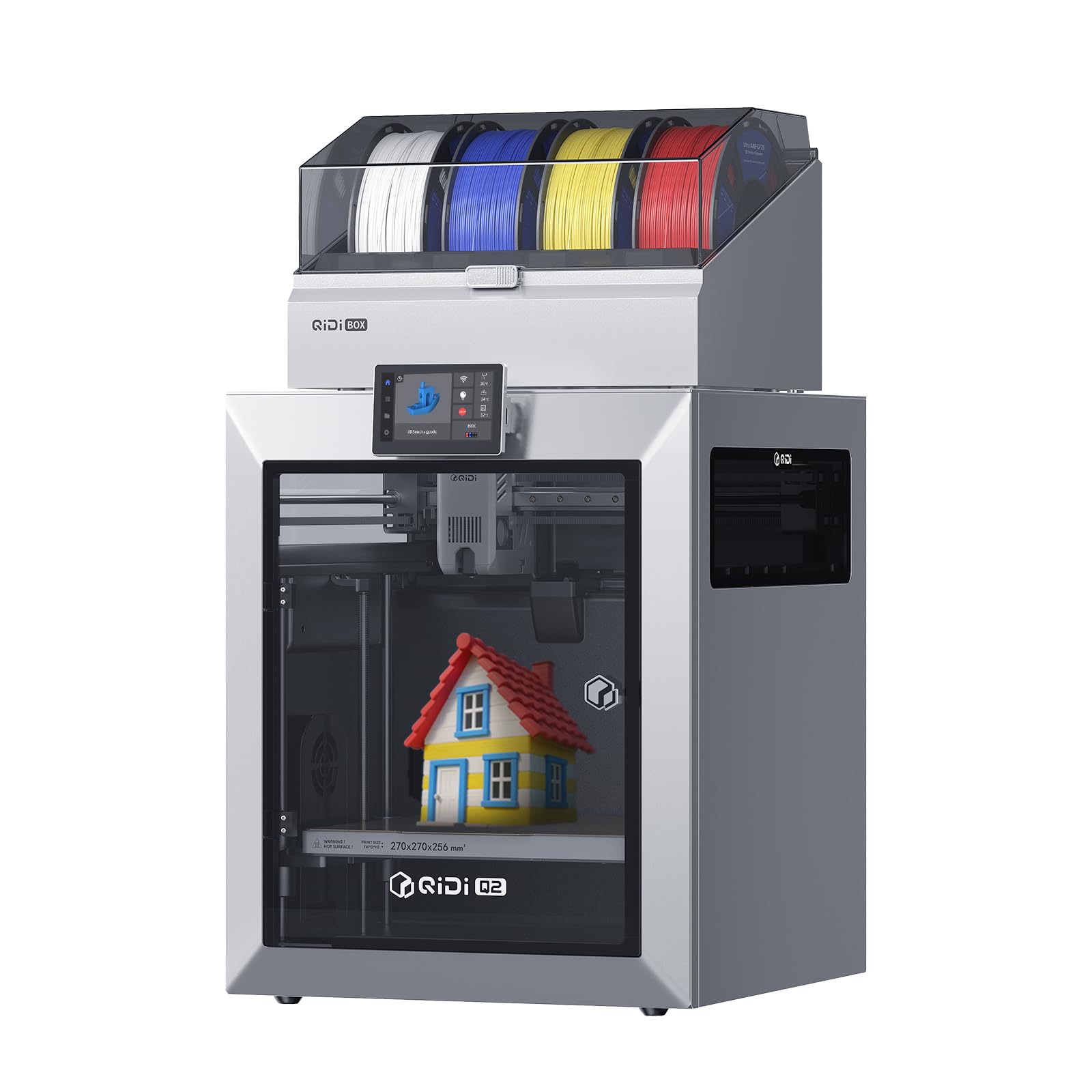
Engineering filaments and color, in one enclosure.
A heated chamber and high-temperature nozzle open the door to ABS, PC and carbon or glass-fiber composites, while the combo setup reaches up to sixteen colors with dry-while-print filament handling. Print quality and speed impress, and support is responsive.
Reliability and value split down the middle, with some units perfect from the box and others arriving faulty. Adhesion and connectivity also draw mixed notes, so this is a machine for the patient experimenter.
Heated chamber
- Heated chamber for tough filaments
- Multi-material range
Heavy machine
- Out-of-box reliability varies
ABS printing: Makers printing engineering plastics
Weight bulk: Adhesion and connectivity need tuning
Common Questions
What makes a 3D printer open source?
Do I need to build a kit to get an open printer?
Is a fast printer harder to keep running?
The Bottom Line
If you want one dependable pick, the best open source 3d printer winner is the Bambu Lab A1 3D Printer, Ready-to-Use FDM 3D Printer for Beginners and Kids because it pairs near-turnkey speed and multi-color printing with the least setup friction of the group. If you want to build and understand every part, Original Prusa MK4S Kit High-Speed DIY Professional FDM 3D Printer is the better teacher, while Sovol SV08 CoreXY 3D Printer, Voron 2.4 700mm/s High Speed 3D Printers and Sovol SV08 CoreXY 3D Printer, Voron 2.4 700mm/s High Speed 3D Printers deliver Voron-style CoreXY speed for tinkerers. For big single-piece prints, look at LONGER LK5 Pro 3D Printer, Dual Z-Axis, 300x300x400mm, 180mm/s Print Speed or Creality Ender 3 V3 Plus 3D Printer, CoreXZ 600mm/s High-Speed Auto Leveling Direct Drive Extruder Stable Metal Build Tri-Metal Nozzle Ender 3D Printer Large Print Size 11.8×11.8×13.0in.
How we choose
We do not accept paid placement. Every pick is matched to a real buyer and a real use-case; we do not hands-on test units.
Sources
Specifications: manufacturer listings and product documentation. Review insights: verified customer reviews, as of November 2026. Pricing: not shown on this page (it changes often); check the current price via the retailer link.
As an Amazon Associate, My Heart Lives Here earns from qualifying purchases. This does not affect which products we feature.