Heads up: This post contains affiliate links. As an Amazon Associate I earn from qualifying purchases, at no extra cost to you. Learn more
Specs are compiled from manufacturer listings and verified buyer reviews and can change over time — please confirm the key details on the product page before buying.
A mini art projector turns a phone photo or a sketchbook page into a wall-sized line drawing you can trace by hand. The five compact models here all promise that trick, but they differ sharply in how much fuss they demand between you and the paper.
This guide is built by comparing the manufacturers’ published specifications and the patterns across verified customer reviews, so you get each pick’s real strengths and trade-offs instead of marketing spin.
This guide compares five compact art projectors for tracing, sketching and enlarging on paper, canvas and walls. Here is the best mini art projector for your studio setup.
Top Picks

Side-by-Side Comparison
| Model | Best For | Projection | Focus | Setup | Amazon |
|---|---|---|---|---|---|
| LUCY Mini Drawing Tool★ Best Overall | Drawing from life | Live reflection | Manual alignment | No power needed | Amazon |
| Art Projector for Tracing Drawing PaintingPhone Mirroring | Apple device owners | Desktop and wall | Manual focus | Mirroring only | Amazon |
| HI-REEKE Art Projector | Murals and patterns | 9.5-150 inch | Manual focus | WiFi and HDMI | Amazon |
| Artograph LED Tracer Opaque Art Projector | Enlarging small designs | Up to 14X | Manual focus | Corded | Amazon |
| Caydo P1 Art Projector with Drawing App for Artists | App-guided tracing | Walls and easels | App zoom | Remote included | Amazon |
Detailed Reviews
1. LUCY Mini Drawing Tool
A pocket-sized optical aid that reflects whatever you point it at so you can draw straight over it.
It works on live subjects, portraits and landscapes, and you can draw or paint with any medium on paper, canvas or another surface. The image is adjustable so you can size it to your page.
The honest catch is the learning curve: getting the reflection to line up takes patience, and plenty of people find it fiddly before it clicks. Treat it as a skill to build, not a plug-in shortcut.
Why it wins
- Works with any medium
- No screen or cable
Worth knowing
- Alignment takes practice
Life drawers: Artists sketching real objects and portraits
Patience needed: Expect a slow first session
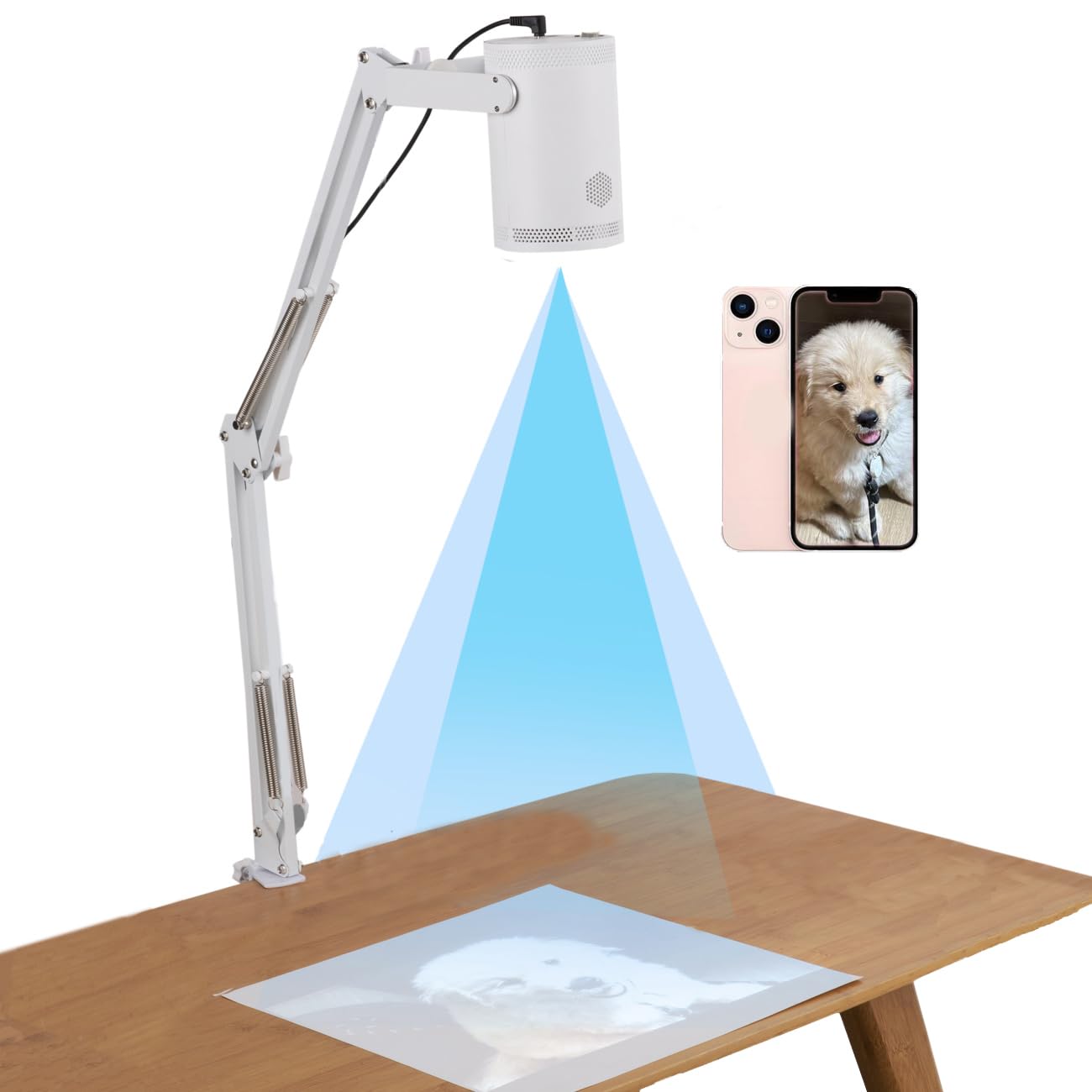
2. Art Projector for Tracing Drawing Painting
A desktop and wall projector built around mirroring your iPhone or iPad screen onto the drawing surface.
It throws a clear, bright image onto paper, canvas or a wall, which suits anyone who already sketches from phone photos and wants a bigger reference to trace.
The big limitation is compatibility: it only works with phones that support wireless mirroring or AirDrop, so Android and older devices are out. Blurry projections and rotation quirks come up too.
What works
- Bright projected image
- Simple to set up
Check first
- Apple mirroring only
iPhone users: Anyone sketching from phone photos
Device lock-in: No mirroring means no image
3. HI-REEKE Art Projector
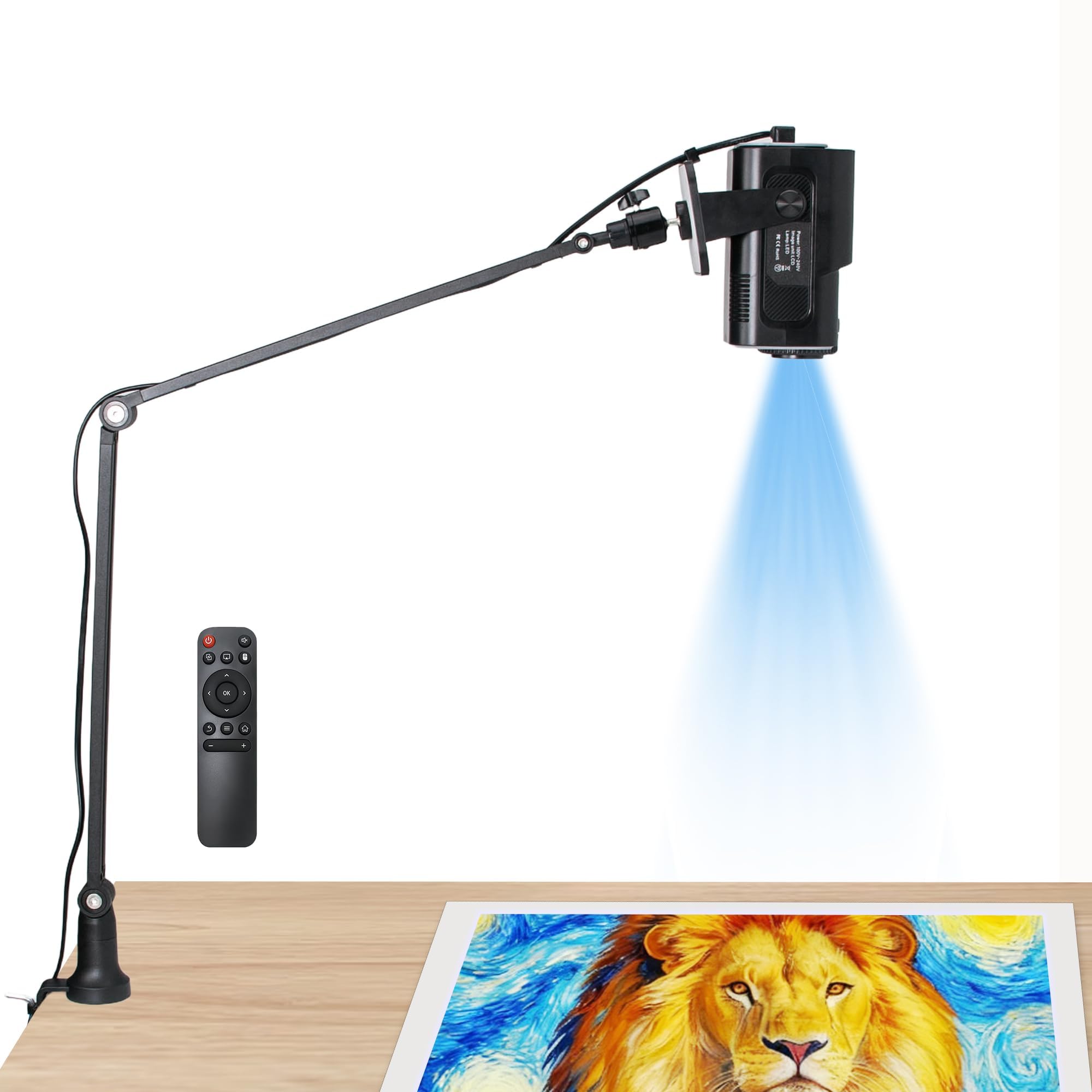
A tracing projector with a native 720p reference image and a stand that lets you aim and resize line art.
Manual focus, keystone correction and image zoom help you sharpen and align patterns across a wide projection range, from small paper work up to mural outlines on wood, leather or fabric.
Connectivity is the weak spot: the WiFi and HDMI side draws complaints, and image quality and instructions get mixed feedback. Budget time to dial it in before a big piece.
Strong points
- Zoom and keystone control
- Scales small to large
Trade-offs
- Connectivity gripes
Mural makers: Crafters scaling patterns up
Setup time: Instructions are thin
4. Artograph LED Tracer Opaque Art Projector

An opaque projector that enlarges a small design onto a wall or easel without any screen at all.
Drop a design into the copy area and it blows the image up onto a wall or easel, which makes it a natural fit for signs, quilt patterns, sketches and small murals. It is light enough to move around the house.
Reviews split on build and brightness: some find it reliable and clear, others call it cheaply made and dim. Focusing and value draw the most complaints, so set expectations for a basic tool.
Where it shines
- No phone required
- Portable and light
Keep in mind
- Dim for some rooms
Sign painters: Anyone enlarging paper designs
Brightness: Needs a dim room
5. Caydo P1 Art Projector with Drawing App for Artists
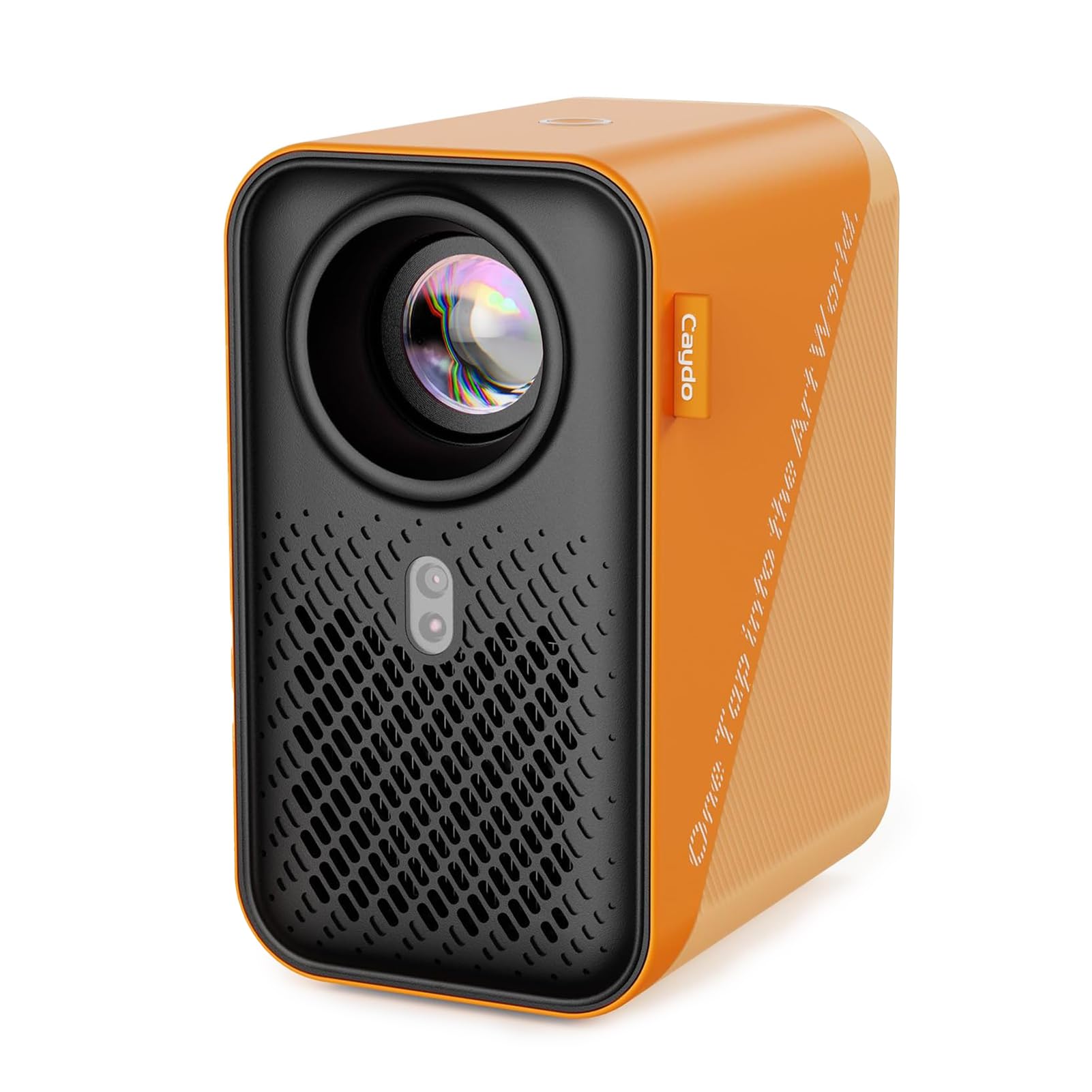
A projector paired with a drawing app that adds zoom, rotation and grid tools to your projected image.
It projects images, designs and photos onto walls, easels, blackboards and whiteboards, and the companion software lets you zoom, rotate and overlay a grid to line up your sketch.
The remote and app controls are the draw here, but it is still a compact projector, so expect to manage focus and room light yourself. It suits hobbyists more than heavy professional use.
Why pick it
- Grid and rotation tools
- Works on many surfaces
Limits
- Compact light output
Hobbyists: Beginners who like app controls
Light control: Best in a dim room
Common Questions
Do I need a phone to use one?
Can I trace onto canvas?
Are these good for large murals?
The Bottom Line
Across the board, the best mini art projector winner is the LUCY Mini Drawing Tool by Draw LUCY | Camera Lucida Drawing Accessory for Painting | LUCY Drawing Projector for Artists | Artistic Aid – Drawing Tool for Artists… because it needs no screen, cable or app and works with any medium, making it the most flexible tracing aid of the group. If you sketch from an iPhone, Art Projector for Tracing Drawing Painting,Wireless Projection for Desktop Wall Canva Drawing, Only Compatible with iPhone Ipad Airplay, USB&HDMI Input, Arts&Crafts tracing Tool for Artist is the natural fit, while Artograph LED Tracer Opaque Art Projector, 2X-14X Enlargement, 5″x5″ Copy handles enlarging printed designs and Caydo P1 Art Projector with Drawing App for Artists adds app controls for beginners.
How we choose
We do not accept paid placement. Every pick is matched to a real buyer and a real use-case; we do not hands-on test units.
Sources
Specifications: manufacturer listings and product documentation. Review insights: verified customer reviews, as of November 2026. Pricing: not shown on this page (it changes often); check the current price via the retailer link.
As an Amazon Associate, My Heart Lives Here earns from qualifying purchases. This does not affect which products we feature.