Heads up: This post contains affiliate links. As an Amazon Associate I earn from qualifying purchases, at no extra cost to you. Learn more
Specs are compiled from manufacturer listings and verified buyer reviews and can change over time — please confirm the key details on the product page before buying.
Kodi is the easy part. The streaming box underneath it decides whether your library plays smoothly or stutters. The five boxes below are the ones people actually load Kodi onto, from tiny sticks to a purpose-built player — and only one of them gives you a real, usable media player for local files.
This guide is built by comparing the manufacturers’ published specifications and the patterns across verified customer reviews, so you get each pick’s real strengths and trade-offs instead of marketing spin.
Most buyers discover the hard way that a closed operating system and a small storage allowance can choke a Kodi setup before the hardware ever gets the chance to shine. Here is the rundown: media streaming device for kodi.
Top Picks
How To Choose The Best Media Streaming Device for Kodi
Kodi rewards a box with room to breathe, and punishes one that fights it. Three things matter.
Storage headroom
Kodi itself, its artwork cache, and your add-ons all eat space — so a stick with a tiny allowance will fill up before a box with 16 GB or 64 GB does.
Audio passthrough
If you own a surround receiver, look for bitstream passthrough for HD audio formats, because that is what feeds your 7.1 channels intact.
Open or closed system
A fully open Android-based box lets you sideload Kodi freely, while a closed brand ecosystem may limit installs to its own app store.
Side-by-Side Comparison
| Model | Best For | Storage | RAM | Wi-Fi | Amazon |
|---|---|---|---|---|---|
| Fire TV Stick 4K Plus★ Best Overall | Tight budgets | — | — | Wi-Fi 6 | Amazon |
| Fire TV Stick 4K MaxBest for Storage | Faster navigation | 16 GB | — | Wi-Fi 6E | Amazon |
| Xiaomi TV Box S (3rd Gen) | Google TV users | 32 GB | 2 GB | Wi-Fi 6 | Amazon |
| Dune HD Pro Vision 4K | Own media libraries | 64 GB | 4 GB | Dual Band 2T2R | Amazon |
| NVIDIA Shield TV Pro | Power and upscaling | 16 GB | 3 GB | Dual-band AC | Amazon |
Detailed Reviews
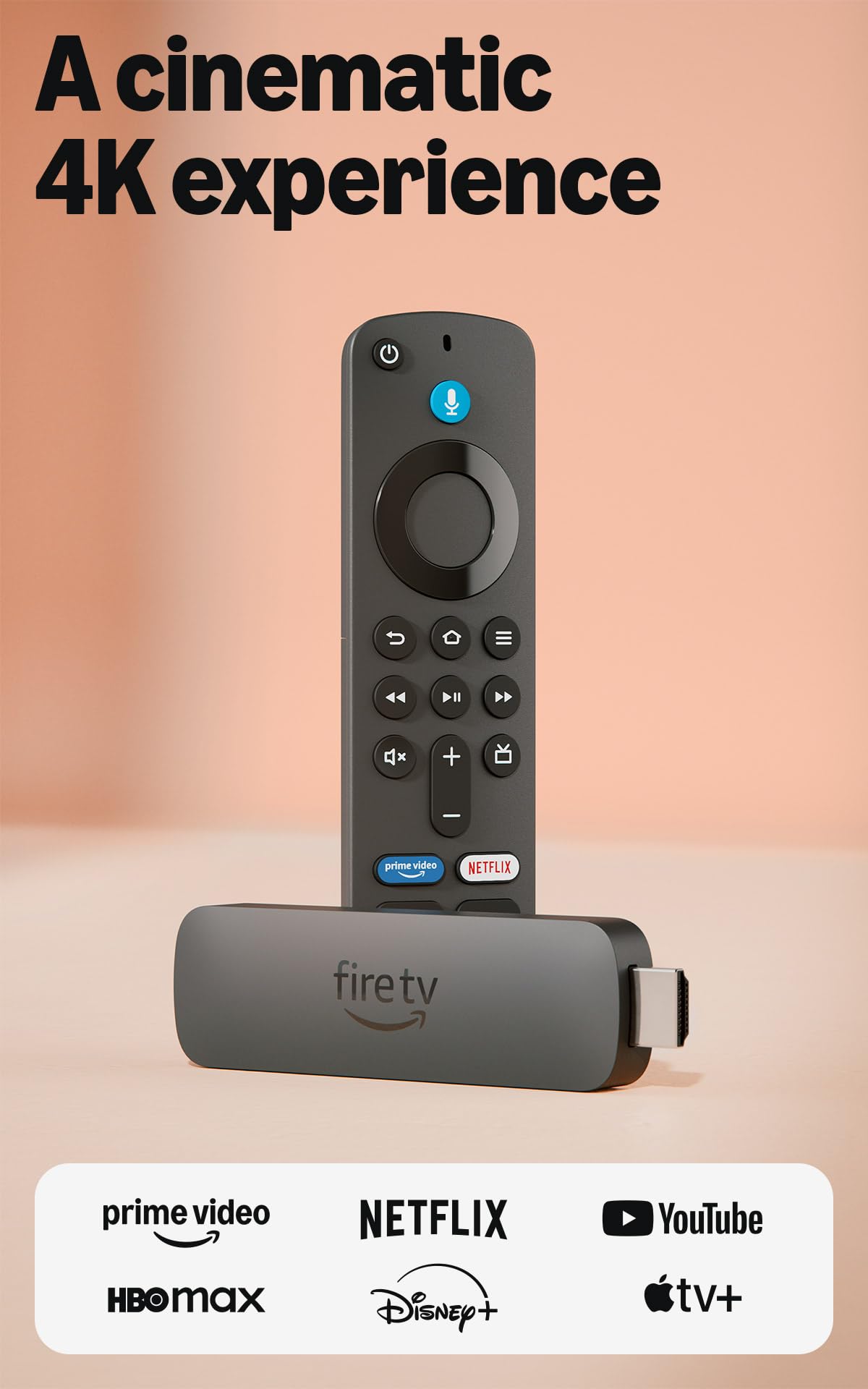
1. Amazon Fire TV Stick 4K Plus
Our pick — 4.5+★ from 116,500+ verified ratings; the strongest balance of quality and price.
The crowd favorite that hides a stick-sized catch for Kodi libraries.
The attraction is the price against what you get: 4K Ultra HD with Dolby Vision and HDR10+ support, plus Dolby Atmos audio for a cinematic picture. Wi-Fi 6 (the newer, less congested wireless standard) keeps 4K streams smooth when other devices share your router.
What wins people over is quality — over 4,700 mentions land there, ahead of functionality at roughly 4,300. Setup is genuinely simple too.
The catch is reliability. A chunk of buyers report the stick quitting early, and here is the review pages summed up: Several customers mention the device stopped working after 6 days. The remote also splits opinion.
What wins you over
- 4K with Dolby Vision and HDR10+ for punchy contrast
- Wi-Fi 6 keeps streams steady on a busy network
The honest snag
- Long-term reliability splits owners sharply
Good match for: a secondary TV where you mostly stream and only dabble in Kodi.
Think twice if: you want a box that runs a local library for years.
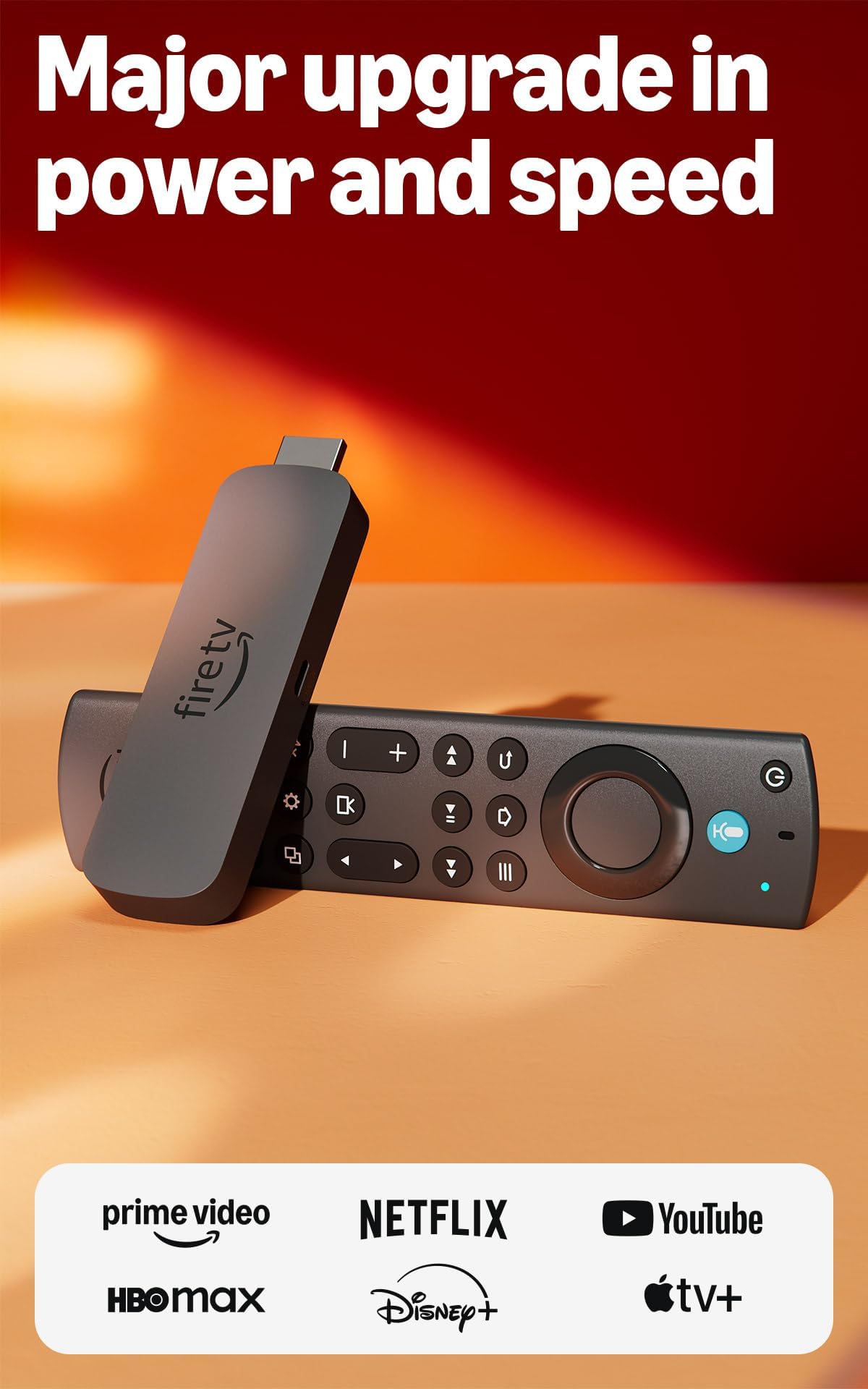
2. Amazon Fire TV Stick 4K Max
The same stick formula, doubled on room for apps and downloads.
Storage is the headline modifier here — as Amazon itself states: “Fire TV Stick 4K Max has 16GB of storage—double that of Fire TV Stick 4K Plus and our other streaming sticks, for even more apps, games and downloads.” For Kodi specifically, that extra room means your artwork cache and add-ons have space to grow. The Wi-Fi 6E standard (a wider wireless band) and a peppier processor sharpen navigation.
Owners prize the picture, calling the 4K detail crisp, and the speed of menu movement. Freezing is the recurring gripe — expect the occasional lock-up after a reboot, and treat the box as a streamer first.
Where it earns its keep: smoother app starts and more storage than the Plus, which helps a lightly loaded Kodi setup.
Reach for this if: the Plus’s reliability chatter worries you but you still want stick simplicity.
Look elsewhere if: you need endless space for a giant local film collection.
3. Xiaomi TV Box S (3rd Gen)
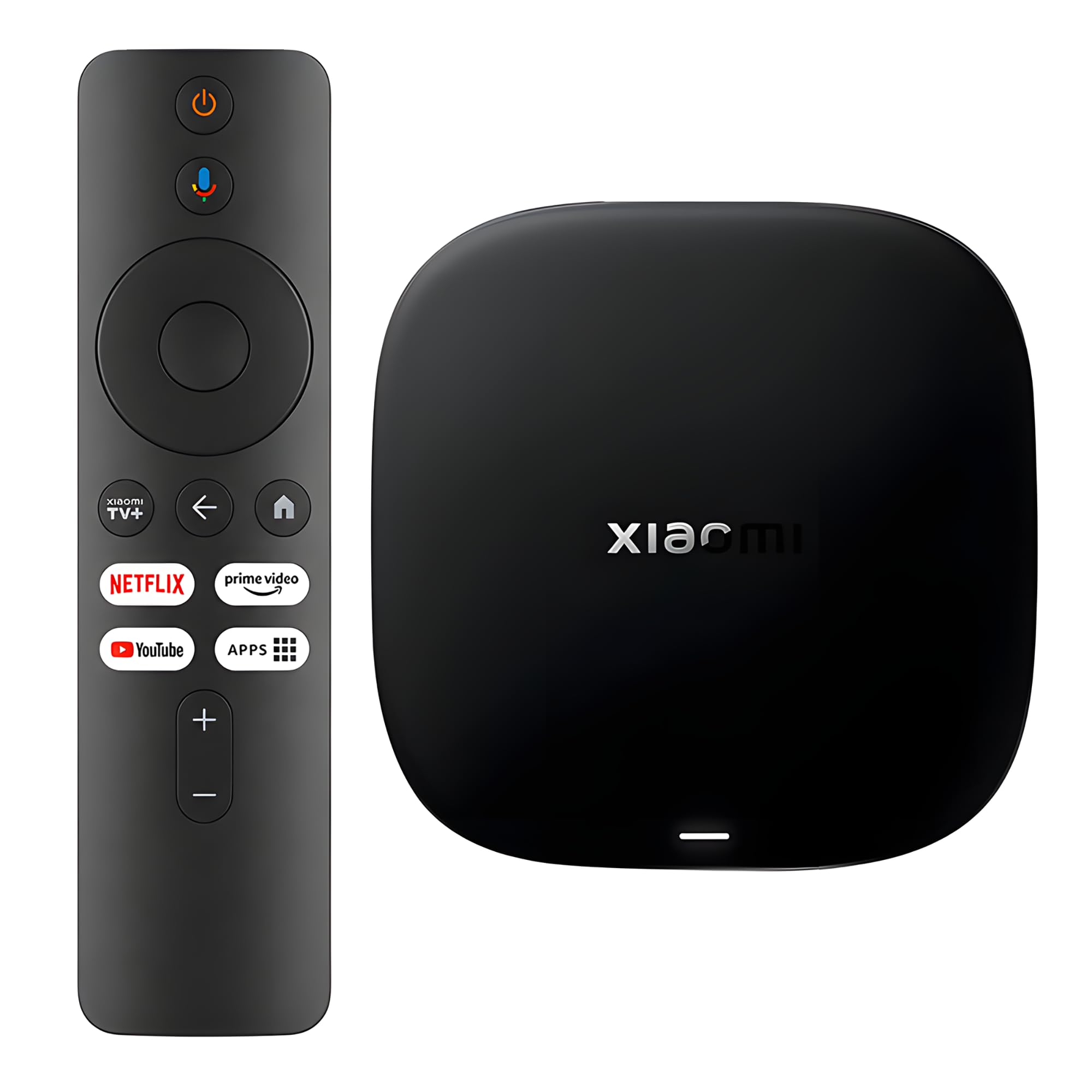
A full box with Google TV, not a dongle dangling off your HDMI port.
It carries a quad-core A55 processor running up to 2.5 GHz, plus 2 GB of memory and 32 GB of storage — real room for Kodi and its add-ons. Dolby Vision, HDR10+ and DTS:X audio round out the cinema credentials, and Wi-Fi 6 keeps the feed steady.
Performance is what people praise most, with several finding it a step up from the Firestick. The remote is the sore spot — it has a reputation for freezing, and speed reads as mixed.
The real draw: proper onboard storage and Google TV’s cross-app search in one compact box.
Suits you if: you want a box rather than a stick and value 32 GB of room.
Worth knowing: a weak remote may push you toward a third-party one.
4. Dune HD Pro Vision 4K

Built for people who own the files, not just the subscriptions.
Storage is the differentiator: 64 GB here versus 16 GB on the 4K Max — a 4.0x gap. Add support for 20 TB+ USB hard drives and USB 3.0 (the fast port standard) and this becomes a genuine vault for a movie library. It decodes HD audio to multichannel PCM up to 7.1 channels and passes bitstream to your receiver, which matters if you run surround sound.
The whole metal housing acts as a heat sink, so cooling is noiseless. What buyers value most is that it simply does its job, with audio quality close behind. The caveat: 1080p video is its ceiling, and it expects you to bring your own media.
This is your box if: you keep a hard drive of films and want Kodi fed from it.
Rule it out if: you only stream subscription apps.
5. NVIDIA Shield TV Pro

The heavyweight that turns a 1080p film into a 4K picture.
Performance is the whole pitch — the Tegra X1+ chip drives AI upscaling (real-time enhancement that lifts HD video toward 4K) and owners rate that performance above everything else, with picture quality second. Add 3 GB RAM, 16 GB storage, two USB 3.0 ports and a built-in Plex Media Server.
Dolby Vision and Atmos are on board, and the backlit remote is a thoughtful touch. The honest trade-offs are stability and value: it costs the most here and some units crash or freeze.
Why it leads on power — the AI upscaling is the real draw for a Kodi box fed with older 1080p files.
Choose it if: upscaled picture quality is worth the premium to you.
The catch: occasional stability complaints and the highest outlay of the five.
Know the Specs
Storage and RAM
Storage (measured in GB) holds apps, artwork and add-ons — more space means Kodi breathes. RAM (also in GB) keeps the interface snappy while it runs.
Audio passthrough
Bitstream passthrough sends encoded HD audio untouched to a receiver, so your surround speakers get the full multichannel mix.
Common Questions
Does Kodi run on a Fire TV Stick?
Which box handles a huge local film library best?
Does the NVIDIA Shield upscale Blu-ray rips?
The Bottom Line
The winner is the Fire TV Stick 4K Plus if you mostly stream and want an affordable Kodi stick. If you keep your own files, grab the Dune HD Pro Vision 4K for its storage and drive support. And for the best upscaled picture, the NVIDIA Shield TV Pro is the one to reach for.
How we choose
We do not accept paid placement. Every pick is matched to a real buyer and a real use-case; we do not hands-on test units.
Sources
Specifications: manufacturer listings and product documentation. Review insights: verified customer reviews, as of November 2026. Pricing: not shown on this page (it changes often); check the current price via the retailer link.
As an Amazon Associate, My Heart Lives Here earns from qualifying purchases. This does not affect which products we feature.