Heads up: This post contains affiliate links. As an Amazon Associate I earn from qualifying purchases, at no extra cost to you. Learn more
Specs are compiled from manufacturer listings and verified buyer reviews and can change over time — please confirm the key details on the product page before buying.
Most desktops here ship with Windows, but a Linux desktop computer is really about hardware that plays nicely with open-source drivers, dual-boot setups and long-term reliability. These ten towers and minis range from budget office boxes to a Ryzen 9 gaming rig, and each one earns its place for a different kind of Linux user.
This guide is built by comparing the manufacturers’ published specifications and the patterns across verified customer reviews, so you get each pick’s real strengths and trade-offs instead of marketing spin.
A practical guide to desktops that suit Linux, from tiny minis to full towers. Here is how to pick the best linux desktop computer for your setup.
Top Picks

Side-by-Side Comparison
| Model | Best For | Processor | Memory | Storage | Amazon |
|---|---|---|---|---|---|
| Dell Tower Desktop★ Best Overall | heavy multitasking | Core Ultra 7-265 | 32GB | — | Amazon |
| Lenovo ThinkCentre M70q Tiny DesktopTiny Footprint | small desks | Core i5-10500T | 16GB DDR4 | 512GB NVMe | Amazon |
| Dell Pro Tower DesktopBudget Office | basic tasks | Core i3-14100 | 8GB DDR5 | 256GB SSD | Amazon |
| DreamQuest Mini PC Linux Ubuntu | plug-and-play Linux | Intel N95 | 32GB DDR4 | 1TB SSD | Amazon |
| BOSGAME P4 Ultra Mini PC | everyday speed | Ryzen 7 7730U | 16GB DDR4 | 512GB SSD | Amazon |
| HP Pro Tower 290 G9 Business Desktop | office multitasking | Core i5-12500 | 16GB DDR4 | 512GB SSD | Amazon |
| Dell Pro Tower Plus Desktop Computer | AI and data work | Core Ultra 7 265 | 16GB DDR5 | 1TB SSD | Amazon |
| HP OmniBook X 14 inch AI PC | working on the go | Core Ultra 7 356H | 24GB | 1TB SSD | Amazon |
| Dell Tower Desktop Ultra 9 285 | heavy creative work | Core Ultra 9-285 | — | — | Amazon |
| Thermaltake LCGS View 9580S-380XL Gaming Desktop | gaming and graphics | Ryzen 9 9950X3D | 32GB DDR5 | 2TB NVMe | Amazon |
Detailed Reviews
1. Dell Tower Desktop
Our pick — 4.0+★ from 450+ verified ratings; the strongest balance of quality and price.
A fast, quiet tower that handles heavy Linux workloads without breaking a sweat.
This Dell pairs an Intel Core Ultra 7-265 with 32GB of memory, so compiling code, running virtual machines and juggling dozens of browser tabs all feel easy. Owners consistently praise the speed, the quiet operation and how cleanly it works right from the start.
The trade-off is connectivity: the USB port selection draws complaints for being stingy, so plan on a hub if you have a lot of peripherals. It ships with Windows, but the standard Intel hardware is well-trodden ground for Linux drivers.
Core Ultra 7 power
- Runs fast and stays quiet
- Easy setup, strong value
Bulky tower case
- Limited USB ports
Office multitasking: Power users who compile, virtualize and multitask
Desk space needed: Few USB ports from the start
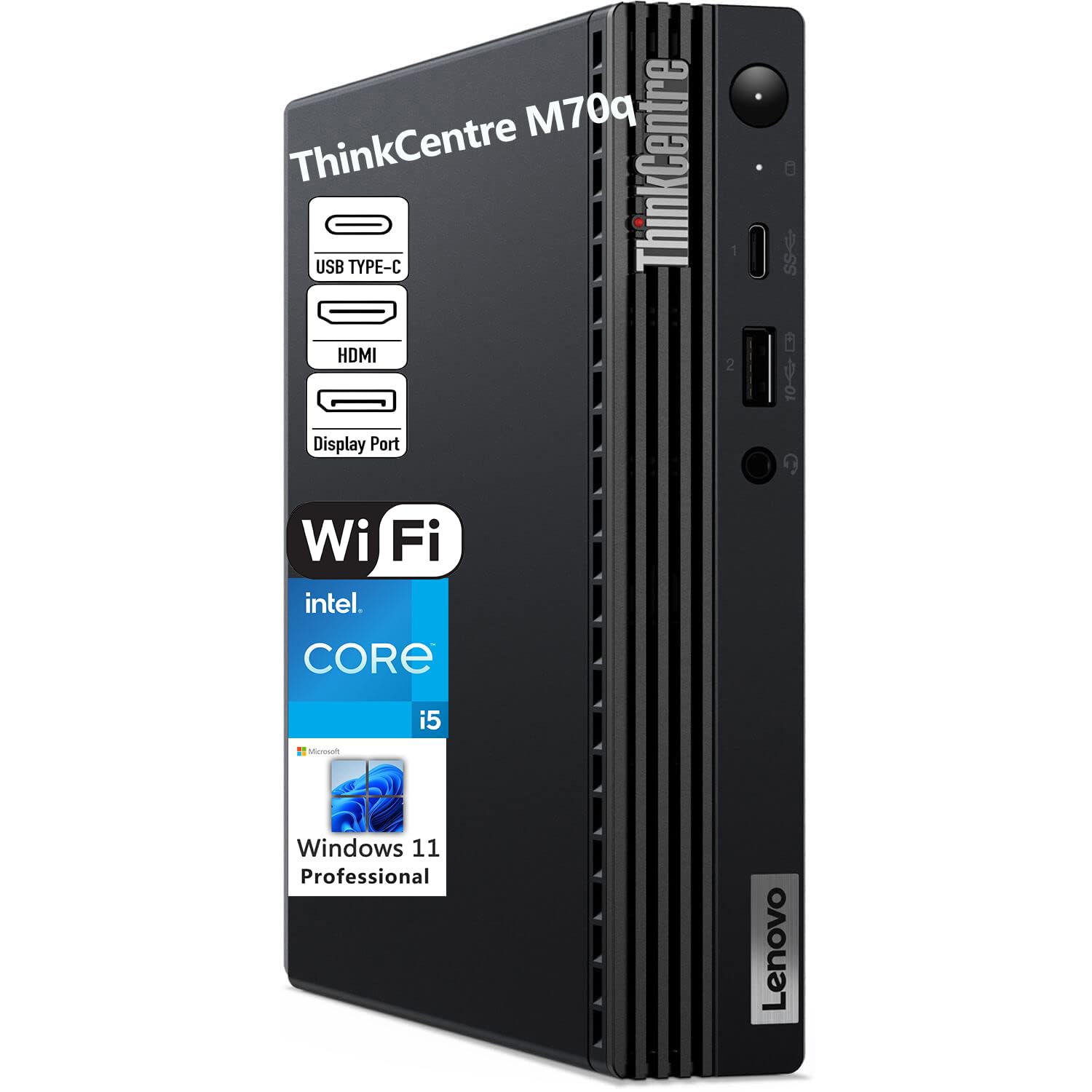
2. Lenovo ThinkCentre M70q Tiny Desktop
A compact office workhorse that tucks behind a monitor and sips power.
The ThinkCentre M70q is a genuinely tiny desktop built around a 10th Gen Intel Core i5-10500T with 16GB of DDR4 and a 512GB NVMe drive. For web work, documents and light development it stays responsive, and its small chassis frees up your whole desk.
The low-power T-series chip keeps thermals and noise in check but is not built for heavy computation. It is a sensible pick for a Linux terminal box or a quiet home-office machine.
Tiny footprint chassis
- Very small footprint
- Quiet low-power chip
Limited upgrade room
- Modest CPU for heavy tasks
Cramped workspaces: Space-saving office and home setups
Heavy gaming loads: Not built for demanding workloads
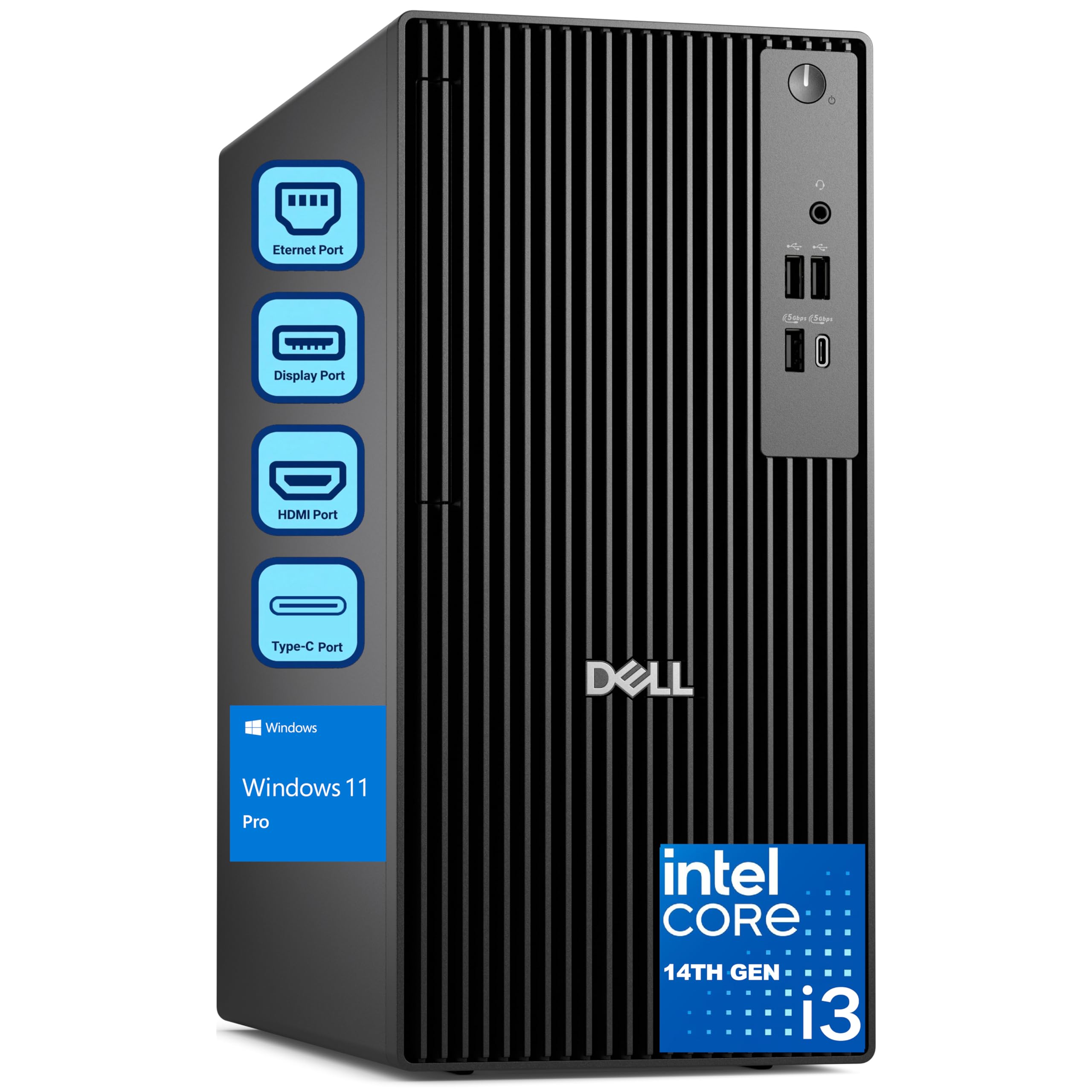
3. Dell Pro Tower Desktop
An entry-level tower aimed squarely at everyday office chores.
This next-gen OptiPlex pairs a 14th Gen Intel i3-14100 with 8GB of DDR5 and a 256GB SSD, aimed at email, documents and video calls. It is a clean, affordable starting point for a small business or a basic Linux workstation.
Memory and storage are the weak spots: 8GB fills up fast once you open a browser and a couple of apps, and the small SSD leaves little room. Plan to add RAM and storage if your workload grows.
14th gen OptiPlex
- Affordable entry price
- Modern DDR5 platform
Basic integrated graphics
- Tight RAM and storage
Business fleets: Light office and startup use
Video editing: 8GB RAM and a small SSD
4. DreamQuest Mini PC Linux Ubuntu
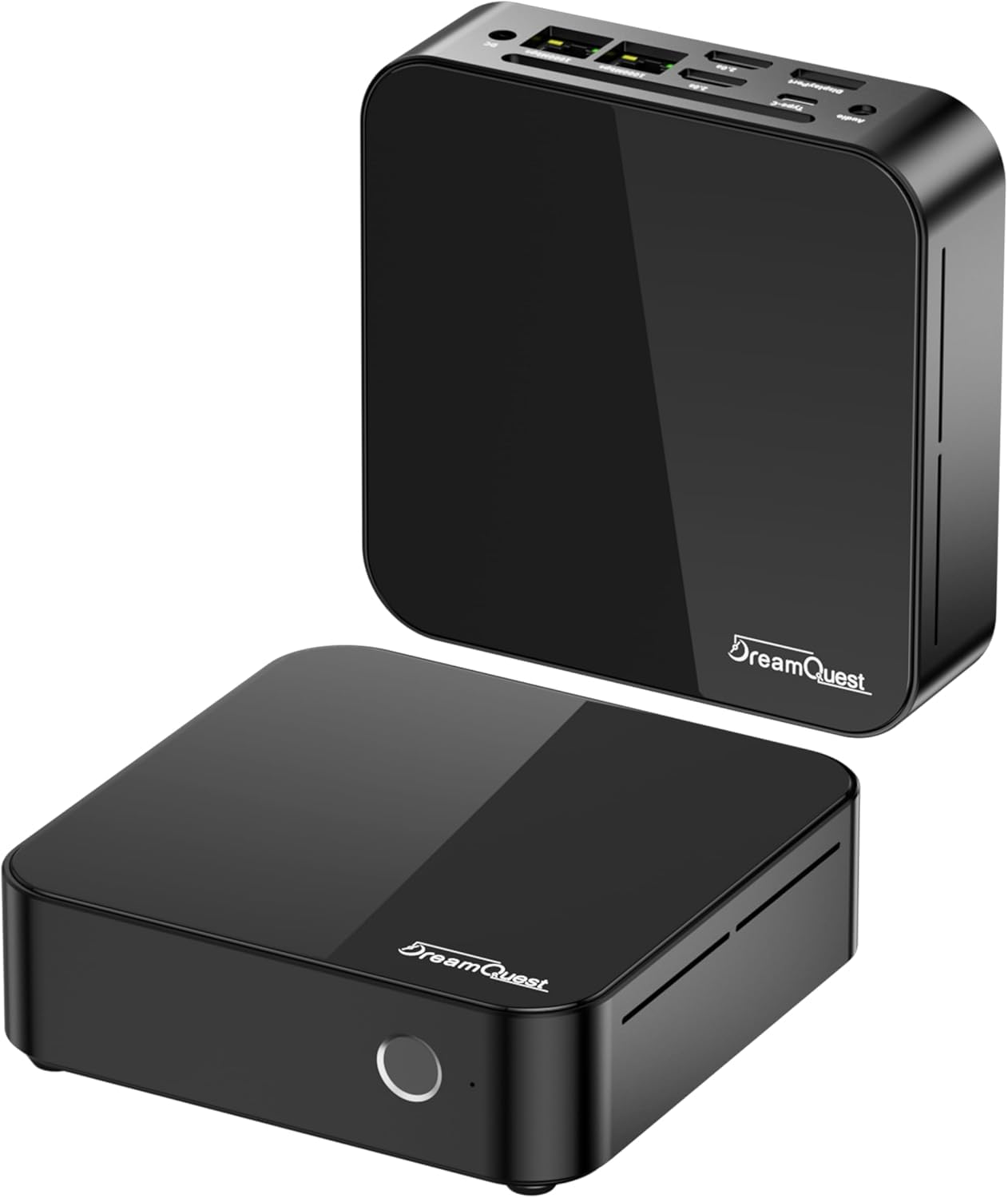
The one box here that arrives with Linux already installed and ready.
The DreamQuest mini ships with Linux preloaded, so there is no driver hunt on day one. It pairs an Intel N95 with a generous 32GB of DDR4 and a 1TB SSD, and supports PXE, Wake-on-LAN and auto power-on for headless setups.
The N95 is an efficient, low-power chip, so treat this as a light-duty machine for browsing, media and simple services rather than a compute workhorse. Its small size and VESA mount make it easy to hide away.
Ubuntu preinstalled
- Linux ready from the start
- Generous RAM and storage
Modest N95 chip
- Modest low-power CPU
Linux beginners: Beginners who want Linux preinstalled
Windows software needs: Light-duty performance only
5. BOSGAME P4 Ultra Mini PC
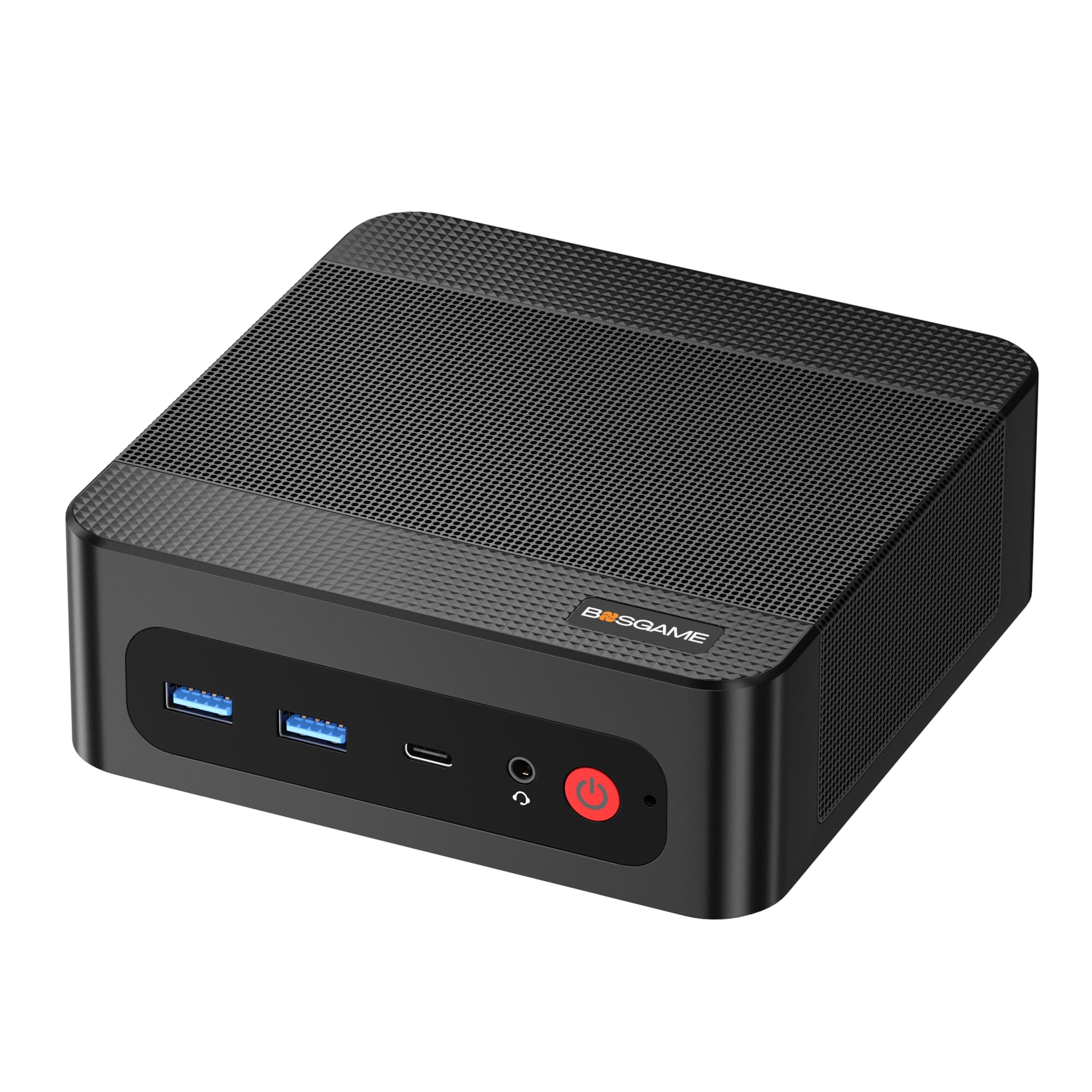
A punchy mini PC that balances speed, size and price nicely.
BOSGAME’s P4 Ultra runs an AMD Ryzen 7 7730U with 8 cores and 16 threads, paired with 16GB of DDR4 and a 512GB SSD. Owners describe it as fast and simple to set up, handling everyday online work without lag while staying tiny.
Gaming and connectivity draw mixed feedback, so this is not a gaming box and you may want to check ports against your needs. For general desktop use it is a strong value.
Ryzen 7 7730U
- Fast for its size
- Quick, simple setup
Single HDMI output
- Mixed gaming performance
Everyday productivity: Fast everyday use in tight spaces
Multiple monitor setups: Not a gaming machine
6. HP Pro Tower 290 G9 Business Desktop
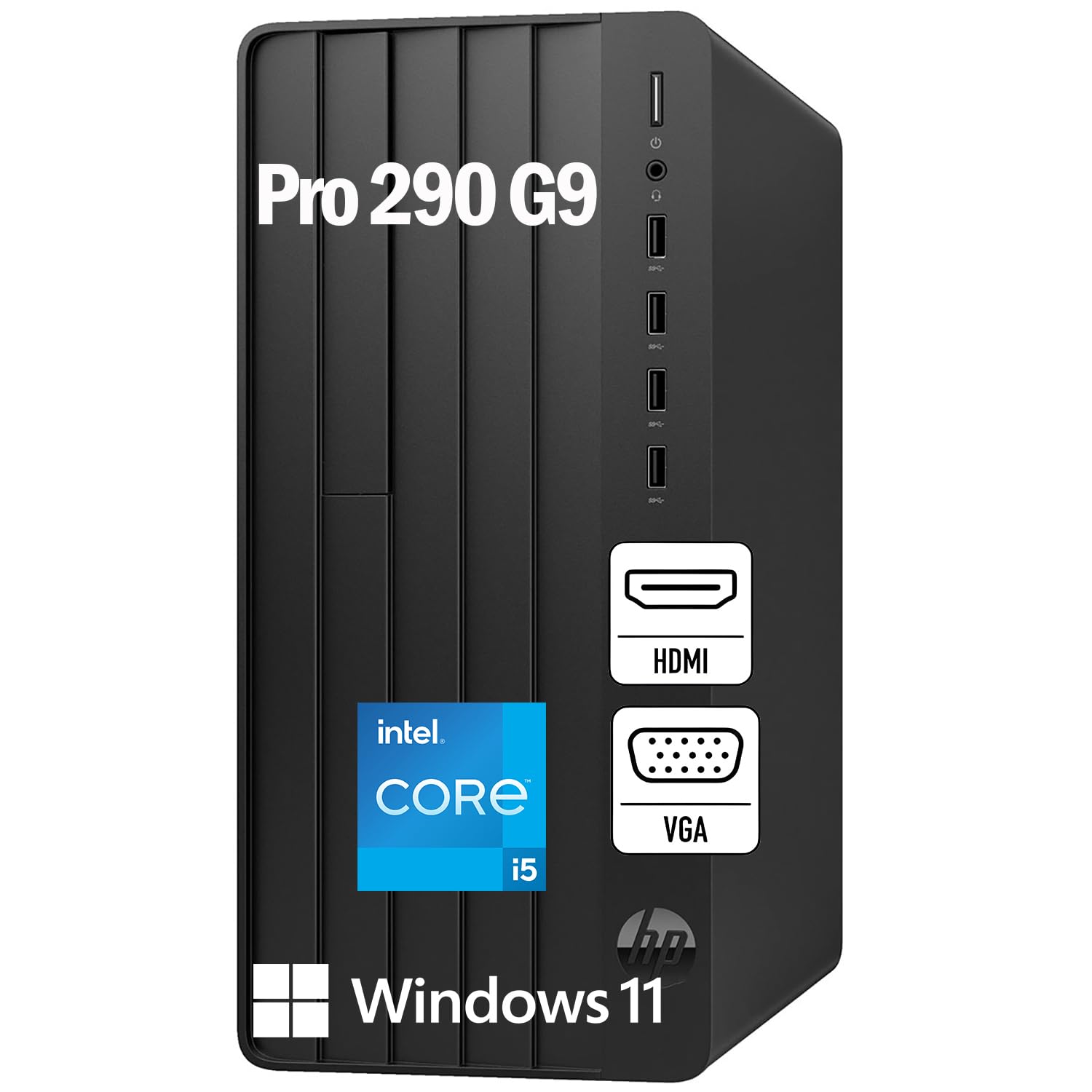
A mainstream business tower with a solid six-core chip inside.
HP’s Pro Tower 290 G9 packs a 12th Gen Intel Core i5-12500 with 16GB of DDR4 and a 512GB SSD, giving you plenty of headroom for multitasking and content work. Buyers report it performing like a brand-new machine.
Reliability is the question mark, with some units crashing early while others run flawlessly, so buy with a return window in mind. When it behaves, it is a capable Linux tower.
i5-12500 speed
- Strong six-core chip
- Roomy memory and storage
Plain plastic build
- Mixed reliability reports
Small office work: Business and content multitasking
Premium feel wanted: Some units crash early
7. Dell Pro Tower Plus Desktop Computer
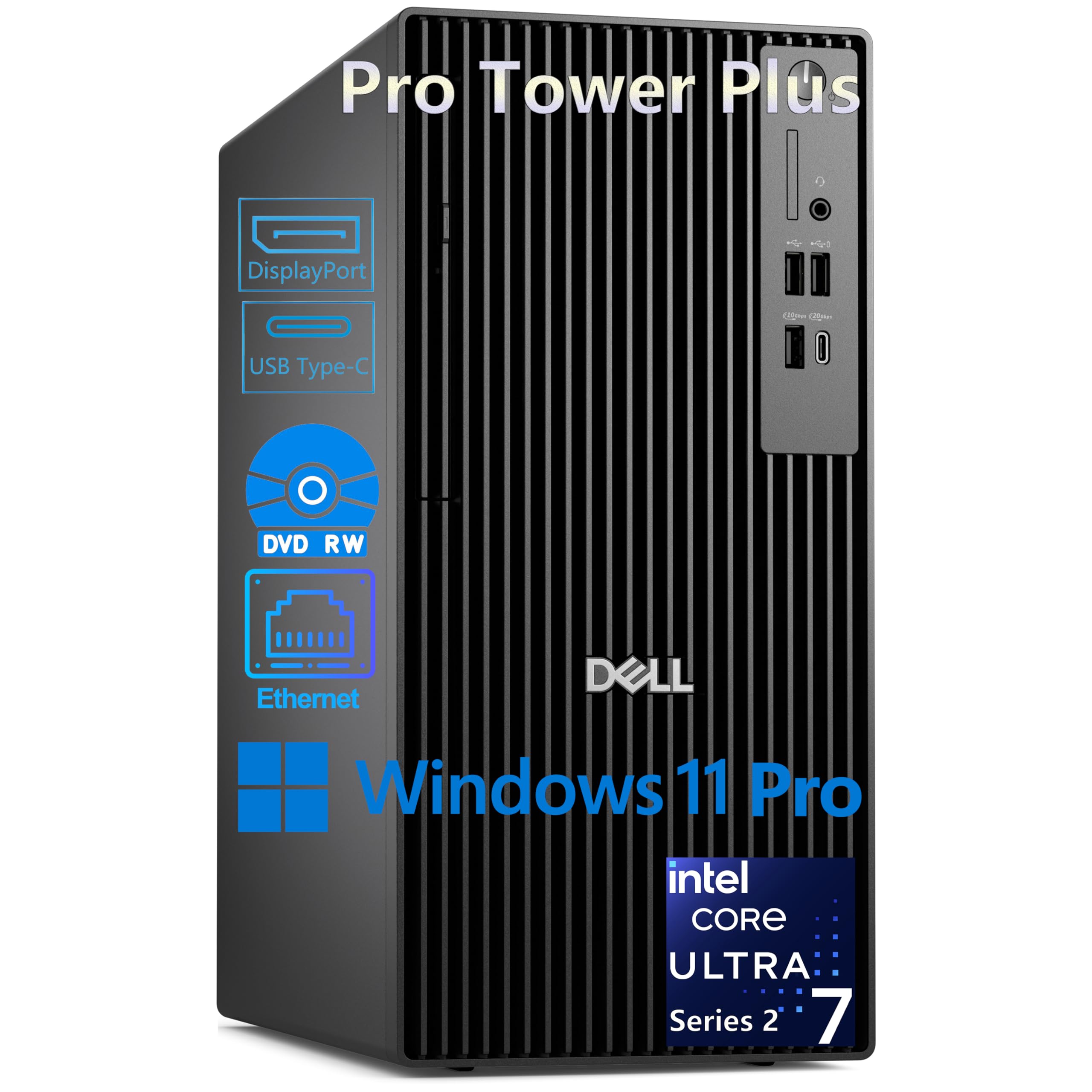
A twenty-core tower with a dedicated NPU for AI-accelerated work.
This Dell Pro Tower Plus uses an Intel Core Ultra 7 265 with 20 cores and an AI Boost NPU, backed by 16GB of DDR5 and a 1TB SSD. It is built for demanding business applications, data work and heavier creative loads, and includes an optical drive.
It leans on Intel’s integrated graphics rather than a discrete card, so serious GPU compute is out of scope. For CPU-heavy Linux tasks it is a quietly capable machine.
DDR5 and 1TB
- Twenty-core CPU with NPU
- Large 1TB SSD
Pricey config
- Integrated graphics only
Future-proof buying: Data and AI-accelerated workloads
Tight budgets: No discrete GPU
8. HP OmniBook X 14 inch AI PC
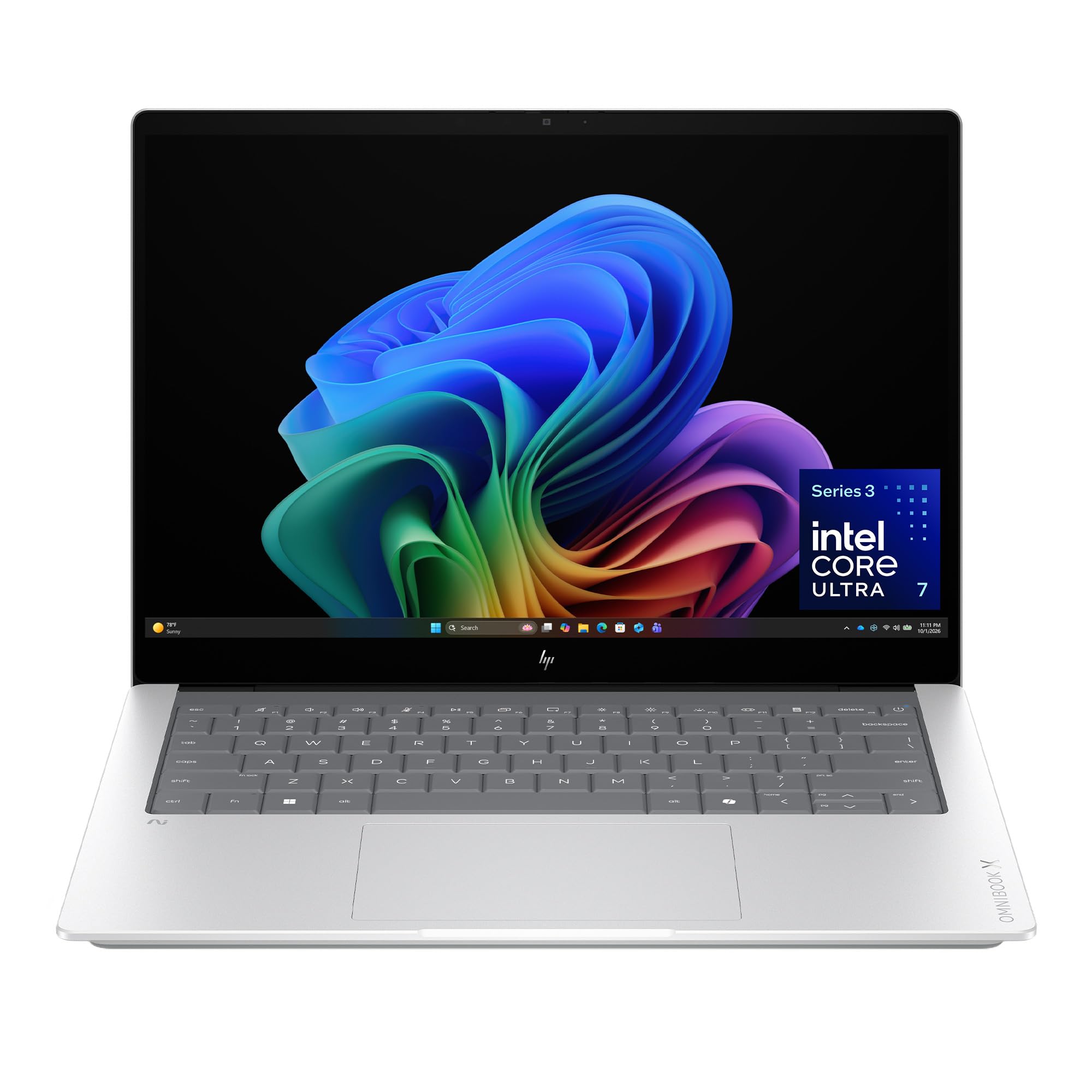
A premium AI laptop for Linux users who want to work untethered.
The OmniBook X 14 pairs an Intel Core Ultra 7 356H with 24GB of RAM, a 1TB SSD and a 3K OLED touchscreen that brings deep blacks and rich color. It is a polished, portable machine for people who need to move around.
It is a laptop rather than a desktop, and it ships with Windows, so Linux support depends on how comfortable you are tinkering with a newer platform. As a portable companion it is tough to top.
3K touch display
- Vivid 3K OLED touch display
- Generous memory and storage
AI features unproven
- A laptop, not a desktop
Mobile professionals: Portable productivity
Heavy desk users: Newer platform needs driver care
9. Dell Tower Desktop Ultra 9 285
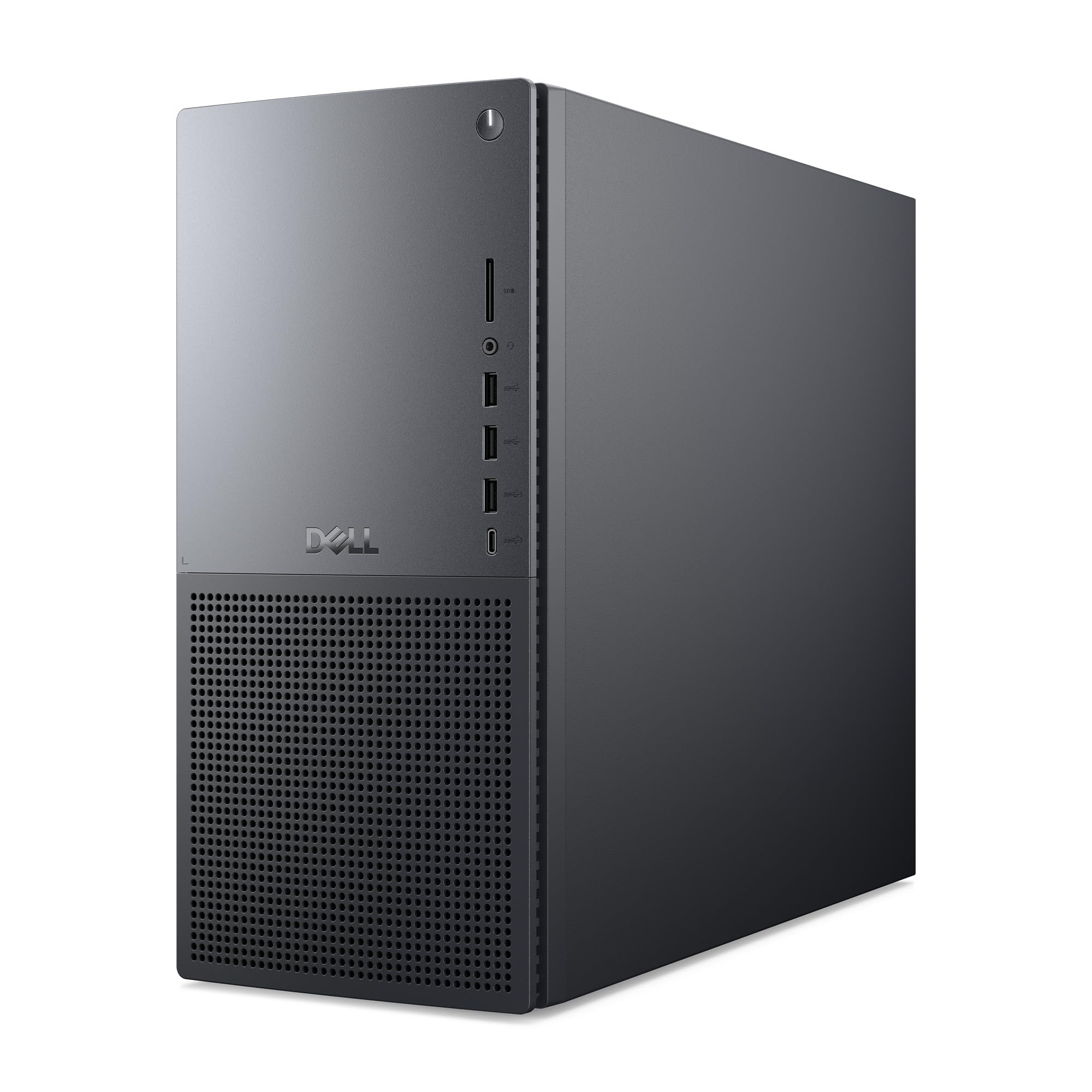
A high-end tower for the heaviest creative and compute workloads.
Dell’s Tower Plus pairs an Intel Core Ultra 9-285 with easily upgradable internals, aimed at the most demanding creative work. It gives you room to expand memory and components as your needs grow, which suits long-term Linux builds.
It is the priciest horsepower here, so it only makes sense if you genuinely push heavy workloads. For lighter use, the money is better spent elsewhere.
Core Ultra 9 muscle
- Top-tier CPU
- Easy internal upgrades
Runs warm loud
- Overkill for casual use
Demanding workloads: Demanding creative workloads
Quiet room use: More power than most need
10. Thermaltake LCGS View 9580S-380XL Gaming Desktop
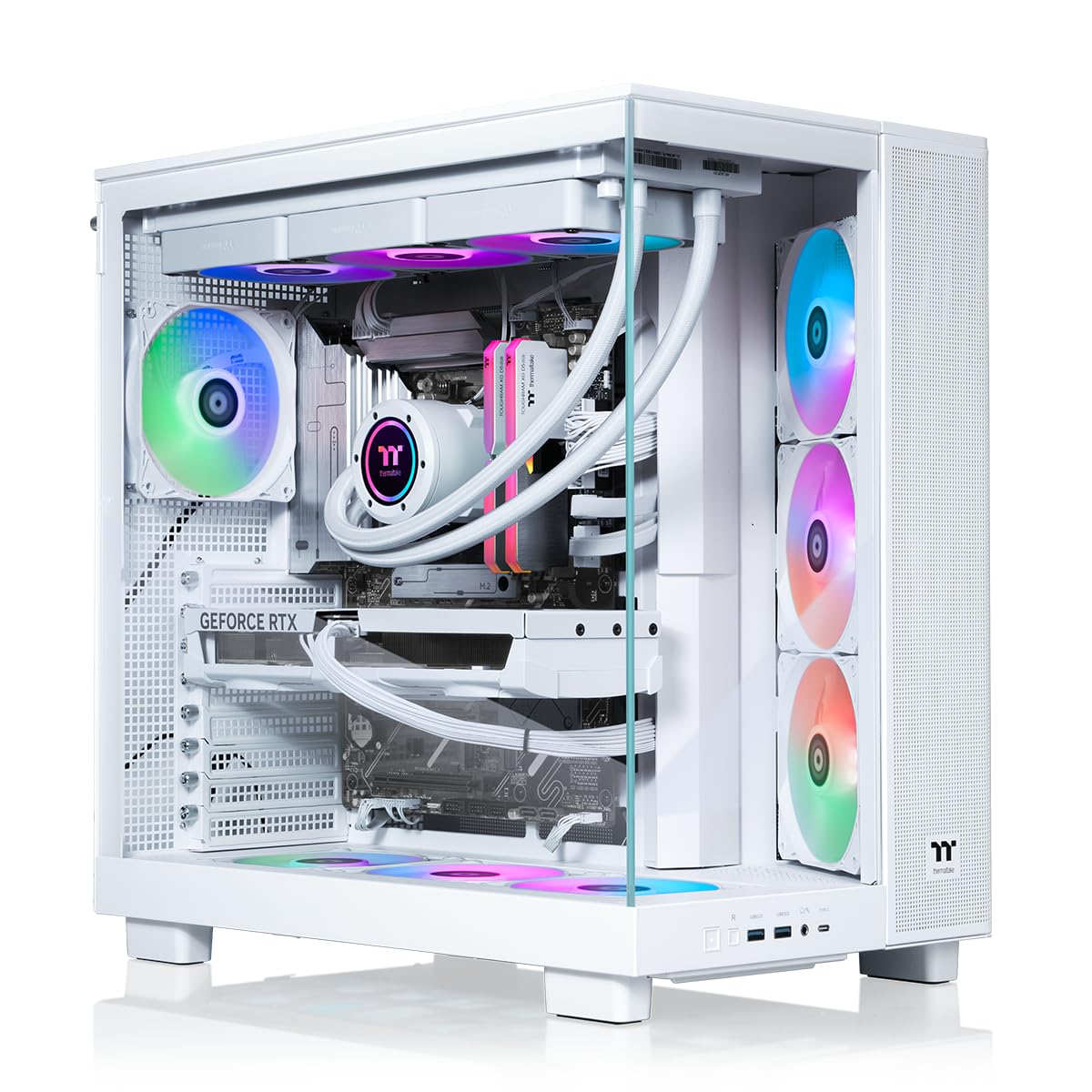
A liquid-cooled gaming rig with serious graphics muscle.
Thermaltake’s View build runs an AMD Ryzen 9 9950X3D with an NVIDIA GeForce RTX 5080, 32GB of DDR5 at 6000MT/s and a 2TB NVMe drive, all wrapped in tempered glass with a 360mm liquid cooler. Performance is the headline here.
Functionality draws mixed feedback, and this is unmistakably a Windows gaming machine, so Linux gaming means driver work with the NVIDIA card. For raw graphics power it stands apart.
RTX 5080 graphics
- Powerful CPU and GPU combo
- Liquid cooling and glass case
Large glass case
- Mixed functionality feedback
High-end gaming: Gaming and GPU-heavy work
Portability needs: Linux gaming needs driver setup
Common Questions
Can I install Linux on a Windows desktop?
Is a mini PC good for Linux?
Which pick is best for beginners?
The Bottom Line
For most people, the best linux desktop computer winner is the Dell Tower Desktop, Intel Core Ultra 7-265, 32GB RAM, Windows 11 Home because it pairs a fast, quiet Core Ultra 7 with 32GB of memory, giving Linux users the most balanced mix of speed, reliability and value. If you want Linux preinstalled with zero setup, look at DreamQuest Mini PC Linux Ubuntu Preinstalled, Intel N95 (up to 3.4GHz), Mini Desktop Computers 32GB DDR4 1TB SSD, Provide USB C/DP/HDMI/USB 3.2/Dual LAN/WiFi/Bluetooth/4K@60Hz Display, while BOSGAME P4 Ultra Mini PC, Ryzen 7 7730U 16GB DDR4 512GB PCIe SSD offers the best speed-per-dollar in a tiny frame and Thermaltake LCGS View 9580S-380XL Gaming Desktop (AMD Ryzen™ 9 9950X3D, ToughRam 32GB DDR5 6000MT/s RGB Memory, NVIDIA® GeForce RTX™ 5080, 2TB NVMe M.2, WiFi, Windows 11) VXLS-X870-580-LCS is the pick for gaming and graphics muscle.
How we choose
We do not accept paid placement. Every pick is matched to a real buyer and a real use-case; we do not hands-on test units.
Sources
Specifications: manufacturer listings and product documentation. Review insights: verified customer reviews, as of November 2026. Pricing: not shown on this page (it changes often); check the current price via the retailer link.
As an Amazon Associate, My Heart Lives Here earns from qualifying purchases. This does not affect which products we feature.