Heads up: This post contains affiliate links. As an Amazon Associate I earn from qualifying purchases, at no extra cost to you. Learn more
Specs are compiled from manufacturer listings and verified buyer reviews and can change over time — please confirm the key details on the product page before buying.
A laser virtual projection keyboard turns any flat, non-reflective surface into a working typing surface, which is genuinely useful when you left the real keyboard at home.
This guide is built by comparing the manufacturers’ published specifications and the patterns across verified customer reviews, so you get each pick’s real strengths and trade-offs instead of marketing spin.
A laser virtual projection keyboard is a niche tool, and the wrong one will fight you every keystroke. This guide separates the novelty from the genuinely usable picks for a laser virtual projection keyboard.
Top Picks

Side-by-Side Comparison
| Model | Best For | Keys | Backlight | Layout | Amazon |
|---|---|---|---|---|---|
| Samsers Foldable Bluetooth Keyboard with Touchpad★ Best Overall | Everyday portable typing | — | — | Compact fold | Amazon |
| Universal Travel Keyboard PlusBest Backlit | Dim-light tablet typing | — | Yes | Compact | Amazon |
| MEETION Foldable Keyboard with Touchpad | Number-heavy mobile work | — | — | Number pad | Amazon |
| Laser Keyboard | Novelty and demos | 104 | — | Full | Amazon |
| Virtual Keyboard | Cheap novelty | 78 | — | Compact | Amazon |
| Nillkin Foldable Bluetooth Keyboard with Touchpad | Full-key portable typing | — | — | Full size | Amazon |
| Arteck Ergonomic Keyboard | Long desk sessions | — | — | Split | Amazon |
Detailed Reviews
1. Samsers Foldable Bluetooth Keyboard with Touchpad
Our pick — 4.0+★ from 3,500+ verified ratings; the strongest balance of quality and price.
The practical answer for most people: a keyboard that folds into a pocket and still types like a keyboard.
This is the pick for anyone who wanted a projection keyboard but needs to get real work done. It folds down small enough for a bag or purse, pairs easily with phones, and the built-in trackpad and mouse control mean you can leave the separate mouse behind.
The honest trade-off is size and feel. The compact keys take adjustment, and the folding mechanism means you are typing on a compromise rather than a full desk keyboard, so touch typists should expect a settling-in period.
Touchpad built in
- Folds small enough for a purse or bag
- Trackpad saves carrying a mouse
Small key spacing
- Compact keys need adjustment
Tablet typing: Commuters and travelers who type daily
Palm rejection: Not a full-size typing feel
2. Universal Travel Keyboard Plus
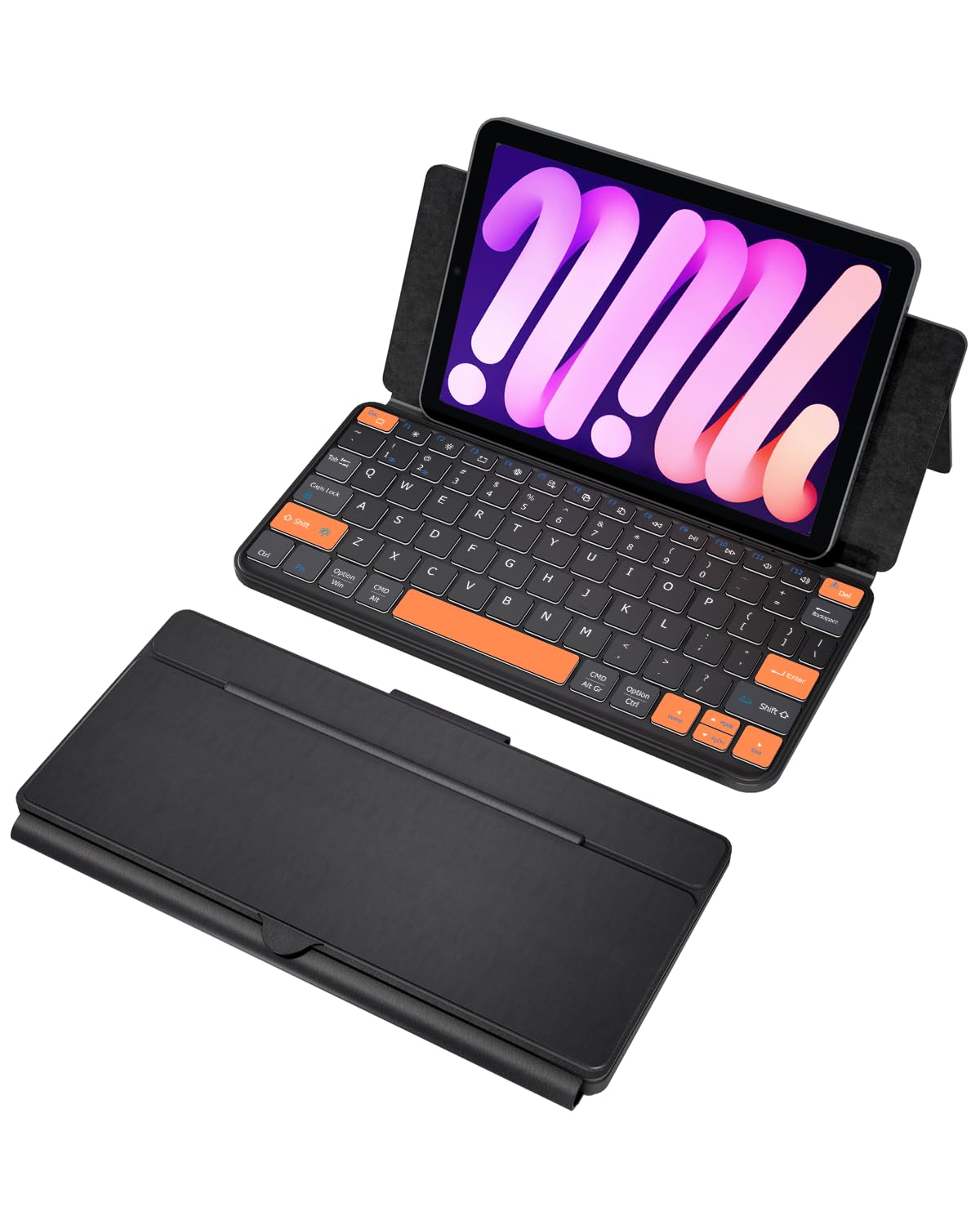
A compact travel keypad with a backlight and a stand that holds your tablet at the angle you want.
This one leans into low-light use, with a backlit keypad and an integrated stand that props a tablet or phone at a working angle. Connectivity holds up across phones and tablets, and the small footprint travels well.
Feel is where opinions split. Some find it sturdy and pleasant, others find the build plasticky, and the layout takes some getting used to, so try to be realistic about how much typing you will do on it.
Dual Bluetooth ports
- Backlight helps in dim rooms
- Integrated stand sets a good angle
Bulky travel frame
- Build can feel plasticky
Multi device: Tablet users typing in low light
Heavy pockets: Layout takes relearning
3. MEETION Foldable Keyboard with Touchpad
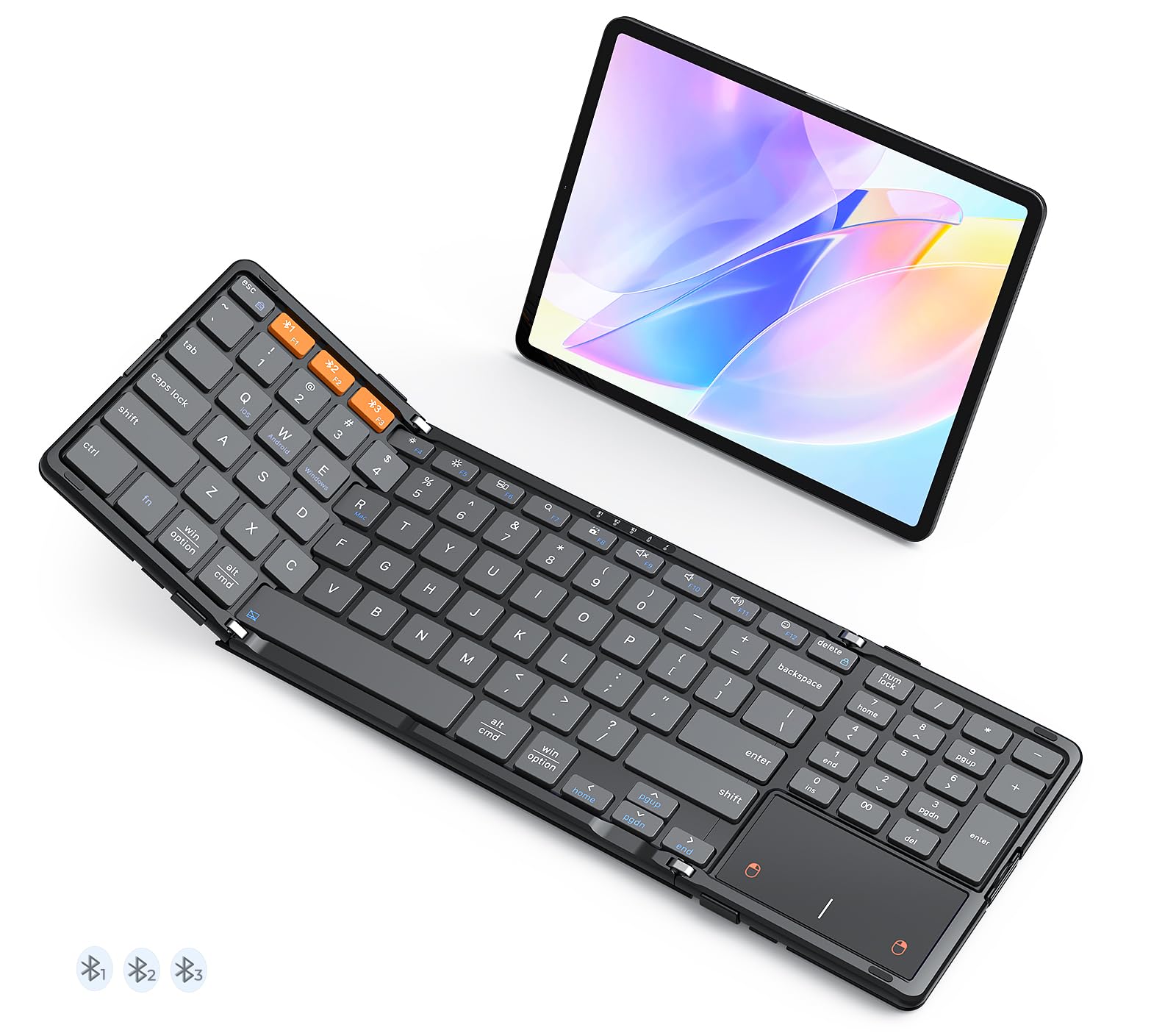
A folding keyboard that adds a number pad and gesture trackpad, aimed at people who crunch figures on the go.
The appeal here is the combination: a folding body, a multi-touch trackpad for scrolling and tapping, and a numeric keypad that speeds up spreadsheet and accounting work. It locks open solidly and pairs smoothly across devices.
The catch is that you are stacking features into a folding frame, so the keys are low-profile and the whole thing is a compromise on desk comfort. It is a travel tool, not a replacement for a full workstation keyboard.
Folding hinge feel
- Numeric keypad speeds up data entry
- Locks open firmly when unfolded
Mushy key travel
- Low-profile keys suit travel, not all-day desk use
Commute use: Spreadsheet and accounting work on the move
Fast typing: Not a full desk replacement
4. Laser Keyboard
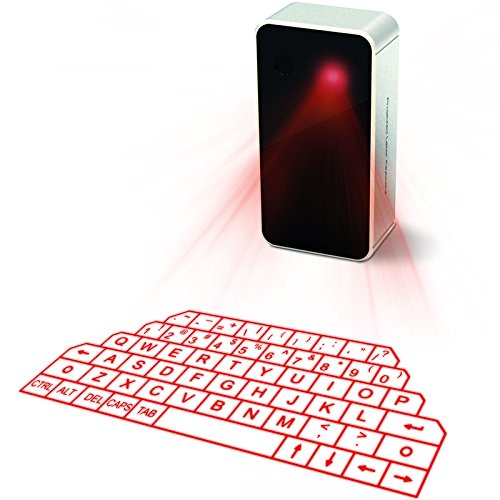
An actual projected laser keyboard, and the most honest example of what the category can and cannot do.
This projects a full layout onto a flat surface and pairs over Bluetooth with laptops, phones and tablets. Owners treat it as a conversation piece first and a keyboard second, and it delivers on the novelty front.
The problems are the ones that define the category. It needs a flat, clean, non-reflective surface with no obstacles nearby, bright light washes out the projection, and the beeping on every keystroke is loud enough to annoy a room.
Projected laser keys
- Genuine projected laser layout
- Pairs with laptop, phone and tablet
Dim lit rooms
- Loud beep on every keystroke
Novelty demos: Tinkerers and demo-friendly buyers
Real typing: Needs a flat matte surface and dim light
5. Virtual Keyboard

A cheaper projected keyboard with a bigger battery, best approached as a curiosity rather than a work tool.
The concept is the draw: a virtual layout projected onto a desk, with the battery upgraded for longer running time between charges. It is easy enough to set up and pairs with common phones and tablets.
Typing is the sticking point. Projected keys reward one-finger pecking rather than touch typing, visibility suffers in bright rooms, and reliability reports are mixed, so portability and speed both take a hit.
Pocket projection size
- Novel projected-key concept
- Longer battery life than earlier versions
Flat surface need
- Typing speed is limited to one finger at a time
Show and tell: Curious buyers on a tight budget
Text heavy: Poor visibility in bright light
6. Nillkin Foldable Bluetooth Keyboard with Touchpad
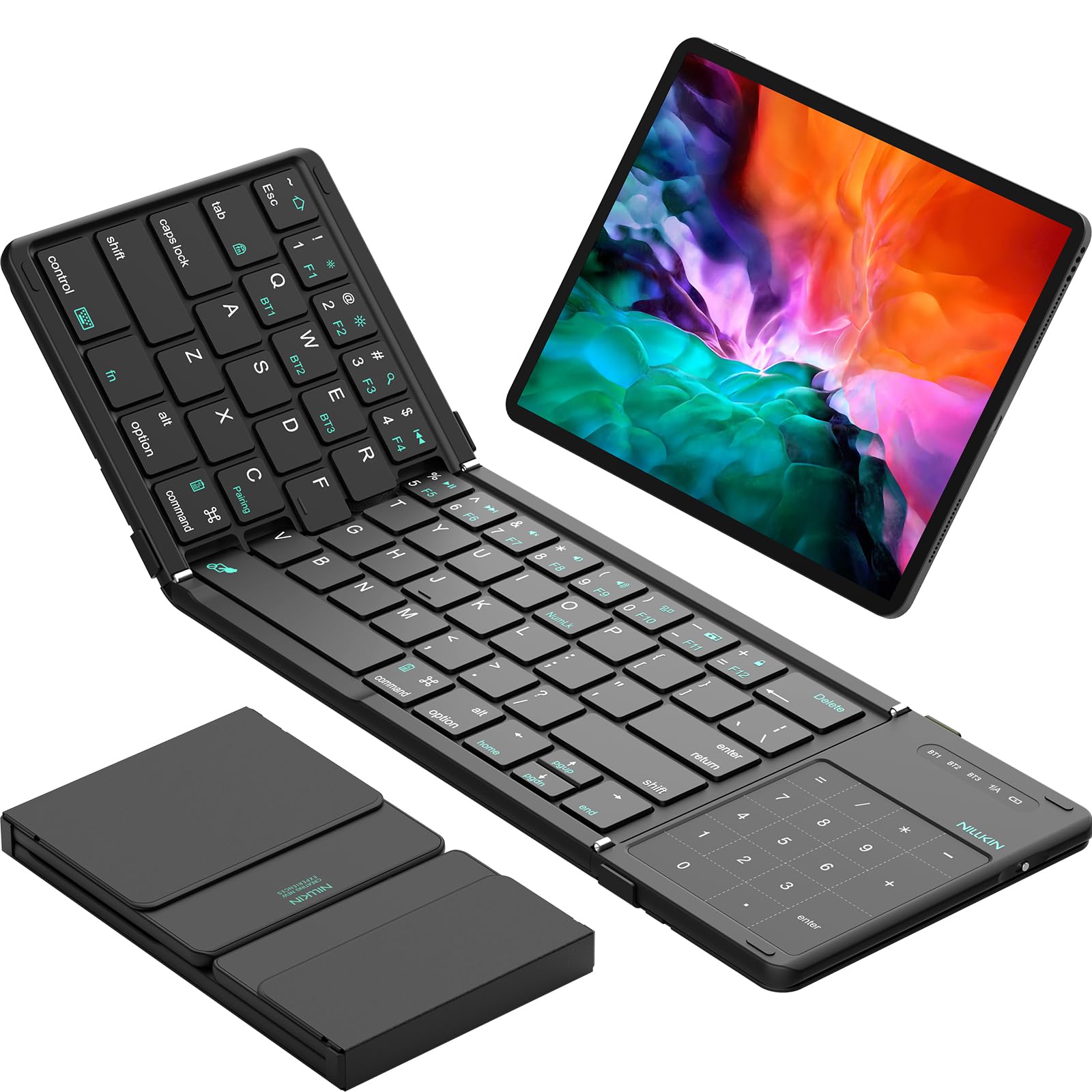
A pocket-sized folding keyboard that keeps a full key layout, so you give up less than you expect.
This one is designed to fold small without shrinking the typing experience, pairing a full key layout with a touchpad and number pad. It slips into a small sling, connects easily, and is comfortable enough for longer sessions.
Build quality is the risk. Some units develop keys that stop responding, and the folding body feels fragile, so treat it as a careful-travel companion rather than something to toss in a bag loose.
Touchpad plus stand
- Full key layout in a folding body
- Fits a small sling easily
Stiff fold joints
- Folding body feels fragile
Couch browsing: Writers who want real keys on the road
Quick emails: Some units lose keys over time
7. Arteck Ergonomic Keyboard
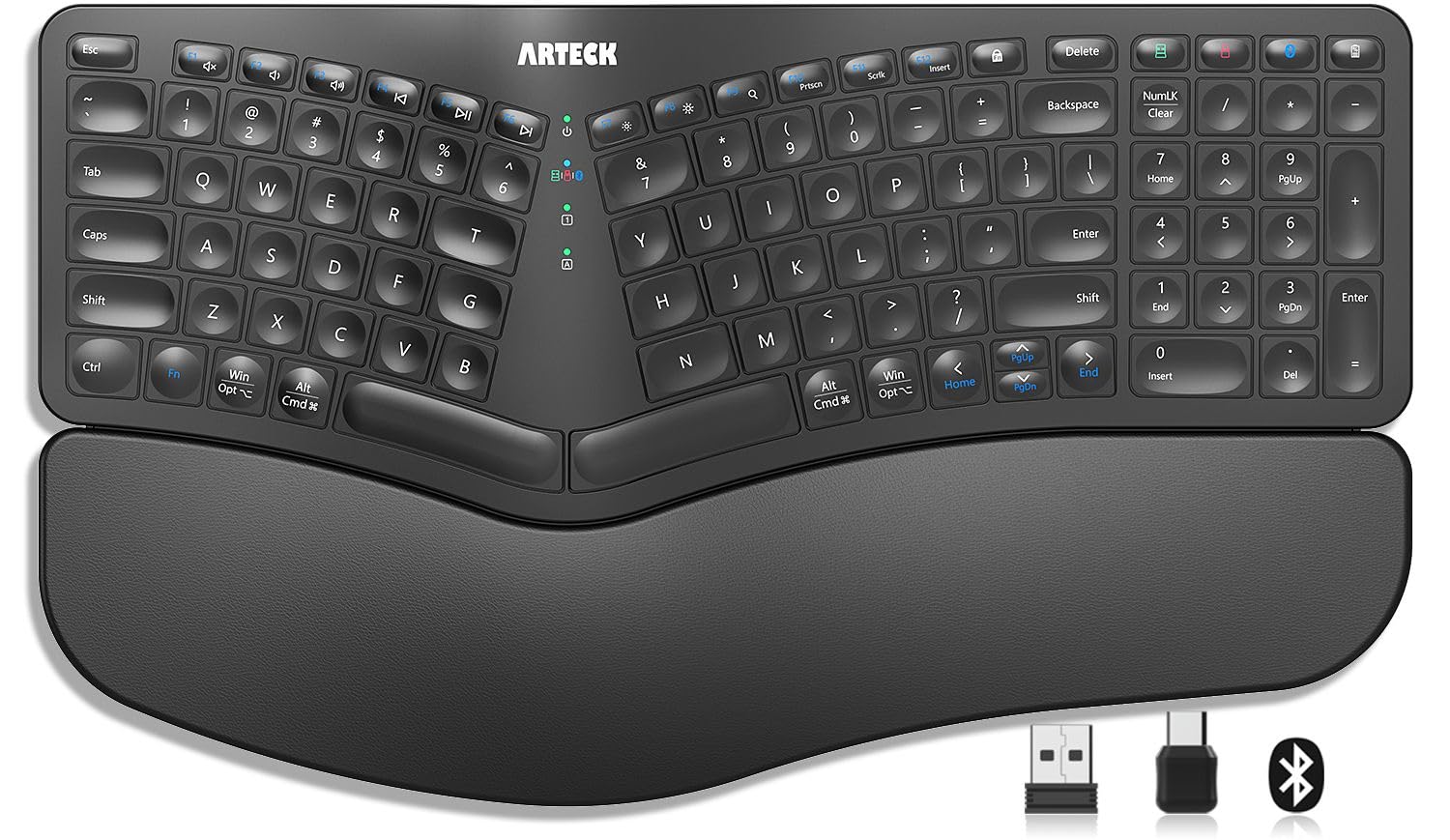
Not a projection keyboard, but the comfortable desk answer if typing volume matters more than the gimmick.
This is a split ergonomic keyboard with a cushioned wrist rest, built to keep wrists and forearms relaxed through long sessions. It switches between three devices with one click and connects reliably to computers, laptops and tablets.
The trade-off is obvious: it is a desk keyboard, not something you fold into a pocket. Durability reports are mixed and some find the setup takes a little learning, but for comfort over a full day it is the sensible choice.
Cushioned palm rest
- Split design keeps wrists relaxed
- Switches between three devices
Wide desk footprint
- Not portable at all
Long sessions: Desk workers with heavy typing loads
Tiny desks: Stays at home
Common Questions
Does a projection keyboard work in bright light?
Can you touch type on a projected keyboard?
What surface does a laser keyboard need?
The Bottom Line
If you want one dependable pick, the best laser virtual projection keyboard winner is the Samsers Foldable Bluetooth Keyboard with Touchpad, Ultra Slim Compact,Black because it folds into a pocket, pairs instantly and includes a trackpad, so the typing actually gets finished instead of abandoned as a novelty. If you specifically want the projected-key experience, look at Laser Keyboard, Virtual Wireless Bluetooth Portable Projection Keyboard for Smart Phone PC Tablet Laptop for the full layout or Virtual Keyboard, Laser Projection Bluetooth Wireless Keyboard for iPad iPhone 7 Samsung Galaxy S6 S7 Edge for a cheaper entry. For real typing on the road, Nillkin Foldable Bluetooth Keyboard with Touchpad & Number Pad, Portable Bluetooth Keyboard with Full Size Keys, Pocket-Sized Wireless Travel Keyboards for iPad, Smartphone, Tablet and Laptop Black keeps a full key set, MEETION Foldable Keyboard with Touchpad, Bluetooth Keyboard, Numeric Keypad adds a number pad, Universal Travel Keyboard Plus, New Dual Bluetooth Portable Keypad with 7-Color Backlit & Any-Angle Stand, Wireless Tablet Keyboard for iPad/Z Fold/Galaxy Tabs/Phones, Keypad for iOS/Android/Windows brings a backlight, and Arteck Ergonomic Keyboard with Cushioned Wrist Palm Rest, Multi-Device Wireless Bluetooth with USB-A USB-C Receiver Comfortable Ergonomic Split Keyboard, for Windows Computer Laptop PC Tablet is the comfortable desk choice.
How we choose
We do not accept paid placement. Every pick is matched to a real buyer and a real use-case; we do not hands-on test units.
Sources
Specifications: manufacturer listings and product documentation. Review insights: verified customer reviews, as of November 2026. Pricing: not shown on this page (it changes often); check the current price via the retailer link.
As an Amazon Associate, My Heart Lives Here earns from qualifying purchases. This does not affect which products we feature.