Heads up: This post contains affiliate links. As an Amazon Associate I earn from qualifying purchases, at no extra cost to you. Learn more
Specs are compiled from manufacturer listings and verified buyer reviews and can change over time — please confirm the key details on the product page before buying.
A large E-Ink display changes how you read and write, trading glare for a calm, paper-like surface. We focused on the biggest, most usable screens for note-taking, sketching, and long reading sessions.
This guide is built by comparing the manufacturers’ published specifications and the patterns across verified customer reviews, so you get each pick’s real strengths and trade-offs instead of marketing spin.
A large E-Ink display is ideal for distraction-free writing and reading. per verified buyer reviews the biggest screens for note-taking, sketching, and glare-free reading. Find the best large e-ink display for your workflow.
Top Picks

Side-by-Side Comparison
| Model | Best For | Screen Size | Writing Feel | Battery Life | Amazon |
|---|---|---|---|---|---|
| Kindle Scribe 32GB★ Best Overall | Note-taking and reading | 11 inches | Paper-like | — | Amazon |
| BOOX Tablet Go 10.3Best for Note-Taking | Digital note-taking | 10.3 inches | Precise stylus | — | Amazon |
| Penstar eNote 2Best Value | Budget-conscious note-takers | 10.3 inches | Paper-like | 2 weeks | Amazon |
| ASUS ZenScreen Duo OLED MQ149CD | Portable dual-screen work | 14 inches (dual) | — | — | Amazon |
| BOOX Tablet Go 10.3 Gen II Lumi | App-heavy E-Ink use | 10.3 inches | — | 1 day | Amazon |
| Kindle Scribe Colorsoft 64GB | Color reading and writing | 11 inches | Paper-like | — | Amazon |
| Penstar eNote Pro C | Affordable color E-Ink | 10.3 inches | Smooth | 2 weeks | Amazon |
| iflytek AINOTE 2 | Meeting notes with AI | 10.65 inches | Paper-like | — | Amazon |
| reMarkable Paper Pro with Marker Plus and Basalt Book Folio | Large canvas for creatives | 11.8 inches | Paper-like | 2 weeks | Amazon |
| SwitchBot Art Frame 31.5” | Wireless photo display | 31.5 inches | — | 2 years | Amazon |
| 65 inch Indoor Digital Signage | Commercial signage | 65 inches | — | — | Amazon |
Detailed Reviews
1. Kindle Scribe 32GB
Our pick — 4.0+★ from 550+ verified ratings; the strongest balance of quality and price.
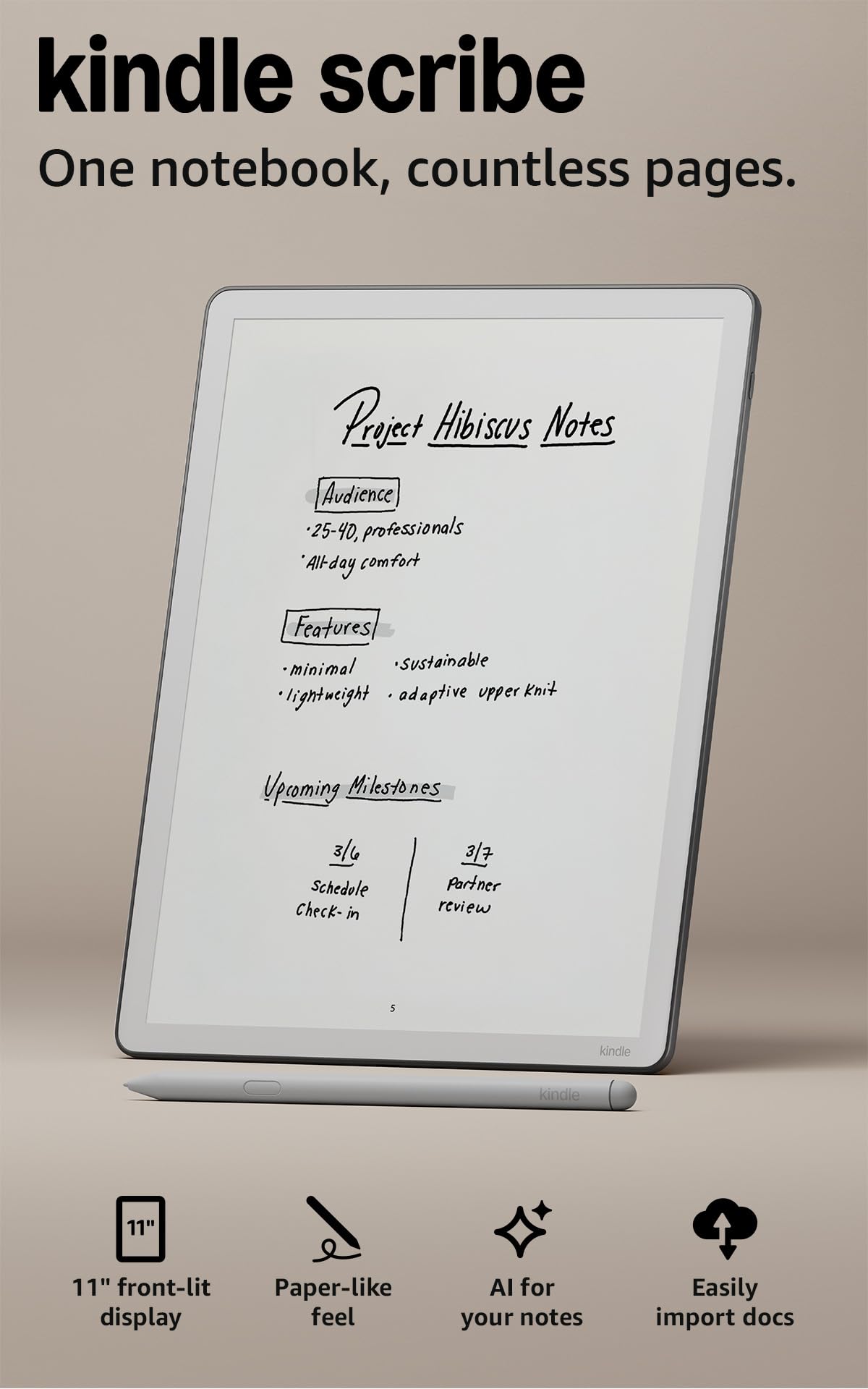
The Kindle Scribe balances a large, crisp screen with a natural writing experience.
The 11-inch display with front light makes reading and writing comfortable in any lighting. The textured surface and responsive pen create a smooth, paper-like feel that owners love for note-taking and journaling.
The included pen never needs charging, and the device stays lightweight for long sessions. Some users find the interface and latency less than perfect, but the core writing and reading experience shines.
Large 11 inch writing
- Crisp, glare-free screen
- Pen included and no charging needed
Heavy single purpose
- Occasional interface lag
Note takers: Students and professionals who want a distraction-free notebook and e-reader in one.
Pricey extra: The interface can feel slow at times, especially with complex documents.
2. BOOX Tablet Go 10.3
The BOOX Go 10.3 offers a sharp, responsive writing experience for digital note-takers.
The 10.3-inch Carta 1200 screen with 300 ppi delivers crisp text and precise stylus input. The octa-core CPU and 4GB RAM keep performance smooth for note-taking and app use.
There is no front light, so you will need good ambient lighting. Some users report scratches on the screen, and responsiveness can be inconsistent, but the writing feel is top-notch.
No front light glare
- Excellent writing precision
- Sharp, high-resolution screen
No backlight reading
- No front light for dim rooms
Daytime readers: Note-takers who prioritize writing accuracy and do not need a built-in light.
Dim rooms: Without a front light, you will need a well-lit environment for comfortable use.
3. Penstar eNote 2
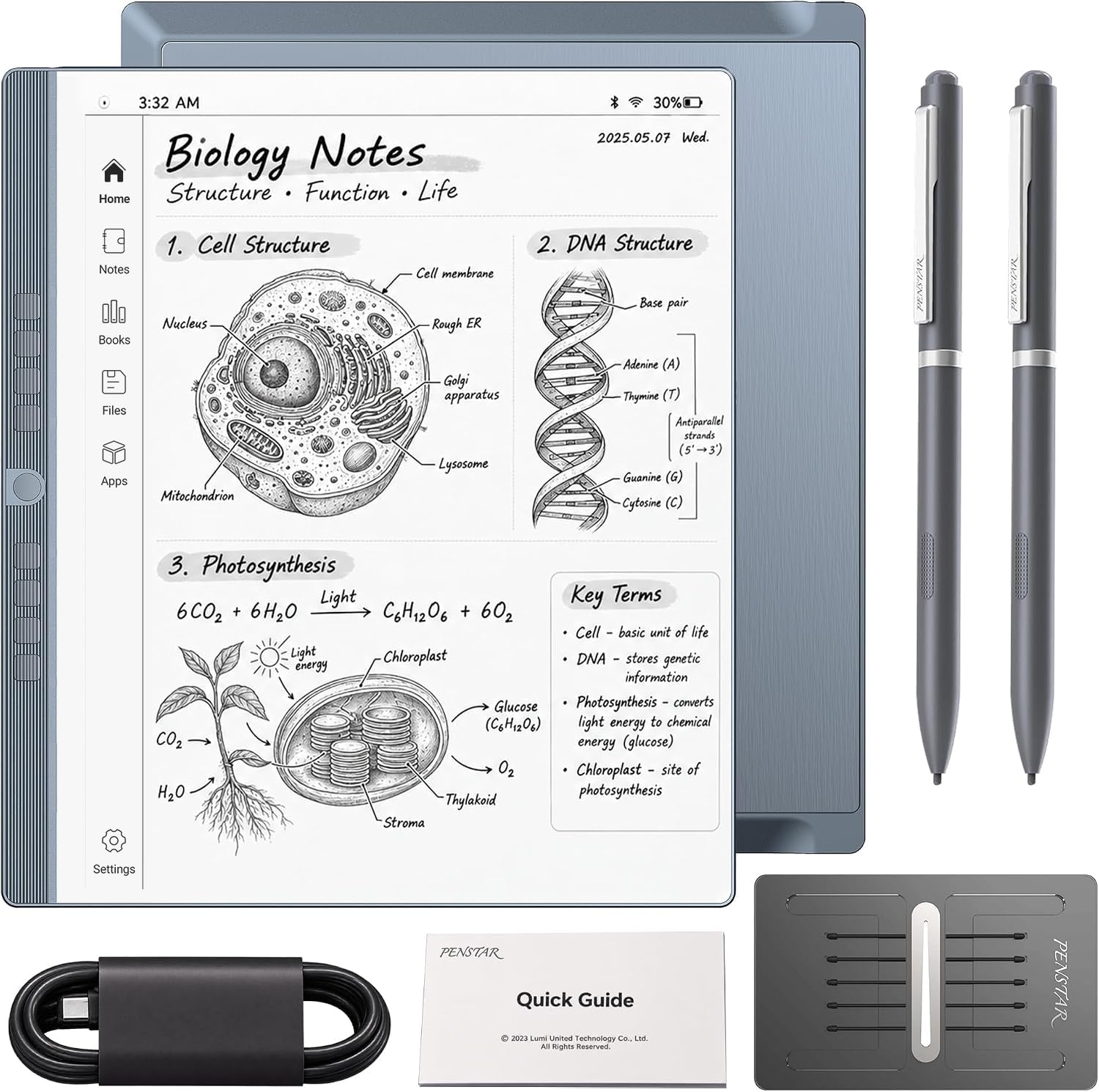
The Penstar eNote 2 focuses on a clear, paper-like writing experience at a lower price.
The 10.3-inch screen minimizes haze and refraction for whiter whites and punchier blacks. The included pen and leather folio make it a complete note-taking package.
Battery life lasts up to two weeks, but responsiveness can be laggy and some pens may not work reliably. It is a solid choice for basic note-taking on a budget.
Bundled stylus pen
- Clear, high-contrast display
- Long battery life
AI features basic
- Occasional lag and pen issues
Students: Students or professionals who want a capable E-Ink notebook without spending much.
Power users: The writing experience can feel sluggish, and not all pens work flawlessly.
4. ASUS ZenScreen Duo OLED MQ149CD

The ASUS ZenScreen Duo offers a unique dual-screen setup for multitasking on the go.
Two 14-inch OLED panels create a 21-inch workspace when unfolded, with vibrant colors and HDR support. The lightweight design and kickstand make it easy to set up anywhere.
However, this is not an E-Ink display, so it is best for users who need a portable dual monitor rather than a paper-like writing surface. Compatibility issues with Apple products and reliability concerns are worth noting.
Foldable dual OLED
- Vibrant OLED colors
- Versatile foldable design
Fragile hinge
- Not E-Ink; compatibility issues
Travel setups: Professionals who need a portable dual-monitor setup for laptops.
Rough handling: It lacks the paper-like reading experience of E-Ink and may have connectivity problems with some devices.
5. BOOX Tablet Go 10.3 Gen II Lumi
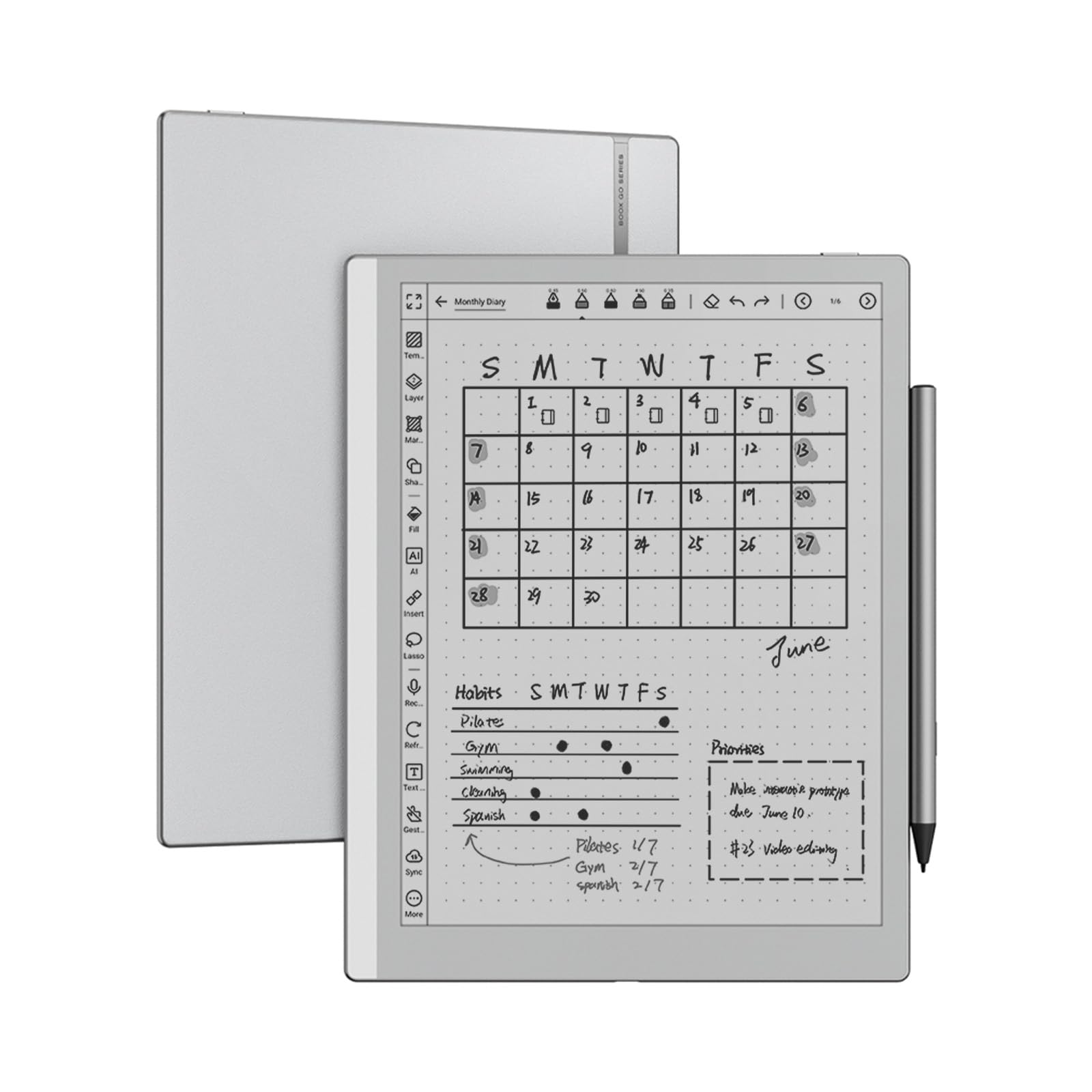
The BOOX Go 10.3 Gen II Lumi runs Android apps on a large E-Ink screen with customizable refresh.
The 10.3-inch ePaper screen supports multiple refresh modes to reduce ghosting, making it suitable for reading and app use. App compatibility is a highlight, allowing you to install third-party software.
Battery life is limited to about a day, and performance can be slow to turn on. Usability receives negative feedback, but for app-heavy users, it is a flexible option.
Lumi front light
- Runs Android apps
- Adjustable refresh modes
Gen II premium
- Short battery life
Night readers: Users who want an E-Ink tablet that can run a variety of apps.
Budget buyers: Battery life is short, and the device can be slow to start up.
6. Kindle Scribe Colorsoft 64GB
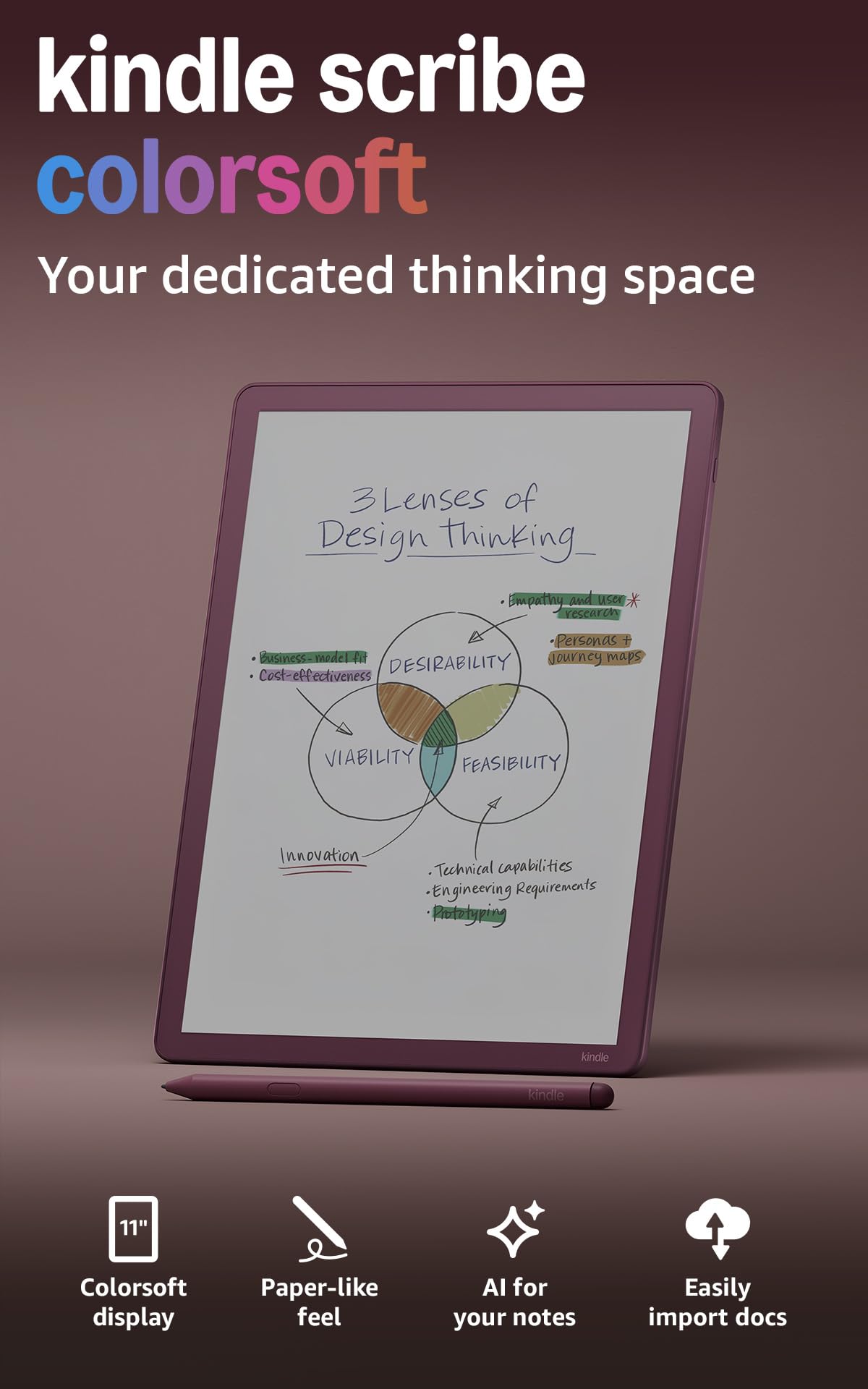
The Kindle Scribe Colorsoft brings color to a large E-Ink screen for highlighting and sketching.
The 11-inch Colorsoft display delivers high-contrast, paper-like color that is easy on the eyes. The included pen offers accurate performance for writing and drawing in color.
Some users report slow performance and mixed screen quality, but the color experience is a standout. It is ideal for those who want to annotate in color without glare.
Color E Ink screen
- Vivid color display
- Smooth writing experience
Muted color range
- Can be slow at times
Comic fans: Readers and note-takers who want color for highlights and sketches.
Photo editing: Performance may lag, and screen quality is inconsistent according to some owners.
7. Penstar eNote Pro C
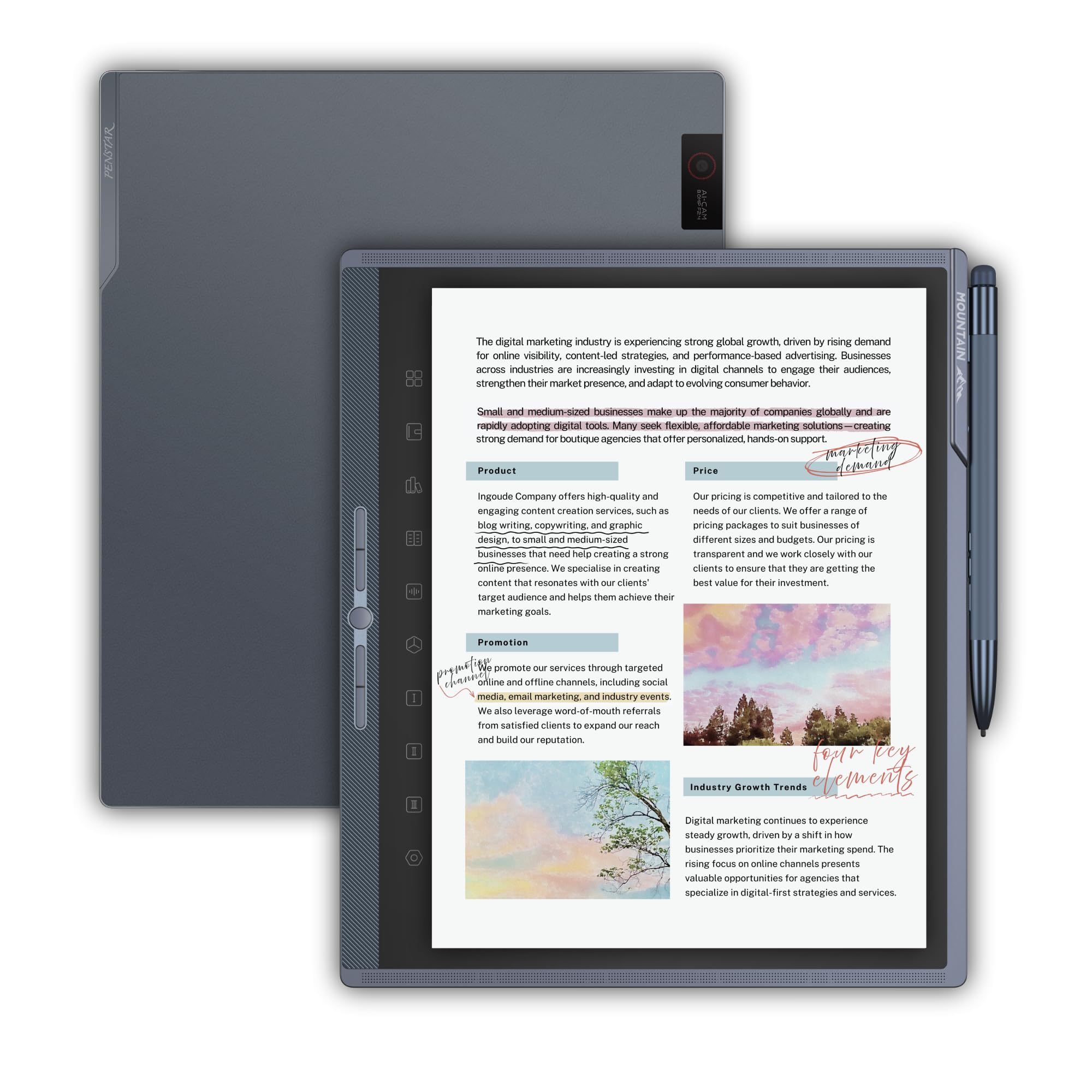
The Penstar eNote Pro C offers a color E-Ink display at a more affordable price point.
The 10.3-inch Kaleido 3 screen displays 2K QHD color for a vivid reading experience. The adjustable warm and cold light makes it easy on the eyes, and battery life lasts up to two weeks.
Writing feel is smooth and physical quality is praised, but performance can be glitchy and compatibility is mixed. It is a good entry point for color E-Ink on a budget.
Pro C color
- Color display with adjustable light
- Long battery life
Color costs more
- Glitchy performance
Annotators: Users who want color E-Ink for reading and note-taking without spending much.
Plain text: The device can be glitchy, and some apps may not work perfectly.
8. iflytek AINOTE 2

The iflytek AINOTE 2 combines a large E-Ink screen with AI tools for meeting notes.
The 10.65-inch frontlight-free display offers a paper-like writing experience with eight brush styles. It can record and summarize meetings, making it a handy tool for professionals.
However, handwriting recognition and functionality receive mixed reviews, and the lack of a front light means you need good lighting. It is best for those who value the AI features.
Built in recording
- AI meeting summaries
- Comfortable writing feel
Mic dependent
- No front light
Meeting notes: Professionals who want to record and summarize meetings on an E-Ink device.
Quiet rooms: Without a front light, it is less convenient in dim settings, and transcription accuracy varies.
9. reMarkable Paper Pro with Marker Plus and Basalt Book Folio
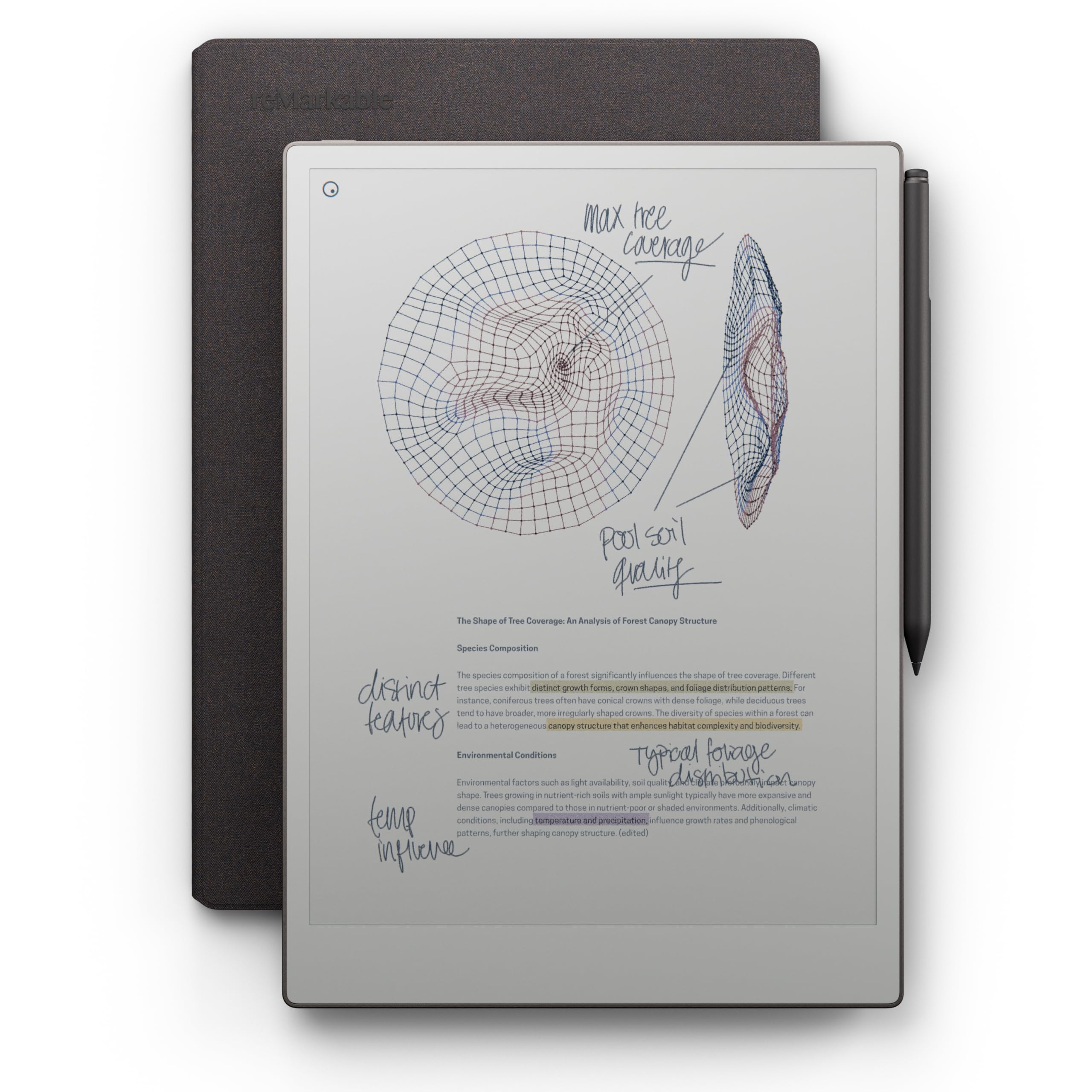
The reMarkable Paper Pro offers the largest color E-Ink canvas for writing and sketching.
The 11.8-inch color display provides ample space for notes and drawings, with an class-leading paper-like writing experience. The adjustable reading light makes it usable in various lighting conditions.
Battery life lasts up to two weeks, but screen reliability and color dullness are concerns for some. It is a premium choice for creatives who need a big canvas.
Marker Plus bundle
- Large color screen
- Excellent writing feel
Folio adds bulk
- Screen reliability concerns
Artists: Artists and note-takers who want a spacious color E-Ink display.
Minimalists: Some users report screen issues, and colors may appear duller than expected.
10. SwitchBot Art Frame 31.5”
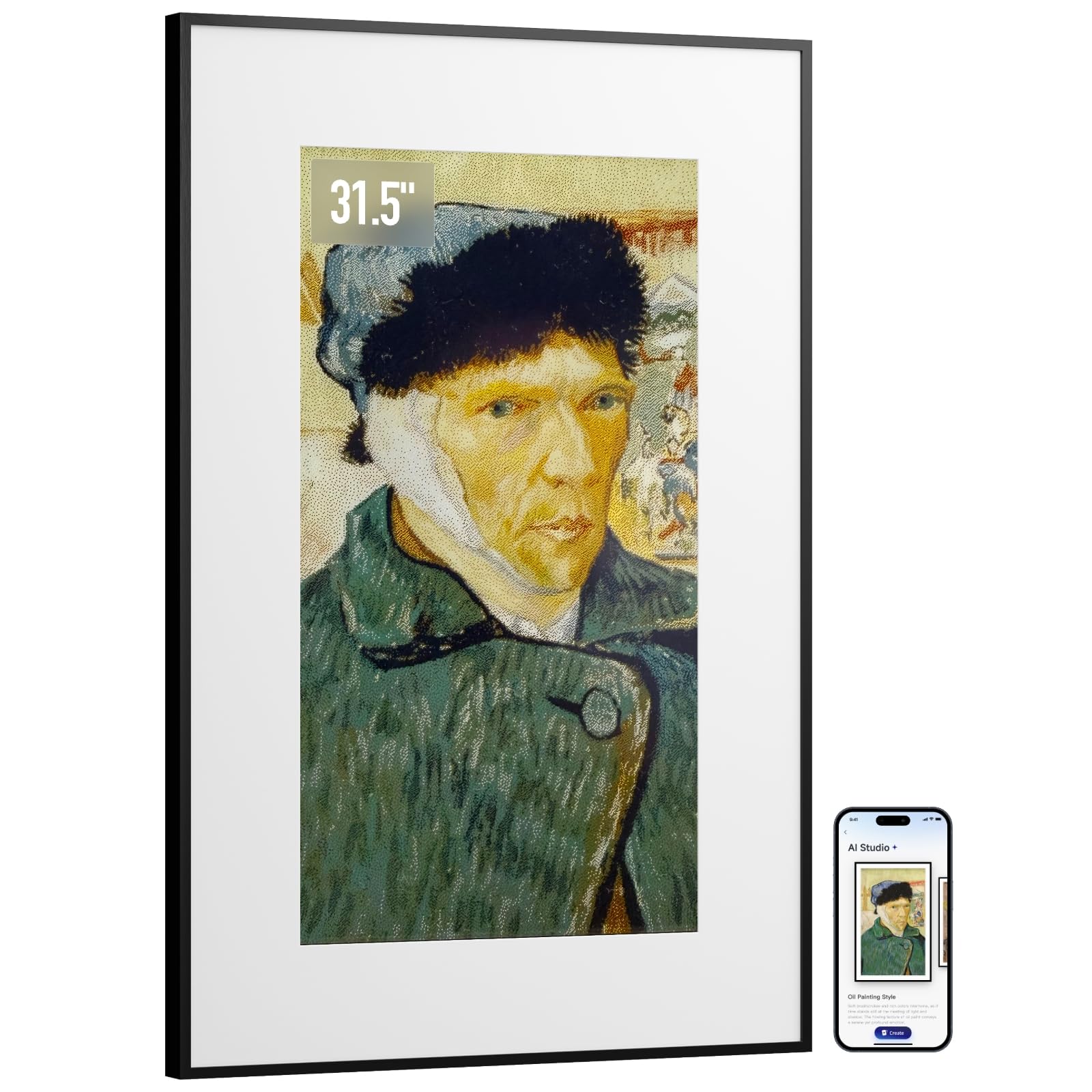
The SwitchBot Art Frame is a large digital photo frame with E-Ink-like display properties.
The 31.5-inch screen displays photos with a matte, paper-like quality, and the wireless design allows placement anywhere. The built-in battery lasts up to two years on a single charge.
However, image quality is criticized for being dark and having poor color rendering. It is best for displaying black-and-white or muted images rather than vibrant photos.
Large art frame
- Large wireless display
- Long battery life
Wall power needed
- Dull image quality
Home decor: People who want a large, wire-free frame for displaying photos or art.
Portable use: Photos can look dark and lack vibrancy, so it is not ideal for colorful images.
11. 65 inch Indoor Digital Signage

The 65-inch digital signage kiosk is a large interactive display for advertising and information.
The 65-inch 4K screen supports split-screen playback and comes with CMS software for managing content. Wi-Fi and HDMI inputs make it versatile for various media.
This is not an E-Ink display, so it is intended for commercial use rather than personal reading. It is a sturdy solution for businesses needing a large digital sign.
4K signage panel
- Large 4K screen
- Content management software
CMS learning curve
- Not E-Ink; for commercial use
Store displays: Businesses looking for a large digital signage display.
Simple setups: It is an LCD screen, not E-Ink, so it lacks the paper-like reading experience.
Common Questions
What is a large E-Ink display?
Can I write on a large E-Ink display?
Do large E-Ink displays have color?
The Bottom Line
For most buyers, the best large e-ink display winner is the Amazon Kindle Scribe 32GB (newest model) — 11” display with front light, paper-like feel, and no distractions — Write in notebooks, docs, and books. Pen included – Graphite because it delivers the most balanced large-screen writing and reading experience with a crisp display and included pen. For color on a budget, consider Penstar eNote Pro C E-Ink Digital Notebook with Pen, 10.3” AI Enote Tablet; for the largest canvas, look at reMarkable Paper Pro with Marker Plus and Basalt Book Folio; and for app flexibility, BOOX Tablet Go 10.3 Gen II Lumi ePaper E Ink Tablet Digital Notebook is a solid alternative.
How we choose
We do not accept paid placement. Every pick is matched to a real buyer and a real use-case; we do not hands-on test units.
Sources
Specifications: manufacturer listings and product documentation. Review insights: verified customer reviews, as of November 2026. Pricing: not shown on this page (it changes often); check the current price via the retailer link.
As an Amazon Associate, My Heart Lives Here earns from qualifying purchases. This does not affect which products we feature.