Heads up: This post contains affiliate links. As an Amazon Associate I earn from qualifying purchases, at no extra cost to you. Learn more
Specs are compiled from manufacturer listings and verified buyer reviews and can change over time — please confirm the key details on the product page before buying.
Revit does not forgive weak hardware: every model you rotate and every sheet you print leans on the CPU and GPU at once. These seven laptops were chosen because their own spec sheets show real Revit muscle, not marketing fluff.
This guide is built by comparing the manufacturers’ published specifications and the patterns across verified customer reviews, so you get each pick’s real strengths and trade-offs instead of marketing spin.
A focused guide to laptops that can actually run Revit models without stutter. We compare processors, memory, and graphics using only the specs each maker publishes. Find the best laptops for revit here.
Top Picks

Side-by-Side Comparison
| Model | Best For | Processor | Memory | Graphics | Amazon |
|---|---|---|---|---|---|
| Acer Swift X 14″ Laptop★ Best Overall | everyday Revit modeling | AMD Ryzen 5 5600U | 8GB | NVIDIA RTX 3050 | Amazon |
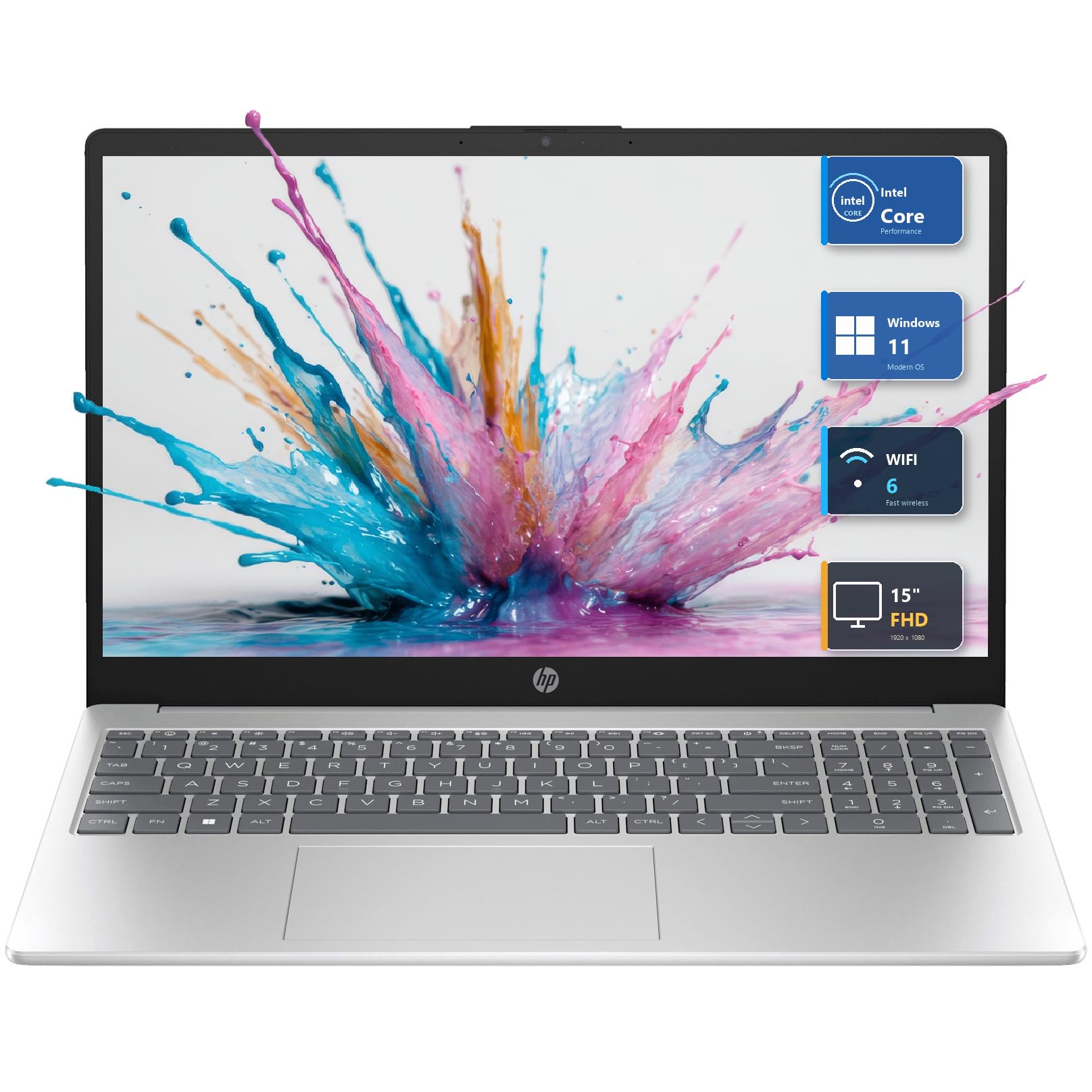
| HP Pavilion LaptopBudget Pick | light file review | Intel N100 | 8GB DDR4 | — | Amazon |
| Lenovo 15.6 FHD Laptop | processor-heavy modeling | Intel Core i7-13620H | 16GB DDR4 | — | Amazon |
| NIMO 17.3″ FHD AI Laptop | large-screen multitasking | AMD Ryzen 7 8745HS | 16GB DDR5 | Radeon 780M | Amazon |
| ASUS V16 Gaming Laptop | smooth 3D navigation | Intel Core 7 240H | 16GB | NVIDIA RTX 5060 | Amazon |
| Alienware 16 Aurora Gaming Laptop | long modeling sessions | Intel Core 7 240H | 16GB | NVIDIA RTX 5060 | Amazon |
| GIGABYTE AERO X16 Laptop | premium creator work | AMD Ryzen AI 9 HX 370 | — | NVIDIA RTX 5070 | Amazon |
Detailed Reviews
1. Acer Swift X 14″ Laptop
Our pick — 4.0+★ from 250+ verified ratings; the strongest balance of quality and price.
A 14-inch workhorse that pairs a proven Ryzen chip with a real RTX graphics card.
The Swift X gives Revit a dedicated RTX 3050 with its own video memory, so 3D views rotate without leaning on system RAM. The Ryzen 5 5600U handles modeling tasks and the 1TB SSD keeps project files and family libraries loading quickly.
The 14-inch FHD screen keeps the machine portable for site visits, but that size means less room for palettes and toolbars. The 8GB of RAM is the honest limit here, so very large models will need a lighter workflow.
Ryzen 7 in 14 inches
- Dedicated RTX graphics for 3D views
- Fast 1TB SSD for project files
soldered memory
- 8GB RAM caps very large models
portable power: Architects who model on the go
upgrade ceiling: Memory ceiling on huge projects
2. HP Pavilion Laptop
A low-cost laptop for light Revit viewing and everyday office tasks.
This Pavilion is built for web browsing, streaming, and documents, and its Intel N100 with 8GB of DDR4 memory handles those jobs smoothly. It can open Revit files for review, making it a sensible second machine for site paperwork.
The honest trade-off is power: the N100 and its integrated graphics are not built for heavy 3D modeling or rendering. The 256GB SSD also fills quickly once project files and families accumulate.
budget daily driver
- Low-cost entry point
- Fine for documents and web
N100 ceiling
- Not built for heavy 3D modeling
light tasks: Site paperwork and file viewing
heavy apps: Weak for rendering
3. Lenovo 15.6 FHD Laptop
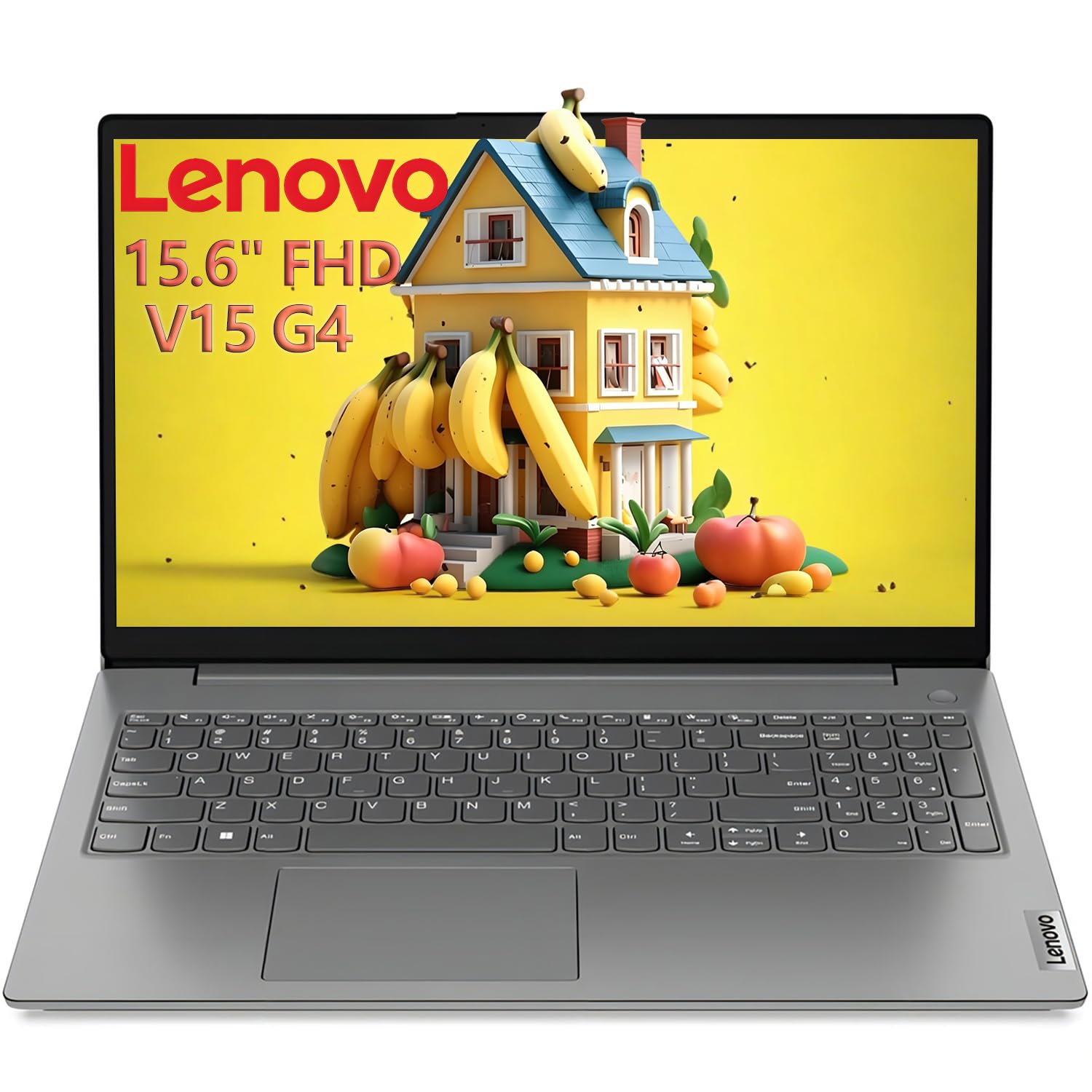
A 15.6-inch machine with a ten-core Intel chip built for demanding applications.
The i7-13620H reaches 4.9GHz across ten cores, which suits Revit’s modeling and content-creation workloads. Dual-channel 16GB of DDR4 memory keeps multiple apps smooth, and the 1TB PCIe 4.0 SSD boots in seconds.
There is no dedicated graphics card listed, so complex 3D views rely on integrated graphics. For heavy visualization or rendering, that is the compromise to weigh against the strong processor.
i7-13620H muscle
- Ten-core i7 for demanding apps
- Fast 1TB PCIe 4.0 storage
integrated graphics only
- No dedicated GPU listed
office speed: Modelers who need CPU headroom
no gaming: Integrated graphics only
4. NIMO 17.3″ FHD AI Laptop

A 17.3-inch laptop with a fast Ryzen chip and a large IPS display.
The Ryzen 7 8745HS brings eight cores and sixteen threads up to 4.9GHz, and 16GB of 5600MHz DDR5 memory feeds it quickly. The 17.3-inch IPS screen gives Revit palettes and drawings plenty of room.
Radeon 780M graphics are integrated, so this is a multitasking and light-gaming machine rather than a rendering powerhouse. The large chassis also makes it less portable for site visits.
17-inch big screen
- Eight-core Ryzen 7
- Roomy 17.3-inch IPS display
heavy to carry
- Integrated graphics for 3D
desk replacement: Desk-based Revit work
backpack weight: Bulky to carry
5. ASUS V16 Gaming Laptop

A 16-inch gaming laptop whose fast display and RTX card suit 3D viewing.
The RTX 5060 and Intel Core 7 240H give Revit dedicated graphics and strong processing, while the 16-inch WUXGA panel runs at 144Hz for ultrasmooth navigation. 16GB of memory and 512GB of storage cover everyday project work.
This is a gaming-first machine, so the 512GB drive may fill quickly with families and renders. The matte black chassis and gaming styling are worth considering if you present in client meetings.
144Hz gaming panel
- Dedicated RTX 5060 graphics
- 144Hz WUXGA display
modest storage
- 512GB storage fills fast
smooth frames: Frequent 3D view work
drive space: Gaming looks in meetings
6. Alienware 16 Aurora Gaming Laptop
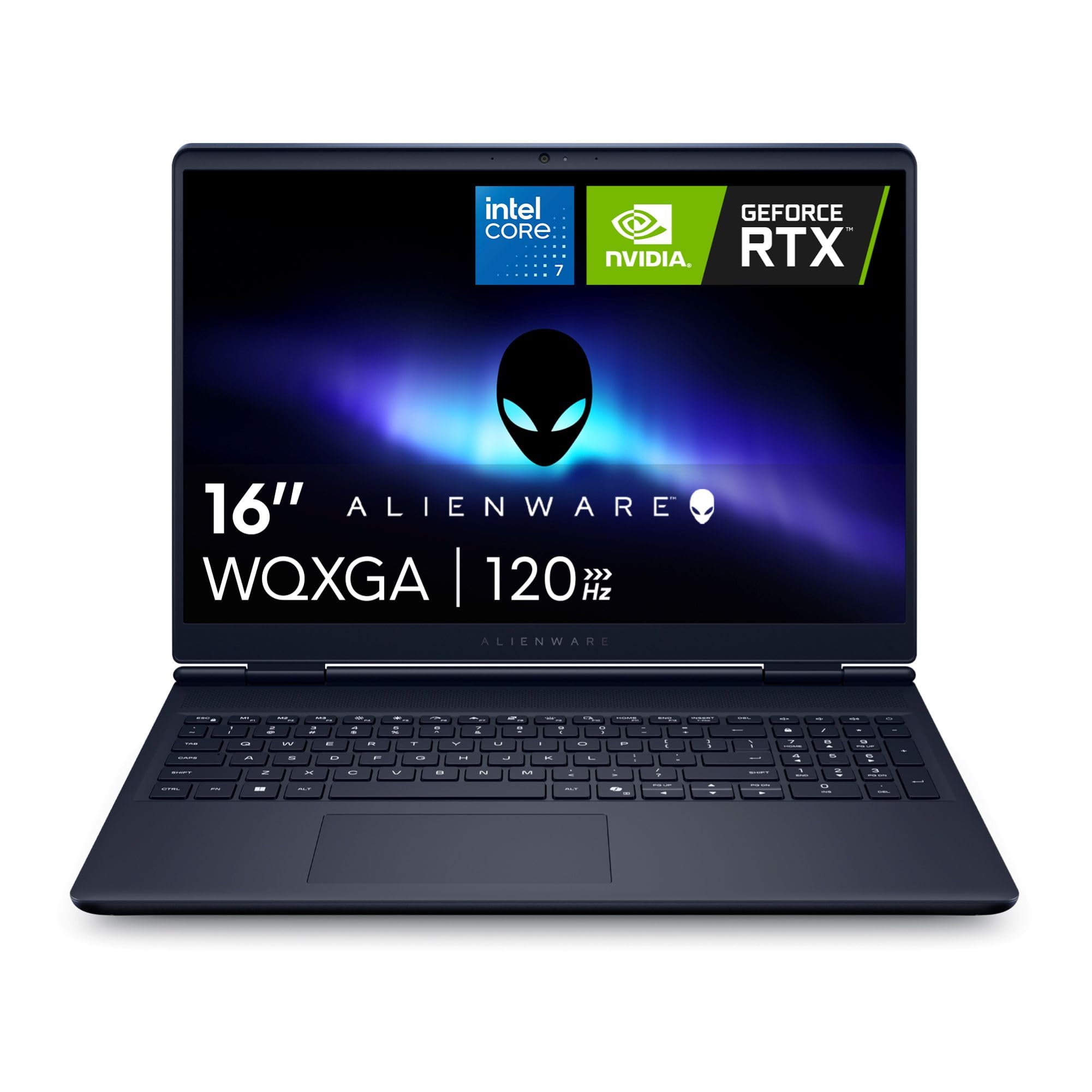
A 16-inch Aurora with RTX graphics and a cooling design built for long sessions.
The RTX 5060 and Intel Core 7 240H give Revit dedicated graphics and quick processing, and the 16-inch WQXGA display stays sharp for detailed drawings. A redesigned Cryo-Chamber cooling system targets sustained performance.
Buyers report fast performance and strong display quality, but heat and reliability draw mixed to negative notes. The 180-watt adapter hints at the power draw, so treat it as a desk machine rather than a travel companion.
RTX 5060 cooling
- Cryo-Chamber cooling design
- Sharp WQXGA display
runs warm
- Reliability and heat draw criticism
gaming sessions: Desk-bound heavy sessions
fan noise: Heat and reliability concerns
7. GIGABYTE AERO X16 Laptop
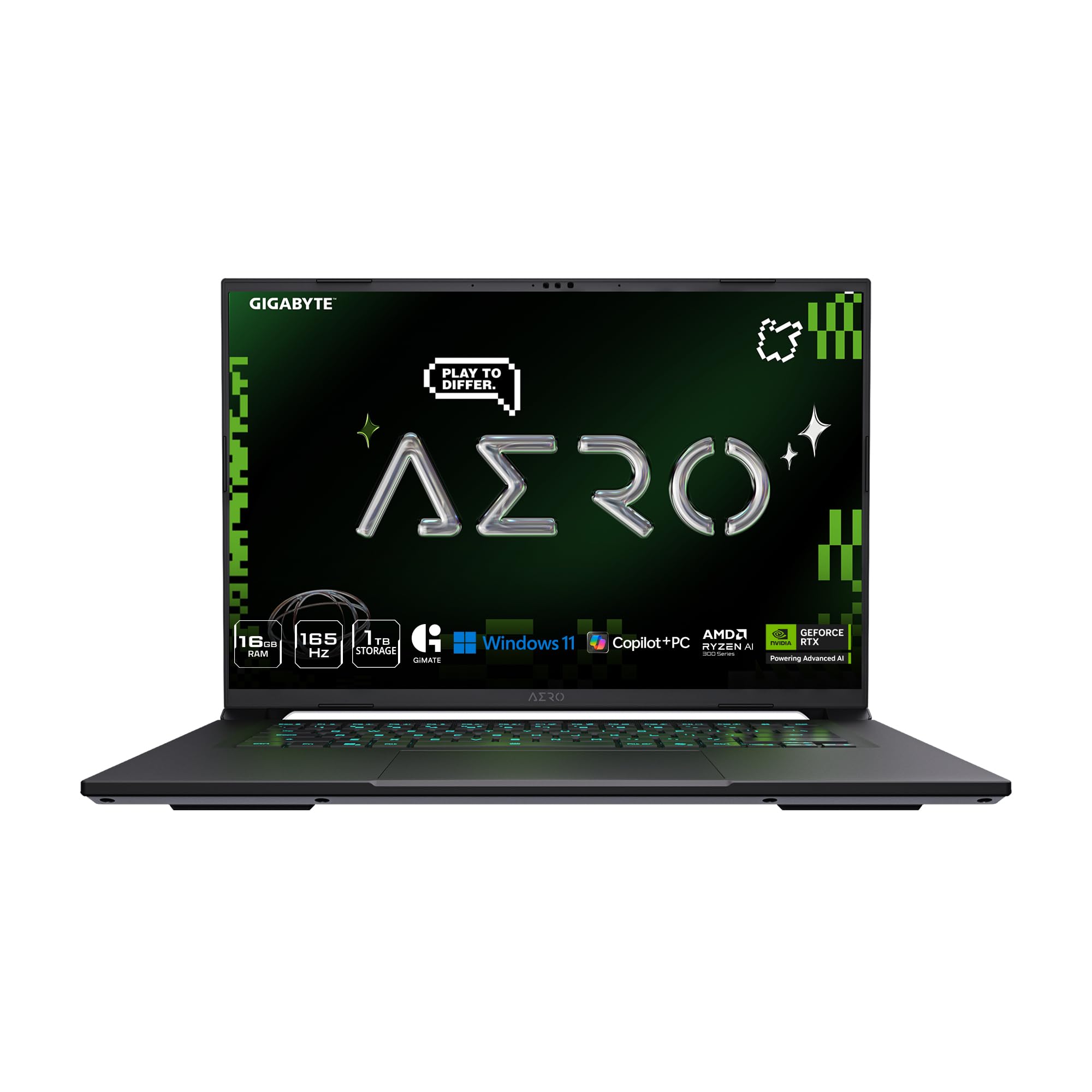
A 16-inch AERO with a next-gen Ryzen AI chip and RTX 5070 graphics.
The Ryzen AI 9 HX 370 and RTX 5070 give Revit serious processing and dedicated graphics, while GiMATE adds an AI interface for controlling the machine. Owners praise performance, speed, cooling, and battery life.
Noise levels draw mixed feedback, so expect fans under sustained rendering. This is a premium creator machine, and the AI features matter most if you also run visualization and AI-assisted tools.
Ryzen AI 9 chip
- Ryzen AI 9 HX 370 processor
- RTX 5070 graphics
loud fans
- Noise draws mixed feedback
creator workloads: Creators running AI tools
quiet rooms: Audible fans under load
Common Questions
How much RAM does Revit need?
Do I need a dedicated graphics card for Revit?
Is a fast processor more important than a big screen?
The Bottom Line
If you want one dependable pick, the best laptops for revit winner is the acer 2023 Newest Swift X Laptop, 14″ FHD Display, AMD Ryzen 5 5600U Processor, NVIDIA RTX 3050, 8GB RAM, 1TB SSD, 12H of Use, Fingerprint Reader, WiFi 6, Backlit KB, Windows 11, Bundle with JAWFOAL because it pairs dedicated RTX graphics with a fast Ryzen chip and a large SSD in a portable 14-inch body. If budget is tight, HP Pavilion Laptop Computer, Intel N100, 8GB DDR4 RAM, 256GB PCIe SSD covers light file review, while Lenovo 15.6 FHD Laptop, Intel i7-13620H up to 4.90 GHz, 16GB RAM, 1TB SSD gives processor headroom and GIGABYTE AERO X16 – AMD Ryzen AI 9 HX 370 GeForce RTX 5070 16″ Laptop suits creators who also run AI-assisted visualization.
How we choose
We do not accept paid placement. Every pick is matched to a real buyer and a real use-case; we do not hands-on test units.
Sources
Specifications: manufacturer listings and product documentation. Review insights: verified customer reviews, as of November 2026. Pricing: not shown on this page (it changes often); check the current price via the retailer link.
As an Amazon Associate, My Heart Lives Here earns from qualifying purchases. This does not affect which products we feature.