Heads up: This post contains affiliate links. As an Amazon Associate I earn from qualifying purchases, at no extra cost to you. Learn more
Specs are compiled from manufacturer listings and verified buyer reviews and can change over time — please confirm the key details on the product page before buying.
A second screen used to mean a second bag, a second power brick and a second argument with airport security. These laptop screen extenders clip on, fold flat and give you the desktop spread you miss the moment you leave the office.
This guide is built by comparing the manufacturers’ published specifications and the patterns across verified customer reviews, so you get each pick’s real strengths and trade-offs instead of marketing spin.
A good extender turns one cramped laptop screen into a proper workspace without adding a second bag. Here are the best laptop screen extenders for travel and desk duty alike.
Top Picks

Side-by-Side Comparison
| Model | Best For | Panel Size | Weight | Connection | Amazon |
|---|---|---|---|---|---|
| ASUS ZenScreen MB16ACV Portable Monitor★ Best Overall | Travel and hot desks | 15.6 in | — | USB-C | Amazon |
| Acer PM161Q Bbmiuux Portable MonitorBest Value | Budget-conscious students | 15.6 in | — | USB-C / Mini HDMI | Amazon |
| APILDELLA 14” Dual Laptop Screen ExtenderBest Dual Screen | Multitaskers on the move | 14 in x2 | — | HDMI / USB-C | Amazon |
| 14″ FHD 1080P Dual Laptop Monitor Extender | Mac multitaskers | 14 in x2 | — | HDMI / USB-A / USB-C | Amazon |
| Blackview SCM6 Laptop Screen Extender | Carry-on travellers | 14.1 in | 1.32 lb | USB-C | Amazon |
| 15.6″ FHD 1200P Portable Monitor | Writers and coders | 15.6 in | 2.77 lb | USB-C | Amazon |
| 15.6” Triple Portable Monitor | Desk-bound power users | 15.6 in | — | USB-C / USB-A | Amazon |
| 15.6 Inch 4K Portable Monitor Touchscreen | Photo and video work | 15.6 in | — | HDMI / USB-C | Amazon |
| InnoView 15.6″ 4K Portable Dual Monitor | Colour-critical dual setups | 15.6 in x2 | — | DP / USB-C / HDMI | Amazon |
Detailed Reviews
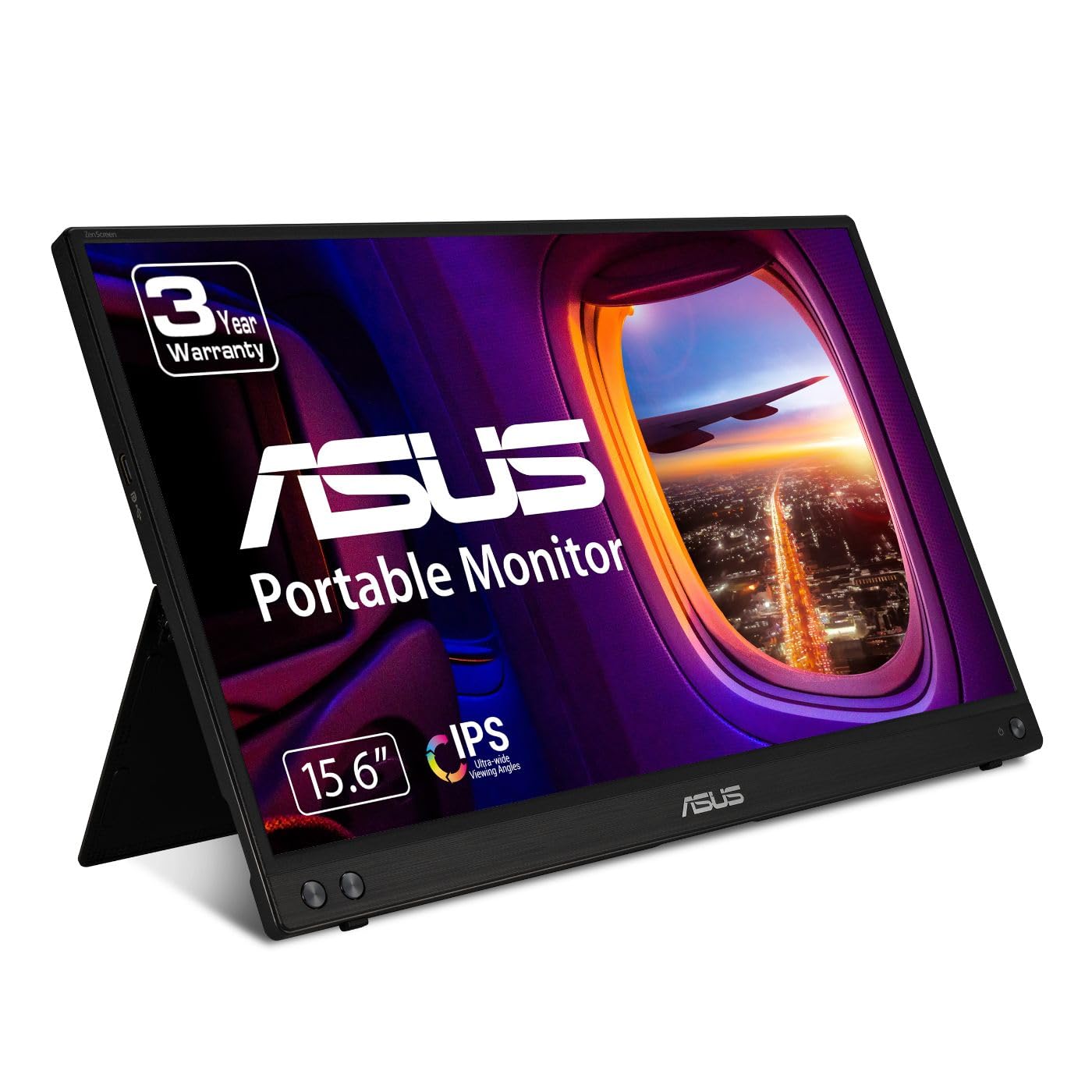
1. ASUS ZenScreen MB16ACV Portable Monitor
Our pick — 4.5+★ from 950+ verified ratings; the strongest balance of quality and price.
A slim single panel that props itself up and draws power straight from your laptop.
This is the simplest route to a second screen: one ultraslim anti-glare panel that runs off a single USB-C cable, so there is no power brick to hunt for in a hotel room. The kickstand flips it between portrait and landscape in seconds.
The honest trade-off is the stand itself, which is the part that gives out first, and a small number of units stop waking up over time. Treat the hinge gently and it earns its keep on the road.
Why it wins
- No separate power cable needed
- Anti-glare finish suits bright rooms
Watch the stand
- Kickstand is the weak point
Road warriors: Anyone who wants one extra panel without the bulk
Not for dual-screen fans: You only get one additional display
2. Acer PM161Q Bbmiuux Portable Monitor
A lightweight plug-and-play panel that behaves like a monitor you have owned for years.
Acer keeps this one dead simple: a 15.6-inch full HD IPS screen with FreeSync, built-in speakers and a tilt-adjustable body that sets up the moment you connect it. It is light enough to forget in a backpack.
Owners consistently call it great value, and reliability has held up well. The catch is that it is a single extra panel, so it widens your workspace rather than doubling it.
What works
- Genuinely light for the screen size
- Sets up with no fuss
Single panel only
- No dual-screen expansion
First-time buyers: Students and commuters on a tight budget
Not a dual rig: One extra screen, not two
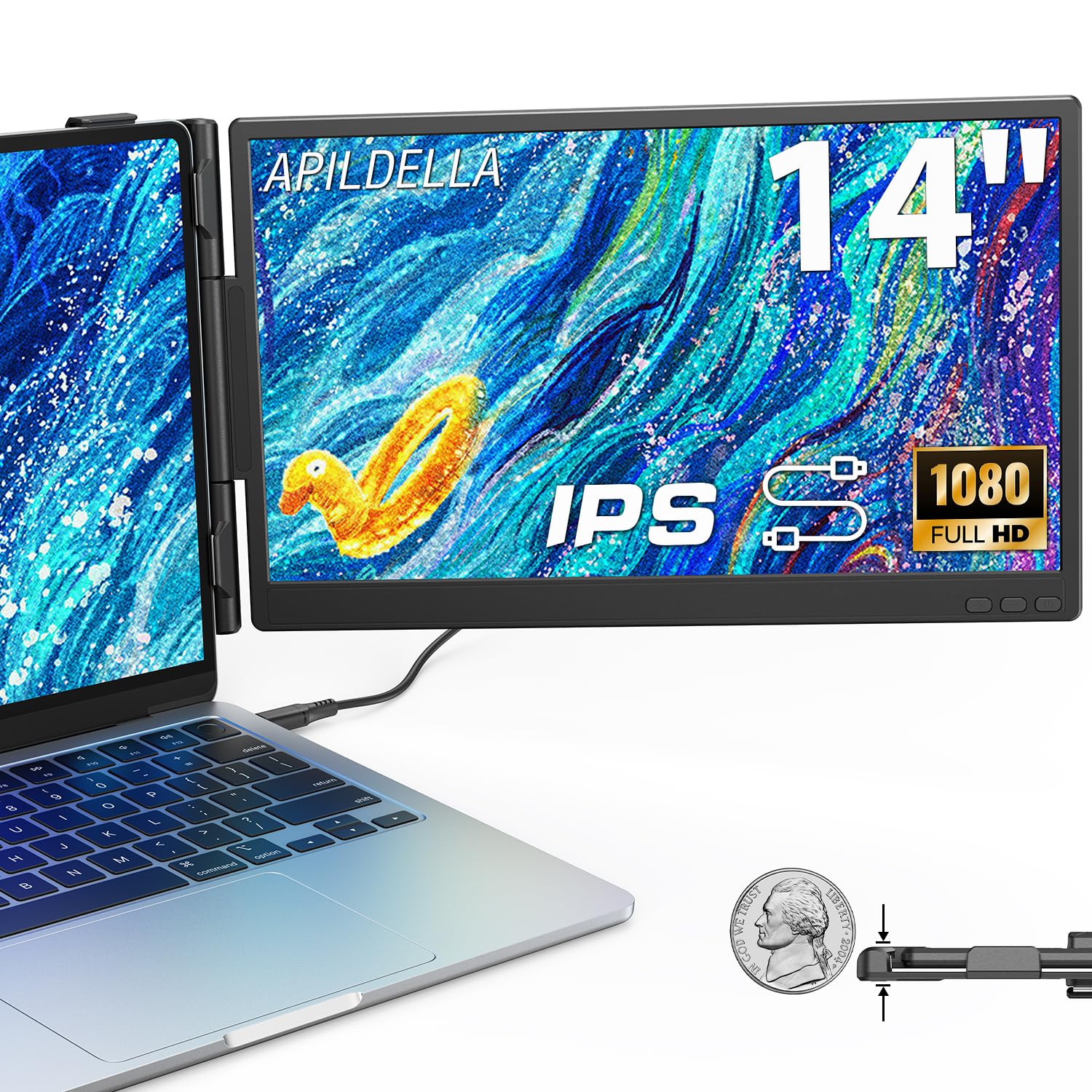
3. APILDELLA 14” Dual Laptop Screen Extender
A true dual-screen extender with a scratch-free frame and a sliding arm that grips the laptop.
Two 14-inch 1080p panels fold out from a zero-contact frame designed to keep your laptop lid free of scratches, and the sliding support arm stretches to fit 13 to 16 inch machines. Setup is quick and the picture stays clear.
It is the pick for people who want a proper triple-display spread on the road, though the arm system adds a little bulk to your bag compared with a single panel.
Why it stands out
- Two extra screens at once
- Scratch-free mounting frame
More bulk
- Heavier than a single panel
Spreadsheet users: Anyone juggling several windows all day
Not ultralight: Takes up more bag space
4. 14″ FHD 1080P Dual Laptop Monitor Extender
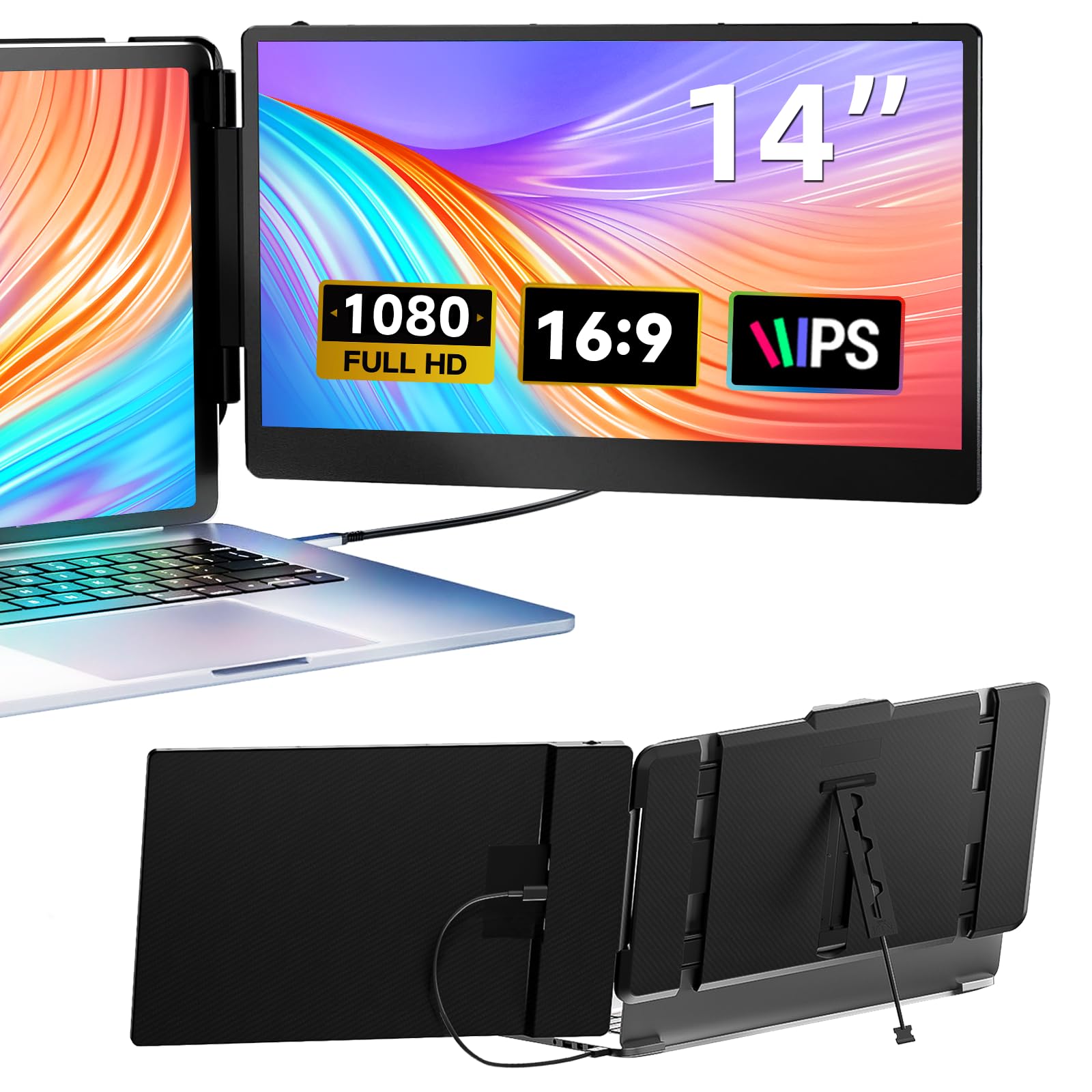
A dual extender that widens its laptop fit up to 17 inches and plays nicely with Macs.
This one clips two 14-inch full HD panels onto laptops from 13.3 up to 17 inches, with mirror, extend and portrait modes so you can shape the layout to the job. Mac buyers report it just works.
The trade-off is weight and setup time: a dual rig this size takes a moment longer to mount than a single panel, and it is not the lightest thing in your bag.
What buyers like
- Works cleanly with Macs
- Flexible display modes
Setup takes a minute
- Bulkier than single panels
Mac users: Apple laptop owners who want two extra screens
Not grab-and-go: Mounting takes a little practice
5. Blackview SCM6 Laptop Screen Extender
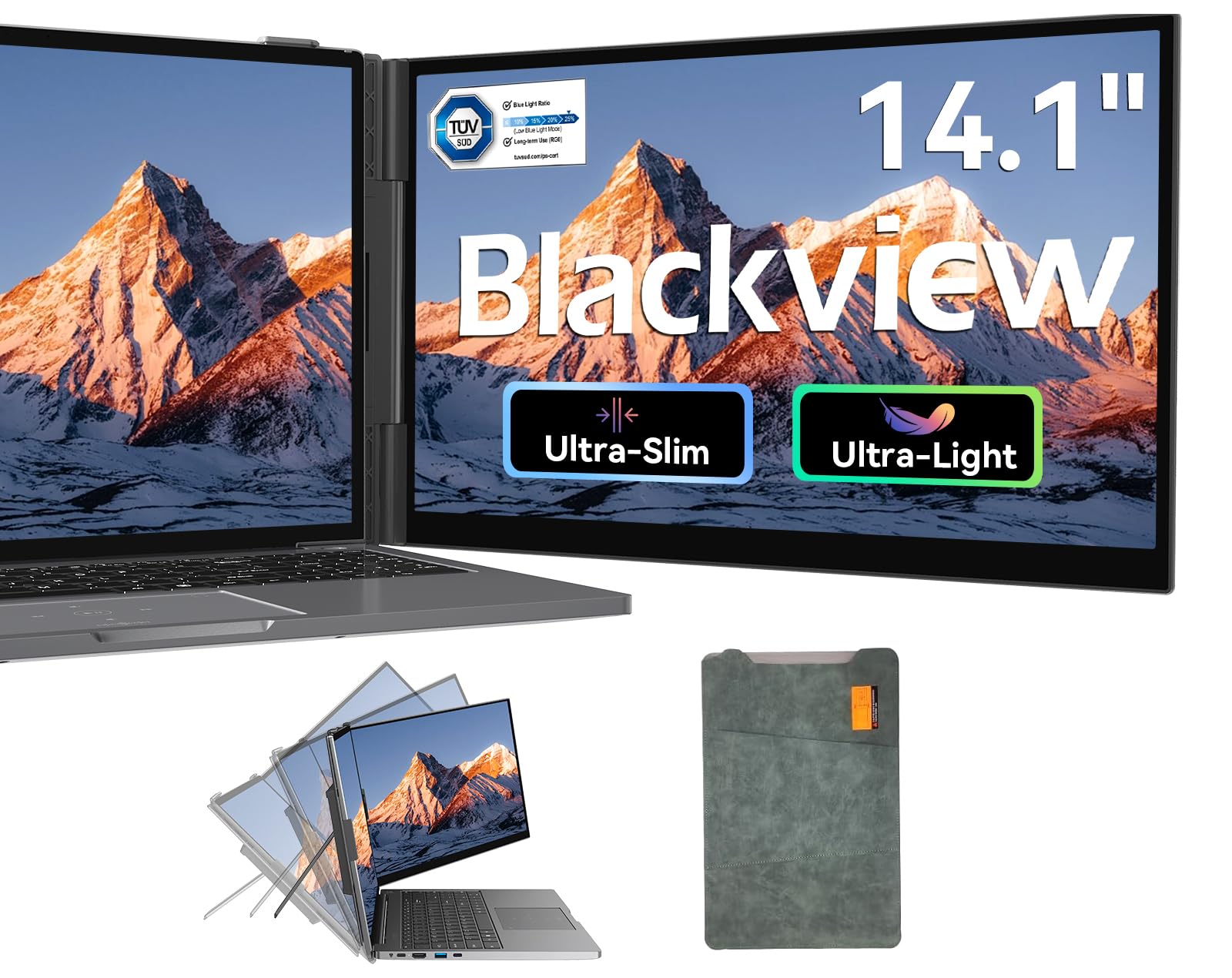
The extender for people who count every ounce in their carry-on.
Blackview builds this around portability: a 14.1-inch full HD panel in a body that weighs barely over a pound and slips into a laptop sleeve without a bulge. Setup is quick and the display is crisp.
The compromise is that this is a single extra screen, and reliability is the usual mixed bag for clip-on extenders. If weight is your first question, though, this answers it.
Why it travels well
- Barely adds weight to your bag
- Very slim screen profile
Single panel
- Reliability varies unit to unit
Frequent flyers: Business travellers with strict baggage limits
Not a dual rig: One extra display only
6. 15.6″ FHD 1200P Portable Monitor
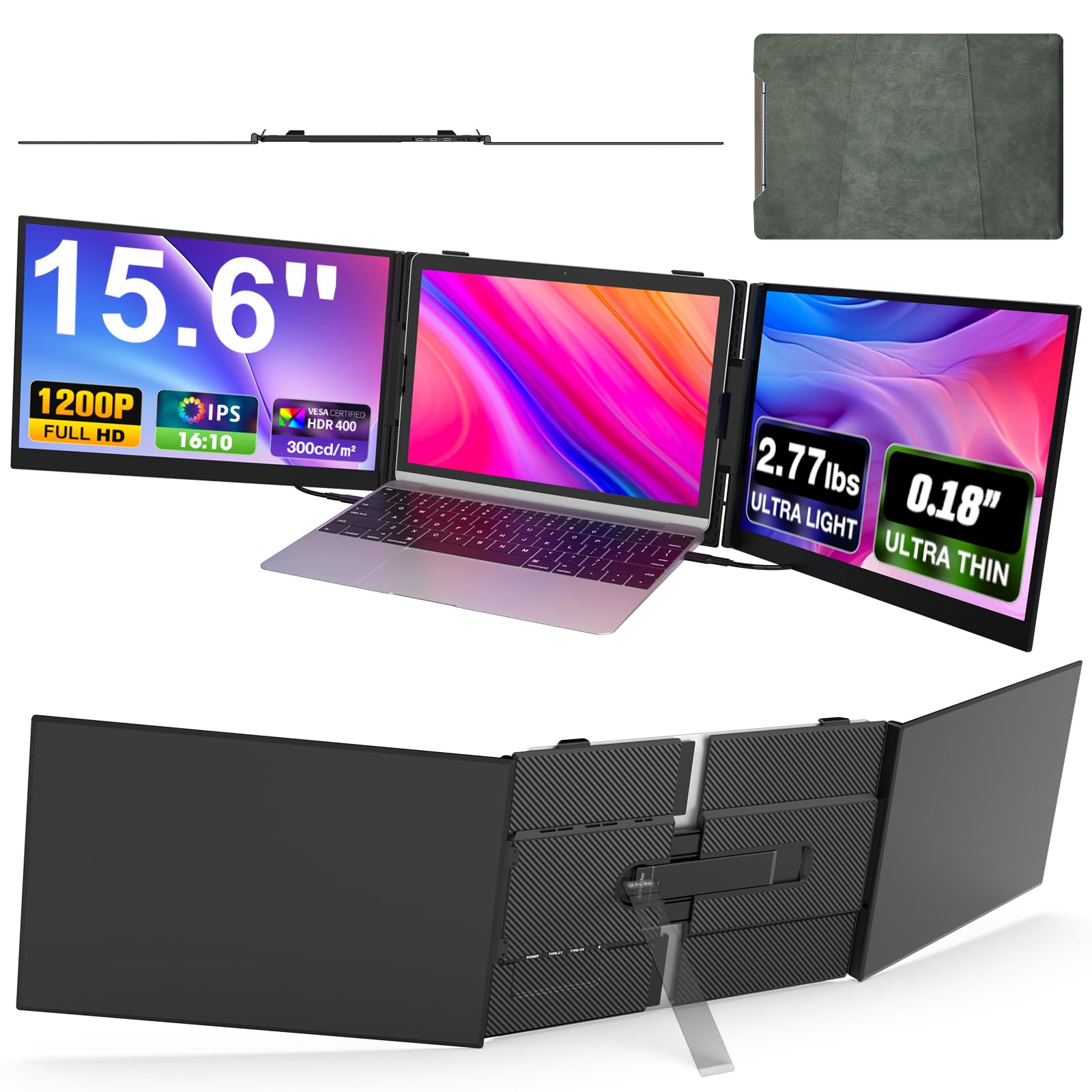
A taller 16:10 panel that gives documents and code more vertical room.
The 16:10 aspect ratio is the draw here: a 15.6-inch full HD panel with extra height, so long documents and code stop feeling cramped. It sets up fast and owners call the picture crisp and bright.
Compatibility is the caveat, since it does not play nicely with every laptop out there. Check your machine before committing, because when it fits, it is a productivity upgrade.
What works
- Taller 16:10 working area
- Quick to set up
Check compatibility
- Does not work with every laptop
Document workers: Coders and writers who need vertical space
Not universal: Verify your laptop first
7. 15.6” Triple Portable Monitor
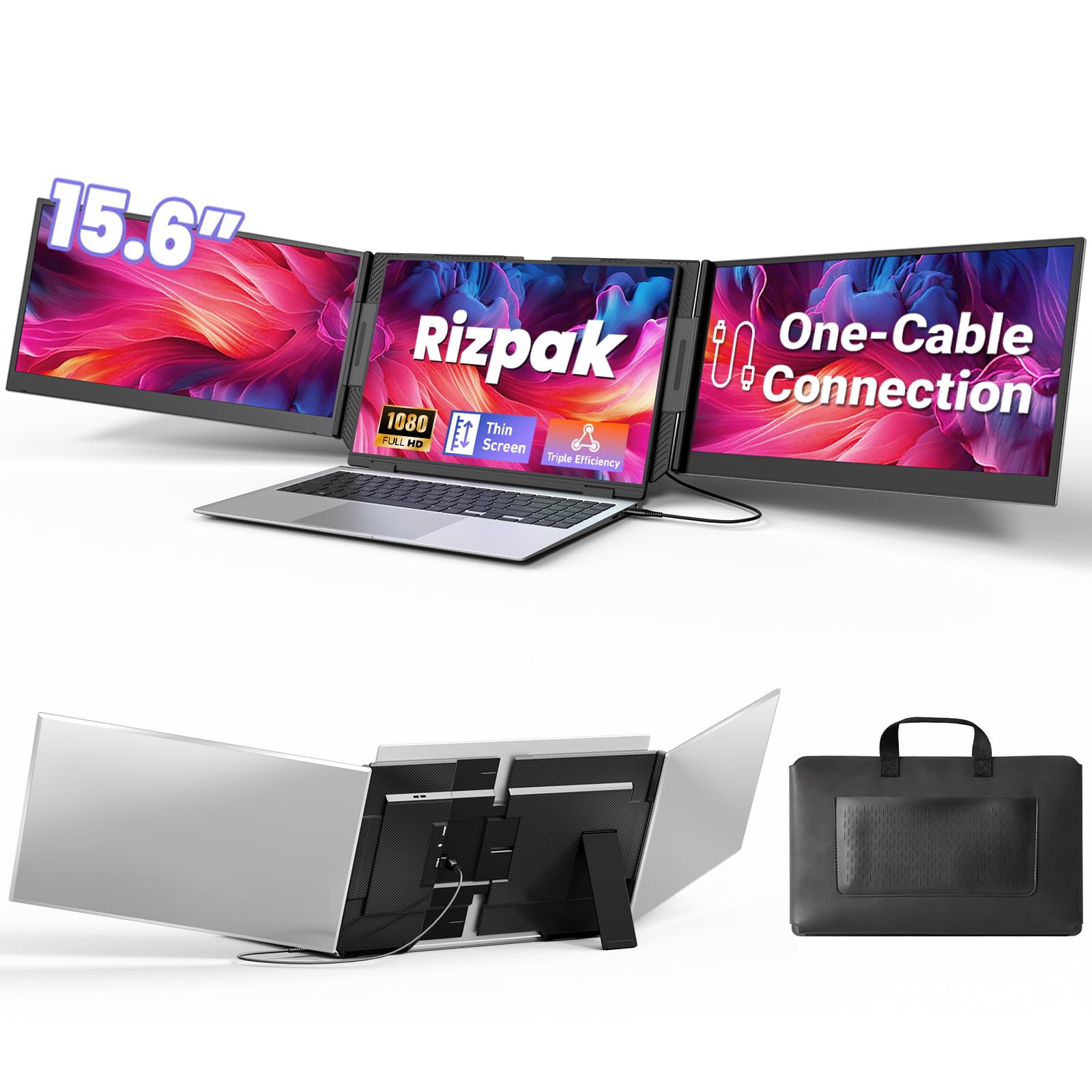
A triple-screen rig that runs off one cable, once the driver is in place.
This extender expands your laptop into a triple-display setup using a single USB-C or USB-A cable, which means less cable spaghetti on a small desk. Owners like the productivity lift.
The honest catch is the driver install, which is a step some plug-and-play rivals skip, and durability is mixed over the long haul. Set it up once and leave it on the desk.
Why it appeals
- One cable for the whole rig
- Big productivity gain
Driver required
- Durability is a long-term question
Desk workers: People who mostly work from one spot
Not driver-free: Needs a software install first
8. 15.6 Inch 4K Portable Monitor Touchscreen

A high-resolution touchscreen panel for people who care about colour and detail.
This is the sharp one: a 15.6-inch UHD IPS screen with HDR, FreeSync, 100% sRGB coverage and up to 500 nits, which makes photo work and streaming look genuinely good. It ships with a carrying case.
Touch is the gamble, since sensitivity has been hit and miss for owners, and it is a single panel rather than a dual rig. Buy it for the picture, not the touchscreen.
Why it looks good
- Sharp UHD resolution
- Strong colour coverage
Touch is inconsistent
- Touchscreen sensitivity varies
Creatives: Editors and photographers needing colour accuracy
Not for touch-first users: Do not rely on the touch layer
9. InnoView 15.6″ 4K Portable Dual Monitor
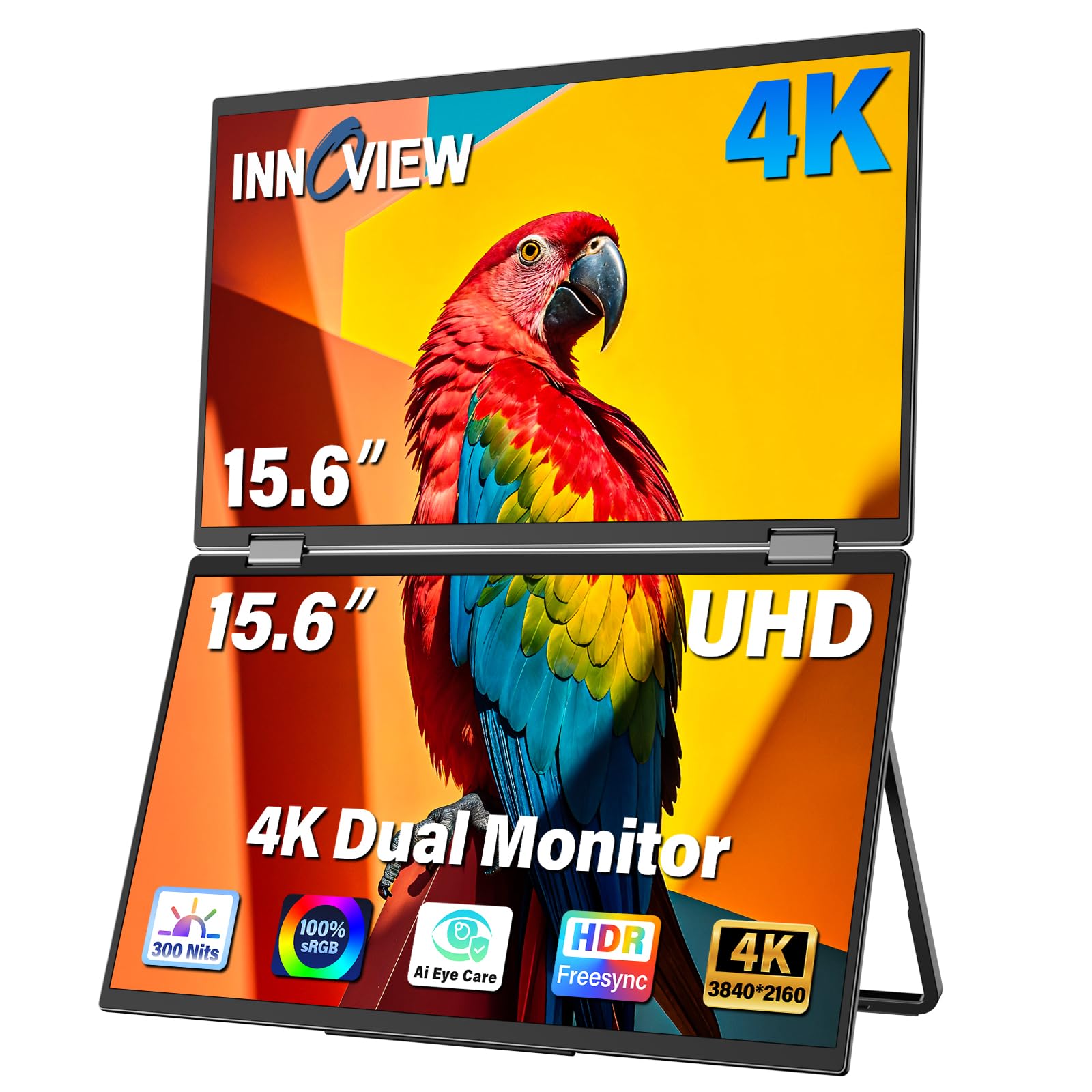
Two 4K panels on a foldable frame that swings through 315 degrees.
InnoView pairs two 15.6-inch 4K UHD panels with 100% sRGB coverage and a foldable frame that adjusts through 315 degrees, so you can angle each screen for the light in the room. It folds flat into a work bag.
Performance is mixed depending on the laptop driving it, and compatibility needs checking. When it works, it is the most impressive dual-screen setup here.
Why it impresses
- Two 4K panels at once
- Foldable, adjustable frame
Check your laptop
- Performance varies by machine
Power users: Designers who need two sharp screens
Not plug-and-play for all: Compatibility is not universal
Common Questions
Do laptop screen extenders need their own power?
Will an extender fit my laptop?
Are dual-screen extenders worth it over a single panel?
The Bottom Line
If you want one dependable pick, the best laptop screen extenders winner is the ASUS ZenScreen MB16ACV 15.6 Inch 1080p USB-C Portable Monitor because It delivers a clean second screen off one cable with no power brick to pack, which is exactly what travel work demands. If you want two extra screens at once, look at APILDELLA 14” Dual Laptop Screen Extender, 1080P FHD Laptop Extended Monitor Portable with Speaker, Plug-Play Second Monitor for 13-16” Laptops, Work with Mac, Window, Chrome or InnoView Portable Dual Monitor 15.6″ 3840x2160P 4K 100% sRGB | Owl Eye Vision – Foldable Design with 315° Screen Adjustment, 180° Stand | DP/USB-C/HDMI, Dual Screen Extender for Laptop, Mac, Windows, and for the sharpest picture on a single panel, 4K Portable Monitor Touchscreen, 15.6 Inch Portable Monitor 3240×2160 UHD, 500 Nits 100% sRGB with Adjustable Stand, HDMI & USB-C Computer Display for Travel Monitor Laptop Mac Phone Xbox PS4 Switch is the one to beat.
How we choose
We do not accept paid placement. Every pick is matched to a real buyer and a real use-case; we do not hands-on test units.
Sources
Specifications: manufacturer listings and product documentation. Review insights: verified customer reviews, as of November 2026. Pricing: not shown on this page (it changes often); check the current price via the retailer link.
As an Amazon Associate, My Heart Lives Here earns from qualifying purchases. This does not affect which products we feature.