Heads up: This post contains affiliate links. As an Amazon Associate I earn from qualifying purchases, at no extra cost to you. Learn more
Specs are compiled from manufacturer listings and verified buyer reviews and can change over time — please confirm the key details on the product page before buying.
Running large language models locally is a memory problem before it is a speed problem, and most laptops simply do not have the video memory to hold a serious model. These machines were chosen because their graphics hardware and system memory give you the headroom to actually load and run models instead of watching them fail.
This guide is built by comparing the manufacturers’ published specifications and the patterns across verified customer reviews, so you get each pick’s real strengths and trade-offs instead of marketing spin.
A practical guide to picking a laptop that can actually load and run local language models without running out of memory. This is the best laptop for running llms if you want real local inference.
Top Picks
Side-by-Side Comparison
| Model | Best For | GPU | System RAM | Storage | Amazon |
|---|---|---|---|---|---|
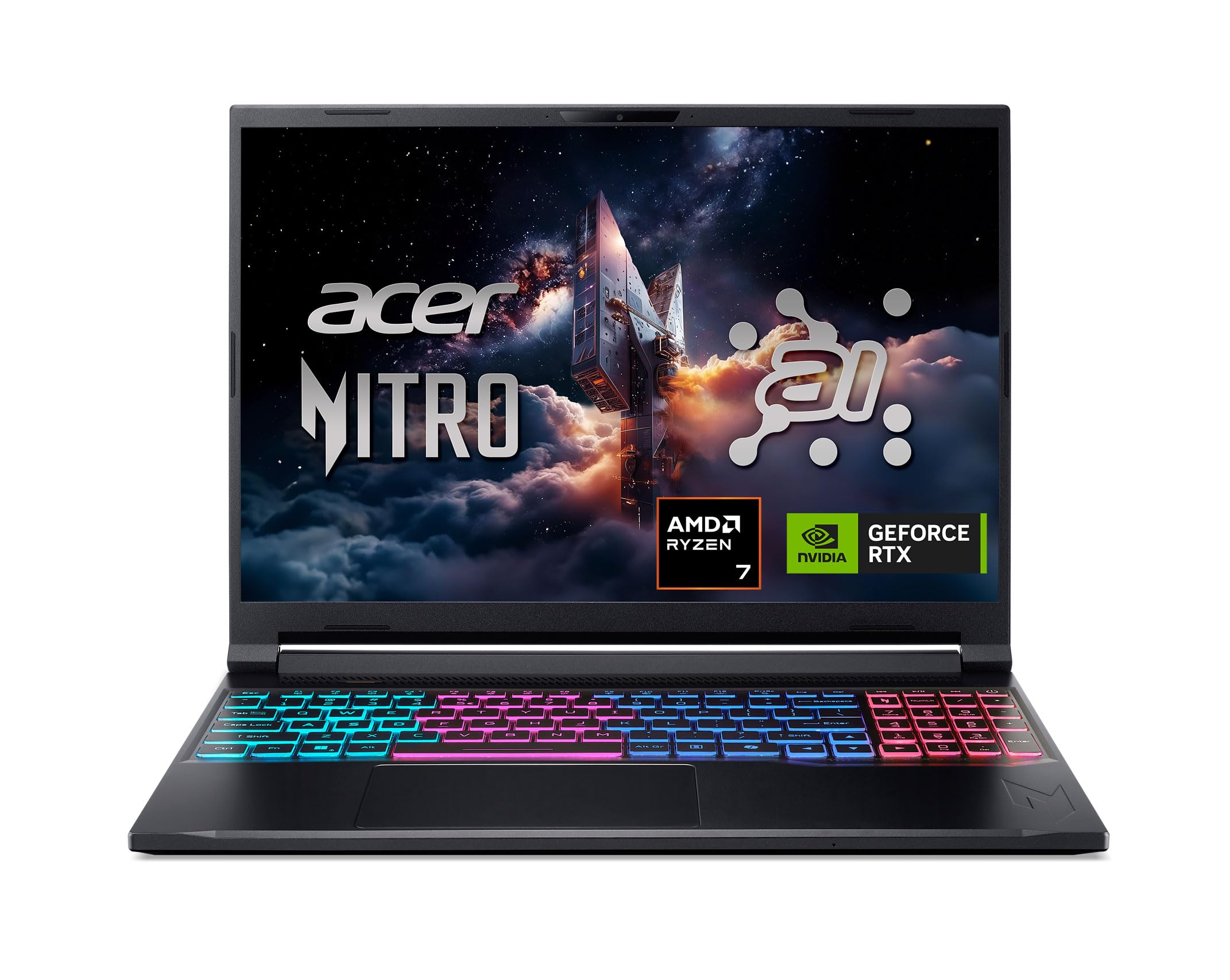
| Acer Nitro V 16S AI ANV16S-41-R2AJ★ Best Overall | everyday local AI work | RTX 5060 | 32GB DDR5 | 1TB Gen 4 SSD | Amazon |
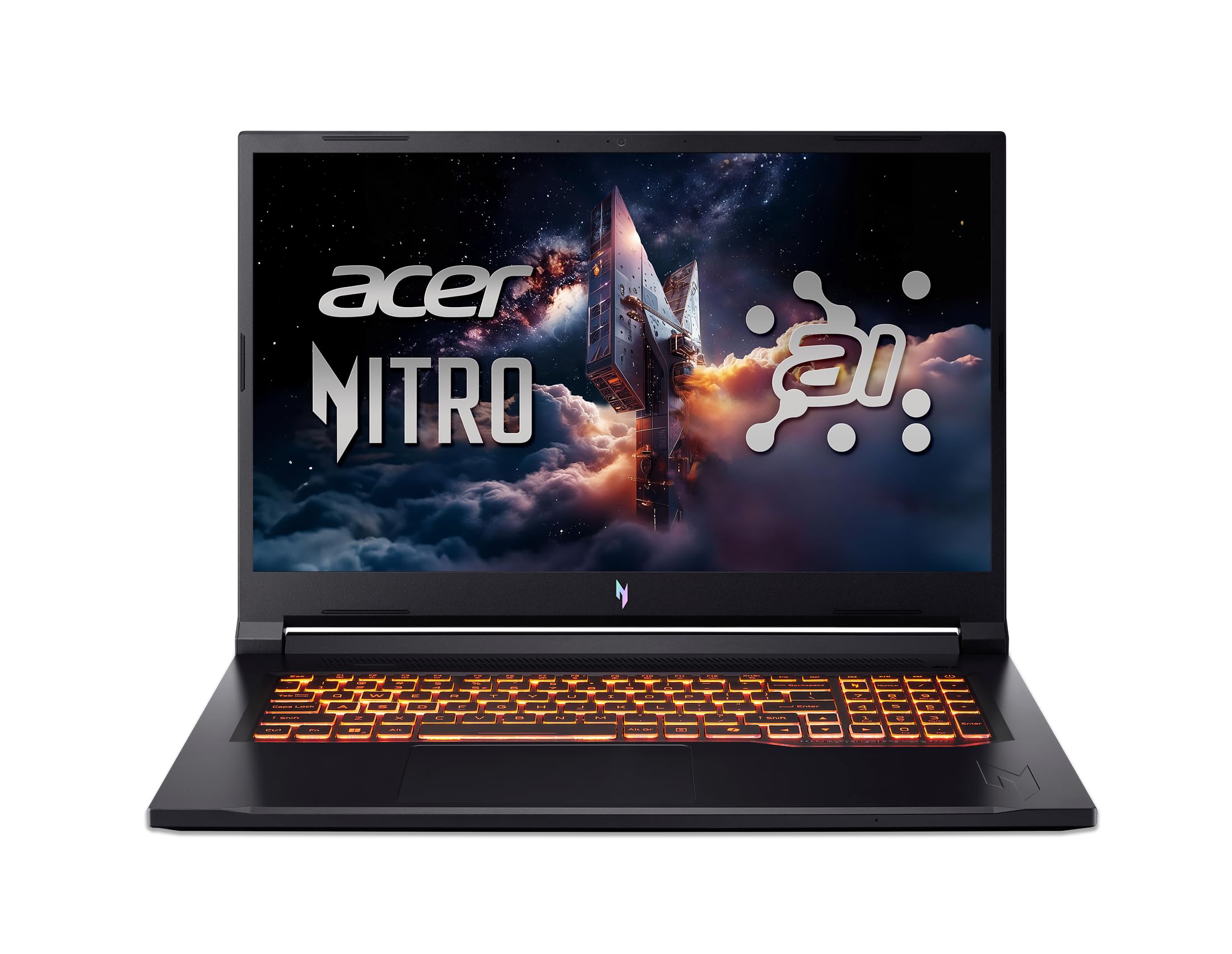
| Acer Nitro V 17 AI ANV17-41-R75FBig Screen Pick | a roomy workstation | RTX 5070 | 32GB DDR5 | 1TB Gen 4 SSD | Amazon |
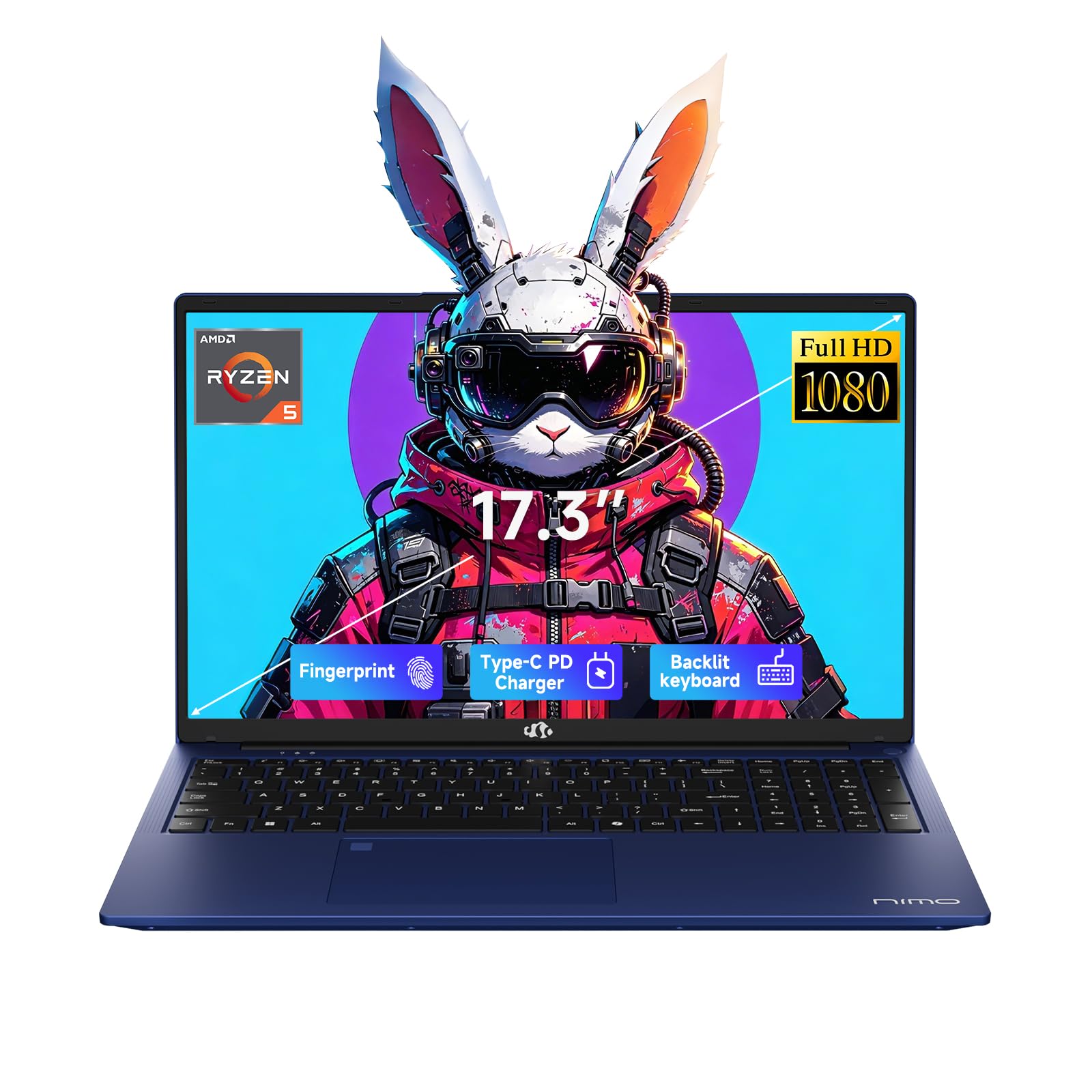
| NIMO 17.3″ AI LaptopMemory Monster | large models in RAM | — | 64GB | 1TB SSD | Amazon |
| HP EliteBook 16 Laptop | light experimentation | Radeon 740M | 32GB DDR5 | 1TB SSD | Amazon |
| Microsoft Surface Laptop (2024) 15″ | portable AI features | Snapdragon X Elite | 16GB | 1TB SSD | Amazon |
| msi Vector 16 HX AI A2XWHG-212US | fast GPU on a budget | RTX 5070 Ti | 16GB DDR5 | 512GB NVMe SSD | Amazon |
| msi Katana A15 AI B8VG-450US | sharp screen on a budget | RTX 4070 | 32GB DDR5 | 1TB SSD | Amazon |
| GIGABYTE AERO X16 | sustained AI sessions | RTX 5070 | — | — | Amazon |
| Lenovo ThinkPad X1 Carbon Gen 13 | portable productivity | — | 32GB LPDDR5X | 1TB SSD | Amazon |
| msi Katana 15 HX B14WGK-016US | CPU-heavy workloads | RTX 5070 | 32GB DDR5 | 1TB NVMe SSD | Amazon |
| ASUS ROG Strix G16 G615LR-AS96 | high-end all-round use | RTX 5070 Ti | 32GB DDR5 | 1TB SSD | Amazon |
| Alienware 18 Area-51 RTX5070 | sustained heavy loads | RTX 5070 | — | — | Amazon |
| Dell Alienware 18 Area-51 RTX 5090 | maximum headroom | RTX 5090 | 64GB DDR5 | 2TB PCIe SSD | Amazon |
Detailed Reviews
1. Acer Nitro V 16S AI ANV16S-41-R2AJ
Our pick — 4.0+★ from 350+ verified ratings; the strongest balance of quality and price.
A balanced AI-ready gaming machine that pairs a modern RTX GPU with 32GB of fast memory.
The Ryzen 7 260 and RTX 5060 combination gives you a capable GPU for local inference backed by 32GB of DDR5, so mid-sized models load without fighting the operating system for space. The 16-inch 180Hz panel and 1TB Gen 4 SSD keep the whole workflow snappy.
The honest trade-off is heat and battery. Under sustained load the chassis runs warm and battery life drops sharply, so plan on keeping it plugged in for long generation sessions.
Ryzen 7 value
- Strong AI and gaming performance for the money
- 32GB memory leaves room for models
cooling under load
- Runs hot and drains fast under load
budget gamers: first-time local LLM users
fan noise: needs to stay plugged in
2. Acer Nitro V 17 AI ANV17-41-R75F
A larger Nitro with a step-up GPU and a big screen for long working sessions.
The RTX 5070 here offers more graphics headroom than the smaller Nitro, paired with the same 32GB of DDR5 and a 1TB Gen 4 SSD. The 17.3-inch 144Hz panel makes extended model-tuning sessions easier on the eyes.
Reports of instability are the concern worth weighing. Some units crash under demanding workloads, so buy from a seller with a clean return path.
big 17 inch screen
- More GPU headroom than the smaller model
- Large display suits long sessions
heavy to carry
- Some units reportedly crash under load
desk setup: desk-bound AI work
portability: stability varies by unit
3. NIMO 17.3″ AI Laptop
A 12-core AMD machine with 64GB of memory for models that need serious system RAM.
The Ryzen AI 9 HX 370 with 64GB of RAM and a 1TB SSD is built for memory-hungry workloads, letting you hold large quantized models in system memory when VRAM alone will not cut it. The 17.3-inch chassis gives it room to breathe.
This is a system-memory play rather than a discrete-GPU one, so raw GPU inference speed will trail the dedicated RTX machines. Long battery figures are listed, but heavy AI work will still eat through them.
12 core power
- Huge 64GB memory pool
- 12-core AMD processor
no strong gpu
- No dedicated RTX GPU listed
multitask work: memory-bound workloads
gaming limits: slower GPU inference
4. HP EliteBook 16 Laptop
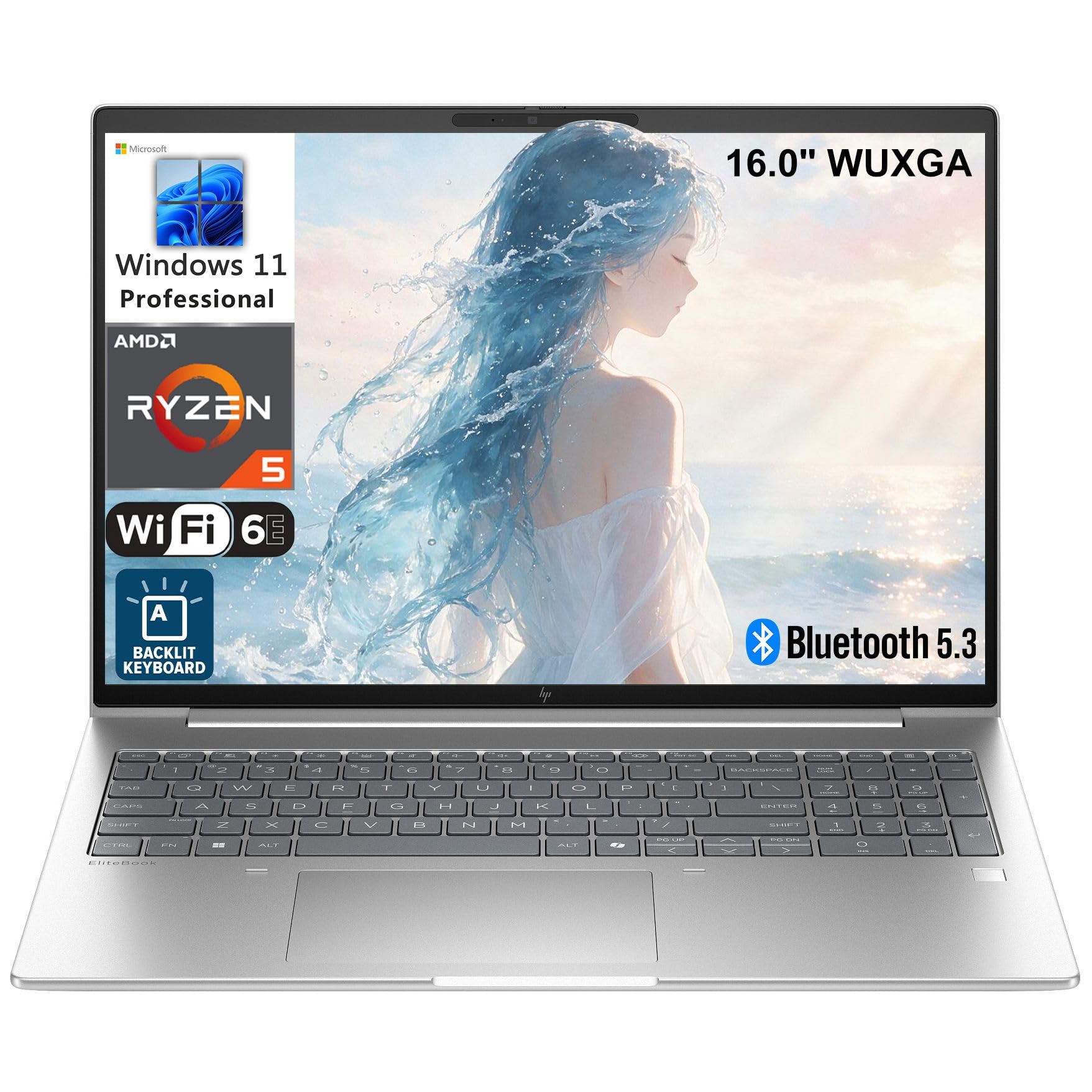
A business-class EliteBook with plenty of memory but integrated graphics.
The Ryzen 5 220 with Radeon 740M graphics and 32GB of DDR5 is fine for light model experimentation and everyday multitasking. The EliteBook build and business focus suit people who want a work machine first.
Integrated graphics is the limiting factor. Without a discrete GPU, serious local inference will be slow, so treat this as a machine for small models and testing rather than heavy runs.
32GB business ram
- Solid business build quality
- 32GB memory for multitasking
weak graphics
- Integrated graphics limits inference speed
office fleets: office-first users
gaming use: no discrete GPU
5. Microsoft Surface Laptop (2024) 15″

A Copilot+ machine tuned for on-device AI features and all-day battery.
The Snapdragon X Elite with 16GB of RAM and a 1TB SSD is built around Windows Copilot+ AI features, with a 15-inch touchscreen and long battery figures. It is a polished, portable AI companion for lighter tasks.
The catch is compatibility and reliability. Some buyers report software friction and mixed reliability, and 16GB of RAM is modest for larger local models, so heavy LLM work belongs elsewhere.
copilot integration
- Long battery life
- Polished touchscreen design
fewer ports
- Compatibility and reliability complaints
daily commute: on-the-go AI features
heavy apps: modest memory for big models
6. msi Vector 16 HX AI A2XWHG-212US

A Vector with a strong RTX 5070 Ti and fast Thunderbolt 5 connectivity.
The RTX 5070 Ti and Intel Core Ultra 7-255HX give this Vector real graphics muscle for inference and rendering, with Thunderbolt 5 and Wi-Fi 6E for fast external storage and networking. The 144Hz FHD+ screen keeps work fluid.
Cooling is the recurring complaint, with the chassis running hot under load. Storage is also modest at 512GB, so plan on adding external space for model files.
144Hz fast panel
- Strong RTX 5070 Ti graphics
- Thunderbolt 5 connectivity
runs warm
- Runs hot and storage is small
fast shooters: creators on a budget
lap use: limited built-in storage
7. msi Katana A15 AI B8VG-450US

A mid-range Katana with a sharp QHD screen and a Ryzen 9 and RTX 4070 pairing.
The Ryzen 9-8945HS and RTX 4070 with 32GB of DDR5 and a 1TB SSD deliver solid mid-range performance, and the 15.6-inch QHD 165Hz display is a genuine step up in clarity for detailed work.
This is the least consistent machine in the group. Overheating, connectivity problems and mixed reliability come up repeatedly, so it suits buyers who can tolerate some rough edges for the price.
QHD 165Hz display
- Crisp QHD 165Hz display
- 32GB memory and 1TB storage
short battery
- Overheating and connectivity complaints
esports play: budget-conscious buyers
travel days: inconsistent reliability
8. GIGABYTE AERO X16
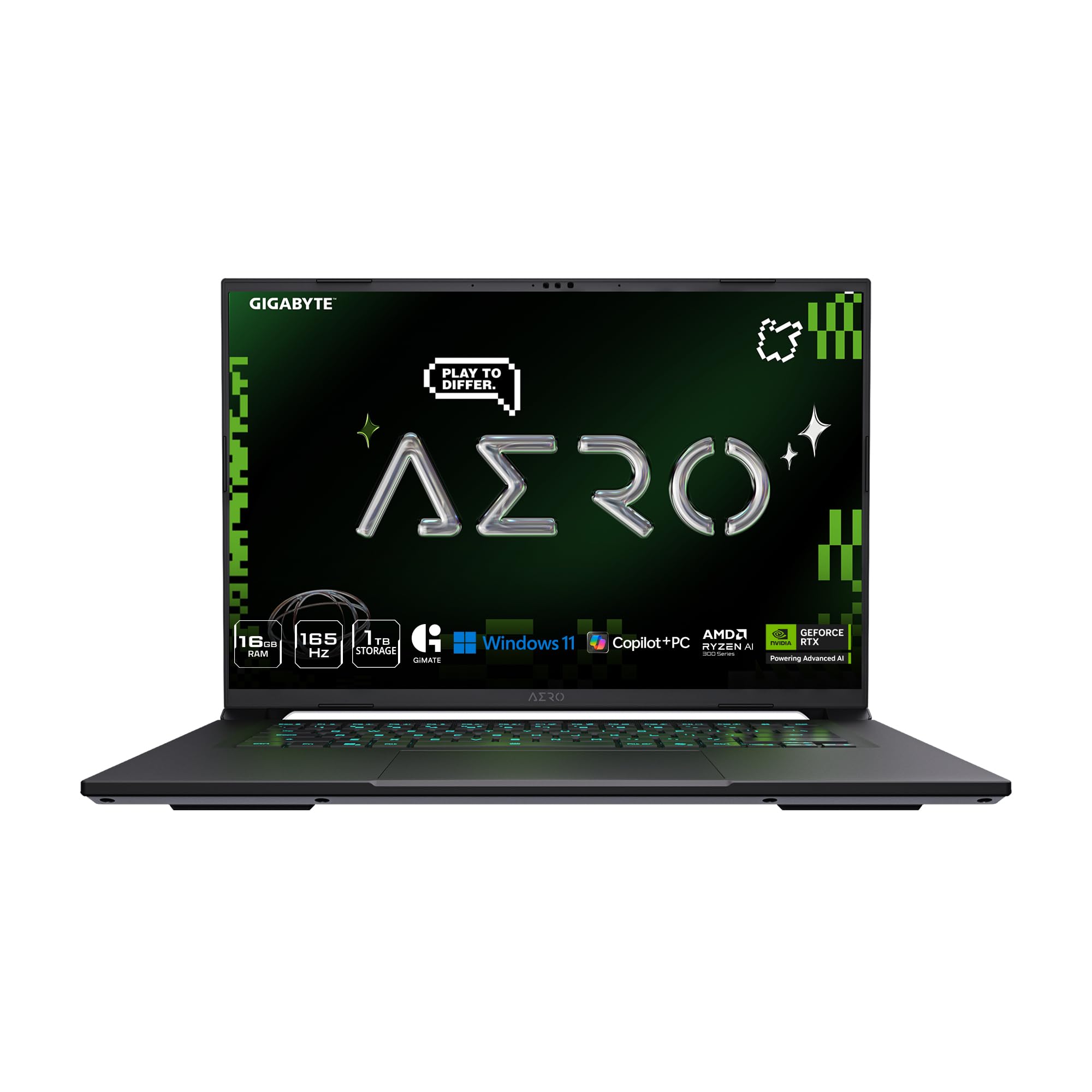
An AERO with a Ryzen AI 9, RTX 5070 and unusually strong cooling praise.
The Ryzen AI 9 HX 370 and RTX 5070 with GiMATE AI tooling make this a genuinely AI-focused machine, and owners single out cooling and battery life as strengths rather than compromises. That matters for long inference runs.
Noise is the one mixed note, with the fans making themselves heard under load. Otherwise this is one of the more balanced picks for sustained local AI work.
RTX 5070 punch
- Cooling praised for sustained loads
- Strong all-round performance
loud fans
- Fan noise under load
creator gaming: long generation runs
quiet rooms: audible fans
9. Lenovo ThinkPad X1 Carbon Gen 13
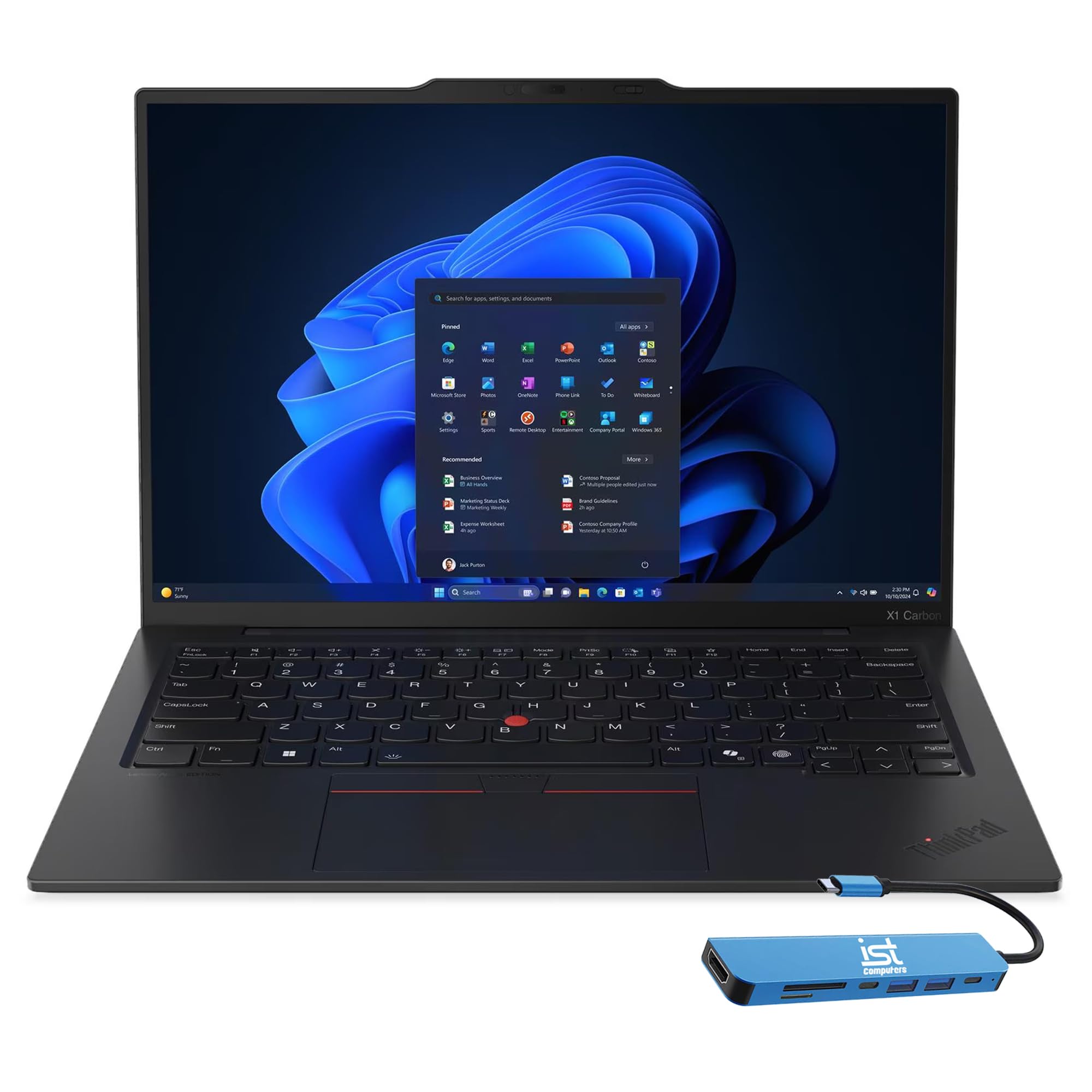
A featherweight ThinkPad with a gorgeous OLED panel and long battery life.
The ThinkPad X1 Carbon pairs an Intel Core Ultra 7 258V with 32GB of LPDDR5X and a 1TB SSD, wrapped in a 14-inch 2.8K OLED that is a pleasure for reading and writing around model output. Battery life is listed at 15 hours.
It is a productivity machine, not an inference rig. Without a discrete GPU, local LLM work is limited to small models, so choose it for portability and screen quality rather than raw AI throughput.
light carbon build
- Superb 2.8K OLED display
- Light, long-lasting business build
integrated graphics
- No discrete GPU for heavy inference
road warriors: travel and writing
3d rendering: limited AI horsepower
10. msi Katana 15 HX B14WGK-016US

A Katana built around a 24-core i9 and RTX 5070 for heavy multitasking.
The Intel Core i9-14900HX with its 24-core hybrid design and the RTX 5070, backed by 32GB of DDR5 and a 1TB SSD, make this a strong all-round performer for gaming and CPU-heavy work alongside GPU inference.
Cooling is the weak point, with the chassis struggling to dissipate heat under sustained load. Battery life is also short, so this is a plugged-in desk machine.
QHD plus screen
- 24-core i9 for heavy multitasking
- Strong RTX 5070 graphics
heat buildup
- Cooling struggles and battery is short
high fps play: desk-bound power users
summer gaming: poor battery life
11. ASUS ROG Strix G16 G615LR-AS96

A ROG Strix with an RTX 5070 Ti and a blazing 240Hz Nebula panel.
The Intel Core Ultra 9 275HX and RTX 5070 Ti with 32GB of DDR5 and a 1TB SSD put this Strix near the top for raw performance, and the 2.5K 240Hz display is exceptional for both work and play. Wi-Fi 7 keeps connectivity current.
Cooling and battery are the mixed notes, with overheating reported by some and battery life inconsistent. It is happiest on a desk with good airflow.
nebula bright screen
- Top-tier RTX 5070 Ti performance
- Gorgeous 2.5K 240Hz screen
thermal throttling
- Overheating and battery complaints
competitive play: premium performance seekers
silent sessions: runs hot under load
12. Alienware 18 Area-51 RTX5070
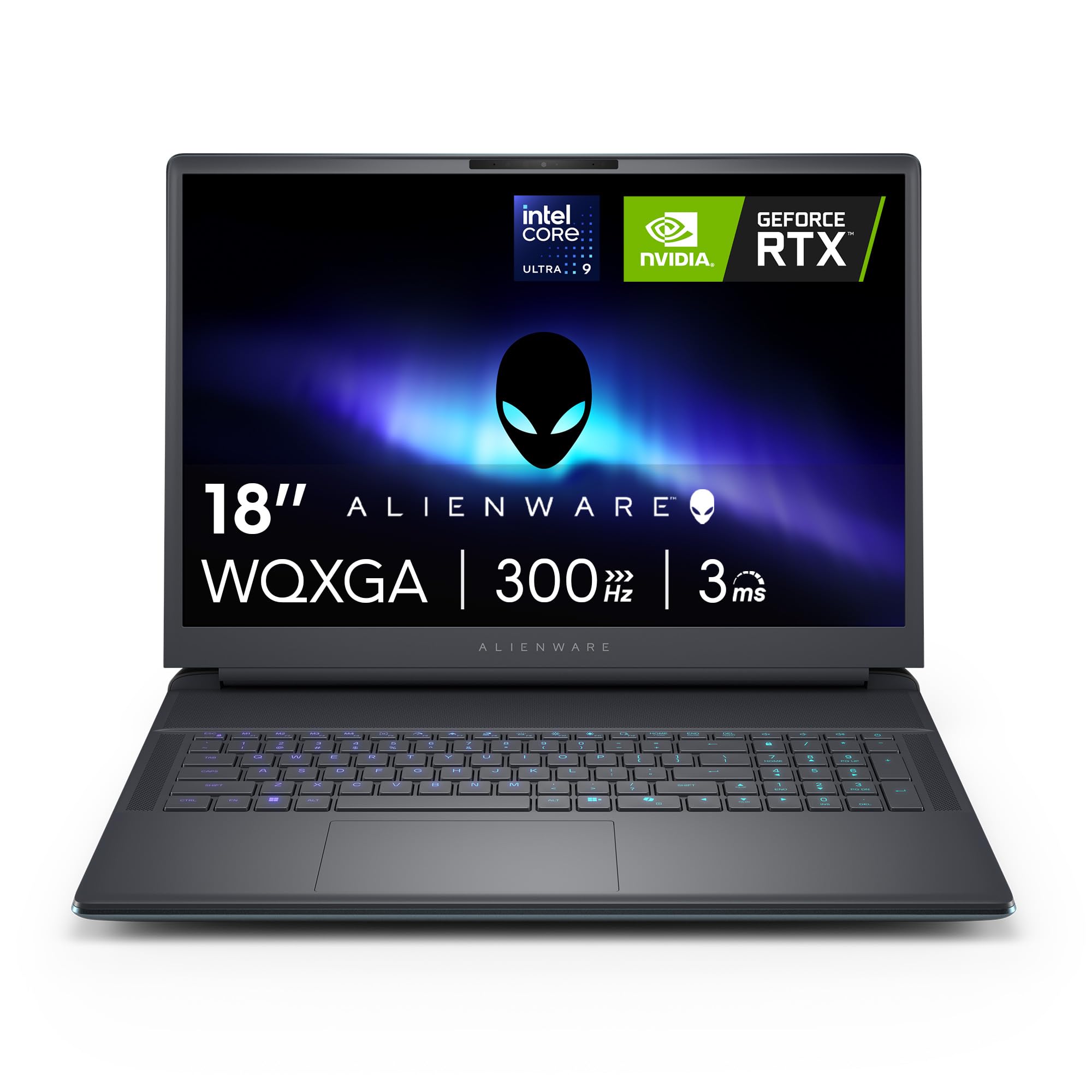
An 18-inch Alienware built for higher power limits and sustained output.
The Area-51 is designed around higher graphics and processor power limits, pairing an Intel Core Ultra 9-275HX with an RTX 5070 and a large 18-inch chassis that gives components room to run. The 360-watt adapter underlines its power appetite.
Reliability is the mixed note, with some units working great and others reporting issues. It is a heavy, desk-bound machine, so portability is not the point here.
huge 18 inch
- Large chassis for sustained power
- Impressive performance
premium price
- Mixed reliability reports
desktop replacement: desk-bound heavy work
tight budgets: bulky and heavy
13. Dell Alienware 18 Area-51 RTX 5090

The most loaded machine here, with an RTX 5090 and 64GB of memory.
The GeForce RTX 5090 with 64GB of DDR5 and a 2TB PCIe SSD is the most capable configuration in this lineup, giving you the largest VRAM and memory pool for demanding local models. The 18-inch 2.5K anti-glare display and Wi-Fi 7 round it out.
It is a large, power-hungry desktop replacement, and the premium is real. If you need maximum headroom for big models and can live with the size, few machines come close.
2.5K wqxga panel
- RTX 5090 with 64GB memory
- Huge 2TB SSD
very costly
- Large, heavy and expensive
max settings: maximum local AI power
value hunters: size and price
Common Questions
How much VRAM do I need for local LLMs?
Is system RAM important for running LLMs?
Do I need a gaming laptop for local AI?
The Bottom Line
Across the board, the best laptop for running llms winner is the Acer Nitro V 16S AI Gaming Laptop | AMD Ryzen 7 260 Processor | NVIDIA GeForce RTX 5060 Laptop GPU (572 AI Tops) | 16″ WUXGA IPS 180Hz Display | 32GB DDR5 | 1TB Gen 4 SSD | Wi-Fi 6 | ANV16S-41-R2AJ because it pairs a modern RTX GPU with 32GB of fast memory and a 1TB Gen 4 SSD at a price that makes serious local AI work genuinely accessible. If you need maximum VRAM and memory, look at Dell Alienware 18 Area-51 Gaming Laptop 18″ 2.5K WQXGA Anti-Glare Display (Intel Ultra 9 275HX, GeForce RTX 5090, 64GB DDR5, 2TB PCIe SSD, Wi-Fi 7, Backlit KYB, Bluetooth 5.4, Windows 11 Home); for a cooler-running all-rounder, GIGABYTE AERO X16 – AMD Ryzen AI 9 HX 370 GeForce RTX 5070 16″ Laptop is the safer bet, and NIMO 17.3″ AI Laptop, 12 Cores AMD Ryzen AI 9 HX 370 64GB RAM 1TB SSD suits anyone whose models are bound by system memory rather than graphics.
How we choose
We do not accept paid placement. Every pick is matched to a real buyer and a real use-case; we do not hands-on test units.
Sources
Specifications: manufacturer listings and product documentation. Review insights: verified customer reviews, as of November 2026. Pricing: not shown on this page (it changes often); check the current price via the retailer link.
As an Amazon Associate, My Heart Lives Here earns from qualifying purchases. This does not affect which products we feature.