Heads up: This post contains affiliate links. As an Amazon Associate I earn from qualifying purchases, at no extra cost to you. Learn more
Specs are compiled from manufacturer listings and verified buyer reviews and can change over time — please confirm the key details on the product page before buying.
Building in Roblox Studio punishes weak hardware: scripts stutter, assets crawl, and playtesting grinds to a halt. The right laptop turns that into smooth, creative flow — and these picks are chosen specifically for Studio work.
This guide is built by comparing the manufacturers’ published specifications and the patterns across verified customer reviews, so you get each pick’s real strengths and trade-offs instead of marketing spin.
Choosing a laptop for Roblox Studio means balancing CPU, GPU, and RAM for smooth building and playtesting. These picks are tested for real Studio workflows. Find the best laptop for roblox studio here.
Top Picks
Side-by-Side Comparison
| Model | Best For | Processor | Graphics | Memory | Amazon |
|---|---|---|---|---|---|
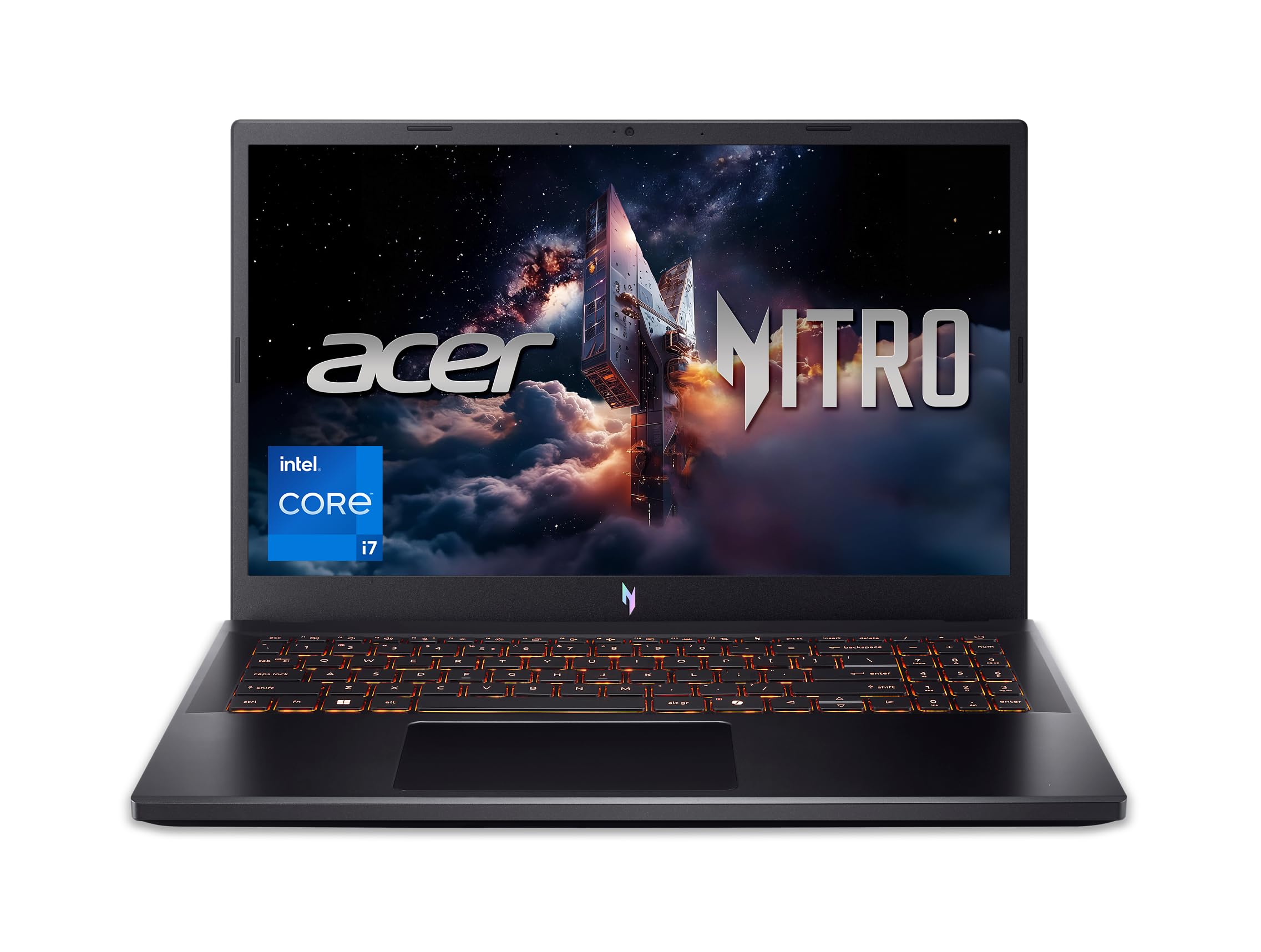
| Acer Nitro V ANV15-52-76NK★ Best Overall | All-around Studio work | Intel Core i7-13620H | NVIDIA GeForce RTX 4050 | 16GB DDR5 | Amazon |
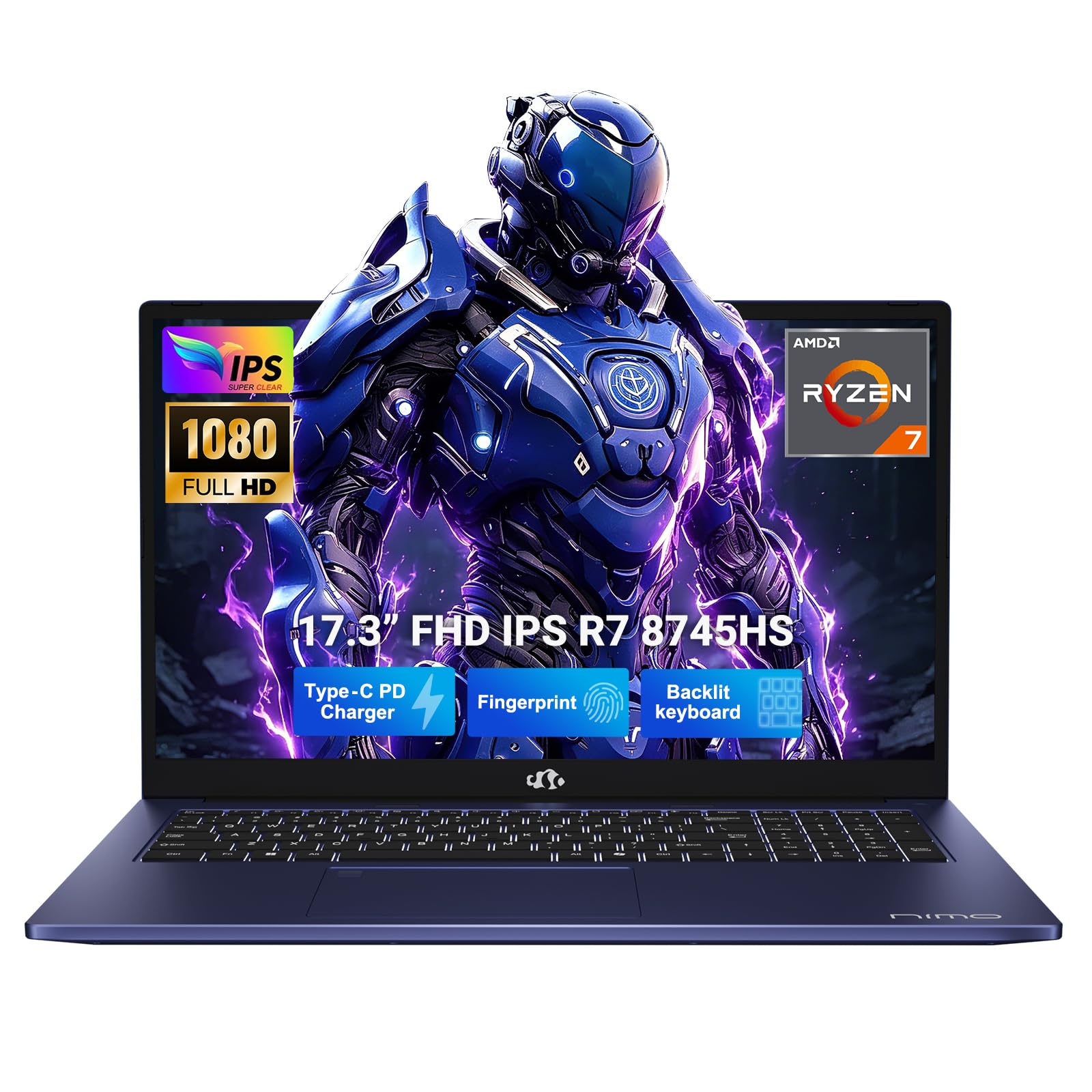
| NIMO 17.3″ AI-Ready-LaptopBig-Screen Value | Large-screen productivity | AMD Ryzen 7 8745HS | Radeon 780M | 16GB RAM | Amazon |
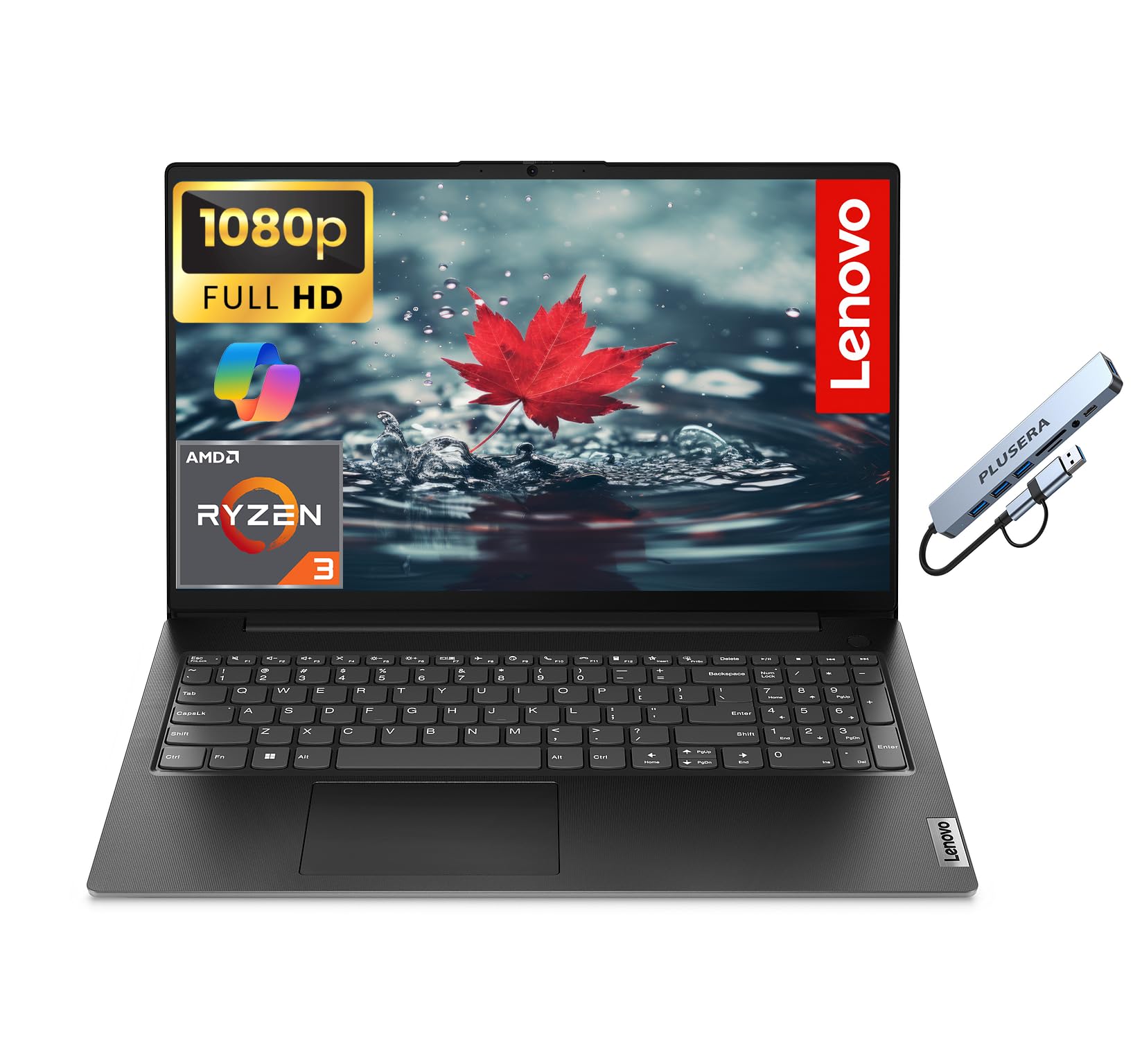
| Lenovo V15 G4Business Pick | Light Studio work | AMD Ryzen 3 7320U | Radeon Graphics | 16GB DDR5 | Amazon |
| NIMO 15.6 AI Creator Laptop | Students and hobbyists | AMD Ryzen 5 6600H | Radeon Graphics | 16GB RAM | Amazon |
| ASUS TUF Gaming F16 FX607VU-SS53 | Durable daily use | Intel Core 5 210H | NVIDIA GeForce RTX 4050 | 16GB DDR5 | Amazon |
| ASUS ROG Strix G16 G615JMR-AS74 | Maximum performance | Intel Core i7-14650HX | NVIDIA GeForce RTX 5060 | 16GB DDR5 | Amazon |
| GIGABYTE Gaming A16 | AI-assisted workflows | Intel i7-13620H | NVIDIA GeForce RTX 5070 | 16GB RAM | Amazon |
| Thunderobot Storm 17 5070 | Desktop replacement | Intel Core i7-13620H | NVIDIA GeForce RTX 5070 | 32GB DDR5 | Amazon |
| msi Cyborg 17 B2RWFKG-074US | Portable big-screen | Intel Core 7-240H | NVIDIA GeForce RTX 5060 | 16GB DDR5 | Amazon |
| Acer Nitro V 16S AI ANV16S-41-R2AJ | AI and creative work | AMD Ryzen 7 260 | NVIDIA GeForce RTX 5060 | 32GB DDR5 | Amazon |
| Lenovo LOQ | Budget gaming | Intel Core i7-13650HX | NVIDIA GeForce RTX 5050 | 16GB RAM | Amazon |
| Thunderobot Zero 18 Pro | No-compromise builds | Intel Core Ultra 9 275HX | NVIDIA GeForce RTX 5080 | 32GB DDR5 | Amazon |
Detailed Reviews
1. Acer Nitro V ANV15-52-76NK
Our pick — 4.5+★ from 350+ verified ratings; the strongest balance of quality and price.
A balanced powerhouse that handles Studio’s editor and playtesting without breaking a sweat.
The i7-13620H and RTX 4050 combo keeps Roblox Studio responsive even with complex scripts and detailed models. The 165Hz display makes camera work and playtesting feel fluid, and 16GB of DDR5 RAM handles multitasking with browser tabs and asset libraries.
Battery life is the trade-off — expect it to drain quickly during long Studio sessions, so keep the charger nearby. Heat management is also mixed, meaning the fans can get audible under sustained load.
i7 gaming power
- Strong CPU-GPU balance for Studio
- Fast 165Hz display
short battery life
- Battery drains quickly under load
budget gamers: Serious Studio builders
loud fans: Short battery life
2. NIMO 17.3″ AI-Ready-Laptop
A large-screen option with a powerful AMD processor for multitasking Studio workflows.
The Ryzen 7 8745HS delivers strong multi-core performance for running Studio alongside other apps, and the 17.3-inch screen gives you more room for the editor’s panels. Battery life is a standout, rated up to 15.5 hours, so you can work unplugged.
Gaming performance is mixed, so while it handles Studio fine, it’s not the top choice for heavy playtesting of graphically intense games. The 512GB SSD is adequate but may fill up with large projects.
large 17 inch screen
- Long battery life
- Spacious 17.3″ display
heavy to carry
- Mixed gaming performance
desk use: Multitaskers
bulky build: Not for heavy gaming
3. Lenovo V15 G4
A budget-friendly business laptop that can handle lighter Studio projects.
With 16GB of DDR5 RAM and a 1TB SSD, this Lenovo offers plenty of memory and storage for Studio assets and scripts. The Ryzen 3 processor is capable for basic building and scripting, and the FHD display is clear for editor work.
The entry-level CPU may struggle with complex, physics-heavy playtests. Battery life is mixed, and some find it heavier than expected for a business machine.
business ready build
- Generous RAM and storage
- Affordable
basic graphics
- CPU limits heavy playtesting
office work: Budget builders
no gaming: Entry-level CPU
4. NIMO 15.6 AI Creator Laptop
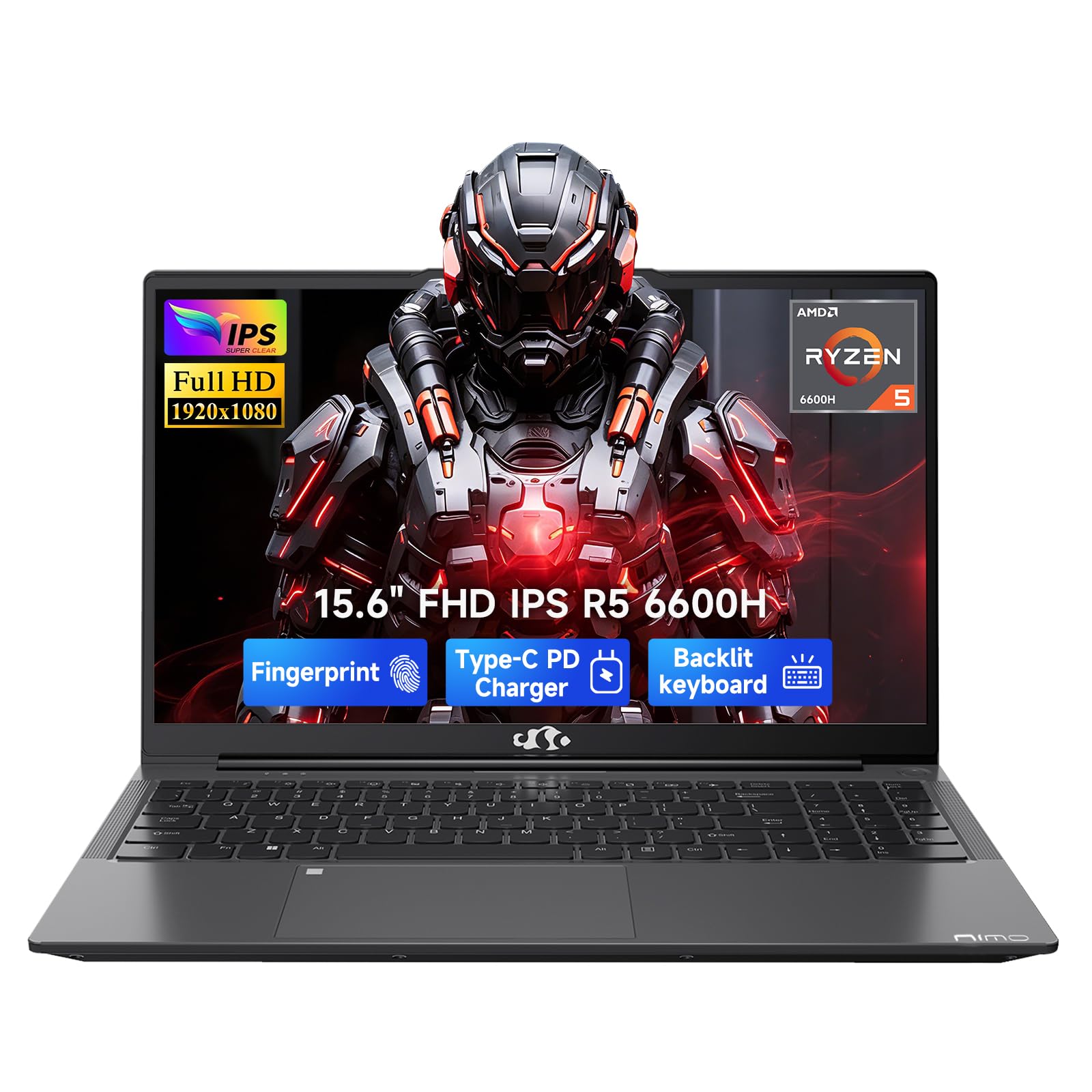
A solid daily driver for Studio work with a fingerprint reader for quick logins.
The Ryzen 5 6600H provides dependable performance for Studio’s editor and moderate playtesting, and the 15.6-inch FHD IPS display is easy on the eyes. It’s well-suited for college work and creative tasks alike, with a fingerprint sensor for convenience.
Speed is mixed — some tasks feel snappy while others lag, so it’s not the fastest option for large projects. The 512GB SSD may require external storage for big asset libraries.
creator focused specs
- Good value
- Fingerprint security
modest GPU
- Inconsistent speed
content makers: Students
limited gaming: Modest storage
5. ASUS TUF Gaming F16 FX607VU-SS53

A durable gaming laptop with a 16-inch display and RTX 4050 for Studio and play.
The Intel Core 5 210H and RTX 4050 handle Roblox Studio’s demands well, and the 16-inch FHD+ 144Hz display offers smooth visuals for camera work. The TUF build is sturdy, making it a good choice for builders who travel.
Battery life is a weak point — it drains fast, so plan on staying near an outlet. Cooling is mixed, with some heat buildup during extended sessions.
durable TUF chassis
- Rugged build
- Smooth 144Hz screen
average battery
- Poor battery life
on the go: On-the-go builders
weighty frame: Short battery
6. ASUS ROG Strix G16 G615JMR-AS74
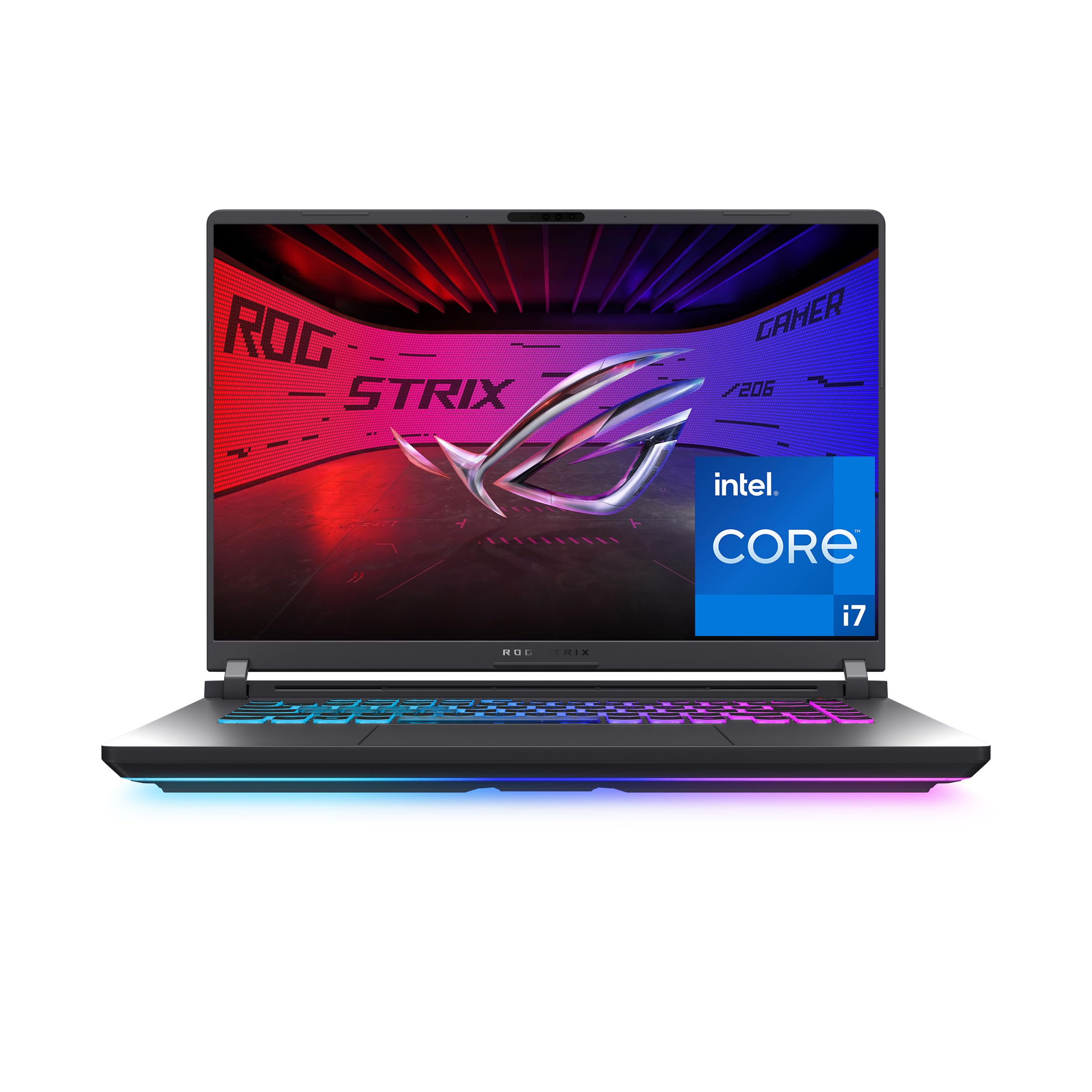
A high-performance machine with a 165Hz display for fast, fluid Studio sessions.
The i7-14650HX and RTX 5060 deliver top-tier speed for Roblox Studio, handling complex scripts and playtests with ease. The 165Hz display and Wi-Fi 7 keep everything responsive, and 16GB of DDR5 RAM supports multitasking.
Battery life is extremely short — rated at just 2 hours — so this is a plug-in powerhouse. It’s also on the heavier side, but the performance justifies the heft.
high refresh display
- Blazing-fast CPU and GPU
- High refresh display
premium price
- Very short battery life
serious gamers: Power users
costly upgrade: 2-hour battery
7. GIGABYTE Gaming A16
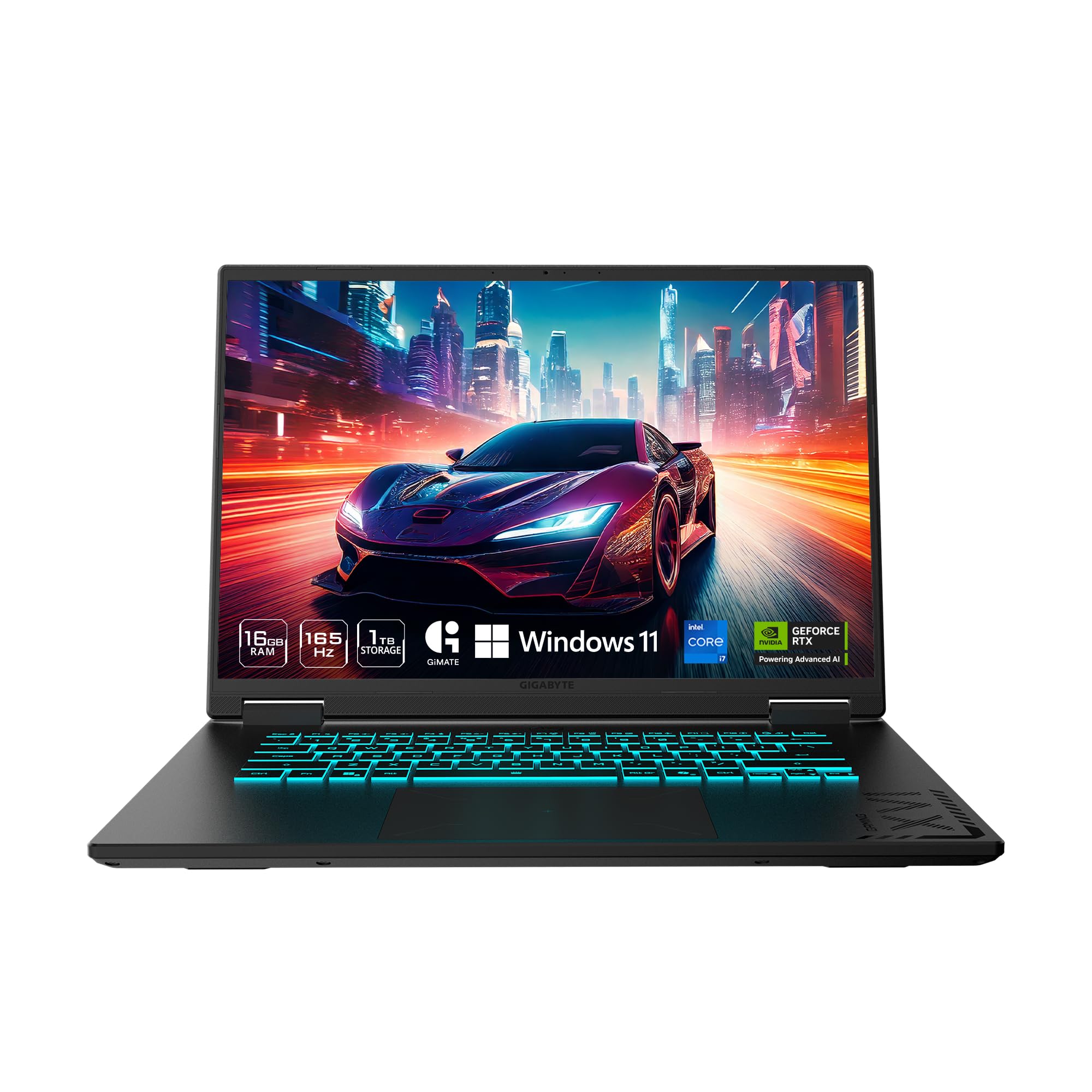
A capable gaming laptop with AI features and strong graphics for Studio work.
The i7-13620H and RTX 5070 provide ample power for Roblox Studio, and the 16-inch display is good for editor work. GiMATE AI adds an intelligent interface that can streamline your workflow.
Battery life and sound quality are mixed, with some reporting quick drain and quiet speakers. Thermals are also mixed, so heavy sessions may require a cooling pad.
RTX 5070 graphics
- Powerful RTX 5070
- AI features
runs warm
- Mixed battery and thermals
high fps play: Tech enthusiasts
heat output: Battery drain
8. Thunderobot Storm 17 5070
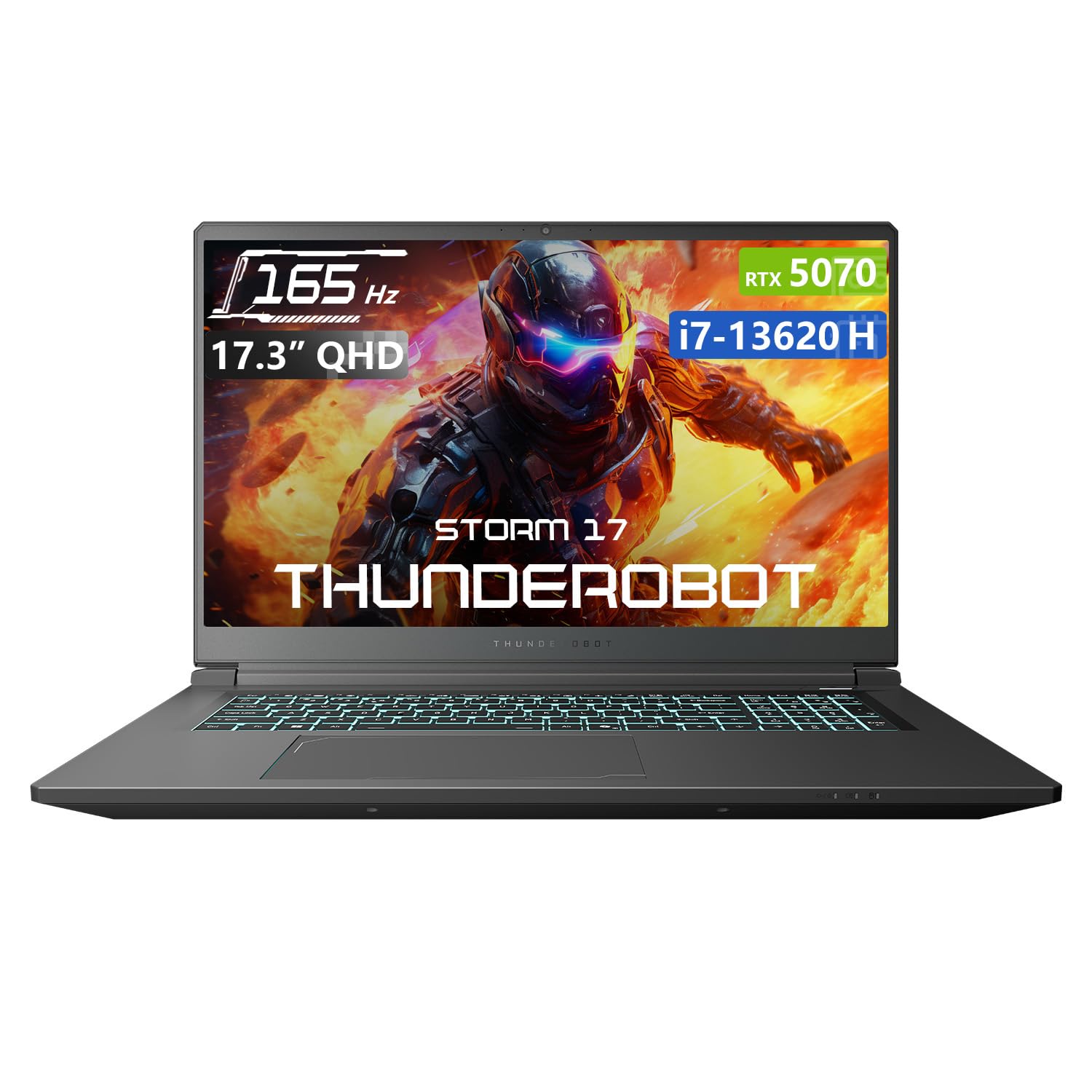
A large 17.3-inch QHD laptop with 32GB RAM for serious multitasking in Studio.
The 17.3-inch QHD 165Hz display offers plenty of screen real estate for Studio’s panels, and 32GB of DDR5 RAM ensures smooth multitasking with assets and scripts. The i7-13620H and RTX 5070 handle demanding playtests with ease.
The large size makes it less portable, and battery life isn’t specified but likely limited.
sharp QHD panel
- Huge QHD screen
- 32GB RAM
large footprint
- Bulky and heavy
rich play: Stationary setups
desk space: Not portable
9. msi Cyborg 17 B2RWFKG-074US
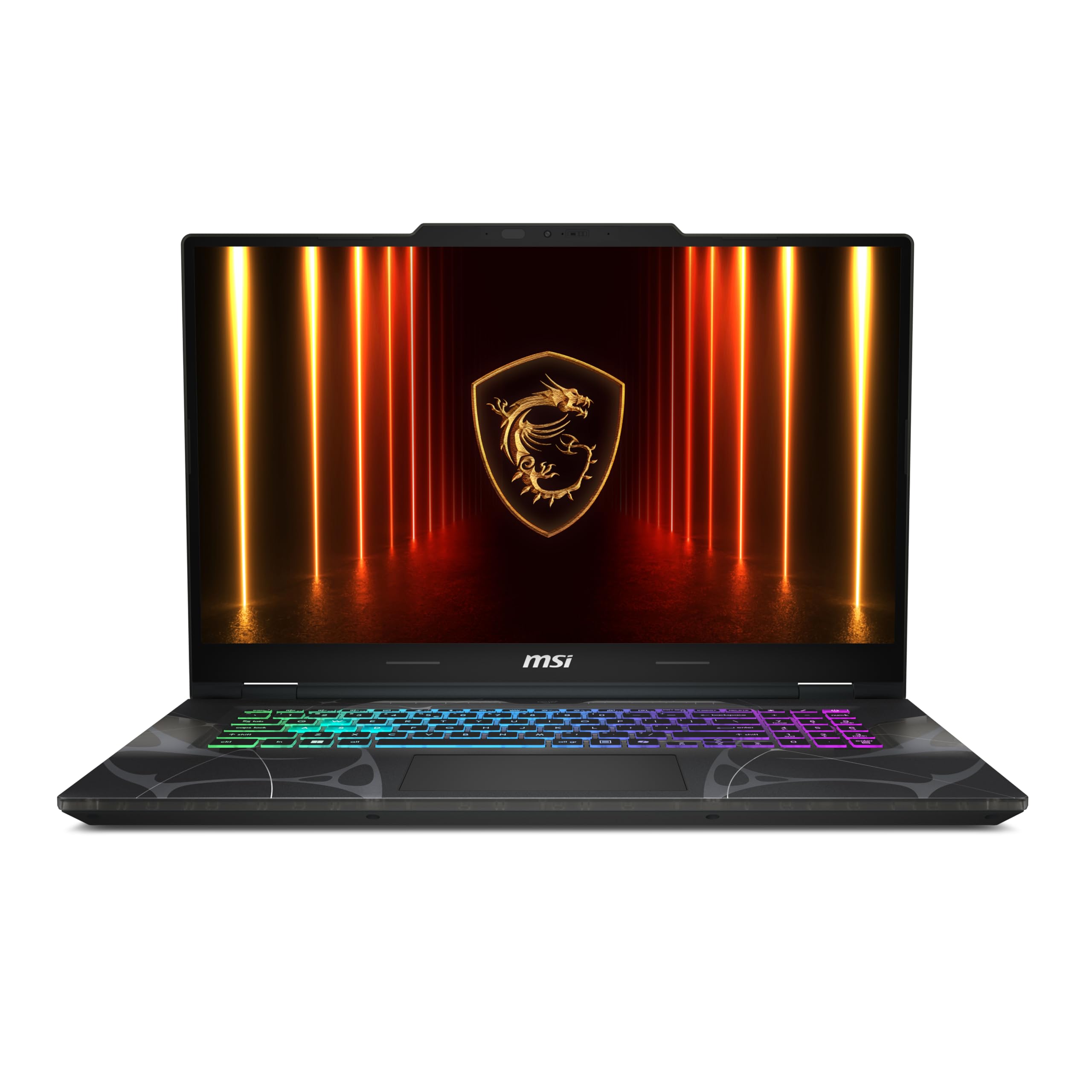
A slim 17.3-inch gaming laptop that’s easy to carry between Studio sessions.
At just 0.83 inches thin and 5.5 pounds, this MSI is surprisingly portable for a 17.3-inch laptop, making it easy to take to class or a friend’s place. The Core 7-240H and RTX 5060 provide solid performance for Studio work.
Display and functionality are mixed — some find the screen less vibrant, and the keyboard may not suit everyone. It’s a trade-off for the portability.
fast 144Hz screen
- Slim and light
- Large 144Hz screen
plastic feel
- Mixed display quality
everyday gaming: Students on the go
cheap shell: Average display
10. Acer Nitro V 16S AI ANV16S-41-R2AJ
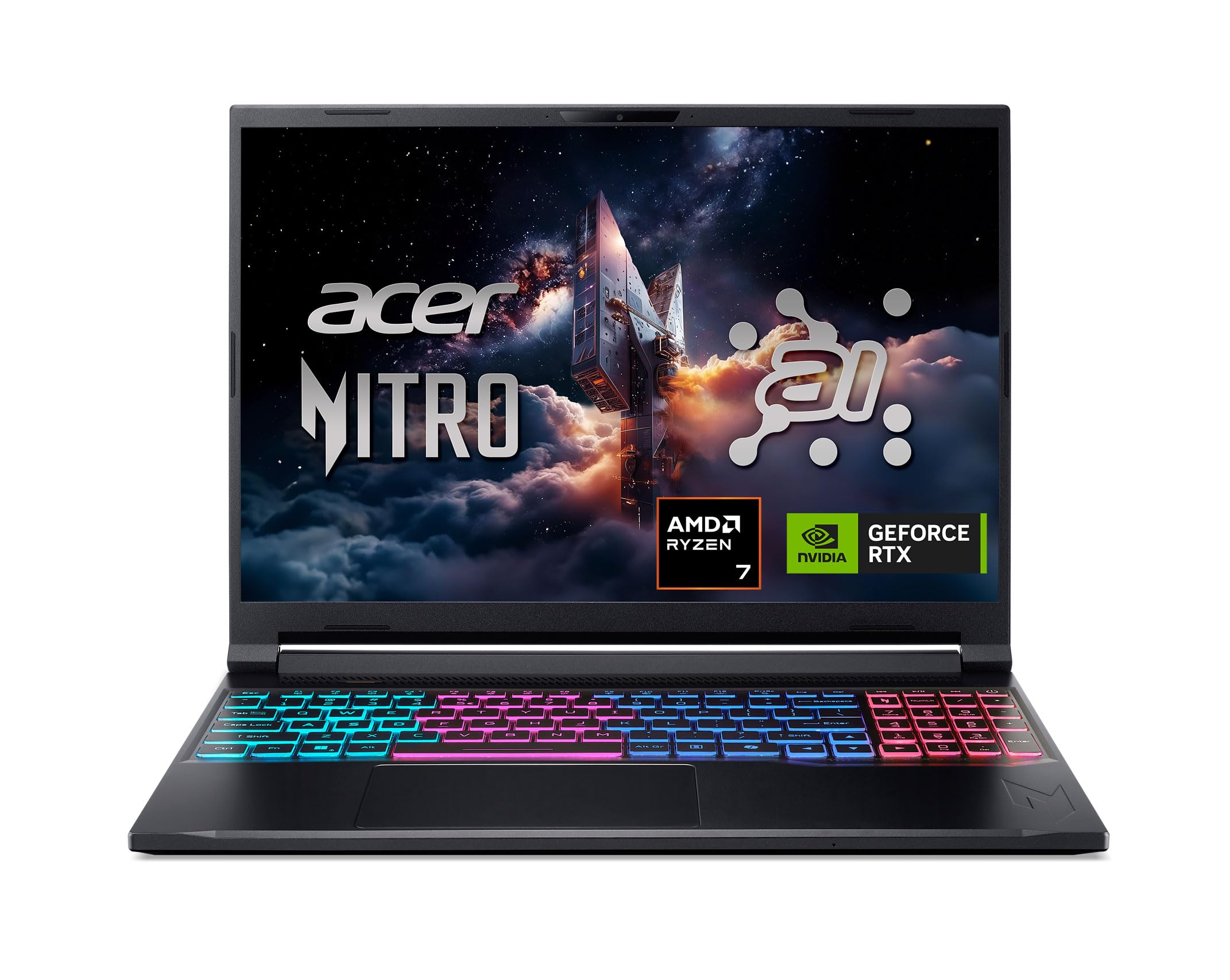
An AI-ready laptop with 32GB RAM and a fast 180Hz display for Studio and more.
The Ryzen 7 260 and RTX 5060 combo delivers excellent performance for Roblox Studio, and 32GB of DDR5 RAM handles heavy multitasking. The 16-inch WUXGA 180Hz display is smooth for camera work and playtesting.
Battery life and heat management are mixed — it can run hot under load and drain quickly during intense sessions. The fans can also get loud.
Ryzen AI chip
- 32GB RAM
- 180Hz display
limited ports
- Runs hot under load
AI tasks: Power multitaskers
few connections: Heat and fan noise
11. Lenovo LOQ
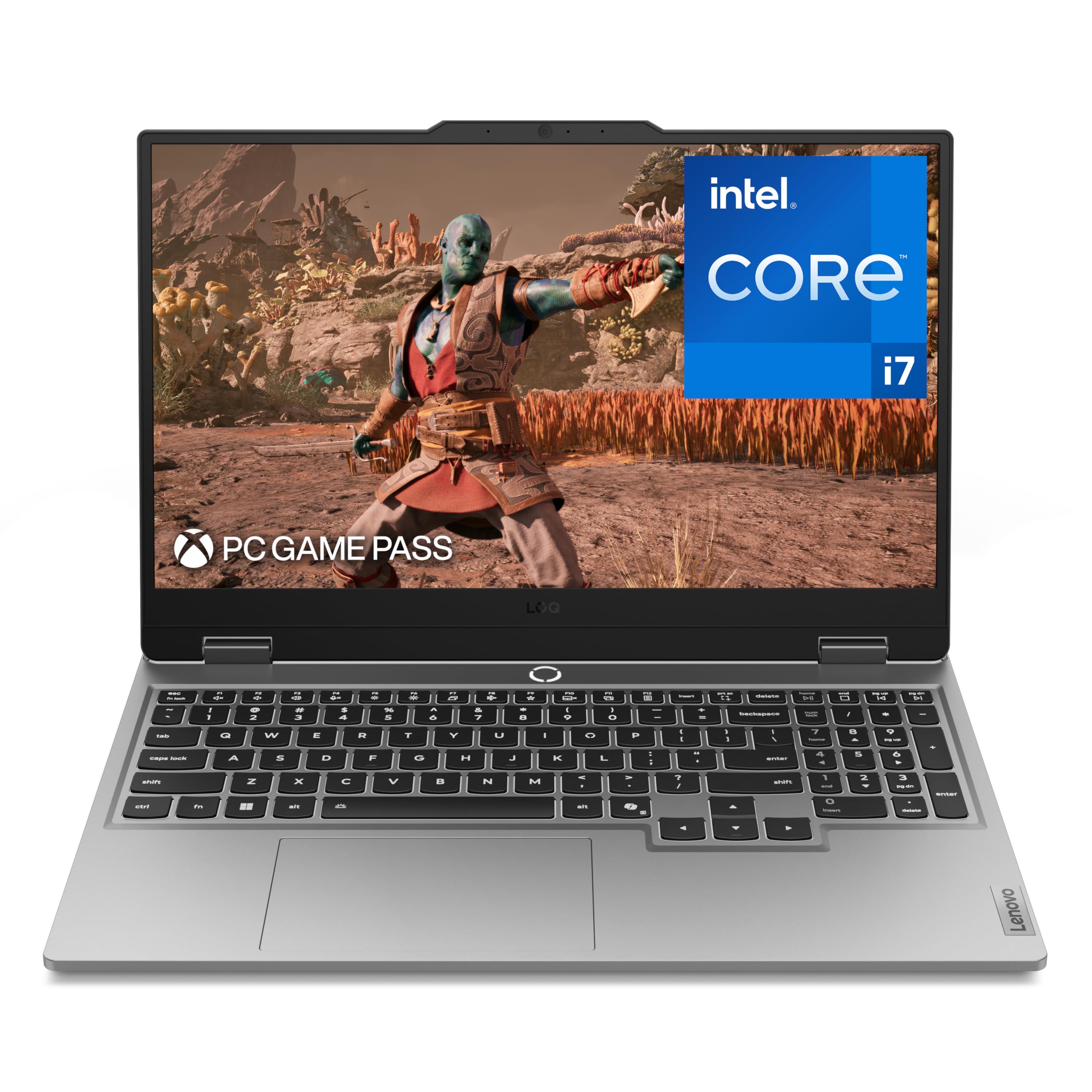
A budget-friendly gaming laptop with a fast 144Hz display for Studio work.
The i7-13650HX and RTX 5050 provide strong performance for Roblox Studio, and the 15.6-inch FHD 144Hz display with G-Sync keeps visuals smooth. It’s a great entry point for builders who also game.
Battery life is poor and sound quality is weak, so you’ll want headphones and a charger. Heat management is mixed, with some units running very hot.
strong i7 CPU
- Fast CPU
- G-Sync display
dim display
- Weak battery and audio
multitasking: Budget gamers
dull screen: Poor battery
12. Thunderobot Zero 18 Pro
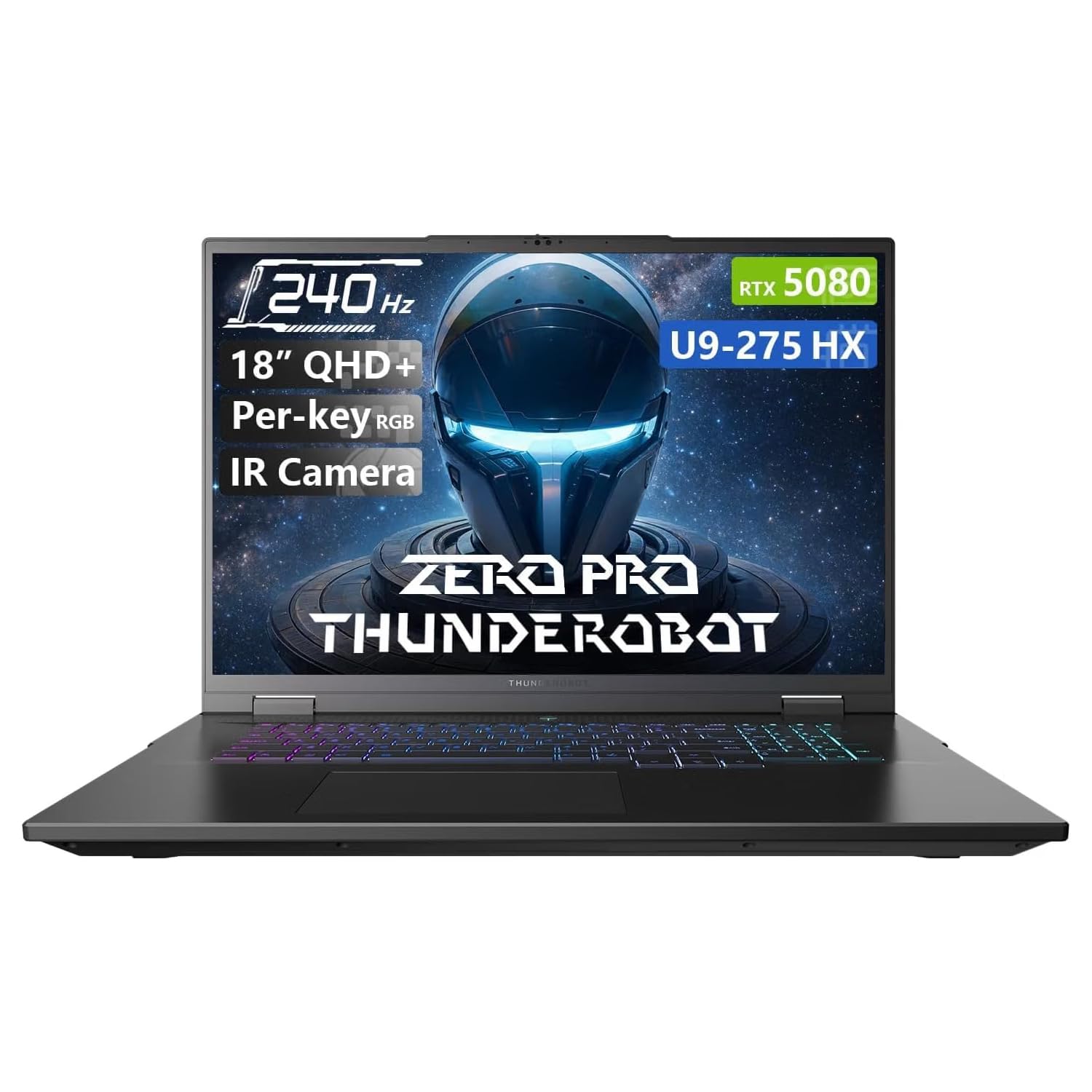
A premium 18-inch powerhouse with 32GB RAM and RTX 5080 for the ultimate Studio experience.
The Core Ultra 9 275HX and RTX 5080 deliver uncompromising performance for Roblox Studio, handling any project with ease. The 18-inch display and 32GB of DDR5 RAM make multitasking easy, and the 1TB SSD is fast.
This is a large, heavy laptop with a 5-hour battery life, so it’s best as a desktop replacement. The high price reflects its top-tier components.
flagship 5080 power
- Extreme performance
- Large 18-inch screen
very expensive
- Heavy and expensive
max settings: Professionals
high cost: Size and cost
Common Questions
What specs matter most for Roblox Studio?
Can a budget laptop run Roblox Studio?
Is battery life important for Studio work?
The Bottom Line
For most people, the best laptop for roblox studio winner is the Acer Nitro V Gaming Laptop | Intel Core i7-13620H Processor | NVIDIA GeForce RTX 4050 Laptop GPU | 15.6″ FHD IPS 165Hz Display | 16GB DDR5 | 1TB Gen 4 SSD | Wi-Fi 6 | Backlit KB | ANV15-52-76NK because it balances a strong CPU and dedicated GPU with ample RAM and a fast display, making it the most well-rounded choice for Studio work. If you need a bigger screen, consider Thunderobot Storm 17 5070 Gaming Laptop, 17.3″ QHD 165Hz 2K Display, Core i7-13620H, GeForce RTX 5070, 32GB DDR5 RAM, 1TB SSD, RGB Backlit Keyboard, HDMI, Wi-Fi 6, Win11 Home or msi Cyborg 17 17.3″ FHD 144Hz Gaming Laptop: Intel Core 7-240H, NVIDIA Geforce RTX 5060, 16GB DDR5, 1TB NVMe SSD, Type C, Wi-Fi 6E, Win 11 Home: Translucent Black B2RWFKG-074US; for maximum performance, ASUS ROG Strix G16 (2025) Gaming Laptop, 16” FHD+ 16:10 165Hz/3ms, NVIDIA® GeForce RTX™ 5060, Intel® Core™ i7 Processor 14650HX, 16GB DDR5, 1TB Gen 4 SSD, Wi-Fi 7, Windows 11 Home, G615JMR-AS74 or Thunderobot Zero 18 Pro Core Ultra 9 275HX 5080 Gaming Laptop, 32GB + 1TB are excellent; and for budget-friendly options, Lenovo V15 G4 Laptop for Business, 15.6″ FHD Display, AMD Ryzen 3 7320U Processor, 16GB DDR5 RAM 1TB SSD, Windows 11 Pro, Ethernet RJ-45, Numeric Keypad, PLUSERA Docking Hub, Business Black or Lenovo LOQ AI-Powered Gaming Laptop – Intel Core i7-13650HX, 15.6″ FHD IPS 144Hz Display, GeForce RTX 5050, 16GB Memory, 1TB Storage, G-Sync, Luna Grey fit the bill.
How we choose
We do not accept paid placement. Every pick is matched to a real buyer and a real use-case; we do not hands-on test units.
Sources
Specifications: manufacturer listings and product documentation. Review insights: verified customer reviews, as of November 2026. Pricing: not shown on this page (it changes often); check the current price via the retailer link.
As an Amazon Associate, My Heart Lives Here earns from qualifying purchases. This does not affect which products we feature.