Heads up: This post contains affiliate links. As an Amazon Associate I earn from qualifying purchases, at no extra cost to you. Learn more
Specs are compiled from manufacturer listings and verified buyer reviews and can change over time — please confirm the key details on the product page before buying.
Two monitors, one cable, and a laptop that suddenly feels like a desktop — that is the promise of a good dual-display dock, and the gap between docks that deliver it and docks that don’t is wider than you’d think. The right pick depends less on port count than on whether your laptop’s USB-C actually carries two video streams or needs a driver to fake it.
This guide is built by comparing the manufacturers’ published specifications and the patterns across verified customer reviews, so you get each pick’s real strengths and trade-offs instead of marketing spin.
A hands-on guide to picking a dock that reliably drives two monitors while keeping your laptop charged. Here is the best laptop docking station for dual monitors.
Top Picks


Side-by-Side Comparison
| Model | Best For | Ports | Displays | Charging | Amazon |
|---|---|---|---|---|---|
| TobenONE DisplayLink Docking Station★ Best Overall | multi-screen power users | 18 | Triple/quad 4K | 120W adapter | Amazon |
| Lenovo USB-C Dual Display Travel DockBest Travel Pick | commuters and hot-desking | 7 | Dual 4K | 100W adapter | Amazon |
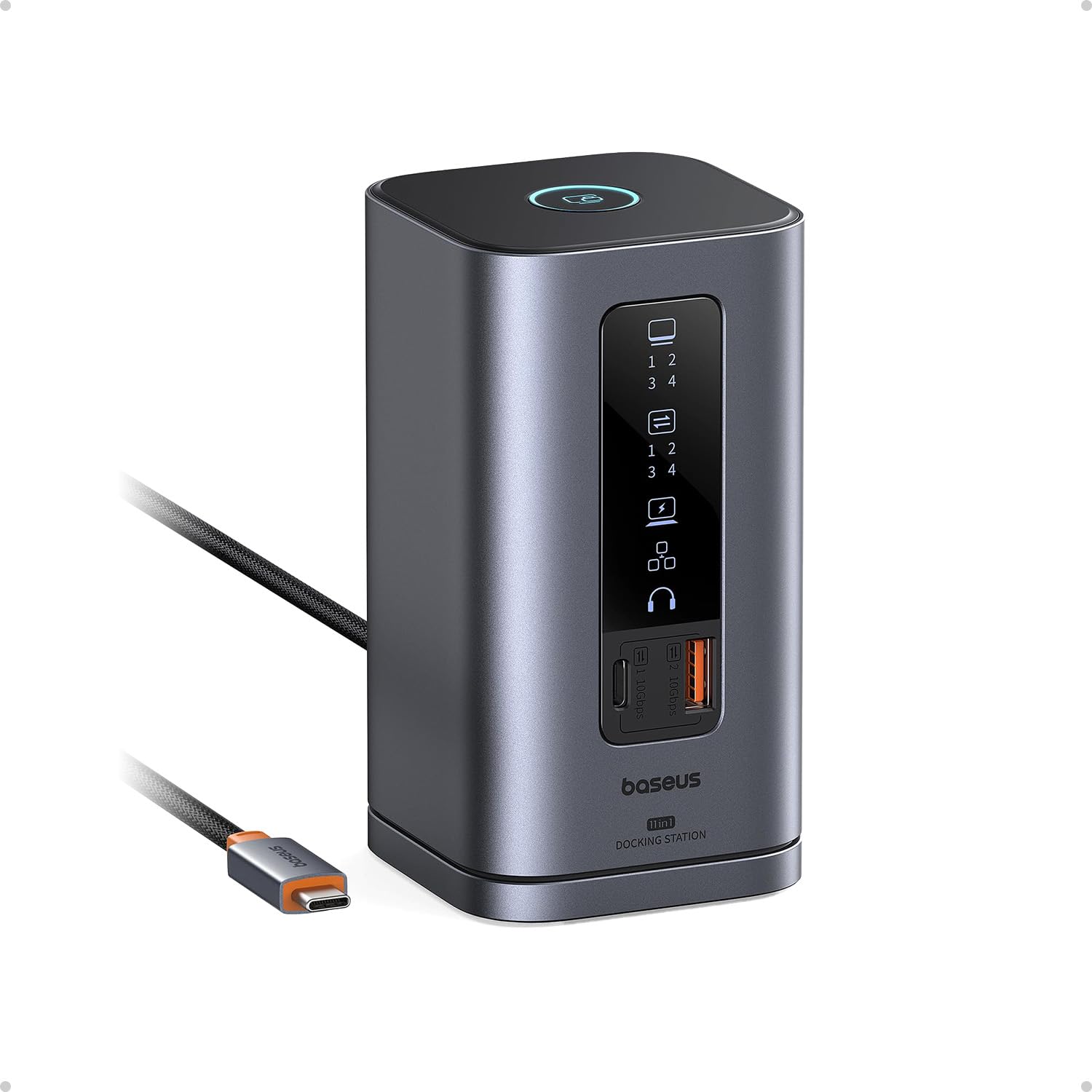
| Baseus Spacemate Docking StationBest Value | budget-conscious desks | 11 | Dual HDMI + DP | 100W PD | Amazon |
| Dell WD19S Docking Station | Dell laptop owners | USB-C | HDMI + dual DP | 130W delivery | Amazon |
| Plugable USB-C Docking Station | Windows and ChromeOS desks | Essential set | Dual 4K 60Hz | Host-dependent | Amazon |
| WAVLINK USB Docking Station | Apple silicon setups | Dual DP/HDMI | 5K ultrawide | Powered | Amazon |
| Amazon Basics Thunderbolt 4 Docking Station | Thunderbolt on a budget | Thunderbolt 4 | Dual 4K 60Hz | 85W | Amazon |
| Plugable Thunderbolt 4 Dock with 100W Charging, Dual Monitor | power users and creatives | 13 | Dual 4K 60Hz | Up to 100W | Amazon |
| Anker Prime Docking Station | charging-heavy setups | 14 | Dual display | 160W total | Amazon |
Detailed Reviews
1. TobenONE DisplayLink Docking Station
Our pick — 4.5+★ from 950+ verified ratings; the strongest balance of quality and price.
A DisplayLink dock built to push three or four screens from one USB-C cable.
This is the dock for the person who refuses to compromise on screen count. DisplayLink handles the video lifting, so Macs and Windows machines alike can run multiple 4K displays from a single connection, and the eighteen-port spread means monitors, drives, and peripherals all have a home.
The trade-off is software: DisplayLink means installing a driver, and the value question splits opinions — some find the port haul worth every penny, others feel the price sits high for what is essentially a driver-dependent hub.
Why it wins
- Runs three or more displays from one cable
- Deep port count covers a full desk
Watch for
- Requires a DisplayLink driver install
Screen hoarders: Anyone driving three or four monitors from a Mac or Windows laptop
Driver-averse: You must install DisplayLink software before multi-display works
2. Lenovo USB-C Dual Display Travel Dock
A compact Lenovo dock that slips into a bag and still drives two 4K screens.
Lenovo’s travel dock earns its name: the USB-C cable is built in, so there is nothing to lose in transit, and the footprint is small enough to disappear beside a laptop. Two display outputs handle dual 4K, and the USB and ethernet ports cover the essentials.
The honest caveat is pickiness — some setups report DisplayPort quirks and fussy connectivity, and power output draws mixed notes, so it suits lighter laptops better than power-hungry workstations.
What shines
- Cable stays attached, nothing to misplace
- Small enough for a laptop bag
Keep in mind
- Connectivity can be picky on some laptops
Road warriors: People who dock and undock in different places daily
Heavy chargers: Power output is modest for demanding laptops
3. Baseus Spacemate Docking Station
An upright 11-in-1 that brings dual HDMI and dual DisplayPort to the desk.
Baseus packs two HDMI and two DisplayPort outputs into an upright slab that looks sharper than most docks and costs less than you would expect. Three 10Gbps USB ports, gigabit ethernet, a headset jack, and 100W charging round out a genuinely complete desk hub.
The catch is consistency: monitors that refuse to connect and charging hiccups come up often enough to note, and durability is the weak spot — treat the cable and housing with care and it rewards the price.
Why it’s a bargain
- Four video outputs for flexibility
- Sleek upright design saves desk space
Be aware
- Durability complaints are common
Value seekers: Buyers who want maximum ports per dollar
Rough handlers: Build quality may not survive heavy travel
4. Dell WD19S Docking Station

Dell’s own dock, aimed squarely at Latitude and XPS owners.
For a Dell laptop, the WD19S is the path of least resistance: HDMI plus dual DisplayPort outputs, 130W of delivery to keep the machine fed, and a design Dell built to pair with its own business line. When it works, it works cleanly.
The problem is the spread of experiences — plenty of units run flawlessly with Dell systems while others never come to life, and reliability and condition complaints drag the average down. Buy it for a Dell, and buy it with a return window.
The upside
- Native fit for Dell business laptops
- Generous 130W power delivery
The risk
- Reliability is inconsistent unit to unit
Dell loyalists: Latitude and XPS owners who want a first-party dock
Mixed fleets: Non-Dell laptops see far less reliable behavior
5. Plugable USB-C Docking Station
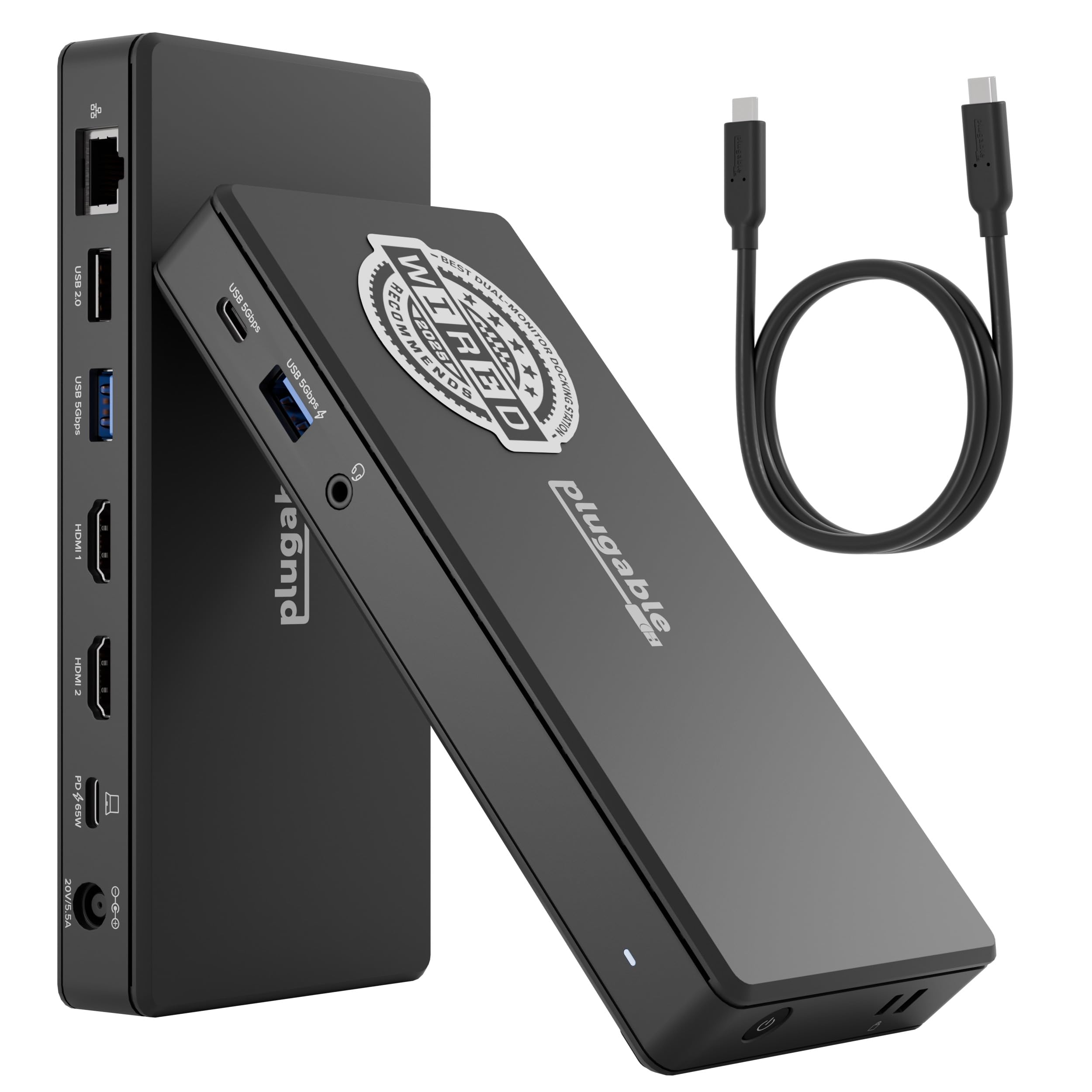
A no-fuss Plugable dock that turns a laptop into a desk in one plug.
Plugable keeps this one clean: two HDMI outputs at up to 4K 60Hz on supported systems, a single cable to the laptop, and enough ports for the webcam, mouse, and network. Setup is genuinely plug-and-play for Windows and ChromeOS users.
Charging is where expectations need calibrating — capability is mixed depending on the host, and durability draws occasional complaints, so it is best treated as a stationary desk dock rather than a road companion.
What works
- Truly simple one-cable setup
- Dual HDMI at 4K 60Hz
Worth knowing
- Charging support varies by laptop
Set-and-forget users: People who want a dock that just works on Windows
Mac owners: Not the pick for Apple laptops needing dual displays
6. WAVLINK USB Docking Station

A WAVLINK dock tuned for Apple silicon and high-resolution panels.
WAVLINK aims this dock at Mac owners, with support for M-series and Intel Macs and video flexibility that reaches 5K ultrawide or Cinema 4K when both DisplayPort outputs are used. Power delivery to the laptop is a genuine strength, and setup is straightforward.
Value is the sticking point — some find it pricey for the performance, and reliability complaints surface often enough to warrant a careful return-window buy. It is a strong Mac companion, not a flawless one.
Mac-friendly
- Handles high-resolution ultrawide panels
- Reliable power delivery to the laptop
Trade-off
- Price feels high for the performance
Mac users: M-series and Intel Mac owners with big screens
Budget buyers: Costs more than the feature set suggests
7. Amazon Basics Thunderbolt 4 Docking Station

Amazon Basics does Thunderbolt 4 on a budget, with dual 4K at 60Hz.
This is the cheapest sensible route into Thunderbolt 4: dual 4K at 60Hz, 85W of delivery, three downstream Thunderbolt 4 ports, and a USB-A slot, all in a compact black box. Setup is plug-and-play with the included cable.
Port selection is the rub — some users want more USB-A than it offers — and charging reliability is inconsistent, with random power loss reported. For a Thunderbolt laptop on a tight budget, it is a reasonable gamble.
The appeal
- Affordable entry to Thunderbolt 4
- Plug-and-play with included cable
The caveat
- Charging can cut out unexpectedly
Budget Thunderbolt: Thunderbolt 4 laptop owners watching costs
USB-A heavy desks: Only one USB-A port for legacy peripherals
8. Plugable Thunderbolt 4 Dock with 100W Charging, Dual Monitor
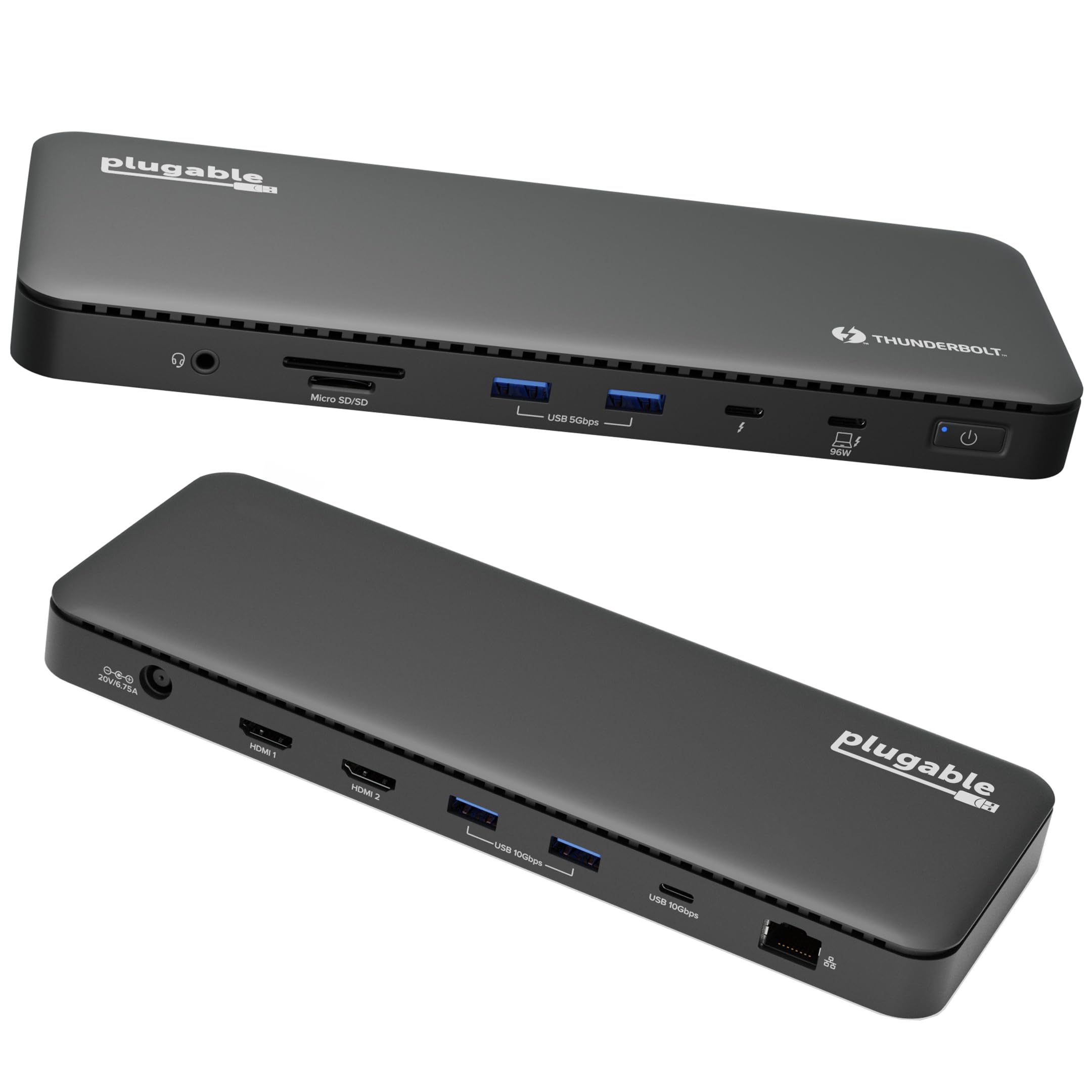
An award-winning Plugable Thunderbolt 4 dock with dual 4K HDMI and 13 ports.
Plugable’s Thunderbolt 4 flagship is the polished option: 40Gbps throughput, up to 100W laptop charging, dual 4K 60Hz HDMI, and thirteen ports that cover a serious workstation. Setup is easy and the port spread handles dual monitors plus accessories without strain.
Power delivery is the honest asterisk — some laptops stay topped up all day, others report charging trouble — and Mac users should note dual displays may require clamshell mode. It is a premium dock with a premium caveat.
Why it’s premium
- 40Gbps Thunderbolt 4 performance
- Port spread suits dual monitors plus gear
Note this
- Mac dual-display needs clamshell mode
Professionals: Creatives who want one dock for everything
Mac laptop lids: Dual displays on some Macs require closing the lid
9. Anker Prime Docking Station

Anker’s 14-in-1 dock doubles as a charger for your whole desk.
Anker treats the dock as a power station too: fourteen ports, 160W of total output that can charge several devices at once, and dual-display management in one slab. Plug-and-play setup and full-speed charging are the headline strengths.
Reliability and connectivity are the mixed notes — some units run perfectly while others misbehave — and value splits opinion given the price. If charging everything from one box matters most, it earns its place.
The draw
- Charges multiple devices at full speed
- Generous 14-port layout
The catch
- Reliability varies between units
Power-hungry desks: People charging a laptop, phone, and gear from one dock
Consistency seekers: Some units ship with connectivity faults
Common Questions
Do I need a special driver to run two monitors?
Will one dock charge my laptop and run two screens?
Can Macs run dual monitors on these docks?
The Bottom Line
For the majority of shoppers, the best laptop docking station for dual monitors winner is the TobenONE DisplayLink Docking Station 3 Monitors with 120W Power Adapter because it drives three or more displays from a single cable with the deepest port count here, covering an entire desk without a second hub. If you travel, Lenovo USB-C Dual Display Travel Dock w/ 100W Power Adapter – 7 Ports, Integrated USB-C Cable, Universal Compatibility, Dual Displays at 4K – Black is the one to bag; for a budget desk with four video outputs, Baseus Spacemate Docking Station 11-in-1 with Triple Display for Windows punches above its price, and Mac owners should look at WAVLINK USB Docking Station Dual Monitor 4K 60Hz for Mac M1-M5,Neo,Windows for high-resolution panels.
How we choose
We do not accept paid placement. Every pick is matched to a real buyer and a real use-case; we do not hands-on test units.
Sources
Specifications: manufacturer listings and product documentation. Review insights: verified customer reviews, as of November 2026. Pricing: not shown on this page (it changes often); check the current price via the retailer link.
As an Amazon Associate, My Heart Lives Here earns from qualifying purchases. This does not affect which products we feature.