Heads up: This post contains affiliate links. As an Amazon Associate I earn from qualifying purchases, at no extra cost to you. Learn more
Specs are compiled from manufacturer listings and verified buyer reviews and can change over time — please confirm the key details on the product page before buying.
A paper wall calendar can only hold so much before it becomes a scribbled mess. These electric wall calendars put every family member’s schedule on a bright touchscreen that syncs with the calendars you already use.
This guide is built by comparing the manufacturers’ published specifications and the patterns across verified customer reviews, so you get each pick’s real strengths and trade-offs instead of marketing spin.
A smart display can replace the paper wall calendar and keep the whole family in sync. Here are the best electric wall calendars for a organized home.
Top Picks
Side-by-Side Comparison
| Model | Best For | Screen Size | Subscription | Mounting | Amazon |
|---|---|---|---|---|---|
| Dragon Touch 10.1 inch Digital Calendar★ Best Overall | busy families | 10.1 inches | Not specified | Desk or wall | Amazon |
| Airzeen 15.6″ Digital Calendar with Customizable DashboardNo Subscription | subscription-free planning | 15.6 inches | None | Wall or desk | Amazon |
| Akimart 21.5 inch Digital Calendar | high-visibility spaces | 21.5 inches | Not specified | Wall mount | Amazon |
| Anyuse16″ Smart Digital Calendar Wall Desk Mount Planner | adaptable setups | 16 inches | Not specified | Wall, desk, horizontal, vertical | Amazon |
| 15.6-inch Digital Wall Planner | tight budgets | 15.6 inches | Not specified | Wall mount included | Amazon |
| Apolosign 15.6-inch Digital Calendar | no-fee full features | 15.6 inches | None | Wall or stand | Amazon |
| Skylight Calendar Max | large families | 27 inches | Not specified | Wall mount | Amazon |
Detailed Reviews
1. Dragon Touch 10.1 inch Digital Calendar
Our pick — 4.5+★ from 850+ verified ratings; the strongest balance of quality and price.
A family favorite that makes scheduling simple enough for a four-year-old to navigate.
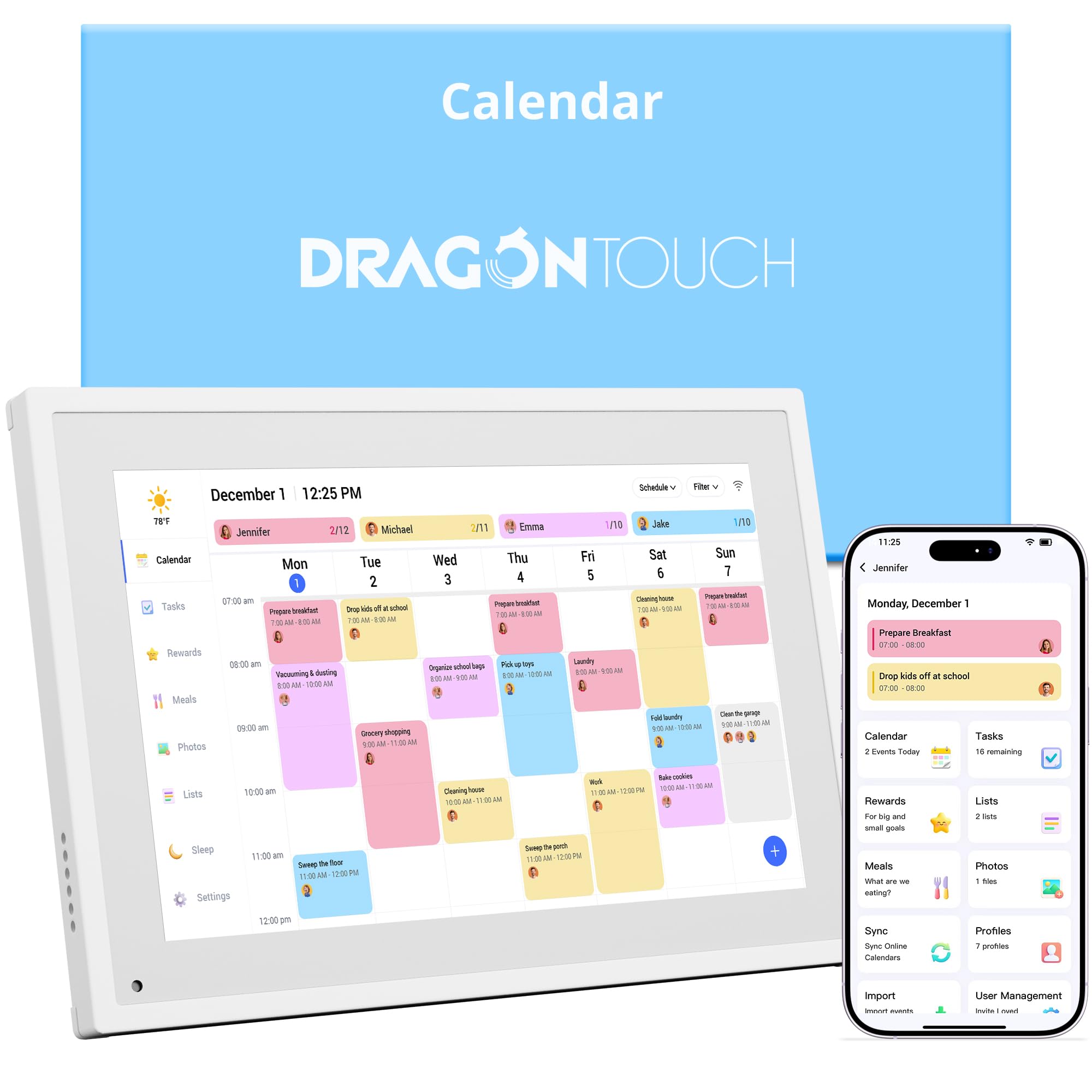
This digital calendar shines at organizing busy households. Assign a color to each person, add tasks and appointments, and everyone can see the day at a glance. It syncs with Google and Apple calendars, so events flow in automatically.
The 10.1-inch screen is crisp and responsive, and setup is straightforward. It’s not the largest display here, but it’s perfectly sized for a kitchen counter or entryway. The focus is on usability, and it delivers.
What families love
- Easy for all ages to use
- Syncs with major calendars
Trade-offs
- Screen is smaller than some rivals
Family hub: Households with young kids
Screen size: Not ideal for large rooms
2. Airzeen 15.6″ Digital Calendar with Customizable Dashboard
A large-screen planner that never asks for a monthly fee.
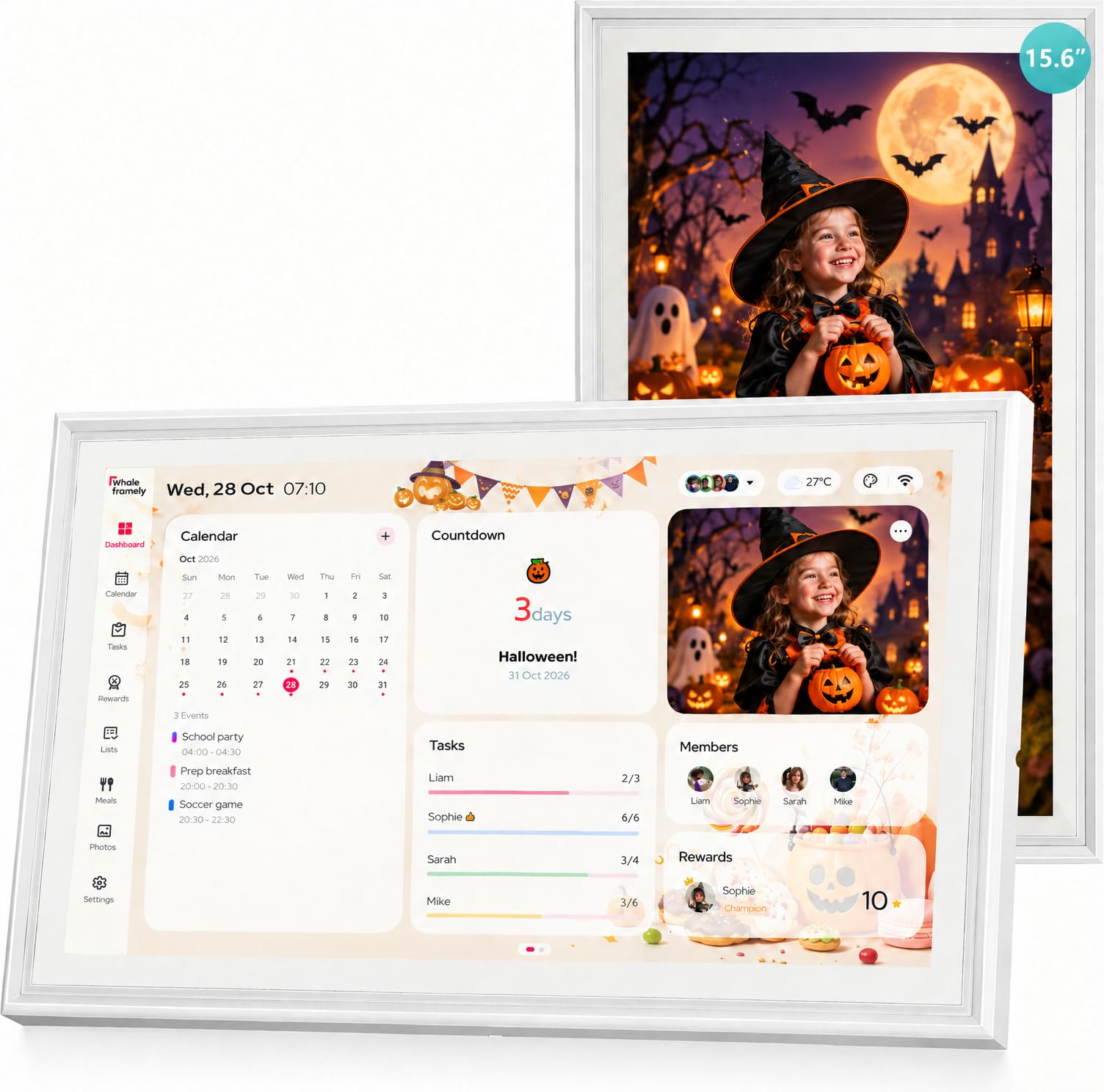
The Airzeen offers a big 15.6-inch canvas for your family’s schedule, and you can rearrange widgets to suit your priorities. Meal plans, rewards, and tasks all live on one dashboard, and it syncs with Google Calendar.
The best part is that every feature is available without a subscription, which is rare in this category. The interface is easy to set up and use, though some may find the customization options overwhelming at first.
Why it stands out
- No monthly fees
- Large, customizable screen
Consider this
- Dashboard can feel busy
Budget-friendly: Families avoiding subscriptions
Customization: May overwhelm new users
3. Akimart 21.5 inch Digital Calendar
A big, bold wall planner that makes schedules impossible to miss.
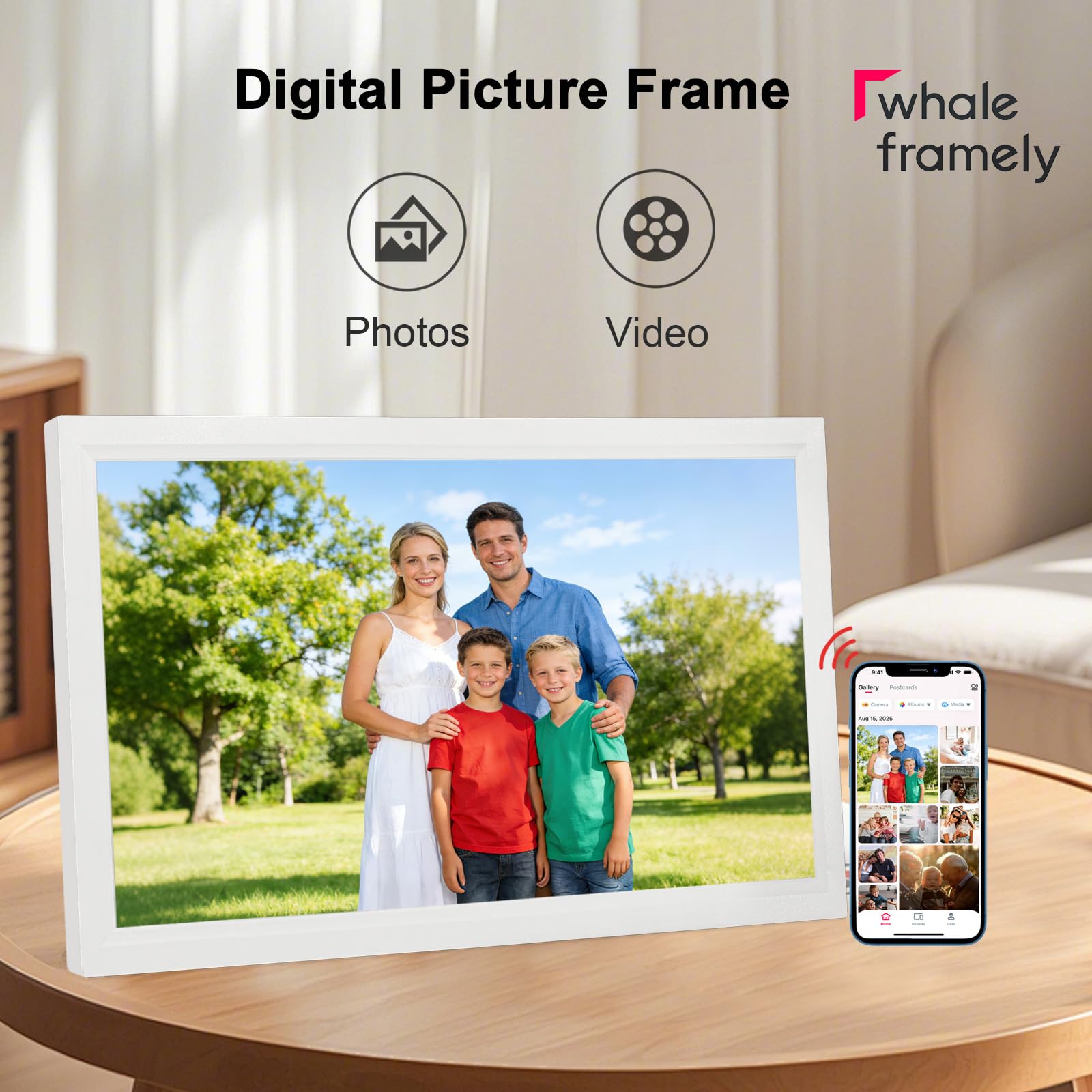
With a 21.5-inch screen, this Akimart calendar is one of the largest here, and it doubles as a digital picture frame. Assign colors and chores to family members, and keep everyone on track with a glance.
The trade-off is that it’s a newer product with limited feedback, so long-term reliability is less proven. The plastic build is functional but not premium. Still, for sheer visibility, it’s a strong choice.
Big-screen benefits
- Huge, easy-to-read display
- Doubles as a photo frame
Caveats
- Limited track record
Large spaces: Kitchens or common areas
Reliability: Newer brand with fewer reviews
4. Anyuse16″ Smart Digital Calendar Wall Desk Mount Planner
A versatile display that adapts to your space, not the other way around.
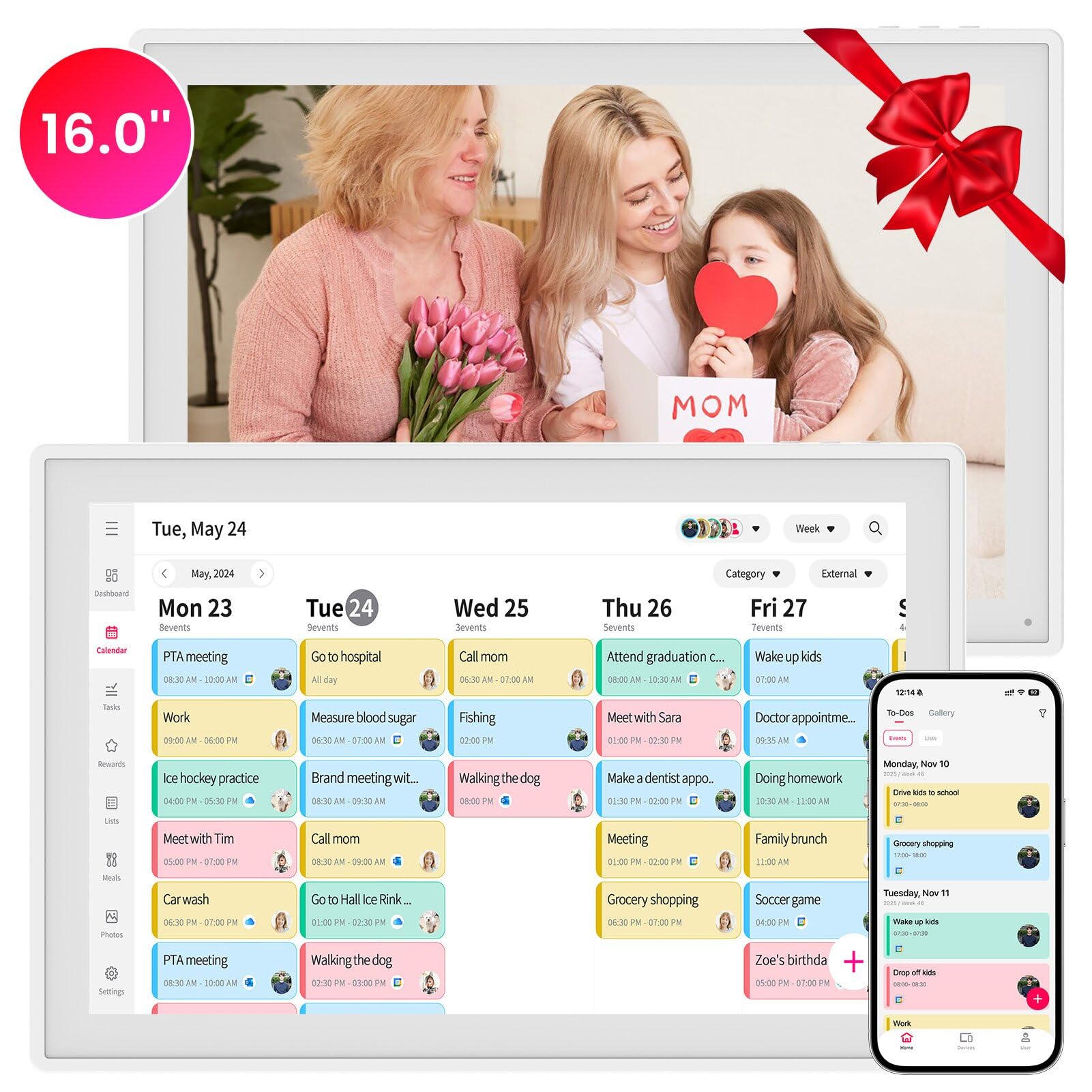
The Anyuse gives you a 16-inch HD touchscreen with four placement modes: wall, desk, horizontal, or vertical. Adjustable font sizes and brightness make it easy for seniors and kids to read, and it syncs with Google and iCloud.
It also includes a chore chart and meal planning, plus a task reward system to keep kids motivated. The picture quality is impressive for a calendar, and it works well as a digital photo frame. Reliability is generally good, though a few units have had issues.
What works well
- Multiple mounting options
- Adjustable font and brightness
Watch out for
- Some reports of reliability issues
Flexible placement: Renters or changing spaces
Durability: Occasional defects reported
5. 15.6-inch Digital Wall Planner
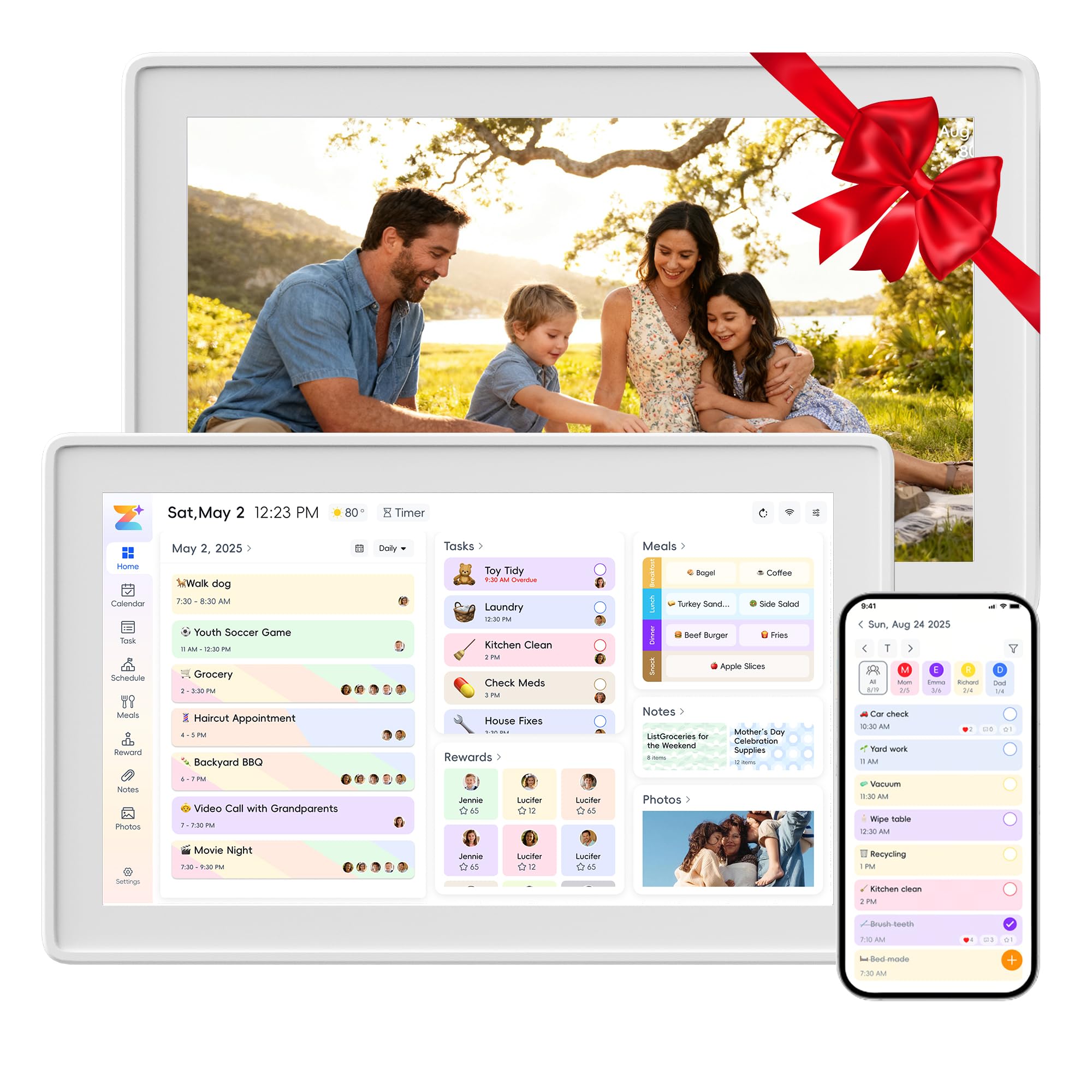
An affordable entry into smart family scheduling with a clean white frame.
This Boyuevi model covers the basics well: a 15.6-inch touchscreen, color-coded schedules, reminders, and shopping lists, all in one place. Setup is easy, and the interface is intuitive for the whole family.
It’s one of the more affordable options, but reliability is mixed, with some units failing after a few months. Connectivity can also be finicky. If you’re on a tight budget and want a simple planner, it’s worth considering.
Pros
- Low cost
- Easy to set up
Cons
- Mixed reliability reports
Budget option: First-time smart calendar buyers
Longevity: Some stop working after months
6. Apolosign 15.6-inch Digital Calendar

A subscription-free planner that syncs with all major calendars and includes a stand.
The Apolosign offers a 15.6-inch screen with a teak finish that looks good on a counter or wall. It syncs with Google Calendar, iCloud, and Outlook, and includes chore charts, meal planning, and a dashboard. No subscription is required.
It comes with a stand for desk use, and the build feels solid. The interface is easy to navigate, and organization features are praised. It’s a reliable choice for families who want full features without ongoing costs.
Highlights
- No subscription fees
- Syncs with multiple calendars
Limitations
- Heavier than some competitors
Subscription-free: Families wanting all features upfront
Weight: 9.3 pounds may need sturdy mounting
7. Skylight Calendar Max
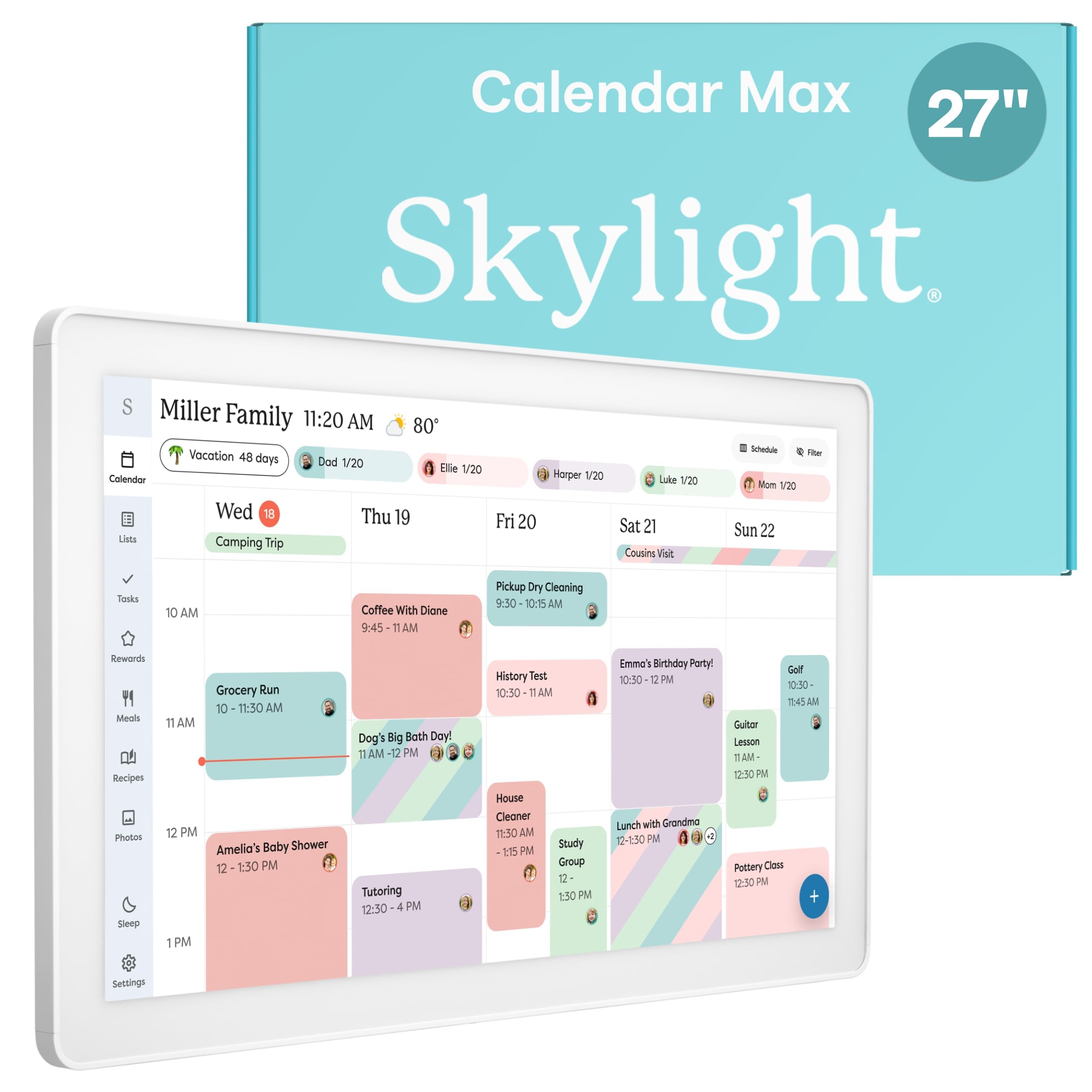
The biggest and boldest smart calendar, with a screen that demands attention.
The Skylight Calendar Max lives up to its name with a massive 27-inch touchscreen that auto-adjusts between portrait and landscape. It’s designed to be the command center of a busy home, and it syncs with all major calendars.
The display is vibrant and easy to read from across the room, and kids and adults alike find it simple to use. The main drawbacks are the high price and the need for significant wall space. It’s an investment, but for large families, it can be worth it.
Why it’s premium
- Huge, vibrant screen
- Auto-rotates for any orientation
The cost
- Expensive and requires space
Maximum visibility: Large families with wall space
Price: High upfront cost
Common Questions
Do electric wall calendars require a subscription?
Can these calendars sync with my phone?
Are they easy for kids to use?
The Bottom Line
For most people, the best electric wall calendar winner is the Dragon Touch 10.1 inch Digital Calendar Chore Chart – Interactive Touchscreen, Smart Family Planner, Hearth Display Desk Digital Calendar Best Gifts for Christmas, Wedding, Mom because it balances a clear touchscreen with easy syncing and kid-friendly controls, making it the easiest to live with daily. For a subscription-free option, consider Airzeen 15.6″ Digital Calendar with Customizable Dashboard; if you need a massive display, Skylight Calendar Max – 27″ Digital Calendar & Chore Chart, Classic White is the way to go. Apolosign 15.6-inch Digital Calendar, No-Subscription, Smart Wall Planner with Calendar Sync, Chore Chart, Meal, Apps & Dashboard, Electronic Display for Schedules, Dual Mode, with Stand (Teak) offers a stand and no fees for flexible placement.
How we choose
We do not accept paid placement. Every pick is matched to a real buyer and a real use-case; we do not hands-on test units.
Sources
Specifications: manufacturer listings and product documentation. Review insights: verified customer reviews, as of November 2026. Pricing: not shown on this page (it changes often); check the current price via the retailer link.
As an Amazon Associate, My Heart Lives Here earns from qualifying purchases. This does not affect which products we feature.