Heads up: This post contains affiliate links. As an Amazon Associate I earn from qualifying purchases, at no extra cost to you. Learn more
Specs are compiled from manufacturer listings and verified buyer reviews and can change over time — please confirm the key details on the product page before buying.
A digital whiteboard for the home is no longer a gadget for tech enthusiasts — it has quietly become the family command center, the homework station and the weekend movie screen all at once. The trick is matching the screen to the room: a giant touch panel for the study, a compact planner for the kitchen wall.
This guide is built by comparing the manufacturers’ published specifications and the patterns across verified customer reviews, so you get each pick’s real strengths and trade-offs instead of marketing spin.
These smart panels and planners turn a spare wall into a shared family hub for schedules, homework and notes. Here is my pick of the best digital whiteboard for home use.
Top Picks
Side-by-Side Comparison
| Model | Best For | Screen Size | Mounting | Best Use | Amazon |
|---|---|---|---|---|---|
| COOLHOOD 65″ Smart Board★ Best Overall | Home office and study | 65 inch | Wall mount | Work and study | Amazon |
| Canupdog 15.6 Inch Digital CalendarBest for Kids | Chore charts and kids | 15.6 inch | Desk or wall | Family scheduling | Amazon |
| Maxtek Silver Rolling Whiteboard 72 x 48 inBest Rolling Board | Homeschool and workshops | 72 x 48 in | Rolling stand | Big analog board | Amazon |
| Digital Calendar Wall Touch Screen 32 Inch | Shared wall scheduling | 32 inch | Wall mount | Whole-family sync | Amazon |
| Dragon Touch 32″ Digital Calendar Chore Chart | Everyday family hub | 32 inch | Wall or desk | Schedules and photos | Amazon |
| 32″ Digital Calendar Chore Chart | Budget family scheduling | 32 inch | Desk or wall | Simple syncing | Amazon |
| 55” Smart Board Android 14 | Home office studio | 55 inch | Wall or portable | Android apps | Amazon |
| 55 Inch 4K Smart Board Google EDLA-Certified | Google households | 55 inch | Wall or cart | Google ecosystem | Amazon |
| 65” Smart Board Android 14 | Big shared screens | 65 inch | Wall mount | Large canvas | Amazon |
Detailed Reviews
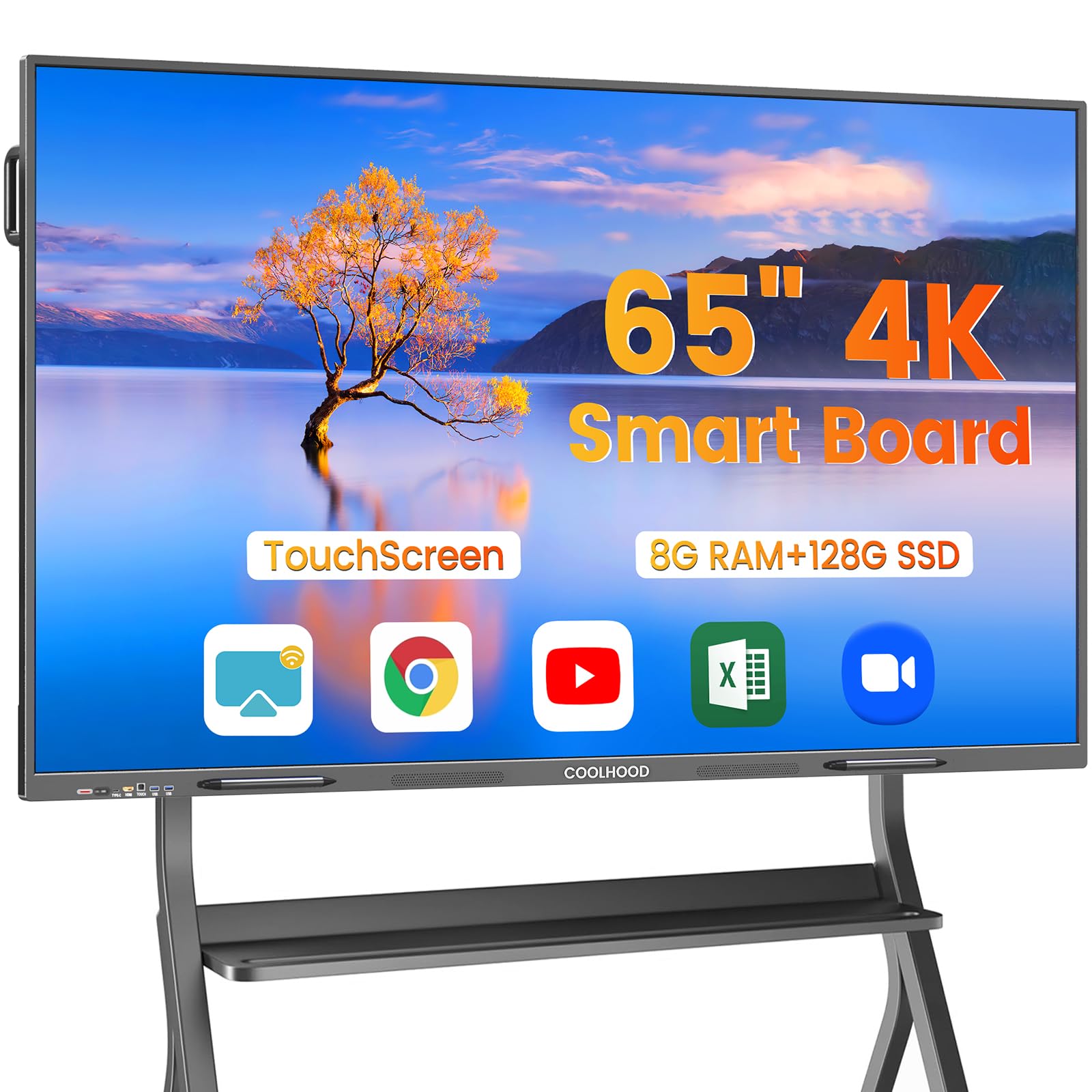
1. COOLHOOD 65″ Smart Board
Our pick — 4.5+★ from 800+ verified ratings; the strongest balance of quality and price.
A full-size interactive display that turns a spare wall into a genuine work and study screen.
This is the closest thing here to a real classroom board at home: a 65-inch 4K panel with 20-point multi-touch and an octa-core processor, so drawing, annotating and switching apps stay fluid. Android with 128GB of storage means you install your own apps rather than being locked in.
The honest catch is that it arrives as board and wall mount only, so you supply the stand or the wall and plan the installation. It is a serious fixture, not something you move between rooms on a whim.
Why it wins
- Large 4K touchscreen with responsive multi-touch
- Open app ecosystem with generous storage
Watch out for
- Board and wall mount only, so plan the install
Best for: Households wanting a big shared work and homework screen
Trade-off: Needs wall space and a planned installation
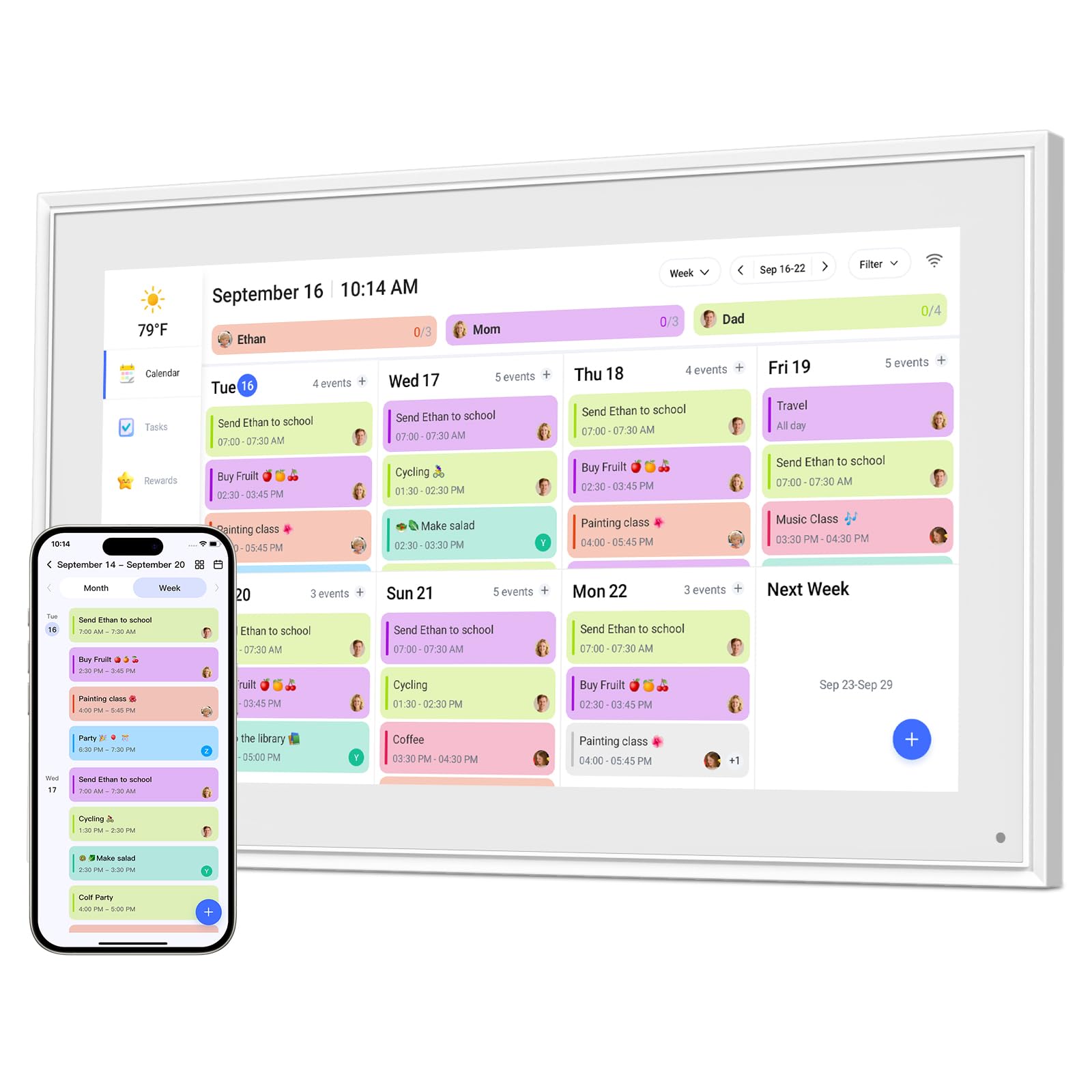
2. Canupdog 15.6 Inch Digital Calendar
A compact family planner that makes chores and schedules feel like a game rather than a nag.
Small enough for a desk or a kitchen wall, this panel handles monthly, daily and weekly views plus to-do lists and a task rewards system that keeps children motivated. The high-resolution screen makes photos and events look sharp and easy to read at a glance.
Connectivity and overall build quality draw mixed feelings, so treat it as a scheduling companion rather than a rugged everyday tablet. It is happiest when it stays put in one spot.
What works
- Rewards system keeps children engaged with chores
- Easy to add events and upload photos
Keep in mind
- Connectivity and build quality are inconsistent
Great for: Parents building a chore and reward routine
Limitation: Not the most sturdy build for heavy handling
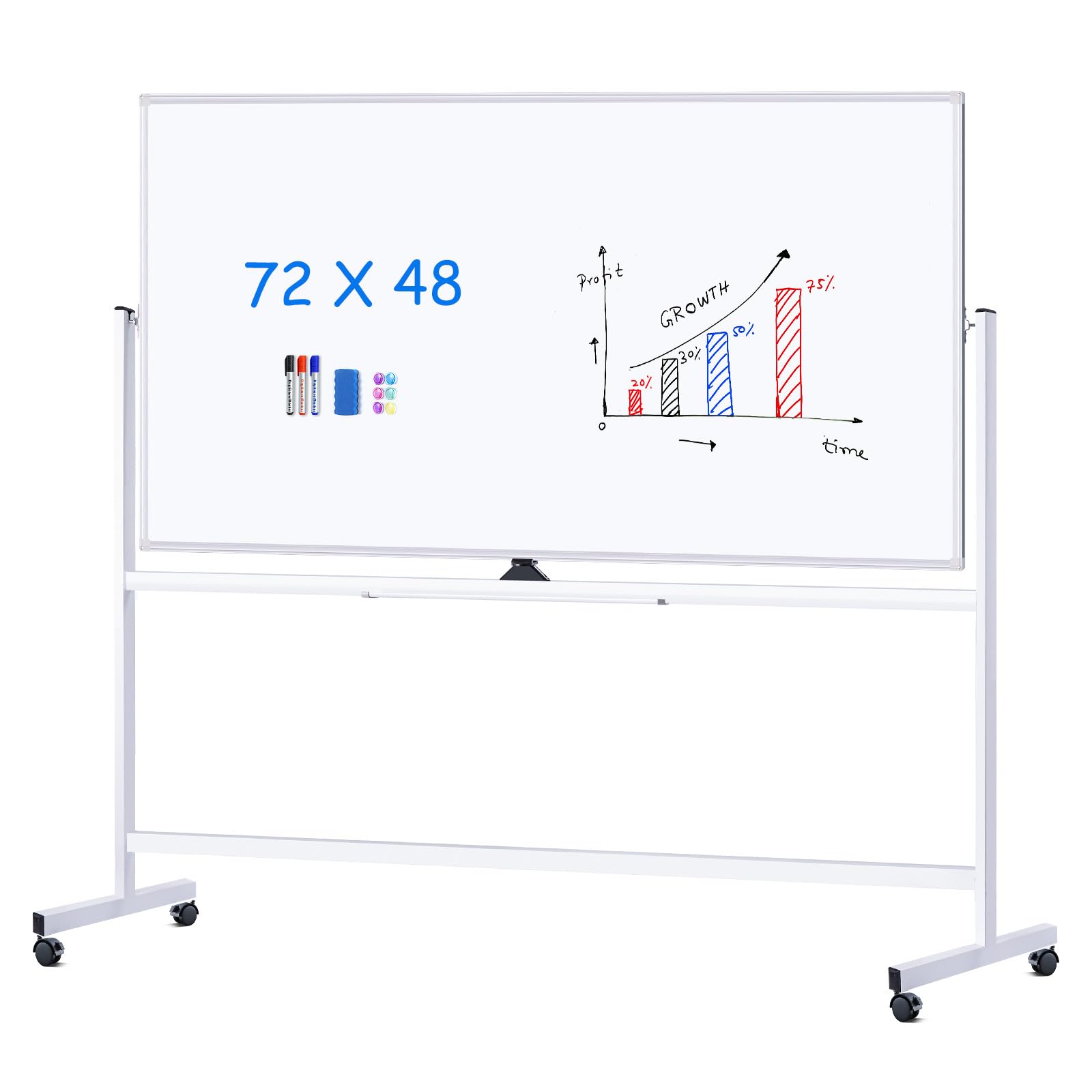
3. Maxtek Silver Rolling Whiteboard 72 x 48 in
A giant dry-erase board on wheels for households that still love a marker in hand.
This is the analog answer for families who want scale without a screen: a huge double-sided magnetic surface on four universal wheels, with a rust-protective coating, strong corners and a solid frame that resists wobble. It rolls between rooms and suits homeschooling or a small office.
It is not digital, so nothing syncs and nothing saves — the trade-off is that you write, wipe and start again. Stability is the one recurring gripe, so lock the casters on uneven floors.
Why it works
- Enormous double-sided magnetic surface
- Rolls easily between rooms
The catch
- Stability wobbles on uneven floors
Ideal for: Homeschoolers and crafters who prefer markers
Trade-off: No digital syncing or saving
4. Digital Calendar Wall Touch Screen 32 Inch
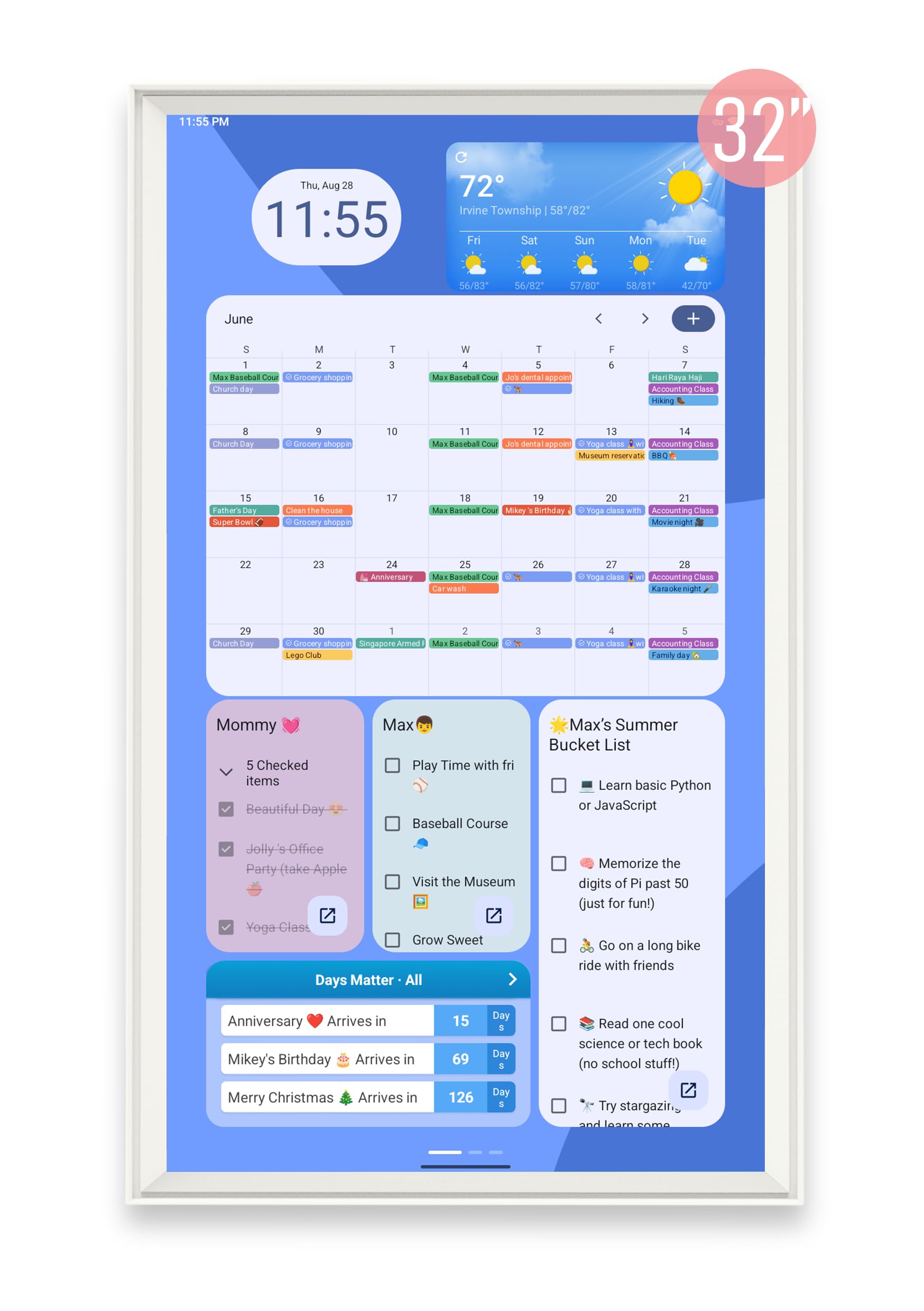
A big wall calendar that keeps the whole household on the same page in real time.
A 32-inch full-HD touchscreen mounted on the wall, syncing with Apple, Google and Outlook so everyone views and edits the same schedule. Weekly and monthly views keep work and family life on track, and the display is highly visible from across a room.
The screen is large, so measure your wall before committing. It is a planner first and foremost, not a drawing surface for creative work.
What stands out
- Syncs with major calendar apps in real time
- Large, highly visible display
Consider this
- Large footprint needs a planned wall spot
Best for: Busy households juggling several calendars
Limitation: Planner-focused rather than a creative canvas
5. Dragon Touch 32″ Digital Calendar Chore Chart

A family calendar that doubles as a photo frame, which is why it stays on the wall.
This 32-inch full-HD panel organizes every schedule with color-coded tasks per family member and syncs with Google Calendar, so appointments and school activities land in one place. Setup is quick, and the photo feature turns it into a digital frame when nothing is scheduled.
It is a scheduling and display device rather than a full whiteboard, so don’t expect heavy annotation tools. For most families that is exactly the right trade.
Why families like it
- Color-coded tasks per family member
- Doubles as a digital photo frame
The catch
- Limited as a drawing or annotation board
Great for: Families wanting one shared hub that looks good
Trade-off: Not built for heavy whiteboard work
6. 32″ Digital Calendar Chore Chart
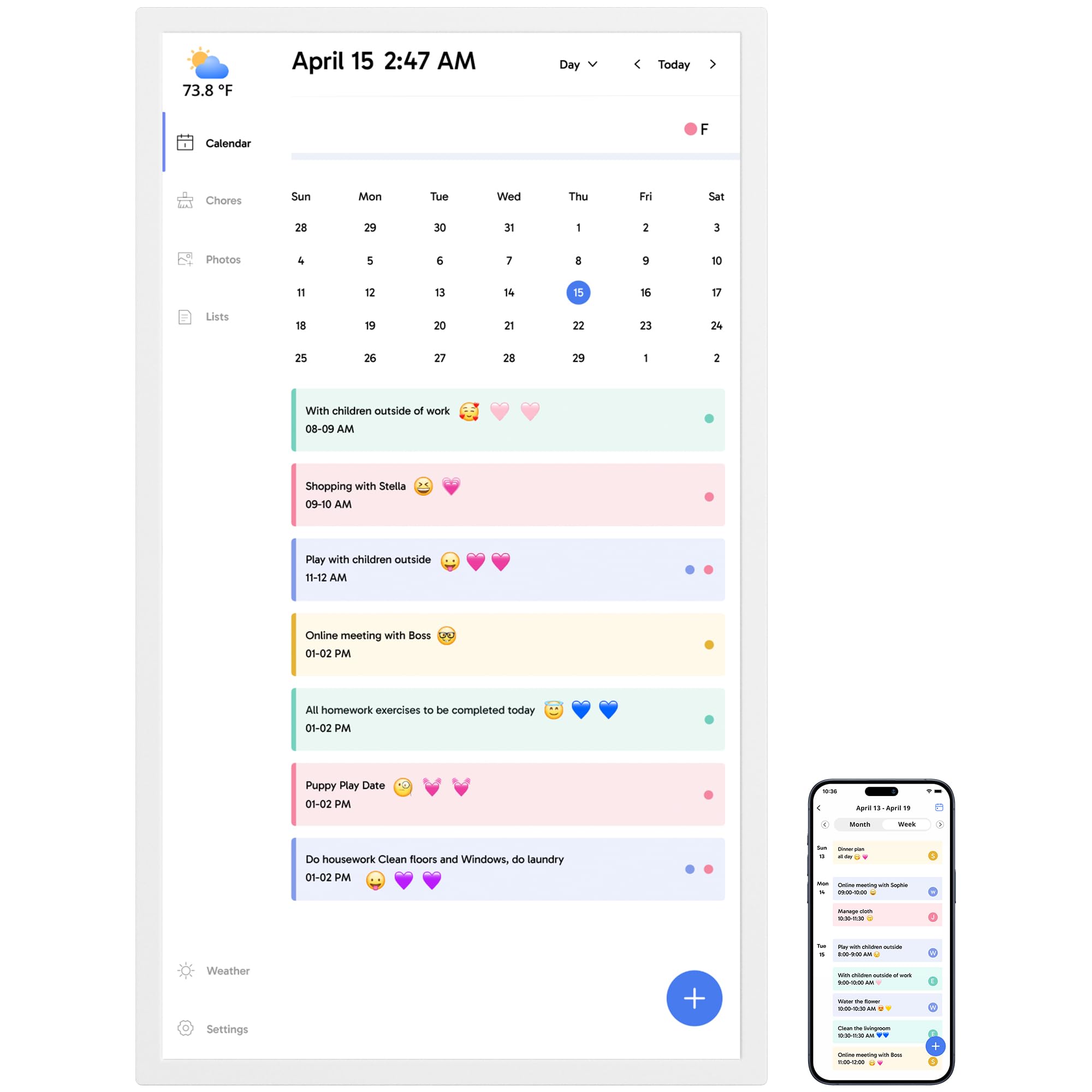
The same big family-calendar idea at a friendlier price, with quick setup and syncing.
A 32-inch full-HD touchscreen planner that tracks busy family schedules with color-coded tasks, sets up quickly and syncs with the calendars you already use. It is a straightforward, desk-or-wall device that earns its place in a busy kitchen.
It is heavier than it looks and the build is plastic, so mount it with care. Expect a practical planner rather than a premium flagship.
What works
- Quick to set up and sync
- Keeps busy families organized
Keep in mind
- Heavier unit with a plastic build
Ideal for: Families who want big-screen planning for less
Limitation: Needs careful mounting given the weight
7. 55” Smart Board Android 14
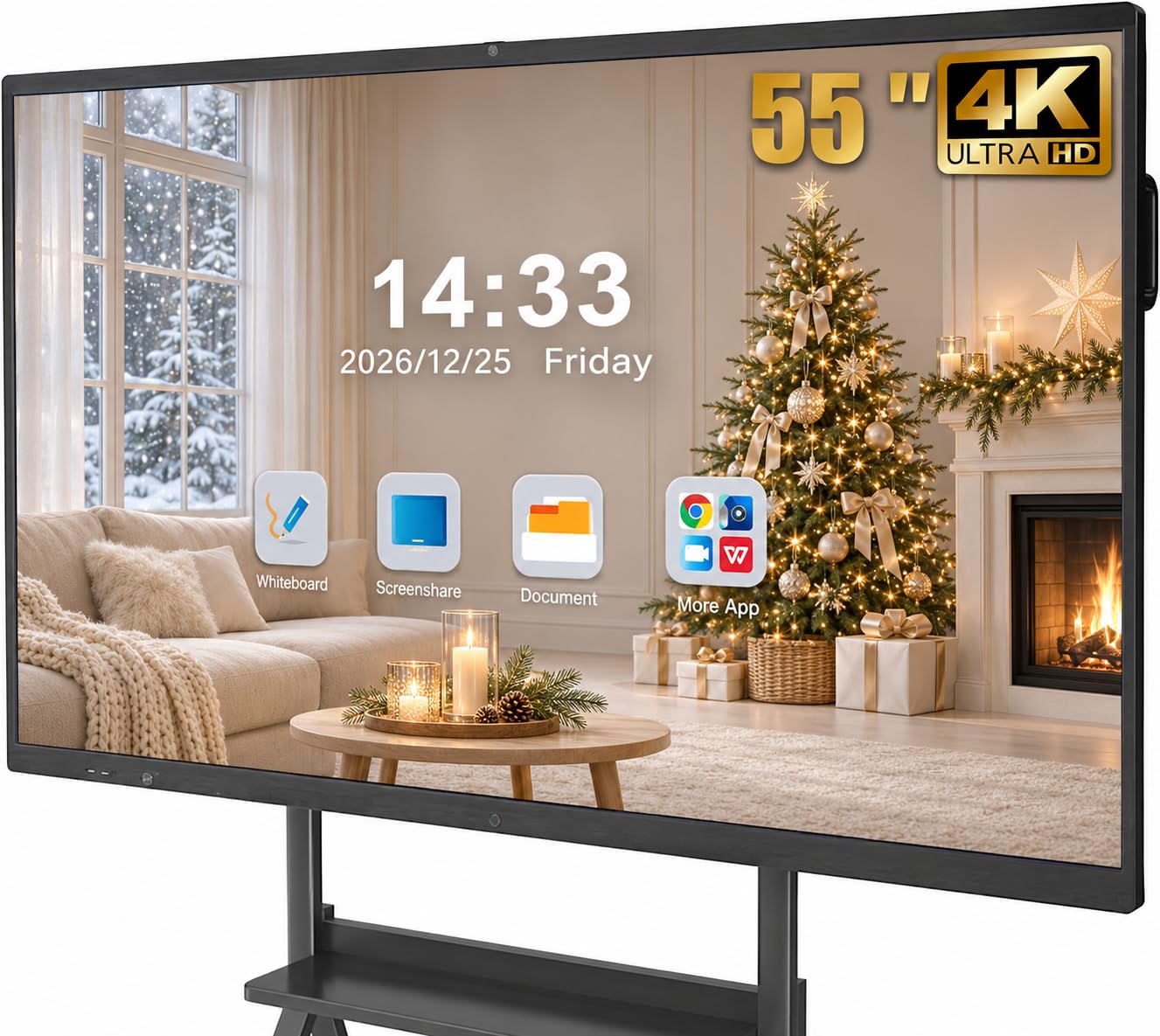
A mid-size smart board that fits a home office wall without swallowing the room.
A 55-inch 4K interactive panel running Android 14 with 8GB of RAM and 128GB of storage, so apps, tools and multimedia run smoothly. It is a sensible middle size for a home office or studio where a 65-inch screen would dominate.
It is portable in principle but still a substantial metal-framed unit, and the app ecosystem is narrower than a full computer. Treat it as a dedicated board, not a general-purpose PC.
Why it fits
- 4K touchscreen at a room-friendly size
- Android 14 with generous memory and storage
The catch
- Narrower app ecosystem than a full computer
Best for: Home offices wanting a mid-size touch board
Trade-off: Not a replacement for a desktop computer
8. 55 Inch 4K Smart Board Google EDLA-Certified
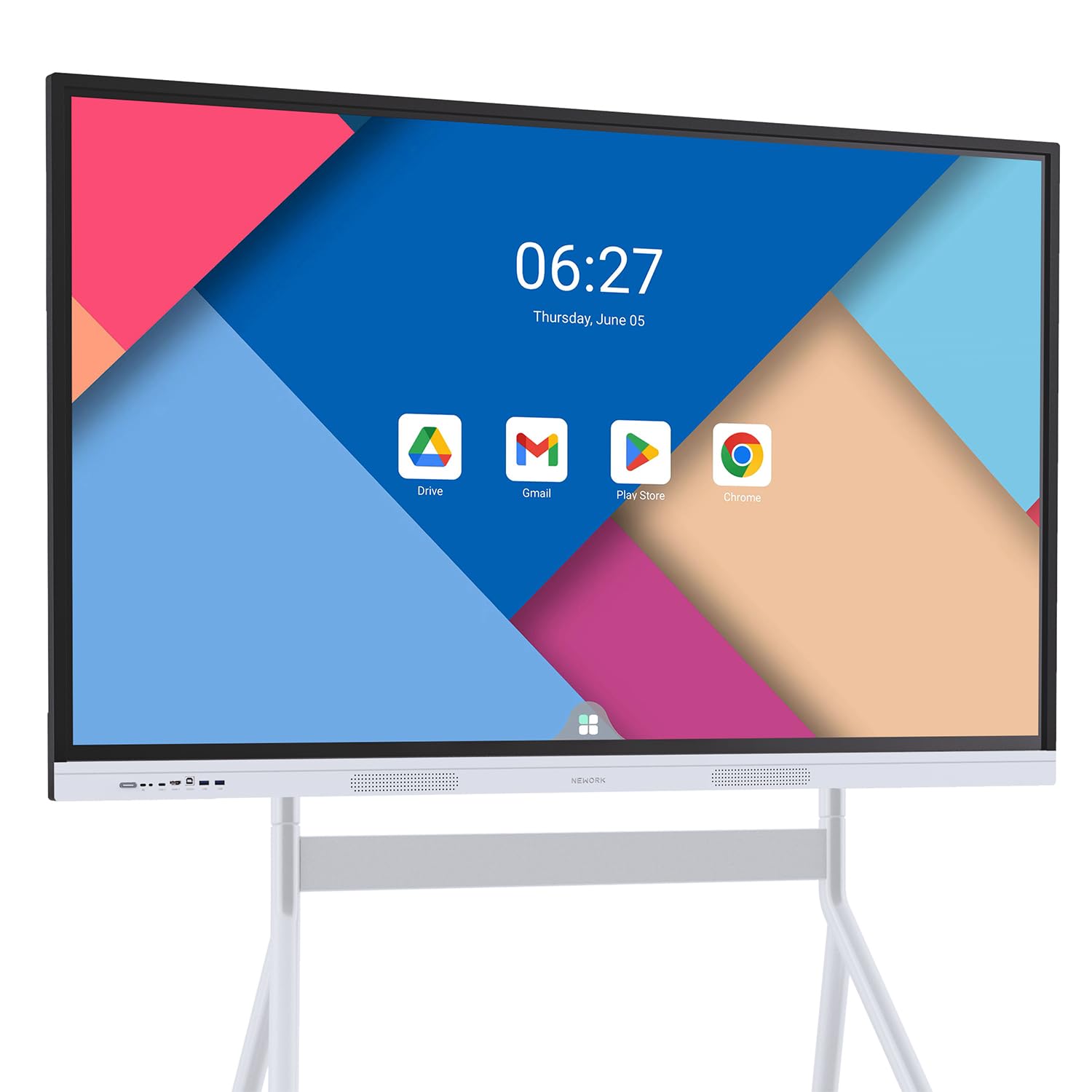
A certified Android board that behaves like a really big tablet on your wall.
Google EDLA certification means full access to the Play Store, Google Workspace and the Education Suite, with enterprise-grade privacy protection and regular over-the-air updates. The 4K LED display is crisp, and installation is straightforward.
Compatibility draws mixed feedback depending on what you connect, so check your peripherals before you buy. It shines brightest inside Google’s own ecosystem.
Why it stands out
- Certified access to Google apps and updates
- Crisp 4K picture with easy installation
Consider this
- Compatibility varies with connected devices
Great for: Homes already living inside Google Workspace
Limitation: Best experience is tied to Google’s ecosystem
9. 65” Smart Board Android 14
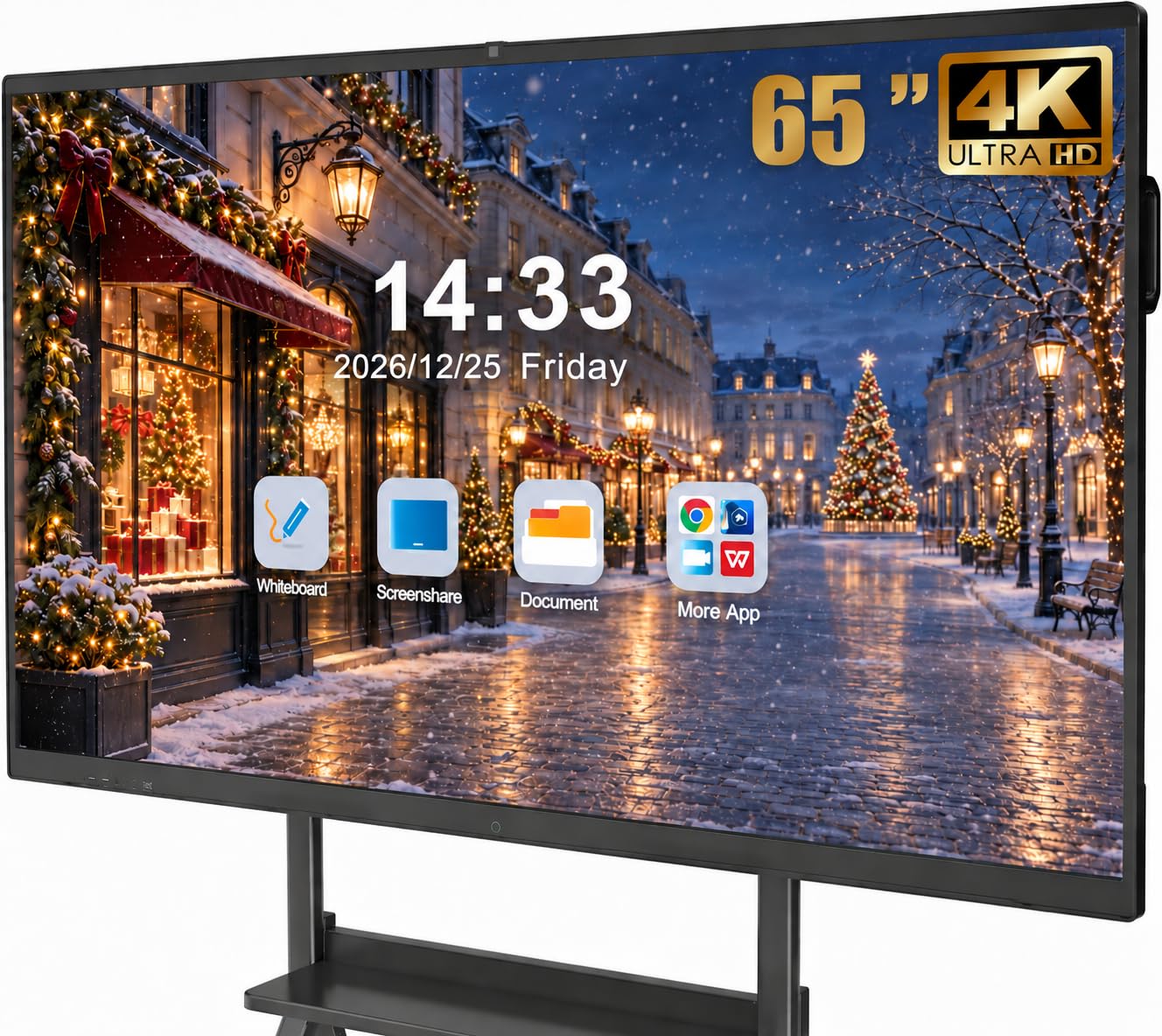
The biggest, most polished panel here for households that want a true feature wall.
A 65-inch 4K interactive board with Android 14, 8GB of RAM and 128GB of storage, giving you a large canvas for lessons, planning sessions and movie nights alike. The touch response is quick and the app support is broad.
It is a large metal-framed unit that wants a permanent wall and some planning, and it is overkill for a family that only needs a calendar. Buy it for the screen size, not for portability.
Why it wins people over
- Huge 4K canvas for work and entertainment
- Android 14 with plenty of memory and storage
The catch
- Large and heavy, so plan a permanent spot
Best for: Households wanting one big do-everything screen
Trade-off: More screen than a simple planner needs
Common Questions
Do I need a full smart board or just a family calendar?
Can these boards mount on a wall?
Will a digital whiteboard replace my paper calendar?
The Bottom Line
For the majority of shoppers, the best digital whiteboard for home winner is the COOLHOOD 65″ Smart Board, 4K UHD Touchscreen Interactive Digital Whiteboard Display, Electronic All-in-One Computer for Classroom Office Home Business w/Open App Ecosystem (Board & Wall Mount Only) because it pairs a genuine 65-inch 4K touchscreen with an open app ecosystem, making it the most complete work-and-study board for a home wall. If your priority is chores and kids, Canupdog 15.6 Inch Digital Calendar, Electronic Planner & Chore Chart with 1920x1080P IPS Touchscreen, Task Rewards System, Interactive Display for Family Schedules Gifts for Women Mom is the friendlier choice, while Maxtek Silver Rolling Whiteboard 72 x 48 in, Double-Sided Magnetic suits marker lovers and 55 Inch 4K Smart Board, Google EDLA-Certified Interactive Whiteboard is the pick for Google households.
How we choose
We do not accept paid placement. Every pick is matched to a real buyer and a real use-case; we do not hands-on test units.
Sources
Specifications: manufacturer listings and product documentation. Review insights: verified customer reviews, as of November 2026. Pricing: not shown on this page (it changes often); check the current price via the retailer link.
As an Amazon Associate, My Heart Lives Here earns from qualifying purchases. This does not affect which products we feature.