Heads up: This post contains affiliate links. As an Amazon Associate I earn from qualifying purchases, at no extra cost to you. Learn more
Specs are compiled from manufacturer listings and verified buyer reviews and can change over time — please confirm the key details on the product page before buying.
Drafting a book asks something most gadgets ignore: long, quiet stretches of unbroken focus. These eleven machines split cleanly into distraction-free typewriters, paper-like tablets and serious laptops built to carry a manuscript from first line to final edit.
This guide is built by comparing the manufacturers’ published specifications and the patterns across verified customer reviews, so you get each pick’s real strengths and trade-offs instead of marketing spin.
A focused buying guide to the machines that make long-form drafting easier, from distraction-free typewriters to paper-like tablets. The best device for writing a book depends on whether you crave focus or flexibility.
Top Picks


Side-by-Side Comparison
| Model | Best For | Keyboard | Battery life | Best for | Amazon |
|---|---|---|---|---|---|
| Microsoft Surface Laptop 15″★ Best Overall | all-in-one drafting | Full-size | 20 hours | Drafting and editing | Amazon |
| HP Laptop 14″Best Budget Pick | tight budgets | Everyday | Limited | Basic drafting | Amazon |
| Freewrite AlphaBest Distraction-Free | focus above all | Mechanical | Long | Pure drafting | Amazon |
| Penstar eNote 2 | handwritten planning | Stylus | Two weeks | Outlining | Amazon |
| iflytek AINOTE Air 2 | interview research | Stylus | Five weeks | Capturing research | Amazon |
| Freewrite Traveler | writing on the move | Scissor | Long | Travel drafting | Amazon |
| reMarkable Paper Pro Digital Notebook with Marker Plus | planning and markup | Marker Plus | Two weeks | Editing by hand | Amazon |
| Lenovo ThinkBook 16 Gen 8 | serious editing | Full-size | — | Long manuscripts | Amazon |
| GEEKOM GeekBook X16 Pro | carrying daily | Full-size | 17 hours | Portable drafting | Amazon |
| ASUS Zenbook Duo 14″ | research-heavy projects | Full-size | Mixed | Multitasking | Amazon |
| LG gram Pro 16-inch | premium all-rounder | Full-size | — | Large projects | Amazon |
Detailed Reviews
1. Microsoft Surface Laptop 15″
Our pick — 4.0+★ from 350+ verified ratings; the strongest balance of quality and price.
A full Windows laptop that turns into a writing desk and a research machine in one.
The 15-inch touchscreen gives you room for a manuscript beside your notes, and the 20-hour battery means a full day of drafting without hunting for an outlet. Snapdragon power keeps everyday word processing smooth.
The honest trade-off is consistency: reliability and speed reports are split, and compatibility with older writing software can be fussy. Buy it as a modern workhorse, not a legacy-app machine.
Copilot+ on Windows 11
- Large touchscreen suits split-screen drafting
- Long battery for all-day sessions
Premium price tag
- Reliability reports are mixed
Everyday Windows work: Writers who want one machine for drafting and editing
Budget shoppers: Some older writing apps may not play nicely
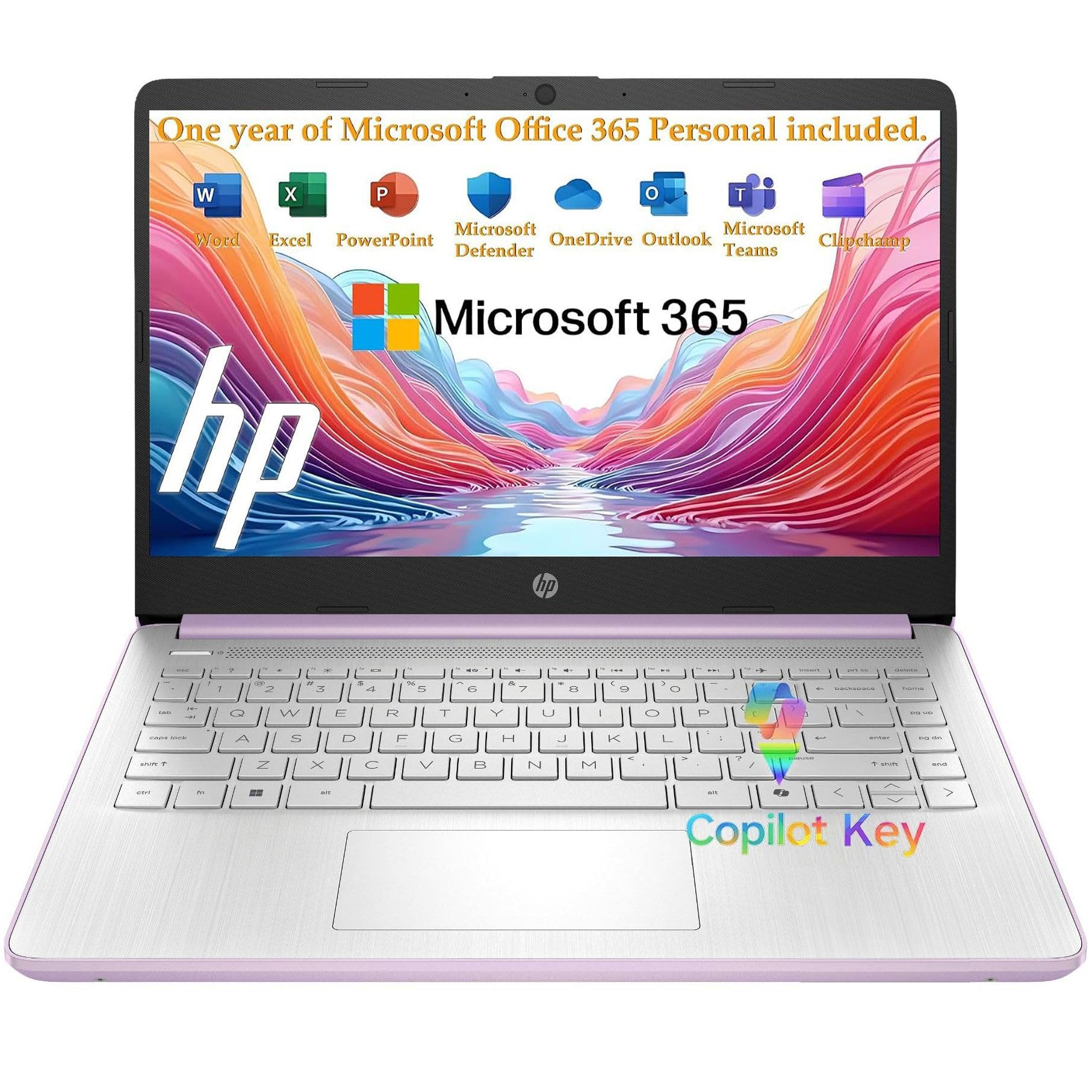
2. HP Laptop 14″
A simple, affordable laptop for word processing, web research and video calls.
For plain drafting and outlining, this handles the basics quietly and cheaply, and the included Office 365 gets you straight into a word processor. The Honey Lavender finish is a nice touch on a desk.
Battery life is the weak spot, so plan on staying near a charger, and the fans can get vocal under load. Treat it as a second desk machine rather than a travel companion.
Affordable 14-inch build
- Low cost for everyday writing tasks
- Quiet in normal use
Basic Intel chip
- Battery life disappoints
Students on budget: New writers on a strict budget
Heavy multitaskers: Short battery keeps it desk-bound
3. Freewrite Alpha
A single-purpose typewriter that does one thing: put words on a page.
No browser, no notifications, no email, just a mechanical keyboard and a backlit screen. Writers who struggle to stay off the internet find the restriction liberating, and the typing feel is genuinely enjoyable.
It is a drafting tool only, so you will still need another device to edit and format. Responsiveness and usability draw mixed notes, so expect a learning curve before it feels natural.
Single-purpose writing focus
- Removes every digital distraction
- Satisfying mechanical keys
No internet or apps
- Drafting only, no editing workflow
Drafting without distraction: Writers who lose hours to the internet
Multimedia users: Needs a second device to finish a manuscript
4. Penstar eNote 2
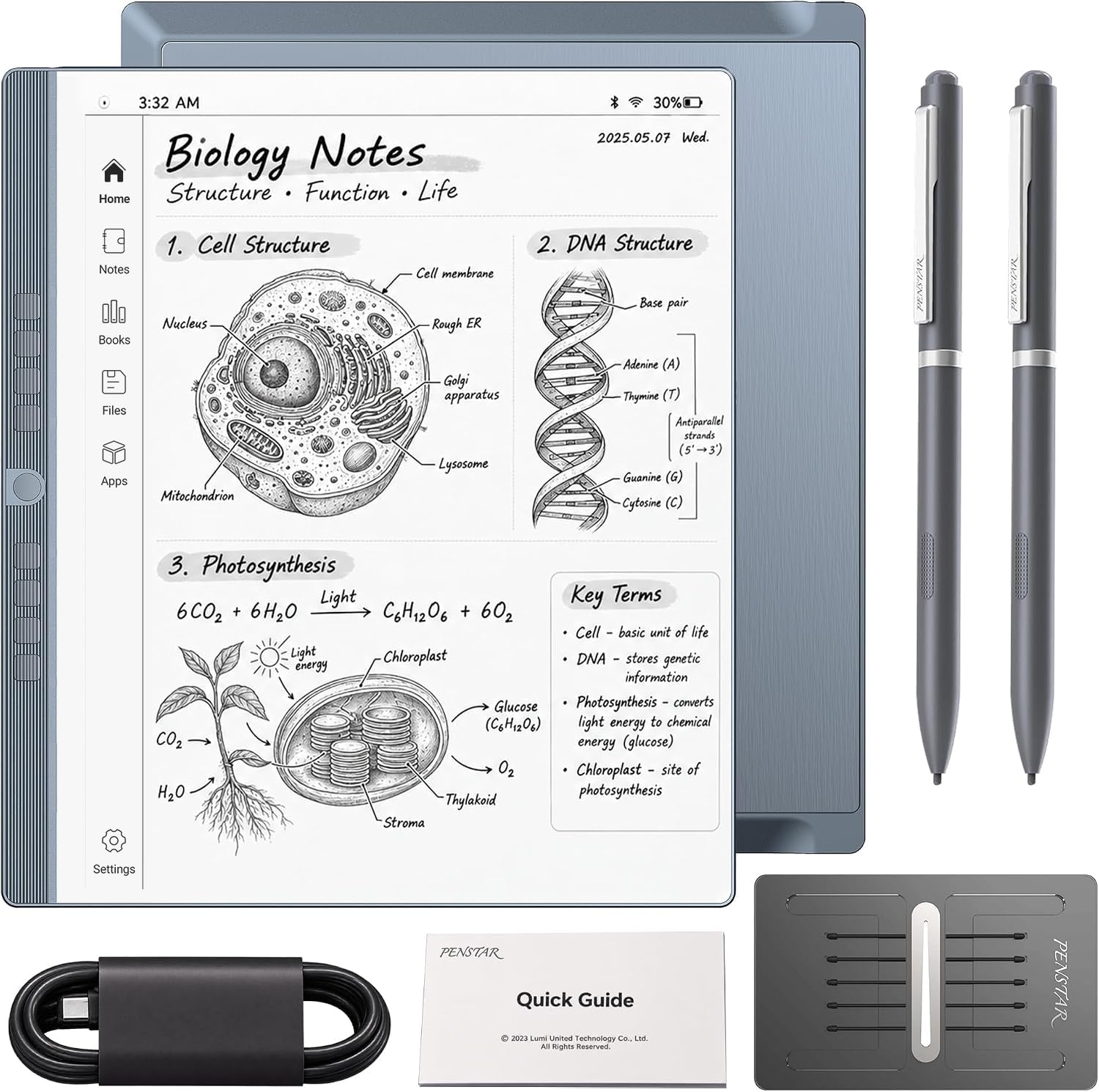
A paper-like notebook for outlining, note-taking and handwritten first drafts.
Handwriting feels natural on the clear e-ink surface, and the two-week battery means it sits in a bag ready whenever an idea lands. OCR turns scribbled notes into text you can move into a manuscript.
Responsiveness is uneven and the pens have drawn complaints from some buyers, so test the stylus early. It suits planning and longhand scenes more than fast typing.
E-ink note taking
- Paper-like writing feel
- Weeks between charges
Slow refresh rate
- Touch response can lag
Paperless note keepers: Plotters who think best by hand
Fast video needs: Not a fast typing machine
5. iflytek AINOTE Air 2
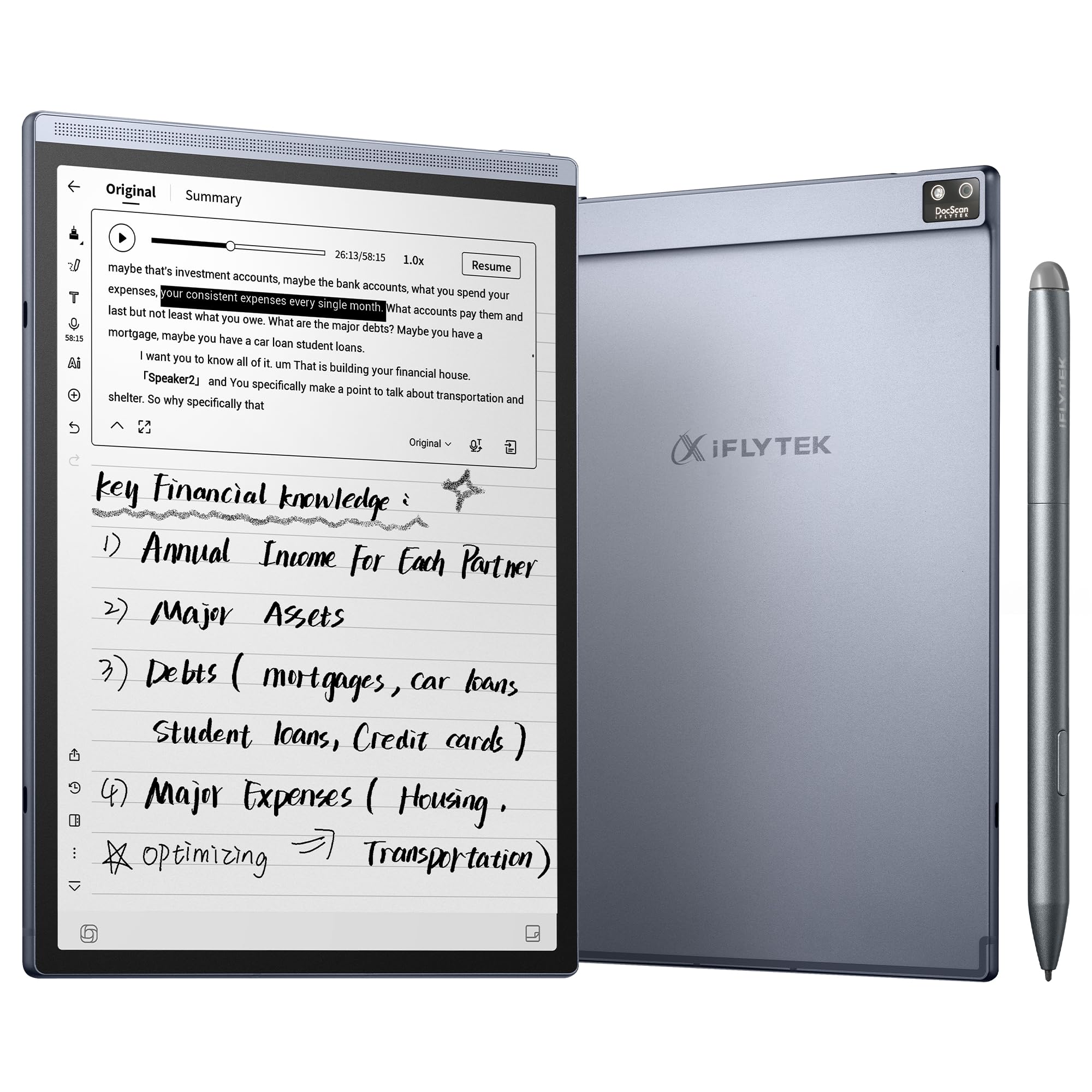
A compact e-ink tablet built for capturing interviews and turning talk into notes.
Real-time transcription, translation and AI summaries make this a handy companion for author interviews and research calls. The small e-ink screen is easy on the eyes during long sessions.
Performance draws mixed reports and some buyers question the value, so go in with modest expectations. It is a research sidekick, not the machine you write the book on.
AI meeting transcription
- Transcribes speech in real time
- Very long battery life
Small 8.2 screen
- Performance reports are mixed
Recording meetings: Nonfiction writers gathering interviews
Large-page readers: Value questioned by some buyers
6. Freewrite Traveler

A lightweight typewriter that slips into a bag and syncs your draft to the cloud.
The scissor-switch keyboard and E Ink display make this the most travel-friendly way to draft, and Wi-Fi sync means your words are waiting on your main computer later. It is genuinely pleasant to look at and carry.
Latency and reliability are the recurring gripes, and the price feels steep for a single-purpose tool. Buy it if portability and focus matter more than polish.
Lightweight portable typing
- Easy to carry anywhere
- Cloud sync saves your draft
Limited storage space
- Some units arrive unreliable
Travel writing trips: Authors who draft in cafes and on trains
Desktop replacements: Typing latency can distract
7. reMarkable Paper Pro Digital Notebook with Marker Plus
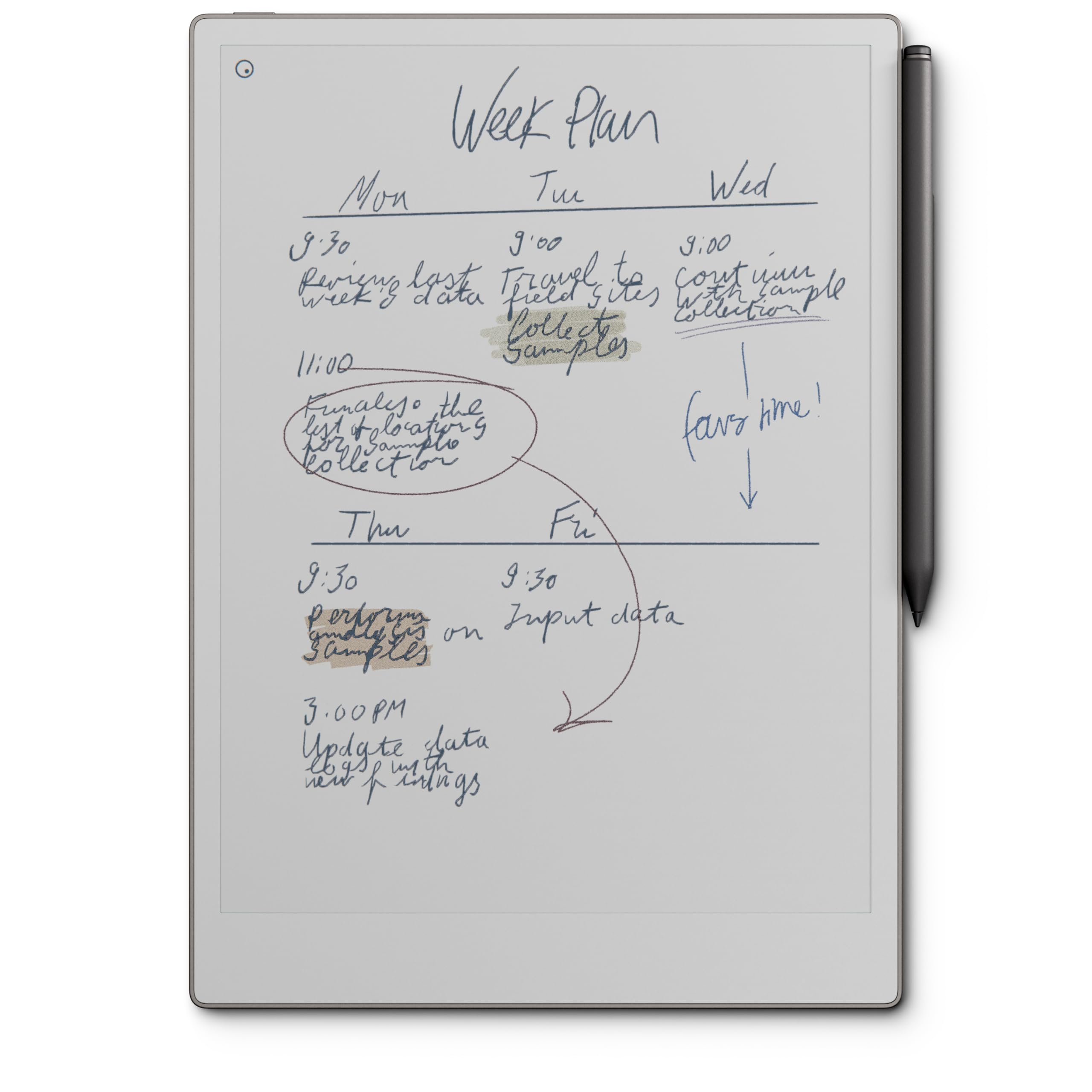
A slim paper tablet that brings color to notes, sketches and manuscript markups.
The writing surface is the star: it feels close to real paper, and the color screen lets you highlight and sketch in a way monochrome tablets cannot. Organization tools keep chapters and notes tidy.
Functionality and performance are mixed, and the price is the biggest complaint. Treat it as a premium notebook for planning and markup rather than a full drafting computer.
Color e-ink display
- Superb paper-like writing feel
- Color screen for markup
Expensive accessory cost
- Price draws the most complaints
Sketching and reading: Writers who annotate and sketch
Tight budgets: High cost for a secondary device
8. Lenovo ThinkBook 16 Gen 8
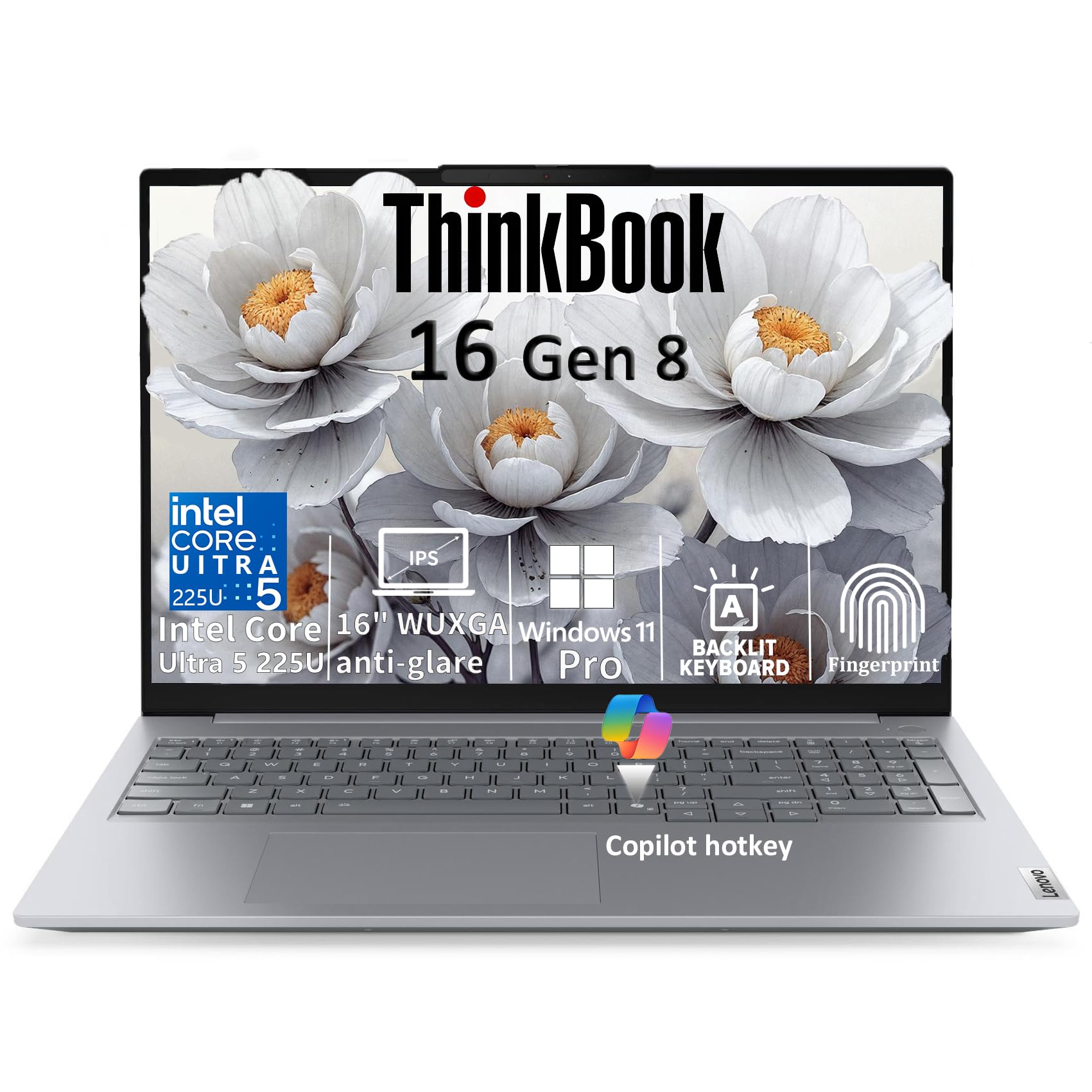
A brisk, business-grade laptop that handles long manuscripts and heavy editing without strain.
A 16-inch screen and a proper keyboard make this comfortable for hours of typing, and the Core Ultra 5 with 16GB of memory keeps big documents and research tabs moving. Windows 11 Pro is ready for serious work.
The review base is small, so long-term reliability is still an open question. It also leans toward desk use, so check the weight before planning to carry it daily.
16-inch Core Ultra
- Comfortable full-size typing
- Strong everyday performance
Bulky for travel
- Limited long-term track record
Office productivity: Writers editing large documents
Ultraportable seekers: Few owner reports to judge by
9. GEEKOM GeekBook X16 Pro
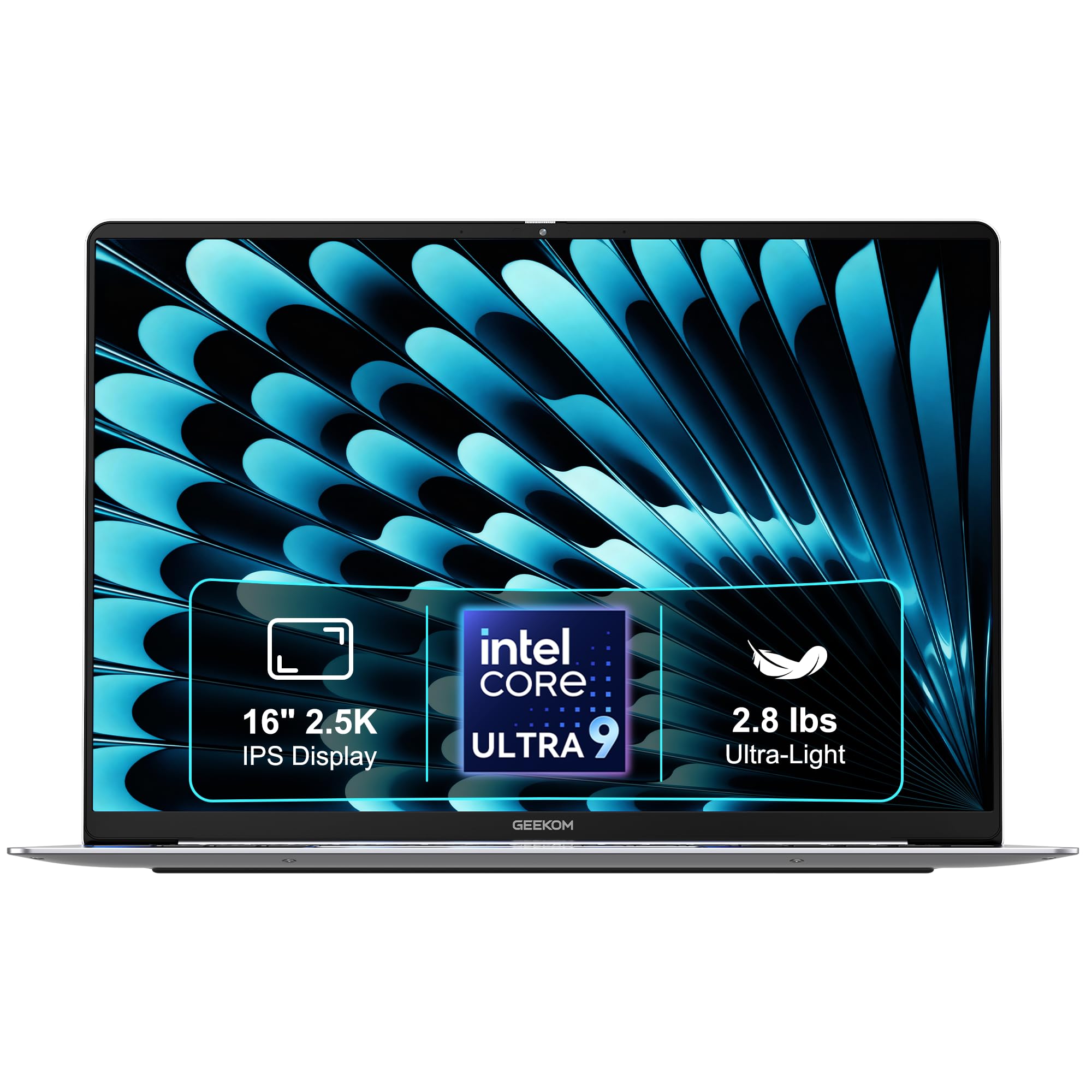
A slim, light notebook that makes a full-size screen easy to carry.
At 2.8 lb with a 16-inch 2.5K screen, this is a screen you can actually take to a cafe without regretting it. Performance and value both land well, and the 17-hour battery covers a long writing day.
It is a general-purpose laptop rather than a writing-specific tool, so there is nothing here to block distractions for you. The lighter owner feedback means you are buying somewhat on faith.
Slim 2.8 lb frame
- Very light for a 16-inch screen
- Strong battery life
Integrated graphics only
- No distraction-blocking features
Light daily carry: Writers who move between desks
Gaming rigs: You supply your own focus
10. ASUS Zenbook Duo 14″

Two screens in one laptop, made for research on one side and drafting on the other.
Dual OLED panels let you keep your manuscript open beside notes, sources or an outline, which makes heavy research chapters far easier. It still folds into a conventional laptop when you want simplicity.
Battery life takes a hit with both screens lit, and the price and reliability reports are mixed. It rewards writers who genuinely use the second screen, not those who only occasionally glance at it.
Dual OLED screens
- Two screens for notes and draft
- Bright OLED panels
Heavy battery drain
- Battery drains fast with both screens
Multitasking power users: Writers juggling sources and chapters
Simple single-task use: Heavier and thirstier than a plain laptop
11. LG gram Pro 16-inch
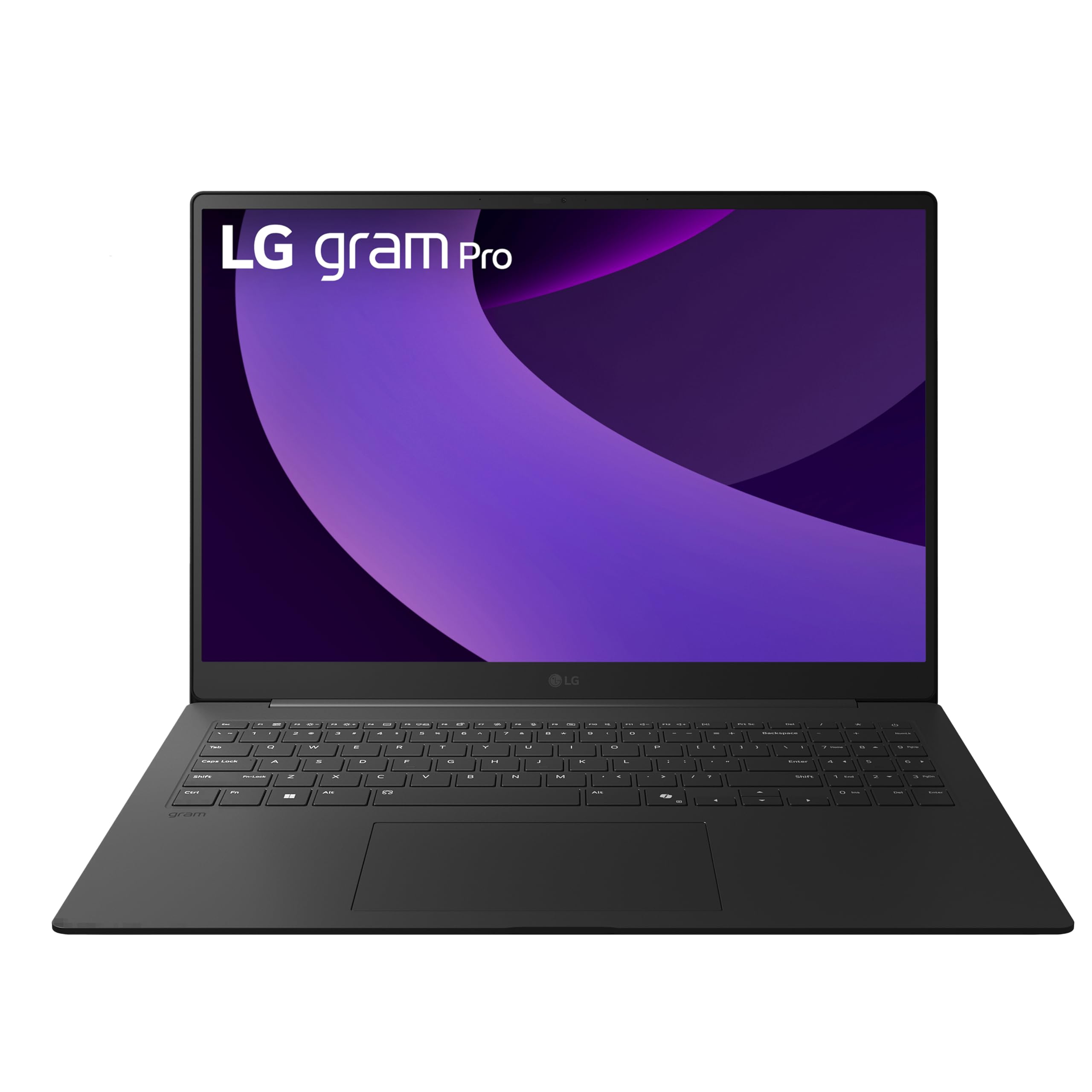
A three-pound 16-inch laptop with serious storage for sprawling manuscripts and research.
A 16-inch screen on a three-pound body is a rare balance, and 32GB of memory with a 2TB drive leaves plenty of room for drafts, backups and reference material. Dolby Atmos speakers make it a decent editing companion too.
The owner base is small, so treat the long-term picture as unproven, and the price sits high. It is a premium pick for writers who want one light, roomy machine.
Featherweight 16-inch body
- Big screen at a light weight
- Generous memory and storage
Soft chassis flex
- Thin owner feedback so far
Long commutes: Writers with large, complex projects
Rugged field work: Premium price for unproven longevity
Common Questions
Do I need a distraction-free device to write a book?
Can a paper tablet replace a laptop for drafting?
What matters most in a writing machine?
The Bottom Line
For most people, the best device for writing a book winner is the Microsoft Surface Laptop (2024), Windows 11 Copilot+ PC, 15″ Touchscreen Display, Snapdragon X Elite (12 core), 32GB RAM, 1TB SSD Storage, Black because it is the one machine that drafts, researches and edits a whole manuscript without needing a second device. If focus is your problem, Freewrite Alpha | Distraction-Free Word Processor | Portable Digital Typewriter with Backlit LCD Display, Long Battery Life & Wi-Fi Backup for Writers | E-Typewriter w/Full-Size Mechanical Keyboard strips away every distraction, while Freewrite Traveler | Lightweight and Portable Typewriter with E Ink Digital Screen for Distraction-Free Drafting | Word Processor with Wifi Cloud Sync and Long Battery Life for Writers on the Move takes that discipline on the road. For planning and markup, reMarkable Paper Pro Digital Notebook with Marker Plus feels closest to paper, and GEEKOM GeekBook X16 Pro Laptop, 16″ 2.5K IPS, 2.8 lb Slim Portable Notebook keeps a big screen light enough to carry.
How we choose
We do not accept paid placement. Every pick is matched to a real buyer and a real use-case; we do not hands-on test units.
Sources
Specifications: manufacturer listings and product documentation. Review insights: verified customer reviews, as of November 2026. Pricing: not shown on this page (it changes often); check the current price via the retailer link.
As an Amazon Associate, My Heart Lives Here earns from qualifying purchases. This does not affect which products we feature.