Heads up: This post contains affiliate links. As an Amazon Associate I earn from qualifying purchases, at no extra cost to you. Learn more
Specs are compiled from manufacturer listings and verified buyer reviews and can change over time — please confirm the key details on the product page before buying.
A desktop for an older parent should be one thing above all: simple to set up and easy on the eyes for long sessions. These all-in-one picks put the screen, speakers and webcam in a single tidy unit, so there is no tower to wrestle under a desk.
This guide is built by comparing the manufacturers’ published specifications and the patterns across verified customer reviews, so you get each pick’s real strengths and trade-offs instead of marketing spin.
A practical guide to all-in-one desktops that are simple to set up, easy to read and comfortable for long sessions. These are the best desktop computers for seniors.
Top Picks


Side-by-Side Comparison
| Model | Best For | Display | Memory | Setup | Amazon |
|---|---|---|---|---|---|
| Dell 23.8″ All-in-One Desktop★ Best Overall | everyday home use | 23.8-inch FHD | — | Keyboard and mouse included | Amazon |
| 24″ All-in-One Desktop PC with Windows 11Budget Pick | tight budgets | 24-inch FHD | 4 GB | Wi-Fi ready | Amazon |
| STGSivir All in One Computer PC 21.5″Power Pick | heavier home tasks | 21.5-inch FHD | 16 GB | RGB keyboard and mouse | Amazon |
| HP 21.5″ All-in-One Desktop Computer | bright rooms | 21.5-inch FHD | 8 GB | Keyboard and mouse included | Amazon |
| HP 2025 22″ All-in-One Desktop Computer | video calls and browsing | 22-inch FHD IPS | 8 GB | Keyboard included | Amazon |
| HP 21.45 inch All-in-One Desktop PC 22-dg0340 | storing lots of photos | 21.45-inch FHD | 8 GB | 512 GB SSD | Amazon |
| Lenovo 23.8 i3-N305 All-in-One Desktop Computer | office and email | 23.8-inch FHD IPS | 8 GB | Easy setup | Amazon |
| Lenovo 24″ IdeaCentre All-in-One Desktop | lots of storage and RAM | 23.8-inch FHD IPS | 16 GB | Wi-Fi 6 | Amazon |
| HP 24 inch All-in-One Desktop PC 24-cr0032 | performance and privacy | 23.8-inch FHD | 16 GB | Pop-up camera | Amazon |
| HP 27 inch All-in-One Desktop PC | tap-to-use simplicity | 27-inch FHD touch | 16 GB | 1 TB SSD | Amazon |
| Dell Tower Desktop | power with a separate screen | — | 32 GB | Keyboard and mouse included | Amazon |
Detailed Reviews
1. Dell 23.8″ All-in-One Desktop
Our pick — 4.5+★ from 250+ verified ratings; the strongest balance of quality and price.
A polished all-in-one that pairs vivid visuals with eye comfort for long sessions.
This Dell centers on a 23.8-inch FHD IPS screen with 99% sRGB, so photos and text look true to life. Dell ComfortView Plus is built in to ease eye strain during long stretches at the desk.
Setup is refreshingly simple, and the keyboard and mouse come in the box. The one caution is reliability, which draws mixed notes, so treat it as a dependable everyday machine rather than a workhorse.
Dell Core 3 office pick
- Vivid, easy-to-read screen
- Simple out-of-box setup
No dedicated GPU
- Reliability feedback is mixed
Everyday desk work: A first all-in-one for a parent who reads a lot on screen
Skip for gaming: Not built for heavy multitasking
2. 24″ All-in-One Desktop PC with Windows 11
A low-cost 24-inch all-in-one that gets a beginner online quickly.
This Core Innovations model offers a 24-inch FHD IPS display and simple setup, which owners find easy to get going. It is a genuinely inexpensive way to put a big screen on the desk.
The honest catch is reliability, with reports of units failing within months, plus connectivity complaints. Consider it a light-duty, budget-first choice and keep expectations modest.
Budget Windows 11 starter
- Large screen for the money
- Straightforward setup
Thin spec details
- Reliability and connectivity concerns
Basic home setup: A spare machine for very light browsing
Heavy multitaskers: Durability is a real worry
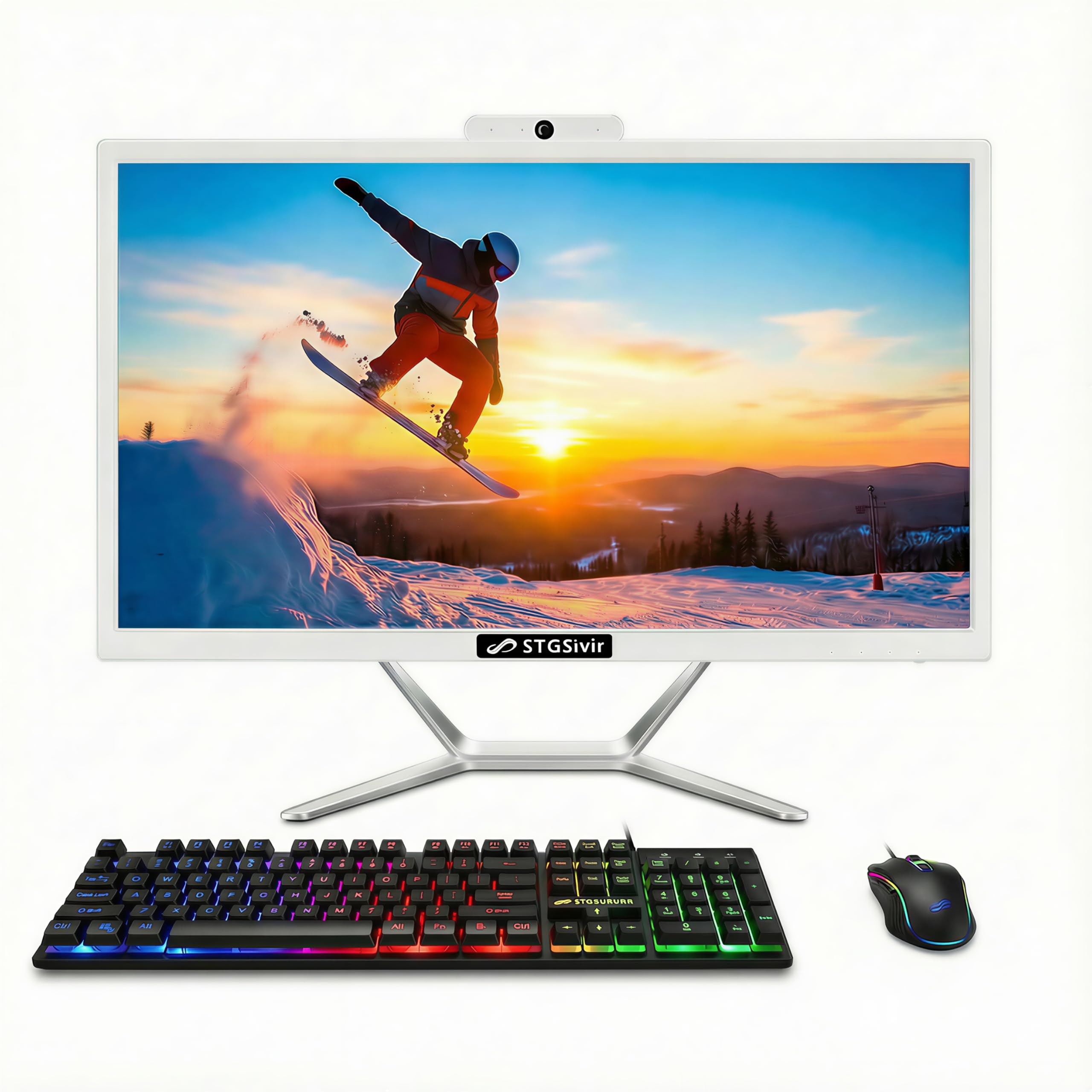
3. STGSivir All in One Computer PC 21.5″
A 21.5-inch all-in-one with a Core i7 and generous memory for heavier tasks.
This STGSivir packs a Core i7 processor with 16 GB RAM and a 512 GB SSD into a compact 21.5-inch all-in-one. That makes it suited to photo editing, streaming and multitasking beyond basic browsing.
Owners call it good value, though reliability is mixed, with some units freezing. The RGB keyboard and mouse are a fun extra, but the smaller display may feel tight for tired eyes.
Core i7 on 21.5 inches
- Plenty of memory and storage
- Handles editing and streaming
Small screen size
- Some units freeze
Fast daily tasks: A user who edits photos or video
Dual-monitor users: Smaller screen and mixed reliability
4. HP 21.5″ All-in-One Desktop Computer
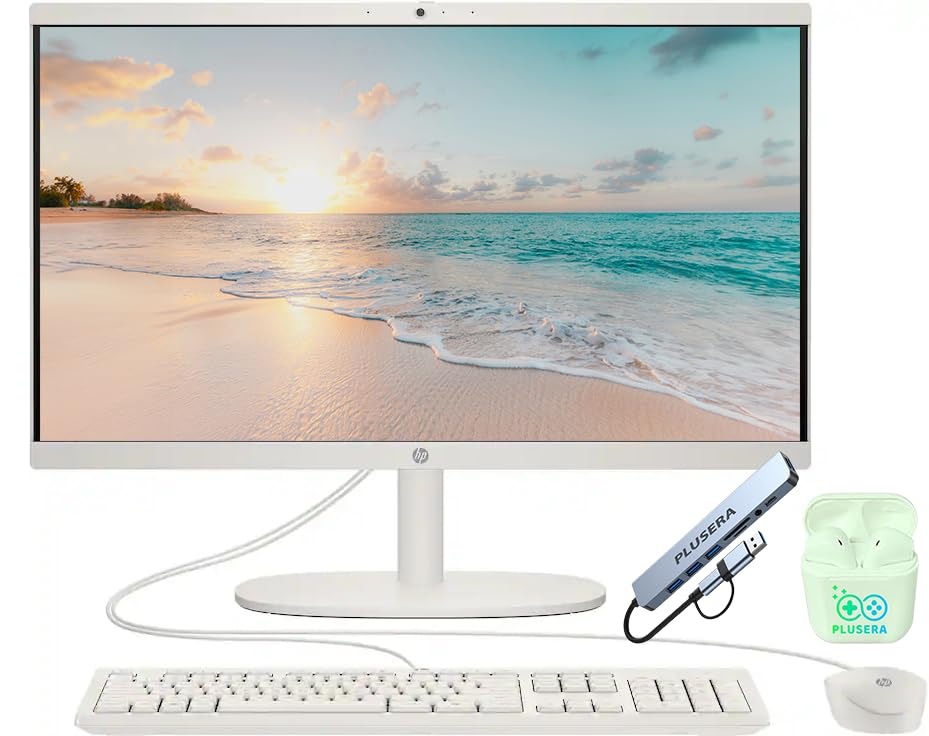
An HP all-in-one with an anti-glare screen and a docking hub in the box.
This HP offers a 21.5-inch FHD anti-glare LED display, which cuts reflections and stays comfortable in a bright room. It ships with a keyboard, mouse and an 8-in-1 docking hub for extra ports.
Setup and speed win praise, and it is priced sensibly. Reliability is mixed, with some screens going black after months of use, so it suits everyday tasks rather than round-the-clock duty.
DDR5 RAM value
- Anti-glare, easy on the eyes
- Docking hub adds ports
Only 8GB installed
- Some report screen issues over time
Light office tasks: A sunny room where glare is a problem
RAM-hungry apps: Long-term reliability varies
5. HP 2025 22″ All-in-One Desktop Computer

A modern 22-inch all-in-one tuned for smooth everyday computing.
This HP runs a 13th Gen Intel N100 with 8 GB DDR5 RAM for responsive everyday use, plus an HD webcam for video calls with family. The 22-inch FHD IPS screen is crisp and easy to read.
Connectivity covers HDMI, Type-C, Bluetooth and Wi-Fi, so hooking up a printer or calling grandkids is simple. It is a dependable daily machine rather than a powerhouse for heavy software.
Fresh 2025 HP model
- Smooth everyday performance
- Webcam and modern ports
New model unknowns
- Modest storage for big files
Current-gen buyers: Staying in touch by video
Proven-refurb shoppers: Not for demanding software
6. HP 21.45 inch All-in-One Desktop PC 22-dg0340
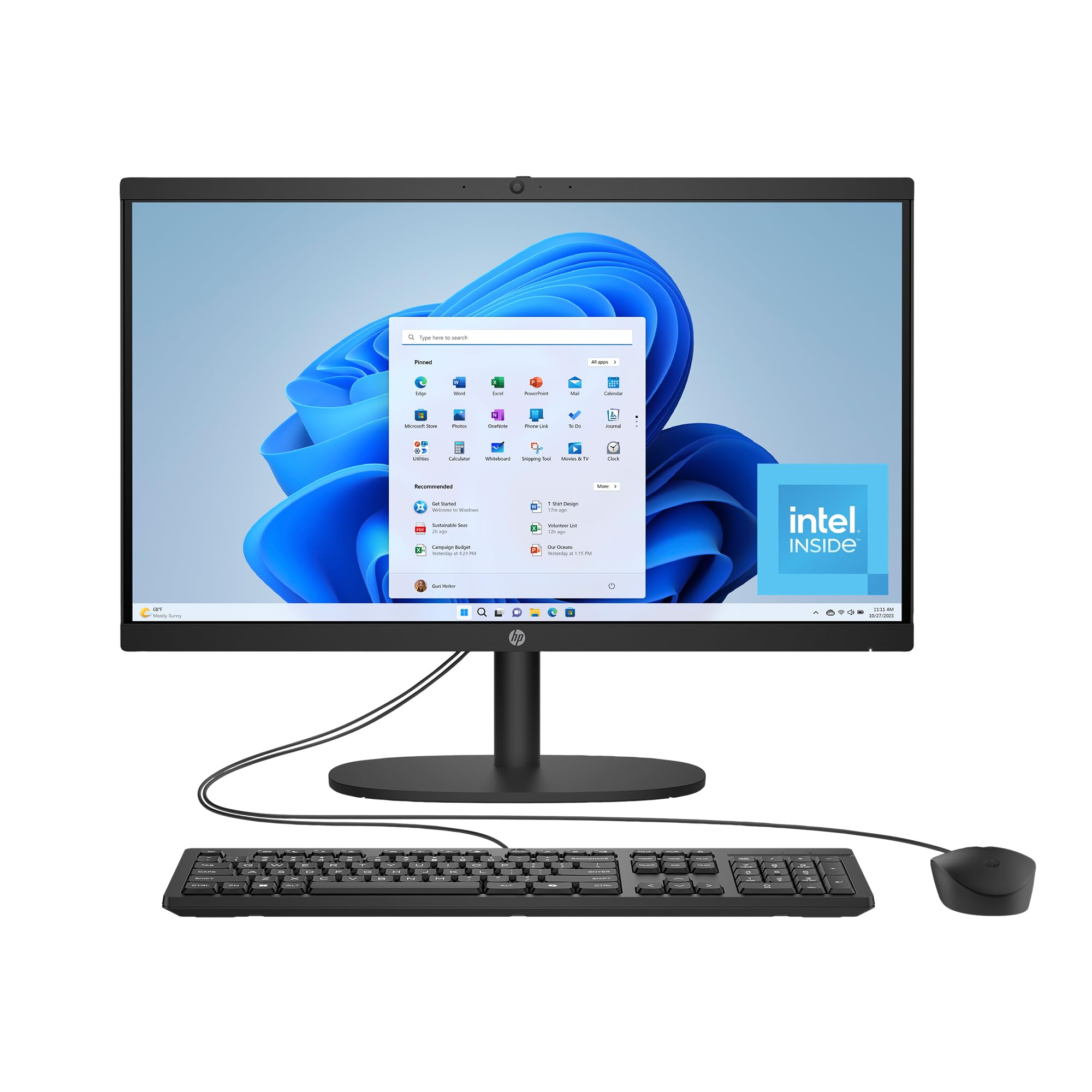
An HP all-in-one with a roomy SSD and a full set of ports.
This HP pairs an Intel N200 with 8 GB RAM and a 512 GB SSD, giving plenty of room for photos, documents and downloads. The FHD display uses a large screen-to-body ratio for an rich view.
The port selection is generous, covering USB-C, USB-A, HDMI and Ethernet for wired internet. It is a practical, well-rounded pick for a home desk that needs storage and connections.
Compact 21.45 HP
- Roomy 512 GB storage
- Wide range of ports
Cramped display space
- Modest processor for heavy tasks
Tight desk corners: A large photo and document library
Big-screen fans: Basic CPU limits demanding apps
7. Lenovo 23.8 i3-N305 All-in-One Desktop Computer
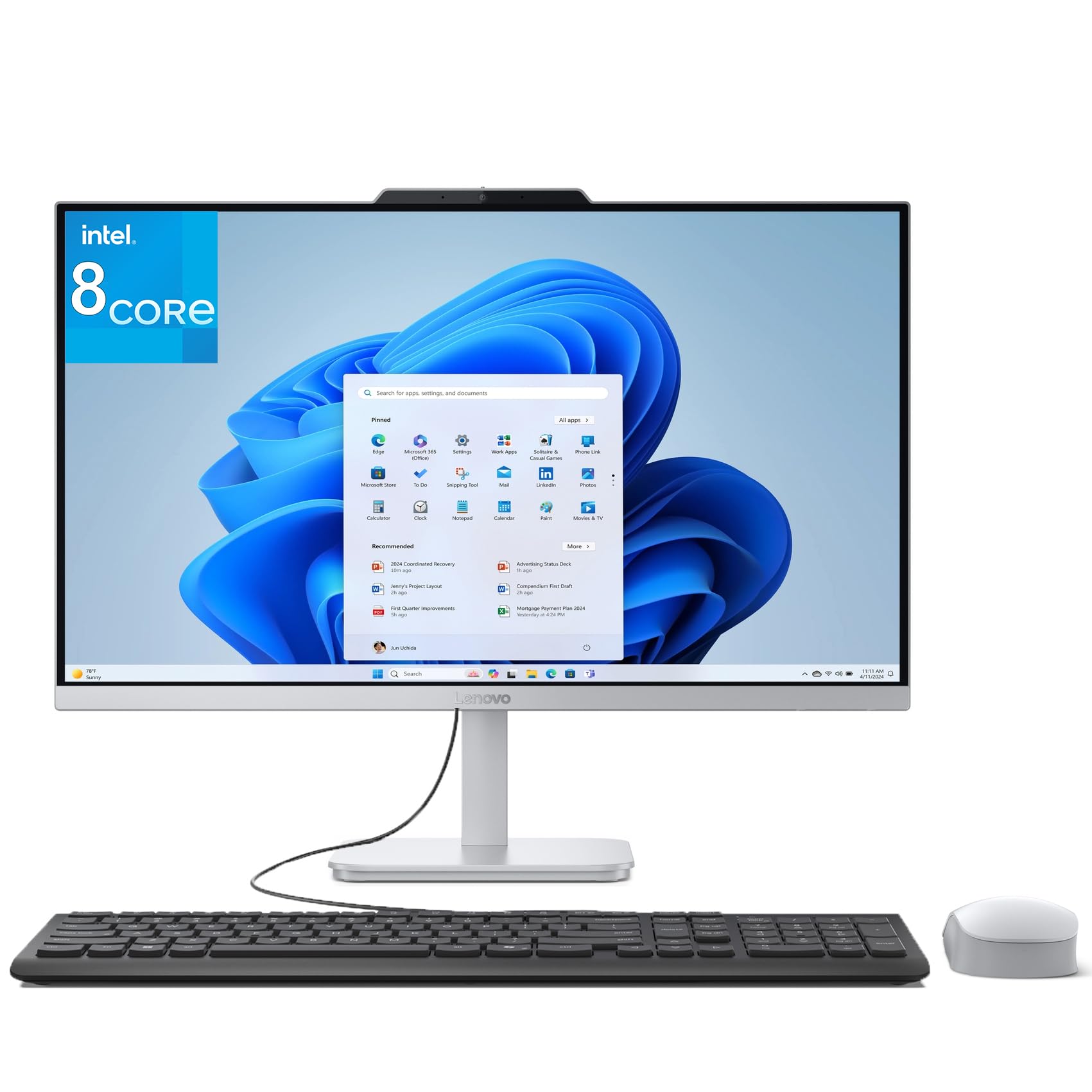
A Lenovo all-in-one praised for smooth office work and easy setup.
This Lenovo runs an eight-core Intel i3-N305 with 8 GB RAM and a 512 GB SSD, delivering smooth multitasking for office tasks. The 23.8-inch FHD IPS anti-glare screen stays clear and readable.
Setup and value draw steady praise, and the large screen suits long sessions. Sound quality is mixed and some wish for more ports, so plan around those small gaps.
Lenovo i3 beats i5
- Smooth multitasking
- Large anti-glare screen
Integrated graphics only
- Limited ports and mixed sound
Value CPU speed: Daily office and email work
Video editing: Fewer ports than some rivals
8. Lenovo 24″ IdeaCentre All-in-One Desktop
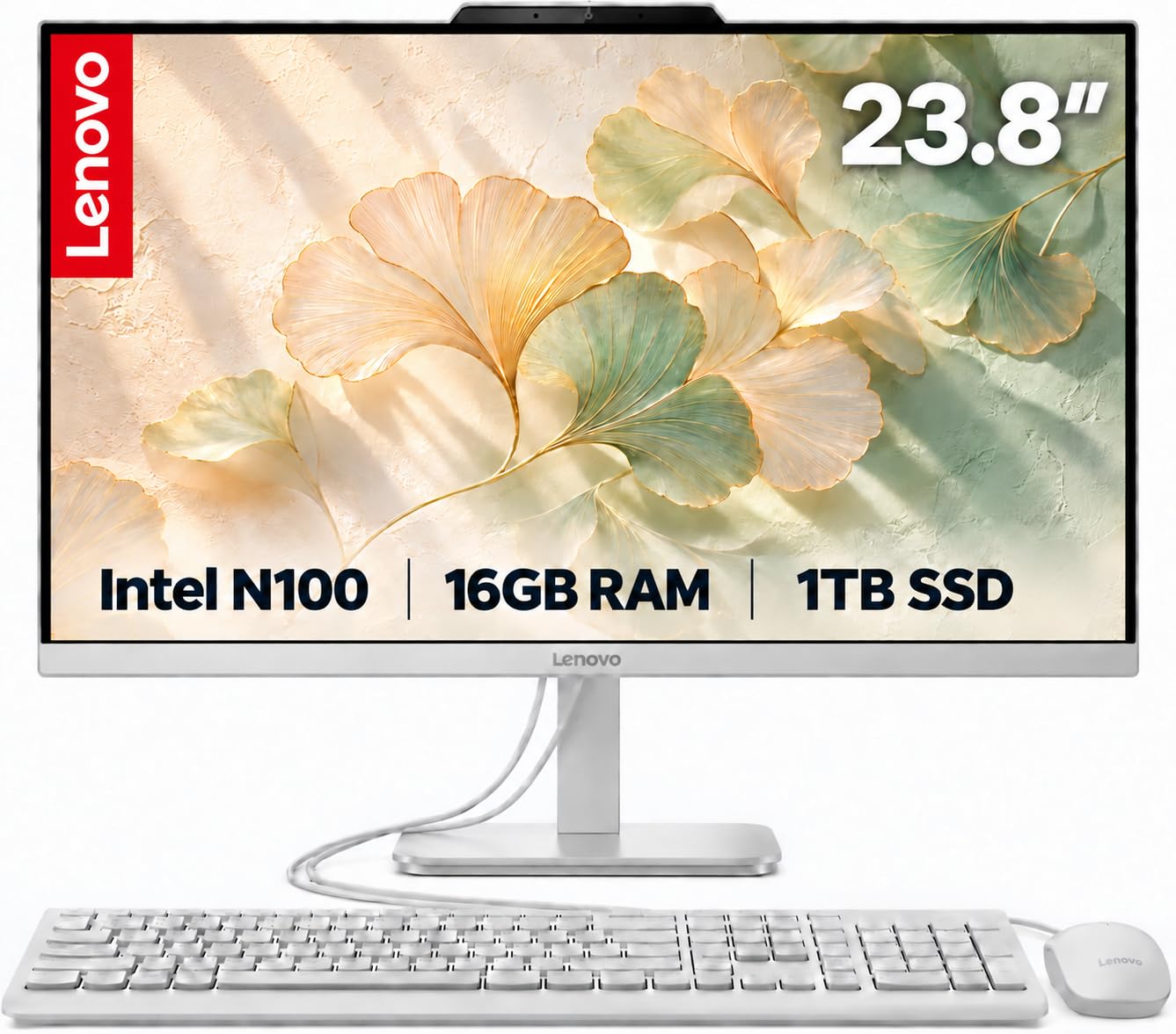
A Lenovo IdeaCentre with generous memory and storage for everyday use.
This IdeaCentre brings 16 GB RAM and a 1 TB SSD to a 23.8-inch FHD IPS anti-glare display, giving plenty of headroom for browsing, photos and documents. Wi-Fi 6 keeps the connection quick.
Owners find it performs well and sets up easily, though value and reliability draw mixed notes, with some units losing power. It is a spacious everyday machine when it works as intended.
Anti-glare IPS panel
- Ample memory and storage
- Easy setup
Modest base specs
- Some report power issues
Glare-free viewing: A user who keeps many files open
Touchscreen seekers: Reliability is inconsistent
9. HP 24 inch All-in-One Desktop PC 24-cr0032

An HP all-in-one with a pop-up privacy camera and strong AMD performance.
This HP runs an AMD Ryzen 7 7730U with 16 GB RAM and a 512 GB SSD, giving real muscle for multitasking. A tiltable pop-up privacy camera and dual array microphones make video calls easy and private.
Setup and speed are well liked, and Windows Hello adds quick sign-in. Reliability is mixed, with some reporting issues, so it suits a confident user who wants performance and privacy.
Ryzen power on 24 inches
- Fast Ryzen 7 performance
- Pop-up privacy camera
AMD driver quirks
- Reliability feedback is mixed
Multitask on AMD: A user who values privacy on calls
Intel loyalists: Long-term reliability varies
10. HP 27 inch All-in-One Desktop PC
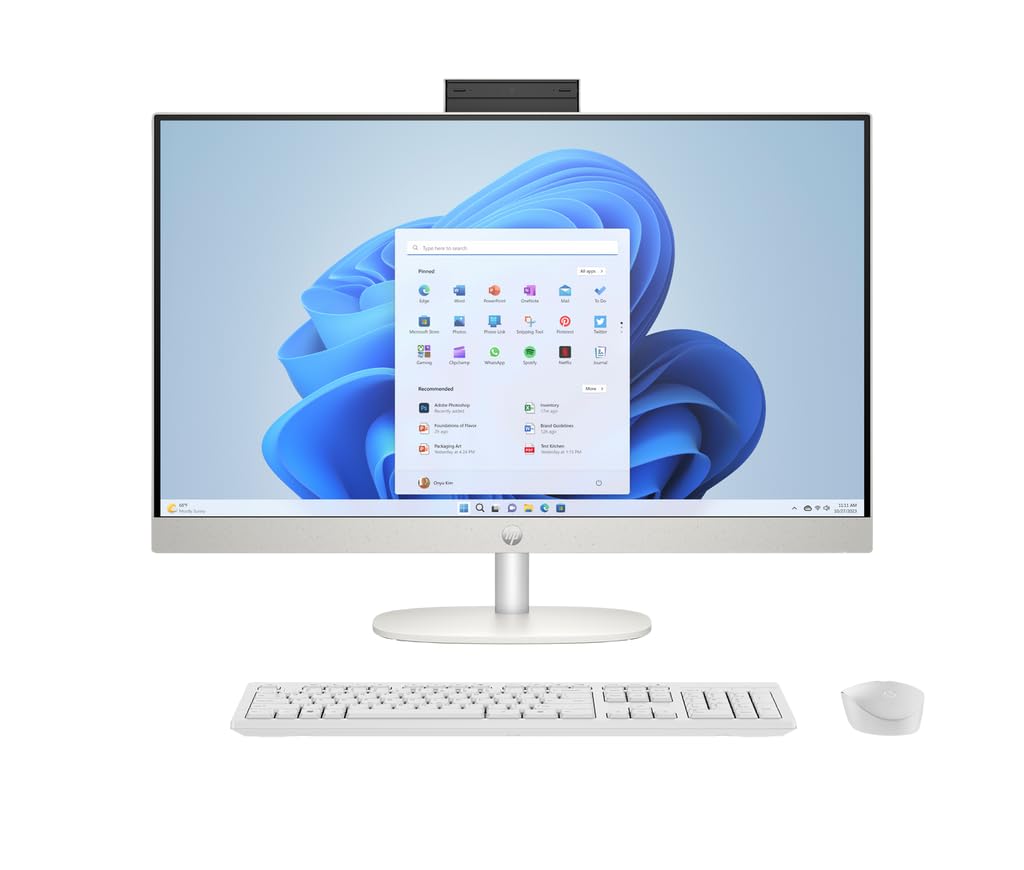
A big 27-inch touchscreen all-in-one that is easy to tap and read.
This HP offers a 27-inch FHD touchscreen with an anti-glare IPS panel, so tapping and reading feel natural on a large canvas. It pairs a Ryzen 5 with 16 GB RAM and a 1 TB SSD for roomy storage.
A wireless keyboard and mouse combo and built-in speakers keep the desk tidy, and Windows 11 Pro is included. The touch screen is a real plus for users who find a mouse fiddly.
27-inch touchscreen Ryzen
- Large, responsive touchscreen
- Plenty of storage
Large desk footprint
- Large footprint on a desk
Touch and media: A user who prefers tapping to a mouse
Small-space owners: Takes up more desk space
11. Dell Tower Desktop

A powerful Dell tower for anyone who prefers a separate big screen.
This Dell tower runs an Intel Core Ultra 7 with 32 GB RAM, built for speed and multitasking. It supports multiple monitors, so you can pair it with a large screen that suits older eyes.
Owners praise its reliability, quiet operation and easy setup. USB ports draw mixed notes, with some wishing for more, so it is best for a user who wants raw power and will add a monitor.
Ultra 7 tower muscle
- Fast, reliable performance
- Quiet operation
Desktop only no screen
- Monitor sold separately
Heavy compute loads: A user who already owns a good monitor
All-in-one fans: No screen included in the box
Common Questions
Do seniors need a powerful computer?
Is a touchscreen easier to use?
Should I choose an all-in-one or a tower?
The Bottom Line
For most people, the best desktop computers for seniors winner is the Dell 23.8″ All-in-One Desktop, FHD, Intel Core 3 100U, Windows 11 Home because it pairs a vivid, eye-friendly FHD screen with genuinely simple setup and a keyboard and mouse in the box. If budget is the priority, 24″ All-in-One Desktop PC with Windows 11 gets a big screen for very little, while HP 27 inch All-in-One Desktop PC, FHD Touchscreen, AMD Ryzen 5 7520U, 16 GB RAM, 1 TB SSD, AMD Radeon Graphics, Built-in-Speaker, Windows 11 Pro suits anyone who would rather tap than use a mouse. For raw power with a separate monitor, Dell Tower Desktop, Intel Core Ultra 7-265, 32GB RAM, Windows 11 Home is the tower route.
How we choose
We do not accept paid placement. Every pick is matched to a real buyer and a real use-case; we do not hands-on test units.
Sources
Specifications: manufacturer listings and product documentation. Review insights: verified customer reviews, as of November 2026. Pricing: not shown on this page (it changes often); check the current price via the retailer link.
As an Amazon Associate, My Heart Lives Here earns from qualifying purchases. This does not affect which products we feature.