Heads up: This post contains affiliate links. As an Amazon Associate I earn from qualifying purchases, at no extra cost to you. Learn more
Specs are compiled from manufacturer listings and verified buyer reviews and can change over time — please confirm the key details on the product page before buying.
Shopping for a CRT monitor for gaming in a market now dominated by flat panels means sorting through a lot of noise to find a display that actually suits your setup. These picks cover the range, from ultrawide immersion to budget-friendly speed.
This guide is built by comparing the manufacturers’ published specifications and the patterns across verified customer reviews, so you get each pick’s real strengths and trade-offs instead of marketing spin.
The hunt for the best crt monitor for gaming now means weighing modern flat panels against old-school feel. Here is a practical shortlist built around the best CRT monitor for gaming setups.
Top Picks

Side-by-Side Comparison
| Model | Best For | Panel Type | Refresh Rate | Resolution | Amazon |
|---|---|---|---|---|---|
| Alienware AW3425DWM 34 Curved Gaming Monitor★ Best Overall | rich open worlds | WQHD ultrawide | 180Hz | FreeSync Premium | Amazon |
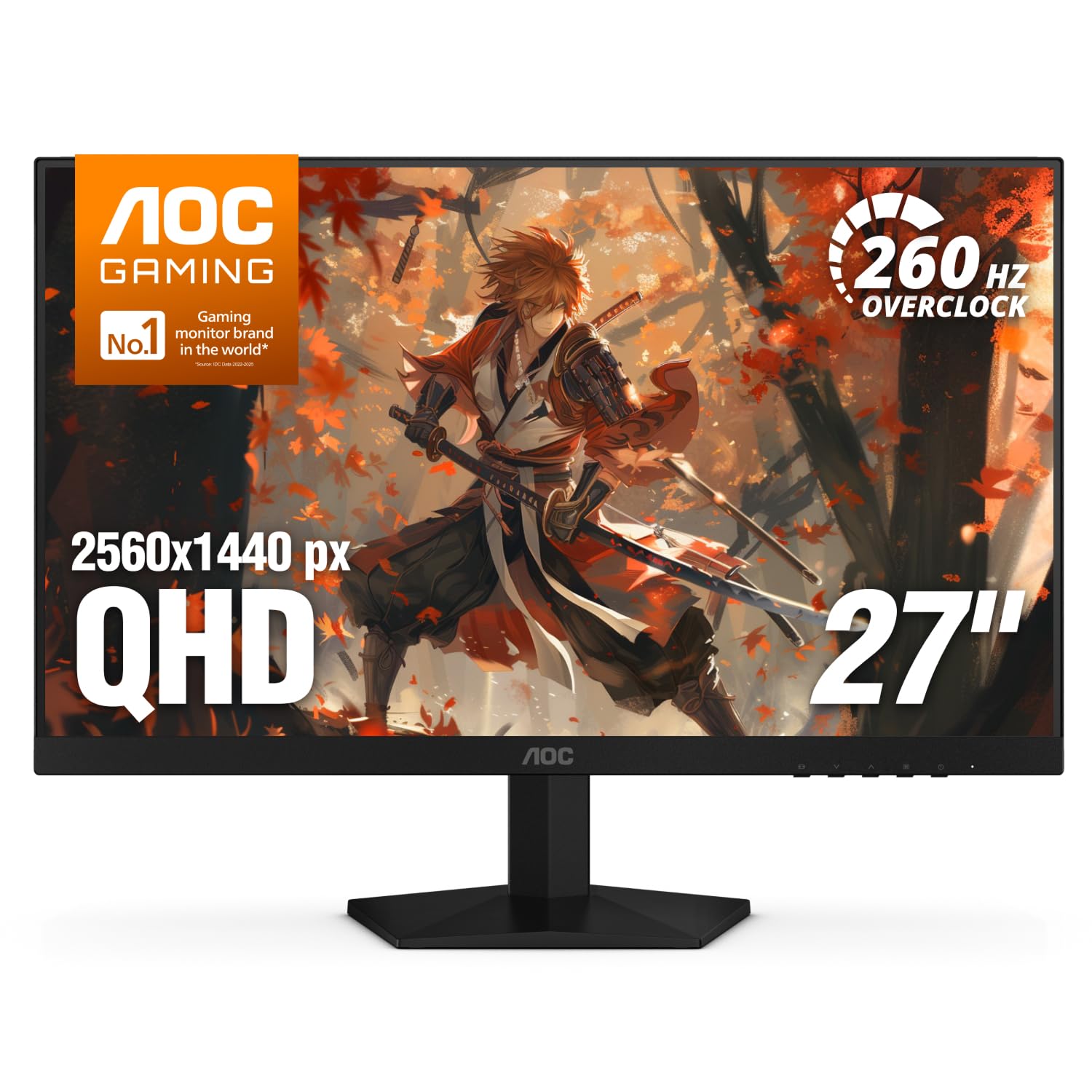
| AOC Q27G41ZE 27″ Gaming MonitorBest Value | Competitive gaming on a budget | IPS | 260Hz overclocked | QHD | Amazon |
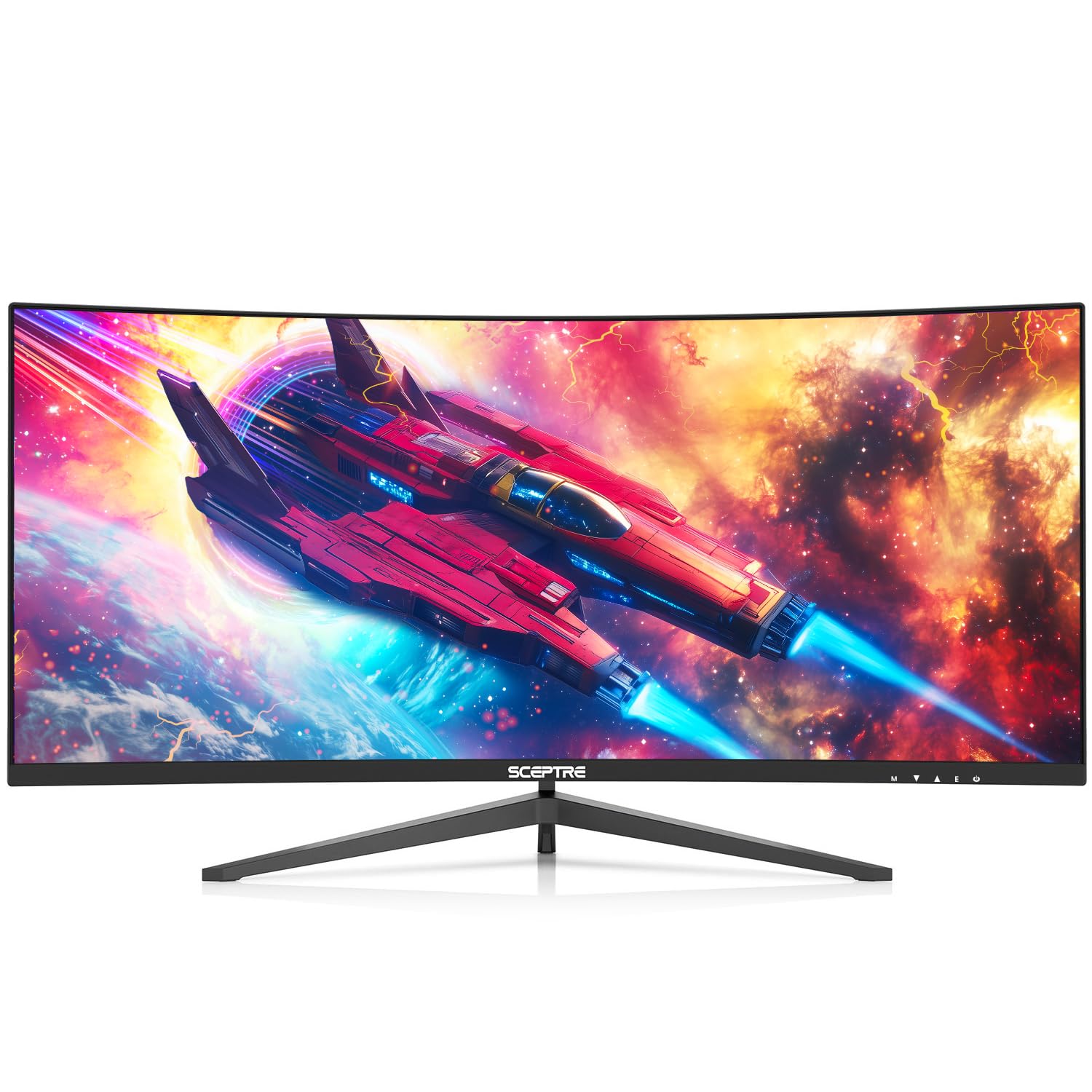
| Sceptre C305B-200UN Series Curved 30-inch Gaming MonitorBest Ultrawide Value | Big-screen feel on a budget | Curved 21:9 | 200+Hz | FreeSync | Amazon |
| Acer V173 Djb 17-Inch LCD Monitor – Black | Light everyday use | LCD | 5ms | 1280 x 1024 | Amazon |
| Acer Nitro XV272U W2bmiiprx 27in Gaming Monitor | Mixed gaming and work | IPS | 240Hz | FreeSync Premium | Amazon |
| Samsung 27” Odyssey G5 (G53F) Series QHD Gaming Monitor | Color-rich work and play | IPS | 200Hz | QHD | Amazon |
| UNICO 26 inch Arcade Monitor | Arcade and retro builds | 4:3 LCD | 1024 x 768 | Multi-input | Amazon |
| ASUS ROG XG27AQDMG 27 Inch OLED Gaming Monitor | Dark-scene immersion | WOLED | 240Hz | 0.03ms | Amazon |
| Samsung Odyssey Neo G9 G95NC Gaming Monitor | Maximum immersion and multitasking | Dual UHD | 1000R curve | FreeSync Premium Pro | Amazon |
Detailed Reviews
1. Alienware AW3425DWM 34 Curved Gaming Monitor
Our pick — 4.5+★ from 750+ verified ratings; the strongest balance of quality and price.
An ultrawide that wraps your view around the action and keeps motion fluid.
This 34-inch WQHD panel pairs a 1500R curve with a 180Hz refresh rate and 1ms response, so sweeping landscapes and fast turns both read cleanly. FreeSync Premium and anti-glare coating round out a display built for long sessions.
The ultrawide format is the honest trade-off: it rewards immersion but asks for desk space and a GPU that can drive the wider field of view. Height and tilt adjustment help you settle it into place.
Why it wins
- Curve pulls you into the scene
- Vivid colors and deep blacks
Watch the desk footprint
- Wide format needs room
Ideal for: Players who want immersion over compact size
Trade-off: Demands desk space and a capable GPU
2. AOC Q27G41ZE 27″ Gaming Monitor
A budget-minded speed machine that punches well above its class for competitive play.
A 27-inch QHD IPS panel with a 240Hz refresh rate and 0.3ms response, overclockable to 260Hz, makes this a sharp choice for fast shooters. G-Sync compatibility and a frameless design keep the setup clean.
Color and picture quality draw mixed notes, so treat this as a speed-first pick rather than a color-critical one. Adjustability is limited, which matters if you need a specific viewing angle.
What shines
- Blazing refresh for the price
- Clean frameless look
Know the limits
- Limited stand adjustment
Suits: Competitive players watching the budget
Caveat: Color accuracy is not the focus
3. Sceptre C305B-200UN Series Curved 30-inch Gaming Monitor
A curved ultrawide that brings big-screen feel without the big-screen bill.
This 30-inch curved panel runs 2560 x 1080 at 200+Hz over DisplayPort, with FreeSync smoothing the action and built-in speakers cutting cable clutter. Owners consistently call the picture stunning for both gaming and everyday tasks.
The 1080p vertical resolution is the compromise; it keeps the price down but shows less detail than a full QHD panel. Setup is easy and the value is hard to argue with.
Strong points
- High refresh feels smooth
- Built-in speakers save space
Resolution reality
- Vertical resolution is limited
Great for: Gamers wanting curve and speed cheaply
Limitation: Less vertical detail than QHD
4. Acer V173 Djb 17-Inch LCD Monitor – Black

A compact, no-frills display for light duty and retro setups.
This 17-inch LCD offers 1280 x 1024 resolution with a rapid 5ms response, keeping video and motion smooth. Adaptive contrast and ComfyView tuning make it easy on the eyes for browsing and everyday work.
It is a VGA-only panel, so modern GPUs will need an adapter, and the small screen suits desk work more than rich gaming. As a value pick for simple tasks, it holds up.
Where it helps
- Crisp, bright images
- Compact and affordable
Connection caveat
- VGA only
Good for: Basic browsing and retro rigs
Watch out: Needs an adapter for modern ports
5. Acer Nitro XV272U W2bmiiprx 27in Gaming Monitor

A balanced 27-inch panel that handles PC gaming and daily work alike.
This 27-inch WQHD IPS display runs 240Hz over DisplayPort with a 1ms response, plus FreeSync Premium and dual built-in speakers. Height, pivot, swivel and tilt adjustment make it easy to dial in comfort.
Brightness and light bleed draw recurring complaints, and some ghosting shows up in fast scenes, so it is not the cleanest panel at this tier. Still, it performs well where it counts for PC play.
Reasons to like it
- Flexible ergonomic stand
- Solid PC gaming performance
Honest gripes
- Light bleed and ghosting reported
Fits: Players who also work at the desk
Trade-off: Panel uniformity can vary
6. Samsung 27” Odyssey G5 (G53F) Series QHD Gaming Monitor
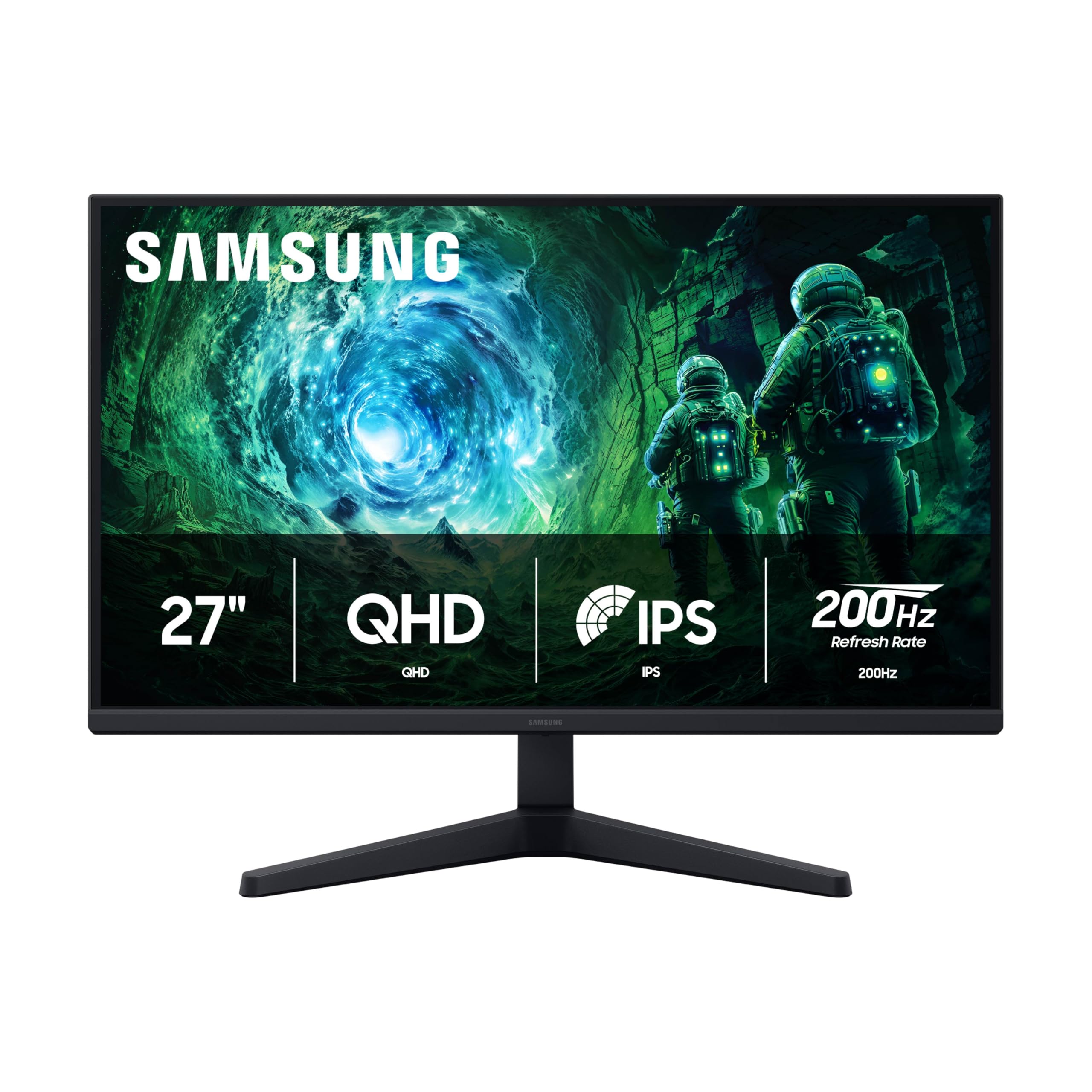
Samsung’s QHD panel leans on color and clarity over raw speed.
A 27-inch QHD IPS display with a 200Hz refresh rate and a wide 178-degree viewing angle, this one earns praise for vivid colors and pin-sharp resolution. It suits both work and gaming without fuss.
Compatibility is the sore spot, with some units reported failing after a few months, and adjustability is limited to tilt. Buy it for the image, not for ergonomic flexibility.
What owners love
- Vivid, precise colors
- Great value for the image
Keep in mind
- Limited to tilt adjustment
Ideal for: Players who prize color and clarity
Caveat: Long-term compatibility varies
7. UNICO 26 inch Arcade Monitor

Built for arcade cabinets and old-school machines that need a 4:3 screen.
This 26-inch 4:3 LCD runs 1024 x 768 and accepts CGA, EGA, HDMI and VGA inputs, making it a natural fit for arcade builds and retro hardware. Owners call it reliable with rich, accurate colors.
The 4:3 aspect ratio is the sticking point for anyone expecting modern widescreen framing, and the resolution is modest. For cabinet restoration and classic gaming, it does the job well.
Why it fits
- Handles legacy inputs
- Reliable in cabinets
Format limits
- 4:3 suits retro only
Built for: Arcade cabinet and retro setups
Limitation: Not a widescreen panel
8. ASUS ROG XG27AQDMG 27 Inch OLED Gaming Monitor
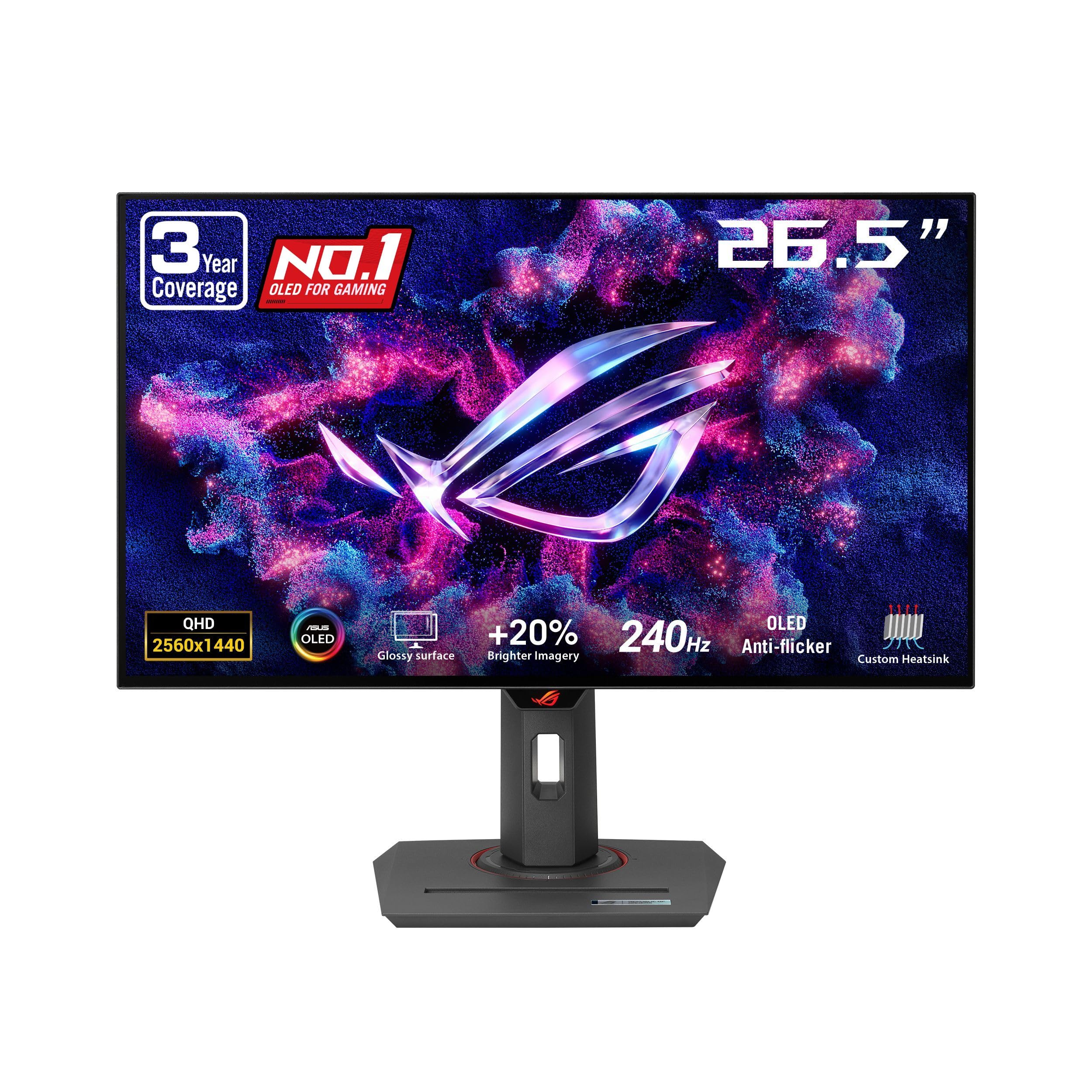
Glossy OLED blacks that make dark scenes look genuinely deep.
A 26.5-inch QHD glossy WOLED panel at 240Hz with a 0.03ms response, this display delivers the deep blacks and contrast that owners rave about. A custom heatsink and OLED Care functions work to protect the panel.
Image retention and reliability are the honest risks with OLED, and some units have stopped working entirely. Treat it as a stunning but delicate performer that rewards care.
The appeal
- Deep, inky blacks
- Glossy finish pops
The risks
- Image retention possible
Perfect for: Players chasing contrast and depth
Trade-off: OLED care is essential
9. Samsung Odyssey Neo G9 G95NC Gaming Monitor

A colossal curved display that replaces a multi-monitor wall in one sweep.
This 57-inch dual UHD panel with a 1000R curve delivers a field of view as wide as two UHD monitors, with FreeSync Premium Pro and Quantum Matrix technology. Multitasking and immersion both benefit from the sheer size.
Picture quality draws mixed notes, with some finding the resolution merely tolerable, and reliability is uneven. It is a specialist pick for those who want maximum screen and can accept the quirks.
What stands out
- Enormous ultrawide view
- Great for multitasking
The reality
- Mixed picture and reliability notes
For: Players wanting one giant display
Caveat: Bulky and pricey specialist
Common Questions
Does a CRT still make sense for gaming?
What matters most for fast games?
Should I pick OLED or IPS?
The Bottom Line
For most buyers, the best crt monitor for gaming winner is the Alienware 34 Curved Gaming Monitor – AW3425DWM – 34-inch WQHD 180Hz 1ms Display, 1500R, AMD FreeSync Premium, VESA AdaptiveSync. because it balances an rich curved ultrawide view with fast, fluid motion and strong picture quality. For competitive speed on a budget, look to AOC 27″ Gaming Monitor QHD 260Hz Overclocked IPS NVIDIA G-SYNC Q27G41ZE, while Samsung 57″ Odyssey Neo G9 (G95NC) Dual 4K UHD 1000R Curved Gaming Monitor suits anyone who wants one enormous screen for immersion and multitasking.
How we choose
We do not accept paid placement. Every pick is matched to a real buyer and a real use-case; we do not hands-on test units.
Sources
Specifications: manufacturer listings and product documentation. Review insights: verified customer reviews, as of November 2026. Pricing: not shown on this page (it changes often); check the current price via the retailer link.
As an Amazon Associate, My Heart Lives Here earns from qualifying purchases. This does not affect which products we feature.