Heads up: This post contains affiliate links. As an Amazon Associate I earn from qualifying purchases, at no extra cost to you. Learn more
Specs are compiled from manufacturer listings and verified buyer reviews and can change over time — please confirm the key details on the product page before buying.
If you want one device that reads like paper but still installs your Kindle, Libby, and Kobo apps, you want an Android e-reader — and the pick that gets it right most often for most people is the Meebook M7. Below are the eight worth your time, sorted by what you actually do with them.
This guide is built by comparing the manufacturers’ published specifications and the patterns across verified customer reviews, so you get each pick’s real strengths and trade-offs instead of marketing spin.
Some picks open the full Google Play Store; others run a closed shop or want a stylus. Either way, you can find the right fit without paying for a feature you will never touch. Picking the right android ereader is mostly about matching the screen to your reading habit.
Top Picks

How To Choose The Best Android Ereader
Three things decide whether an Android e-reader feels right on day three or wrong by week two.
Screen type and resolution
Black-and-white E Ink at 300 PPI keeps text crisp like print, while a Kaleido 3 colour layer drops to 150 PPI in colour and looks grayer overall — a trade-off built into the technology, not a flaw.
App access
A reader with Google Play Store support lets you install Kindle, Kobo and Libby yourself, whereas a closed system ties you to one store.
Refresh speed
E Ink redraws the screen slower than an LCD by design, so a 90Hz or 120Hz panel only helps if you plan to scroll and stream, not just turn pages.
Side-by-Side Comparison
| Model | Best For | Screen | Refresh | Storage | Amazon |
|---|---|---|---|---|---|
| Samsung Galaxy Tab A11+★ Best Overall | All-round family tablet | 11″ 1920 x 1200 | 90 Hz | 128 GB | Amazon |
| Meebook M7Best for Readers | Pure reading | 6.8″ E Ink Carta, 300 PPI | — | 32 GB + micro-SD | Amazon |
| Galaxy Tab A9Compact Android Pick | Basic apps on a budget | 8.7″ 1340 x 800 | 60 Hz | 64 GB | Amazon |
| HUIHUANG 10 Inch Android 16 | Kids and streaming | 10.1″ FHD IPS | — | 128 GB + 1TB | Amazon |
| Kobo Clara Colour | Colour covers, one store | 6″ Kaleido 3 | — | 16 GB | Amazon |
| TCL TAB A1 Plus NXTPAPER | Notes and reading together | 12.2″ 2.4K | 120 Hz | 256 GB | Amazon |
| BOOX Go Color 7 Gen II | Pocketable colour reader | 7″ Kaleido 3, 300 PPI B/W | — | 64 GB | Amazon |
| BOOX Note Air 5 C | Big-surface writing | 10.3″ Kaleido 3, 300 PPI B/W | — | 64 GB | Amazon |
Detailed Reviews
1. Samsung Galaxy Tab A11+ 6GB RAM, 128GB Storage
Our pick — 4.5+★ from 3,000+ verified ratings; the strongest balance of quality and price.
The do-everything Android slab that reads books by night and plays video by day.
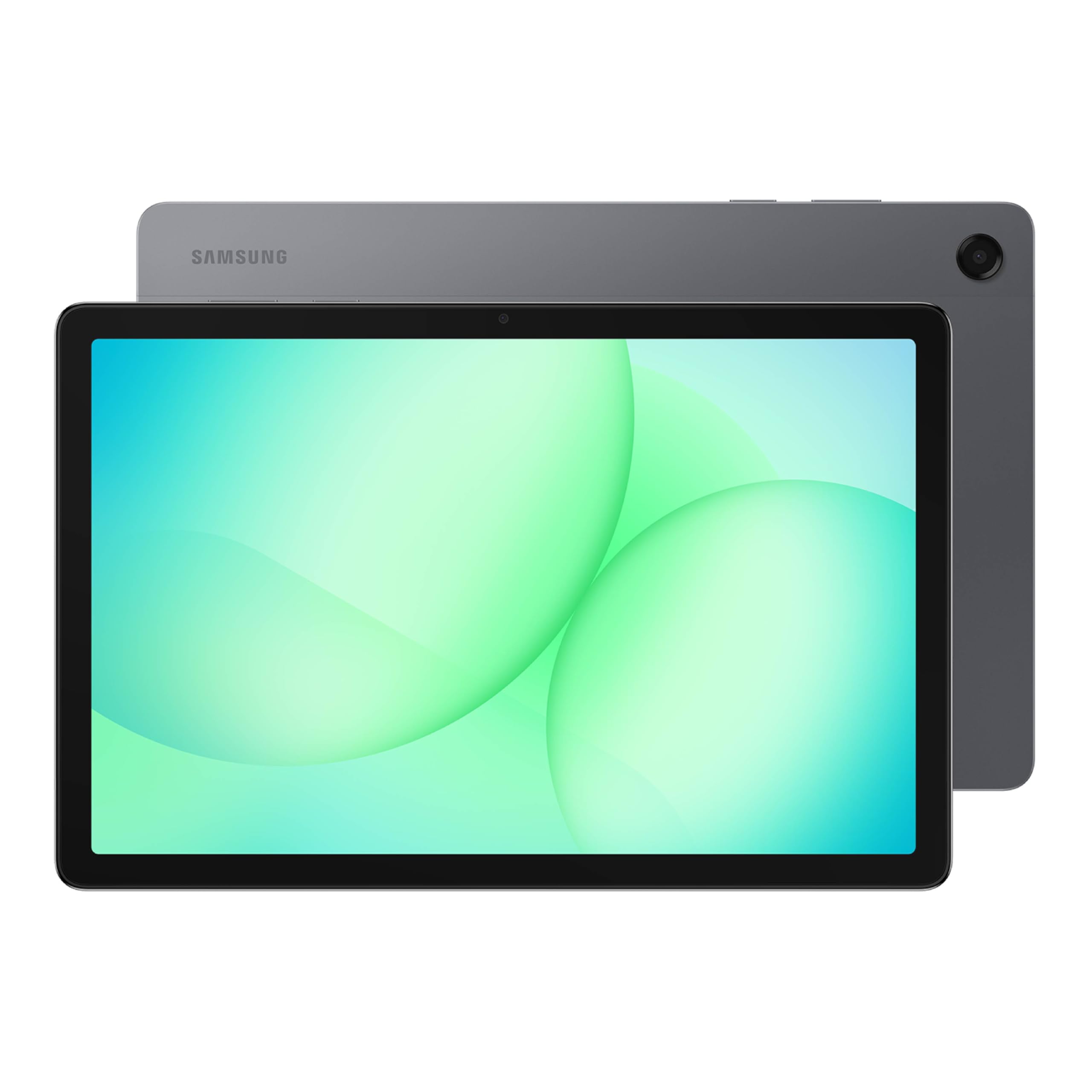
This is not an E Ink reader — it is an Android tablet, and that is exactly why it tops this list for most buyers. The 11-inch screen runs at 1920 x 1200 with a refresh rate up to 90Hz, so scrolling a comic or a web page stays fluid instead of smearing. A 7040 mAh battery is rated for 15 hours of average life.
What wins people over is build and value: the device quality and the price-to-feature mix carry the most weight in owner feedback, with apps opening without lag. The honest catch is battery reporting — some units stop charging at 80%, so test yours in the return window.
Where it pulls ahead
- 90Hz refresh beats the Tab A9’s 60Hz for smoother scrolling
- 128GB storage is 8x the Kobo Clara Colour’s 16GB
- Google Gemini and Circle to Search built in
Where it asks patience
- An LCD panel, so no paper-like eye comfort for long reads
Reach for this if: you want one device for reading, streaming and light work under the Android roof.
Look elsewhere if: you read for hours and want an E Ink surface to rest your eyes on.
2. Meebook E-Reader M7
A 6.8-inch paper screen with real page buttons, made for one-handed reading.
The M7 gives you a 300 PPI E Ink Carta panel with a 24-level warm and cold front light, so night reading stays flicker-free. It runs open Android 11 with Google Play, meaning Kindle, Kobo and Libby all install. Battery is rated at 60 hours — against the HUIHUANG tablet’s 6 hours, that is roughly ten times the runtime.
Owners like the size, the 235 g weight and the functionality. The honest limit is performance: freezing and restarts come up often in feedback, so treat it as a dedicated reader rather than an app machine.
Best at the basics: physical page buttons, a micro-SD slot up to 1TB, and a speaker for text-to-speech audiobooks.
The fair caveat: it is not a video device and occasional freezing is the known trade-off.
Pick it for: long novels and side-loaded libraries where crisp text matters most.
Think twice if: you expect smooth web browsing from every app.
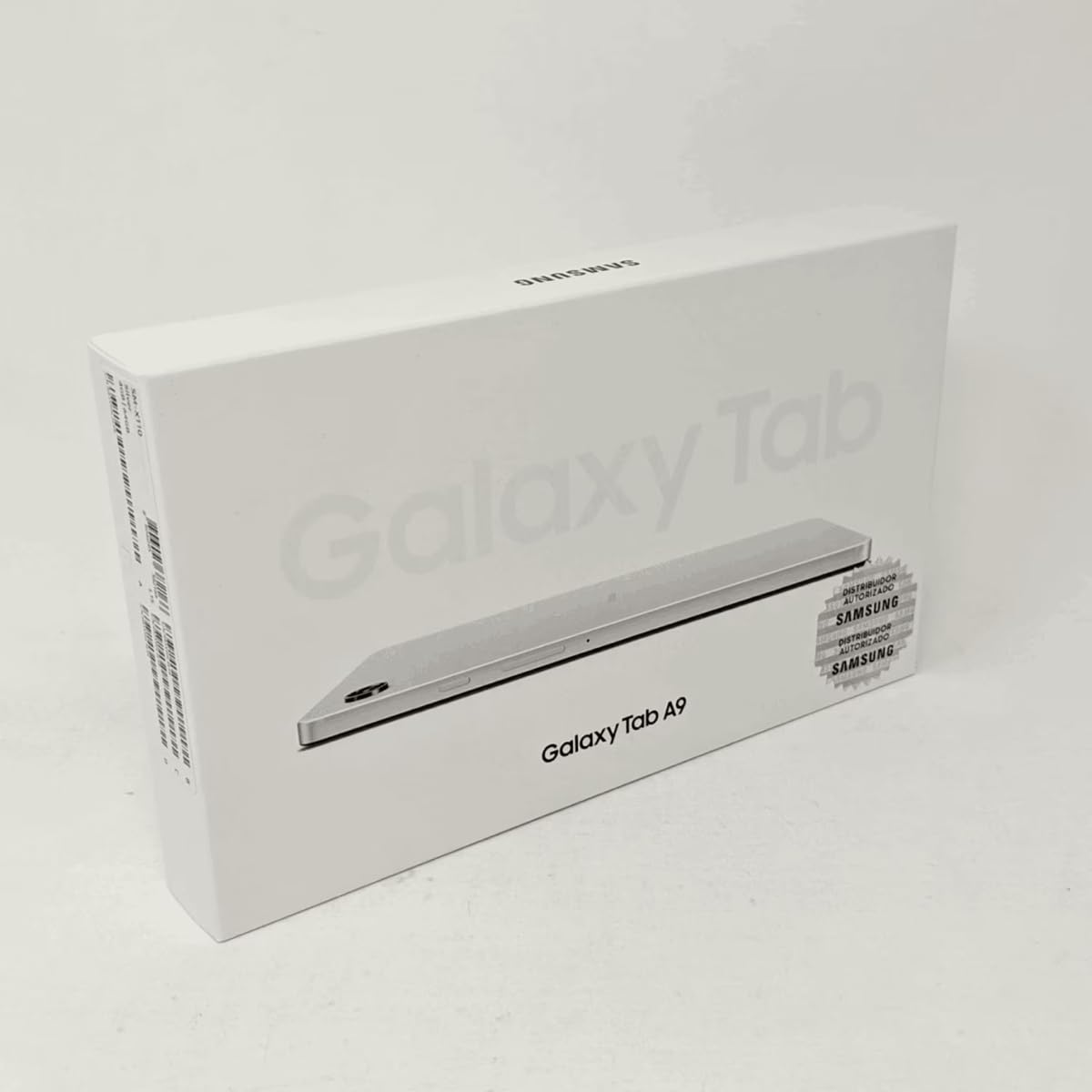
3. Galaxy Tab A9 (SM-X110), 64GB 4GB RAM
The smaller Samsung that fits a hand better than a desk.
An 8.7-inch 1340 x 800 TFT screen at 60Hz pairs with a Mediatek Helio G99 chip and 5100 mAh battery. It runs Android 13 with One UI 5.1 and handles streaming and browsing fine. Device quality carries the most praise here.
The real snag is setup: this is an international model, and the country list at first boot is a known frustration. Choose any country, connect to Wi-Fi, then correct it in Settings.
Why it earns a slot: a genuinely pocketable Samsung with a microSD slot and Bluetooth 5.3.
The trade-off: 60Hz and a lower-resolution panel than the A11+ above — fine for reading, less sharp for video.
Suits: travellers and one-hand readers who want Samsung software in a smaller frame.
Skip if: you want a plug-in-and-go setup with no region screen.
4. Tablet 10 Inch Android 16, 32GB RAM 128GB ROM
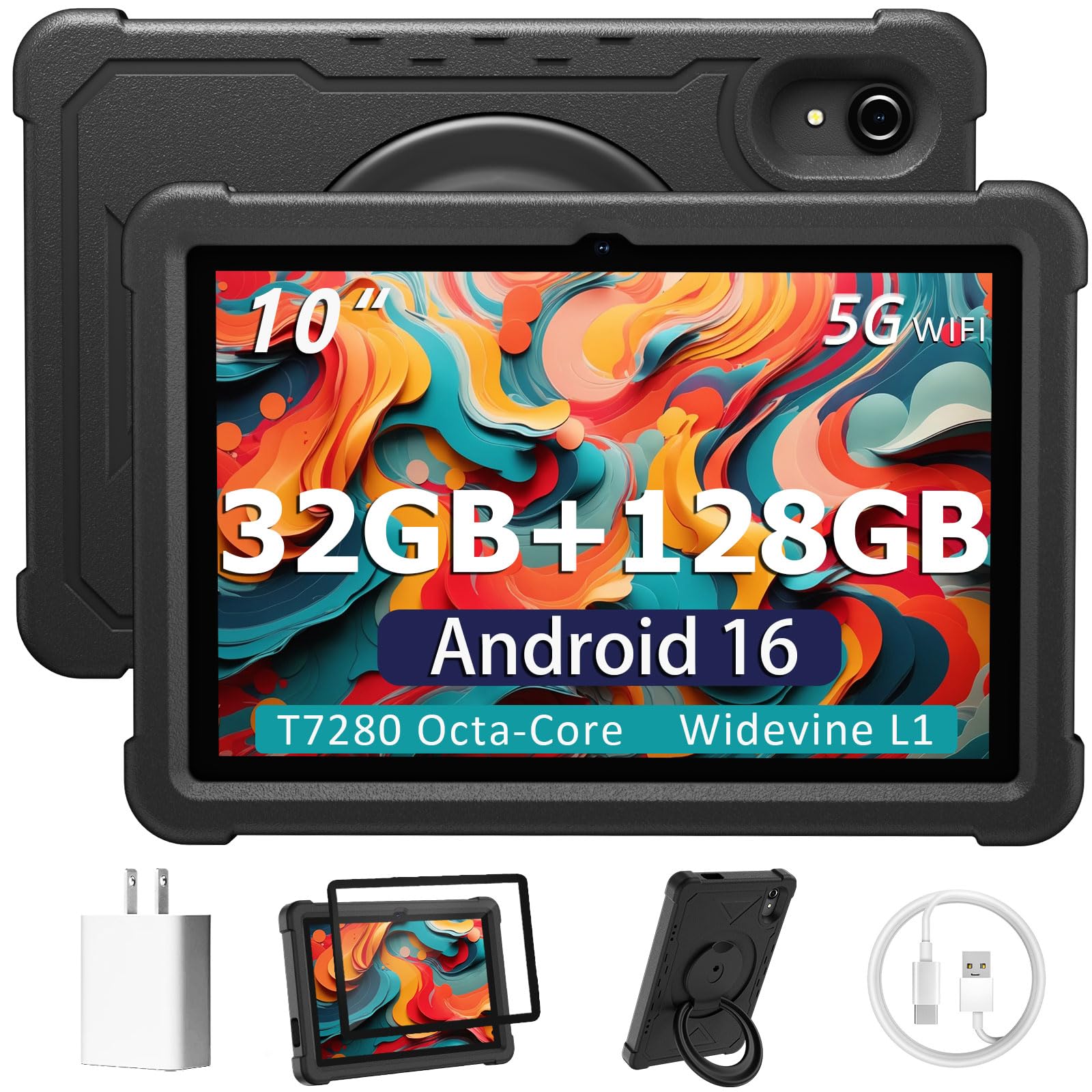
A kid-proof case and a big screen for the entry-level price bracket.
The headline here is storage: 128GB built in with a 1TB card slot, which is 8x the Kobo Clara Colour’s 16GB. A 10.1-inch FHD IPS display and T7280 octa-core chip cover Netflix and homework. The rotatable EVA case is the feature owners praise most.
Battery life is the weak spot at 6 hours average, and reliability comes up mixed in feedback. It is a family tablet, not a reader.
What lands well
- Built-in protective case with a 360° swivel stand
- Google Kids Space and Family Link controls
What to plan around
- 6-hour battery means a charger most evenings
Good fit for: a first tablet for kids or a cheap streaming screen.
Less suited to: all-day reading away from a socket.
5. Kobo Clara Colour 6″ eReader
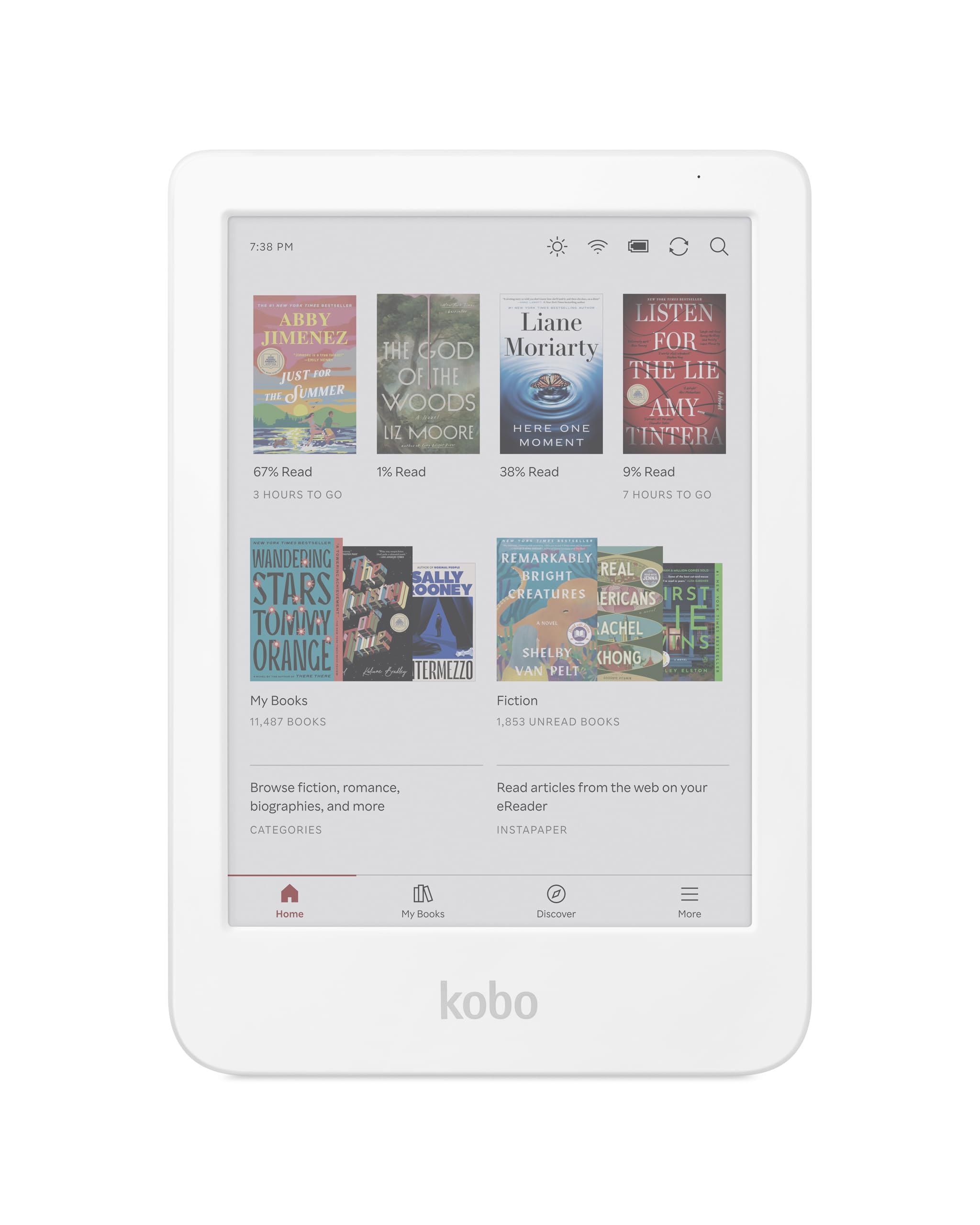
Colour book covers and a bathtub-proof shell in a six-inch frame.
A 6-inch E Ink Kaleido 3 panel brings covers, comics and highlights into colour, at 1072 x 1448 resolution. It carries an IPX8 water rating — waterproof for up to 60 minutes in up to 2 metres. Storage is 16GB, enough for up to 12,000 eBooks.
The build quality is the standout, with owners often calling it better than a Kindle. The catch is library support: you can only link one library at a time.
Bath-time reading: ComfortLight PRO cuts blue light through the day and Dark Mode handles night.
One-store reality: no Google Play here, so you shop Kobo or borrow via OverDrive.
Choose this for: colour covers, tub reading and a pocketable size.
Pass if: you need Kindle and Kobo apps side by side.
6. TCL TAB A1 Plus NXTPAPER, 12.2″ 2.4K 120Hz
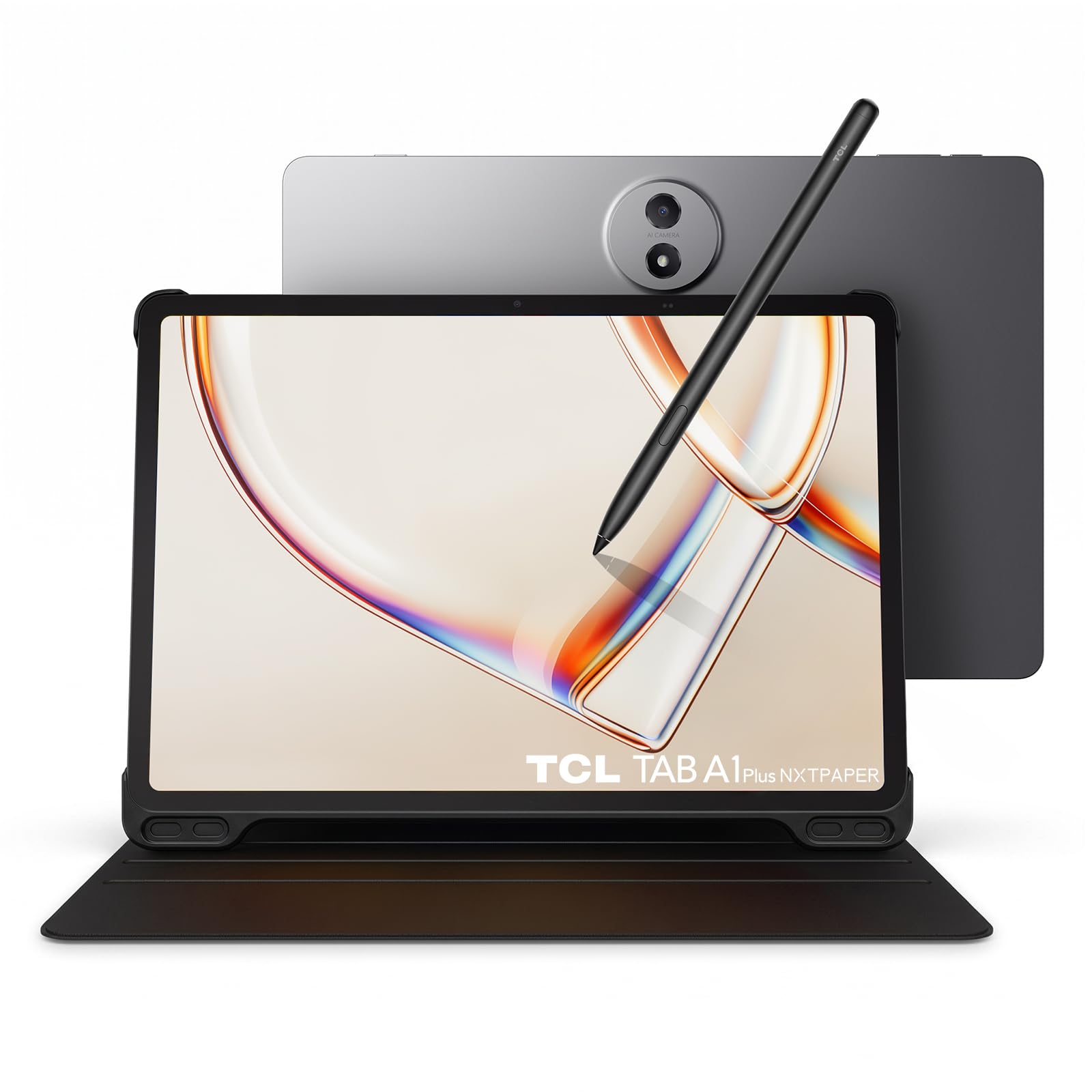
A big paper-finish screen that flips between reading, notes and video.
This is the hybrid answer: a 12.2-inch 2.4K matte panel running up to 120Hz, with an NXTPAPER Key that taps between Ink Paper, Color Paper and Regular Mode. A 4nm Snapdragon 4 Gen 2 chip, 6GB RAM plus up to 10GB virtual, and 256GB storage keep multitasking moving. The 10,000 mAh battery supports 33W charging.
Performance gets the most praise, and the paper-like finish is noted for being easy on the eyes. Reliability is the honest weak point, with some units going unresponsive.
Strongest points
- T-Pen 2 with 4,096 pressure levels
- microSD expansion up to 2TB
Keep in mind
- The stylus is not the strongest for fine handwriting
Ideal for: note-takers who read and annotate on one big surface.
Not for: buyers who only want a simple novel reader.
7. BOOX Tablet Go Color 7 Gen II

An octa-core Android reader in colour that slides into a jacket pocket.
A 7-inch Kaleido 3 glass screen runs 1680 x 1264 — 300 PPI in black and white, 150 PPI in colour. Inside sits an octa-core chip, 4GB RAM, 64GB storage and Android 13 with third-party app support. A 2,300 mAh battery and roughly 195 g weight keep it light.
Screen quality is the live debate: colour E Ink is naturally grayer than an LCD, so the colder or warmer front light is what makes text pop. Do not expect Kindle Paperwhite vibrancy.
Colour with a caveat: 4,096 colours and a G-sensor for auto-rotation, though shades look muted next to LCD.
Buying note: it takes an Active Stylus InkSense, which is sold separately and not in the box.
Worth it for: commuters who want colour comics in a small Android reader.
Reconsider if: you expect LCD-level colour saturation.
8. BOOX Tablet 10.3″ Note Air 5 C
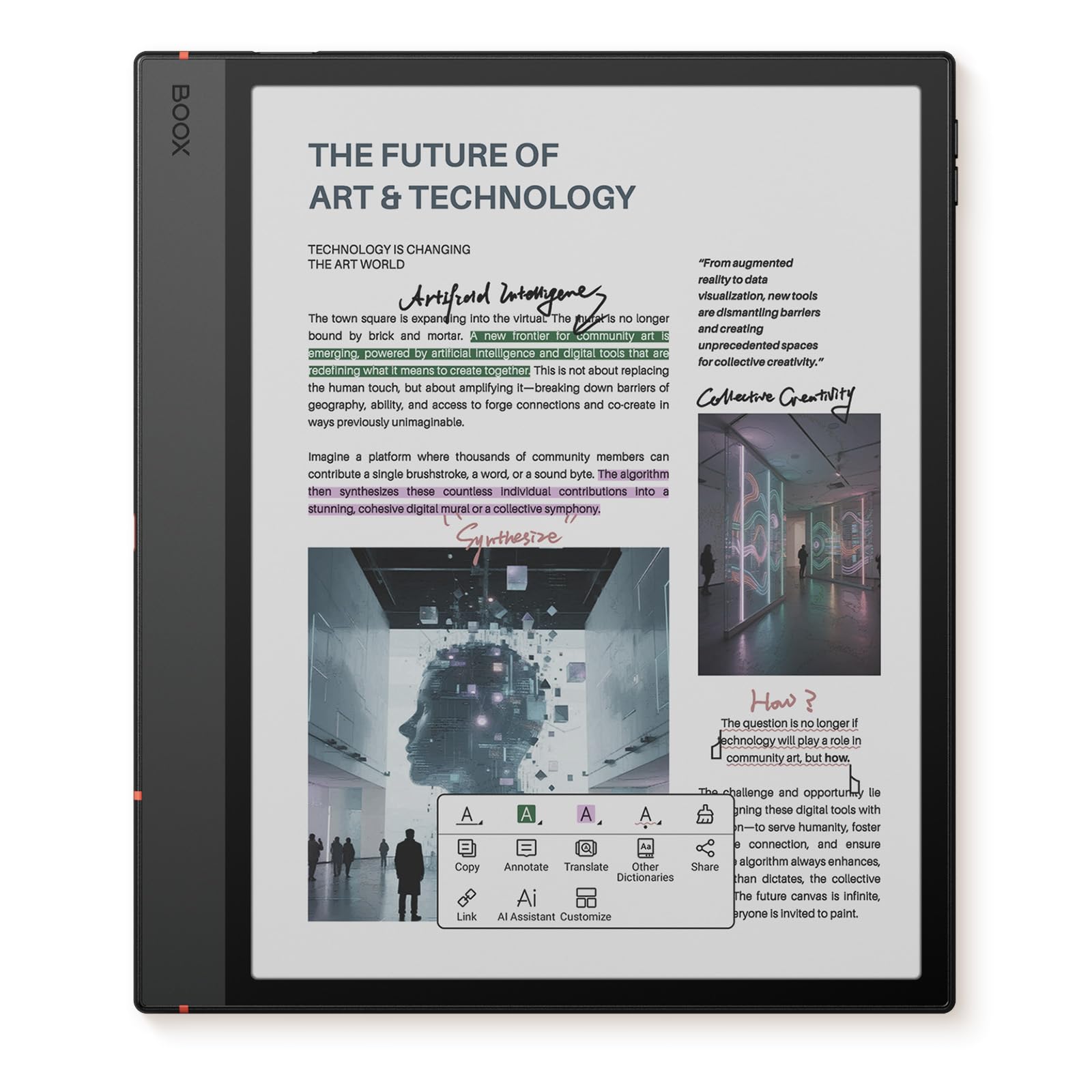
A big colour e-paper notebook for people who write more than they swipe.
The 10.3-inch Kaleido 3 screen resolves 2480 x 1860 at 300 PPI in black and white, dropping to 1240 x 930 at 150 PPI in colour. It runs Android 15 with 6GB RAM and 64GB storage, plus a fingerprint power button and dual speakers. The stylus supports 4,096 pressure levels.
The writing feel draws love from some and disappointment from others — it is paper-like, not paper. Screen contrast is the honest gripe: colour E Ink is darker and more reflective than LCD.
Why writers consider it
- Wide 10.3″ surface for notes and PDF markup
- microSD slot and Android app support
The realistic caveats
- 3,700 mAh battery drains faster with heavy use
Built for: students and note-takers who want a large colour e-paper canvas.
Not the pick if: you mostly read novels and want light weight.
Know the Specs
PPI and colour layers
PPI counts pixels per inch, so 300 PPI keeps black text sharp while a Kaleido 3 colour layer sits at 150 PPI and looks softer and grayer — normal for every colour E Ink device.
Refresh rate and ghosting
E Ink moves physical particles to form an image, which is why screens redraw slowly and can leave faint ghosting; switching refresh modes trades clarity for speed.
Common Questions
Can I install the Kindle app on an Android e-reader?
Why does the colour screen look darker than my phone?
Is a 60-hour battery rating realistic on an e-reader?
Do these readers take a microSD card?
Does the BOOX Go Color 7 include a stylus?
Is colour E Ink good enough for comics?
Can I read in the bath with the Kobo Clara Colour?
Will an Android tablet like the Tab A9 work outside the US?
The Bottom Line
For most people, the android ereader that balances reading, apps and price is the Samsung Galaxy Tab A11+, with its 90Hz 11-inch screen and 128GB of storage. If crisp paper text is the whole point, the Meebook M7 at 300 PPI and 60 hours of battery is the purist’s choice. And for colour covers you can read in the bath, the Kobo Clara Colour earns its place.
How we choose
We do not accept paid placement. Every pick is matched to a real buyer and a real use-case; we do not hands-on test units.
Sources
Specifications: manufacturer listings and product documentation. Review insights: verified customer reviews, as of November 2026. Pricing: not shown on this page (it changes often); check the current price via the retailer link.
As an Amazon Associate, My Heart Lives Here earns from qualifying purchases. This does not affect which products we feature.