Heads up: This post contains affiliate links. As an Amazon Associate I earn from qualifying purchases, at no extra cost to you. Learn more
Specs are compiled from manufacturer listings and verified buyer reviews and can change over time — please confirm the key details on the product page before buying.
A 1500R curve is the balance for ultrawide immersion — tight enough to wrap your field of view, gentle enough to keep text and spreadsheets honest. These nine panels are the ones worth your desk space, sorted by what each actually does best.
This guide is built by comparing the manufacturers’ published specifications and the patterns across verified customer reviews, so you get each pick’s real strengths and trade-offs instead of marketing spin.
A focused shortlist of the curved ultrawides that earn their desk space, from budget 34-inch panels to a QD-OLED flagship. This guide covers the best 1500r curved monitor picks for gaming and work.
Top Picks


Side-by-Side Comparison
| Model | Best For | Refresh Rate | Resolution | Panel Type | Amazon |
|---|---|---|---|---|---|
| Alienware AW3425DWM 34 Curved Gaming Monitor★ Best Overall | all-round gaming desks | 180Hz | WQHD | — | Amazon |
| Dell S3425DW 34 MonitorBest for Comfort | workday comfort | 120Hz | WQHD | VA | Amazon |
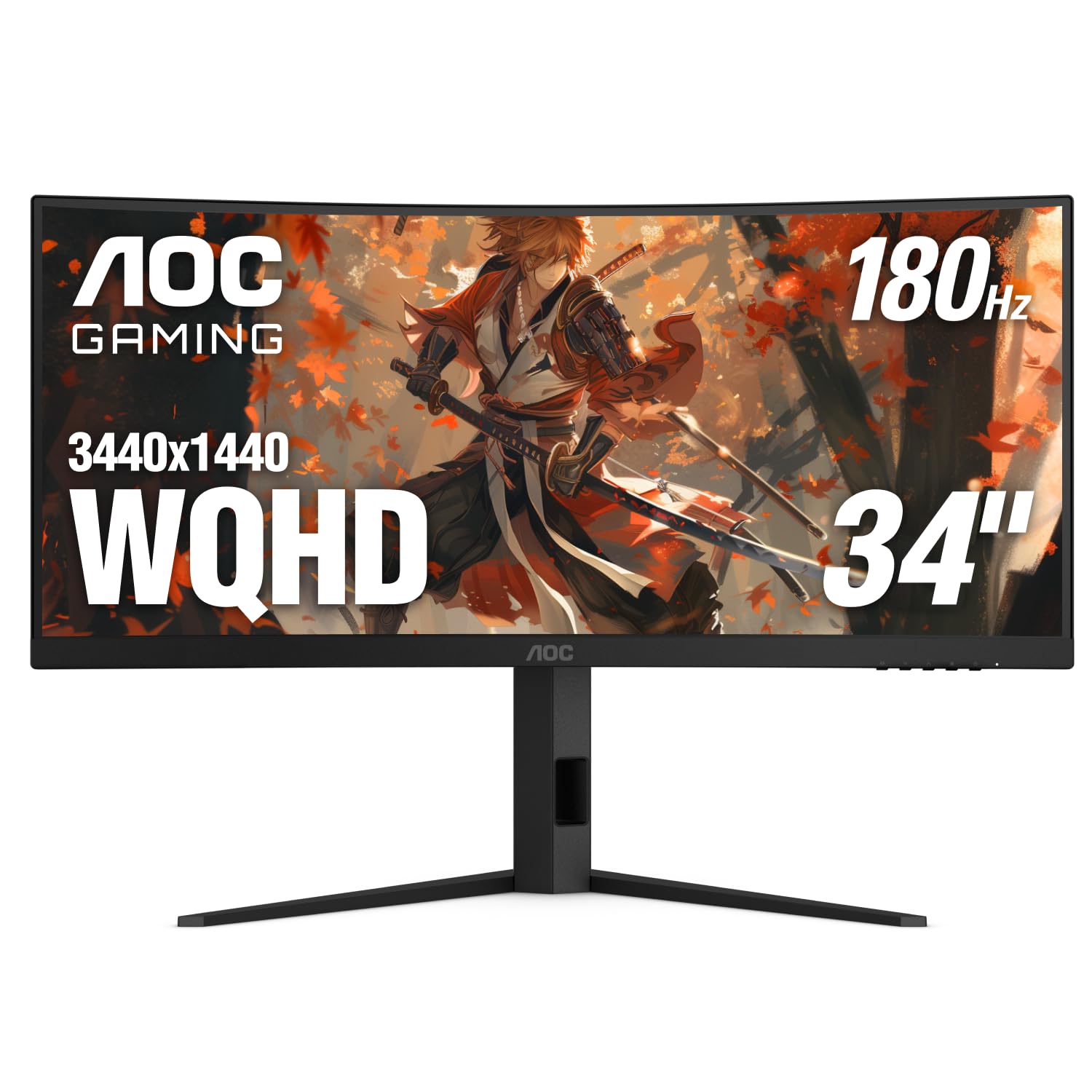
| AOC CU34G4V 34 Curved Gaming MonitorBest Value Curve | budget immersion | 180Hz | UWQHD | VA | Amazon |
| SANSUI 34-Inch Curved Gaming Monitor | tight budgets | 200Hz | UWQHD | Fast VA | Amazon |
| Z-Edge 34 inch Curved Gaming Monitor | competitive frame-chasers | 240Hz | UWQHD | — | Amazon |
| ASUS TUF VG34VQ3B 34 Inch Gaming Monitor | fast-paced gaming | 180Hz | QHD | — | Amazon |
| acer Nitro XZ342CU 34 Inch Curved Gaming Monitor | HDR on a budget | 180Hz | UWQHD | — | Amazon |
| Samsung Odyssey G7 G75F 40 Curved Gaming Monitor | maximum immersion | 180Hz | WUHD | — | Amazon |
| Alienware AW3425DW 34 Curved Gaming Monitor | picture purists | 240Hz | WQHD | QD-OLED | Amazon |
Detailed Reviews
1. Alienware AW3425DWM 34 Curved Gaming Monitor
Our pick — 4.5+★ from 750+ verified ratings; the strongest balance of quality and price.
The ultrawide that balances speed, color and price without asking you to compromise.
This is the panel that makes the 1500R argument for you: a 21:9 WQHD canvas at 180Hz with FreeSync Premium, wrapped in a curve that pulls you into open worlds. Color and black levels hold up for productivity by day and gaming by night.
The honest trade-off is size — some desks and arms find a 34-inch ultrawide a squeeze, and you will want the height adjustment dialed in before long sessions. Otherwise it simply does everything well.
Alienware 34-inch curve
- Strong picture and color for the money
- Smooth, tear-free adaptive sync
single HDMI input
- Big footprint on smaller desks
curved gaming: Gamers who also work on one screen
port limits: Demands a desk with real depth
2. Dell S3425DW 34 Monitor
A softer, more office-friendly take on the ultrawide curve.
Dell leans into all-day comfort here, trimming blue light without wrecking color accuracy and keeping the panel easy on the eyes through long work blocks. The pop-down USB-A and USB-C ports are a genuinely handy touch for swapping peripherals.
It is a gentler panel than the gaming-first picks, so competitive players will want more refresh headroom. For mixed work and casual play, though, the balance is hard to argue with.
Dell WQHD VA panel
- Easy on the eyes for long sessions
- Handy pop-down USB connectivity
VA viewing angles
- Less headroom for competitive play
office widescreen: Mixed work-and-play setups
angle shift: Not a competitive-first panel
3. AOC CU34G4V 34 Curved Gaming Monitor
Cinematic 21:9 immersion at a price that undercuts the big names.
AOC delivers the full ultrawide package — 34-inch 1500R VA panel, UWQHD resolution and a 180Hz refresh over DisplayPort — with a frameless look that keeps the focus on the screen. Fast titles feel responsive and the panoramic ratio does the heavy lifting.
The recurring concern is panel longevity, with burn-in reports surfacing among owners. Treat it as a value play and go in aware; the price buys a lot of immersion for the money.
AOC 180Hz refresh
- Cinematic ultrawide immersion
- Frameless design looks clean
VA black smear
- Burn-in reports on some units
fast ultrawide: Buyers chasing value
smear risk: Panel longevity is a gamble
4. SANSUI 34-Inch Curved Gaming Monitor
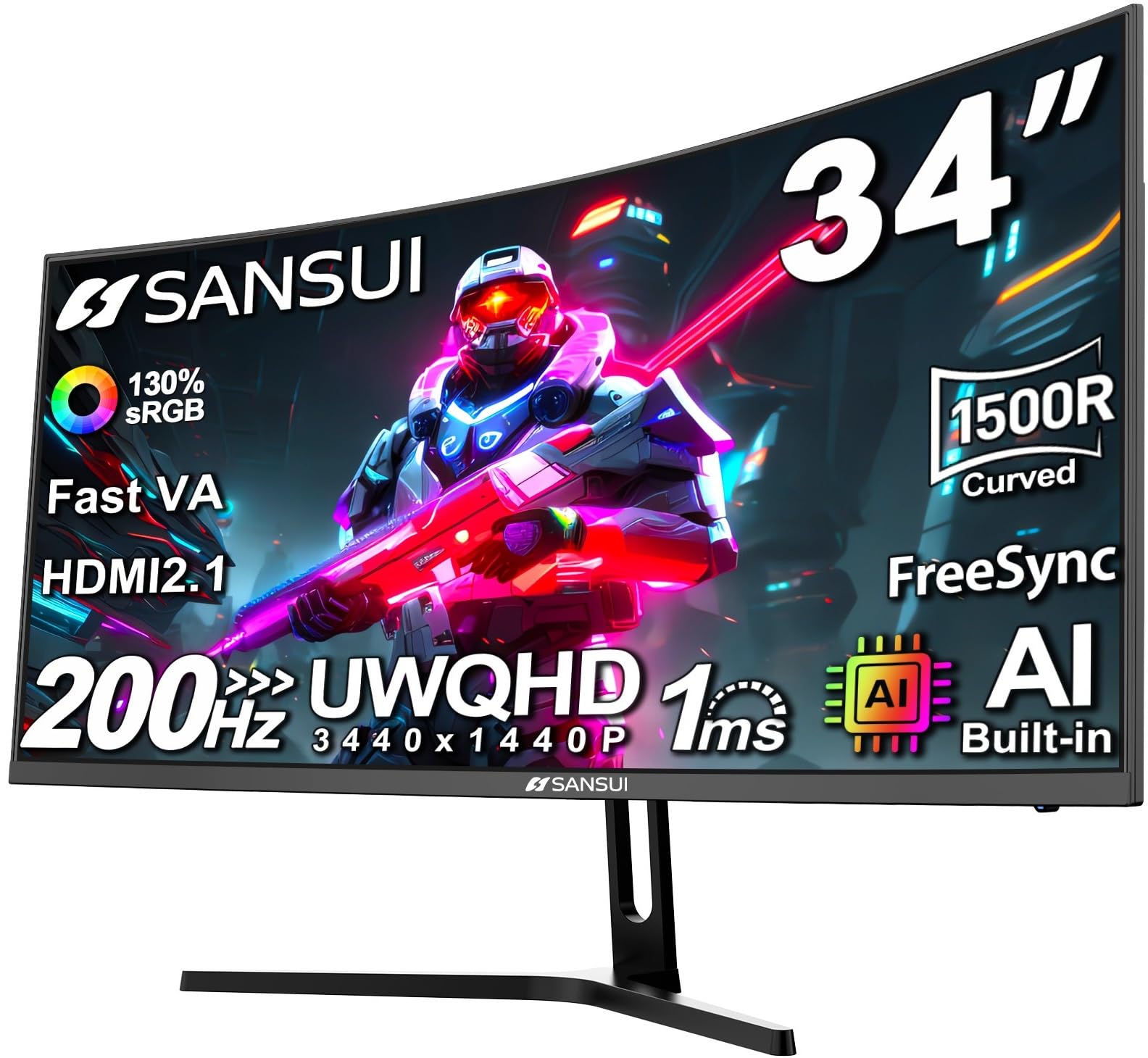
The crowd favorite — huge refresh, huge value, and a genuinely big owner base behind it.
SANSUI stuffs a 34-inch 1500R UWQHD panel with a 200Hz refresh and Fast VA response into a package that undercuts most rivals. Setup is painless thanks to the included cable, and the vibrant color makes the curve feel worth it from the first boot.
It is a value-first build, so expect the finish and stand to feel a step below premium. For the money, though, few panels deliver this much screen and speed.
SANSUI budget ultrawide
- Enormous value for the spec
- Simple setup from the start
off-brand support
- Build feels value-tier
cheap 1440p: First-time ultrawide buyers
support doubts: Premium finish is not the point
5. Z-Edge 34 inch Curved Gaming Monitor
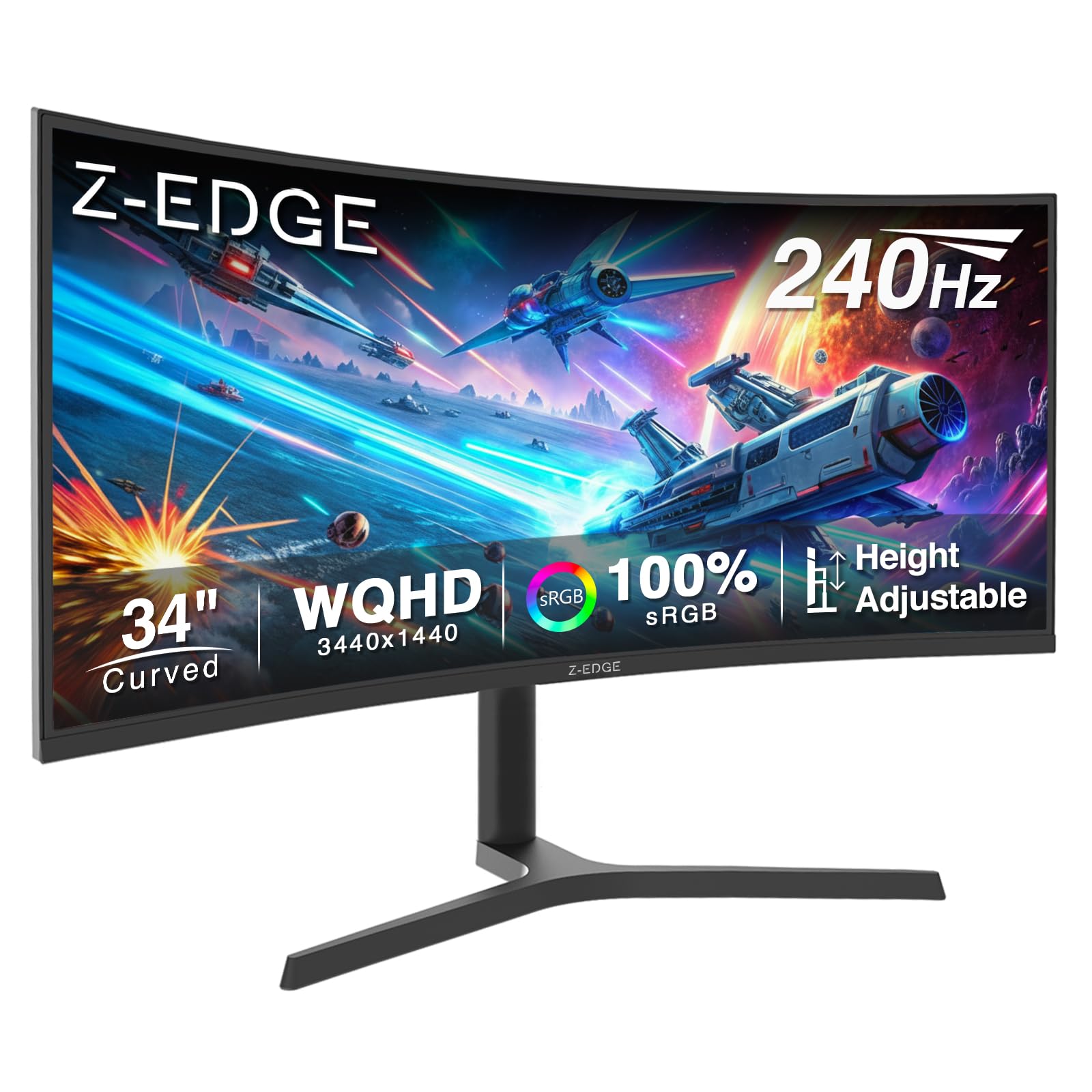
For players who count frames, this is the speed-first curve.
Z-Edge pushes refresh to 240Hz over DisplayPort 1.4 with a 1ms MPRT response, aimed squarely at competitive gamers who want motion blur and ghosting kept to a minimum on an ultrawide canvas.
The trade-off is consistency: picture and color quality draw mixed feedback, and the built-in sound is best described as an afterthought. Bring your own headset and temper expectations on color accuracy.
Z-Edge 240Hz speed
- Class-leading refresh for the class
- Clean frameless look
panel quality variance
- Color and picture consistency vary
high frame rate: High-refresh competitive play
panel lottery: Weak built-in audio
6. ASUS TUF VG34VQ3B 34 Inch Gaming Monitor

TUF build quality with motion-blur tech tuned for fast, twitchy games.
ASUS brings its Extreme Low Motion Blur Sync to a 34-inch 1500R QHD panel at 180Hz, so fast pans stay legible without sacrificing adaptive sync. Brightness and color land well, and the resolution keeps detail crisp across the wide canvas.
Reliability is the mixed note — most units hum along, but a few report early failures. Buy from a seller with a clean return path and this is a strong, fast all-rounder.
ASUS TUF 180Hz
- Effective motion-blur reduction
- Bright, detailed picture
basic stand
- Some early-failure reports
durable ultrawide: Players who hate motion blur
stand wobble: Reliability is a coin flip
7. acer Nitro XZ342CU 34 Inch Curved Gaming Monitor

Certified HDR brightness and a zero-frame design at a friendly price.
Acer pairs a 34-inch 1500R UWQHD panel with VESA DisplayHDR 400, 400-nit brightness and a 180Hz refresh, plus built-in speakers that save desk clutter. The zero-frame design and solid build make it feel more expensive than it is.
Functionality and design draw mixed notes, and flickering has been flagged on some units. Set expectations accordingly — it is a strong mid-tier pick rather than a flawless one.
Acer Nitro 1500R
- Certified HDR brightness
- Built-in speakers save space
dim HDR
- Flickering reported on some units
curved immersion: HDR-curious value shoppers
weak HDR: Mixed reports on flicker
8. Samsung Odyssey G7 G75F 40 Curved Gaming Monitor
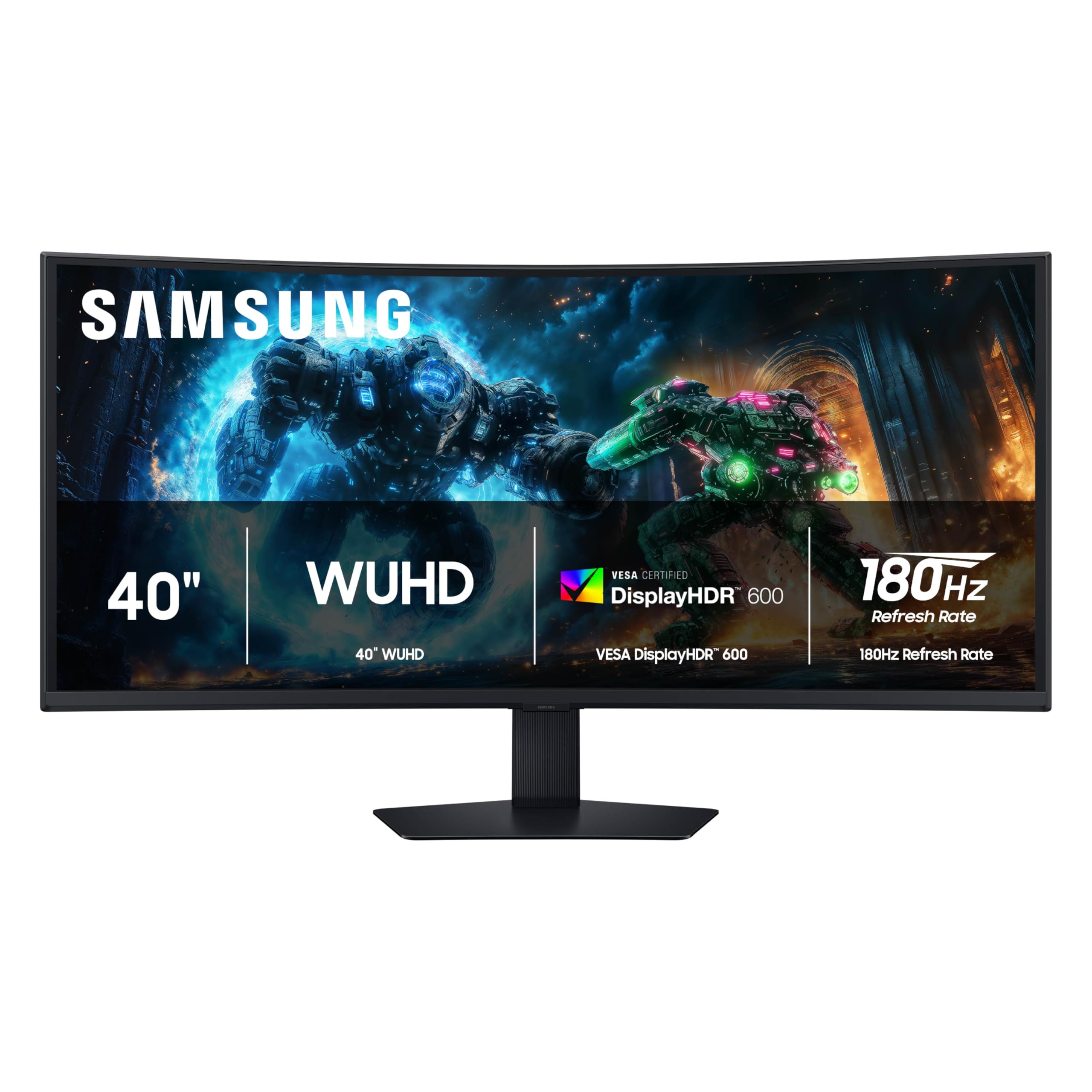
The enormous, wraparound option when 34 inches just is not enough.
Samsung goes bigger and tighter: a 40-inch WUHD ultrawide with a 1000R curve that genuinely wraps your vision, backed by FreeSync Premium Pro and DisplayHDR 600 for contrast. Text stays crisp, which matters at this size.
The curve itself divides opinion — some love the wrap, others find it odd — and pixel and color consistency draw mixed notes. It is the statement screen of the group, priced below the big-name alternatives.
Samsung 40-inch WUHD
- Huge, rich wraparound view
- Crisp text at large scale
large desk footprint
- The tight curve splits opinion
big screen work: Buyers who want the biggest view
desk space: Curve is not for everyone
9. Alienware AW3425DW 34 Curved Gaming Monitor

The picture-quality ceiling of the group, with blacks that vanish.
Alienware’s QD-OLED delivers the deepest, purest blacks and the crispest visuals here, with a 0.03ms response and FreeSync Premium Pro for elite motion. The color range is the kind you notice in every scene, not just the spec sheet.
Note that this one carries an 1800R curve, gentler than the 1500R panels above, and brightness draws mixed notes in bright rooms. It is the premium splurge, not the value pick.
QD-OLED 240Hz
- Deep, pure OLED blacks
- Blistering response time
OLED burn-in
- Brightness struggles in lit rooms
premium contrast: Buyers chasing the best image
burn-in care: Premium price and gentler curve
Common Questions
Is a 1500R curve too aggressive for office work?
Do I need a special GPU for an ultrawide 1500R monitor?
Does the curve help with eye strain?
The Bottom Line
For most buyers, the best 1500r curved monitor winner is the Alienware 34 Curved Gaming Monitor – AW3425DWM – 34-inch WQHD 180Hz 1ms Display, 1500R, AMD FreeSync Premium, VESA AdaptiveSync. because it is the rare panel that pairs a fast 180Hz ultrawide canvas with color and blacks good enough for real work, at a price that does not sting. If comfort through the workday matters most, look at Dell 34 Monitor S3425DW, WQHD VA, 120Hz, FreeSync Premium, Eye Comfort; for the tightest budget, SANSUI 34-Inch Curved Gaming Monitor UWQHD 3440 x 1440P 200Hz Ultrawide delivers surprising speed, and Alienware 34 240Hz QD-OLED Curved Gaming Monitor – AW3425DW – 34.2-inch WQHD (3440 x 1440) 0.03ms Display, 1800R Curve, AMD FreeSync Premium Pro, VESA AdaptiveSync, DisplayHDR TrueBlack 400 is the one to envy if picture quality is the whole point.
How we choose
We do not accept paid placement. Every pick is matched to a real buyer and a real use-case; we do not hands-on test units.
Sources
Specifications: manufacturer listings and product documentation. Review insights: verified customer reviews, as of November 2026. Pricing: not shown on this page (it changes often); check the current price via the retailer link.
As an Amazon Associate, My Heart Lives Here earns from qualifying purchases. This does not affect which products we feature.