Heads up: This post contains affiliate links. As an Amazon Associate I earn from qualifying purchases, at no extra cost to you. Learn more
Specs are compiled from manufacturer listings and verified buyer reviews and can change over time — please confirm the key details on the product page before buying.
Most 10-inch Android tablets look identical in the listing photos, and that is exactly the problem. Two tablets here carry almost the same name and the same RAM figure, yet one has 8000mAh of battery (a measure of battery capacity — bigger means longer between charges) and the other has 5000mAh. You will feel that gap every evening, when one is still running and the other is hunting for a charger. The short answer: buy on battery capacity first, then real storage (not the “virtual” RAM number), then screen resolution. Everything else is noise.
This guide is built by comparing the manufacturers’ published specifications and the patterns across verified customer reviews, so you get each pick’s real strengths and trade-offs instead of marketing spin.
Below you will find the specs that actually change how a tablet feels in your hands day to day. Here is the honest breakdown of a 10in android tablet.
Top Picks

How To Choose The Best 10in Android Tablet
A 10-inch Android tablet lives or dies on three things: how long it runs between charges, how much room it has for your files, and how readable the screen is at arm’s length. Get those right and the rest is comfort. Get them wrong and you will be reaching for a cable by mid-afternoon.
Read the RAM number carefully
Almost every listing here advertises a big memory figure, and almost every one of those figures is real memory plus virtual memory. A tablet sold as “30GB RAM” is usually 8GB of physical RAM with 22GB of virtual RAM borrowed from storage. That is not a lie, but it is not the same as 30GB of physical chips either. Virtual memory (often called extended RAM) helps a tablet hold more apps open, but it is slower than the real thing. When you compare two tablets, find the number in the brackets — that is the physical amount.
Battery capacity in mAh is the honest spec
Battery capacity is measured in mAh (milliamp-hours, the size of the fuel tank). The bigger the number, the longer the tablet can run before it needs a wall socket. In this lineup that range runs from 5000mAh up to 8000mAh. Hours-of-use claims in the listing are useful, but they are tested under gentle conditions. Treat the mAh figure as the real ceiling and the hour claim as a best case.
Resolution versus screen size
Two 10-inch screens can look very different. A 1280×800 panel (the pixel count across and down) is fine for video and reading, and it is cheaper to produce. A 2000×1200 panel packs in more pixels, so text looks crisper and photos look more detailed. If you plan to read a lot of small text or edit photos, the higher number is worth having. For Netflix in bed, 1280×800 does the job.
Storage you can actually expand
A microSD slot (a memory-card slot for adding cheap storage) lets you carry more without paying for a bigger built-in drive. Check the maximum card size the tablet accepts. A 64GB tablet with a 1TB card slot can hold far more than a 128GB tablet with no slot at all. Movies and offline downloads eat space fast, so a card slot is among the most useful things on the spec sheet.
Side-by-Side Comparison
| Model | Best For | Battery | RAM / Storage | Display | Amazon |
|---|---|---|---|---|---|
| SKYEGG 10.1″ Android 15 Tablet★ Best Overall | All-day family use | 8000 mAh | 30GB (8+22) / 128GB | 10.1″ HD IPS | Amazon |
| Aobante 12″ Android 16 TabletBiggest Screen | Big-screen streaming | 8000 mAh | 24GB (8+16) / 128GB | 2000×1200 IPS | Amazon |
| Aobante 10.1″ Android 15 TabletBundle Value | Keyboard bundle value | 6000 mAh | 24GB / 128GB | 1280×800 | Amazon |
| TABWEE T20 Android 16 Tablet | Complete workstation kit | 5000 mAh | 24GB (8+16) / 256GB | 10.1″ HD IPS | Amazon |
| BNCF Bpad 10 SE | Smooth-scroll screen | 6000 mAh | 16GB (4+12) / 128GB | 10.1″ 120Hz HD | Amazon |
| Jeazans 10.1″ Android 16 Tablet | Students and note-takers | — | 24GB (3+21) / 64GB | 1280×800 IPS | Amazon |
| COLORROOM Kids Tablet | Kids and family sharing | 6000 mAh | 10GB (4+6) / 64GB | 10.1″ 1280×800 | Amazon |
| URAO 10.1″ Android Tablet | Storage on a budget | 8 hours | 30GB / 128GB | 10.1″ HD IPS | Amazon |
Detailed Reviews
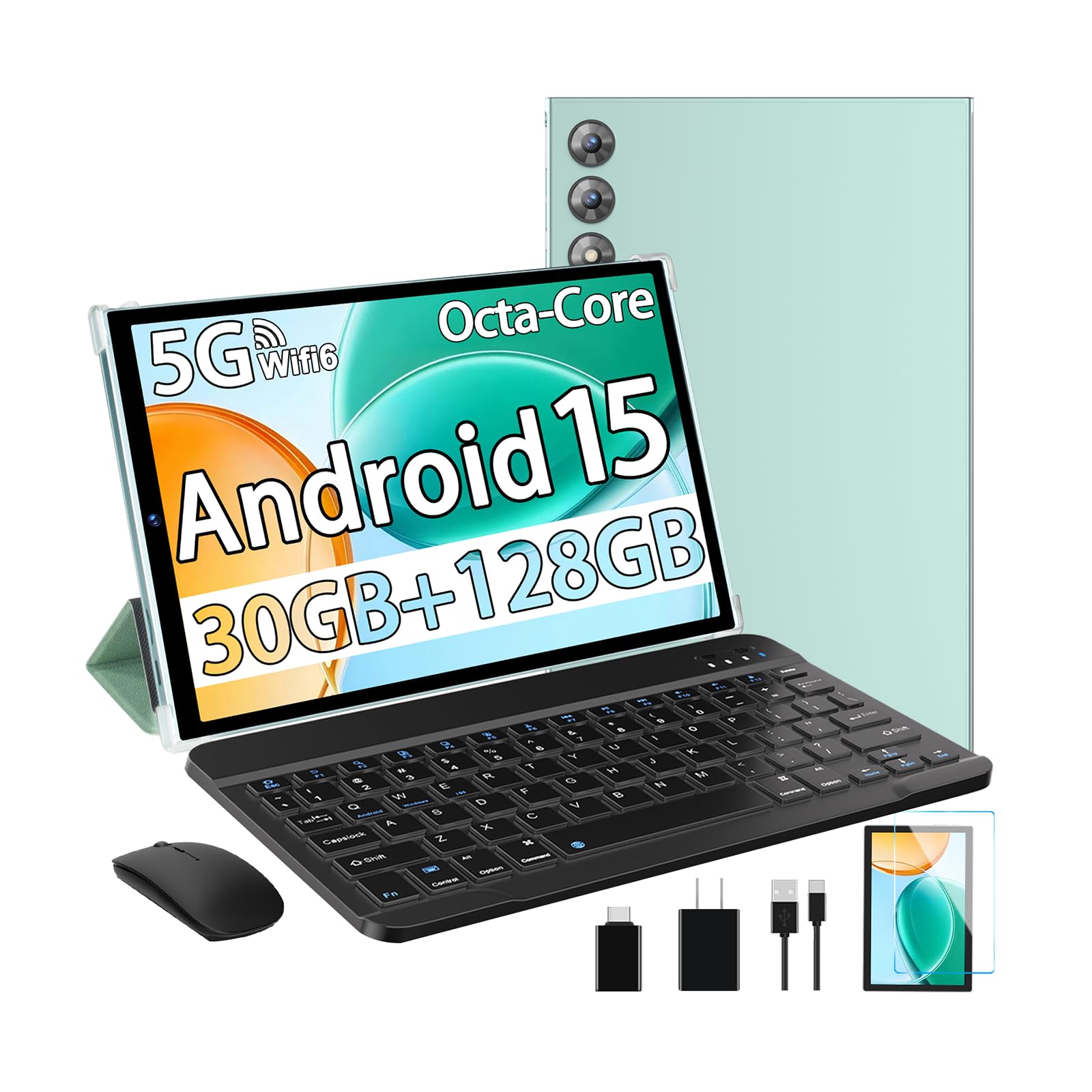
1. SKYEGG 10.1″ Android 15 Tablet, 30GB+128GB, 8000mAh
Our pick — 4.5+★ from 70+ verified ratings; the strongest balance of quality and price.
The biggest battery in the lineup, paired with the biggest real memory figure here.
The number that decides this one is 8000mAh. That is the battery’s fuel tank, and it is the largest capacity on this list — matched only by the 12-inch Aobante, and comfortably ahead of the 5000mAh TABWEE T20. In practice, a bigger tank means fewer evenings tethered to a cable, which is exactly what you want from a tablet that lives on the coffee table. It charges over USB-C, and Android 15 runs power management in the background to stretch the run time further.
Memory is the second win. The 30GB figure is 8GB of physical RAM (the real working memory chips) plus 22GB of virtual RAM (software that borrows storage space). That 8GB physical is the highest physical figure in this whole group. The URAO matches the 30GB headline, but this is where the real chips sit, alongside a 128GB storage base that takes a microSD card up to 1TB. Against the COLORROOM kids tablet, that is 128GB versus 64GB, and 8000mAh versus 6000mAh. Both gaps are real, and you notice both within a week.
The screen is a 10.1-inch HD IPS panel at 16:10 with Widevine L1, the licence that lets streaming apps serve you true HD rather than a softened version. Dual stereo speakers handle the audio side. The bundle is the quiet advantage: keyboard, mouse and protective case come in the box, so it flips into a rough laptop shape for typing without a separate purchase. The 5G WiFi 6 radio and Bluetooth round out connectivity.
Where it earns its place
- 8000mAh battery — the largest capacity on this list
- 8GB of physical RAM, the most real memory here
- 128GB storage expandable to 1TB via microSD
- Keyboard, mouse and case included at no extra step
- Widevine L1 for full HD streaming on supported apps
Worth knowing before you click
- The 10.1-inch screen is 1280×800 HD, not the sharper 2000×1200 of the 12-inch Aobante
- A newer release, so there is less long-term owner history to lean on than the older kids tablet
Made for: a shared family tablet that needs to survive a full day of cartoons, homework and video calls without a charger nearby.
Think twice if: you mainly read dense small text — the sharper 2000×1200 panel on the bigger Aobante is the better reading surface.
2. Aobante 12″ Android 16 Tablet, 2000×1200, 24GB+128GB
The one pick here that steps up the panel instead of just the badge.
Resolution is where this tablet pulls ahead. The 2000×1200 IPS panel packs far more pixels into its 11.97-inch frame than the 1280×800 screens on the SKYEGG and the TABWEE T20, so small text in an ebook or a spreadsheet stays crisp instead of fuzzy. If you hold a tablet close to your face for reading, that is the difference you feel on page one, not page fifty.
It also carries an 8000mAh battery — level with the SKYEGG and well up on the 5000mAh TABWEE, with Android’s power management doing the background work. Storage is 128GB expandable to 1TB by SD card, and the 24GB of RAM is 8GB physical plus 16GB expansion. The camera pair is the strongest here on paper: 16MP rear and 8MP front, both well above the 5MP and 2MP cameras on the BNCF Bpad 10 SE.
Setup is quick, Wi-Fi 6 and Bluetooth 5.0 keep connections steady, and there is a USB-C port for charging and data.
The honest caveat: this one has the widest spread of opinion in the group. Some buyers find the speed exceptional; others find it slow under load, and a few have had battery and connection issues. That spread is the real trade-off — it is a strong screen attached to a mid-tier processor, so keep your expectations on heavy gaming realistic.
Pick this if: the screen is your priority — reading, streaming, photo browsing on the biggest, sharpest panel in this lineup.
Look elsewhere if: you demand rock-solid consistency above all, in which case the SKYEGG’s bigger physical memory is the calmer bet.
3. Aobante 10.1″ Android 15 Tablet, 24GB+128GB with Keyboard
A typing-ready tablet bundle that does the basics without asking much of you.
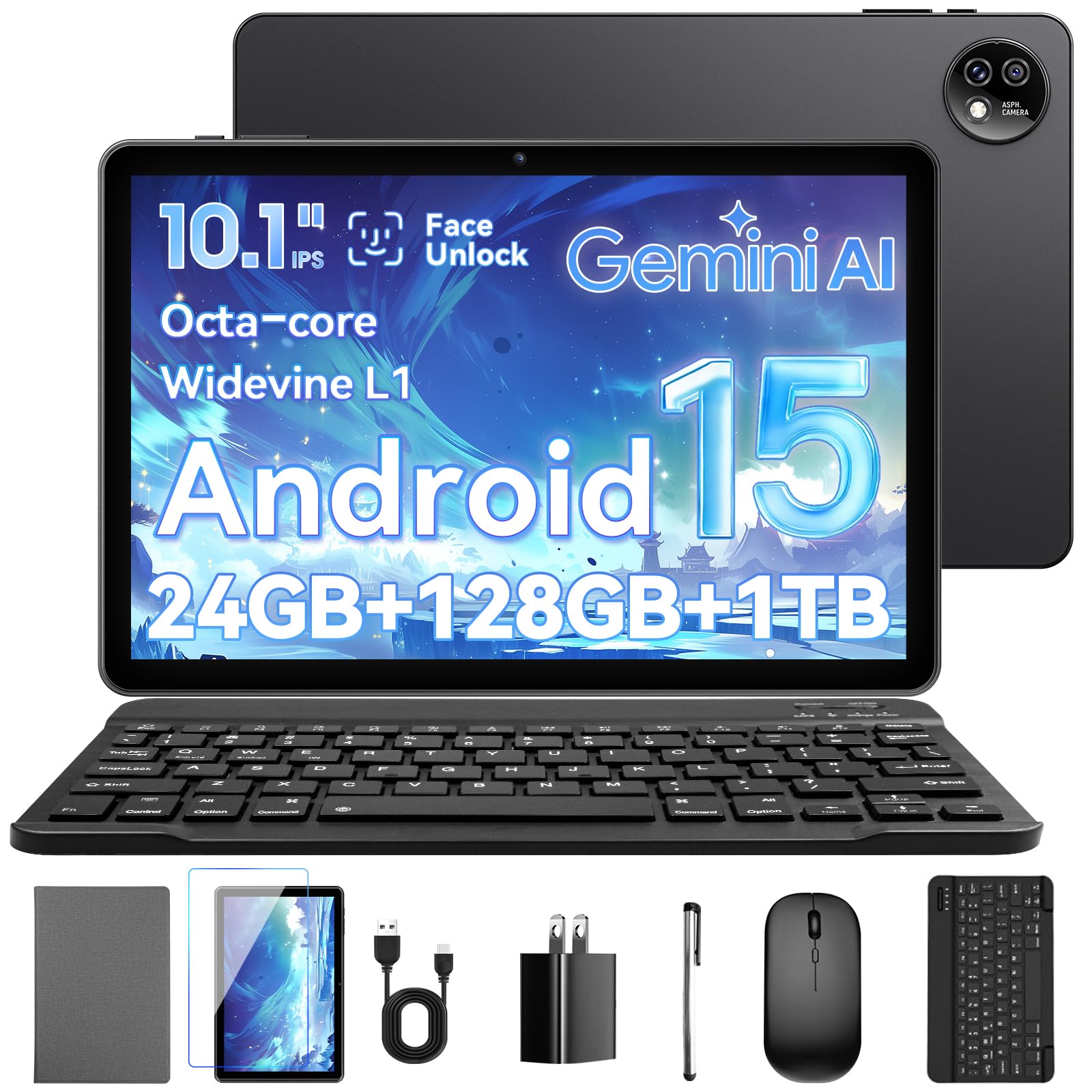
This is the pick for the buyer who wants to sit down and type, not shop for accessories afterward. The box includes a keyboard and mouse, and the tablet itself runs Android 15 on a 2.0GHz octa-core processor — eight cores working together, which keeps everyday apps moving. Memory is 24GB (with 128GB storage) expandable up to 1TB, so documents and downloaded video have room to breathe.
The screen is a 10.1-inch 1280×800 Ultra HD-class panel with a straight-edge profile, and the camera pair is 5MP plus 8MP for video calls. Connectivity covers Wi-Fi 6, Bluetooth 5.4 and a USB-C port for charging and file transfer. The 6000mAh battery trails the 8000mAh SKYEGG above — the trade for the keyboard bundle at this tier.
The reviews lean positive on the everyday stuff: bright, clear screen, plenty of storage, and quick setup. Owners describe it as easy to live with — one theme that comes through is how well it handles movie streaming, which fits a tablet built around a wide 16:10 display.
What buyers get
- Keyboard and mouse in the box — type out of the gate
- 24GB RAM with 128GB storage and 1TB expansion
- 2.0GHz octa-core processor for smooth daily apps
- Wi-Fi 6 and Bluetooth 5.4
The fine print
- 6000mAh battery trails the 8000mAh SKYEGG by a clear margin
- 1280×800 is standard HD, not the sharper 2000×1200 of the 12-inch model
Best for: a home office corner or a student desk where the keyboard earns its keep every day.
Skip the bundle if: you already own a Bluetooth keyboard — you would be paying for hardware you will not use, and the plain SKYEGG gets you a bigger battery instead.
4. TABWEE T20 Android 16 Tablet
A complete desk setup in one box, with the storage to match.
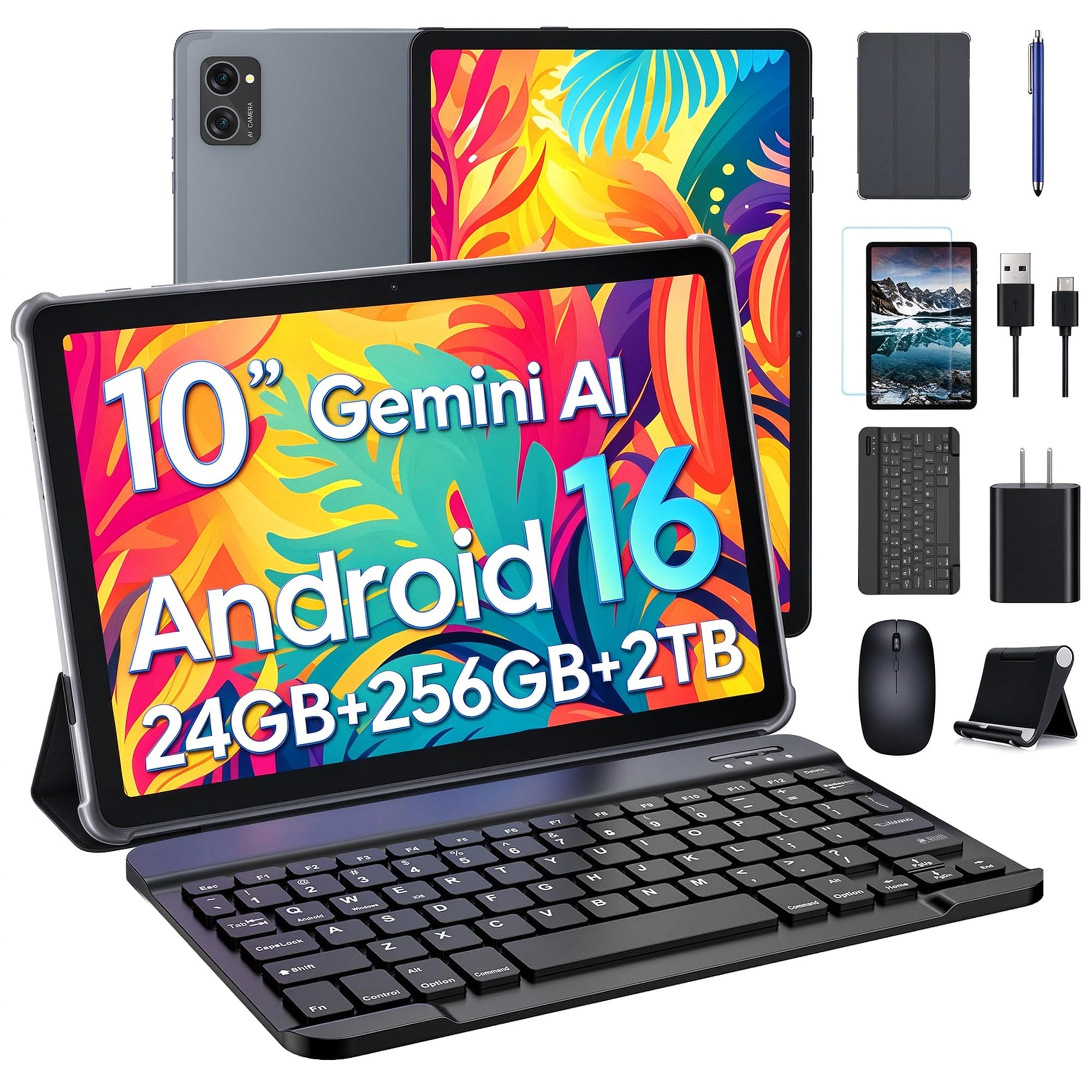
Where this one wins is the accessory pile. You get a wireless keyboard, a mouse, a capacitive stylus, a protective case, a separate folding stand, a screen protector, a charger and a USB-C cable — the whole workstation, without a second shopping trip. For someone setting up a study desk from scratch, that is a genuinely useful bundle rather than filler.
Storage is the standout spec: 256GB of UFS 2.1 — the fastest storage standard on this whole list — expandable by microSD up to 2TB. That is double the 128GB base on the SKYEGG and the 12-inch Aobante, and it means you can keep a downloaded library without juggling cards. Memory is 24GB total, 8GB of it physical, and the processor is a T606 octa-core with Gemini AI doing writing and planning help.
The 10.1-inch HD IPS screen runs 1280×800 with dual speakers, Widevine L1 for supported HD streaming, and a 3.5mm headphone jack that most tablets here leave out. The honest limit is the battery: 5000mAh, the smallest capacity on this list, rated for up to 5 hours of video playback or 6 hours of web browsing. The 4-year warranty and 24/7 support partly offset that small battery.
Read the battery line twice: 5000mAh against 8000mAh on the SKYEGG is the biggest gap in this whole comparison, and it is the one spec that will shape how you use the tablet. Keep it near a cable for long sessions and the rest of the package is very hard to argue with.
Storage that lasts: UFS 2.1 at 256GB is the top figure here, and it is the reason this pick suits anyone storing coursework or a video library rather than just streaming.
Reach for it if: you want one box to cover typing, sketching and watching — and you value the longest warranty here.
Pass if: the tablet will travel without a charger nearby, because 5000mAh is the smallest tank in this group.
5. BNCF Bpad 10 SE, 10.1″ Android 16, 120Hz, 16GB+128GB

One number lifts this above the rest: a 120Hz screen that scrolls like silk.
Refresh rate is the spec nobody mentions and everybody notices. This panel runs at 120Hz, meaning it redraws the screen 120 times a second, so scrolling a web page or swiping through photos looks fluid rather than slightly stuttery. It is the only 120Hz screen in this roundup, and it also carries 400 nits of brightness — the measure of how much light the screen throws — so it stays readable outdoors on a bright day.
The rest of the package is tidy. A metal unibody at just 8.2mm thick and 445g keeps it comfortable to hold one-handed, with an anti-glare eye protection film over the 10.1-inch HD in-cell panel. A Unisoc T606 octa-core chip with a Mali-G57 GPU (the graphics processor) handles apps, and connectivity covers dual-band 2.4G and 5G Wi-Fi, Bluetooth 5.0 and GPS. Cameras are a 5MP rear and 2MP front.
Memory is 16GB total — 4GB physical plus 12GB extended — with 128GB expandable to 1TB. That is the leanest physical memory here, so this is not the pick for someone who juggles a dozen heavy apps at once. The 6000mAh battery sits in the middle of the field, ahead of the TABWEE’s 5000mAh and behind the SKYEGG’s 8000mAh. Android 16 with Gemini AI rounds it out.
Worth it for: anyone who reads and scrolls more than they type — the 120Hz panel and 400 nits make it the nicest screen to actually look at.
Second-guess it if: you run memory-hungry games, since 4GB of physical RAM is the smallest in this group.
6. Jeazans 10.1″ Android 16 Tablet

Built for note-taking, with a stylus and a folding case already in the box.
For a student, the accessories matter as much as the chip. This bundle includes a capacitive stylus for sketching and annotating, a Bluetooth keyboard, a wireless mouse, and a folding leather case that offers 360-degree protection with multiple viewing angles. Add Face open up and you can open it without typing a PIN on the train.
Under the hood it runs Android 16 with 24GB of RAM (3GB physical plus 21GB extended) and 64GB storage expandable to 1TB. That 64GB base is the tightest storage here alongside the COLORROOM kids tablet, so expect to lean on a microSD card if you keep a lot of downloaded lectures. The screen is a 10.1-inch 1280×800 IPS panel, and connectivity covers Wi-Fi 6, Bluetooth 5.4 and a USB-C port.
The PD fast-charging kit in the box cuts down recharge time, which matters on a campus day. Dual HD cameras handle Zoom classes and virtual classrooms. The trade-off worth flagging is the storage floor — 64GB fills quickly with apps and video, so budget for a card from day one and the rest of the package holds up fine.
Why a student would want it
- Stylus, keyboard, mouse and folding case all included
- Face open up for quick, hands-free access
- PD fast-charging kit cuts recharge time
- Wi-Fi 6 and Bluetooth 5.4
Before you commit
- 64GB base storage is the tightest in this lineup
- Only 3GB of physical RAM, so heavy multitasking will feel it
Fits best: a student who wants to sketch, annotate and type without buying a single extra accessory.
Look at the TABWEE instead if: storage capacity is your priority — its 256GB dwarfs the 64GB you get here.
7. COLORROOM 10.1″ Kids Tablet, Android 15, 10GB+64GB
The one here purpose-built for small hands, with the software guard rails to match.
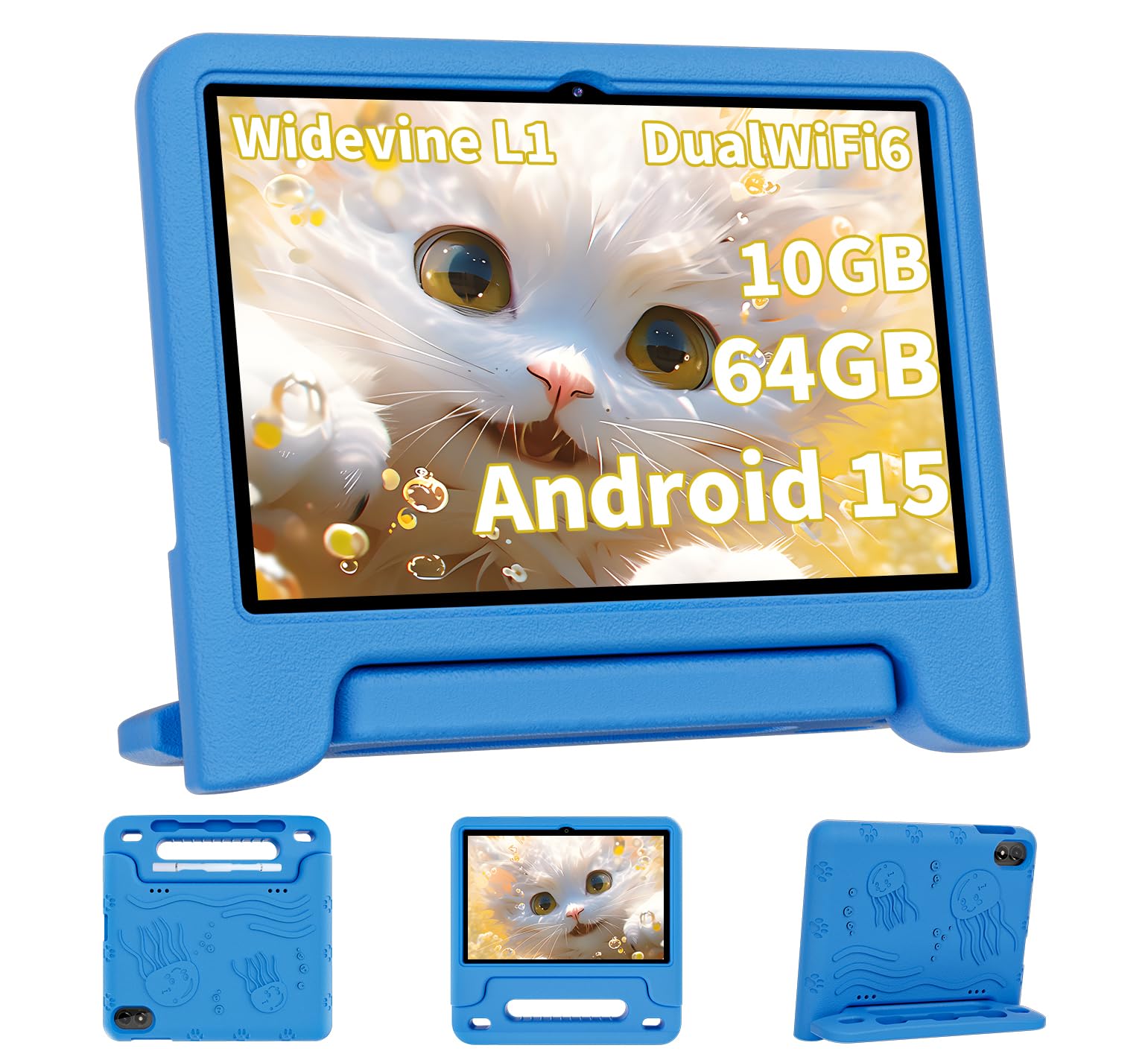
This is the pick the child actually gets. It arrives with Google Kids Space pre-installed, aimed at children aged 3 and above, with activities like animal coloring, simple crafts, story listening and puzzle games. Parental controls let you filter content, set educational targets and cap screen time — the part that makes a shared family tablet workable.
The 10.1-inch screen runs a 1280×800 fully in-cell display with automatic brightness and an anti-blue light design, so it adjusts to the room. It runs Android 15 on a T606 octa-core chip with 10GB of RAM (4GB physical plus 6GB extended) and 64GB storage, expandable to 1TB by microSD. Dual box stereo speakers keep the audio clear for a cartoon.
Where it stands apart from the adult tablets here is the software, not the chip. Performance is what buyers rate highest — the tablet keeps up with kids’ apps and games without stalling. The 6000mAh battery is rated for 8 to 12 hours of reading or video, and the listing asks for a 3-hour charge on a 15W or 18W wall charger before first use.
The recurring gripe: charging is the weak spot. The complaints cluster around slow charge times and, occasionally, a charging port that gives out over time. Treat the port gently, use the original cable and a proper wall charger, and size your expectations on charging speed accordingly.
Chosen for: families who want one tablet the kids can use safely, with controls that do the supervising for you.
Not for you if: you want a fast-charging adult tablet — its 6000mAh is the same capacity as the BNCF’s, but the charging experience is the point of friction here.
8. URAO 10.1″ Android Tablet, 30GB RAM, 128GB ROM
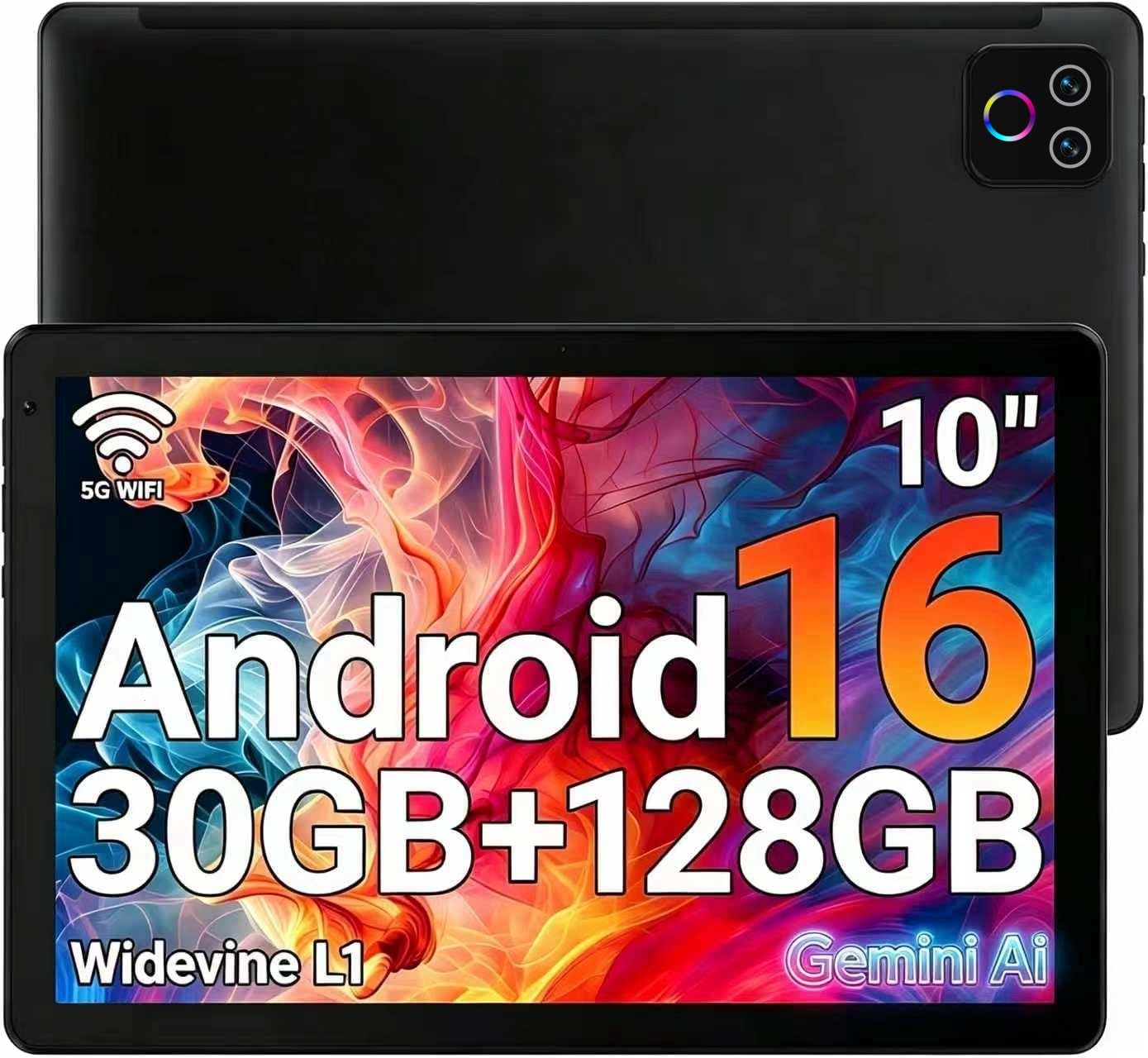
A big storage figure on a small budget, with the display to carry it.
For the money, the raw numbers stack up: 30GB of RAM on paper, 128GB of storage expandable to 1TB by microSD, and an octa-core processor (eight cores working together) behind it. That is the same 128GB base and the same 1TB card ceiling as the SKYEGG, and it is twice the 64GB you get on the COLORROOM kids tablet. That doubled storage is the real draw here if you hoard downloaded movies.
The screen earns its compliments. Buyers consistently describe the display as crisp and the graphics as clear, and setup is quick enough that most are using it within minutes. The 10.1-inch HD IPS panel runs a 16:10 aspect ratio, with a 5MP front and 8MP rear camera pair, Bluetooth 5.4, Wi-Fi 6 and a USB-C port. Battery life is listed at 8 hours from an 18 watt-hour lithium cell.
The honest catch is performance consistency. The verdict across reviews is split — apps run smoothly for some, and a few find it slow under heavier load. At this tier, that is the expected trade: you are getting storage and screen, not a gaming chip. If you want the tablet that runs heavy tasks without hesitation, the SKYEGG’s 8GB of physical memory is the calmer choice.
Good match for: a streaming-and-storage tablet — movies, photos, ebooks and light apps, all with room to spare.
Otherwise consider: the SKYEGG if you want the same 128GB plus a bigger 8000mAh battery instead of the 8-hour rating here.
Know the Specs
Real RAM versus virtual RAM
When a tablet says “30GB RAM,” look for the brackets. The number inside them is the physical memory chips; the rest is virtual memory borrowed from storage. Physical RAM is faster, so a tablet with 8GB real beats a tablet with 4GB real almost every time, regardless of the headline figure. Virtual memory still helps — it keeps more apps ready — but it is the padding, not the core.
mAh battery capacity
mAh stands for milliamp-hours, the size of the battery’s fuel tank. Higher numbers generally mean more hours of use, though screen brightness and app load change the result. In this lineup the range is 5000mAh up to 8000mAh. If a tablet will leave the house with you, pick the bigger tank; if it lives on the couch, a smaller one is easier to keep topped up.
Refresh rate in Hz
Refresh rate is how many times the screen redraws per second. A standard panel runs at 60Hz; a 120Hz panel redraws twice as often, which makes scrolling and swiping look smoother. It does not make text sharper — that is resolution — but it makes the feel of the tablet more fluid. One pick in this group runs at 120Hz.
Resolution in pixels
Resolution is the pixel count across and down the screen. 1280×800 is the standard HD tier, fine for video and most reading. 2000×1200 packs in more pixels, so fine text and photos look more detailed. On a 10-inch panel held close, the sharper number is a real upgrade for readers.
Widevine L1
Widevine L1 is a licence level that lets streaming apps serve you full-HD video rather than a softened version. If Netflix, Hulu or Prime Video matter to you, check for it — several tablets here carry it, and it is the difference between a crisp show and a slightly soft one.
MicroSD expansion
A microSD slot lets you add a memory card for extra storage, and the spec tells you the maximum card size the tablet accepts. A 64GB tablet with a 1TB slot can hold far more than its base figure suggests. It is the cheapest way to add space, so a card slot is always worth having.
Common Questions
Is a 10GB RAM tablet the same as a 10GB physical memory tablet?
Will my 10in Android tablet work with a Bluetooth keyboard and mouse?
How long does a 6000mAh tablet battery actually last?
Can I add a 1TB microSD card to these tablets?
Is a 1280×800 screen sharp enough for reading?
What does Widevine L1 mean for Netflix and Prime Video?
Do these tablets have a headphone jack?
Is a 120Hz screen better than a 60Hz one for a tablet?
Can a 10in Android tablet replace a laptop for schoolwork?
Do I need a case for a kids tablet?
The Bottom Line
For most buyers, the 10in android tablet worth owning is the SKYEGG 10.1″ Android 15 Tablet. It has the largest battery capacity here at 8000mAh and the most physical RAM at 8GB, and the keyboard, mouse and case come in the box — so you can start typing the day it arrives. If the screen matters most to you, the Aobante 12-inch gives you the sharpest 2000×1200 panel (that is 2000 pixels across and 1200 down, so text stays crisp) and a matching 8000mAh battery. For a student desk that needs typing, sketching and a long warranty, the TABWEE T20 is the complete kit. And if the tablet is for a child, the COLORROOM is built for small hands, with the software controls to match.
How we choose
We do not accept paid placement. Every pick is matched to a real buyer and a real use-case; we do not hands-on test units.
Sources
Specifications: manufacturer listings and product documentation. Review insights: verified customer reviews, as of November 2026. Pricing: not shown on this page (it changes often); check the current price via the retailer link.
As an Amazon Associate, My Heart Lives Here earns from qualifying purchases. This does not affect which products we feature.