Heads up: This post contains affiliate links. As an Amazon Associate I earn from qualifying purchases, at no extra cost to you. Learn more
Specs are compiled from manufacturer listings and verified buyer reviews and can change over time — please confirm the key details on the product page before buying.
You want one screen that shows your work laptop and your home desktop at the same time, without a second panel crowding the desk or a KVM box tangled under it. The answer sits in one feature called PBP (Picture-by-Picture), which splits a single ultrawide panel into two side-by-side inputs that each run at their own resolution. Every pick below carries it, plus the ports to feed two machines at once.
This guide is built by comparing the manufacturers’ published specifications and the patterns across verified customer reviews, so you get each pick’s real strengths and trade-offs instead of marketing spin.
You will see how 32:9 panels replace a two-monitor stack, which connection types actually feed two computers at full resolution, and where each screen makes you compromise. Read on for the honest breakdown of the 1 screen for 2 computers setup that fits your desk and your workflow best.
Top Picks

How To Choose The Best 1 Screen for 2 Computers
The whole point of this category is running two machines on one panel, so the split-screen hardware matters more than raw pixel count. A monitor that looks spectacular on paper is useless here if it only has one input or drops your second source to a tiny window. Start with how the two computers get in, then worry about how pretty the picture is.
Check the split-screen modes first
PBP (Picture-by-Picture) gives each computer its own half of the panel at its own native resolution. PIP (Picture-in-Picture) shrinks the second source into a floating window over the first. For two full desktops side by side, you want PBP. For monitoring a second machine while you work on the main one, PIP is the lighter option. Many of these panels carry both.
Count your video inputs and their versions
Two computers means two cables, so you need at least two usable inputs — typically HDMI plus DisplayPort, or HDMI plus USB-C. The version number sets your ceiling: DisplayPort 1.4 and HDMI 2.1 carry the higher refresh rates, while an older HDMI 2.0 port caps the second source lower. Match the ports to what your laptop and desktop actually output.
Decide if you want the KVM built in
A KVM switch (keyboard-video-mouse) lets one keyboard and mouse drive both computers, switched by a button or hotkey. When it is built into the monitor, you skip a separate box and its cable nest. If you plan to share one desk setup between a work laptop and a personal PC, this single feature often decides the purchase.
Weigh the curve and the stand footprint
A 49-inch 32:9 panel is roughly as wide as two 27-inch monitors side by side, so measure your desk before ordering. Tighter curvature wraps the edges toward you and keeps both halves readable from one seated spot. Tilt, swivel, and height adjustment let you line the split up with your eye level, which matters when you spend all day glancing between two inputs.
Side-by-Side Comparison
| Model | Best For | Resolution | Refresh Rate | Aspect Ratio | Amazon |
|---|---|---|---|---|---|
| KTC H49S66★ Best Overall | Two computers, one keyboard | 5120×1440 | 180Hz | 32:9 | Amazon |
| MSI MPG 321CURX QD-OLEDTop Performer | Color-critical solo work | 3840 x 2160 | 240Hz | 16:9 | Amazon |
| Sceptre Prime C305B-200UNBudget Champion | Tight desks on a budget | 2560 x 1080 | 200+Hz | 21:9 | Amazon |
| Samsung ViewFinity S50GC | Flat-panel dual-source work | 3440 x 1440 | 100Hz | 21:9 | Amazon |
| Gawfolk 49″ DQHD | Wide dual-input value | 5120×1440 | 120Hz | 32:9 | Amazon |
| Deco Gear 49″ | Two-system desk with KVM | 3840 x 1080 | 144Hz | 32:9 | Amazon |
| Z-Edge 49″ Ultrawide | Sharp split-screen productivity | 5120×1440 | 165Hz | 32:9 | Amazon |
| MT-Viki 17″ Rack KVM | Server rooms and racks | — | — | — | Amazon |
| INNOCN 45C1R | Docking two laptops by USB-C | 5120×1440 | 120Hz | 32:9 | Amazon |
| INNOCN 49Q1R QD-OLED | Ink-black OLED on one panel | 5120×1440 | 144Hz | 32:9 | Amazon |
Detailed Reviews
1. KTC H49S66 49 in Curved Gaming Monitor
Our pick — 4.5+★ from 2,000+ verified ratings; the strongest balance of quality and price.
Two computers, one keyboard, and no cable swapping — the split-screen flagship of this list
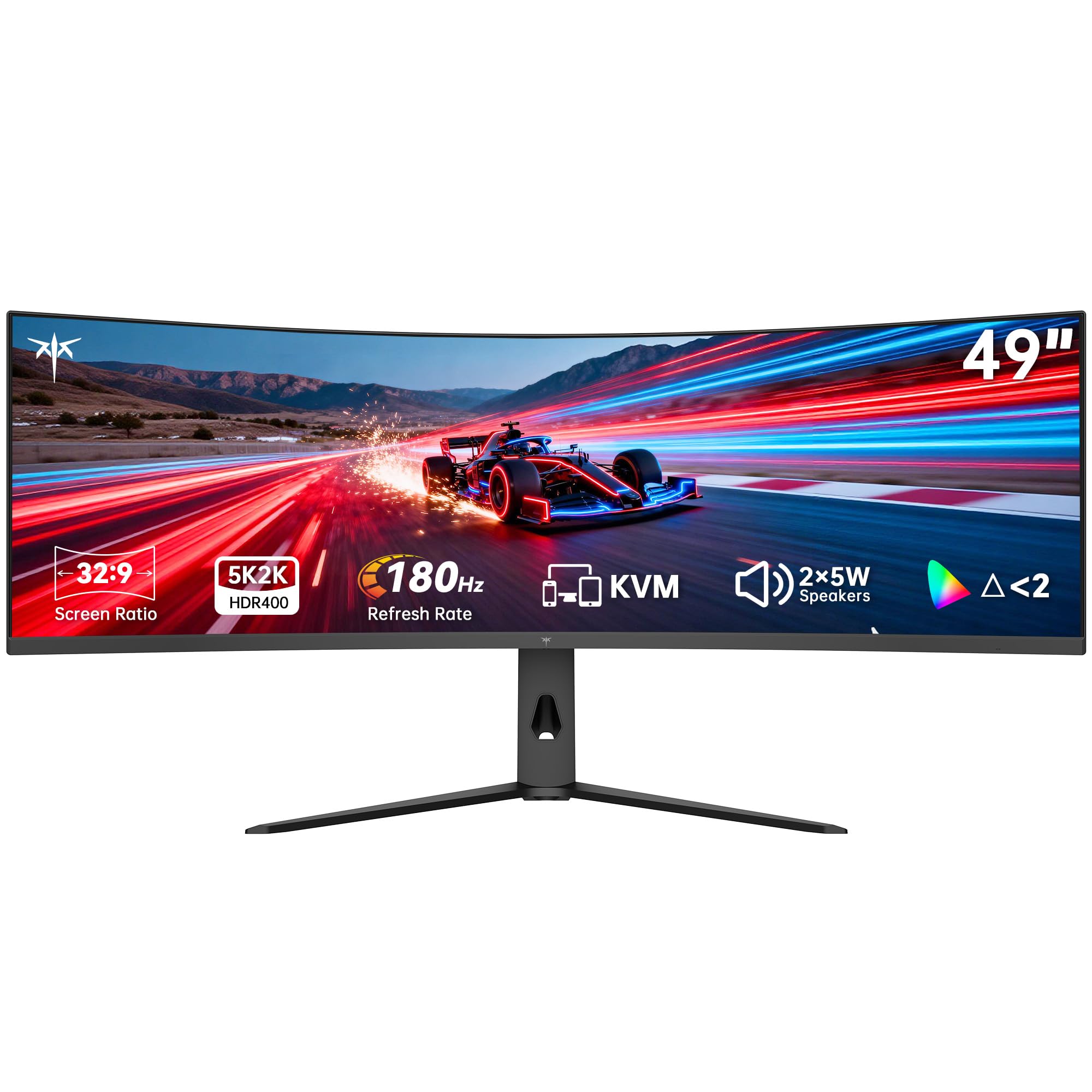
This is the pick that treats two computers as the main event. The 49-inch 32:9 panel is set up like two 27-inch 16:9 screens fused together with no bezel between them, so you get a genuine dual-desktop layout from one piece of glass. The built-in KVM (keyboard-video-mouse) switch then lets one keyboard and mouse drive your desktop and your laptop, with no unplugging when you swap machines.
The resolution is 5120×1440, which the maker positions as sharper than standard 4K for text and fine lines across that much width. Refresh rate reaches 180Hz with adaptive sync that works with both FreeSync and G-Sync, so motion stays clean whether you game or just drag windows around. Contrast is 3000:1 on this LCD panel — a fraction of the 1500000:1 that the OLED further down this list delivers, but it holds its brightness and carries no burn-in worry. Brightness lands at 400 cd/m² with HDR 400 on top.
For connecting both machines, you get HDMI, DisplayPort, and a 90W USB-C port that can charge a laptop over the same cable. PIP and PBP both work, so you can park your work laptop on the left half and your personal desktop on the right, each at its own resolution. The 1000R curve curls the far edges toward your seat, which keeps both halves in view without turning your head. What wins owners over is the sheer amount of usable screen at once — they describe sharper focus when everything lives on one surface.
5K2K dual-QHD panel
- KVM built in, so one keyboard and mouse serve both machines
- 90W USB-C feeds a laptop and charges it together
- 180Hz with FreeSync and G-Sync support keeps motion smooth
- Dual 5W speakers handle calls without extra desk speakers
heavy desk footprint
- 49 inches of 32:9 glass is genuinely wide — measure the desk
- LCD contrast can’t match the OLED picks for black depth
wide-screen multitasker: anyone running a work laptop and a home desktop off one desk and one set of peripherals.
space check first: you need true black levels for color-graded video work — the OLED models handle that better.
2. MSI MPG 321CURX QD-OLED 32-Inch 4K UHD 240Hz Monitor
The panel that makes every other screen here look flat and grey
You get one keyboard and mouse for both machines here, because a KVM switch (a built-in box that shares one keyboard and mouse between two computers) is included. That is why this 16:9 screen earns its spot even though it is not a 32:9 split-screen giant. The picture is in another league too: the third-generation QD-OLED panel (quantum-dot OLED, which lights each pixel itself instead of backlighting the whole screen) hits a 1500000:1 contrast ratio, so dark scenes stay deep and detailed. The KTC above sits at 3000:1 by comparison, and on dark scenes the difference is not subtle.
Response time is 0.03ms, next to 5ms on the Samsung S50GC further down. Refresh runs to 240Hz, and buyers report the step up from 165Hz to 240Hz is very noticeable in fast games. Color is rated to Delta E≤2 across a 98% gamut, which is the kind of accuracy a photo or video editor can trust without a separate calibration pass. HDR is VESA DisplayHDR True Black 400.
The KVM handles switching between two devices, and HDMI 2.1 at a full 48 Gbps bandwidth supports UHD at 240Hz for a modern console as the second source. USB-C delivers 98W of power delivery, so one cable can carry video and top up a laptop. MSI’s OLED Care 2.0 software is there to lower the risk of image retention on a static desktop, which is the responsible move on any OLED you leave on all day. The recurring caveat is brightness — some owners find it sufficient, others want more, so a very bright room is the weak spot.
fast 4K gaming: picture quality outranks screen width and you still want two machines on one desk.
static-screen users: you specifically need a smooth 32:9 workspace — a 16:9 panel cannot split that way, so two true side-by-side halves are out.
3. Sceptre Prime Curved 30-inch Gaming Monitor 200+Hz
The cheapest genuine two-source split here — and it still pushes past 200Hz
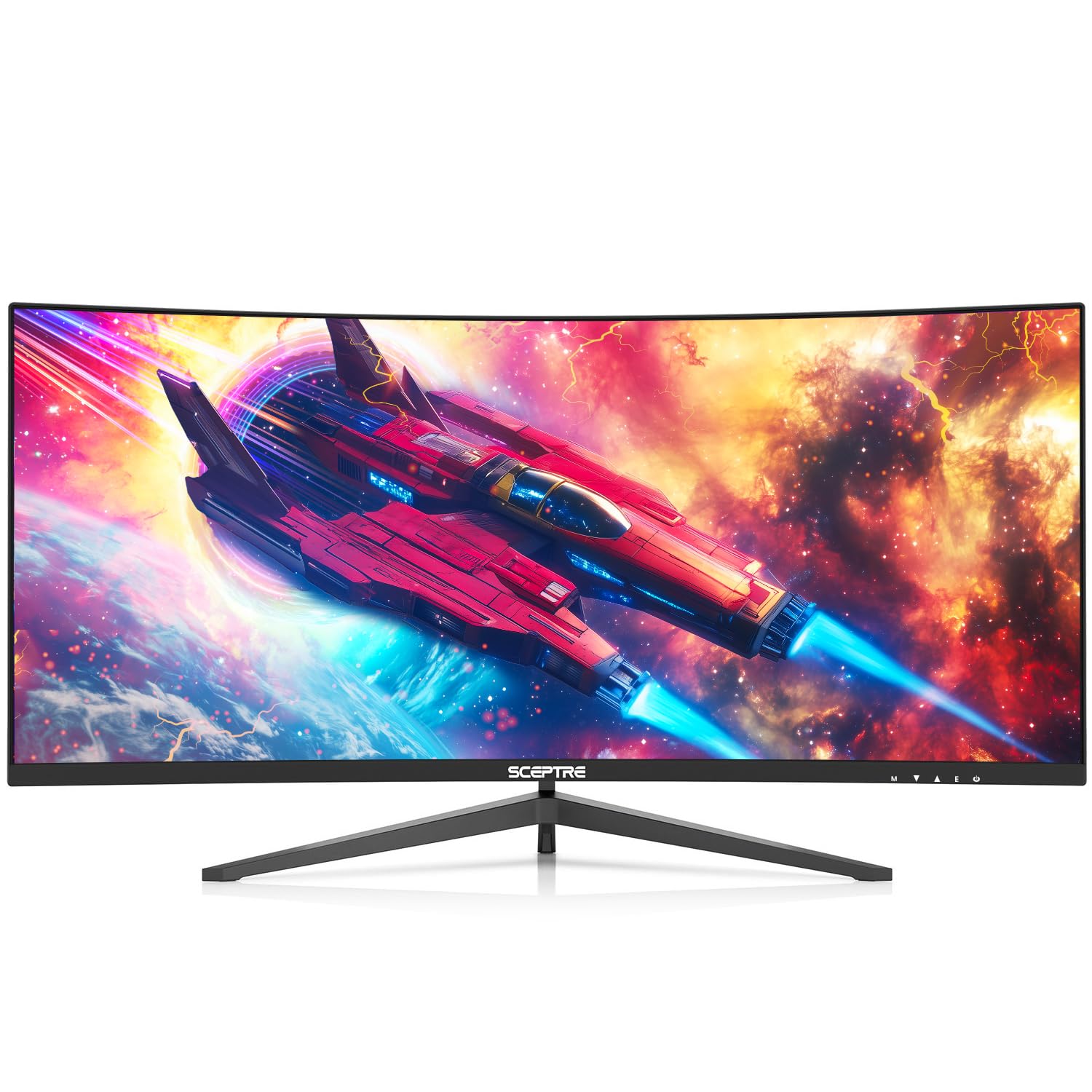
If the desk is small and the budget tighter, this 30-inch curved panel is the entry point. Picture-by-Picture is built in, so it can display two separate sources side by side at once — the core job for a two-computer setup. The 21:9 panel runs 2560 x 1080 resolution, and the DisplayPort connection drives it past 200Hz for smooth gameplay.
The trade is vertical resolution. At 2560 x 1080 you get width but not height, so a full page of text looks less crisp than on the 3440 x 1440 Samsung below. What you get back is a smaller footprint — roughly 27.8 inches wide — that fits where a 49-inch monster will not. Built-in speakers handle conference calls without a separate set, and the blue light filter plus flicker-free backlight help on long shifts.
Owners consistently call it great value, crediting the 30-inch screen and 200+Hz refresh for both gaming and work. The honest limit is the resolution: this is a productivity-wide screen, not a pixel-dense one, so small text on the second source will not be razor sharp. Set your expectations there and it holds up.
cheap high refresh: a first dual-source setup on a compact desk where resolution takes a back seat to price.
sharp text needed: 2560 x 1080 means less vertical room, so heavy spreadsheet work feels tighter.
4. Samsung 34″ ViewFinity S50GC Ultrawide QHD Monitor

A flat 21:9 workhorse that splits cleanly between two computers
This one leads with the split, not the curve. PBP shows two simultaneous sources at their native resolution side by side, so you can review two projects or run two programs without a second panel. PIP resizes the second source into a floating window when you only want to monitor it. At 3440 x 1440, owners mention the resolution is perfect for multitasking — enough width for two windows and enough height for full pages.
The refresh rate is 100Hz, which reduces lag and motion blur for video and design work but does not chase gaming frames the way the 240Hz MSI does. Contrast is 3000:1 with HDR10, which the maker describes as showing over 1 billion colors against 16.7 million for typical SDR. An ambient light sensor adjusts brightness to your room automatically, and Eye Saver Mode cuts blue light when the sun goes down.
It is a flat panel, not curved, and reviewers call that out as a plus for straight-line design work and dual-monitor pairing later. Setup is quick and the monitor quality is what carries the reputation — the thing people circle back to is that it keeps working after months of daily use on both PC and Mac. The honest catch sits in the color tuning, where feedback splits between praise and mild letdown — fine for office work, less ideal if exact color is your livelihood.
office ultrawide: your day is documents, calls, and two sources rather than fast games.
competitive shooters: you need serious gaming refresh — 100Hz sits well under the 180Hz and 240Hz picks.
5. Gawfolk 49 inch Curved Gaming Monitor, 5120×1440 DQHD
A full 49-inch dual-QHD surface for buyers who refuse to pay OLED money
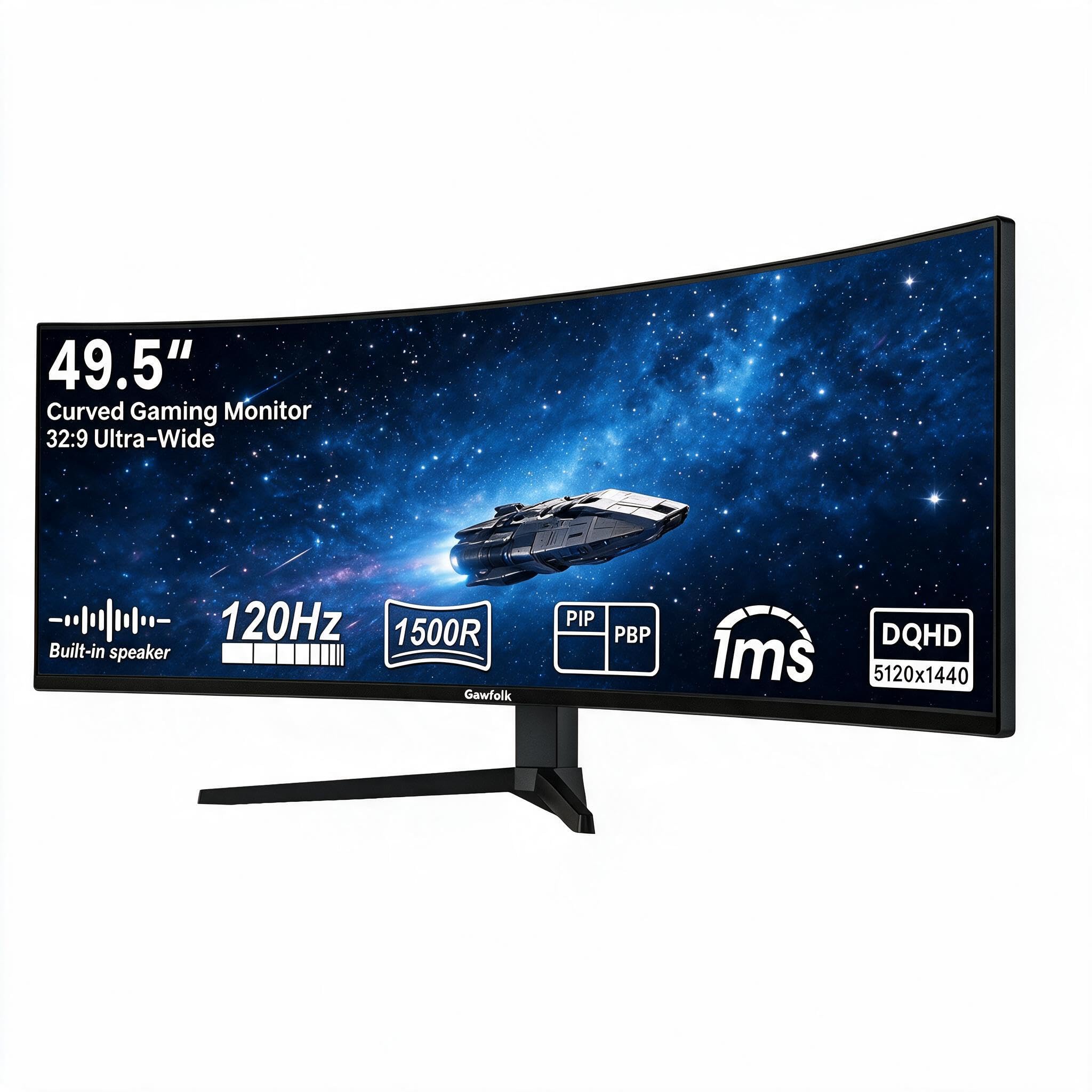
Here is the 32:9 layout done at a friendlier size for the wallet. The 5120×1440 panel is set up like two 27-inch QHD monitors side by side with no bezel gap, and PIP/PBP lets you split it across two inputs. For the resolution-and-width combination, this sits well under what the premium picks ask. Its 32:9 ratio matches the KTC tall-and-wide shape exactly, so you get the same two-window geometry.
Refresh runs 120Hz with a 1ms MPRT response, and Adaptive-Sync with FreeSync Premium works to remove tearing. The 1500R curve wraps both halves toward you, and an 85% NTSC color gamut keeps colors rich. The stand tilts and adjusts in height, and it is VESA 100x100mm mountable if you prefer a monitor arm. HDMI 2.0 and DisplayPort 1.4 take in your laptop, PC, Mac, or console.
Owners talk about value and sheer screen size above all, and plenty call it the best monitor they have bought for wide work and gaming. The honest rough edge is polish: picture quality draws split feedback, and the curve itself gets mixed reactions — some note it reads flatter than expected. If you want a huge dual-source surface without paying for it, that is the trade.
dual-monitor replacement: buyers who want maximum width at 5120×1440 without premium pricing.
weak graphics card: panel polish and curve feel are where it gives up ground to the sharper 49-inch picks.
6. Deco Gear 49 Inch Curved Monitor, 3840×1080 144Hz with KVM
A KVM and a 65W USB-C dock baked into one wide office panel
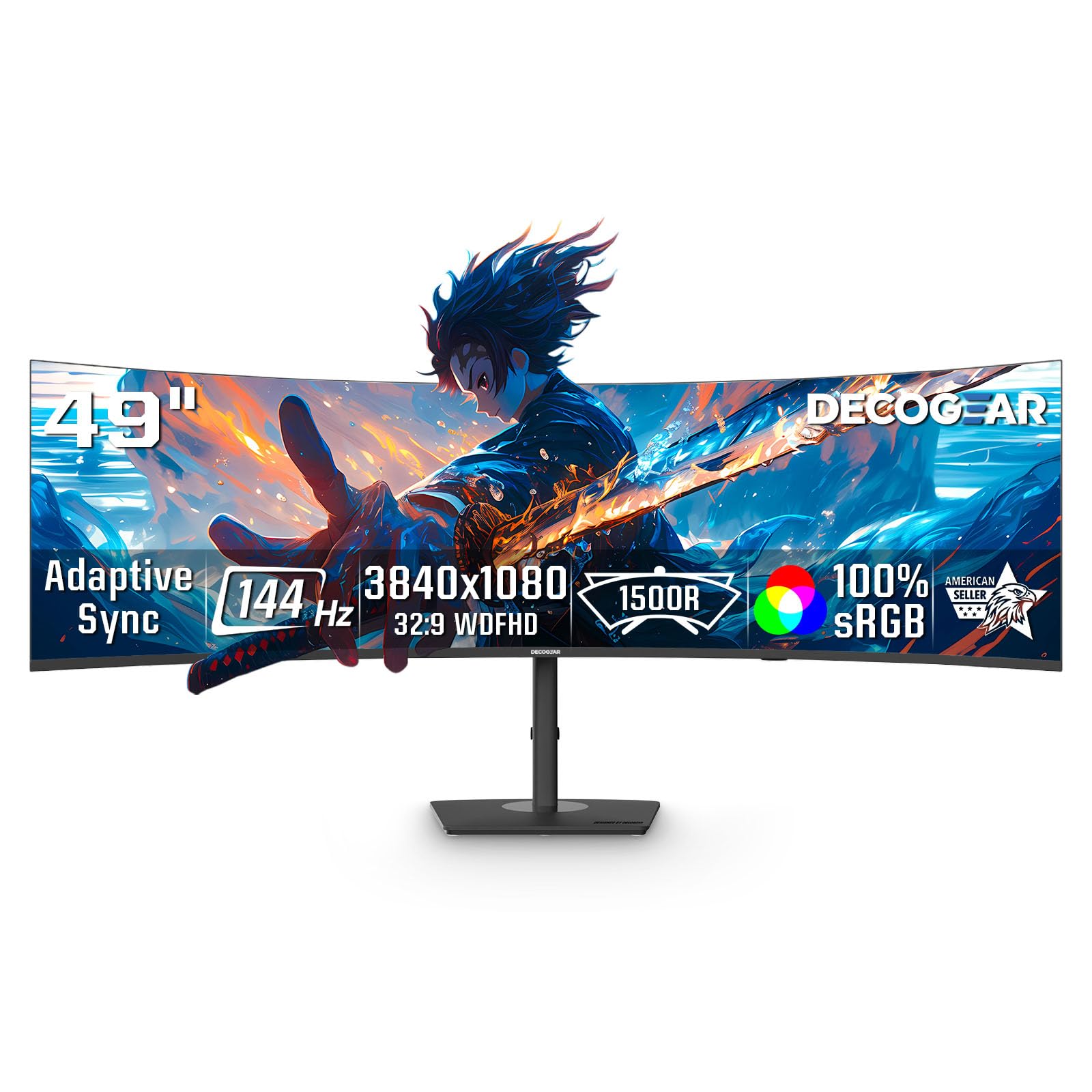
Two machines, one keyboard, one mouse — that is the pitch on this 49-inch VA panel. KVM support switches control between two systems, and PIP/PBP modes let both show at once. It also carries USB-C 65W power delivery, so a laptop can run video and charge over a single cable. For a workstation that juggles a work laptop and a desktop, that combination is the real draw.
The resolution is 3840×1080, which the maker frames as a dual-FHD view that is easier to drive than higher-resolution ultrawides — meaning an older or modest graphics card can keep 144Hz smooth. That refresh rate pairs with a 3ms response and Adaptive Sync for clean motion. The VA panel gives 3000:1 contrast with HDR400, so shadows hold detail for games and video. Height, tilt, and a 1800R curve let you angle both halves toward your seat.
One very practical note the maker spells out: there is no audio output port on this model, so a headset has to plug into your computer or console rather than the monitor. Otherwise, the reported experience leans toward excellent picture and high resolution, with size that owners find good for both work and gaming. Reliability and durability draw mixed comments, so treat the electrical side with reasonable care.
two-PC switching: a USB-C laptop plus a desktop that both need to feed one wide screen with shared peripherals.
4K work: no audio output on the monitor means headset cables route to the computer instead.
7. Z-Edge 49 inch Ultrawide Curved Computer Monitor, DQHD 165Hz
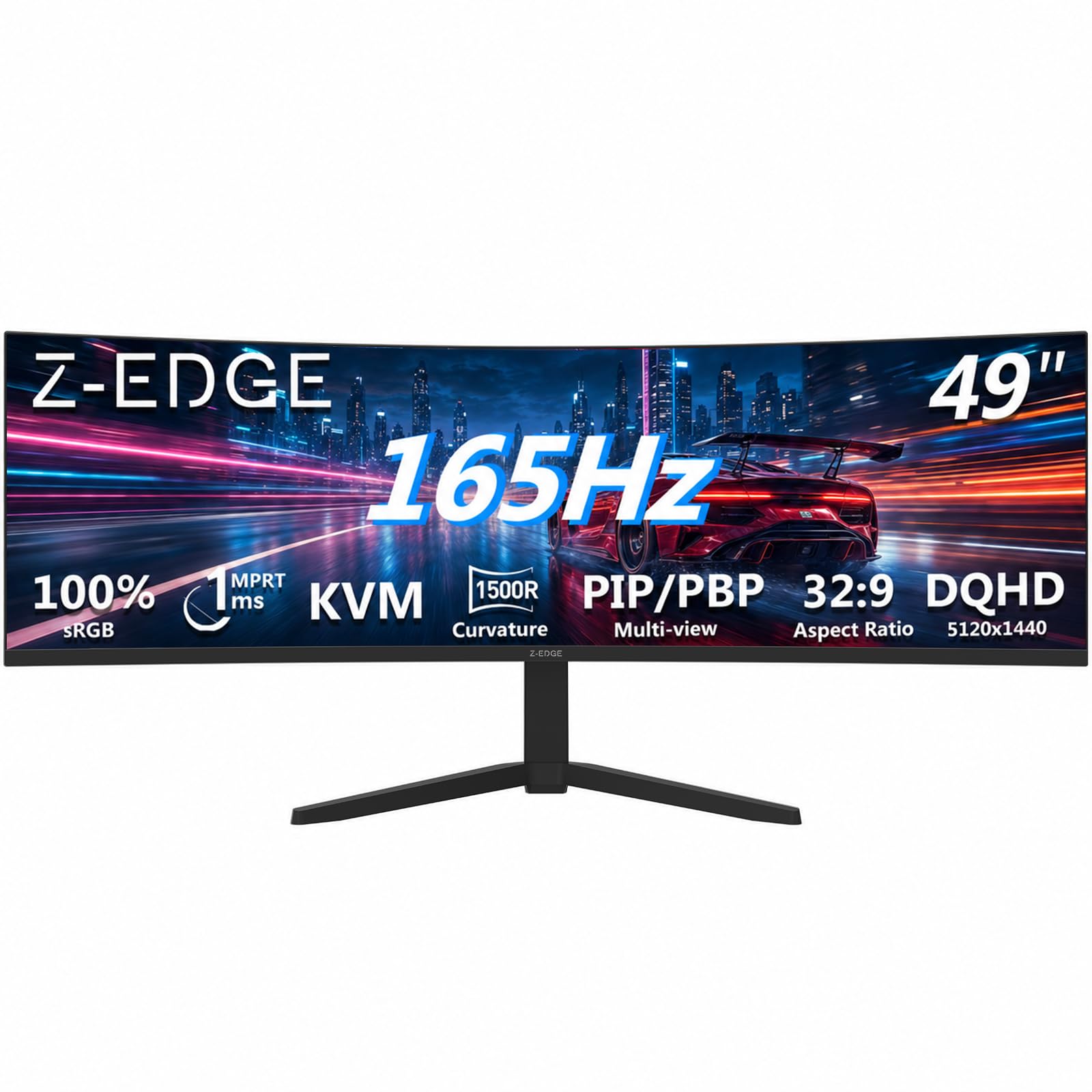
Dual QHD at 165Hz with a KVM — the productivity and gaming middle ground
This one puts the pieces together that two-computer buyers want. A 49-inch 32:9 panel at 5120×1440 gives you two QHD monitors’ worth of room in one surface, with no bezel between the halves. PBP and PIP manage multiple sources, so a desktop on one side and a laptop on the other is a native fit. The built-in KVM then lets a single keyboard and mouse control both devices.
Refresh reaches 165Hz through HDMI 2.1 or DisplayPort 1.4, with a 1ms MPRT response and FreeSync to cut tearing. Gaming-assist tools like Crosshair, Shadow Balance, and an on-screen timer are built in for shooters. Dual speakers handle audio without extra desk clutter. The one-tenth-of-a-second difference versus the 180Hz KTC above is minor in practice; both sit comfortably above the 120Hz models.
The stand tilts and adjusts in height, and 1500R curvature keeps both halves in view from one seat. Build quality carries the reputation — the monitor described here has run daily for three years for one long-term setup and kept going. Functionality and display quality draw some mixed notes, and durability is the area to watch, so a stable mount and careful adjustment go a long way.
budget wide desk: split-screen productivity that doubles as a capable gaming display at 165Hz.
color-critical work: reliability feedback is mixed, so buy with coverage in mind and mount it securely.
8. MT-Viki 17” Rack Mount KVM Switch VGA 8 Port

Not a desktop monitor — a server-room console that puts eight computers behind one drawer
This one answers a completely different question: how do you control eight computers from a single screen without a desk of monitors? It is an all-in-one 1U rackmount drawer that folds a 17-inch monitor, keyboard, and touchpad into a single sliding unit. The maker rates the drawer to save up to 85% of rack cabinet space versus a loose monitor and keyboard on a shelf.
A single user manages up to 8 computers, and Daisy chain connection extends that to up to 64 with a matching 8-port KVM switch. Three switching methods cover OSD menu, keyboard hotkey, or push button. Two-level password security (administrator and user) supports up to 8 authorized users alongside an administrator view. Four 5ft and four 6ft KVM VGA cables come in the box, and longer 10ft or 16ft runs are sold separately.
Mounting fits a 1U 19-inch-wide rack at 23.6 to 31.8 inches of depth, and the aluminum-over-steel drawer adds a handle and lock for secure operation. A VGA console output lets you hook an external monitor for access without pulling the drawer out. This is built for server rooms, data centers, industrial control, and security monitoring — not a home office split screen. Buyers should know it is a VGA console with a lower overall rating, so it suits technicians who need centralized rack access, not a gamer.
server rack rooms: server-room and data-center techs who manage many machines from one rack drawer.
modern HDMI setups: VGA-only, rack-bound, and wrong for a laptop-plus-desktop home setup.
9. INNOCN 45C1R 45″ 5K2K Ultrawide Curved Monitor

Docking two USB-C laptops to one wide screen — video and charging over one cable each
For dual-laptop owners, the port lineup is the reason to pick this 45-inch panel. It carries 1 x DisplayPort 1.4, 1 x USB-C with 65W power delivery, 2 x HDMI 2.1, 2 x USB-A, 1 x USB-B, and an RJ45 network jack, plus a 3.5mm audio out. That means a USB-C laptop can run video and charge from the same cable, and a second machine comes in over HDMI or DisplayPort. PIP/PBP then splits the two inputs across one 5120×1440 surface.
The VA panel runs 120Hz at a 32:9 ratio, which is wider than a standard 16:9 view and gives both desktops real estate. HDR400 with 99% sRGB and a 3000:1 contrast ratio deliver strong color for content work, and 1500R curvature keeps both halves in view from one chair. Tilt, swivel, and height adjustment let you line the split up with your eyes.
Owners highlight crisp picture quality and good contrast, and praise how it works with both Dell notebooks and MacBooks — exactly the mixed-laptop scenario this screen is aimed at. Reliability, color quality, connectivity, and adjustability draw split feedback, so a few buyers hit snags while the bulk are happy. Skew toward it if your two computers are laptops and you want a clean single-cable dock for each.
rich productivity: two USB-C laptops that each want one-cable video, charging, and networking.
crisp small text: mixed notes on connectivity mean it is worth confirming your exact laptop’s compatibility before committing.
10. INNOCN 49Q1R 49″ QD-OLED Ultrawide Curved Monitor
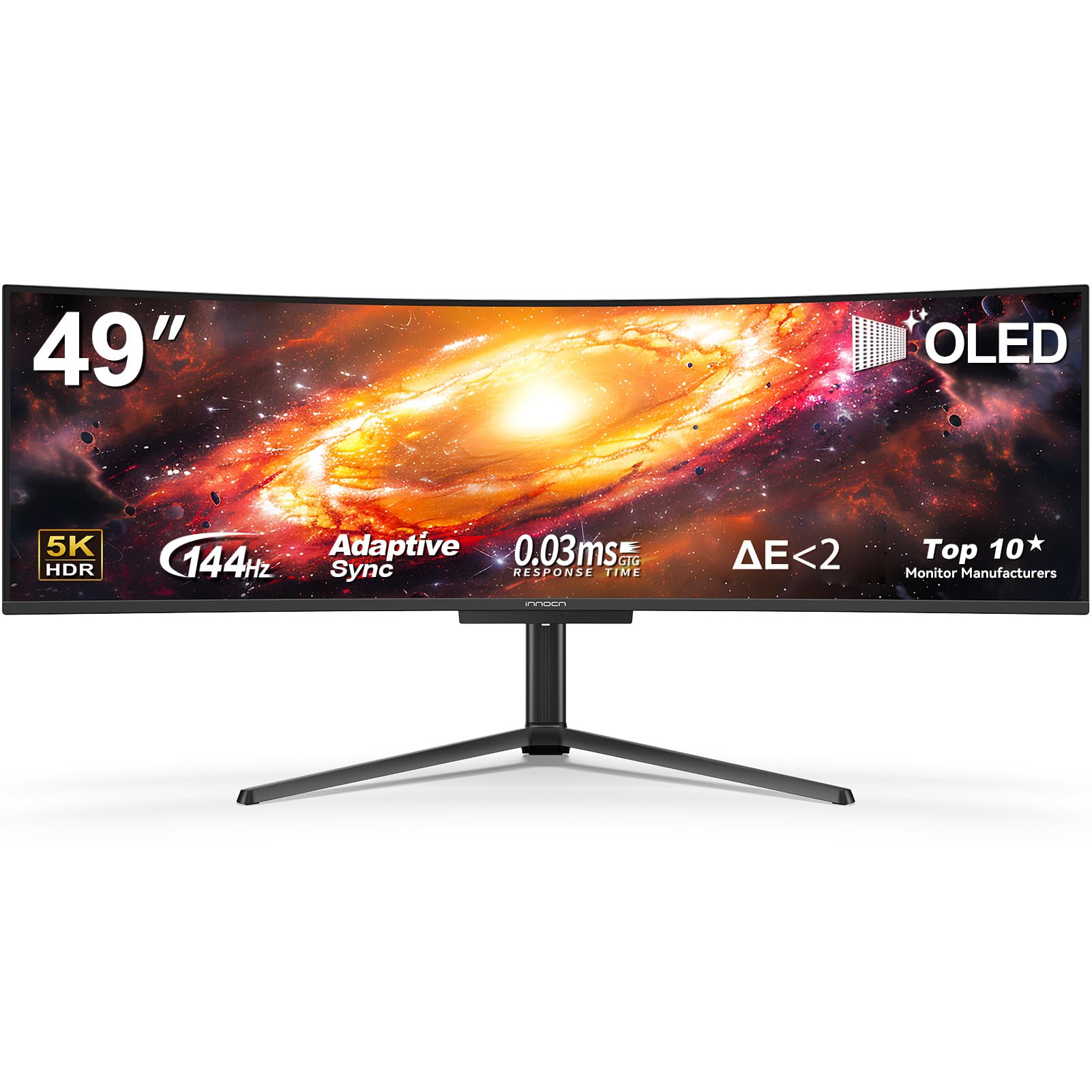
The one that pairs a 49-inch dual-QHD split with OLED blacks
This is the top-tier answer: a 49-inch 32:9 QD-OLED panel at 5120×1440 running up to 144Hz. The OLED contrast ratio is 1500000:1 — the same figure the MSI hits — which is a world away from the 3000:1 VA panels elsewhere on this list, and it makes dark scenes read with real depth. PBP and PIP split it across two sources, so a desktop and a laptop share one curved surface.
Connections cover two machines generously: 2 x HDMI 2.1, 1 x USB-C at 90W power delivery, 1 x DisplayPort 1.4, 2 x USB-A, 1 x USB-B, an RJ45 network jack, and a 3.5mm audio out. That 90W USB-C tops up a laptop while feeding video over one cable. HDR400 with 99% sRGB and Adaptive-Sync round out the panel, and 1800R curvature keeps both halves readable from one seat.
Customers note no dead pixels and single out the color, with picture quality drawing consistent praise. Reliability and value draw mixed feedback — the screen occasionally blanking is a note that surfaces, and some question whether the premium is justified. That is the honest trade of an OLED this wide: top-tier image, and a higher asking price with more to keep an eye on.
no-compromise flagship: OLED black depth plus a true 49-inch dual-source split.
budget shoppers: mixed reliability notes and a premium price mean coverage matters on this one.
Know the Specs
PBP vs PIP
Picture-by-Picture (PBP) divides the panel into halves, each showing a different computer’s input at its own resolution — this is how you run two full desktops side by side on one screen. Picture-in-Picture (PIP) instead floats the second source in a resizable window over the first, better for glancing at a second machine while you work. Both appear across this list; if your goal is two equal work areas, PBP is the one you want.
Built-in KVM
A KVM switch routes one keyboard and mouse to whichever computer you select, so you are not juggling two sets of peripherals. When it lives inside the monitor, you pick the input and the keyboard follows, with no separate switcher box to wire up. Several picks here carry it — the KTC, Deco Gear, MSI, and Z-Edge — which is what turns a wide display into a true two-computer station.
32:9 vs 21:9 aspect ratio
Aspect ratio is the shape of the screen. A 32:9 panel is roughly twice as wide as it is tall, in the same proportion as two 16:9 monitors side by side — which is why 49-inch and 45-inch ultrawides are built to replace a dual-monitor stack. A 21:9 panel is wider than standard but not double-wide, so it gives extra elbow room without a full two-screen replacement. Match the ratio to if you need two true halves or just a broad single view.
USB-C power delivery
USB-C on a monitor can do two jobs at once: carry the display signal and send power back to a laptop. The wattage number sets how much it can charge — 65W and 90W here are enough to keep a typical laptop topped up over the same single cable that feeds video. That is the feature that lets a laptop user dock with one wire instead of a tangle of adapters.
Common Questions
Can one ultrawide monitor really replace two separate screens for two computers?
How do I connect a work laptop and a home desktop to the same monitor at once?
Do I need a separate KVM switch if the monitor has one built in?
Will a 49-inch 32:9 monitor fit my desk?
Is a curved or flat ultrawide better for two windows side by side?
What refresh rate should I pick for a dual-computer setup?
Does a USB-C port on the monitor charge my laptop too?
What is the difference between a desktop split-screen monitor and a rackmount KVM console?
Can I run two sources at their full resolution in PBP mode?
Will an OLED ultrawide get image burn-in from a static desktop?
The Bottom Line
For most buyers setting up 1 screen for 2 computers, the KTC H49S66 is the one to start with. It gives you a true 5120×1440 dual-QHD split (two sharp halves side by side), a built-in KVM that hands one keyboard and mouse to both machines, and 180Hz that keeps gaming smooth. If razor-sharp black levels matter more than width, the INNOCN 49Q1R QD-OLED brings the 1500000:1 contrast to the same 49-inch split. And for a no-fuss two-source desk on a modest footprint, the Sceptre Prime gets you into PBP (picture-by-picture, which shows both computers at once) without the width headache. Pick the one that matches how your two machines actually connect, and the second monitor can finally come off the desk.
How we choose
We do not accept paid placement. Every pick is matched to a real buyer and a real use-case; we do not hands-on test units.
Sources
Specifications: manufacturer listings and product documentation. Review insights: verified customer reviews, as of November 2026. Pricing: not shown on this page (it changes often); check the current price via the retailer link.
As an Amazon Associate, My Heart Lives Here earns from qualifying purchases. This does not affect which products we feature.