Heads up: This post contains affiliate links. As an Amazon Associate I earn from qualifying purchases, at no extra cost to you. Learn more
Specs are compiled from manufacturer listings and verified buyer reviews and can change over time — please confirm the key details on the product page before buying.
PLC programming demands a machine with real serial and Ethernet connectivity, enough grunt to run heavy automation suites, and the durability to survive a plant floor. These picks balance all three without wrecking a budget.
This guide is built by comparing the manufacturers’ published specifications and the patterns across verified customer reviews, so you get each pick’s real strengths and trade-offs instead of marketing spin.
This guide narrows the field to machines that handle automation software and plant-floor abuse without overspending. Finding the best budget laptop for plc programming means balancing ports, power and ruggedness.
Top Picks

Side-by-Side Comparison
| Model | Best For | Processor | RAM / Storage | Ethernet Port | Amazon |
|---|---|---|---|---|---|
| Panasonic Toughbook 31 CF-31 MK6★ Best Overall | Harsh plant floors | Intel Core i5-7300U | 32GB / 1TB SSD | — | Amazon |
| Panasonic Toughbook CF-33 MK1Best Convertible | Bright, gloved environments | Intel Core i5-7300U | 16GB / 512GB SSD | — | Amazon |
| Panasonic Toughbook CF-54 MK2Best Port Selection | Wired, docked setups | Intel Core i5-6300U | 16GB / 512GB SSD | Yes | Amazon |
| Dell Precision 3561 15.6-Inch Workstation Laptop (Renewed) | Demanding software loads | Intel Core i7-11800H | 32GB / 512GB SSD | — | Amazon |
| Dell DC15250 15.6″ Laptop | Desk-based beginners | Intel Core i5 1334U | — | — | Amazon |
| HP 17-cn3399nr 17.3 inch Laptop | Spacious desk setups | Intel Core i5-1334U | 16GB / 512GB SSD | — | Amazon |
| Lenovo V15 G4 Laptop | Archive-heavy projects | AMD Ryzen 3 7320U | 16GB / 1TB SSD | Yes | Amazon |
| Lenovo V15 Gen 4 Business Laptop | Speed on a budget | Intel Core i5-13420H | 16GB / 512GB SSD | Yes | Amazon |
| ASUS Vivobook 14″ Laptop | Portable light duty | Intel Core 5 120U | 12GB / 1TB SSD | — | Amazon |
Detailed Reviews
1. Panasonic Toughbook 31 CF-31 MK6
A field-service tank that shrugs off dust, water and the back of a service van.
This is the machine you buy when the laptop lives beside the panel, not in an office. IP65 sealing and a backlit keyboard mean rain, grit and dark cabinets are just Tuesday, and the 32GB of memory keeps automation suites responsive.
The trade-off is weight and bulk: this is a hefty, deliberate tool rather than a lap-friendly notebook, and as a renewed unit you should expect cosmetic wear even when it runs clean.
Field-rugged magnesium body
- Sealed against dust and water
- Huge memory and storage
Heavy carry weight
- Heavy and bulky to carry
Outdoor crews: Field service and commissioning engineers
Costly purchase: Bulk and weight over portability
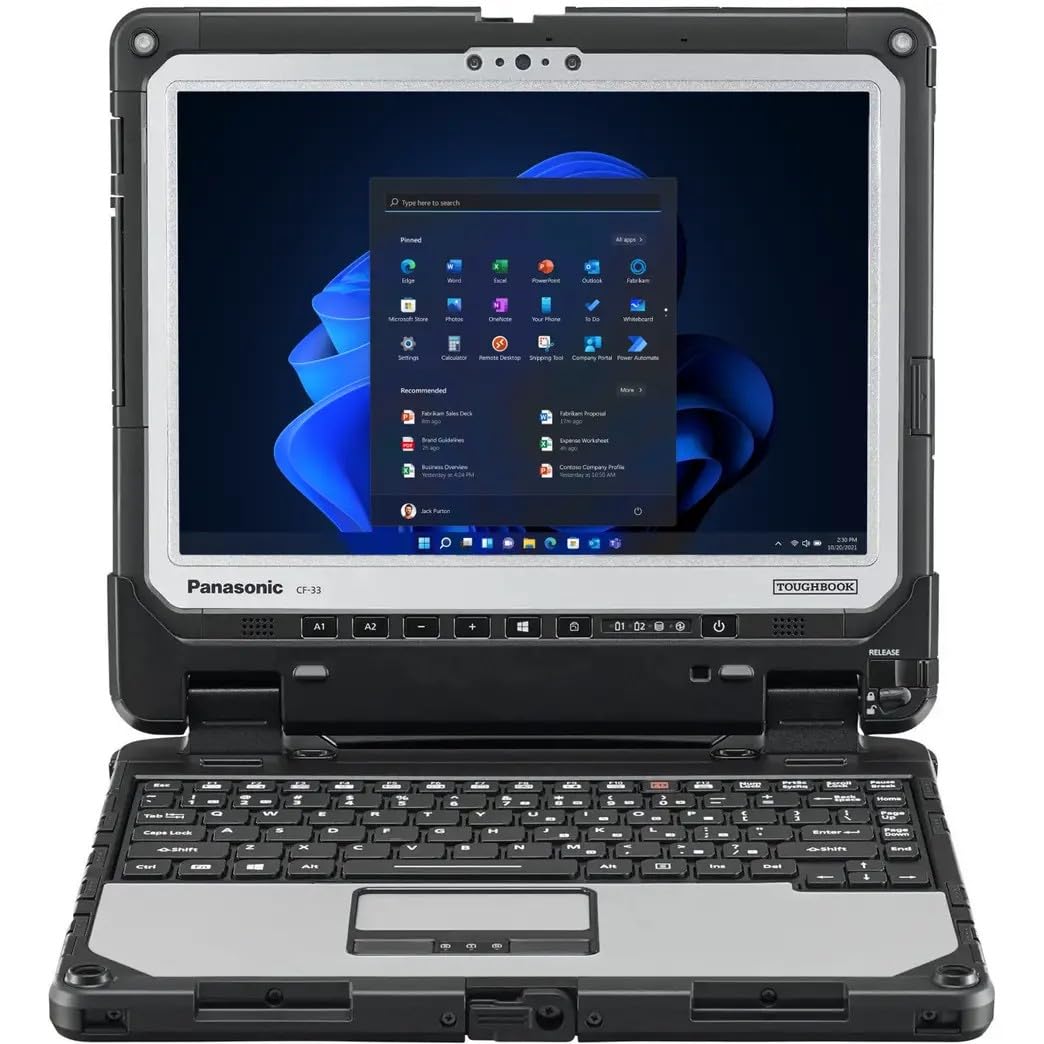
2. Panasonic Toughbook CF-33 MK1
A detachable rugged convertible built for bright control rooms and gloved hands.
The 12-inch QHD screen at 1200 nits stays readable in glaring plant light, and gloved multi-touch plus a digitizer make it practical when your hands are busy. Certified drop resistance backs up the field-ready design.
It is a compact screen for long programming sessions, so expect to lean on an external monitor for heavy ladder-logic work, and the renewed status means checking battery health on arrival.
Detachable tablet hinge
- Very bright QHD touchscreen
- Drop-tested rugged build
Bulky frame
- Small screen for long sessions
Vehicle mounts: Technicians working in bright or gloved conditions
Price premium: Compact display cramps heavy coding
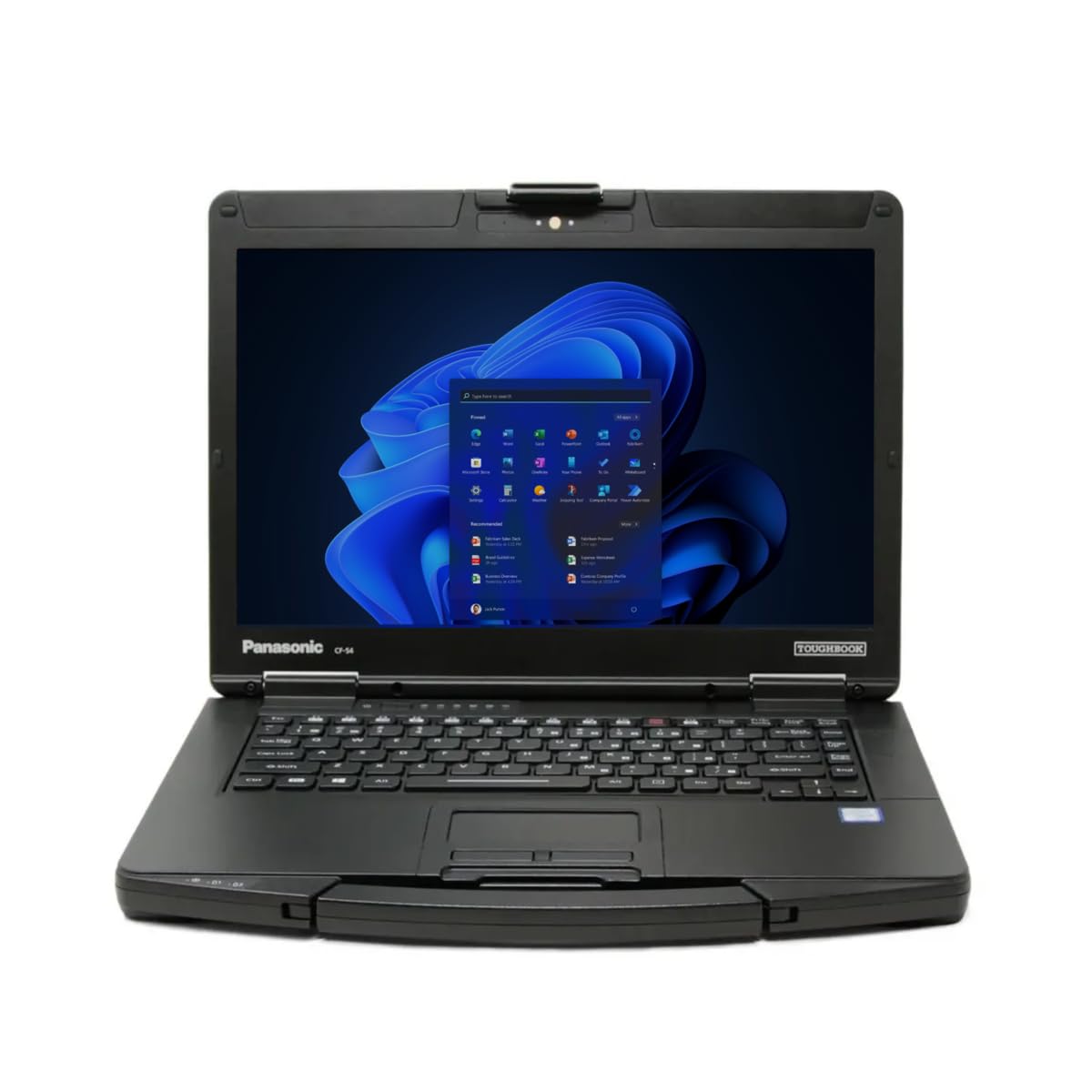
3. Panasonic Toughbook CF-54 MK2
A sensible rugged workhorse with the ports automation work actually needs.
Three USB 3.0 ports, HDMI, RJ-45 Ethernet and a docking connector cover most PLC cabling without dongles, and the 16GB of RAM with a 512GB SSD handles everyday programming comfortably.
The honest catch is battery health on renewed stock, which is a recurring complaint, so plan to run it plugged in at the panel and budget for a replacement cell.
Slim semi-rugged build
- Plenty of legacy-friendly ports
- Rugged 14-inch body
Older processor
- Battery often won’t hold charge
Mobile techs: Docked bench and panel work
Limited graphics: Weak battery on renewed units
4. Dell Precision 3561 15.6-Inch Workstation Laptop (Renewed)
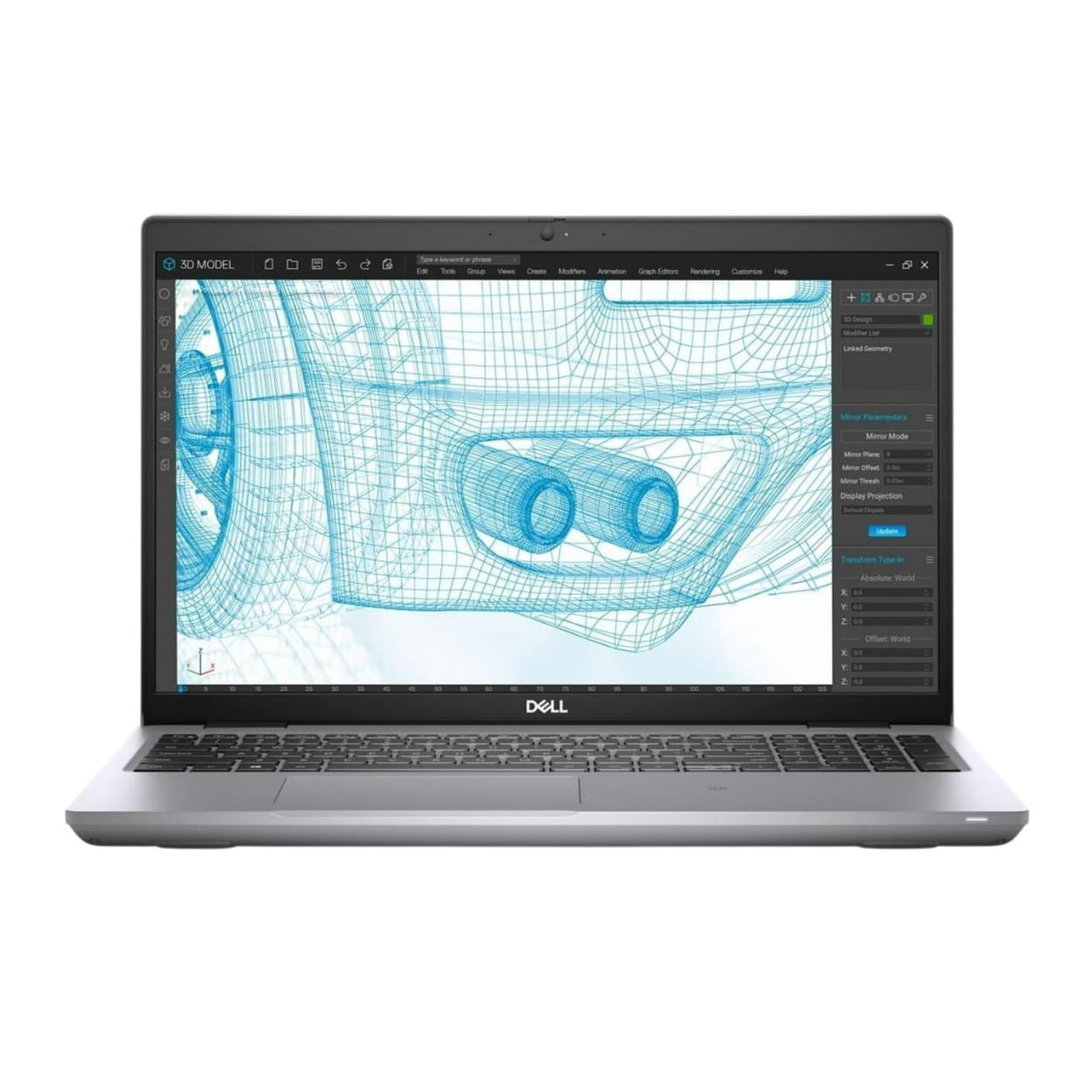
Workstation-grade muscle for heavy automation suites and simulation work.
An eight-core 11th-gen i7 with 32GB of RAM and a dedicated Nvidia T1200 makes light work of large projects, multi-window editors and simulation. The 15.6-inch FHD panel gives you room to spread out.
Reliability is the honest concern, with reports of units that fail to power on, so buy from a seller with a clear return window and test it thoroughly in the first week.
Workstation-grade graphics
- Serious multi-core performance
- Dedicated graphics
Renewed condition
- Mixed reliability reports
CAD drafting: Large projects and simulation
Warranty gaps: Test thoroughly on arrival
5. Dell DC15250 15.6″ Laptop
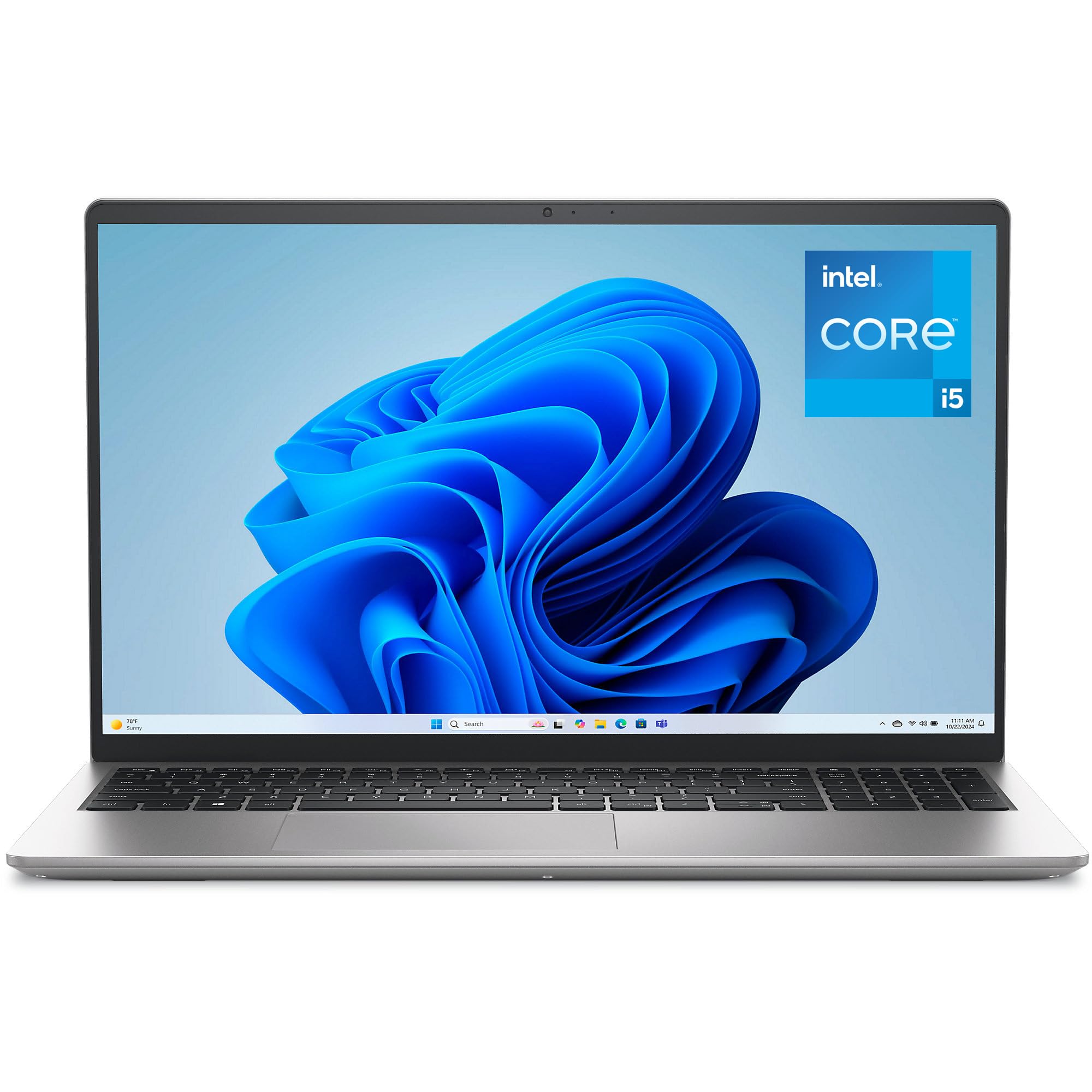
A straightforward, affordable daily driver for lighter programming tasks.
A 13th-gen i5 with a 15.6-inch FHD display handles routine ladder logic and HMI edits smoothly, and setup is quick from the start. It is an easy, low-friction choice for a first automation laptop.
The trade-offs are real: battery life runs short and the chassis gets hot under load, so keep it on a desk with airflow rather than trusting it for long unplugged field sessions.
Current-gen i5 chip
- Quick, fuss-free setup
- Comfortable FHD screen
Modest battery life
- Runs hot, short battery
Office tasks: Students and light desk work
Gaming limits: Heat and brief battery life
6. HP 17-cn3399nr 17.3 inch Laptop
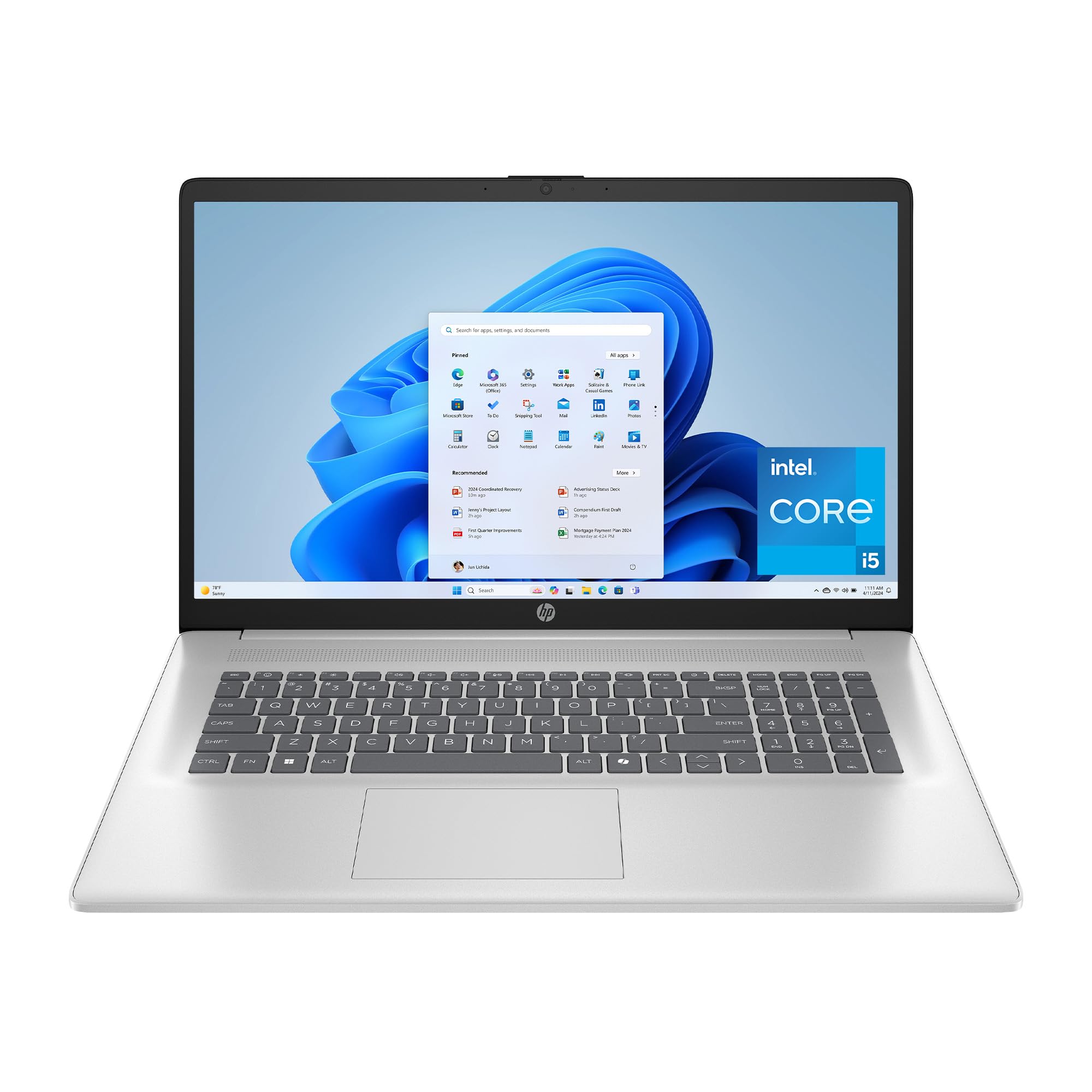
A large-screen desktop replacement that keeps code windows roomy.
The 17.3-inch FHD IPS panel with wide viewing angles is genuinely pleasant for long editing sessions, and the 13th-gen i5 with 16GB of RAM and a 512GB SSD keeps things responsive.
It is a big, desk-loving machine, and battery life is only middling, so treat it as a plug-in workstation rather than something you carry between panels all day.
Large 17-inch screen
- Roomy 17-inch display
- Solid everyday performance
Plastic chassis
- Middling battery, bulky
Desk work: Fixed desks and big code windows
Travel bulk: Not a carry-all-day machine
7. Lenovo V15 G4 Laptop
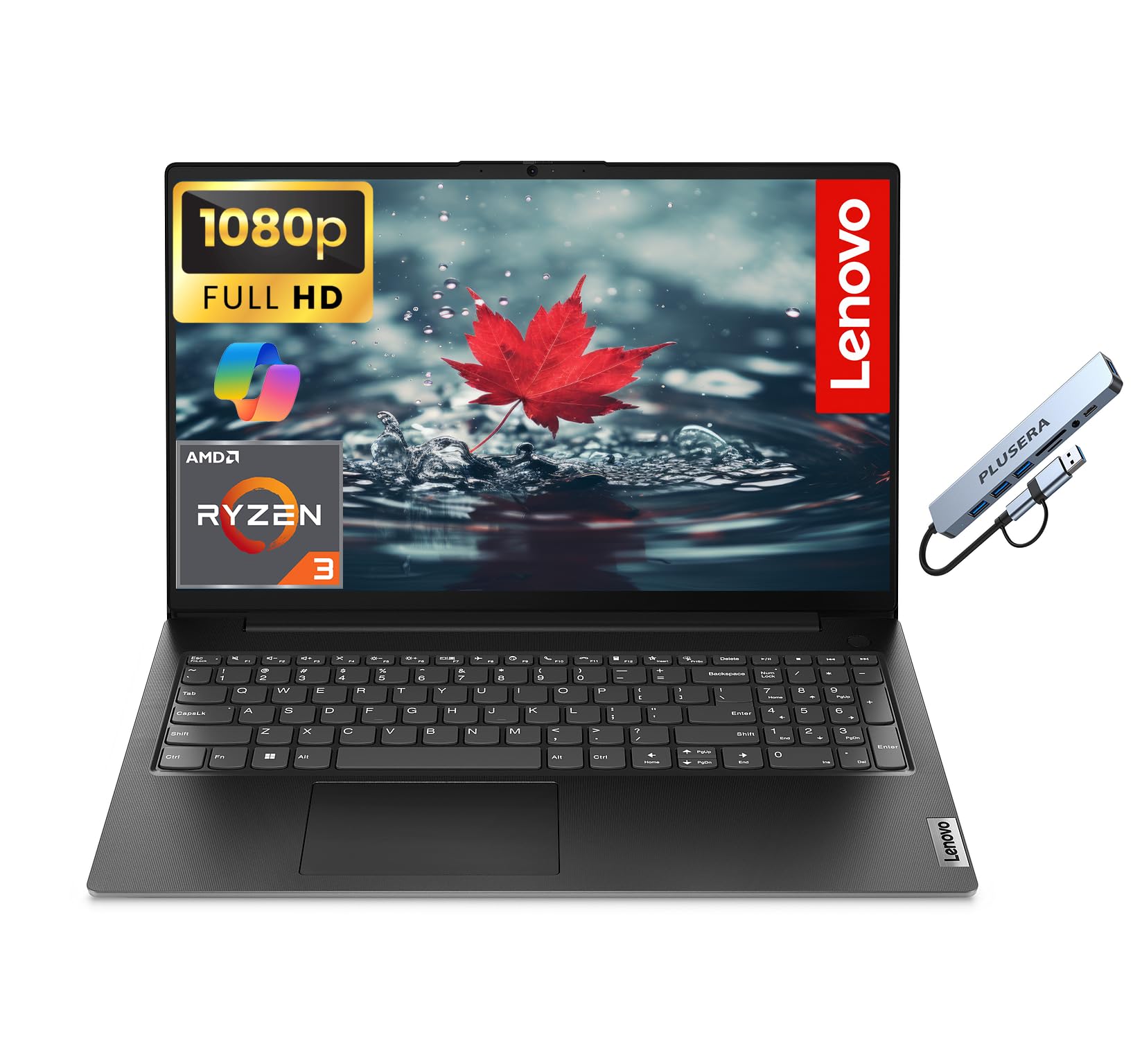
A business workhorse with a huge drive and the ports PLC work demands.
A Ryzen 3 7320U with 16GB of DDR5 RAM and a generous 1TB SSD gives you space for years of project archives, and the built-in RJ-45 Ethernet plus numeric keypad suit automation workflows.
It is heavier than some rivals and battery life divides opinion, so it fits best as a dependable desk-and-panel machine rather than a featherweight travel pick.
AMD Ryzen value
- Huge 1TB storage
- Ethernet and numeric keypad
Dim display
- Heavier than expected
Budget buyers: Engineers with large project libraries
Weak speakers: Weight and mixed battery reports
8. Lenovo V15 Gen 4 Business Laptop

A punchy business laptop with a high-performance chip and full connectivity.
The i5-13420H delivers strong multi-core speed for compile-heavy automation software, and RJ45 Ethernet, HDMI and a numeric keypad cover the essentials. The 16GB of RAM and 512GB SSD keep daily work snappy.
Reliability is the caveat, with some units failing before the one-year mark, so verify the warranty and test early. Otherwise this is a quick, well-connected pick.
Intel business reliability
- Fast high-performance CPU
- Full port lineup
Basic webcam
- Mixed long-term reliability
Daily office: Compile-heavy automation work
No backlight: Check warranty and test early
9. ASUS Vivobook 14″ Laptop
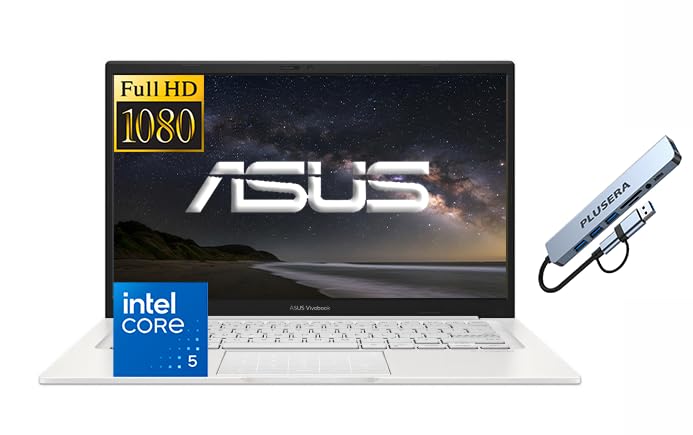
A light 14-inch option with big storage and modern efficiency.
A 10-core Intel Core 5 120U with 12GB of RAM and a 1TB SSD balances speed and space in a compact 14-inch anti-glare package that is easy to slip into a bag between sites.
The 12GB of memory is the modest spot for very heavy suites, and reliability reports are mixed, so it suits lighter programming and student use more than demanding plant work.
Light student carry
- Compact and easy to carry
- Large 1TB drive
Small storage
- 12GB RAM limits heavy suites
Classroom use: Students and light on-site work
Fewer ports: Modest memory for big projects
Common Questions
Do I need a rugged laptop for PLC programming?
Is Ethernet important on a PLC laptop?
How much RAM should a PLC laptop have?
The Bottom Line
For most buyers, the best budget laptop for plc programming winner is the Panasonic Toughbook 31, CF-31 MK6, 13.1-inch XGA Touch, Intel Core i5-7300U @2.60GHz, 32GB, 1TB SSD, 4G LTE Multi Carrier, Emissive Backlit Keyboard, Windows 11 Pro (Renewed) because it pairs genuine IP65 ruggedness with 32GB of memory and 1TB of storage, so it survives the plant floor while running heavy automation software without strain. If you need a bright gloved touchscreen, look at Panasonic Toughbook CF-33 MK1 Rugged Laptop, 12-in i5, 16GB 512GB (Renewed); for a fast high-performance chip with full ports, Lenovo V15 Gen 4 Business Laptop, 15.6″ FHD Display, Intel Core i5-13420H (Beat i7-1355U), HDMI, RJ45, Webcam, Numeric Keypad, Wi-Fi, Windows 11 Pro, Black (16GB RAM | 512GB SSD) is the pick; and for the largest screen on a desk, choose HP 17.3 inch Laptop, FHD Display, Intel Core i5-1334U, 16 GB RAM, 512 GB SSD, Intel Iris Xe Graphics, Windows 11 Home, Natural Silver, 17-cn3399nr.
How we choose
We do not accept paid placement. Every pick is matched to a real buyer and a real use-case; we do not hands-on test units.
Sources
Specifications: manufacturer listings and product documentation. Review insights: verified customer reviews, as of November 2026. Pricing: not shown on this page (it changes often); check the current price via the retailer link.
As an Amazon Associate, My Heart Lives Here earns from qualifying purchases. This does not affect which products we feature.