Heads up: This post contains affiliate links. As an Amazon Associate I earn from qualifying purchases, at no extra cost to you. Learn more
Specs are compiled from manufacturer listings and verified buyer reviews and can change over time — please confirm the key details on the product page before buying.
A backlit keyboard is one of those features you only notice when it is missing — usually at night, in a dim dorm room, or on a long flight with the cabin lights down. These are the machines that keep the keys glowing and the rest of the package worth carrying.
This guide is built by comparing the manufacturers’ published specifications and the patterns across verified customer reviews, so you get each pick’s real strengths and trade-offs instead of marketing spin.
A backlit keyboard matters most after dark, so this guide focuses on laptops that light up their keys without compromising on screen, speed, or battery. These are the best laptops with backlit keyboard lighting for night owls and dim-room workers.
Top Picks

Side-by-Side Comparison
| Model | Best For | Backlit Keyboard | Display | Memory | Amazon |
|---|---|---|---|---|---|
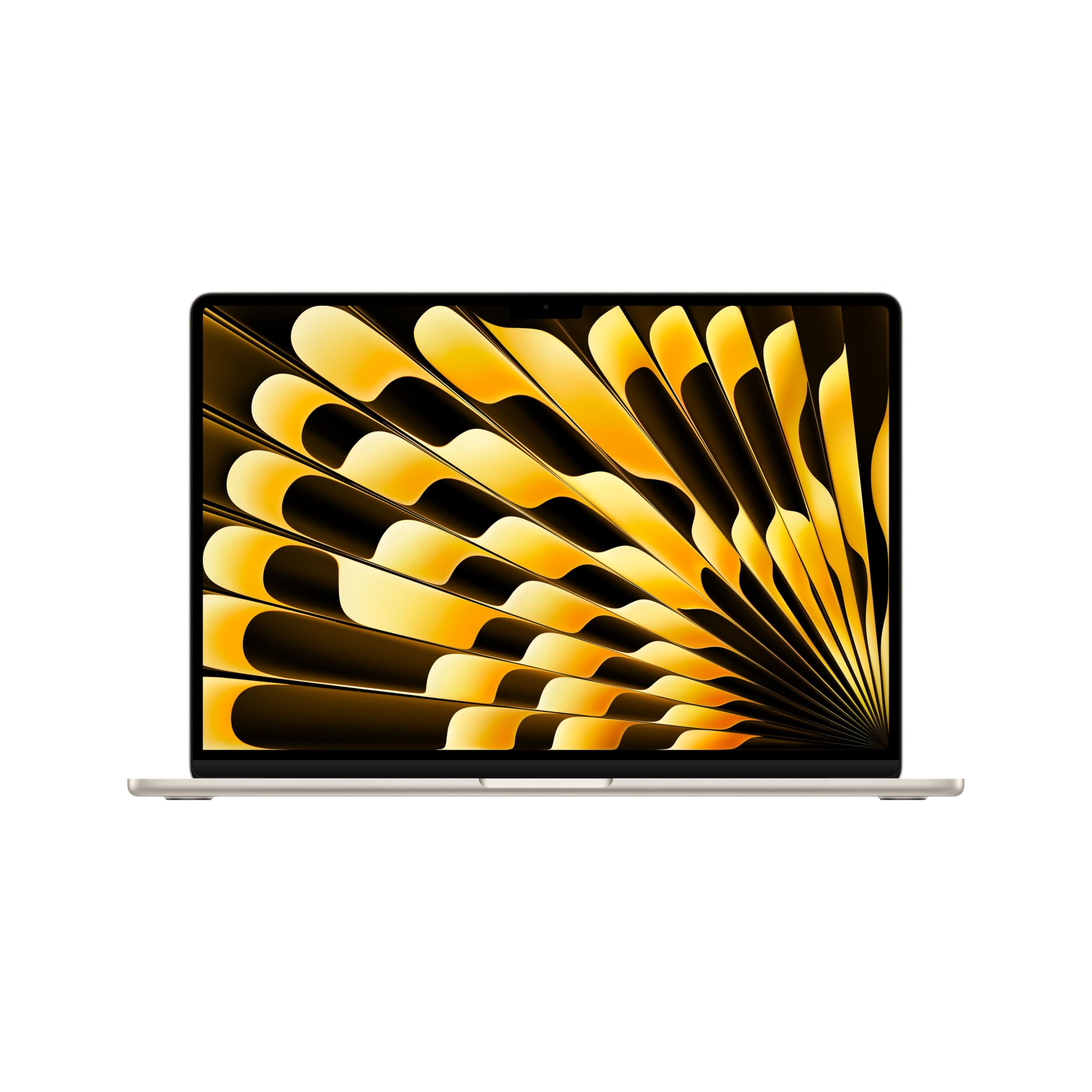
| Apple MacBook Air 15-inch M5★ Best Overall | all-day work | Yes | 15.3-inch Liquid Retina | 16GB | Amazon |
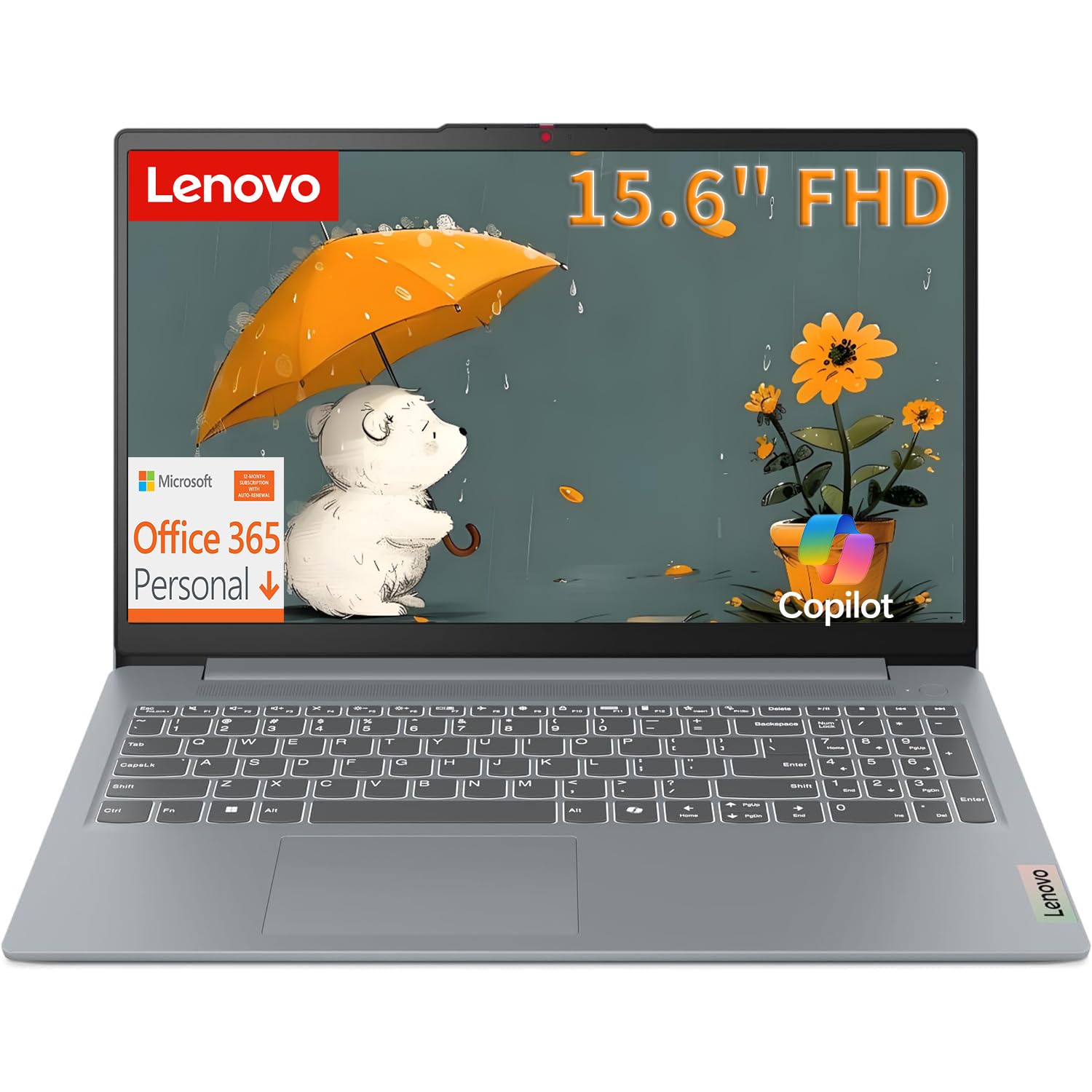
| Lenovo V15 FHD LaptopBudget Pick | students on a budget | Yes | — | 8GB | Amazon |
| HP 17.3″ HD+ Touchscreen LaptopBig Screen Value | desk-bound productivity | Yes | 17.3-inch HD+ touch | 16GB | Amazon |
| Dell DC15250 15.6″ Laptop | basic daily computing | Yes | 15.6-inch FHD | — | Amazon |
| Acer Aspire 14 AI A14-52M-72S0 | portable productivity | Yes | 14-inch WUXGA | 16GB | Amazon |
| HP Pavilion 15.6″ Touchscreen Laptop | touch-friendly everyday use | Yes | 15.6-inch FHD touch | 12GB | Amazon |
| HP 17t 17.3″ Touchscreen Laptop | large-screen basics | Yes | 17.3-inch HD+ touch | 16GB | Amazon |
| HP 17 17.3″ Touchscreen Laptop | heavy multitasking | Yes | 17.3-inch HD+ touch | 32GB | Amazon |
| msi Katana 15 HX B14WGK-016US | gaming sessions | Yes (RGB) | 15.6-inch QHD+ 165Hz | 32GB | Amazon |
| Dell Alienware 18 Area-51 Gaming Laptop | cinematic gaming | Yes | 18-inch 2.5K | 64GB | Amazon |
Detailed Reviews
1. Apple MacBook Air 15-inch M5
Our pick — 4.5+★ from 850+ verified ratings; the strongest balance of quality and price.
The rare laptop where the keyboard light feels like one good detail among many.
Apple’s M5 chip keeps everything instant — apps launch, tabs stack up, and the machine never seems to strain. Owners consistently point to the display and the all-day battery as the reasons they stop looking at anything else.
The honest trade-off is price and ports: this is a premium spend, and you are living the dongle life if you still plug in older gear. The 3.32-pound body is easy to carry, though.
Why it wins
- Battery genuinely lasts a full working day
- Runs cool and quiet under normal loads
What to know
- Premium price for the spec sheet
Best for: Anyone who works late and wants one machine that does it all
Watch out: Fewer ports than a business laptop
2. Lenovo V15 FHD Laptop
A no-drama machine for documents, classes, and video calls.
The N150 quad-core and 8GB of DDR5 are aimed squarely at everyday tasks: writing, browsing, streaming, and video calls. It is the kind of laptop you buy for a student or a second desk and stop thinking about.
Do not expect it to chew through heavy creative work — this is an efficiency chip, not a powerhouse. The 128GB of storage is modest, so plan on cloud or external space.
Strong points
- Light, efficient hardware for daily tasks
- Copilot AI features built in
Limits
- Storage fills up fast
Best for: Schoolwork, email, and streaming
Skip if: You edit video or run heavy apps
3. HP 17.3″ HD+ Touchscreen Laptop
A large touchscreen workhorse with a fingerprint reader and glowing keys.
The 17.3-inch touch display gives you real room for spreadsheets and split windows, and the 16GB of RAM with a 1TB SSD keeps multitasking comfortable. The fingerprint reader and Wi-Fi 6 round out a sensible business setup.
Functionality is the split opinion here — plenty of owners find it works exactly as promised, while a few hit problems. Buy from a seller with a clean return policy and you are covered.
What works
- Generous screen for multitasking
- Fingerprint login and full-size keyboard
Caveat
- Owner experiences on functionality vary
Best for: Office work and big-screen multitasking
Note: Large chassis is not a couch laptop
4. Dell DC15250 15.6″ Laptop
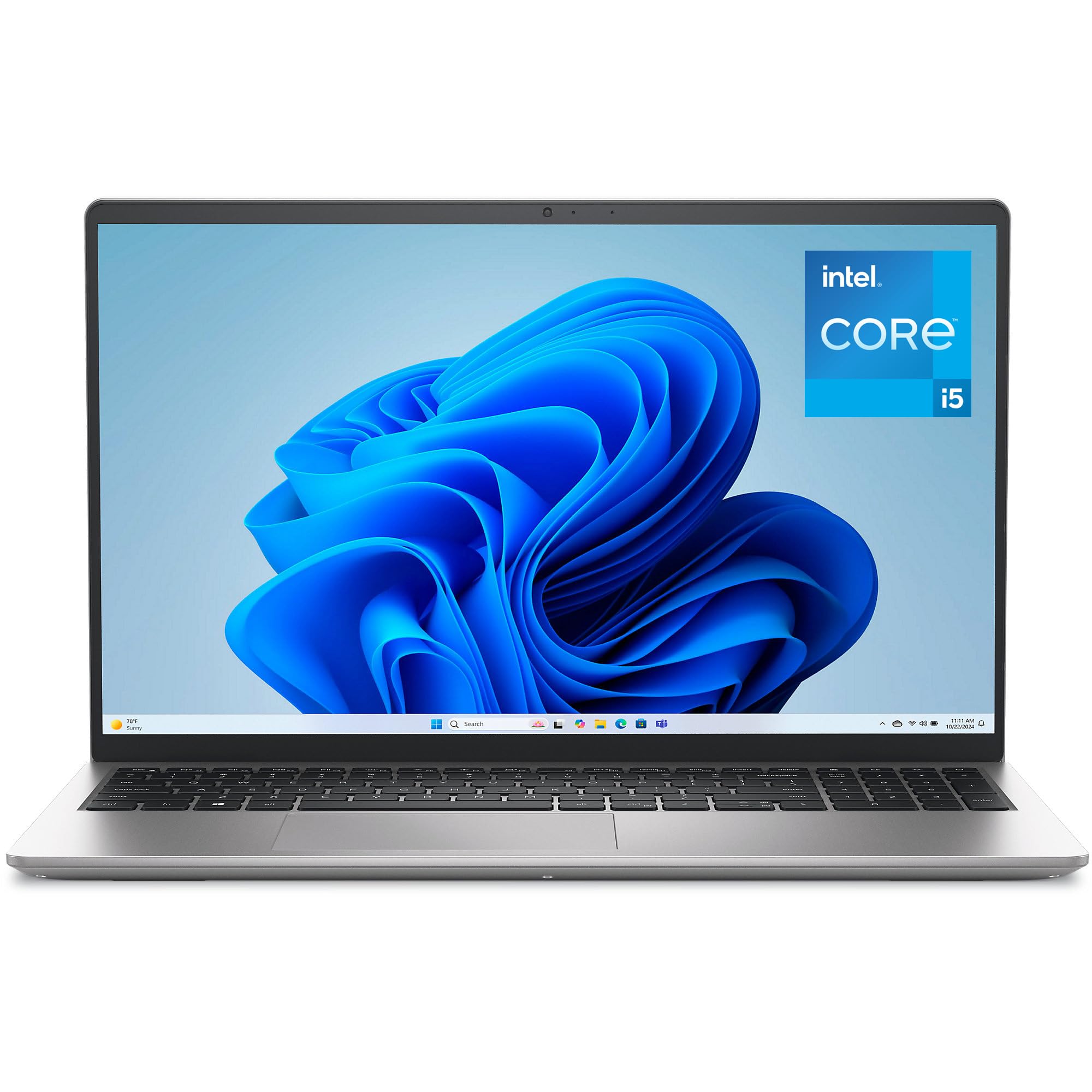
Simple, familiar, and priced for getting the to-do list done.
Dell’s 15-inch everyday machine handles browsing, documents, and video calls without fuss, and owners describe setup as quick and painless. Express Charge support means short top-ups between meetings go further.
Battery life is the weak spot — buyers report it draining in roughly four hours, and the chassis runs warm under load. Treat it as a desk-to-bag commuter rather than an all-day untethered machine.
Reasons to like it
- Easy setup and smooth everyday speed
- Good value for the hardware
Honest limits
- Battery drains quickly and it runs warm
Best for: Short commutes and desk work near an outlet
Skip if: You need untethered all-day battery
5. Acer Aspire 14 AI A14-52M-72S0
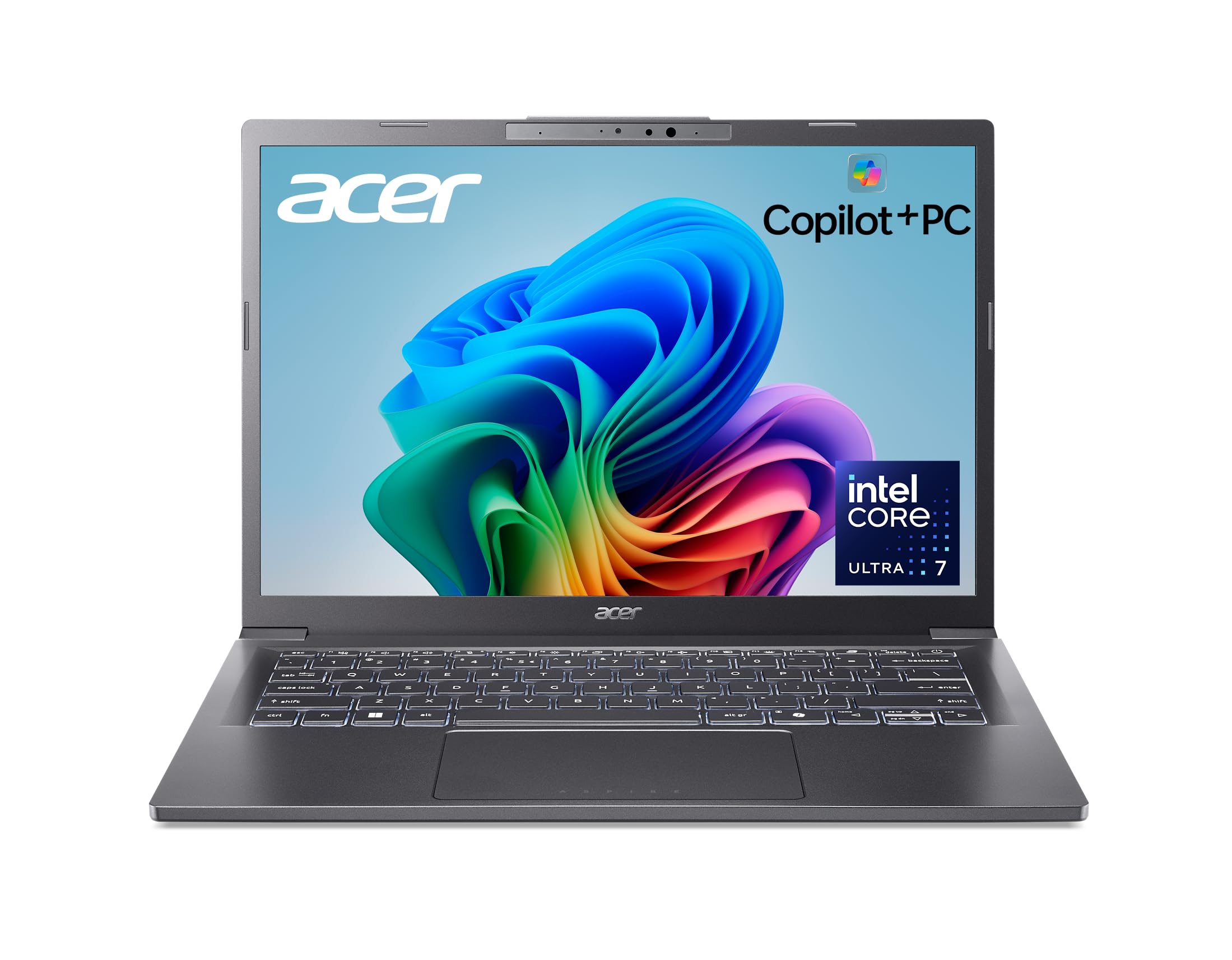
Compact AI-ready power that travels well and lights the keys.
The Core Ultra 7 with its dedicated NPU and Intel ARC graphics gives this 14-inch machine real headroom for AI features, creative apps, and multitasking. The 1TB SSD and 16GB of LPDDR5X memory keep it responsive.
Owners praise the compact, lightweight build and the screen quality, and the battery holds up through a working day. It is a small-screen machine by design, so big-spreadsheet users should look wider.
Standout traits
- Light and easy to carry
- Strong performance per pound
Trade-off
- 14-inch screen limits side-by-side work
Best for: Commuters who want AI features on the go
Consider: A larger display if you work in spreadsheets
6. HP Pavilion 15.6″ Touchscreen Laptop

A familiar Pavilion with a touch panel and a keyboard that glows.
The full HD IPS touchscreen is the draw here, paired with a 10th-gen Core i5 and 12GB of RAM for everyday multitasking. Owners like the fast boot times and the lightweight feel for the size.
Performance opinions split — many find it does everything they need, others hit snags. The backlit keyboard itself draws mixed feelings, so check the brightness suits your room before committing.
What owners like
- Responsive touchscreen
- Quick boot and light chassis
Worth knowing
- Backlight brightness divides opinion
Best for: Casual users who want touch input
Note: Older-generation processor
7. HP 17t 17.3″ Touchscreen Laptop

A large, upgrade-friendly HP with plenty of room to work.
A 17.3-inch touchscreen plus 16GB of RAM and a 1TB NVMe drive makes this a comfortable desk machine for documents and browsing. The backlit keyboard and Wi-Fi 6 are welcome at this size.
Reliability is the question mark — most owners are happy, but a few report hardware failures like a USB port giving out. Buy with a warranty you trust and inspect it early.
Good to know
- Big screen and generous storage
- Upgraded memory and drive
Caveat
- Some units show early hardware faults
Best for: Desk work where screen size matters
Watch out: Reliability reports are mixed
8. HP 17 17.3″ Touchscreen Laptop

Enormous memory and storage in a big-screen HP shell.
With 32GB of RAM and a 2TB SSD, this 17-inch machine is built for hoarders of tabs, files, and virtual machines. The 12th-gen Core i7 keeps everyday performance brisk, and owners agree it feels quick.
The catch is the display — the HD+ panel is not sharp enough for fine text, and owners flag durability concerns over time. Buy it for the memory, not the screen.
Why consider it
- Huge memory and storage headroom
- Strong everyday performance
Honest limits
- Low-resolution panel makes text soft
Best for: Power users who live in many apps at once
Skip if: You need a crisp, high-resolution display
9. msi Katana 15 HX B14WGK-016US

Serious gaming horsepower with an RGB keyboard that lights the way.
The i9-14900HX and RTX 5070 pairing delivers the frame rates and graphical detail gamers actually feel, and owners rave about how games look and run on the 165Hz QHD+ panel. The RGB keyboard is part of the appeal.
Cooling is the recurring argument — some find it runs cool, others say the chassis struggles to shed heat. Expect fan noise under load and keep it on a hard surface.
What shines
- Excellent gaming performance and graphics
- Fast, high-refresh display
Trade-off
- Cooling and fan noise divide owners
Best for: Gamers who want high frame rates
Note: Runs hot and loud under heavy load
10. Dell Alienware 18 Area-51 Gaming Laptop

An 18-inch powerhouse that treats gaming as a full-contact sport.
Alienware’s 18-inch machine pairs an Intel Ultra 9 with RTX 5090 graphics and 64GB of DDR5 for cinematic ray-traced gaming. The anti-glare 2.5K panel and backlit keyboard make long sessions comfortable.
This is a desktop replacement in the truest sense — big, heavy, and happiest plugged in. If you want something to sling in a backpack daily, look elsewhere.
Reasons to love it
- Top-tier graphics and memory
- Large anti-glare display
Reality check
- Huge and heavy for travel
Best for: Gamers replacing a desktop
Skip if: You need portability
Common Questions
Does a backlit keyboard drain battery?
Can I turn the backlight off?
Is a backlit keyboard worth paying extra for?
The Bottom Line
If you want one dependable pick, the best laptops with backlit keyboard winner is the Apple 2026 MacBook Air 15-inch Laptop with M5 chip: Built for AI, 15.3-inch Liquid Retina Display, 16GB Unified Memory, 512GB SSD, 12MP Center Stage Camera, Touch ID, Wi-Fi 7; Starlight because it pairs a genuinely all-day battery and a superb display with the kind of quiet, lag-free performance that makes the glowing keys a bonus rather than the whole story. If budget is the priority, Lenovo V15 FHD Laptop, Office 365 Copilot AI, 8GB DDR5 128GB UFS, Intel CPU covers the basics, while msi Katana 15 HX 15.6” 165Hz QHD+ Gaming Laptop: Intel Core i9-14900HX, NVIDIA Geforce RTX 5070, 32GB DDR5, 1TB NVMe SSD, RGB Keyboard, Win 11 Home: Black B14WGK-016US and Dell Alienware 18 Area-51 Gaming Laptop 18″ 2.5K WQXGA Anti-Glare Display (Intel Ultra 9 275HX, GeForce RTX 5090, 64GB DDR5, 2TB PCIe SSD, Wi-Fi 7, Backlit KYB, Bluetooth 5.4, Windows 11 Home) are the ones to look at when gaming performance matters more than portability.
How we choose
We do not accept paid placement. Every pick is matched to a real buyer and a real use-case; we do not hands-on test units.
Sources
Specifications: manufacturer listings and product documentation. Review insights: verified customer reviews, as of November 2026. Pricing: not shown on this page (it changes often); check the current price via the retailer link.
As an Amazon Associate, My Heart Lives Here earns from qualifying purchases. This does not affect which products we feature.