Heads up: This post contains affiliate links. As an Amazon Associate I earn from qualifying purchases, at no extra cost to you. Learn more
Specs are compiled from manufacturer listings and verified buyer reviews and can change over time — please confirm the key details on the product page before buying.
The right laptop for multiple monitors is less about raw horsepower and more about how cleanly it drives extra screens. These picks were chosen for port counts, display output quality and the stamina to keep several panels alive all day.
This guide is built by comparing the manufacturers’ published specifications and the patterns across verified customer reviews, so you get each pick’s real strengths and trade-offs instead of marketing spin.
Choosing a laptop for multiple monitors depends on display outputs, graphics headroom and steady sustained performance. These picks cover the best laptops for multiple monitors across every budget and workflow.
Top Picks
Side-by-Side Comparison
| Model | Best For | Display Outputs | Graphics | Screen | Amazon |
|---|---|---|---|---|---|
| Dell UltraSharp U4025QW 40″ Monitor★ Best Overall | Single-screen multitasking | USB-C, DisplayPort, HDMI | FreeSync | 40-inch curved 21:9 | Amazon |
| LG gram 17″ AI Copilot+ LaptopBest Ultraportable | Portable big-screen work | Thunderbolt 4 | Intel Arc | 17-inch touch | Amazon |
| LG Gram 17 Touchscreen LaptopBest for Creators | Color-critical work | USB-C, Thunderbolt | Intel Arc | 17-inch 2.5K touch | Amazon |
| Triple Screen Laptop 16″ Main | Portable trading desks | Built-in triple display | Intel integrated | 16-inch plus dual 10.5-inch | Amazon |
| HP 17 Business Laptop | Budget office setups | HDMI, USB-C | Radeon graphics | 17.3-inch HD+ touch | Amazon |
| HP 17.3″ HD+ LED Business Laptop | Simple docked work | HDMI, USB-C | Intel Iris Xe | 17.3-inch HD+ | Amazon |
| acer Aspire 16 AI Copilot+ PC A16-11MT-X669 | All-day unplugged work | USB-C, USB4 | Snapdragon integrated | 16-inch 120Hz touch | Amazon |
| Triple Screen Laptop 16″ Main Gray | Code-heavy multitasking | Built-in triple display | Intel integrated | 16-inch plus dual 10.5-inch | Amazon |
| Lenovo ThinkBook 16 Gen 8 Laptop | Reliable office docking | USB, HDMI, Thunderbolt | Intel integrated | 16-inch | Amazon |
| LG gram 17″ Lightweight Laptop | Everyday big-screen work | USB-C, HDMI | Intel Iris Xe | 17-inch | Amazon |
| HP 17 Laptop TPN-I139_4V788AV | Heavy multitasking | HDMI, USB | Intel Iris Xe | 17.3-inch HD+ touch | Amazon |
| ASUS Zenbook Duo Laptop UX8406CA-PS99T | Travel dual-screen work | Thunderbolt | Intel Arc | Dual 14-inch 3K OLED | Amazon |
Detailed Reviews
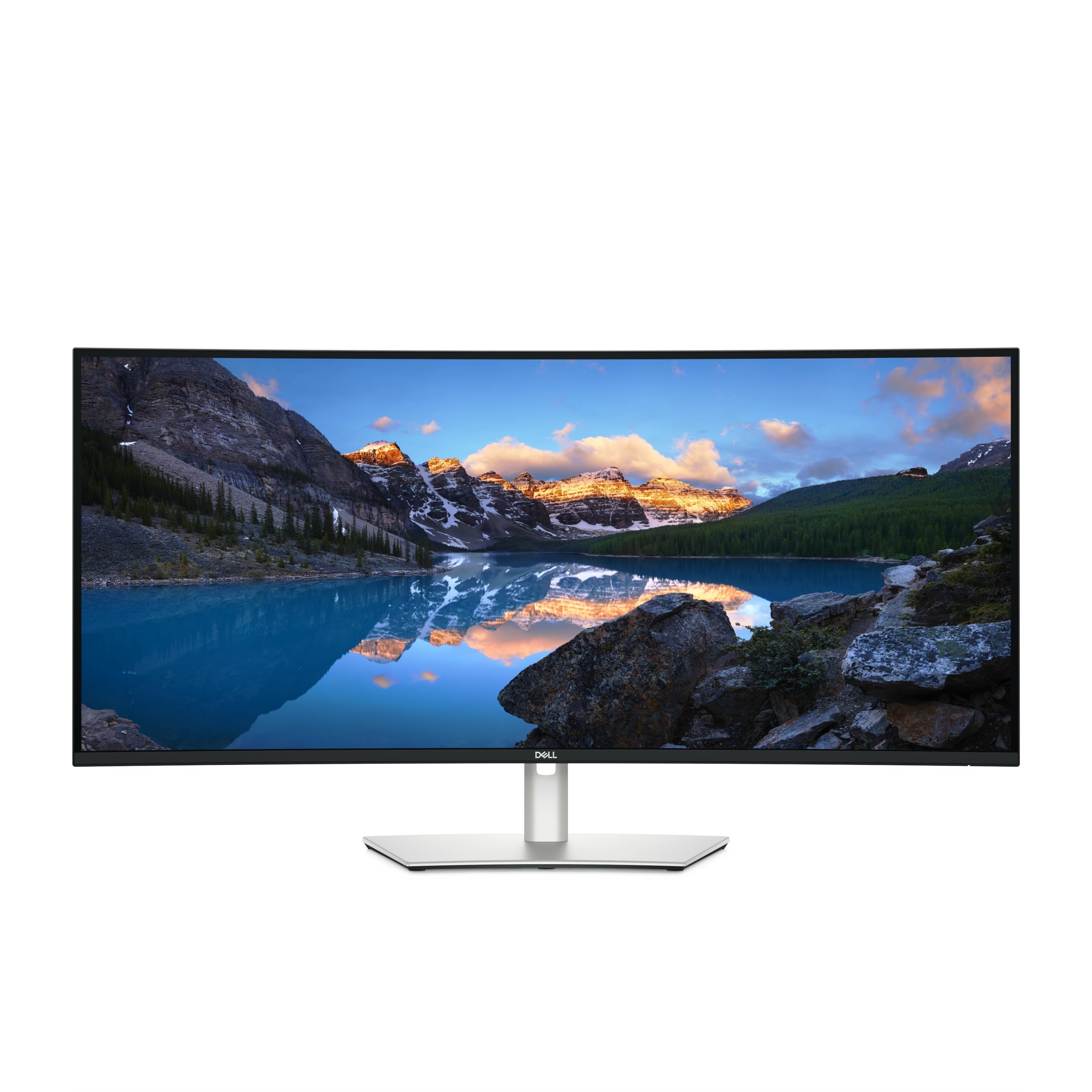
1. Dell UltraSharp U4025QW 40″ Monitor
Our pick — 4.5+★ from 250+ verified ratings; the strongest balance of quality and price.
A 40-inch curved ultrawide that replaces a multi-monitor wall with one smooth canvas.
The 21:9 curved screen and 5K2K resolution give you the width of two panels without the bezel gap, and the built-in KVM lets one keyboard and mouse drive two machines. Contrast and color hold up beautifully for creative work.
The honest trade-off is desk depth and price: this is a large, premium display that wants real space. The 5 ms response time is fine for work but not a gaming-first spec, and the panel is the centerpiece rather than a portable add-on.
Why it wins
- KVM handles two computers cleanly
- Huge smooth 21:9 workspace
Watch out
- Large footprint demands desk room
Desk-bound pros: Creatives and analysts who want one giant canvas
Space needed: Needs a deep desk to sit comfortably
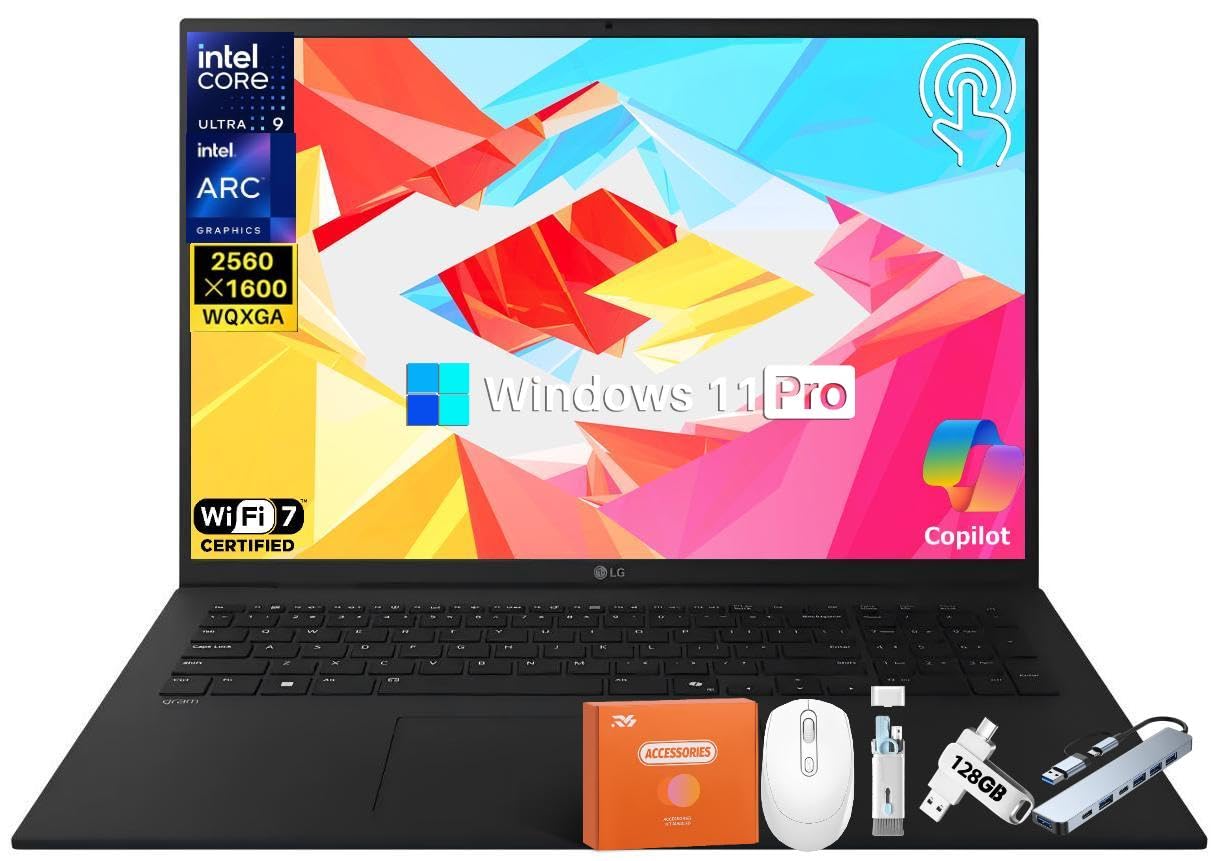
2. LG gram 17″ AI Copilot+ Laptop
A big-screen laptop that stays light enough to carry between desks and meetings.
Thunderbolt 4 gives you a fast, single-cable path to a dock driving external displays, while the 17-inch anti-glare touch screen keeps local work comfortable. The Ultra 9 chip and 32 GB of RAM handle heavy multitasking without complaint.
Battery life is the split verdict here, with some owners delighted and others feeling shortchanged. Treat it as a desk-first machine that travels occasionally rather than an all-day unplugged workhorse.
Standout strengths
- Very light for a 17-inch
- Fast Thunderbolt docking
The catch
- Battery expectations vary widely
Road warriors: Commuters who still want a large screen
Battery realism: Don’t count on marathon unplugged sessions
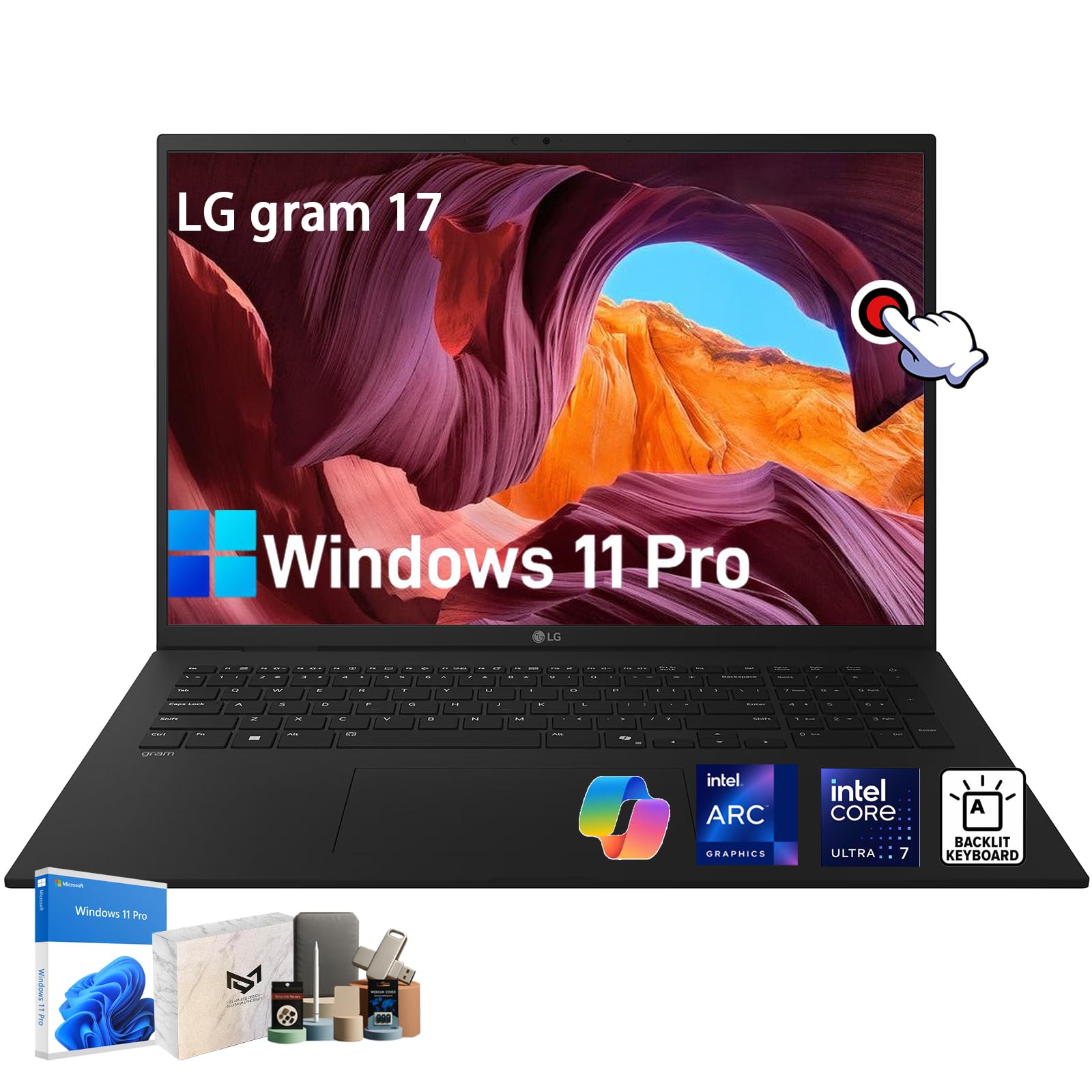
3. LG Gram 17 Touchscreen Laptop
A 17-inch business machine tuned for color-accurate work and glare-free long sessions.
The 16:10 WQXGA anti-glare touch panel delivers extra vertical space and DCI-P3 color, which matters when you’re color-matching across external monitors. Wi-Fi 7 and Thunderbolt-ready connectivity keep docks and displays responsive.
It’s a professional tool first, so gaming and heavy GPU work aren’t the point. The thin, light build is a plus for travel but means you should treat it as a desk-and-bag companion, not a rugged field unit.
What shines
- Accurate color for design work
- Anti-glare touch screen
Trade-off
- Not built for heavy gaming
Designers: Creators matching color across screens
GPU limits: Integrated graphics cap demanding renders
4. Triple Screen Laptop 16″ Main
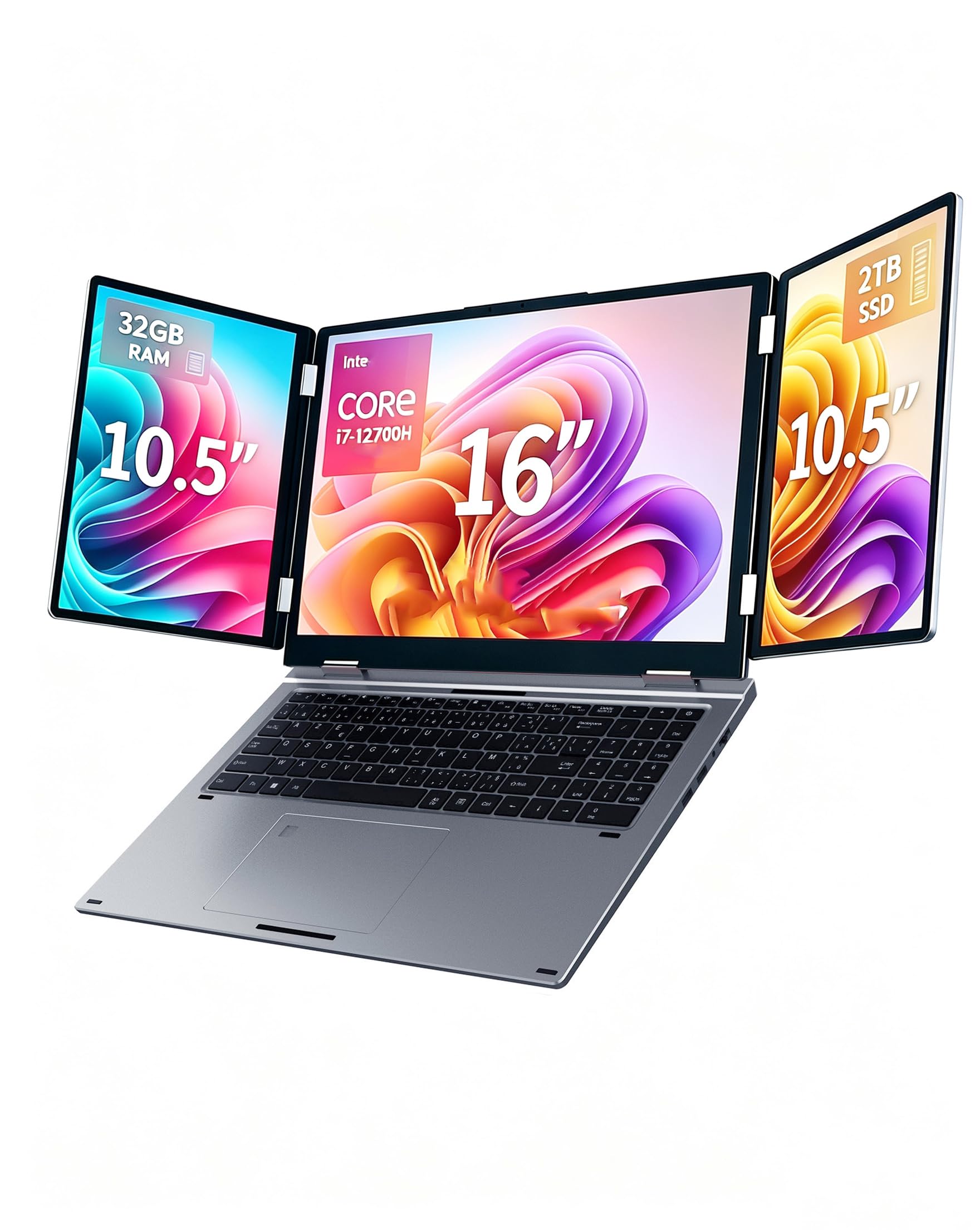
Three screens built into one chassis, so your multi-monitor setup folds into a bag.
A 16-inch main display plus two 10.5-inch foldable panels create a genuinely wide workspace for developers, editors and traders without hunting for outlets and docks. The i7-12700H has the muscle for heavy multitasking.
Responsiveness is the recurring caveat, and some units have arrived with keyboard problems. It’s a specialist purchase: brilliant if a portable three-screen desk is exactly what you need, less so as an all-rounder.
Why consider it
- Three screens with no dock
- Strong multitasking CPU
Be aware
- Mixed reports on responsiveness
Field multitaskers: Traders and editors working on the move
QC lottery: Keyboard faults have been reported
5. HP 17 Business Laptop

A budget-minded 17-inch workhorse with the memory to juggle apps and external screens.
The Ryzen 5 7530U with 32 GB of RAM and a 1 TB SSD keeps browser tabs, spreadsheets and a couple of external displays running smoothly. The lifetime Office license adds real everyday value for business buyers.
The HD+ panel is the weak point: it’s fine for spreadsheets but not sharp, so pair it with a good external monitor for anything visual. It’s a value pick, not a premium one.
Good calls
- Generous RAM for the money
- Office license included
Compromise
- Low-resolution built-in screen
Office workers: Buyers who dock to a better monitor
Panel quality: Internal display is not sharp
6. HP 17.3″ HD+ LED Business Laptop
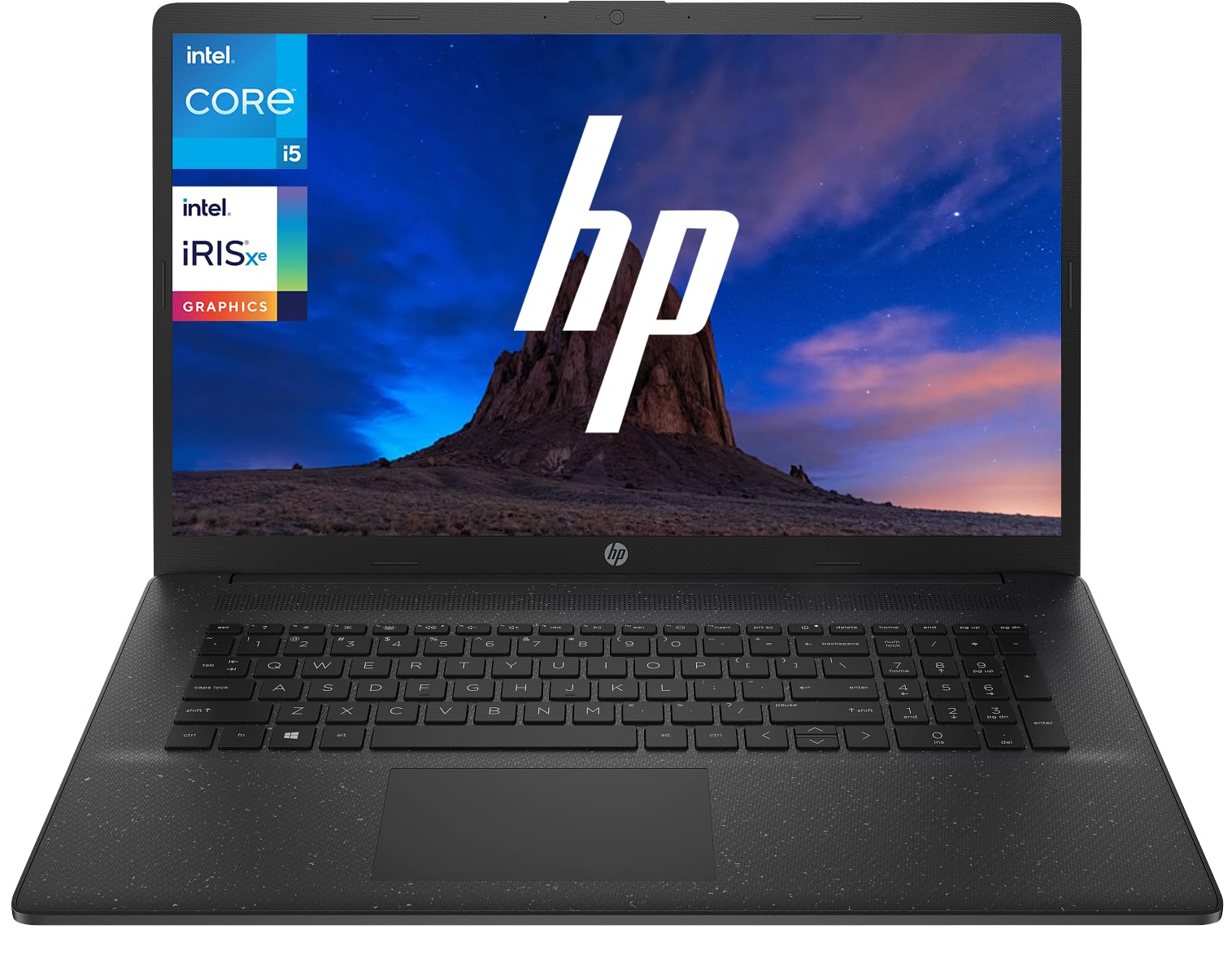
A no-frills 17-inch business laptop for docking to a real monitor setup.
The 10-core i5-1334U and Windows 11 Pro make this a tidy, dependable machine for office tasks, and the camera privacy shutter is a nice touch for shared workspaces. The numeric keypad suits spreadsheet work.
With 8 GB of RAM and a 256 GB SSD, it’s the entry point of this list: fine for documents and email, tight for heavy multitasking. The HD+ screen also means you’ll want an external display for serious work.
What’s good
- Comfortable keyboard with numpad
- Privacy shutter built in
Limits
- Low RAM and storage for the price
Basic office: Light users who mostly dock
Upgrade path: 8 GB RAM fills up quickly
7. acer Aspire 16 AI Copilot+ PC A16-11MT-X669
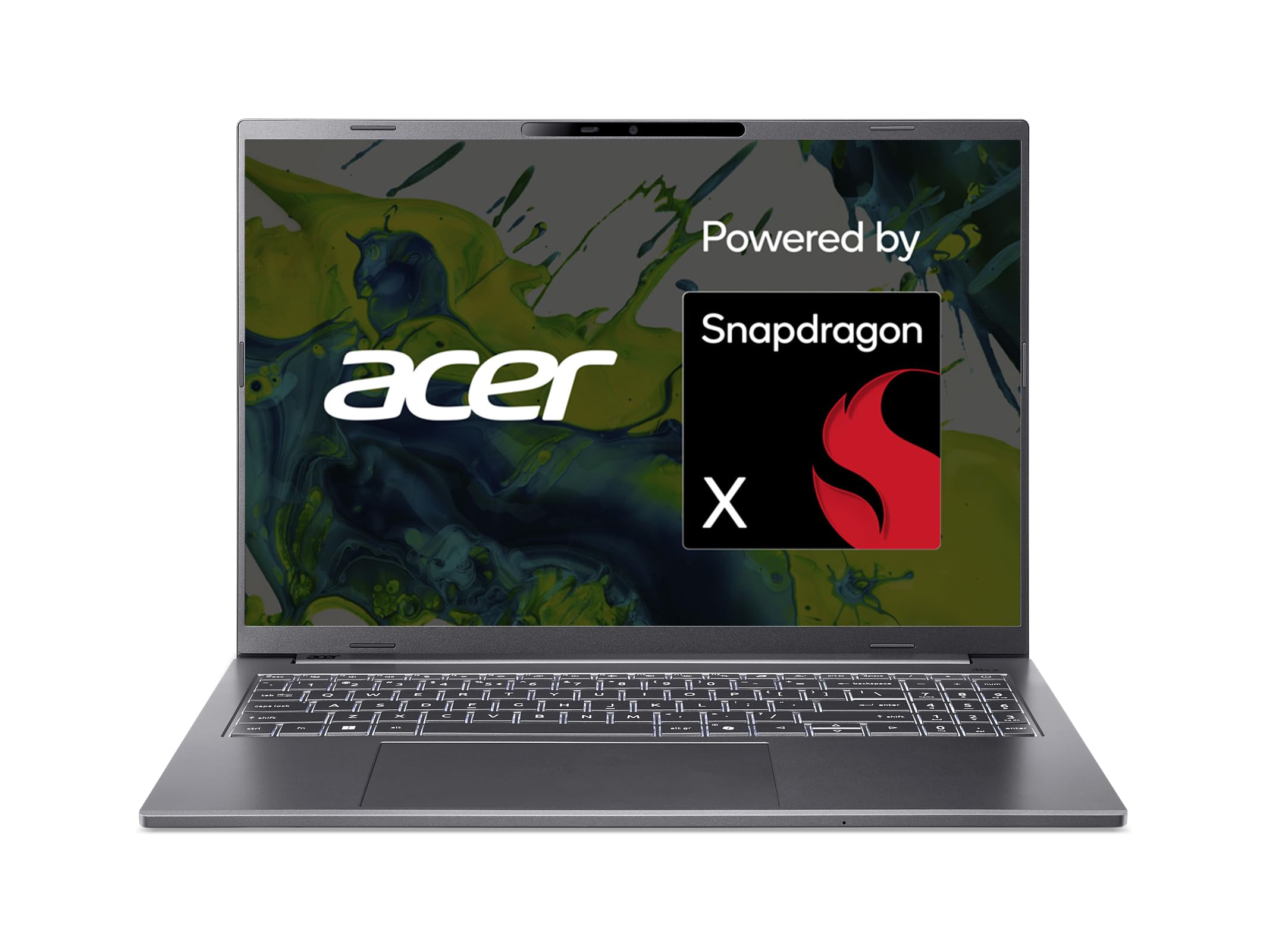
A Snapdragon-powered 16-inch that sips power while driving your external screens.
The Snapdragon X chip and 18-hour battery rating make this a strong choice for long days away from outlets, and the 16-inch 120Hz multi-touch display is smooth and vivid. Wi-Fi 7 keeps cloud and dock work snappy.
Reliability is the caveat, with camera failures reported after a month in some cases, and app compatibility on Snapdragon still needs checking before you commit. Great stamina, some ecosystem homework required.
Why it stands out
- Excellent battery endurance
- Smooth 120Hz touch screen
Check first
- Some app compatibility gaps
Long-day workers: People who work far from power outlets
App support: Verify your software runs on Snapdragon
8. Triple Screen Laptop 16″ Main Gray
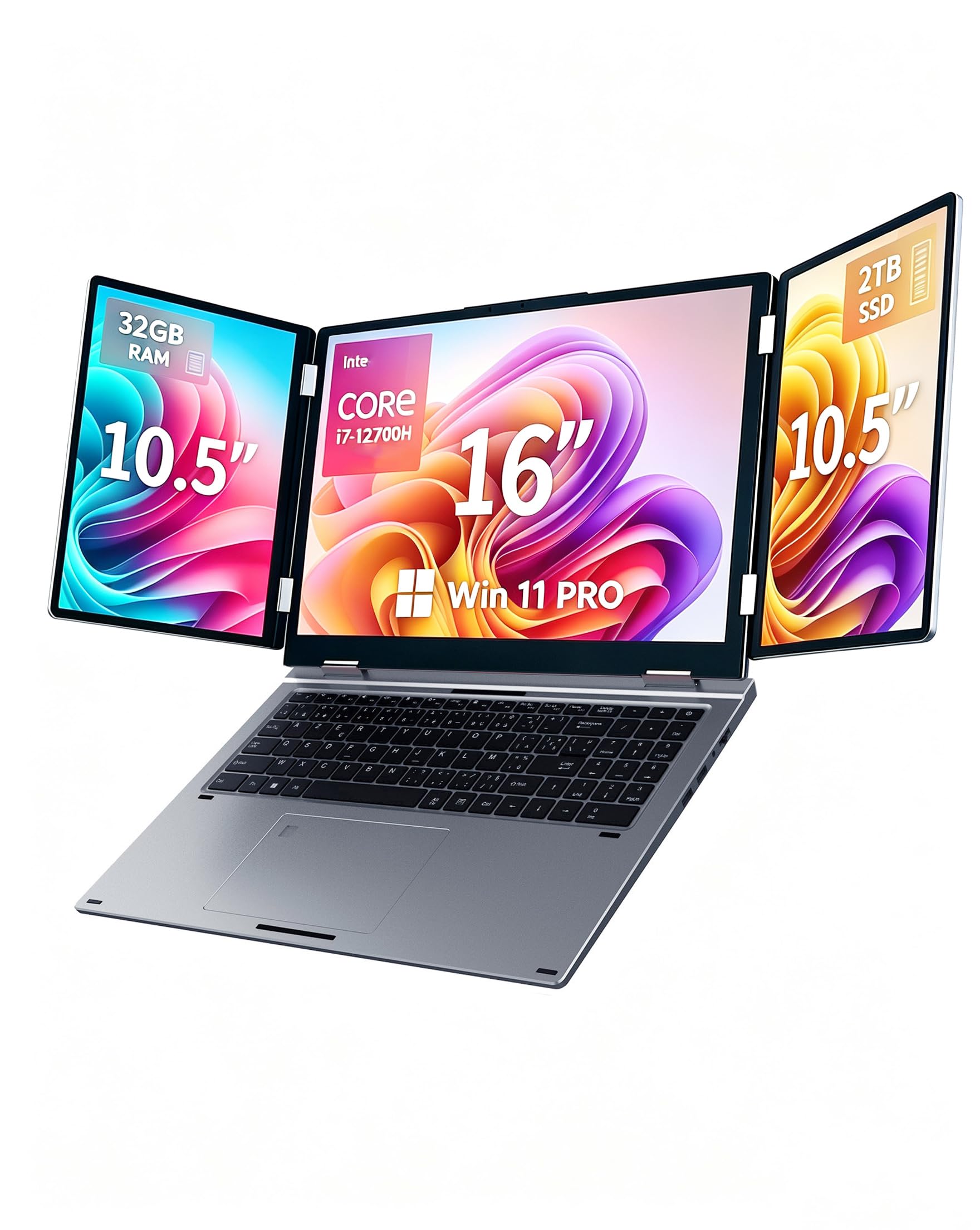
The triple-screen concept in a gray finish, aimed squarely at code-heavy workflows.
Two foldable 10.5-inch panels flank the 16-inch main screen, giving developers and editors a wide canvas for code, logs and previews at once. The i7-12700H and 32 GB of RAM keep that load moving.
It’s a niche machine with a mixed responsiveness record, so buy it for the form factor rather than as a general-purpose laptop. The fold-out panels also add bulk and care requirements in transit.
Strong points
- Wide workspace without a dock
- Plenty of RAM for heavy apps
Caveat
- Specialist form factor adds bulk
Developers: Coders who want screens everywhere
Portability: Folded panels make it chunky to carry
9. Lenovo ThinkBook 16 Gen 8 Laptop
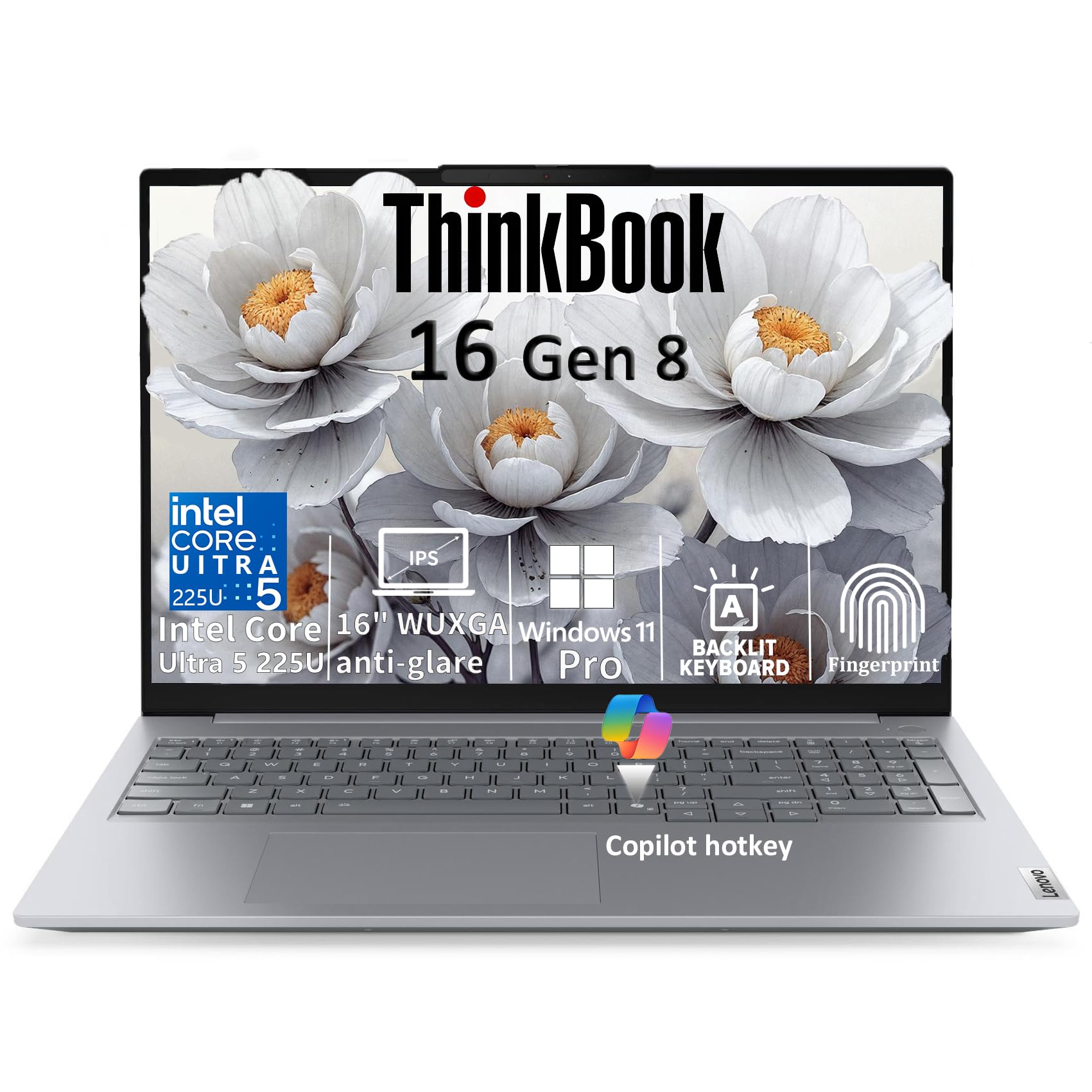
A ThinkBook built for docking, with the ports and durability office life demands.
The Core Ultra 5 225U with AI Boost and Windows 11 Pro handles business multitasking well, and the ThinkBook chassis is designed for the daily grind of docks, bags and desks. External displays connect easily over USB, HDMI and Thunderbolt.
The 8 GB of DDR5 RAM is the constraint: it’s fine for office apps but limiting if you keep many heavy programs open alongside external monitors. Budget for an upgrade if you multitask hard.
Why it earns a spot
- Solid business build
- Easy external display hookups
Watch out
- 8 GB RAM is the ceiling
Office professionals: Buyers who value durability over specs
Memory: Upgrade RAM if you run heavy apps
10. LG gram 17″ Lightweight Laptop

A lightweight 17-inch with a big screen and long legs for docked desk work.
The 13th Gen Core i7 Evo platform and Iris Xe graphics handle everyday multitasking, while the 17-inch screen gives you room to spread out before you even dock. The 23.5-hour battery figure is a standout on paper.
Reliability and value draw mixed feelings, so buy it as a comfortable big-screen workhorse rather than a premium flagship. It’s a sensible pick when the external monitor does the heavy visual lifting.
What’s appealing
- Very light for its size
- Long battery rating
Keep in mind
- Mixed reliability feedback
Home office: Users who want a big light screen
Expectations: Not a premium-feel machine
11. HP 17 Laptop TPN-I139_4V788AV

A 17-inch touch laptop with the memory and storage to run everything at once.
64 GB of RAM and a 2 TB SSD make this the capacity champion here, ideal for dozens of tabs, virtual machines and external displays running side by side. The 17.3-inch touchscreen and full port set suit a docked desk.
Display quality is the split verdict, with the HD+ resolution drawing criticism for sharpness. Think of it as a powerhouse for multitasking that pairs best with a quality external monitor.
Why people pick it
- Enormous RAM and storage
- Comfortable touch screen
Trade-off
- Low-resolution internal panel
Power multitaskers: Users running many apps at once
Sharpness: HD+ panel looks soft up close
12. ASUS Zenbook Duo Laptop UX8406CA-PS99T

Two stacked OLED screens that turn a laptop into a genuine dual-monitor workspace.
Dual 14-inch 3K OLED touchscreens at 120Hz give you a second display built right in, with modes that expand, share or fold back to a standard laptop. The Core Ultra 9 and 32 GB of RAM keep multitasking fluid.
Performance and battery draw mixed feedback, and two bright OLED panels naturally ask more of the battery. It’s a brilliant travel multi-screen setup as long as you’re near power for long sessions.
Why it’s special
- Two crisp OLED touchscreens
- Flexible multi-screen modes
Caveat
- Battery drains faster with both screens
Frequent travelers: People who want dual screens anywhere
Power needs: Keep a charger close on long days
Common Questions
How many external monitors can a laptop drive?
Do I need a dock for multiple monitors?
Does driving extra monitors hurt battery life?
The Bottom Line
For most buyers, the best laptops for multiple monitors winner is the Dell UltraSharp U4025QW 40″ Class 5K2K WUHD Curved Screen LED Monitor – 21:9 because it pairs a huge smooth ultrawide canvas with KVM switching and rich connectivity, replacing a multi-monitor wall with one cable-friendly screen. If portability matters more, look at LG gram 17” AI Copilot+ Laptop, Intel Ultra 9 288V CPU, 32 GB RAM, 2 TB SSD, 17” Anti-Glare Touch Display, Intel Arc Graphics, Wi-Fi 7, Backlit Keyboard, Thunderbolt 4, Windows 11 Pro– Ultra-Portable or ASUS Zenbook Duo Laptop, Dual 14” OLED 3K 120Hz Touch Display, Evo, Intel Core Ultra 9 285H, Intel Arc Graphics, 32GB RAM, 1TB SSD, Windows 11, UX8406CA-PS99T for built-in multi-screen work on the move, while HP 17 Laptop, 17.3″” HD+ Touchscreen Display, 12th Gen Intel Core i7-1255U, 64GB RAM, 2TB SSD, Webcam, HDMI, SuperSpeed USB Ports, Wi-Fi 6, Windows 11 Home, Silver, TPN-I139_4V788AV suits anyone who needs maximum memory for heavy multitasking.
How we choose
We do not accept paid placement. Every pick is matched to a real buyer and a real use-case; we do not hands-on test units.
Sources
Specifications: manufacturer listings and product documentation. Review insights: verified customer reviews, as of November 2026. Pricing: not shown on this page (it changes often); check the current price via the retailer link.
As an Amazon Associate, My Heart Lives Here earns from qualifying purchases. This does not affect which products we feature.