Heads up: This post contains affiliate links. As an Amazon Associate I earn from qualifying purchases, at no extra cost to you. Learn more
Specs are compiled from manufacturer listings and verified buyer reviews and can change over time — please confirm the key details on the product page before buying.
You do not need a gaming monster to get through nursing school — you need a machine that opens a dozen tabs of care plans, lecture slides and a video call without freezing mid-sentence. The picks below cover that ground, from sturdy everyday workhorses to big-screen multitaskers, so you can match one to how you actually study.
This guide is built by comparing the manufacturers’ published specifications and the patterns across verified customer reviews, so you get each pick’s real strengths and trade-offs instead of marketing spin.
Below you will find big-screen touch models, RAM-heavy multitaskers and budget-friendly starters, each weighed on the specs that matter for coursework. Read on for computers for nursing students that keep up with clinical schedules and late-night study sessions.
Top Picks
How To Choose A Laptop For Nursing School
Three things decide whether a laptop survives your semester.
Memory you can lean on
The more RAM (the short-term workspace where open apps live) you have, the more tabs and documents you can keep open before things crawl.
Storage that fits your coursework
An SSD (solid state drive — fast flash storage) in the 512GB range gives you room for recorded lectures and care plans without hunting for an external drive.
Weight you will actually carry
You will haul this between lecture halls and clinicals, so check the listed pounds before you fall for a big screen.
Side-by-Side Comparison
| Model | Best For | Memory | Storage | Display | Amazon |
|---|---|---|---|---|---|
| HP 17.3″ Touchscreen★ Best Overall | Big-screen note taking | 8GB | 128GB SSD | 17.3 in | Amazon |
| ASUS Vivobook 14″Most Multitasking | Heavy multitasking | 24GB | 1TB SSD | 14 in | Amazon |
| HP 15.6″ FHDBudget Workhorse | Budget coursework | 16GB | 512GB SSD | 15.6 in | Amazon |
| Dell 15 DC15250 | Ergonomic typing | — | — | 15.6 in | Amazon |
| Lenovo V15 Gen 4 | Wired campus networks | 16GB | 512GB SSD | 15.6 in | Amazon |
| Lenovo V15 i7 | Fast processor on a budget | 8GB | 512GB SSD | 16 in | Amazon |
| HP Pavilion 15.6″ | Touch on a big screen | 16GB | 1TB SSD | 15.6 in | Amazon |
| Dell Latitude 5430 | Long battery days | 16GB | 512GB SSD | 14 in | Amazon |
| Samsung Galaxy Book4 | Thin and light build | 16GB | 512GB SSD | 15.6 in | Amazon |
| Dell Inspiron Touchscreen | Maximum memory | 32GB | 1TB SSD | 15.6 in | Amazon |
| HP 17 i7 | Desktop-sized workspace | 64GB | 2TB SSD | 17.3 in | Amazon |
Detailed Reviews
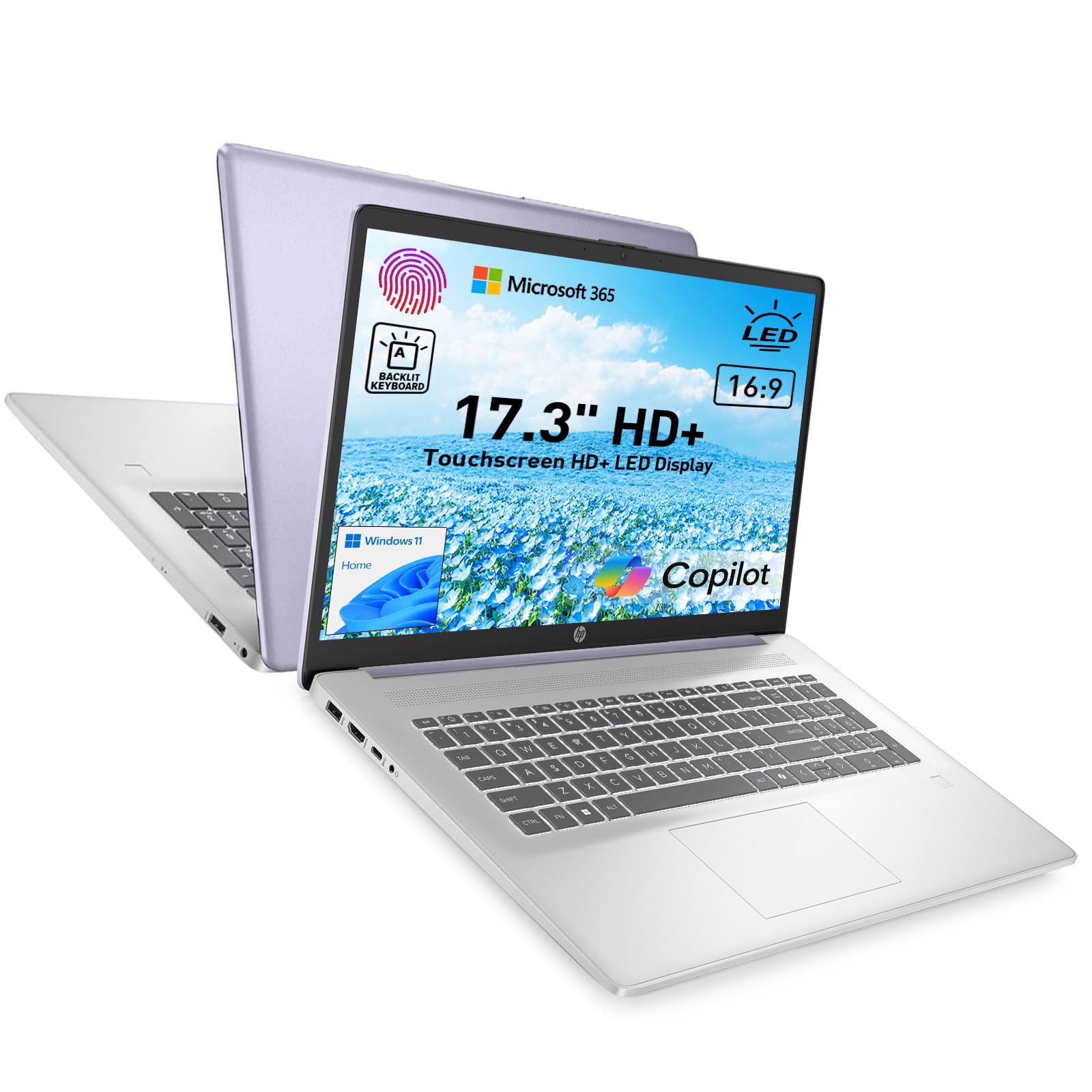
1. HP 17.3″ Touchscreen Laptop w/ Microsoft 365
Our pick — 4.5+★ from 400+ verified ratings; the strongest balance of quality and price.
The big-screen desk buddy that turns a page with a fingertip.
A 17.3-inch touchscreen is the reason to start here. At that size — roughly a quarter larger than the 14-inch Vivobook — care-plan diagrams and textbook PDFs stop feeling cramped, and you can page through them by tapping the glass instead of hunting for the trackpad.
Memory is 8GB with a 128GB SSD, which is modest next to the 24GB the Vivobook carries. It still handles browser tabs, Office and video calls. The fast-charge feature takes the battery from 0 to 50% in 45 minutes, which fits a rushed morning before clinicals.
The catch is portability. At 4.6 lbs it is heavier than the 3.64 lb HP 15.6, and reviews are split on whether it feels light or a bit heavy in a backpack. The backlit keyboard and fingerprint reader help when you are typing notes in a dim ward.
What works for study days
- 17.3-inch anti-glare touchscreen suits long reading sessions
- Fast charge to 50% in 45 minutes
Where to look before buying
- 128GB SSD fills quickly with recorded lectures
Reach for this if: you want the widest screen for note taking and don’t mind a little extra heft.
Look elsewhere if: you plan to store a lot of video on the machine itself.
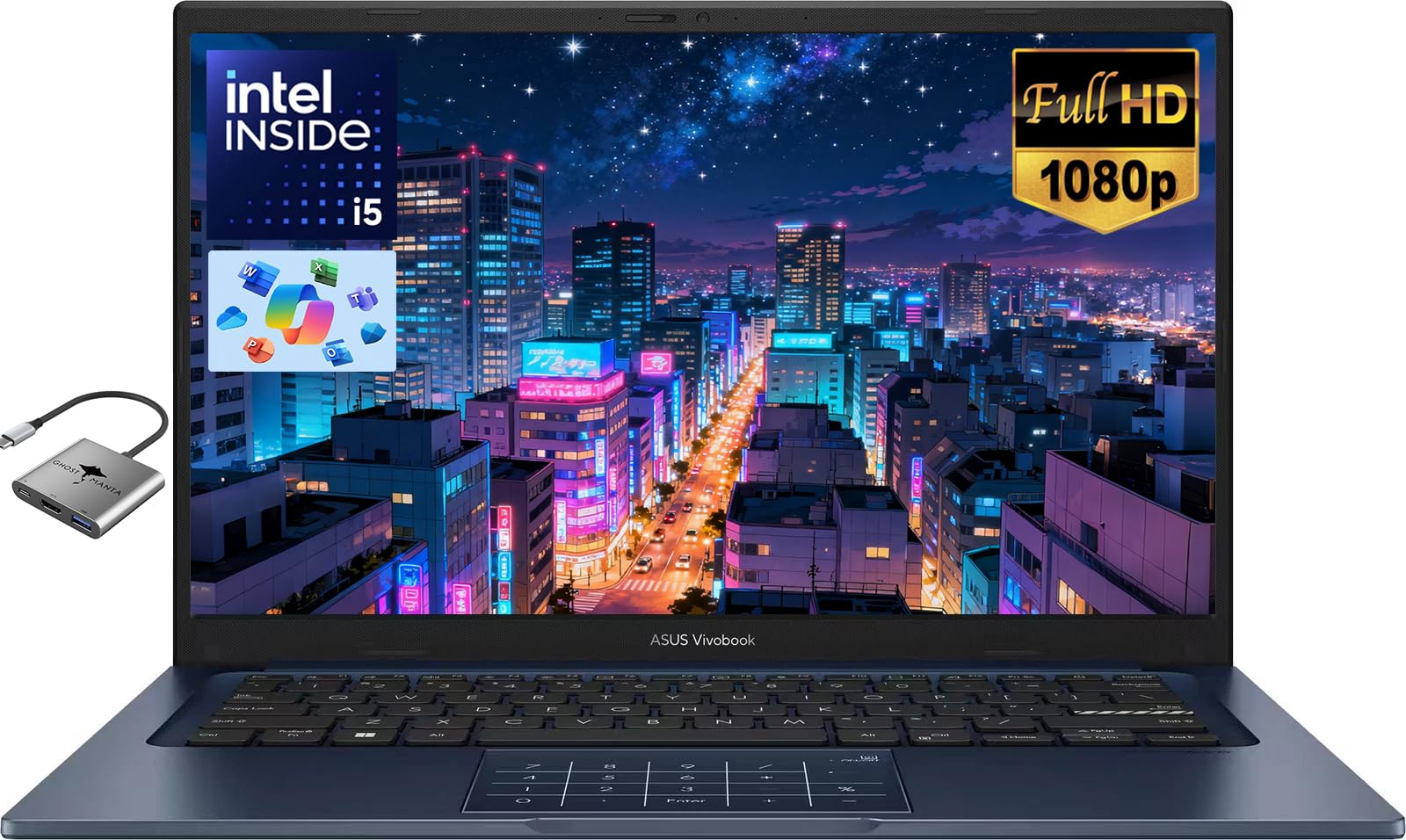
2. ASUS Vivobook 14″ FHD Laptop
Three times the memory of the big HP, in a bag-friendly frame.
This is the workstation pick. 24GB of RAM is triple the 8GB in the 17.3-inch HP, so a dozen browser tabs, a lecture stream and a Word document can all stay open without the machine stuttering.
The Intel Core i5-1334U reaches 4.6 GHz, versus 3.4 GHz in the HP, and the 1TB SSD holds four times the storage of that model’s 128GB. The 14-inch FHD screen keeps it compact to carry between classes.
Battery life is listed up to 8 hours, and the HD privacy camera gives you a shutter for dorm-room calls. Reviews are mixed on long-term reliability, so treat it as a fast tool worth a protective sleeve.
The density argument: 24GB RAM and 1TB SSD are the two numbers that separate this from almost everything else on the list.
What to weigh: mixed reliability feedback means backup habits matter.
The spec mic-drop: 24GB of RAM is the biggest memory pool on this list, and it keeps tabs from stalling.
One caveat: the smaller 14-inch screen feels tighter for split-screen reading.
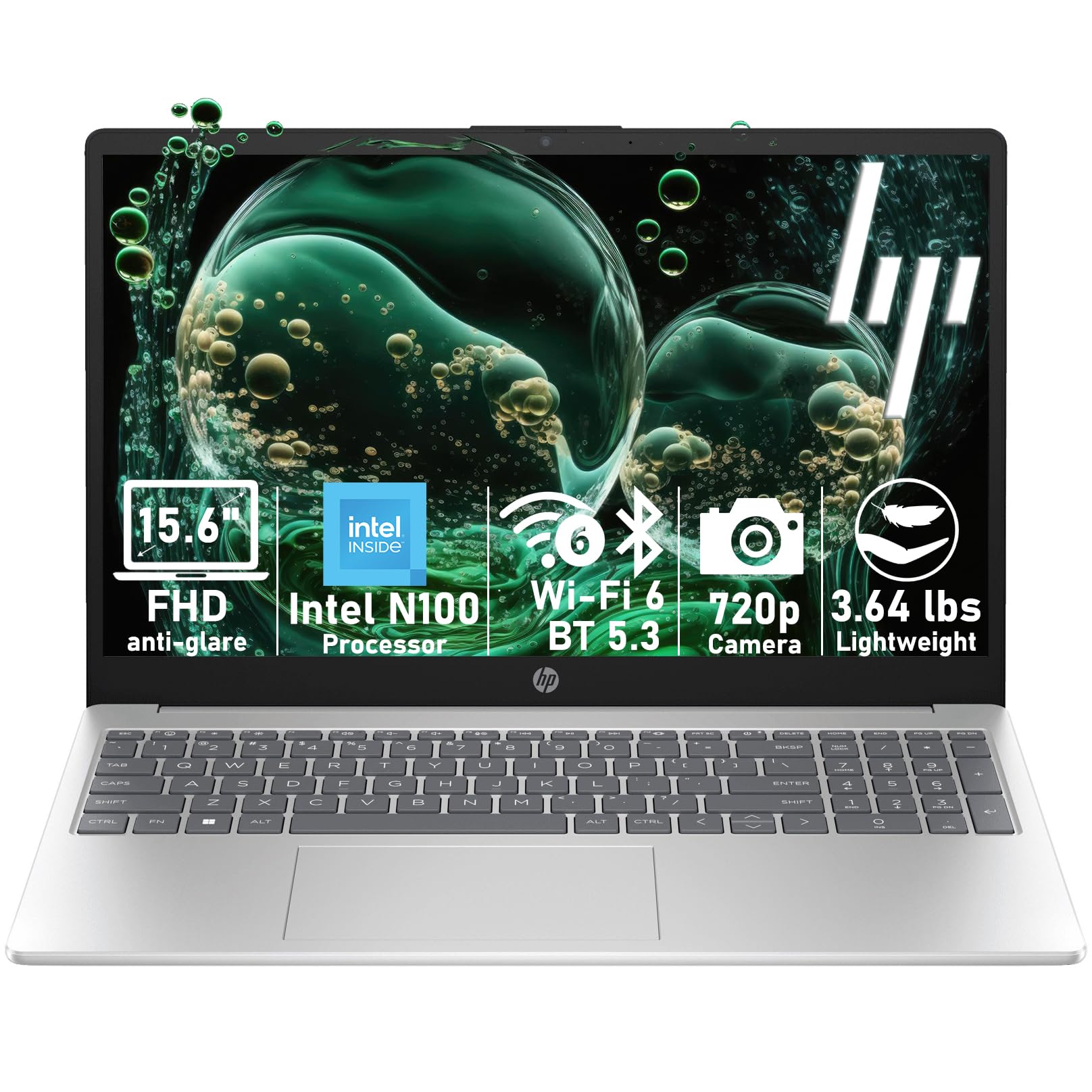
3. HP 15.6″ FHD Laptop 2026 Edition
Double the HP’s memory for less daily strain on a student budget.
16GB of RAM and a 512GB SSD give this 15.6-inch HP real breathing room for coursework. That is double the 8GB on the touchscreen HP and quadruple its storage at 512GB versus 128GB.
It is also the lighter carry here — 3.64 lbs versus 4.6 lbs — so slinging it into a backpack on the way to clinicals is easier. The FHD (full high definition, 1920 x 1080) anti-glare screen cuts glare under lecture-hall lights.
The honest note: reliability feedback is mixed, with some reports of crashes. Treat this as a solid, well-priced starter that benefits from cloud backups.
Value read: 16GB is the sensible minimum for juggling care plans and slides, and this hits it.
Fits best: a first-year student who wants a light, roomy machine that won’t strain a budget.
Worth knowing: mixed reliability reports mean keeping your work synced elsewhere.
4. Dell 15.6″ Laptop DC15250
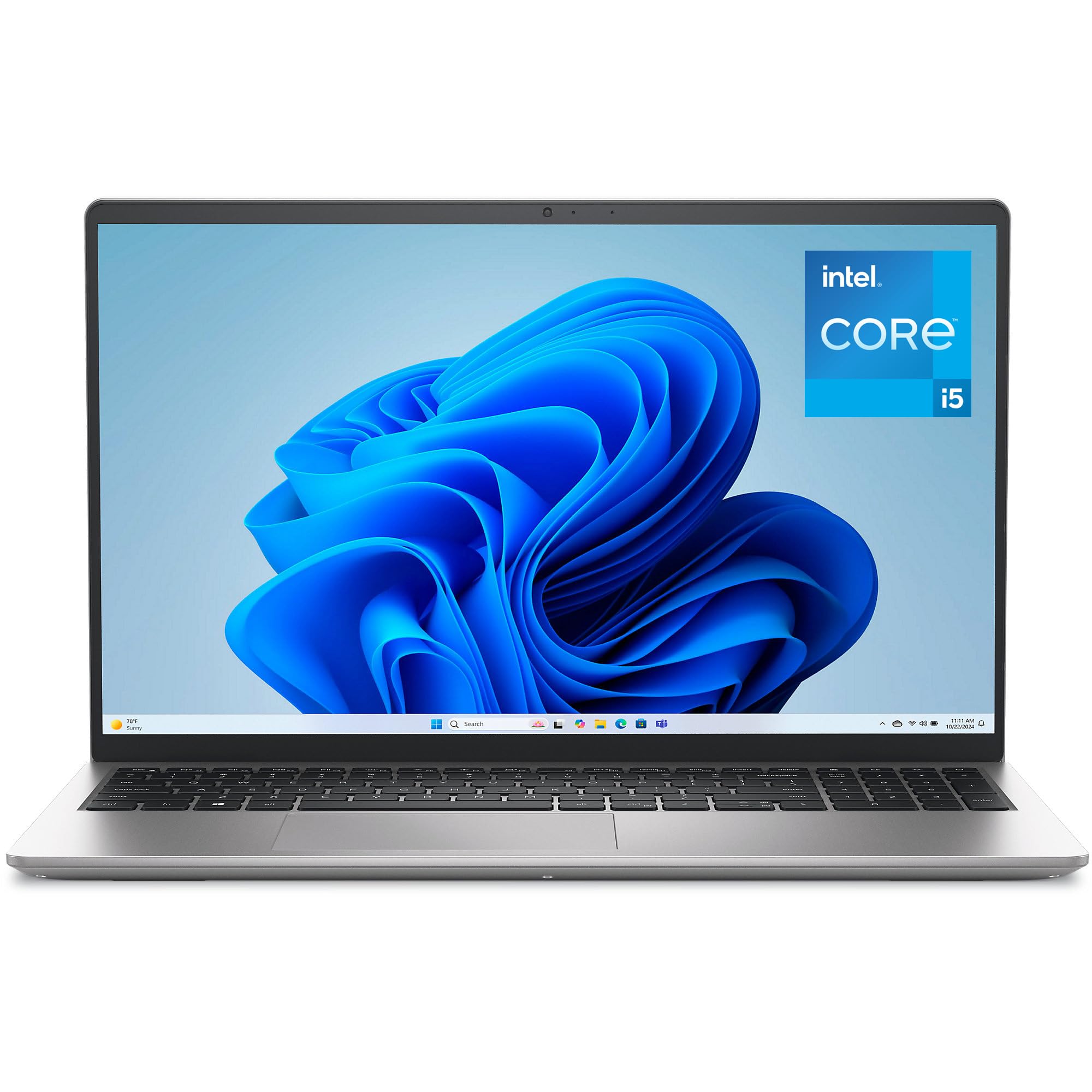
Lifted hinges and a roomy keypad for hours of charting and essays.
Dell built this 15.6-inch model for people who type all day. The hinges lift the base to an ergonomic angle, and the separate numeric keypad speeds up numbers for dosage math and data entry.
The Intel Core i5-1334U hits 4.6 GHz, and ComfortView software reduces blue light for long reading stretches. Owner feedback praises how smoothly it runs and how easy setup is.
The battery is the weak point. It drains fast — reviews point to roughly four hours — and some units run hot, so keep the charger handy on long campus days.
Ergonomic wins
- Lifted hinge typing angle and numeric keypad
- Blue-light-reducing ComfortView software
Realities to plan for
- Short battery runtime means carrying the charger
For the typist: pick this if keyboard comfort tops your list.
Not for: all-day unplugged use where battery matters more than typing feel.
5. Lenovo V15 Gen 4 Business Laptop

A rare wired port that saves you on a dodgy campus network.
This Lenovo carries an RJ45 Ethernet jack — a plug for a network cable — which most modern laptops have dropped. When lecture-hall Wi-Fi drops, a wall socket keeps you online.
The Intel Core i5-13420H reaches 4.6 GHz on a 15.6-inch FHD display, and it ships with Windows 11 Pro. Owners praise how it performs as advertised.
Feedback splits on reliability, with some units failing inside a year. Buy it for the ports and the pro OS, and back your work up.
The port story: Ethernet, HDMI, USB-C and USB-A in one chassis is increasingly rare.
Choose it for: reliable wired internet and a full set of connections.
Think twice if: you rarely use a cable and want the longest-proven track record.
6. Lenovo V15 Laptop for Home Office
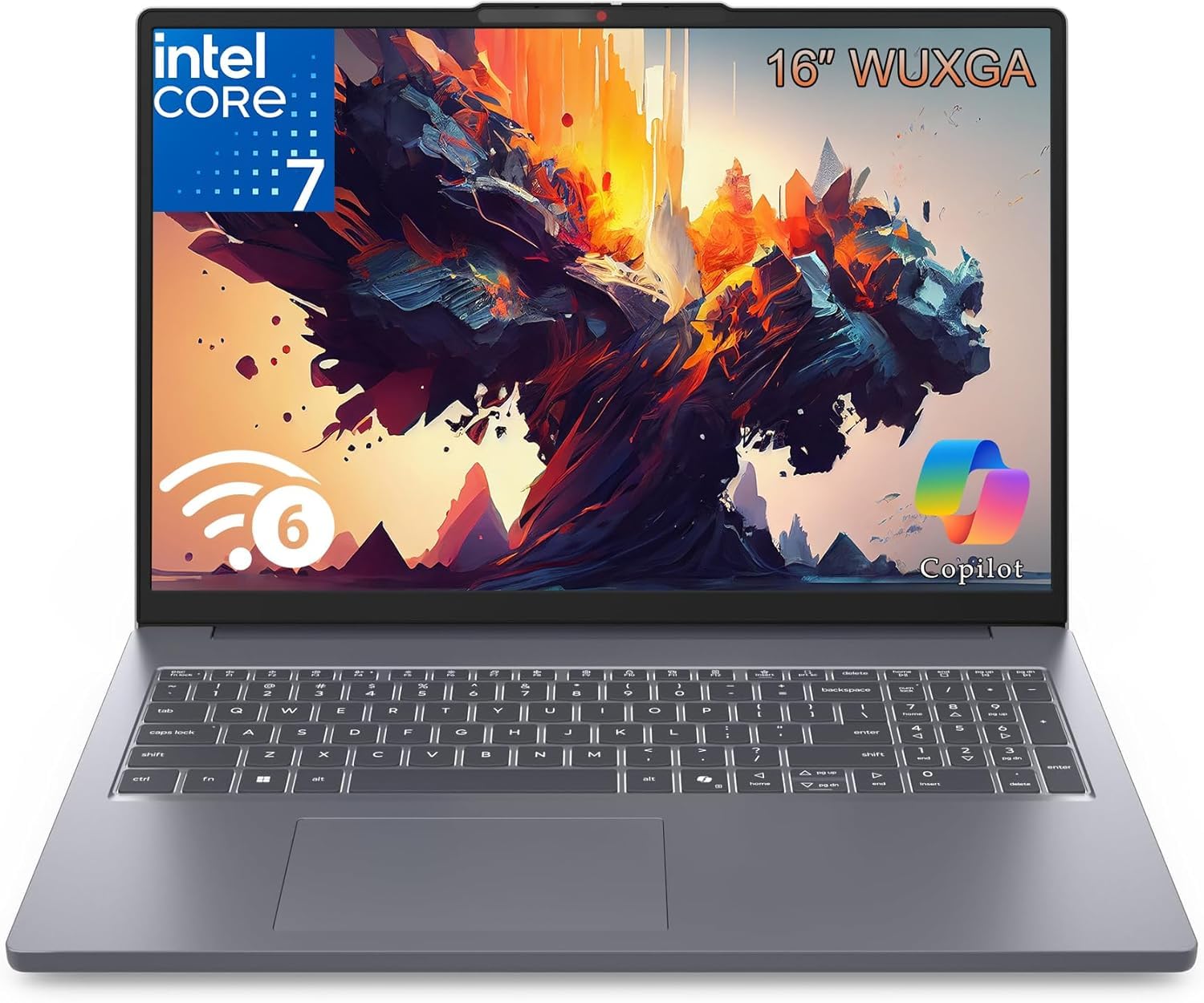
The i7 chip makes heavy coursework feel light on its feet.
An Intel Core i7-13620H reaching 4.9 GHz powers this one — the highest speed rating on the list. That headroom helps when big research PDFs and multiple apps run side by side.
The 16-inch FHD+ (1920 x 1200) screen gives extra vertical space for reading, and a 512GB SSD keeps boot times quick. It ships with Windows 11 Home and Copilot.
The trade-off is 8GB of RAM, half what the Inspiron offers. If you open many tabs at once, memory runs tight.
Speed-first pick: clock speed up to 4.9 GHz is the number to note here.
Ideal for: buyers who want a fast processor and a taller screen.
The limit: 8GB of RAM is the ceiling to watch for heavy multitasking.
7. HP Pavilion 15.6″ HD Touchscreen Laptop

Touch plus a full 1TB of storage for big lecture-archive habits.
A 1TB SSD is the draw — four times the space of the 128GB HP at the top, so recorded lectures pile up without pressure. 16GB of RAM keeps a stack of tabs open.
The 15.6-inch HD touchscreen responds well, and the Intel Core i3-1115G4 reaches 4.1 GHz. Battery is listed up to 11 hours of standby.
Two honest flags: screen quality gets mixed feedback for resolution and color, and battery drains fast in real use. Buy for touch and storage, not for display brilliance.
Storage and touch
- 1TB SSD for large media libraries
- Responsive 15.6-inch touchscreen
Points of caution
- Resolution and color draw mixed reviews
Suits: students who want touch and lots of storage on one screen.
Less suited to: anyone prioritizing a crisp display or full-day battery.
8. Dell Latitude 5430 Rugged

A 25-hour battery that outlasts every other pick on the list.
25 hours of listed battery runtime is far beyond anything else here — enough to leave the charger at home through back-to-back clinical days. The 14-inch FHD screen keeps it easy to carry.
16GB of RAM and a 512GB SSD handle coursework comfortably, and a fingerprint reader adds quick, secure logins. The Intel i5-1145G7 runs at 2.60 GHz.
It ships with Windows 11 Pro and comes built to take knocks. Only a handful of ratings exist so far, so the track record is thin.
Runtime headline: 25 hours is the standout spec for anyone who forgets to charge.
Built for: long days away from an outlet and a budget for durability.
Something to know: the 2.60 GHz base clock is the slowest here.
9. Samsung Galaxy Book4 Business Laptop

At 3.46 lbs, this is the featherweight of the big-screen group.
Samsung’s build quality is what wins people over, and it shows in the numbers: 3.46 lbs makes it the lightest 15.6-inch machine here, well under the 4.6 lb HP at the top.
The Intel Core 7 150U reaches 5.4 GHz across 10 cores, and 16GB of RAM plus a 512GB SSD cover the coursework basics. A 300-nit anti-glare IPS screen with 100% sRGB keeps notes readable.
Battery feedback is mixed, and some reviews describe performance as not up to regular use over time. Handle it as a premium-feeling pick that wants careful care.
Carry weight: 3.46 lbs is the number that makes this the travel-friendly choice.
Pick it if: you want a slim, premium-feeling laptop to carry every day.
Weigh the trade: mixed battery and reliability notes mean backing up is wise.
10. Dell Inspiron Touchscreen Laptop

A memory pool that swallows every tab you can throw at it.
32GB of RAM is the biggest on the list — double the 16GB in the Samsung, and four times the 8GB HP. If your workflow is dozens of tabs plus reference documents, this is the ceiling-raiser.
A 1TB SSD matches the Pavilion’s storage, on a 15.6-inch FHD touchscreen with a numeric keypad and Windows 11 Pro. It boots quickly and owners find it easy to set up.
The honest side: durability reports include hinge trouble, and battery is a recurring gripe. It’s a workhorse that deserves gentle handling and a backup routine.
Where it leads
- 32GB RAM and 1TB SSD for heavy multitasking
- Touch display with numeric keypad and Pro OS
Fit notes
- Durability feedback includes hinge issues — handle with care
Made for: the heavy multitasker who wants maximum RAM and storage.
Consider another pick if: build longevity matters more than raw memory.
11. HP 17 Laptop i7, 64GB RAM, 2TB SSD

Sixty-four gigs of memory for anyone who never closes a tab.
64GB of RAM and a 2TB SSD are numbers that sound like a desktop, not a laptop. That memory is double the Inspiron’s 32GB and the storage is double the 1TB machines, giving you room for a whole semester of recordings.
The Intel Core i7-1355U reaches 4.7 GHz, and the 17.3-inch HD+ touchscreen matches the biggest display here. It’s built for buyers who treat a laptop as their main computer.
The honest limit is the screen: reviews flag the HD+ resolution for sharpness, so text won’t look as crisp as a full HD panel. This is for space, not pixel density.
Space you can feel: 64GB is the largest memory count here, four times the Samsung’s 16GB.
Right for: a heavy workload and a whole course archive on one machine.
The catch: HD+ resolution won’t satisfy anyone chasing crisp text.
Know the Specs
RAM (Memory)
RAM is the short-term workspace where your open apps and tabs live. 16GB is a comfortable baseline for coursework; 8GB runs tight when many tabs are open.
SSD (Storage)
An SSD stores your files and speed up startup. 512GB holds plenty of lectures and documents, while 128GB fills quickly with recorded video.
Common Questions
How much RAM do I need for nursing coursework?
Is a touchscreen useful for studying?
Will a 128GB SSD be enough?
Do I need an Ethernet port?
Is a bigger screen better for studying?
How long should the battery last?
Can I upgrade the RAM later?
Does processor speed matter more than RAM?
The Bottom Line
For most nursing students, the computers for nursing students winner is the HP 17.3″ Touchscreen because its wide touch display and fast charge suit study days.
If you want maximum multitasking, grab the ASUS Vivobook 14″ with 24GB of RAM. And for a well-priced, lighter carry, the HP 15.6″ FHD is the smart match.
How we choose
We do not accept paid placement. Every pick is matched to a real buyer and a real use-case; we do not hands-on test units.
Sources
Specifications: manufacturer listings and product documentation. Review insights: verified customer reviews, as of November 2026. Pricing: not shown on this page (it changes often); check the current price via the retailer link.
As an Amazon Associate, My Heart Lives Here earns from qualifying purchases. This does not affect which products we feature.