Heads up: This post contains affiliate links. As an Amazon Associate I earn from qualifying purchases, at no extra cost to you. Learn more
Specs are compiled from manufacturer listings and verified buyer reviews and can change over time — please confirm the key details on the product page before buying.
You want one monitor that does high-resolution detail and fast motion without a hitch, and the short answer is this: the Alienware 34 Curved Gaming Monitor is the pick most people should start with. It pairs a 3440 x 1440 ultrawide picture with a 180Hz refresh and a 1ms gray-to-gray response time (the time a pixel takes to change shade, so blur stays low). That combination covers fast shooters and spreadsheet work on one panel. Below are eleven real options, grouped by desk size and graphics card so you can match one to your setup.
This guide is built by comparing the manufacturers’ published specifications and the patterns across verified customer reviews, so you get each pick’s real strengths and trade-offs instead of marketing spin.
Panel type changes everything here: an OLED (a screen whose pixels light themselves) gives near-perfect blacks, while an IPS or VA panel can be brighter across the whole screen. Read on for a plain breakdown of the best 1440p 180Hz monitors, from 27-inch flat panels to 57-inch curves.
Top Picks

How To Choose The Best 1440p 180Hz Monitor
A 1440p screen (2560 x 1440 pixels) sits between basic 1080p and heavy 4K in sharpness — enough detail that text stays clean and distant objects stay readable, without demanding the very top graphics card. The 180Hz refresh rate (how many times per second the picture redraws) is the number that makes motion feel fluid. Higher is smoother, but every jump up means your GPU has to push more frames. Here is what actually decides whether a monitor suits you.
Resolution and refresh need to match your graphics card
A 180Hz panel is only worth it if your card can push frames near that number. If you play demanding games on a mid-range card, expect to sit lower and let the adaptive sync smooth the gaps. That is why the sync tier matters: FreeSync Premium and G-Sync Compatible both keep the monitor’s refresh in step with your card’s output, so you avoid tearing and stutter. Check which one your GPU supports before you commit.
OLED versus IPS versus VA: pick by the room you sit in
An OLED panel dims individual pixels to true black, which makes night scenes and space games look deep and rich. The trade-off is peak brightness on large bright areas. An IPS panel holds color and brightness across the whole screen and keeps wide viewing angles for a shared desk. A VA panel tends to post the strongest contrast ratio but can smear fast motion. Match the panel to your room’s lighting: OLED for a dimmable space, IPS for a bright shared desk.
Shape, curve, and stand adjustment
A 34-inch ultrawide with a 1500R curve (an aggressive bend that wraps toward your eyes) pulls the edges into view and suits racing and open-world games. A flat 27-inch screen is easier to fit and easier to pair with a second monitor. Stand adjustment — height, tilt, pivot, swivel — decides neck comfort over a long session. If your desk is shallow, a curved ultrawide’s depth may crowd the space in front of you, so measure first.
Side-by-Side Comparison
| Model | Best For | Resolution | Refresh Rate | Panel Type | Amazon |
|---|---|---|---|---|---|
| Alienware AW3425DWM★ Best Overall | Ultrawide all-rounder | 3440 x 1440 | 180Hz | LED | Amazon |
| LG 27GR83Q-BBest Value | Fast IPS value | 2560 x 1440 | 240Hz | IPS | Amazon |
| Acer Predator X27U W1Top Performer | Esports-sized OLED | 2560 x 1440 | 240Hz | QD-OLED | Amazon |
| Samsung Odyssey OLED G5 | Glare-free OLED | 2560 x 1440 | 180Hz | QD-OLED | Amazon |
| AOC Q27GAZD | Color-rich OLED | 2560 x 1440 | 240Hz | QD OLED | Amazon |
| MSI MAG 272QP QD-OLED X24 | Burn-in-minded OLED | 2560 x 1440 | 240Hz | Quantum Dot OLED | Amazon |
| ASUS ROG XG27AQDMG | Glossy OLED punch | 2560 x 1440 | 240Hz | WOLED | Amazon |
| LG 27GX700A-B | Bright OLED panel | 2560 x 1440 | 280Hz | OLED | Amazon |
| Alienware AW2725DF | Competitive high-refresh | 2560 x 1440 | 360Hz | OLED | Amazon |
| Gawfolk 49″ Curved | Super-wide immersion | 5120 x 1440 | 240Hz | VA | Amazon |
| Samsung Odyssey Neo G9 | Dual-4K flagship | 7680 x 2160 | 240Hz | VA | Amazon |
Detailed Reviews
1. Alienware 34 Curved Gaming Monitor AW3425DWM
Our pick — 4.5+★ from 750+ verified ratings; the strongest balance of quality and price.
A wrap-around ultrawide that keeps detail sharp edge to edge without blurring the action.
Start with the shape, because it changes how you play. This is a 34-inch ultrawide at 3440 x 1440 pixels — extra width beyond a standard 1440p screen, so your game world spreads out to the sides instead of getting clipped at the edges. The 1500R curve bends the panel toward your eyes, which pulls the far corners into view. For open-world exploration and racing, that added width is the whole point. The 180Hz refresh and 1ms gray-to-gray response keep the motion clean, and AMD FreeSync Premium with VESA AdaptiveSync keeps the picture in step with your graphics card to cut tearing.
Color holds up for more than gaming. It covers DCI-P3 95% (a wide color range, so reds and greens stay rich rather than washed out) and carries VESA DisplayHDR 400 certification for brighter highlights. The 3,000:1 contrast ratio means darks sit deeper than a typical IPS panel can manage. It also ships with a console mode and a hardware low-blue-light mode that trims eye strain on long sessions without draining the color. That mix is why buyers treat it as a do-everything screen for both play and desk work, not just a game panel.
The catch is desk space. A curved ultrawide eats real depth, so on a shallow desk you will feel it crowding your keyboard. The 400-nit brightness is also modest next to brighter OLED and mini-LED panels, so in a sunlit room you may want the blinds down. The stand covers height and tilt adjustment but not swivel, so plan where it sits before it arrives.
Why the panel earns its spot
- 3440 x 1440 ultrawide gives you side-to-side width a standard 1440p screen cannot show.
- 180Hz refresh plus 1ms response keeps motion crisp through fast turns.
- 95% DCI-P3 color and DisplayHDR 400 hold up for editing and streaming as well as gaming.
- Console mode and hardware low-blue-light suit long, late sessions.
Where it asks you to compromise
- The curve and width need real desk depth, so measure before ordering.
- 400-nit brightness is dimmer than brighter OLED rivals in a bright room.
- Tilt and height adjust, but no swivel on the stand.
Buy it for: anyone who wants one wide screen to cover gaming and work, especially open-world and racing fans who value side vision.
Measure first: a shallow or narrow desk will feel cramped under a curved 34-inch panel.
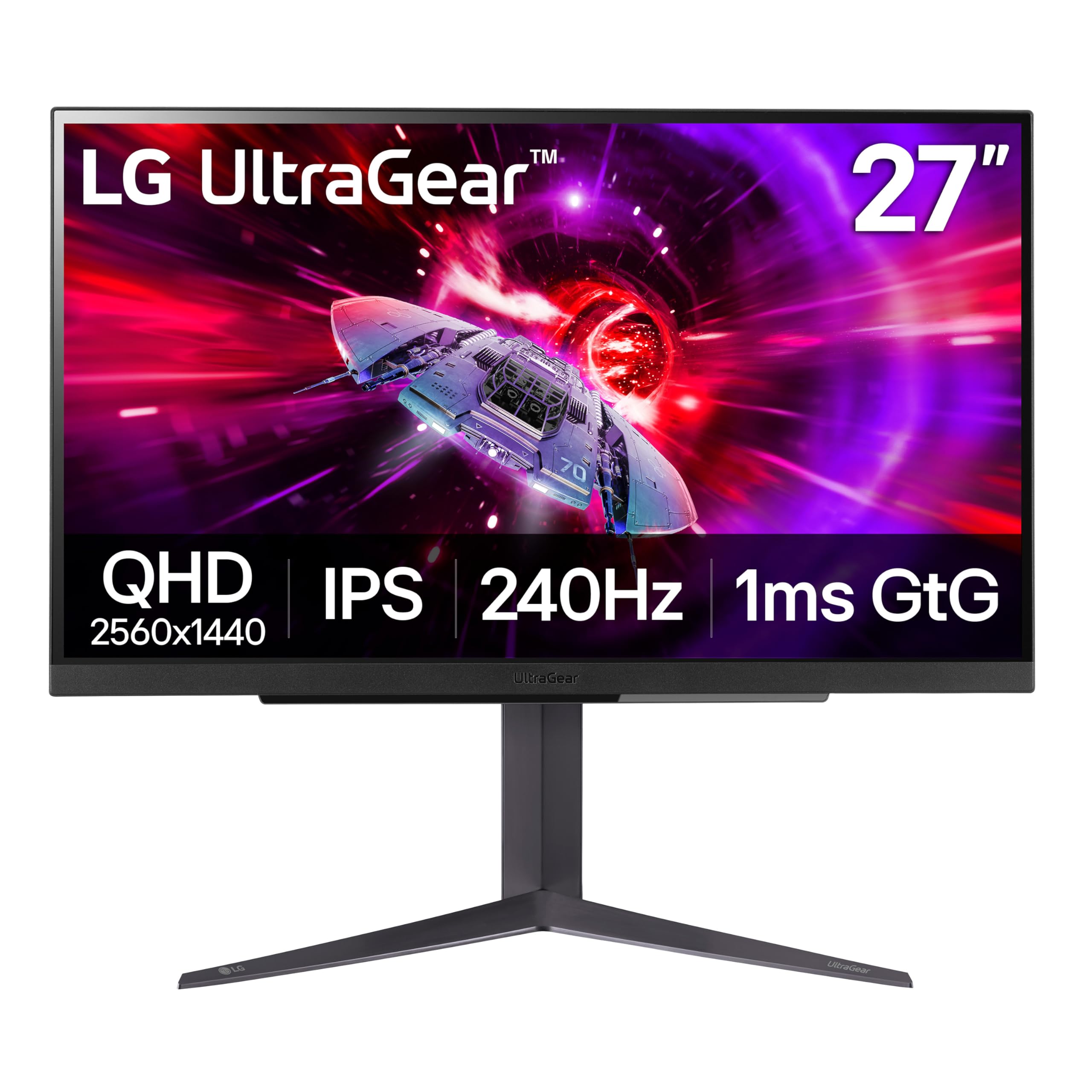
2. LG 27GR83Q-B 27-inch Ultragear QHD IPS Gaming Monitor
A dependable IPS panel that runs fast and keeps its color across the whole screen.
If you want the speed without paying OLED prices, this one is hard to argue with. It runs a 240Hz refresh over HDMI 2.1 or DisplayPort 1.4, with a 1ms gray-to-gray response time, so fast pans in shooters stay tight and readable. An IPS panel holds its color and brightness from wide angles, which means a friend leaning over to watch does not see a color shift. from the start it strikes a steady everyday balance — the quality of the build is what owners single out first and praise most, well ahead of any other trait.
Looking at the numbers side by side: this panel carries a 1000:1 contrast ratio, a full 1000 times lower than the Samsung Odyssey OLED G5’s 1000000:1 figure. That gap is the honest trade — blacks here read as dark gray rather than true black, which you notice in dark scenes and space games. Its 1ms response also falls behind the Acer Predator’s 0.03ms figure, though for most play the difference is smaller than the numbers suggest. Color still holds up with up to DCI-P3 95% coverage and DisplayHDR 400.
The 2.35:1 aspect ratio in the listing is a spec oddity worth ignoring — the panel is a standard widescreen 1440p, and the stated resolution is 2560 x 1440. A few buyers do hit dead pixels, so inspect the panel during the return window; screen defects are the recurring gripe rather than a daily-use flaw. Gaming tools are generous: Dynamic Action Sync to cut input lag, Black Stabilizer for dark corners, an FPS counter, on-screen crosshairs, and DTS Headphone:X spatial sound over the 4-pole jack.
The smart-money read: a 240Hz IPS screen with 95% DCI-P3 color and a tilt/height/pivot stand that covers both games and desk work. The mount flexibility alone keeps your neck happy across a long day.
What to expect in the dark: the 1000:1 contrast means night scenes will look grayer than on an OLED. If deep blacks are your priority, plan to step up to an OLED panel instead.
Step this way if: you want high speed, wide-angle color, and a fully adjustable stand without OLED pricing.
Pass if: true blacks in gloomy games matter more to you than value.
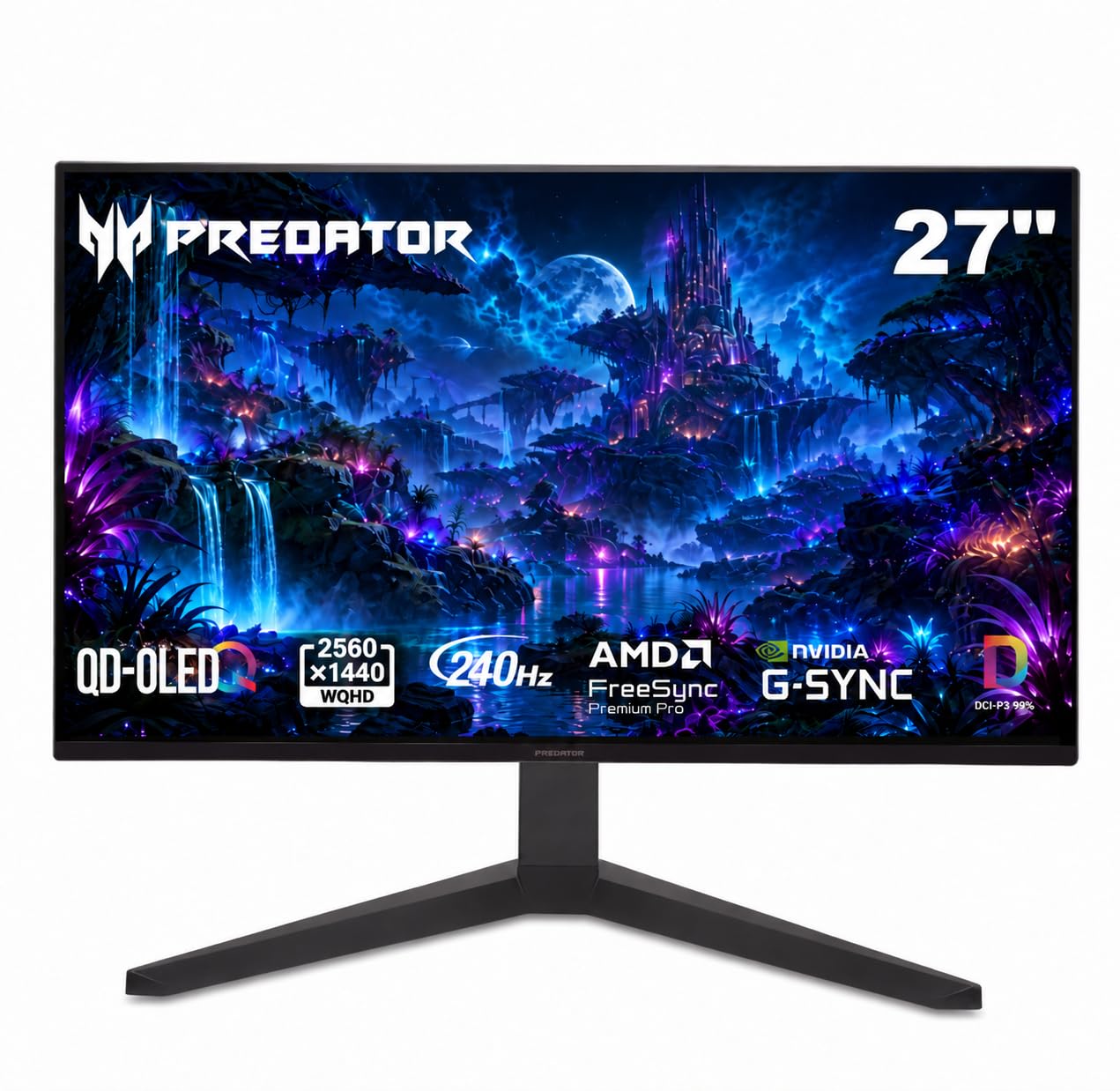
3. Acer Predator X27U W1 QD-OLED Gaming Monitor
A 26.5-inch OLED that answers so fast you stop noticing the screen at all.
The number here is 0.03ms gray-to-gray, the time a pixel takes to change shade. Set that against the LG 27GR83Q-B’s 1ms figure and you are looking at roughly 33 times quicker pixel shifts on paper, which is why fast strafes and whip-pans arrive with almost no ghosting trailing behind. The 240Hz refresh keeps frames flowing, and AMD FreeSync Premium locks the panel to your card to remove tearing. A 26.5-inch panel sits neatly inside your direct field of view — the size many esports setups favor — and the ZeroFrame design trims the bezels so the picture fills the front of your desk.
Color is the second story. The QD-OLED (quantum dot over self-lit pixels) panel covers DCI-P3 99% with Delta E under 2, meaning colors land close to how the game intended them. True 10-bit depth keeps gradients smooth, and HDR10 lifts highlights so bright flashes and deep shadows both read. Owners are genuinely taken with the look — the picture, the true blacks, and the way HDR brings scenes to life is what the pages talk about most, right alongside the speed. Image-refresh care helps stop static images from sticking, which is the main long-term worry with any OLED.
Two honest notes. OLED brightness on big bright areas is lower than an LED panel, so a room flooded with sun is not where this shines — it does its best work in dimmer, controlled light. At 8.96 kg the unit has real heft, so confirm your arm or desk can take it. If the weight and dim-room brightness are fine, its DCI-P3 99% color also suits photo and video editing.
What sets the pace
- 0.03ms response eliminates almost all ghosting in fast motion.
- DCI-P3 99% and Delta E under 2 keep colors faithful to the source.
- 26.5-inch size fills your field of view for competitive focus.
- Height, pivot, swivel, and tilt adjustment plus built-in speakers.
Worth knowing up front
- Peak brightness on large bright scenes trails an LED panel in a sunlit room.
- At 8.96 kg it is heavy; check your mount before you buy.
Made for: competitive players and creators in a light-controlled room who want speed and color accuracy together.
Think again if: your desk faces a bright window all afternoon.
4. Samsung 27″ Odyssey OLED G5 (G50SF) QHD Gaming Monitor

A matte OLED that kills reflections and saves your eyes when the sun is up.
Here is the contrast figure to beat: 1000000:1. That is a full 1000 times deeper than the LG 27GR83Q-B’s 1000:1, because each pixel here lights itself and can switch off completely for true black. The result is a picture that punches in dark scenes, with shadows that read as real rather than gray. It runs a 180Hz refresh with 0.03ms gray-to-gray response and works with both G-Sync and AMD FreeSync, so your card’s frames stay in step. Glare Free technology is the practical hero — a matte finish that keeps reflections off the screen so a bright room does not wash the image out.
Color accuracy gets a stamp to back it up. The screen is Pantone Validated for reproducing 2100+ colors, and HDR10 adds brighter highlights with finer shadow detail. OLED Safeguard uses a Thermal Modulation System to keep the panel cool and help prevent burn-in, which is the usual long-term concern with self-lit screens. Auto Source Switch+ hops between connected devices without you hunting for the input button. What owners talk about most is the overall quality of the thing, and value lands right behind it.
The brightness is the split decision. At 280 cd/m² on the spec sheet, some buyers find it bright enough while others call it too dark, so this is not the panel for a room you refuse to shade. The refresh rate also draws mixed feelings in reviews. Treat this as a screen that rewards a controlled setup: draw the curtains, dim the lamp, and the OLED contrast carries the show.
Why it lands here: the matte QD-OLED finish is the differentiator — 1000000:1 contrast with anti-glare that keeps bright-room reflections from ruining the scene. The 0.03ms response backs it up for fast play.
The honest catch: at 280 cd/m², brightness is modest and splits opinion. If your desk faces an unshaded window, expect to manage the light yourself.
Reach for it when: reflections wreck your current screen and you want OLED blacks behind a matte finish.
Look elsewhere if: you refuse to shade the room and want a wall of brightness.
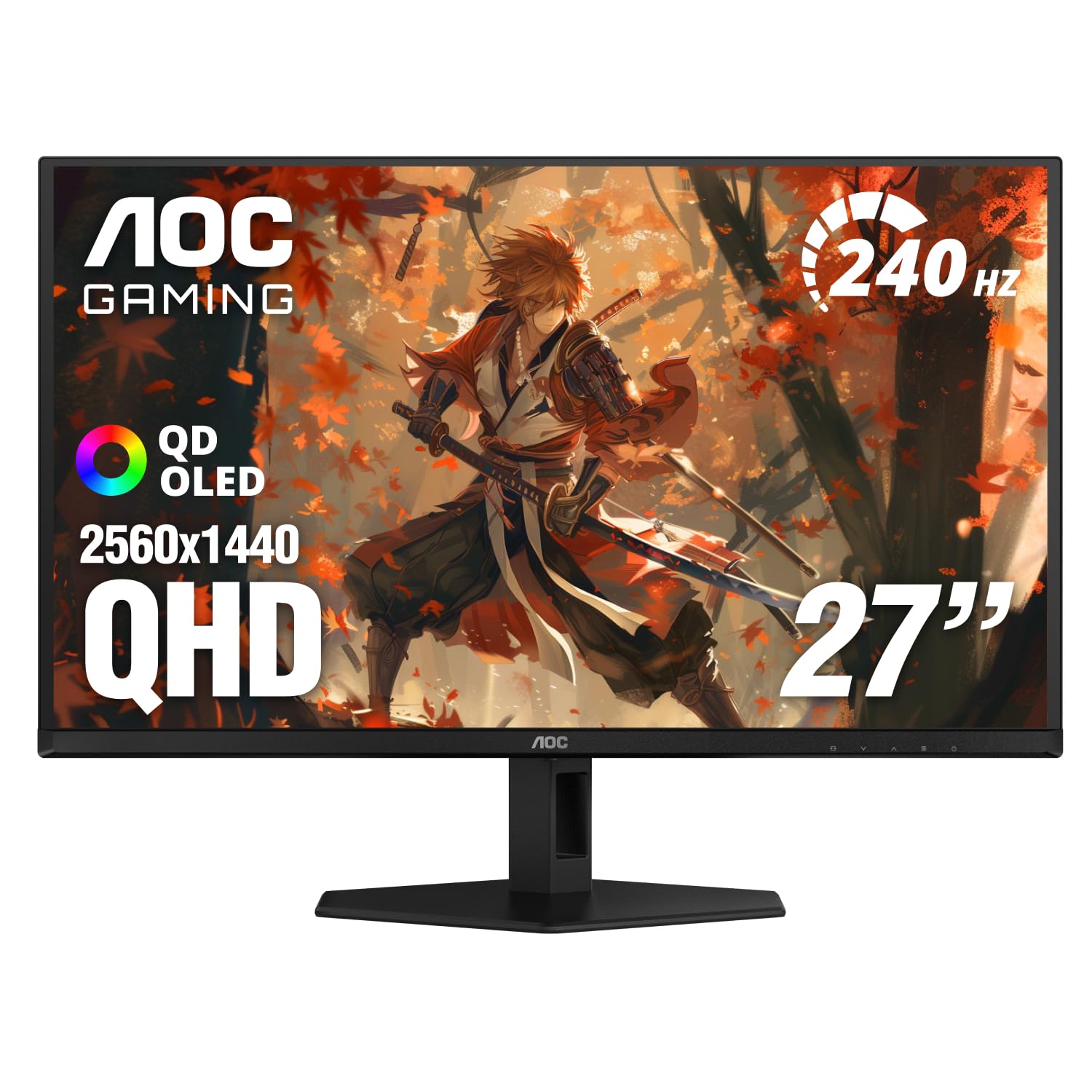
5. AOC Q27GAZD 27″ QHD 240Hz QD OLED Gaming Monitor
A 240Hz OLED with color coverage that pushes past the usual range.
Look at the color numbers, because they are the reason to pick this one. The QD OLED panel covers 147.6% sRGB and 110.2% DCI-P3 — coverage that runs beyond the standard color ranges, so shades come out saturated and vivid. Set that against a 1500000:1 contrast ratio and HDR400 True Black certification, and dark scenes get real depth while bright highlights pop. The 240Hz refresh and 0.03ms gray-to-gray response handle fast motion cleanly, and Adaptive-Sync keeps the frames synced to your card. It carries NVIDIA G-Sync Compatible status, which matters if you game on an NVIDIA card.
The 27-inch QHD resolution (2560 x 1440) keeps detail crisp for both play and work. What owners bring up most is the display quality itself — crisp images, deep blacks, and strong contrast — and value comes up right alongside it. It gets along with a lot of hardware too, listed as compatible with desktops, consoles, laptops, smartphones, and tablets over DisplayPort or HDMI. Eye-care touches like flicker-free and a frameless design round out the package for long sessions.
Brightness is the honest question mark, and it splits opinion here the way it does on most OLED panels. It also ships without a swivel or pivot listed in the stand features, so mounting flexibility is leaner than some rivals. Neither is a reason to walk away if the color is what pulled you in — it is a nudge to match the panel to a room you can control the light in.
Where it shines brightest
- 147.6% sRGB and 110.2% DCI-P3 push colors past the usual range.
- HDR400 True Black and 1500000:1 contrast deliver deep darks.
- G-Sync Compatible plus Adaptive-Sync keeps frames locked to your card.
- Broad device compatibility across consoles, laptops, and phones.
Where it asks for care
- Brightness splits opinion; a controlled room suits it best.
- Stand lists height, tilt, pivot, and swivel without full arm flexibility.
It suits: players who want OLED speed with color that overshoots the standard ranges, especially NVIDIA setups.
Best avoided if: you need maximum brightness in daylight.
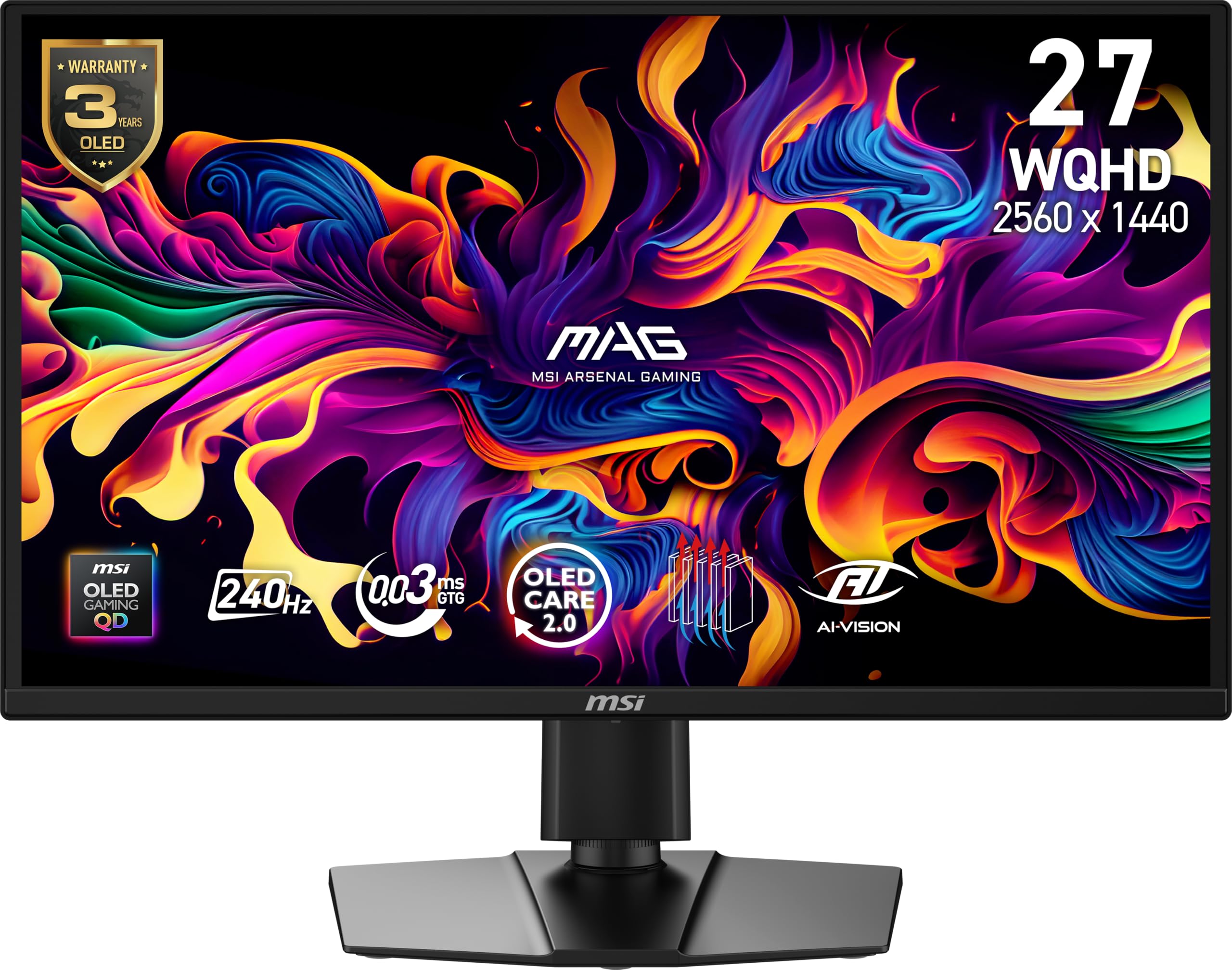
6. MSI MAG 272QP QD-OLED X24 27-Inch WQHD Gaming Monitor
Built for people who love OLED but worry about burn-in eating the panel over time.
The 10-bit QD-OLED panel shows 1.07 billion colors at 99% DCI-P3 with Delta E of 2 or less, so color stays accurate to the source. The 1500000:1 native contrast ratio means each pixel goes fully dark for true black. A 240Hz refresh and 0.03ms gray-to-gray response give it the speed to keep up, and its VESA ClearMR 13000 rating speaks to how clean that motion looks. The enhanced sub-pixel arrangement sharpens text and fine detail, which helps during the hours you spend reading on the same screen. Underneath it all, a fanless graphene heatsink works to keep the panel cool and extend its life.
The special care features are what set it apart. MSI GI software runs OLED Care 2.0 to help prevent burn-in, and the AI-assisted tools include Smart Crosshair, console modes, and game assistance — handy for competitive play. Connectivity covers DisplayPort 1.4a and HDMI 2.1 CEC for PCs, Macs, consoles, and laptops, all at full WQHD and 240Hz. A 4-way adjustable stand with a 100mm VESA pattern lets you set the angle your neck likes.
Brightness is the one split opinion to plan around. The panel’s peak brightness is described as up to 400 nits, yet reviewers split between finding it fine and calling it dim even by OLED standards. Screen durability also draws a little mixed feedback, which is why the burn-in care tools and heatsink matter. Buyers who want the deepest blacks and vivid color still call this a standout, and for a first OLED set it delivers depth without much fuss.
Why it is here: 99% DCI-P3 color, a 1500000:1 contrast ratio, and 0.03ms speed, wrapped in burn-in defenses — OLED Care 2.0 plus a fanless graphene heatsink.
The trade-off: brightness is modest at up to 400 nits and splits opinion. Keep the room dimmer and this shines; blast the afternoon sun at it and you will notice.
Choose it when: OLED depth is your goal and you want active burn-in care built in.
Skip if: a bright, sunlit desk is non-negotiable.
7. ASUS ROG XG27AQDMG 27 Inch 1440p 240Hz Glossy OLED Monitor
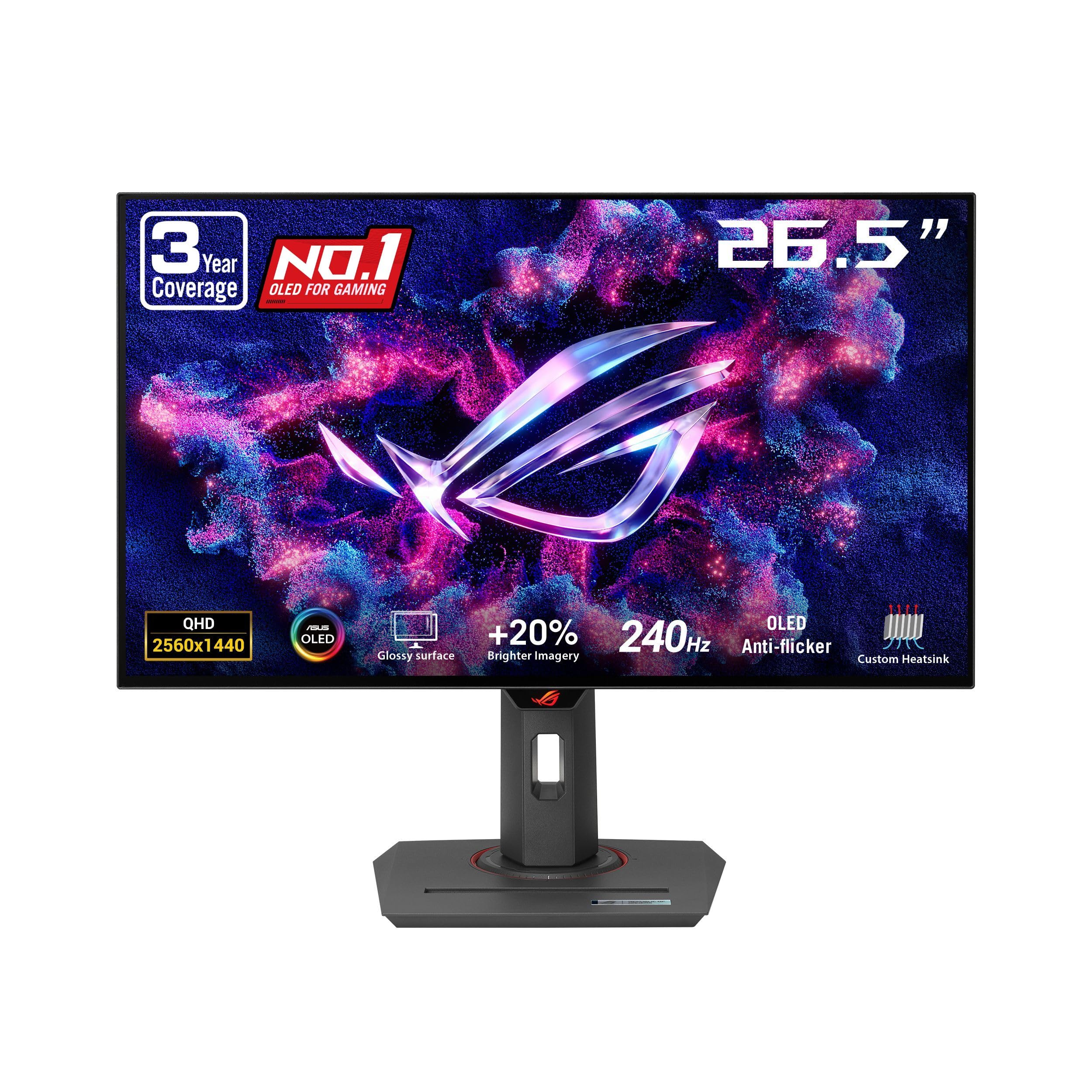
A glossy OLED that makes color feel like it is sitting on the surface of the glass.
If you have ever wanted a picture that feels liquid, the glossy finish is the draw here. This is a 26.5-inch WOLED panel at 2560 x 1440, running a 240Hz refresh with 0.03ms response, and it covers 99% of the DCI-P3 range with a third-generation panel that improves full-white brightness and text clarity. The look of the thing is what owners talk about most — the deep blacks and the glossy sheen that make visuals feel present. Behind that, a custom heatsink and airflow design with ASUS OLED Care work to hold off burn-in.
The practical details are unusually generous for a gaming screen. ROG’s exclusive OLED Anti-flicker technology settles the flicker you can get when the refresh swings, and an optional uniform brightness setting keeps luminance even across the panel instead of letting it shift. The stand adjusts for height, tilt, pivot, and swivel. Most convincing of all is the warranty: 3 years with burn-in coverage, which is the kind of backing that eases the main worry about OLED long term. G-Sync Compatible and FreeSync Premium keep frames in step whichever card you run.
The glossy surface cuts both ways. It makes color and contrast look richer, but it also reflects light, so it rewards a room you can dim rather than a bright window wall. Brightness overall draws mixed reactions, and display reliability is a mixed note too — the 3-year burn-in coverage is exactly what softens that. Picture quality lands as a mixed point, which keeps this a strong pick rather than a flawless one.
Why the glossy finish wins
- 99% DCI-P3 color with a third-generation WOLED panel for brighter whites and clearer text.
- 0.03ms response and 240Hz keep motion sharp.
- 3-year warranty with burn-in coverage backs the long game.
- Anti-flicker tech plus uniform brightness setting even out the picture.
What the gloss costs you
- The glossy screen reflects light, so it wants a dimmable room.
- Brightness gets mixed reactions depending on what you watch.
Worth it for: buyers who prize a rich, present-looking OLED picture and want burn-in coverage on paper.
Mind the reflections: a glossy panel in a bright room shows you the window, not the game.
8. LG 27GX700A-B 27-inch Ultragear QHD OLED Monitor
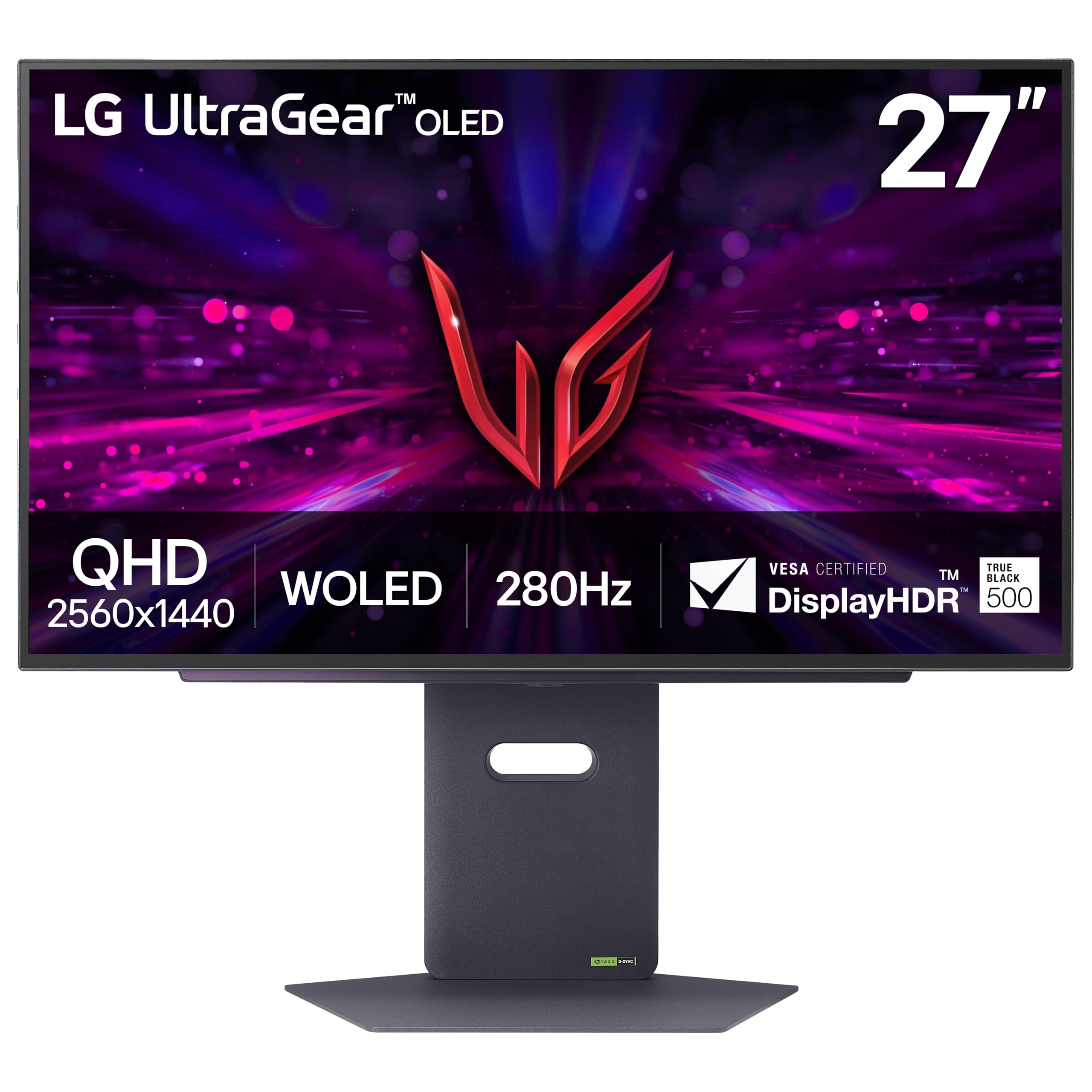
An OLED that chases brightness, pairing 280Hz speed with up to 1500 nits.
Most OLEDs trade brightness for black, and this one pushes back. The 4th Gen OLED panel uses Primary RGB Tandem tech and reaches up to 1500 nits, so bright scenes stay visible instead of washing out. Enhanced APL and reduced ABL (the limiting that usually dims a picture when a lot of it is bright) keep key visuals sharp during action. It runs up to 280Hz with 0.03ms response, which is the fastest refresh in this group after the 360Hz Alienware, and both NVIDIA G-Sync Compatible and AMD FreeSync Premium Pro keep every frame tight. VESA DisplayHDR True Black 500 pairs high brightness with deep black at the same time.
Color is stamped by UL Solutions for Perfect Black, Perfect Color with 100% Color Fidelity, and Perfect Reproduction, with up to DCI-P3 99.5% coverage — the widest here on paper. The contrast ratio is 1500000:1. A slim, near-borderless 27-inch frame sits on a stand with height, tilt, swivel, and pivot, and RGB backlighting sets the mood. The LG Switch app adds split-screen layouts and hotkey settings, and DTS Headphone:X pushes spatial sound through the 4-pole jack.
The reality check is on the review side. Quality and appearance draw genuine praise, and brightness is a positive here — but color and picture quality split between vivid praise and complaints of gray banding in dark scenes. That banding is the specific thing to watch for on this model, so buy where you can return it if a unit shows lines. At 4.0+ out of 5, it is the lowest-rated pick here, so buy it where you can return a banding unit.
What it brings: up to 280Hz, up to 1500 nits, DCI-P3 99.5%, and DisplayHDR True Black 500 — the brightest, fastest 27-inch OLED specification set here.
What to verify: dark-scene banding shows up for some units. Order from a seller with an easy return, and check a dark test scene in the first week.
Pair it with: a bright room and a fast card that can feed 280Hz.
Buy carefully if: you cannot return a faulty panel — banding is the known risk here.
9. Alienware AW2725DF OLED Gaming Monitor

A 360Hz OLED aimed squarely at players who count frames for a living.
The headline is 360Hz over a QD-OLED panel, the highest refresh in this collection. At 0.03ms gray-to-gray response the motion trail disappears, which is why owners describe the 360Hz feel as a leap — the panel simply shows you what happened a moment sooner. QHD resolution (2560 x 1440) keeps detail high, and VESA DisplayHDR True Black 400 pairs an infinite contrast ratio with deep blacks and bright highlights at the same moment. DCI-P3 99.3% coverage with Delta E under 2 keeps color faithful for editing as well as play. FreeSync Premium Pro and VESA AdaptiveSync smooth the frames.
You can set the screen where your neck wants it: the stand adjusts for height, tilt, swivel, and pivot (turning the panel upright). Anti-glare and flicker-free treatment (a backlight that doesn’t pulse, which eases eye strain) help over long sessions. The box includes a DisplayPort cable, a USB 3.2 Gen1 upstream cable (the data link to your PC), and a USB-C to DisplayPort cable, so you can connect without buying extra cords. Buyers praise the build and picture most, with color close behind. The honest split is at the till: some find the value hard to justify, while others call it the best 2K panel they have used.
The considerations are worth weighing. At 1000 nits brightness on the spec sheet but a modest OLED when showing large white areas, bright rooms still deserve care. The 360Hz rate is only worth it if your card can drive frames that high — a mid-range GPU will sit well below it. If a top-tier competitive edge is your aim, the speed speaks for itself.
Why the speed delivers
- 360Hz refresh is the fastest here, for the closest possible read on motion.
- QD-OLED with DCI-P3 99.3% and Delta E under 2 keeps color true.
- Infinite contrast with DisplayHDR True Black 400 for deep darks.
- Full height, tilt, swivel, and pivot control, with cables in the box.
Where to pause
- The value is debatable at this level; the gains show on a fast card only.
- Brightness on full-white scenes is modest for daylight rooms.
It rewards: competitive players on a strong GPU chasing the highest frame rates possible.
Not the move if: your card cannot feed 360Hz — you will pay for speed you never see.
10. Gawfolk 49 Inch Ultrawide Curved Gaming Monitor
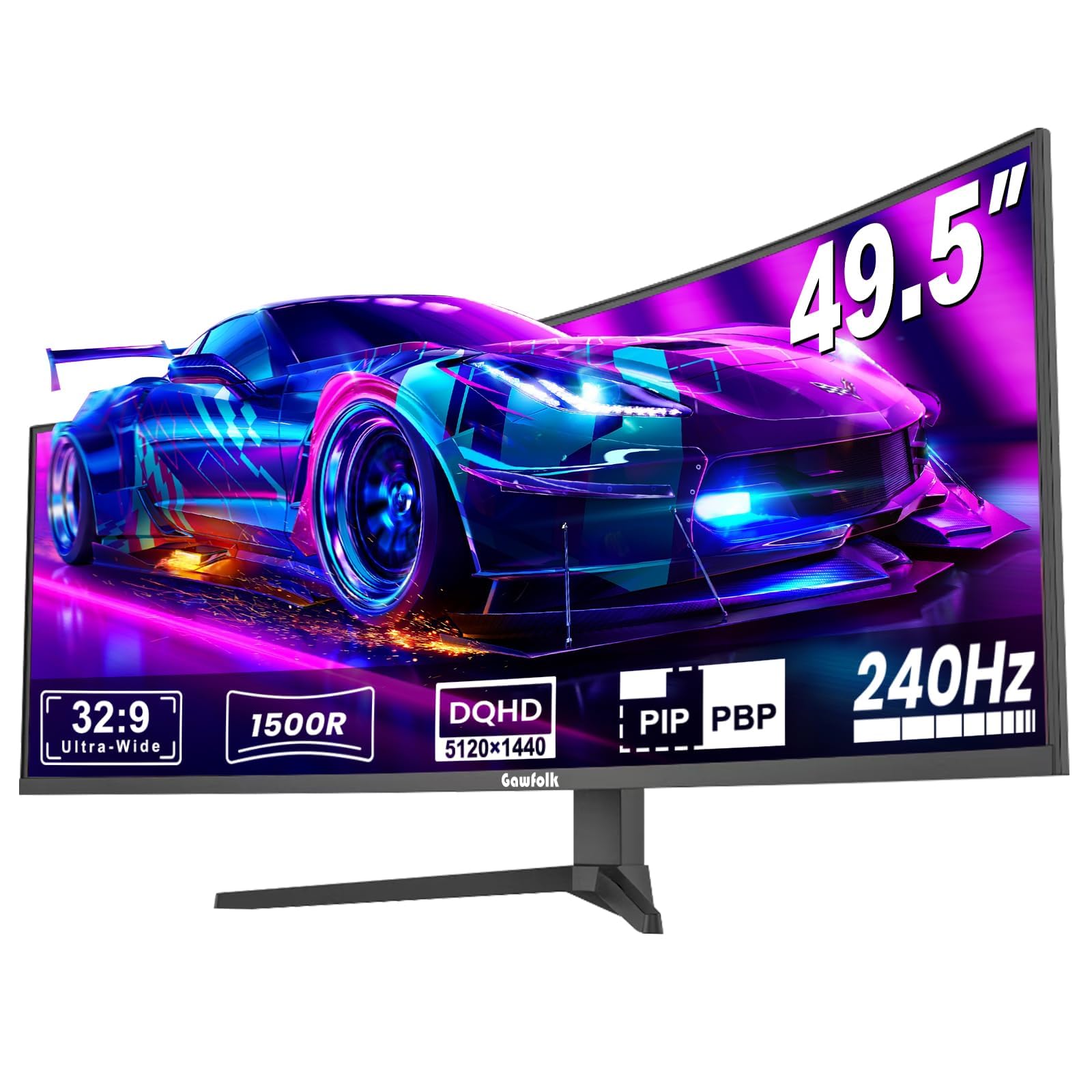
A 49-inch wraparound screen for people who want one display to rule the desk.
This is the rich option. A 49-inch VA panel at 5120 x 1440 in a 32:9 shape gives you a double-wide field of view that wraps scenes around you. The 1500R curve (a gentle bend that pulls the far edges toward your eyes) keeps the corners in view so the wrap feels right. A 240Hz refresh (the screen redraws 240 times a second) with AMD FreeSync (which syncs the screen to your graphics card to stop tearing) keeps motion fluid and stutter-free. An 8-bit + FRC color depth (extra shading steps that smooth color gradients) with a 3000:1 contrast ratio gives it saturated color and deep blacks. A built-in crosshair helps aiming, and the build quality reads as premium for a screen this size.
The numbers you care about are steady: 300 cd/m² brightness and 85% NTSC1931 color gamut coverage, which keeps shades saturated across the wide panel. It covers gaming and streaming in one sweep, and the wide shape is great for racing and open-world games where seeing your flank matters. What owners appreciate most is the overall quality and that the colors look brilliant with strong contrast when the unit is behaving.
Here is the honest part. Picture and reliability feedback splits — some panels work exactly as expected with a wonderful resolution, while others stop working or show poor visuals. On a VA screen this large, fast motion can also smear, so it favors immersion over twitch reflexes. The shape and depth mean it takes a substantial desk. This is a lower-budget way into massive wrap-around immersion, and the trade is a little more gamble than the OLED picks above.
The rich case: 49 inches of 5120 x 1440 at 240Hz means one screen replaces a dual-monitor setup, so you get a wide, wrap-around view without a seam down the middle.
The honest caveat: reliability splits across reviews, and VA smears in fast pans. Buy from a seller with a clear return window and test it early.
It wins for: immersion lovers who want a huge curved panorama on a budget.
Weigh it if: you need proven reliability more than sheer screen size.
11. Samsung Odyssey Neo G9 G95NC Monitor

The desktop-tower flagship: a 57-inch dual-4K curve that fills your whole view.
This is the one for buyers who want the absolute biggest picture. A 7680 x 2160 resolution across a 57-inch panel is essentially two 4K screens side by side, with a 1000R curve that wraps the image around you. A 240Hz refresh with 1ms gray-to-gray response and DP 2.1 input means that huge resolution still runs at high speed with variable refresh. Quantum Matrix Technology with 2,392 local dimming zones and 12-bit black levels builds deep contrast, while VESA DisplayHDR 1000 pairs 1,000-nit peak brightness with a 1,000,000:1 contrast ratio so enemies hiding in dark corners stay visible.
It is also a productivity monster. Picture-by-Picture letsyou view two sources side by side in native resolution, and Picture-in-Picture resizes a second source on up to 25% of the screen, so you can game, watch, and chat at once. DisplayPort 2.1, HDMI 2.1, and a USB hub cover your devices, while CoreSync projects on-screen colors into your room and Core Lighting+ adds ambient glow. The ergonomic stand swivels, tilts, and adjusts height, and the panel is VESA-compatible for an arm.
The productivity side is where buyers are happiest, and the resolution earns genuine praise for detailed, wide-field work. But two mixed notes are worth planning for. Picture quality splits — some call the high resolution superb, others find it barely tolerable — and reliability draws mixed feedback on a screen this complex. The refresh rate also splits: the 240Hz capability is real, but some owners prefer to run it at a 120Hz ceiling. At 550+ ratings and 4.0+ out of 5, buyers are mostly pleased, but the 57-inch size and dual-4K load make it a specialist buy.
The flagship case: 7680 x 2160 across 57 inches with 240Hz and DP 2.1 is a workstation-and-gaming setup in one panel — 2,392 dimming zones and DisplayHDR 1000 keep the huge picture deep and bright.
Size it before you buy: a 57-inch 1000R curve needs a deep, wide desk and a card that can push dual-4K frames. Plan your space and GPU first.
For the desk that can take it: buyers who want one enormous screen for work and play and have the room and power to drive it.
Not a starter panel: if your desk is small or your GPU is modest, this asks more than you can give.
Know the Specs
Refresh rate and response time
Refresh rate is how many times per second the screen redraws — 180Hz means 180 updates a second, and higher numbers make fast motion feel fluid. Response time, measured in gray-to-gray milliseconds, is how fast a single pixel changes shade. A slow response leaves a ghost trail behind moving objects even at high refresh, which is why a 1ms IPS and a 0.03ms OLED both feel clean but in slightly different ways. High refresh needs a graphics card that can feed it; if your card sits below the monitor’s rate, adaptive sync smooths the gap so you avoid tearing.
Panel type and contrast ratio
Panel type decides how the picture looks. OLED lights each pixel on its own, so it can switch pixels fully off for true black — contrast figures like 1000000:1 or 1500000:1 come from that. IPS holds color and brightness across wide angles but typically posts a lower contrast ratio like 1000:1, so blacks look gray. VA sits between, often with a strong contrast ratio like 3000:1. The contrast number is a ratio between the brightest white and darkest black, so a bigger figure means deeper dark scenes — most noticeable in games set at night or in space.
Common Questions
Is a 180Hz 1440p monitor enough for competitive gaming?
Does 1440p look good on a 27-inch screen?
Will a curved ultrawide fit on my desk?
Is OLED better than IPS for a 1440p gaming monitor?
Do I need G-Sync or FreeSync for smooth gameplay?
How long does an OLED gaming monitor last before burn-in?
Can a 1440p monitor also work for office and creative tasks?
What is the difference between 3440 x 1440 ultrawide and 2560 x 1440?
Should I pick a glossy or matte OLED screen?
Is a bigger 49-inch or 57-inch monitor worth it over a 27-inch?
The Bottom Line
For most buyers, the best 1440p 180hz monitor to start with is the Alienware AW3425DWM. It gives you 3440 x 1440 ultrawide detail (a wider-than-16:9 screen) with a 180Hz refresh, 1ms response, and 95% DCI-P3 color (a wide color range that keeps games and photos vivid) in one curved panel for both play and work. If you want high-speed value in a flat 27-inch shape, the LG 27GR83Q-B leads on price with its 240Hz IPS panel (a screen type that keeps colors steady from side angles) and wide-angle color. And if true OLED blacks are the goal, the Acer Predator X27U W1 answers with a 0.03ms QD-OLED (a panel that switches pixels almost instantly) and DCI-P3 99%. The Alienware’s 4.5+ stars across 700+ ratings make it the crowd favorite among the ultrawides here.
How we choose
We do not accept paid placement. Every pick is matched to a real buyer and a real use-case; we do not hands-on test units.
Sources
Specifications: manufacturer listings and product documentation. Review insights: verified customer reviews, as of November 2026. Pricing: not shown on this page (it changes often); check the current price via the retailer link.
As an Amazon Associate, My Heart Lives Here earns from qualifying purchases. This does not affect which products we feature.