Heads up: This post contains affiliate links. As an Amazon Associate I earn from qualifying purchases, at no extra cost to you. Learn more
Specs are compiled from manufacturer listings and verified buyer reviews and can change over time — please confirm the key details on the product page before buying.
Most people shopping for a wide-format printer get burned by the same mistake: they buy a machine that prints beautifully on letter paper but cannot take a 13 x 19 sheet. If your work involves floorplans, posters, sewing patterns, or mood boards, check the maximum sheet or roll width first — most listings bury it. This guide covers eight machines that genuinely handle the wide stuff, from a 24-inch plotter built for CAD drawings to a photo printer that turns out bordered A3+ sheets in 90 seconds.
This guide is built by comparing the manufacturers’ published specifications and the patterns across verified customer reviews, so you get each pick’s real strengths and trade-offs instead of marketing spin.
Below you’ll find what actually separates these machines — roll versus sheet width, cartridge yield, and whether the sheet feeder is in the box.
Top Picks

How To Choose The Best A3 Paper Printer
The single most useful question to answer before you buy is this: do you need to print on 13 x 19 sheets, or do you need a 24-inch roll? Those are two different machines at two very different sizes, and picking the wrong one is the most common reason people send a printer back.
Sheet width versus roll width
A printer listed as wide format usually means it takes sheets up to 13 x 19 inches — the size most people picture when they say A3. That covers posters, presentations, mood boards, and photo prints.
A plotter takes a 24-inch roll instead. Those are for architects and engineers working with technical line drawings and maps, where the drawing runs the full width of the roll. If your work fits on a 13 x 19 sheet, a plotter is overkill and takes up real floor space.
Does the sheet feeder come in the box?
This is where a lot of buyers get caught. Some plotters take 13 x 19 sheets only through an optional automatic sheet feeder accessory — the tray that pulls a sheet in for you — and that tray is not always included.
Check the box contents line: the T630 includes the feeder, the T210 lists it as an add-on. One plotter here ships with the feeder included and another lists it as an add-on, and that single difference changes how you load a single sheet forever.
Pages per minute is not one measurement
A photo printer and a plotter both quote pages per minute, but they are measuring completely different jobs. A plotter’s figure usually refers to a full-size A1 or D drawing, while a photo printer’s figure refers to a small bordered print.
Compare pages-per-minute only between machines printing the same job type. A number that looks slow on a plotter can be entirely normal for a full technical drawing, and a number that looks fast on a photo printer may refer to an 8″ x 10″ sheet.
Where your ink money actually goes
Look at the cartridge yield printed on the setup cartridges, not just the cartridge model number. Yield is the page count the maker says a cartridge will produce, and it varies enormously between the starter cartridges in the box and the replacements you buy later.
A machine that ships with a 1,800-page black cartridge costs you less per page out of the gate than one shipping small setup cartridges. If you print every day, that yield gap outweighs the printer’s sticker price.
Side-by-Side Comparison
| Model | Best For | Max Paper Size | Print Speed (Black) | Function | Amazon |
|---|---|---|---|---|---|
| HP DesignJet T210★ Best Overall | Precise CAD and line drawings | 24-inch rolls; 13 x 19 sheets with optional feeder | 1.3 ppm | Print only | Amazon |
| Epson WorkForce Pro WF-7840Workhorse Pick | High-volume office all-in-one | 13 x 19 | 25 ppm | Print, copy, scan, fax | Amazon |
| HP OfficeJet Pro 9720Color-Faithful Pick | Color-accurate office documents | 11 x 17 | 22 ppm | All-in-one | Amazon |
| Brother INKvestment 6560 | Fast everyday small-business printing | 11 x 17 | 31 ppm | Print, copy, scan, fax | Amazon |
| HP OfficeJet Pro 9730 | Wide-format scanning and copying | 11 x 17 with 11×17 ADF | 22 ppm | Print, scan, copy, fax | Amazon |
| Brother INKvestment 6960 | Busy offices that scan wide | 11 x 17 single-pass duplex ADF | 31 ppm | Print, copy, scan, fax | Amazon |
| Canon PIXMA PRO-200S | Gallery-grade A3+ photo prints | 13 x 19 borderless | 2 ppm | Print only | Amazon |
| HP DesignJet T630 | Full studio plotter setup | 24-inch rolls; 13 x 19 sheets with included feeder | 1.9 ppm | Print only | Amazon |
Detailed Reviews
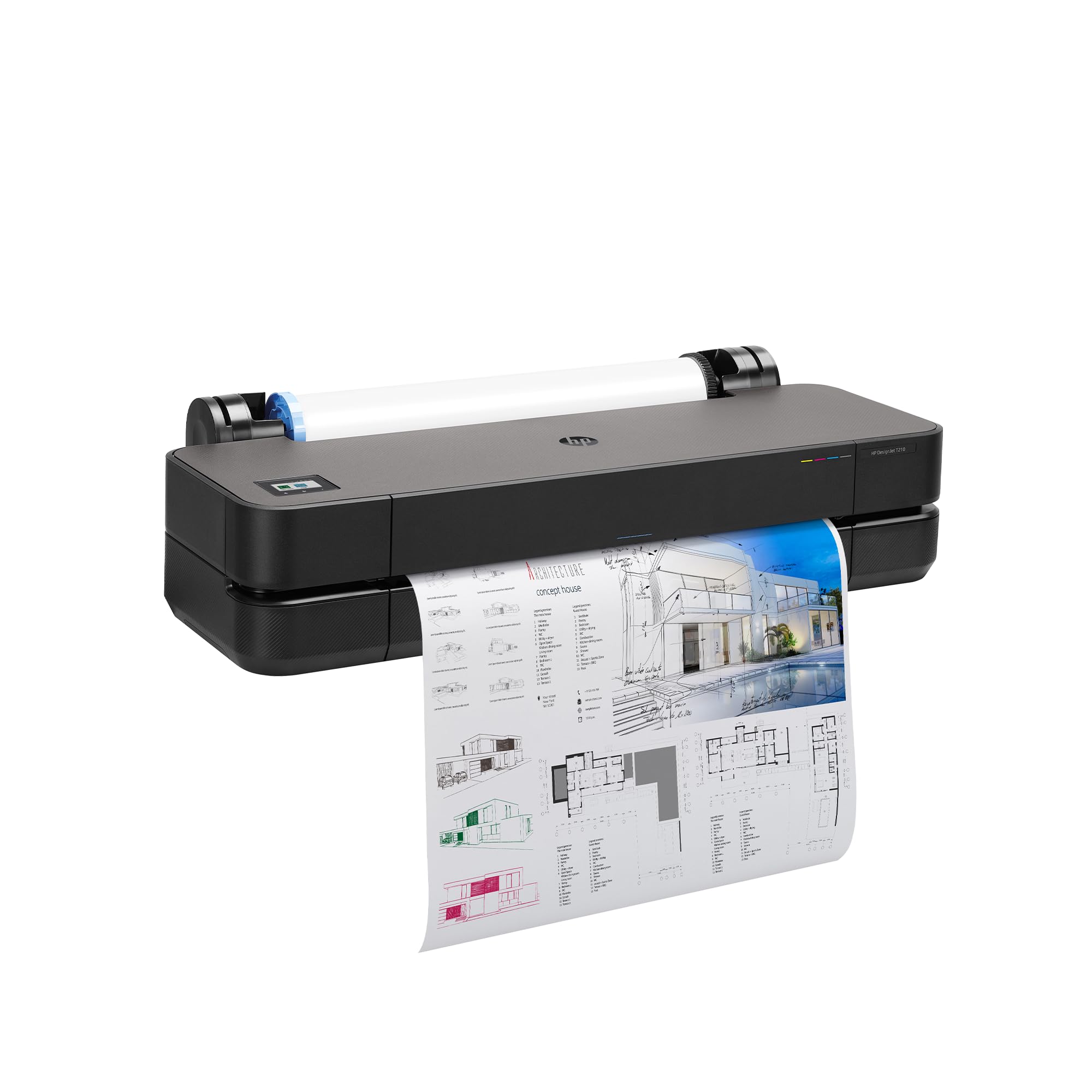
1. HP DesignJet T210 Large Format 24-inch Plotter Printer
Our pick — 4.0+★ from 100+ verified ratings; the strongest balance of quality and price.
The plotter that puts an entire drawing sheet on one continuous roll
If your work is a technical line drawing, a render, a map, or a sewing pattern that has to run edge to edge, this is the machine the rest of the list is measured against. It takes 24-inch media rolls — the wide continuous paper that lets a drawing print at full width — and it also accepts 13 x 19 sheets if you add the optional automatic sheet feeder accessory.
What makes it the pick is precision. The whole design is aimed at accurate line quality and crisp small text, which is exactly what a floorplan or a pattern piece needs when a client is reading dimensions off the page. The included HP Click software handles the paperwork side: it checks PDFs for errors before they print and auto-nests jobs, so you waste less paper on a multi-sheet project. Files go in by drag and drop across PDF, JPEG, TIFF, DWF, HP-GL/2, and PNG.
Sharp output is what wins people over here — it is the thing this printer is known for, and it is why the machine holds a 4.0+ star score. Speed is a different conversation. It runs at 1.3 pages per minute for both black and color, which is slow by desktop standards but normal for a full A1/D drawing (a large-format sheet about 24 x 36 inches); HP states up to 45 seconds per page at that size, or 59 A1/D prints per hour. Put against the Brother 6560’s 31 pages per minute for black, the two figures describe entirely different jobs, so compare this one only to other plotters (large-format drawing printers). Memory stands at 500MB, and you can connect over Gigabit Ethernet (a fast wired network cable), Hi-Speed USB 2.0, or Wi-Fi 802.11 b/g/n (standard wireless), then send jobs from a phone or tablet through the HP Smart app.
What earns its place
- Print quality suited to fine line drawings and small crisp text
- 24-inch roll feed plus 13 x 19 sheet support via the optional feeder
- Automatic horizontal cutter trims each sheet or roll length for you
- Switches media source automatically, so mixed-size projects run without babysitting
- HP Click software predicts PDF errors and auto-nests before a single page prints
Where it asks for patience
- The automatic sheet feeder is an accessory, not part of the base machine
- 1.3 pages per minute means a full drawing takes time
- Cost is a genuine consideration, and value and reliability both draw split opinions
Built for: architects, engineers, and pattern makers who print full-width drawings and need the lines to stay honest.
Think twice: if your work fits on a single 13 x 19 sheet, a desktop all-in-one will do the same job with far less footprint.
2. Epson WorkForce Pro WF-7840 Printer
A drawer that holds 500 sheets so you stop feeding paper mid-project
Here is an office machine built around a number you feel every single day: 500 sheets in the main tray. That is the capacity that means a morning of presentations runs to the end without someone standing over the printer refilling it, and there is a further 50-sheet rear tray for the odd specialty sheet. Wide-format color is supported up to 13 x 19, which covers framed photo prints, marketing boards, and detailed graphics that a standard printer simply cannot take.
It does the full office job — print, copy, scan, and fax from one box — so a small business does not need separate machines taking up shelf space. Speed is the standout spec next to the plotters on this list: 25 pages per minute in black and 12 in color, running against the HP DesignJet T210’s 1.3 pages per minute for either. Those are different jobs entirely, but the gap tells you what kind of machine this is — everyday paperwork at volume, not full-width technical drawings. Photo output reaches 4800 x 2400 dpi, and Apple AirPrint, Android printing, and Mopria let a phone or tablet send a job without any extra software installed.
The honest trade-off: paper capacity and print quality are the two things that earn this machine its keep, and both are strong. The mixed signals sit around overall reliability and network connectivity, and setup divides people — some breeze through it, others struggle. Treat a wired Ethernet connection as your fallback if Wi-Fi gives you trouble, and budget a patient half hour for first-time setup.
Take this one if: you run a small office that prints wide color documents all day and wants one box to handle copying and faxing too.
Better elsewhere: if your priority is fine line drawings rather than office documents, the plotter at the top of this list is the sharper tool.
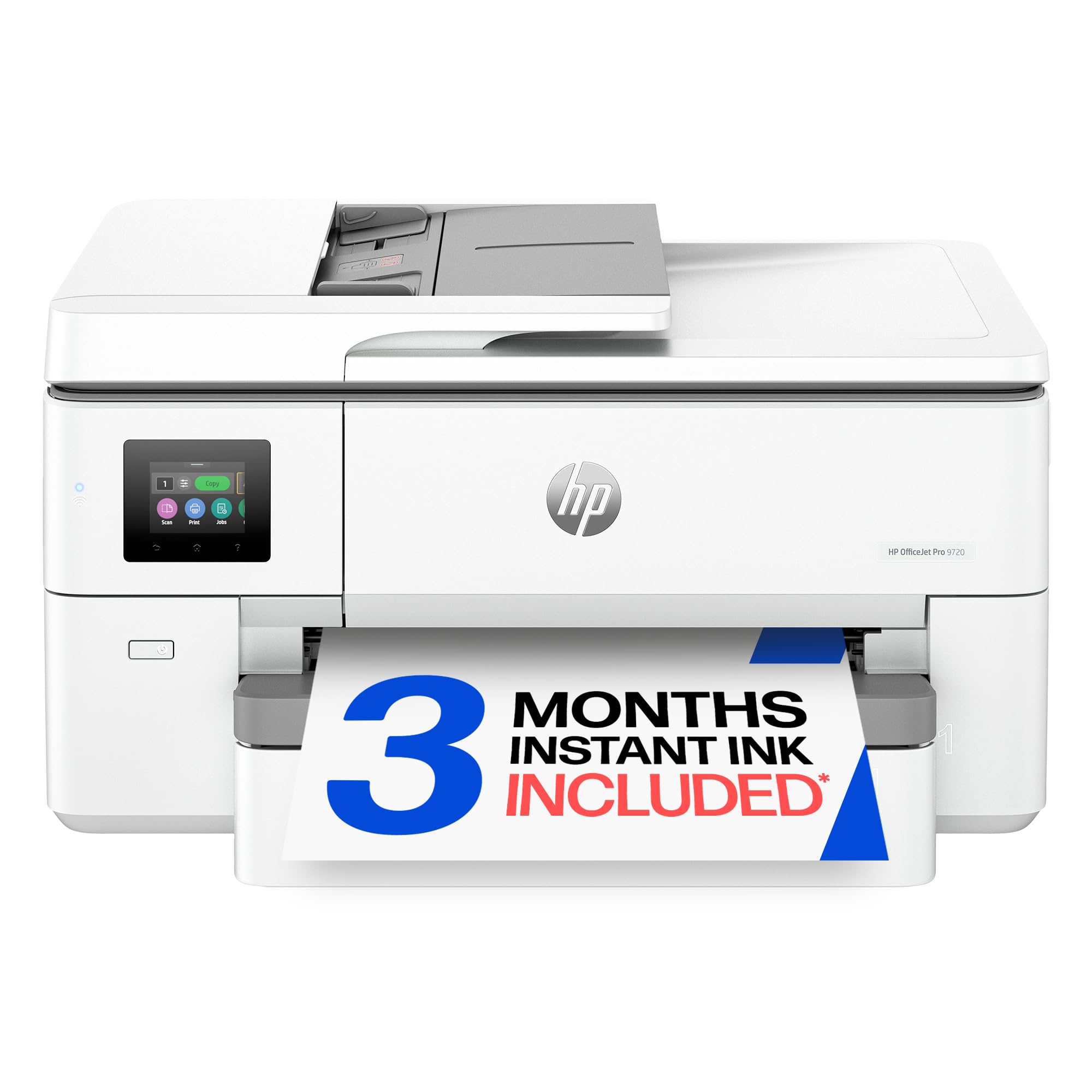
3. HP OfficeJet Pro 9720 Color Inkjet Printer
Built for the mood board that has to look the same on paper as on screen
The pitch here is colour accuracy, and it is a specific claim: HP calls this the first and only wide-format printer with P3, a wider colour range than the sRGB standard most screens and printers work to. If your job is floorplans, mood boards, or spreadsheets where the exact shade matters, that wider gamut is the reason to look here. It prints color up to 11 x 17, copies, prints both sides automatically, and pulls pages through an automatic document feeder without you loading them one at a time.
Speeds land at 22 pages per minute in black and 18 in color, with a first page out in 13 seconds — the kind of turnaround that suits an office where someone is waiting at the tray. The 2.7-inch touchscreen works like a phone interface, so navigating settings does not require the manual. A 250-sheet input tray sits under the hood, and HP Wolf Pro Security is built in to guard the network side.
Be clear-eyed about the mixed side. Print quality draws split opinions — plenty of praise for color work, and a share of buyers who hit output issues — and value is contested too, with replacement ink cartridges cited as the expensive part. The machine also ships with a 3-month Instant Ink trial, after which a monthly fee applies unless you cancel, so decide up front whether a subscription model suits you. Setup is generally quick, though driver compatibility tripped at least one buyer.
Worth knowing: the body is made with more than 30% recycled plastic content, and the wider P3 gamut is genuinely unusual for this class of wide-format office printer.
Reach for this if: matching a screen colour exactly is the whole point of your print job and 11 x 17 is wide enough.
Look elsewhere if: you need a true 13 x 19 sheet or you would rather buy ink outright than subscribe.
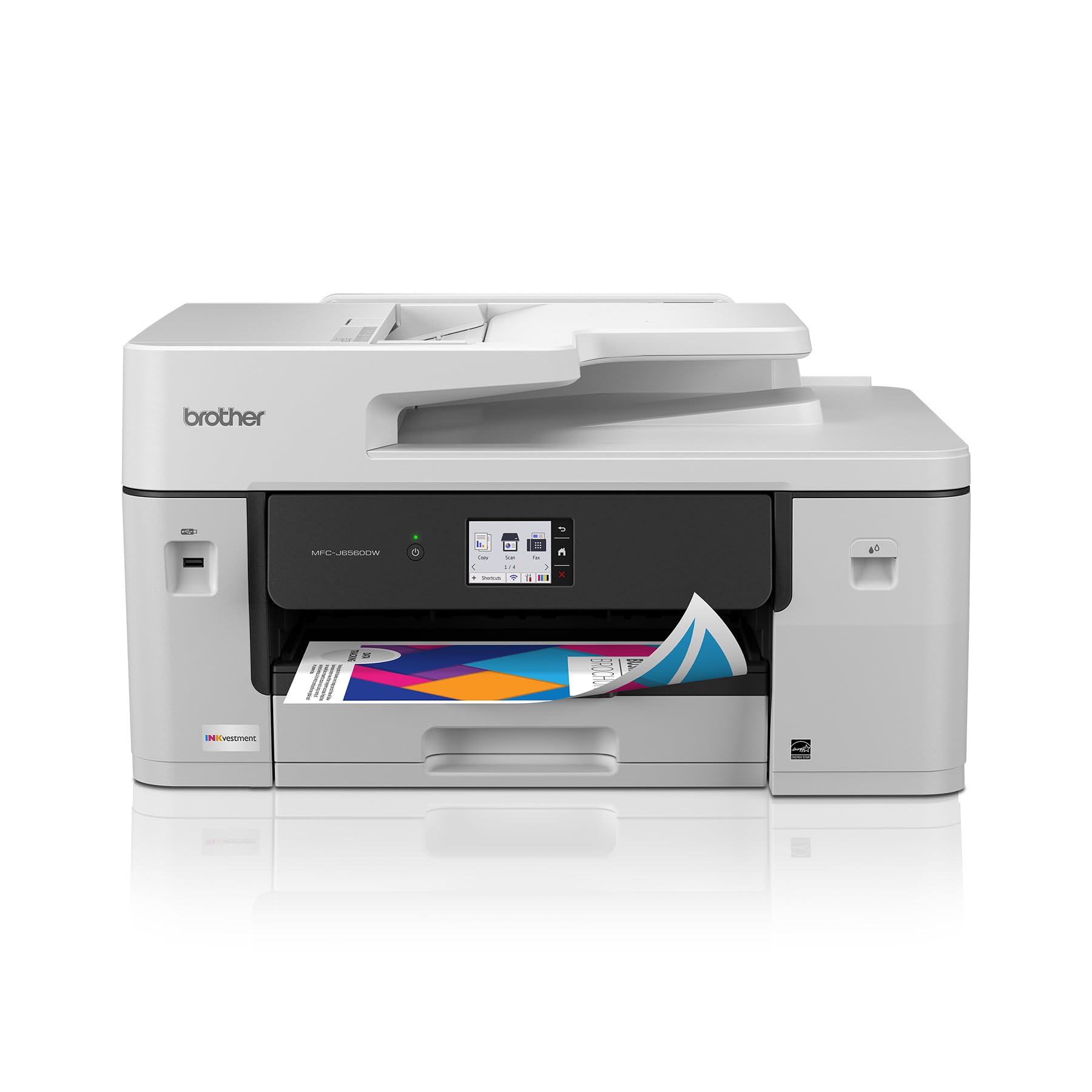
4. Brother INKvestment 6560 Printer
A small-business printer that fires out the first page in 4.4 seconds
The number that defines this machine is 31 — pages per minute in black, with 30 in color, driven by Brother’s MAXIDRIVE print engine. Compare that to the HP DesignJet T210’s 1.3 pages per minute and the scale of the difference becomes obvious: this is a volume office machine, not a plotter. The first page out in black arrives in roughly 4.4 seconds, so a single urgent invoice does not mean standing around.
Ink economics are the second reason people land here. The box includes a 1,800-page yield black cartridge and a 750-page yield cartridge for each of cyan, magenta, and yellow — starter cartridges that go substantially further than the tiny setups bundled with many printers. Brother’s own LC506, LC506XL, and LC506XXL series are the replacements. You get print, copy, scan, and fax on media up to 11 x 17, plus a 250-sheet paper tray, a 50-page single-sided ADF, and automatic two-sided printing. Connectivity covers wireless network, Ethernet, USB 2.0, and Wi-Fi Direct for printing with no network at all — the thing buyers tend to single out alongside the build quality.
Where it gives ground is on the wide end. Paper size compatibility and duplex scanning both draw mixed feedback, so if you need to scan both sides of a stack unattended, the 6960 further down handles that job properly. A 2.7-inch colour touchscreen and cloud printing to Google Drive, Dropbox, Box, and OneDrive round out the day-to-day.
Reasons this lands on the list
- 31 ppm black and 30 ppm color is the fastest wide-capable figure here
- 1,800-page black starter cartridge changes your cost per page from day one
- Wi-Fi Direct prints with no external network or subscription required
- Print, copy, scan, and fax up to 11 x 17 in one footprint
Know before you buy
- Single-sided ADF only, so two-sided scanning is something you do by hand
- Stops at 11 x 17 — no 13 x 19 sheets, no roll
The right fit: a busy small office churning out invoices, contracts, and colour handouts all day long.
Wrong fit: anyone whose work needs a 13 x 19 sheet or roll-fed drawings.
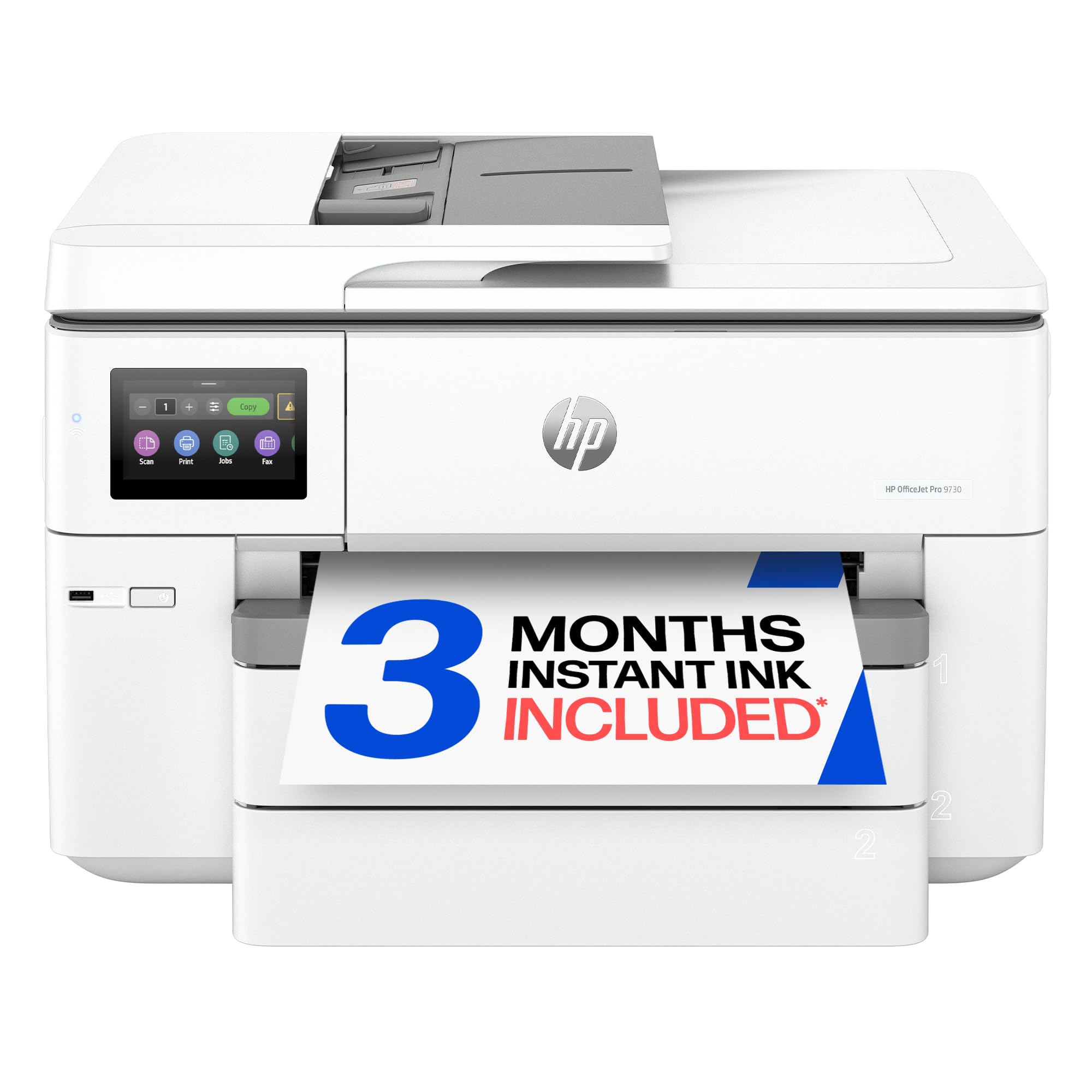
5. HP OfficeJet Pro 9730 Printer
The one that scans an 11 x 17 sheet in a single pass, both sides
The story with this printer is the document feeder. It takes sheets up to 11 x 17 and scans both sides in a single pass, which means a stack of double-sided contract pages goes through once rather than twice. That single-pass duplex scanning is a genuinely different capability from the Brother 6560’s single-sided feeder, and it is the reason to choose this one over its sibling.
Two 250-sheet input trays give you room to keep two paper types loaded at once, and the fixed job of wide-format office printing runs at 22 pages per minute in black and 18 in color. The 4.3-inch touchscreen is the largest on this list, which makes stepping through settings noticeably less fiddly. HP’s P3 colour engine returns here too, widening the colour range beyond sRGB for floorplans and mood boards, and Wolf Pro Security and more than 30% recycled plastic content in the body carry over from the 9720.
What you should know is that the picture here is genuinely mixed rather than uniformly rosy. Versatility gets the clearest positive read — buyers describe it fitting neatly into a home-office setup — but print quality, paper capacity, and value all draw divided reactions, and one reviewer’s strong praise sits alongside another’s sharp frustration. Setup splits in the same way. Go in with measured expectations, and take advantage of the 3-month Instant Ink trial only if a subscription suits your workflow, since a monthly fee applies afterwards unless cancelled.
The deciding spec: single-pass two-sided scanning through an 11 x 17 feeder is the feature that separates this from every other all-in-one here.
Choose it when: you scan wide documents for a living and two-sided feeder work is non-negotiable.
Pick differently if: you only need printing and want a machine whose output draws firmer consensus.
6. Brother INKvestment 6960 Printer
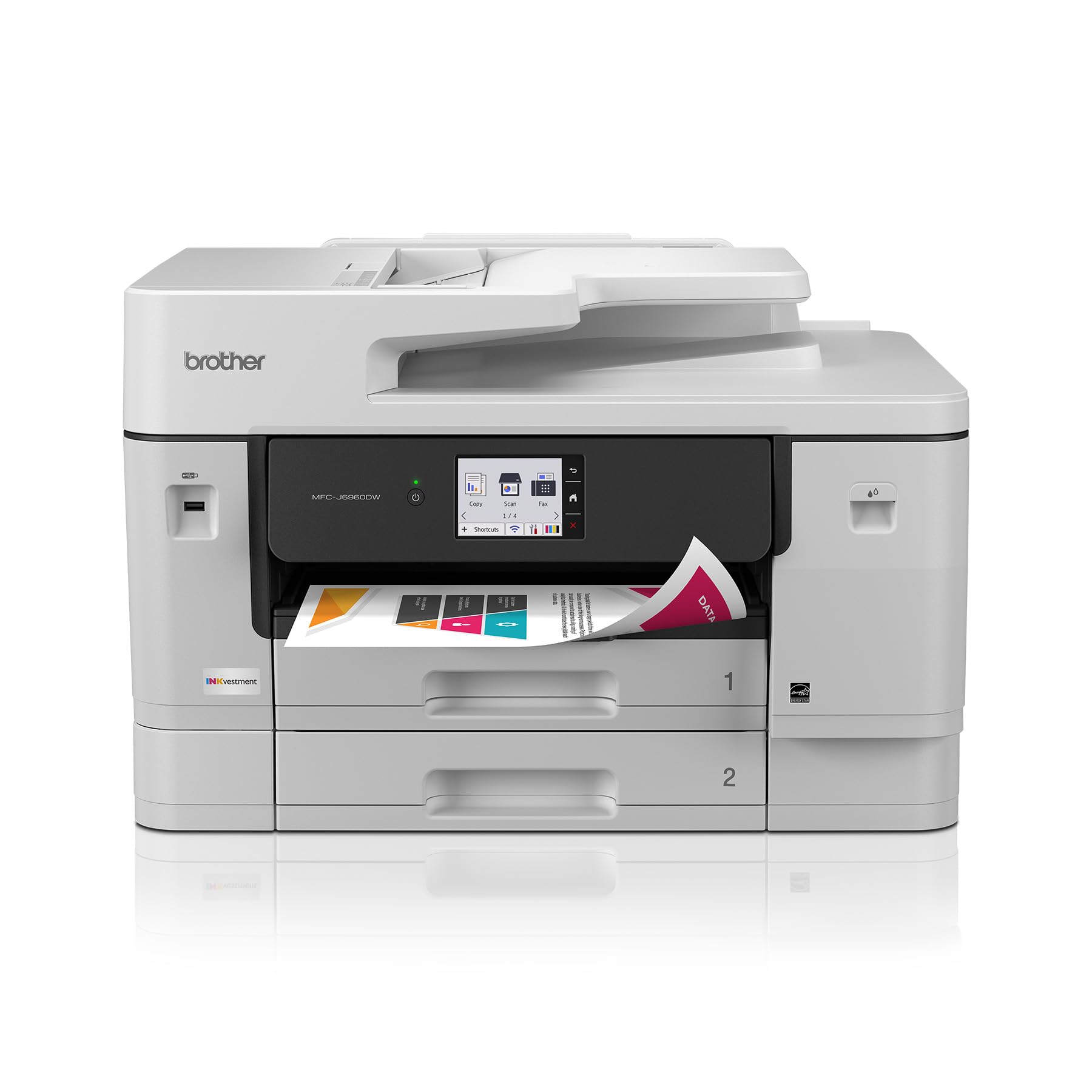
Two paper trays, a wide feeder, and 30 ppm in colour
Take the 6560’s speed and add proper paper handling. This machine keeps the 31 pages per minute in black and 30 in color, keeps the 1,800-page black starter cartridge and 750-page color cartridges, and keeps automatic two-sided printing. What it adds is capacity: 500 sheets across two trays, a 100-sheet multipurpose tray, and a 50-page single-pass duplex ADF that copies and scans both sides of an 11 x 17 sheet in one go.
Quality on 11 x 17 output is the thing that earns the praise, which is exactly the size this machine is built to handle well. Against the 6560’s single-sided feeder, the single-pass duplex scanning is a real step up for anyone digitising wide documents. It also has a 3.5-inch colour touchscreen — larger than the 6560’s 2.7-inch — plus Wi-Fi Direct, cloud printing to Google Drive, Dropbox, Box, and OneDrive, and connections over wireless network, Ethernet, or USB 2.0.
Buyers split sharply on this machine, and you should know that before you order. Connectivity drew connection complaints alongside its praises, and reliability divides buyers between those whose unit works flawlessly and those whose unit did not work at all — a spread you see on plenty of office printers and one to weigh against your appetite for a setup call. Value lands in the same split zone, some finding it keenly priced and others steep. One inconsistency worth noting: the listing’s marketing copy refers to a 2.7-inch touchscreen while the feature line states 3.5 inches, so confirm the panel size on the spec sheet before you commit.
Where it pulls ahead
- Single-pass duplex ADF copies and scans 11 x 17 sheets both sides at once
- 500 sheets across two trays plus a 100-sheet multipurpose tray
- 31 ppm black and 30 ppm color keeps a queue moving
- 1,800-page black cartridge included in the box
What to watch
- Wireless connectivity prompts complaints on some units; a wired Ethernet fallback helps
- Reliability stories range widely between buyers
Plays best for: a growing office that scans wide double-sided paperwork daily and refuses to babysit a feeder.
Not the one if: you only print occasionally and would rather pay less for fewer trays.
7. Canon PIXMA PRO-200S Printer
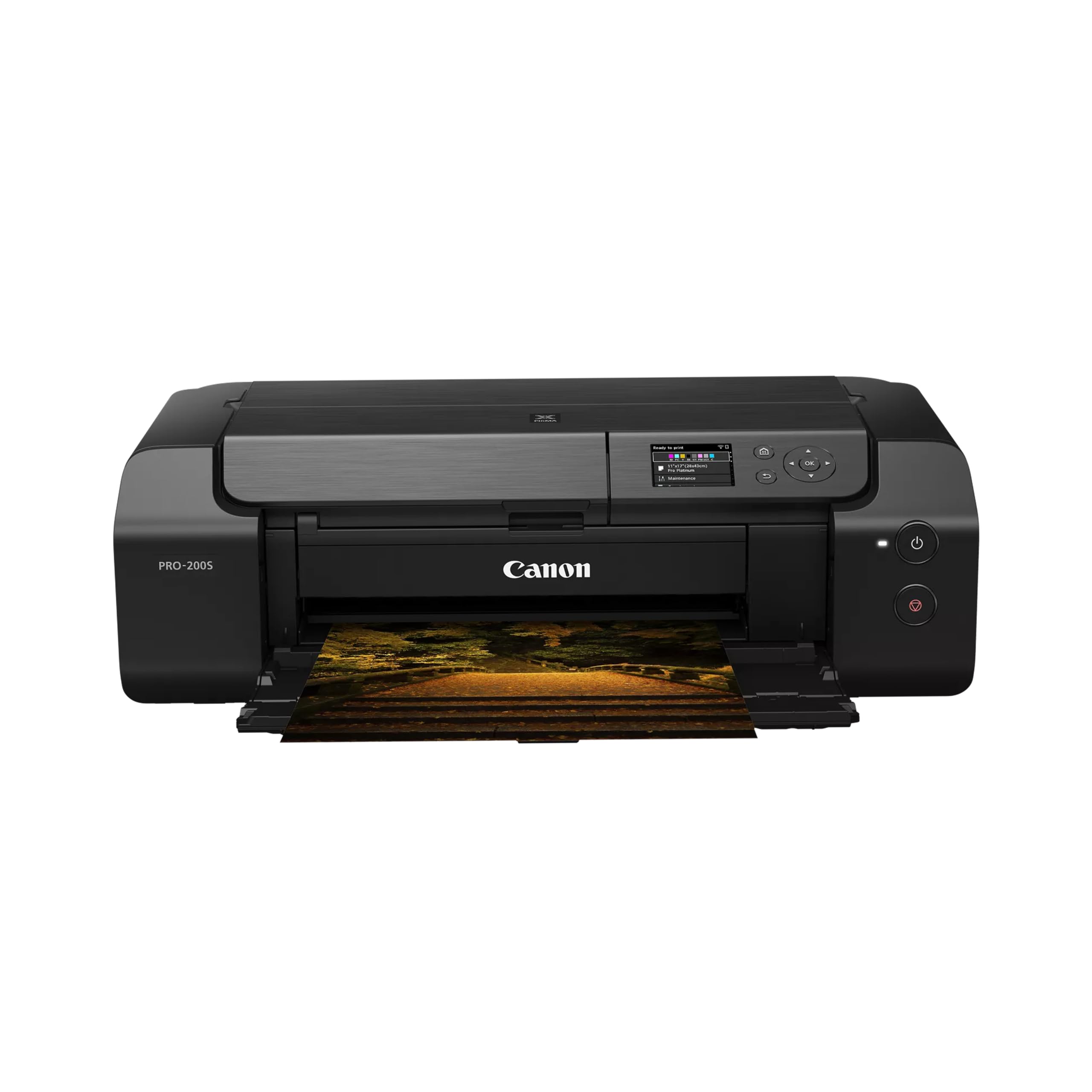
Eight inks and 90 seconds to a bordered A3+ sheet
Every other machine here is measured on documents and drawings. This one is measured on photographs, and the spec that matters is an 8-colour dye-based ink system — eight separate ink channels instead of the usual four, which is what lets a print hold its tones across a wide colour range, so skin tones and skies stay smooth instead of banding. Borderless printing runs from 3.5 x 3.5 all the way up to 13 x 19, so a full-bleed A3+ poster (a sheet slightly larger than A3) comes off with no white margin to trim.
For a photo printer, this one is quick: a bordered A3+ print takes 90 seconds, and a bordered 8 x 10 takes 53 seconds. That is a completely different measurement from the plotter’s 1.3 pages per minute, so don’t compare them — a single 13 x 19 photograph is simply a slower job than a page of text by nature, and the quoted pages-per-minute figure on this machine refers to small print runs. The 3.0-inch colour LCD (a small built-in screen) lets you check ink levels and printer status without opening an app, and connections cover Ethernet and USB.
Glossy picture output is the overwhelming reason this printer is in the conversation — it is what the machine is known for, and that reputation carries it. Refills are also kinder than you might assume for an eight-ink machine. The friction sits around setup, which divides buyers, and wireless connectivity, where some report a rock-solid connection and others report constant drops; this machine also moves at 2 pages per minute quoted for black and colour, so treat it as a photo tool, not an office printer. Note too that it is simplex only — no automatic two-sided printing — and weighs 32 pounds, so it wants a permanent shelf rather than a spot you rearrange weekly.
The core verdict: for gallery-grade A3+ prints at 90 seconds a sheet, this is the specialist on the list.
Suits you if: you sell or frame photographs and want eight inks doing the colour work.
Skip the match if: your printing is documents at volume, or you need double-sided output without flipping sheets yourself.
8. HP DesignJet T630 Large Format 24-inch Plotter Printer
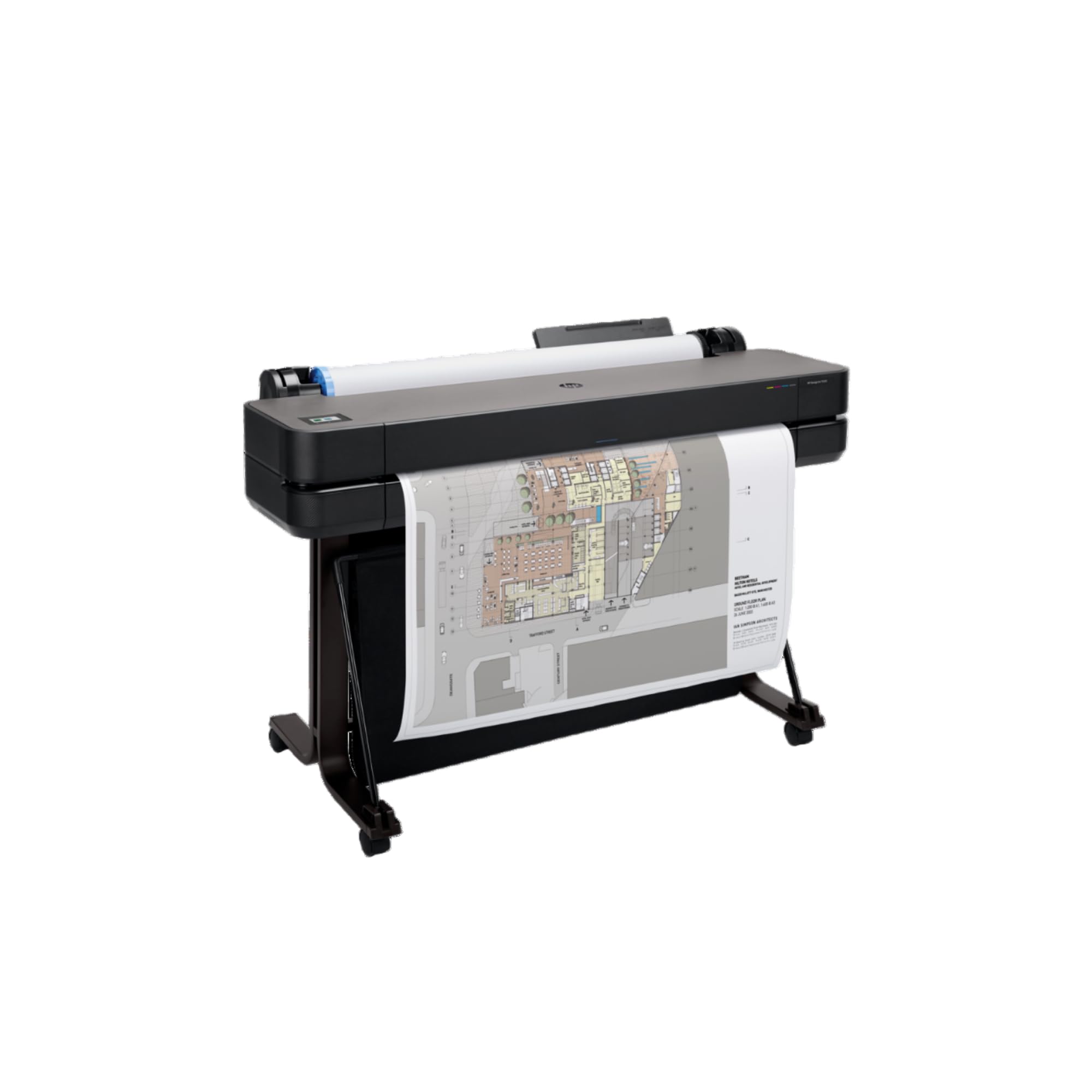
Everything the top plotter needs, already bolted onto a stand
This is the T210’s bigger sibling, and the difference you feel first is in the box: the automatic sheet feeder, the stand, and the media bin all come included. That matters because the T210’s 13 x 19 sheet support depends on an optional feeder accessory. Here a 13 x 19 sheet goes straight in, and a 24-inch roll feeds alongside it with automatic switching between the two.
Speed steps up modestly to 1.9 pages per minute in black and color, against the T210’s 1.3, and the first page arrives in 30 seconds. Media handling covers sheet feed, roll feed, and an automatic horizontal cutter, with a media bin to catch what comes off the roll. HP Click returns with PDF error checking, alerts, and auto-nesting, taking files across PDF, JPEG, TIFF, DWF, HP-GL/2, and PNG. The intended buyer is clear from the listing: technical line drawings, renders needing accurate line quality and crisp text, posters, and maps — architects, engineers, and construction professionals.
The trade-off is a small review base, so the confidence you get from a thick wall of feedback simply is not there yet. If you want reassurance from a crowd before you spend at this level, the T210 above has the longer track record. If you want the feeder and stand bundled and slightly quicker output on the same family of drawings, this is the cleaner purchase.
What the bundle buys you
- Automatic sheet feeder, stand, and media bin included in the box
- Automatic sheet and roll switching for mixed-size projects
- 1.9 ppm black and color, against the T210’s 1.3 ppm
- 24-inch rolls and 13 x 19 sheets from one machine
The honest caveats
- A thin review history, so long-term durability is not yet well documented
- Print only — no scanning or copying, same as the T210
Made for: a studio that wants a roll plotter set up and printing the day it arrives, feeder and stand included.
Consider the alternative: if you want the longer track record on the same drawing work, the T210 has the deeper history.
Know the Specs
Roll Width vs Sheet Width
A 24-inch roll feed means the printer pulls from a continuous roll and can print a drawing at full roll width — the setup architects and engineers use for technical line-drawings and maps. A 13 x 19 sheet feed means the printer takes individual cut sheets, which is what most people actually need for posters, presentations, and photo prints. Some machines do both: the plotters here take 24-inch rolls and accept 13 x 19 sheets, but on the T210 that sheet support depends on an optional feeder accessory. Check whether the feeder is included or extra before you buy, because it changes how you load a single sheet every time.
Pages Per Minute
Pages per minute tells you how many sheets a printer produces in a minute, but the measurement only means something when the two machines are doing the same job. A desktop all-in-one’s figure usually refers to letter or A4 pages of text, which is why the Brother 6560’s 31 pages per minute and the HP DesignJet T210’s 1.3 pages per minute are not a fair fight — one is counting office pages, the other full A1/D drawings. On a photo printer, a bordered A3+ print measured at 90 seconds is normal and perfectly good. Compare speed only within the same job type — office pages against office pages, A1/D drawings against A1/D drawings.
Ink Cartridge Yield
Yield is the page count a manufacturer says a cartridge will produce, and it is the number that decides your long-run ink cost. A printer shipping with a 1,800-page black cartridge gives you far more pages before the first replacement than one shipping small setup cartridges rated at a few hundred pages. Always read the yield on the setup cartridges in the box, not just the cartridge model, because the starter and the replacement are usually different sizes. And check what the replacement family is — Brother’s LC506, LC506XL, and LC506XXL, or HP’s 712 and 713 — so you know what you are committing to.
ADF and Duplex Scanning
An ADF is an automatic document feeder — the tray that pulls pages through for scanning and copying without you placing them one at a time. Single-sided means it handles one face of a sheet per pass; single-pass duplex means it captures both sides in a single trip, which halves the work on double-sided paperwork. If you digitise wide documents for a living, a single-pass duplex ADF is the difference between a morning of work and an afternoon. The 6560 offers a single-sided feeder, while the 9730 and the 6960 both handle both sides in one pass.
Common Questions
What is the difference between an A3 printer and a wide-format printer?
Can the HP DesignJet T210 print on 13 x 19 sheets without extra parts?
How long does a wide-format ink cartridge last?
Is a plotter good for everyday office printing?
What does single-pass duplex scanning actually save me?
Do these printers need a subscription to work?
What is P3 colour and does it matter for office documents?
How much desk space does a 24-inch plotter take up?
Can I print borderless on 13 x 19 photo paper?
Should I connect a wide-format office printer by Ethernet or Wi-Fi?
The Bottom Line
The right a3 paper printer depends on one question: 24-inch roll drawings, or 13 x 19 sheets? If it is drawings, the HP DesignJet T210 holds the top spot because its precision suits technical line work and fine text — the crowd favorite at 4.0+ stars across 100+ ratings. If you want the same family with the feeder and stand already included, the T630 saves you the accessory decision.
For an office doing volume colour, the Brother INKvestment 6560 is the one to reach for: 31 pages per minute and an 1,800-page starter black cartridge do the heavy lifting. And if the job is photographs, the Canon PIXMA PRO-200S earns its premium on eight inks and a 90-second A3+ borderless sheet. If you are still weighing the two Brothers, the 6960 is worth the step up for anyone who scans double-sided wide documents daily — the single-pass duplex feeder is the deciding piece.
How we choose
We do not accept paid placement. Every pick is matched to a real buyer and a real use-case; we do not hands-on test units.
Sources
Specifications: manufacturer listings and product documentation. Review insights: verified customer reviews, as of November 2026. Pricing: not shown on this page (it changes often); check the current price via the retailer link.
As an Amazon Associate, My Heart Lives Here earns from qualifying purchases. This does not affect which products we feature.