Heads up: This post contains affiliate links. As an Amazon Associate I earn from qualifying purchases, at no extra cost to you. Learn more
Specs are compiled from manufacturer listings and verified buyer reviews and can change over time — please confirm the key details on the product page before buying.
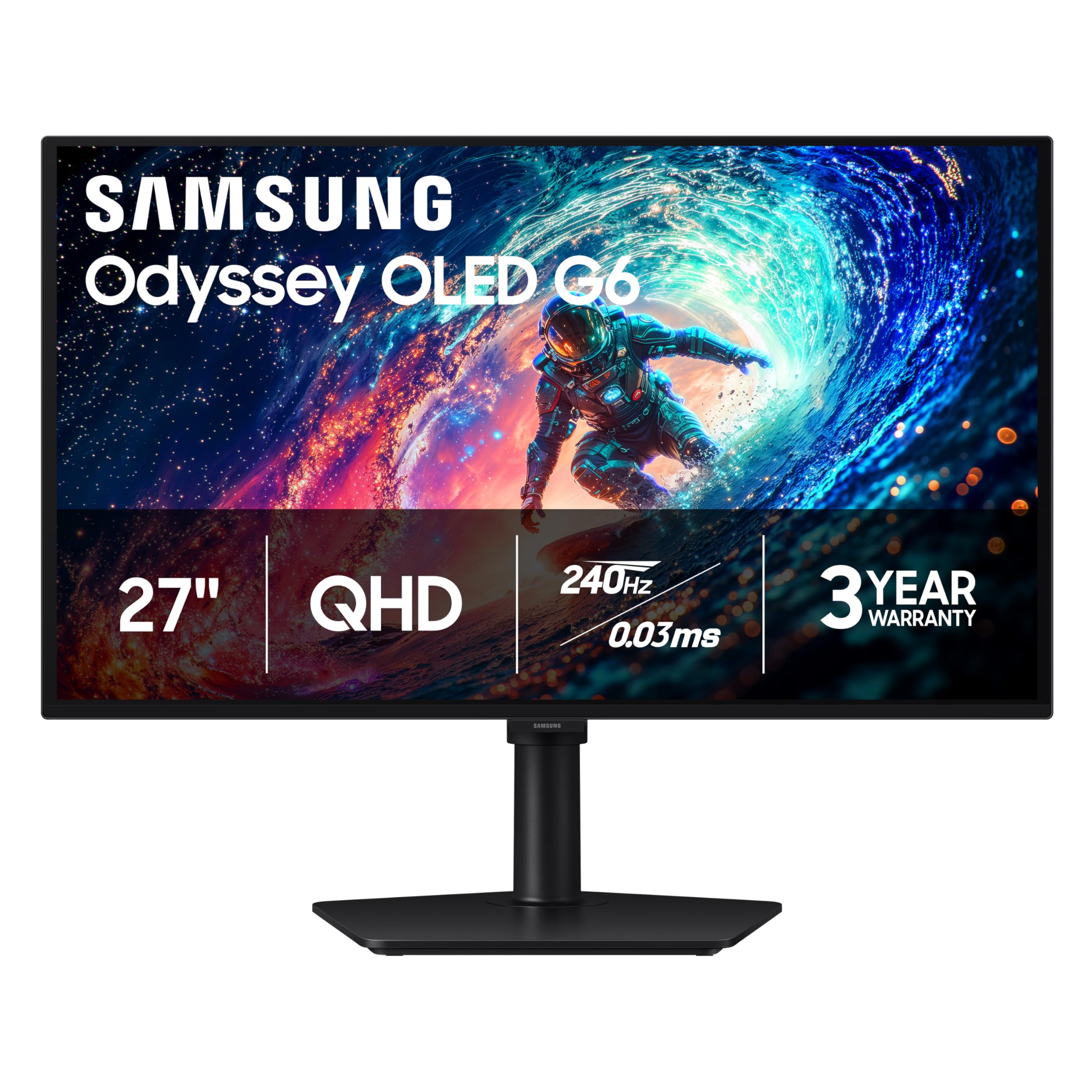
If you want the short answer: the Samsung Odyssey OLED G6 is the one to buy. It pairs a 2560 x 1440 picture (2K resolution, sharp enough to read fine text without zooming) with a 240Hz refresh rate (the screen redraws 240 times a second, so fast motion stays smooth) and a 0.03ms response time (how fast a pixel changes colour, so fast pans leave no smear). Its price sits in the middle of this group. Everything else here is a variation on two choices — do you want deep OLED blacks, or do you want the peak speed and price of a fast IPS panel? The eleven picks below cover both, and each one is described in plain words so you can match a screen to how you actually use your desk.
This guide is built by comparing the manufacturers’ published specifications and the patterns across verified customer reviews, so you get each pick’s real strengths and trade-offs instead of marketing spin.
Some 1440p panels prioritize refresh rate, others prioritize color accuracy, and a few balance both at a mid-range price. That split is the whole story of the 2k monitor market, and the picks below are grouped so you can see which side of it you land on.
Top Picks
How To Choose The Best 2K Monitor
Start with the panel type, because it decides almost everything else. At 2560 x 1440 on a 27-inch screen you get a sharp picture without the huge desktop stretch of 4K, and that resolution is the common thread running through every pick here. What changes from model to model is how the panel makes light, how fast it can redraw, and how much you can move it around.
Pick your panel before your refresh rate
An OLED panel lights each pixel on its own, so dark scenes go truly black — the Samsung models here list a 1,000,000:1 contrast ratio against 1000:1 on the VA and IPS screens. An IPS panel (in-plane switching) holds its colors when you look from the side, which is why most of the work-and-game picks use it. A VA panel sits between the two, with strong contrast but a reputation for slower motion. Pick the panel type for your room and workload first, then choose the refresh rate.
Understand what Hz and ms actually promise
Refresh rate is how many times per second the screen redraws — 180Hz means 180 times. Response time is how fast a pixel changes color, measured in milliseconds. A high Hz number with a slow response still looks smeary, which is why the fastest panels here publish figures like 0.03ms and 0.3ms. For everyday work and video, 144Hz is already smooth. For competitive shooters, the 240Hz and 300Hz models give your eyes more frames to react to.
Check the stand and the ports on your shortlist
A 27-inch panel is heavy enough that a fixed stand becomes a daily annoyance. Height, tilt, swivel and pivot adjustment let you raise the screen to eye level and turn it upright for reading. On the port side, DisplayPort is usually the connection that open up the top refresh rate, while HDMI often caps lower — the Acer Nitro listed here runs 240Hz over DisplayPort but 144Hz over HDMI. Make sure your graphics card has the right output before you assume the headline number applies.
Side-by-Side Comparison
| Model | Best For | Resolution | Refresh Rate | Panel Type | Amazon |
|---|---|---|---|---|---|
| Samsung Odyssey OLED G6 (G61SH)★ Best Overall | All-round best pick | 2560 x 1440 | 240Hz | QD-OLED | Amazon |
| AOC Q27G4XNBudget Champion | Budget gaming entry | 2560 x 1440 | 180Hz | VA | Amazon |
| AOC Q27G41ZETop Performer | High refresh on a budget | 2560 x 1440 | 240Hz (260Hz overclocked) | IPS | Amazon |
| Acer Nitro XV272U W2bmiiprx | Built-in speakers and a flexible stand | 2560 x 1440 | 240Hz (DisplayPort) | IPS | Amazon |
| Dell S2725DSM | Work desk with sound built in | 2560 x 1440 | 144Hz | IPS | Amazon |
| LG 27G610A-B Ultragear | Balanced gaming and streaming | 2560 x 1440 | 200Hz | IPS | Amazon |
| ASUS TUF VG27AQL5A | Fast IPS with wide color | 2560 x 1440 | 210Hz (OC) | Fast IPS | Amazon |
| Alienware AW2725DM | Console and PC crossover | 2560 x 1440 | 180Hz | Fast IPS | Amazon |
| ASUS TUF VG27AQM5A | Competitive speed chaser | 2560 x 1440 | 300Hz | Fast IPS | Amazon |
| LG 27GR83Q-B Ultragear | High-refresh IPS for players | 2560 x 1440 | 240Hz | IPS | Amazon |
| Samsung Odyssey OLED G5 (G50SF) | OLED on a tighter budget | 2560 x 1440 | 180Hz | QD-OLED | Amazon |
Detailed Reviews
1. Samsung Odyssey OLED G6 G61SH
Our pick — 4.5+★ from 300+ verified ratings; the strongest balance of quality and price.
The screen that turns dark scenes into pure black while still firing at 240 frames a second.
If you want one monitor to do competitive gaming and movie nights, this is the one. The QD-OLED panel (quantum-dot OLED, which lights each pixel itself and adds a quantum-dot color layer) gives you a 1,000,000:1 contrast ratio — so a dark cave in a game is genuinely dark, not a washed grey. Compare that to the 1000:1 on the AOC Q27G4XN below and you can see how far apart the two panel types sit on black levels.
Speed is not an afterthought here. The 240Hz refresh rate and 0.03ms response time are the fastest pairing on this list outside the ASUS 300Hz model, and AMD FreeSync Premium keeps the image from tearing when your frame rate dips. The panel is Pantone Validated for 2100+ colors and 110+ skin tone shades, so faces in cutscenes stay natural instead of orange. A 400 cd brightness figure (that is candela, the standard unit for screen brightness) is respectable for a room with normal lighting.
Two things to plan for. OLED screens need care with static images, and Samsung’s OLED Safeguard uses a thermal modulation system (it adjusts heat to help stop burn-in, where a fixed image leaves a ghost on screen) — worth knowing if you leave the same spreadsheet open all day. Owner feedback is mixed on flickering and on some image-quality points. Even so, the bulk of buyers rate the overall picture quality highly, which is why this sits at the top of the list.
What buyers keep coming back for
- 1,000,000:1 contrast ratio makes blacks truly black
- 240Hz with a 0.03ms response time for fast motion
- Glare Free coating cuts reflections from a window
- Height-adjustable stand that pivots, tilts and swivels
Where it asks more of you
- OLED needs mindful use of static on-screen elements
- Brightness sits at 400 cd, not blinding for a sunlit room
- Costs more than the fast IPS picks below
Reach for this if: you want one screen for gaming, films and everyday work and you value deep blacks over peak raw frame rate.
Think twice if: you leave a single static window open for hours every day — the OLED Safeguard helps, but an IPS panel is the more carefree choice.
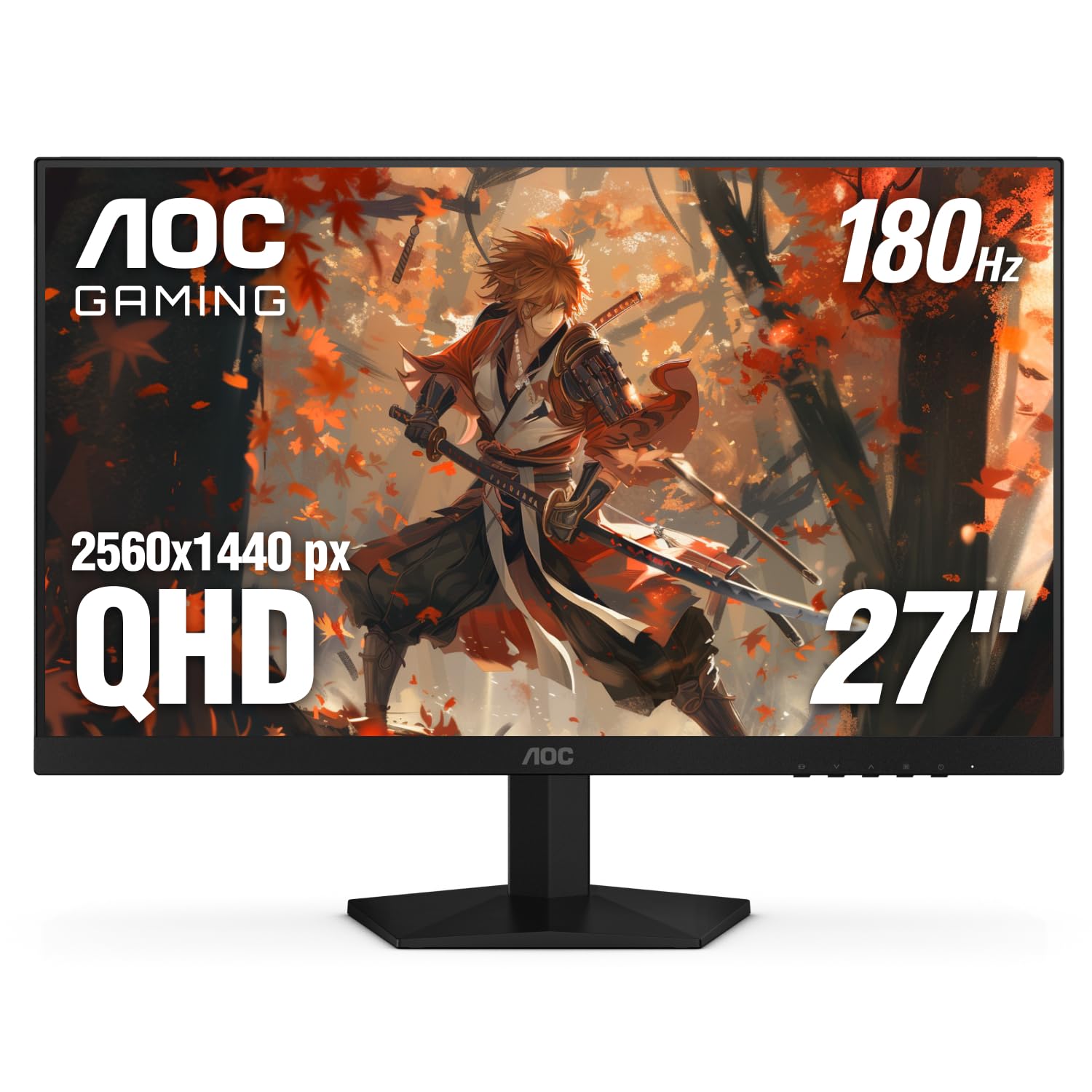
2. AOC 27 Inch Gaming Monitor 2K QHD 180Hz VA 1ms HDR, Q27G4XN
Color that punches way past its class — 127.8% sRGB on an entry-level gaming panel.
Here is the number that surprises people: this AOC covers 127.8% of the sRGB color range. That is a wider color span than the Samsung OLED G6 manages, and it means reds, greens and blues come out more saturated than a plain office screen ever will. For a 2560 x 1440 panel, the picture arrives sharp with fine detail — exactly the reason so many people describe the resolution as crisp rather than soft.
The 180Hz refresh rate runs over DisplayPort 1.4, and the 1ms GtG response (grey-to-grey, the time a pixel takes to shift shades) keeps fast pans clean. Adaptive-Sync and FreeSync smooth out the stutters during busy team fights. A 400-nit brightness figure is decent for a normal room, and the three-sided frameless design means two of these side by side leave almost no gap between them.
What people rave about most is the build quality, with value right behind it — this is the model that makes friends of the budget tier. The honest catch is contrast: at 1000:1 it cannot touch an OLED’s black depths, so dark rooms will show a greyer black.
Who it suits: a first gaming build or a second screen where color pop and sharp resolution matter more than inky blacks.
The trade-off: a VA panel at 1000:1 contrast — great for color, softer on deep blacks than the OLED picks.
Buy this one if: you want vivid color and a fast 180Hz panel without spending big.
Skip past it if: you watch films in a dark room and black levels are your priority — go OLED instead.
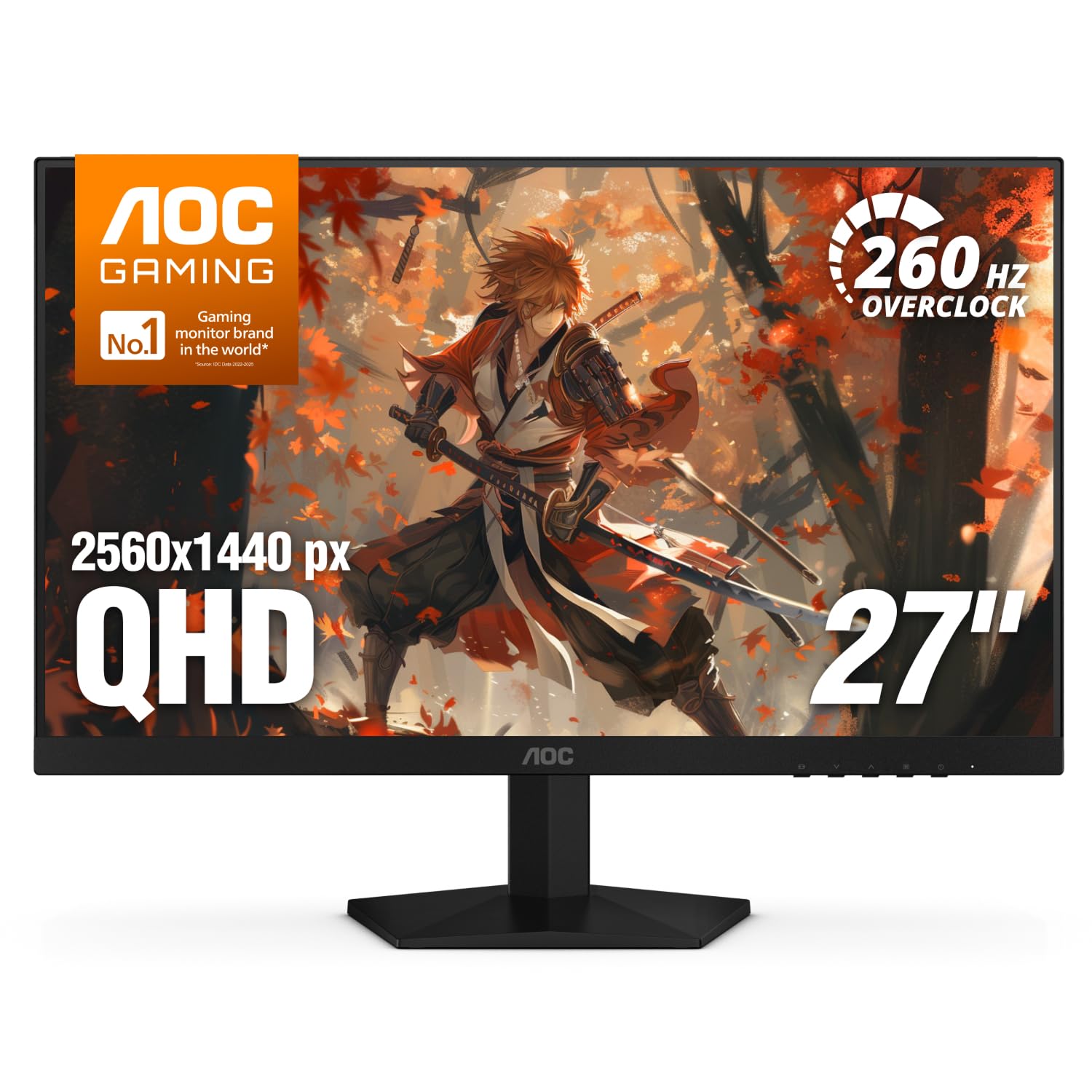
3. AOC Q27G41ZE Gaming Monitor
An IPS panel that hits 240Hz from the start and pushes to 260Hz when you overclock it.
This is the pick for someone stepping off a 60Hz screen for the first time. Owners describe the jump as night and day, and that tracks — a 240Hz IPS panel redraws four times as often as a standard 60Hz display. The 0.3ms MPRT response (moving picture response time, a measure of blur rather than pixel color change) keeps fast strafing clear, and Adaptive-Sync works with both AMD and NVIDIA cards.
The IPS panel means colors hold up when you sit off-center, which matters if two people share the screen. Brightness sits at 300 nits and contrast at 1000:1 — fine for a lit desk, not a home-cinema room. The three-sided frameless design and textured black and red back make it look sharper than its price bracket suggests. One DisplayPort 1.4 and two HDMI 2.0 ports cover a PC plus a console.
The tilt range of -3° to +21° gives you some angle flexibility, though there is no height adjustment here — worth checking your desk height before you commit. The overclocked 260Hz mode needs DisplayPort to reach, and a cheap cable can leave you capped lower. For a budget-conscious competitive player, 240Hz native and 260Hz overclocked is a lot of speed per dollar.
Speed-to-spend winner: 240Hz native with a 260Hz overclocked ceiling is the fastest refresh at the low end of this group.
Worth flagging: no height adjustment on the stand — only tilt — so a fixed desk height has to suit you.
Your pick if: you are upgrading from 60Hz and want competitive speed without the OLED price.
Look elsewhere if: you need a screen that raises to eye level or pivots upright for reading.
4. Acer Nitro XV272U W2bmiiprx

A 240Hz panel with a stand that swivels a full circle and pivots the screen upright.
The refresh rate is what puts this above the Dell below it: 240Hz over DisplayPort against the Dell’s 144Hz. That is a meaningful gap for anyone tracking fast targets. Its brightness of 400 also leads the Dell’s 350 by a visible margin, so highlights hold up better in a bright room. Both figures come from the published spec sheets, and both point the same way — this is the faster, brighter panel of the two.
The Ergostand is the standout feature. It tilts -5° to 15°, raises 4.7 inches, swivels a full 360° and pivots plus or minus 90°, so you can stand the panel vertical for reading long documents. A 100 x 100mm VESA mount lets you hang it on an arm if you prefer. Two built-in 2-watt speakers handle casual audio, and the box includes both a DisplayPort and an HDMI cable.
Remember the port rule: the 240Hz figure only arrives over DisplayPort. HDMI caps at 144Hz on this model, so plug into the right port or you leave speed on the table. Picture quality gets strong feedback overall, though brightness complaints appear alongside reports of light bleeding at the edges — a common quirk of IPS panels, not a reason to avoid the screen.
Why it earns a spot
- 240Hz over DisplayPort, 144Hz over HDMI
- Full 360° swivel, 4.7-inch height range, 90° pivot
- Two 2W speakers built in
- VESA 100 x 100mm mount compatible
What to keep in mind
- You must use DisplayPort to reach 240Hz
- IPS edge light bleed shows in dark scenes
Best match for: someone who shares a desk, reads documents upright, or wants to mount the screen on an arm.
Pass on it if: you plan to connect over HDMI only — you would lose the 240Hz speed that makes this pick worthwhile.
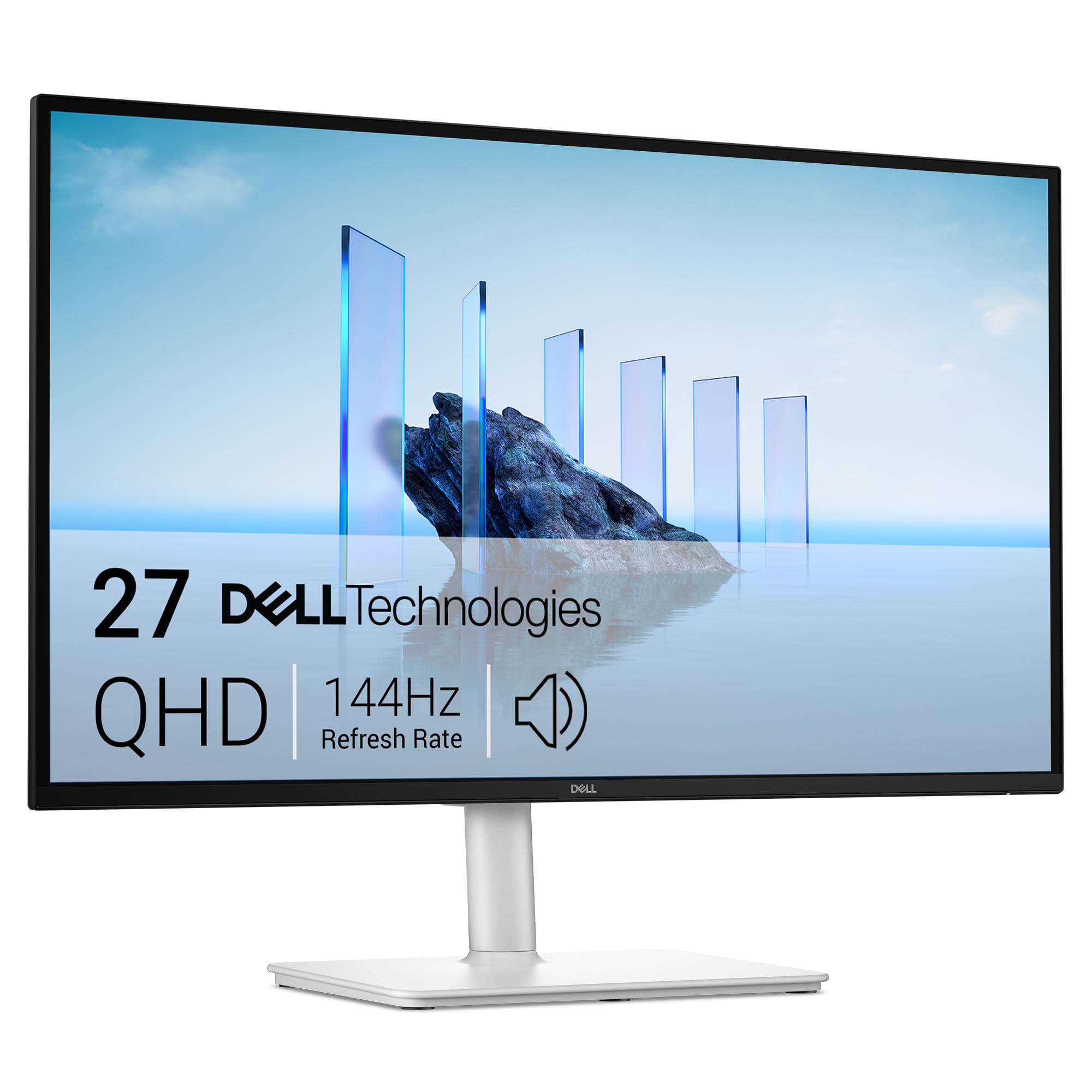
5. Dell S2725DSM Monitor
The work-desk pick in ash white, with speakers good enough to skip a soundbar.
Most gaming panels treat audio as an afterthought. This Dell fits two 3-watt speakers and a 1500:1 contrast ratio into a 27-inch QHD frame — the contrast figure beats the 1000:1 on the Acer and the LG above it. Text at 2560 x 1440 is crisp at this size, and the 144Hz refresh with 1ms MPRT keeps scrolling and cursor movement smooth. That is plenty for spreadsheets, calls and light gaming.
The color story is the calm, neutral kind — the ash white finish and TÜV-certified eye-comfort rating (an independent lab mark for reduced blue light) suit a home office where the monitor sits in view all day. Height, tilt, pivot and swivel are all adjustable, so you can raise it to eye level and turn it portrait for long documents. AMD FreeSync handles console or PC play without tearing.
The catch is speed. A 144Hz ceiling sits below the 180Hz and 240Hz models here, so a competitive shooter player will feel the difference at the top end. In return you get the cleanest desk-friendly design and real built-in audio. Also note the included cable is an HDMI 2.1 (TMDS) cable, so a DisplayPort cable is worth adding if that is your preferred output.
The desk-first argument: 1500:1 contrast plus dual 3W speakers is a combination none of the gaming picks here match.
Know before you buy: 144Hz is the slowest refresh on this list — fine for work, a step behind for esports.
Fits you if: the monitor doubles as your work screen and you want a calm look with usable built-in sound.
Not for you if: you are chasing competitive frame rates — the higher-Hz picks above suit that job better.
6. LG 27G610A-B Ultragear Monitor
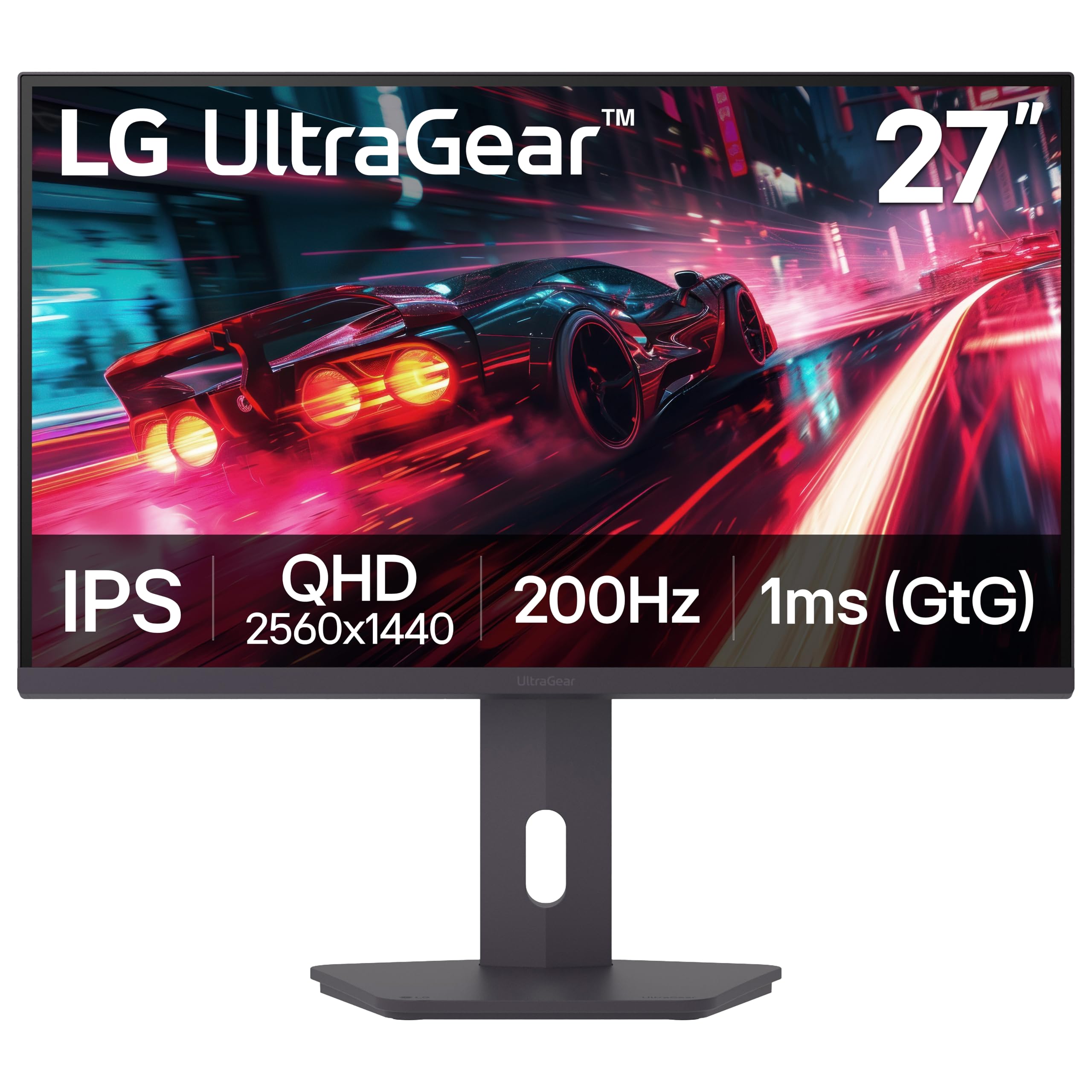
200Hz and HDR 400 on an IPS panel that multi-tasks as well as it games.
Sitting between the 180Hz and 240Hz picks, this LG runs a 200Hz native refresh (the screen redraws 200 times a second) with a 1ms GtG response (grey-to-grey, how fast a pixel shifts shade, so motion stays crisp). That is a comfortable middle for someone who plays a few nights a week but needs a clean work screen by day. VESA DisplayHDR 400 is a certification tier (an industry brightness and contrast standard), so bright highlights in supported games and films read brighter than a plain SDR panel would show.
A 99% sRGB color coverage and 400 candela brightness keep colors vivid without oversaturating skin tones. FreeSync Premium does the tear-free work. The standout extra is the Switch app, which can split the screen into up to 6 sections — handy for a trading layout or a game-plus-chat setup without a second monitor. Height, tilt, swivel and pivot are all on the stand.
The build quality leads the owner satisfaction here, with value just behind it, so the feel of the thing matches the spec sheet. The one thing to weigh is that 1ms figure is a GtG number — real-world motion on an IPS panel is clean but not OLED-crisp. Screen quality draws a few mixed notes, so check the panel on arrival like you would with any new monitor.
Made for: a desk that flips between work apps and games, where the 6-way screen split earns its keep.
Look past it if: you need the absolute highest frame rate — the 240Hz and 300Hz picks ahead run faster.
7. ASUS TUF VG27AQL5A Gaming Monitor
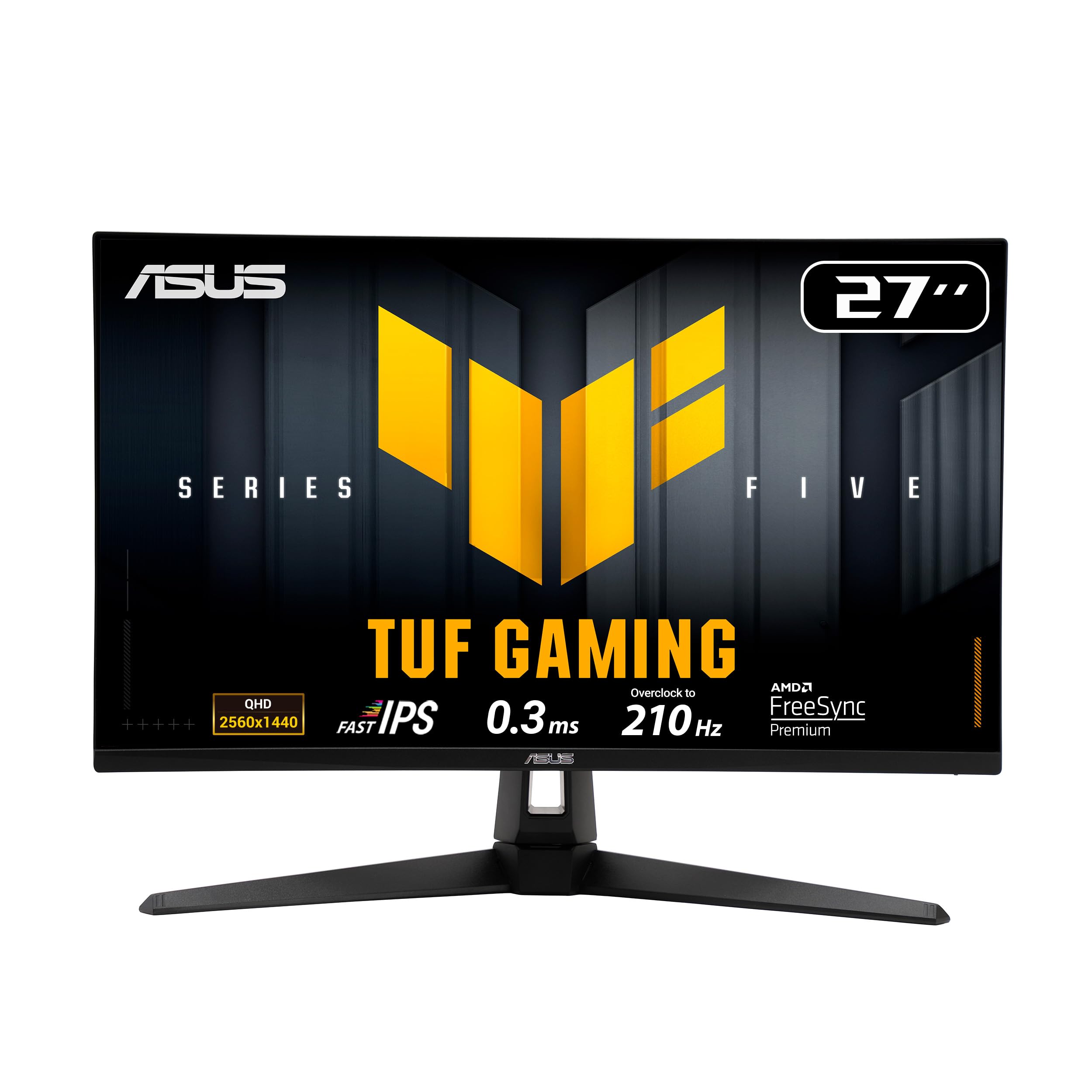
A TUF panel built to survive long sessions, with color that goes beyond the gamut.
Its color gamut figure of 130 sits at the top of this group, which means shades land further outside the standard range — good for a streamer or a designer who wants color to feel alive. The panel itself is where the praise lands, and it is easy to see why: a Fast IPS at 210Hz overclocked with a 0.3ms GTG response is quick without the OLED price. ELMB Sync lets motion blur reduction and variable refresh rate run together, so you get smoother tracking in shooters.
FreeSync Premium handles VRR, and the DisplayWidget Center lets you tweak settings with a mouse instead of fiddling with rear buttons. Height adjustment is included so you can find eye level. A 1300:1 contrast ratio nudges past the 1000:1 panels here, and the 27-inch QHD resolution is the same sharp canvas you get across this list.
The one thing to watch is dead pixels — image quality draws mixed reports on that front, so inspect the panel soon after it arrives. Otherwise this is a well-rounded screen for long gaming hours and creative work, and the bundled 3-month Adobe Creative Cloud subscription is a genuine extra if you edit photos or video.
The case for it
- 130 color gamut figure, the widest here
- 210Hz overclocked with a 0.3ms GTG response
- ELMB Sync runs blur reduction and VRR together
- Height adjustment plus a 3-month Adobe subscription
What to check
- Dead pixels turn up in some image-quality feedback
- 210Hz is an overclocked figure, not native
Worth it for: gamers and creators who want bold color and a fast panel from a line known for tough builds.
Cross it off if: you want the brightest possible picture — other picks here publish brighter numbers.
8. Alienware AW2725DM Gaming Monitor

A console-friendly QHD panel with G-SYNC, HDR 400 and a dedicated console mode.
If your setup is a game console and a PC sharing one screen, this is the sensible crossover. It carries a dedicated console mode plus hardware-based low blue light that keeps colors intact — a real difference from software filters that wash everything yellow. The 180Hz refresh and 1ms grey-to-grey response cover both camps, and G-SYNC plus FreeSync support means both card brands get tear-free play.
A DCI-P3 95% color coverage (a wide cinema color standard) and VESA DisplayHDR 400 badge put this in the vivid camp — games look colorful without looking fake. The resolution is the same 2560 x 1440 you get everywhere on this list, so details stay sharp. Ports include DisplayPort, HDMI and USB, and the box ships with both a DisplayPort and an HDMI cable.
Owners call this a strong entry into QHD gaming, and quality leads the praise. Brightness is the split point — some find it plenty bright, others note IPS glow in dark corners, which is a normal trade of this panel type rather than a fault. For a console-first home that also wants a PC screen, this balances the two better than most.
The dual-duty argument: console mode, HDR 400 and G-SYNC on the same 180Hz panel — a setup that serves both a PC and a console without a switch box.
Honest note: IPS glow shows in a dark room, and brightness opinions split.
Go for it if: you split game time between a console and a PC on one desk.
Think again if: you need the deepest blacks — this is IPS, not OLED.
9. ASUS TUF VG27AQM5A Gaming Monitor
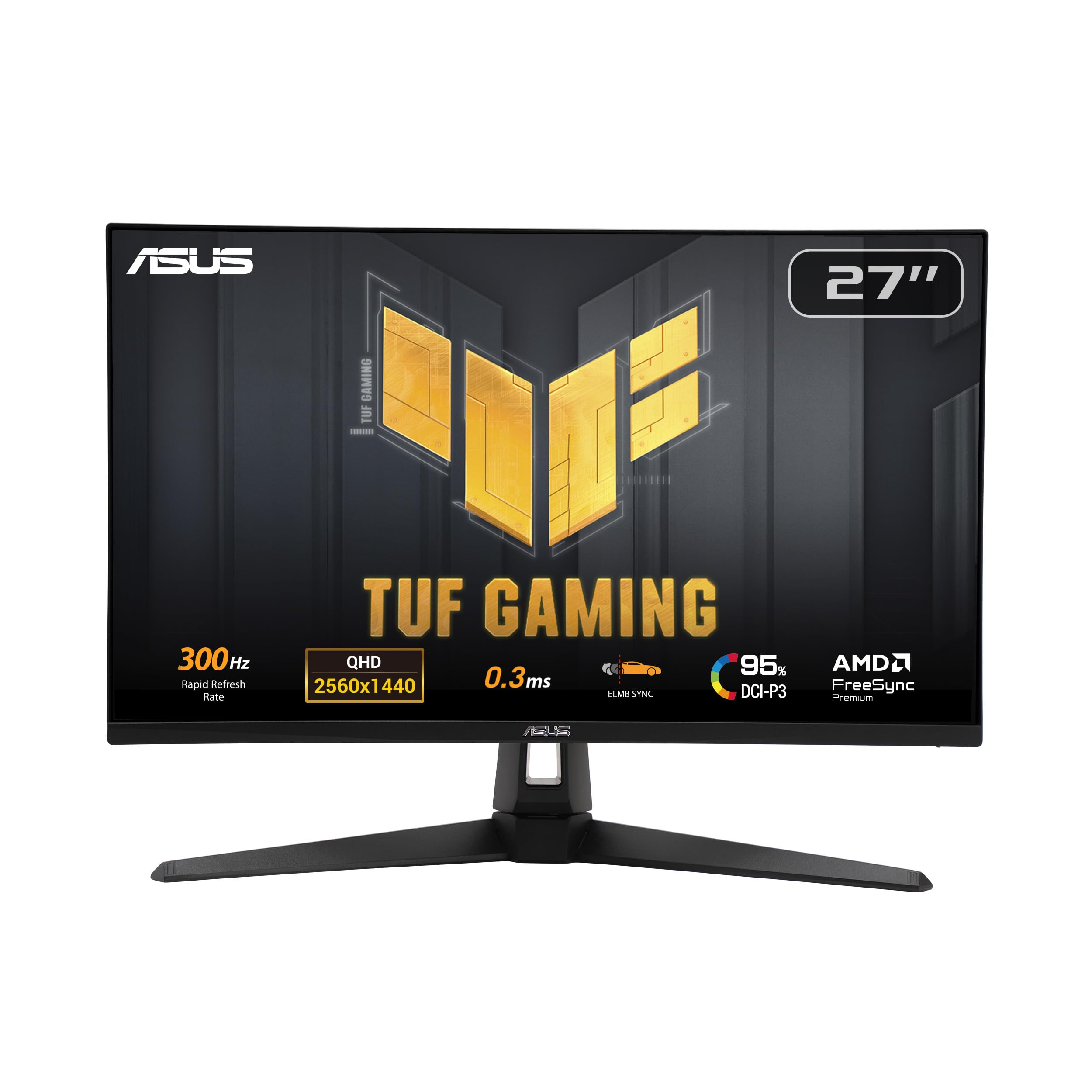
300Hz is the highest number here, and the panel behind it keeps up.
For competitive players, refresh rate is the headline and this model wins it outright at 300Hz. The Fast IPS panel and 0.3ms GTG response keep motion crisp at that speed, and ELMB Sync lets blur reduction and variable refresh work together — so the 300Hz actually looks like 300Hz. A 100 color gamut figure and 95% DCI-P3 coverage give the panel the color to match its speed.
Shadow Boost brightens dark corners without blowing out the bright areas, which is a real help in shooters where enemies hide in shadow. A 1300:1 contrast ratio (the gap between the darkest black and brightest white) puts it ahead of the 1000:1 panels in this list, so shadow detail stays visible. The 3-year manufacturer warranty gives confidence on a pricier panel. DisplayWidget Center lets you adjust everything with a mouse, and the bundled 3-month Adobe subscription is a nice bonus for creatives.
Now the honest side: brightness splits opinion, with some finding it plenty bright and others darker than expected. Pixel quality is the sore point — a portion of buyers report it won’t turn on at all, which is the kind of thing warranty exists for, so buy from a seller with straightforward returns. A working unit delivers 300Hz at a price few rivals match.
Why the speed crowd picks it
- 300Hz refresh, the highest in this group
- 0.3ms GTG response with ELMB Sync
- 95% DCI-P3 color and Shadow Boost
- 3-year manufacturer warranty
Worth knowing
- Brightness observations vary between owners
- Some units arrive non-functional — check return terms
For the fast-twitch crowd: 300Hz makes this the go-to for serious competitive play.
The caveat: pixel reliability is uneven in feedback, so confirm the return window before you commit.
10. LG 27GR83Q-B Ultragear Monitor
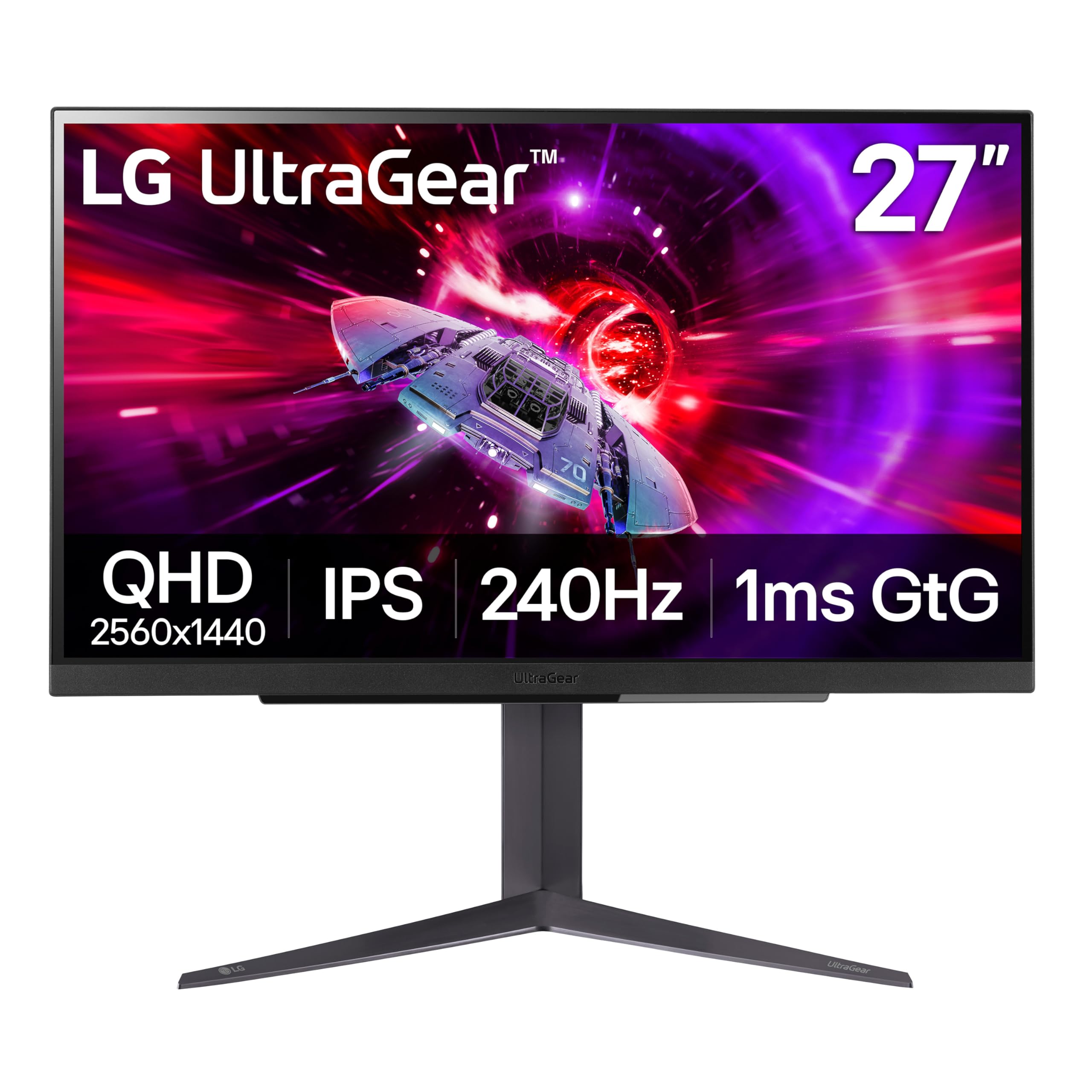
240Hz over either HDMI 2.1 or DisplayPort — a rare freedom that saves re-plugging.
Most high-refresh screens make you hunt for the DisplayPort. This LG runs up to 240Hz on both HDMI 2.1 and DisplayPort 1.4, so a console on HDMI and a PC on DisplayPort can share the same frame-rate ceiling. The IPS 1ms GtG response keeps motion clean, and NVIDIA validates it as G-SYNC Compatible on top of AMD FreeSync Premium — both card brands get smooth play.
Color reaches up to 95% of the DCI-P3 range with VESA DisplayHDR 400, so highlights and hues stay rich on the QHD canvas. DTS Headphone:X adds spatial audio through the 4-pole headphone jack, which can put footsteps around you in a game. A Gamer, FPS or RTS mode structure and the usual Dynamic Action Sync and Black Stabilizer round out the gaming kit.
Quality is the loudest praise for this screen, and it sits high in the group for picture quality and value. Reliability and dead pixels draw mixed-to-negative notes across owner feedback, so this is the pick to inspect carefully on day one. A clean panel gives you 240Hz QHD over both HDMI 2.1 and DisplayPort at a mid-tier price.
What stands out: 240Hz on HDMI 2.1 or DisplayPort is flexibility the 240Hz Acer and AOC picks don’t offer on both ports.
The catch: dead pixels and reliability reports are the recurring complaint — check the screen early.
Suits you if: you want 240Hz QHD and swap between a console and a PC on different cables.
Think twice if: you want the cleanest reliability record — inspect immediately and keep the box.
11. Samsung Odyssey OLED G5 G50SF

The OLED experience with a lower refresh ceiling and a friendlier price.
If the G6 above is the ideal, this G5 is the practical version. You keep the QD-OLED panel and its 1,000,000:1 contrast — the same deep blacks — and the same 0.03ms GTG response, but the refresh tops out at 180Hz instead of 240Hz. For anyone not chasing the final frame of competitive speed, that is a lot of OLED for less. G-Sync compatibility and AMD FreeSync both work to reduce tearing.
OLED Safeguard uses a Thermal Modulation System to keep the panel cool and help prevent burn-in, and Glare Free keeps reflections off the screen. The Pantone Validated panel reproduces 2100+ colors, and HDR10 brings brighter highlights and deeper shadows for films. Auto Source Switch+ flips between connected devices without you reaching for a button.
Brightness sits at 280 candela, the lowest figure in this group, and that shows up in feedback — some find it bright enough, others too dim in a sunny room. Set it in a controlled-light room and it looks stunning; put it beside a window at midday and you may want more. Refresh rate also draws mixed notes, though at 180Hz it covers casual play fine.
The OLED draw
- 1,000,000:1 contrast with perfect blacks
- 0.03ms GTG response time
- Glare Free coating and OLED Safeguard
- Pantone Validated with 2100+ colors
The fine print
- 280 cd brightness is the dimmest here
- 180Hz trails the 240Hz and 300Hz models
Choose it if: you want OLED blacks for film and game nights and can control the light in your room.
Leave it if: your desk faces a bright window — a brighter IPS panel will serve you better.
Know the Specs
Resolution: 2560 x 1440
This is what “2K” usually means in a monitor listing — a picture about 2560 pixels wide and 1440 tall. On a 27-inch screen it gives you text and detail that look sharp without the enormous desktop stretch of 4K, so windows and games stay comfortably sized. Every pick here runs this resolution, so it is a constant — your real choice is panel type and speed.
Refresh rate in Hz
Hertz is how many times per second the screen redraws. 144Hz is smooth for work and casual play; 180Hz and 200Hz add headroom; 240Hz and 300Hz give competitive players more frames to react to. Check the port — some models only hit their top figure over DisplayPort, and HDMI may cap lower.
Response time in ms
Milliseconds here measure how fast a pixel changes. The lower the number, the less trailing smear you see on fast motion. You will see GtG (grey-to-grey pixel change) and MPRT (motion picture response time) figures — the AOC Q27G41ZE and both ASUS TUF models list 0.3ms, while the Samsung OLEDs list 0.03ms GTG. Both matter, but they measure slightly different things.
Panel type: OLED, IPS and VA
OLED lights each pixel on its own, which is why the Samsung models hit a 1,000,000:1 contrast ratio and true black. IPS keeps colors steady from an angle and suits work plus gaming, at a lower contrast like 1000:1. VA sits between the two — strong color range, as the AOC Q27G4XN shows with its 127.8% sRGB, but softer blacks.
Adaptive Sync: FreeSync and G-SYNC
Adaptive Sync matches the screen’s refresh to your graphics card’s frame rate, which stops tearing and stutter. AMD FreeSync and NVIDIA G-SYNC Compatare the two names for it. Many panels here support both, so check that your card’s version is listed before you buy.
Brightness and contrast figures
Brightness arrives in nits or candela, the standard units for how much light a screen pushes. A 400-nit panel holds up in a normally lit room; the 280 cd figure on the G5 needs a dimmer setting. Contrast ratio is the gap between the brightest white and darkest black — the OLEDs list 1,000,000:1, the IPS and VA panels list 1000:1 or above, and the gap shapes how much depth dark scenes show.
Common Questions
Is 2560 x 1440 actually 2K, or is that a marketing label?
Will a 240Hz monitor actually help if my graphics card cannot hit 240 frames per second?
Do I need DisplayPort to reach the advertised refresh rate?
Is OLED burn-in a real risk for a 2K monitor used for work all day?
How much brighter is a 400-nit panel than a 280-nit one?
What is the difference between 1ms GtG and 1ms MPRT response times?
Can I mount a 27-inch 2K monitor on an arm instead of its stand?
Do I lose much by choosing 144Hz instead of 240Hz for non-competitive play?
Will a QHD monitor look soft when I play a 1080p console game on it?
Is a curved or flat screen better for a 27-inch 2K monitor?
The Bottom Line
For most setups, the 2k monitor winner is the Samsung Odyssey OLED G6. It delivers the deepest blacks on this list with a 1,000,000:1 contrast ratio (the gap between darkest black and brightest white), a 240Hz refresh and a 0.03ms response — the fastest, richest mix of picture and speed here. It also holds a 4.5+ star rating across 300+ owners. If raw competitive speed is the goal, grab the ASUS TUF VG27AQM5A and its 300Hz panel (it redraws 300 times a second). And for a work-first desk with sound built in, the Dell S2725DSM is the one to reach for, thanks to dual 3W speakers and a 1500:1 contrast ratio. Whichever you pick, match the refresh rate to what your graphics card can drive and the panel type to your room’s lighting.
How we choose
We do not accept paid placement. Every pick is matched to a real buyer and a real use-case; we do not hands-on test units.
Sources
Specifications: manufacturer listings and product documentation. Review insights: verified customer reviews, as of November 2026. Pricing: not shown on this page (it changes often); check the current price via the retailer link.
As an Amazon Associate, My Heart Lives Here earns from qualifying purchases. This does not affect which products we feature.