Heads up: This post contains affiliate links. As an Amazon Associate I earn from qualifying purchases, at no extra cost to you. Learn more
Specs are compiled from manufacturer listings and verified buyer reviews and can change over time — please confirm the key details on the product page before buying.
You bought a laptop to work anywhere, then found that one screen makes you shuffle tabs all day. A 3 screen laptop extender adds two more full panels, so email, a spreadsheet, and a video call can sit side by side. Before you buy, check one thing first: your ports. A full-function USB-C port (one that carries both video and power) decides whether these units work in seconds or need an adapter and a driver install. That detail matters more than screen size, brightness, or weight.
This guide is built by comparing the manufacturers’ published specifications and the patterns across verified customer reviews, so you get each pick’s real strengths and trade-offs instead of marketing spin.
Most of these units fold down flat, fit laptops from 13 to 17.3 inches, and slip into a carry bag. So your real choice depends on two things: how you connect and how much you want to carry. Here is the honest breakdown of every 3 Screen Laptop Extender worth a look.
Top Picks
How To Choose The Best 3 Screen Laptop Extender
The first question is not which brand you like. It is what ports your laptop actually has. A 3 screen laptop extender needs a live video signal for each extra panel, and that signal comes from either two full-function USB-C ports or one full-function USB-C plus an HDMI port. If your laptop has neither, the unit can still work but usually needs an H5 cable or adapter you order separately — and some M1, M2, or M3 MacBooks need a DisplayLink adapter for a second external screen. Check your ports before you fall in love with a screen.
Full-function USB-C versus plain USB-C
A full-function USB-C port carries video, data, and power through one connector. A plain USB-C port might only carry data and charging. The difference is everything here: two full-function ports give you a two-cable setup, while one full-function port plus HDMI gets you the same result with a different cable pair. Laptops that only offer plain USB-C are the ones that trip people up.
Free-standing versus lid-clamping
Some extenders stand on their own bracket behind the laptop, and some clamp onto the laptop lid. The free-standing kind puts zero weight on your laptop’s hinges and screen. The clamp kind is more compact but leans on the lid. If you open and close your laptop dozens of times a day, the free-standing design is the gentler choice, and several picks here use it.
How much weight you will actually carry
Weight ranges from around 3.0 lbs to 4 lbs across these units, and at the end of a travel day that difference is noticeable in a shoulder bag. Thinner panels also fold flatter and slot into a carry case more easily. If the extender lives on a desk, weight hardly matters. If it rides in a backpack every day, it does.
Side-by-Side Comparison
| Model | Best For | Screen Size | Brightness | Weight | Amazon |
|---|---|---|---|---|---|
| SMISEACOW 15.6″ Triple Portable Monitor★ Best Overall | All-round daily driver | 15.6″ | 300 nits | 3.9 lbs | Amazon |
| Screnex P7 15.6″Clamp-Free Build | Clamp-free setup | 15.6″ | 280 nits | 3.9 lbs | Amazon |
| Synnov 15.6″ | Fast plug-and-play multitasking | 15.6″ | 280 nits | 4 lbs | Amazon |
| Leudaich One Cable 15.6″ | Single-cable workspace | 15.6″ | 300 nits | 4 lbs | Amazon |
| Vixtan 14″ Triple | Travelers and students | 14″ | 300 lux | 3.0 lbs | Amazon |
| Blackview DCM5 14″ | Rugged build and wide device support | 14″ | 300 nits | 3 lbs | Amazon |
| Rizpak One Cable 15.6″ | Driver-based one-cable setup | 15.6″ | 300 lm | 4 lbs | Amazon |
Detailed Reviews
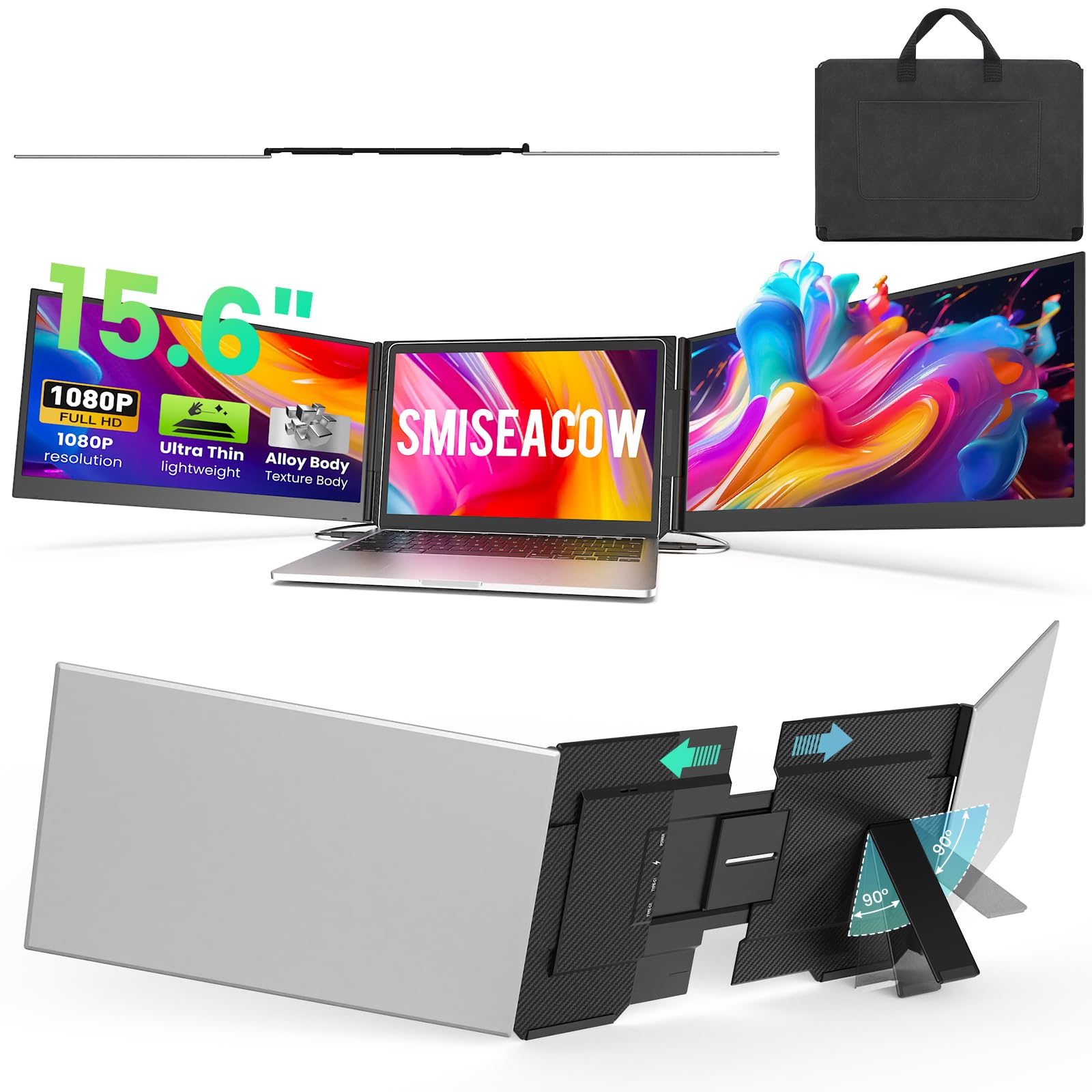
1. SMISEACOW 15.6″ Laptop Screen Extender
Our pick — 4.0+★ from 400+ verified ratings; the strongest balance of quality and price.
Two extra 15.6-inch panels that stand behind your laptop instead of hanging on it.
The setup story is what sells this one. Each panel comes to life through two USB-C cables or a USB-C plus HDMI pair, with no driver install at all — you plug in, and extend, mirror, or second-screen mode is available right away. That instant-on behavior is the reason this pick sits at the top: for a first-time buyer, nothing kills a triple-screen plan faster than a driver wizard at a coffee shop. The crowd sits at 4.0+ stars across 400+ ratings, and reviewers rank fast setup as its biggest strength by a wide margin.
Screen quality holds up under real use too. Each panel is a 15.6-inch 1080P IPS display (IPS means the picture stays clear even when you view it from an angle) with a 1000:1 contrast ratio and 300 nits of brightness. In plain terms, side-by-side spreadsheets stay readable, and the higher brightness here edges past the 280 nits you get on the Screnex P7 below — a small but real advantage when you work near a window. The panels fold 0 to 180 degrees, so you can angle them flat for sharing or tuck them for privacy.
The build keeps your laptop out of the fight. Aerospace-grade aluminum alloy handles heat and general wear, and the free-standing bracket with anti-slip pads holds laptops from 12 to 17.3 inches without attaching to the lid. At 0.18 inches thin and 3.9 lbs it stays lighter than a big notebook, and a soft leather carry bag comes in the box. The catch is the port rule: this needs a laptop with two video output ports, and if you don’t have them you have to contact support for an H5 cable sold separately. Check your ports first: with two video outputs, this pick rewards you every workday.
What earns the top slot
- No driver install — plug in and the panels wake up in extend, mirror, or second-screen mode
- 300 nits brightness and 1000:1 contrast keep text crisp during daylight work
- Free-standing bracket fits 12″ to 17.3″ laptops with zero lid attachment and no hinge stress
- Soft leather carry bag included for airplane, hotel, or café use
The honest limits
- Needs two video output ports on your laptop, or an H5 cable you request separately
- At 3.9 lbs it is real weight in a backpack, though light for a triple-screen rig
Worth it if: you want a triple-screen setup that works the moment you open the bag and your laptop already has the right ports.
Look elsewhere if: your laptop has only one video-capable port and you would rather not track down an extra cable.
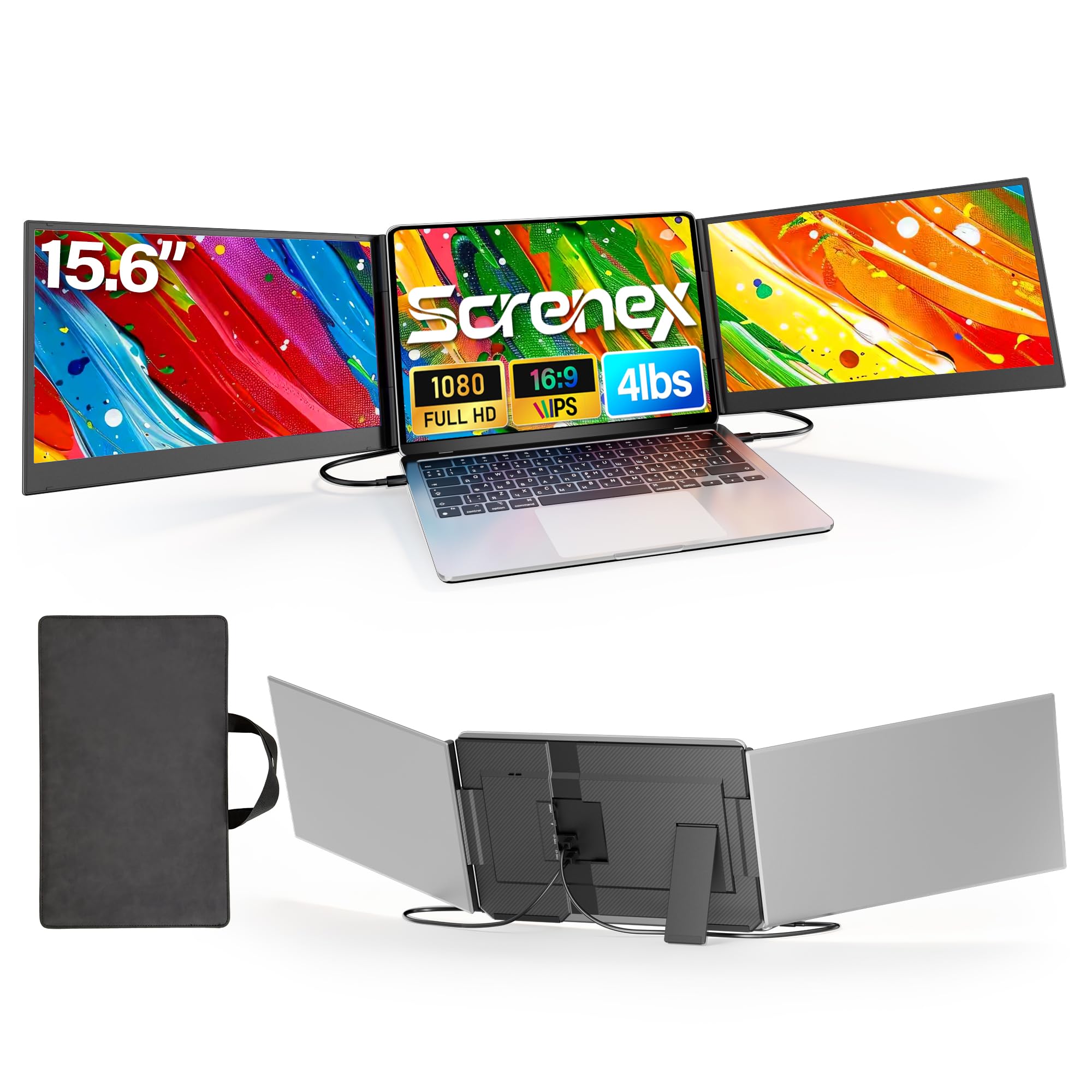
2. Screnex P7 15.6″ Laptop Screen Extender
The slim-panel pick that stands on its own and never touches your laptop lid.
If you have ever winced watching a clamp squeeze the edge of a laptop screen, this design is for you. The P7 sits free-standing behind the laptop on a widened stand with non-slip pads, so nothing hangs off the lid and no hinge takes the load. Two 0.16-inch panels make it the thinnest screen on this list — the Synnov below runs 0.19 inches by comparison — and at 3.9 lbs it matches the SMISEACOW on weight while folding flatter into its carry case.
Picture quality is the headline in the review data, and rightly so. Two 15.6-inch IPS panels deliver FHD 1080P with 178-degree viewing angles (wide enough that nobody at the table gets a washed-out view) and accurate color for office work or content creation. Brightness lands at 280 nits, a touch under the SMISEACOW’s 300 nits but plenty for indoor desks and hotel rooms. Connection is genuinely two cables — USB-C to USB-C, both included — provided your laptop has two full-function Type-C ports.
That port requirement is where the fine print lives. Laptops without a full-function USB-C port, including M1 to M3 MacBooks, need an H5-T cable plus HDMI and USB-A for power, along with a driver install. The unit also spans far less depth than the SMISEACOW — 2.5 inches against 17.48 inches — so it packs smaller. Compatibility across Windows, Mac, Android, and Chrome OS is broad, and the kit ships with every cable, a power adapter, and a handbag.
Where it flexes: two 0.16-inch panels, a stand that touches nothing on your laptop, and a complete cable kit means this is a clean, low-stress desk companion.
Where the fine print bites: the two-cable simplicity only holds on laptops with two full-function USB-C ports; M-series MacBooks need extra gear and a driver.
Pick this one when: your laptop has two full-function USB-C ports and you want the flattest, lightest panels that never clamp the lid.
Think twice if: you are on an M-series MacBook, where the driver route adds steps.
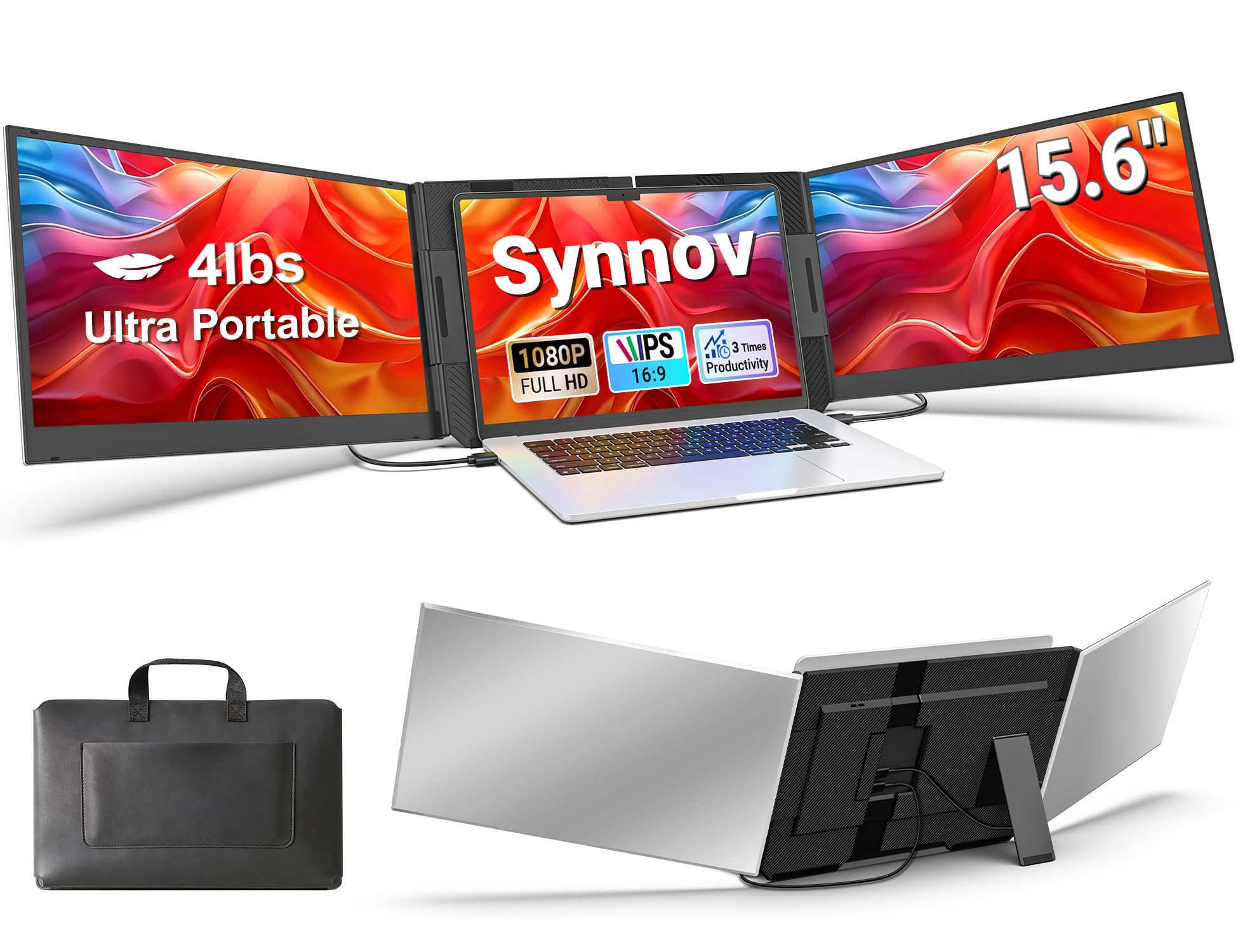
3. Synnov 15.6″ Laptop Screen Extender
Built for the home-office worker who is tired of losing windows behind other windows.
The Synnov’s whole pitch is speed of setup, and that is exactly what the reviews reflect. Plug-and-play means no driver, and the connection is deliberately pared back to two full-function USB-C cables or one USB-C plus one HDMI. The maker also quotes a “24% thinner and lighter” comparison against traditional triple monitors, and the panel measures 0.19 inches at 4 lbs — heavier on paper than the SMISEACOW’s 3.9 lbs. Equal top marks go to multitasking and easy setup in what buyers report, which tells you this unit is about flow, not frills.
Screen-wise you get a 15.6-inch FHD 1080P IPS panel with a 178-degree viewing angle and 1000:1 contrast. There is a 100% color gamut reading and adjustable brightness, so photos and dashboards look right rather than tinted. The 180-degree adjustable angle lets you tilt the panels to hide them from the person next to you on a flight. A no-clip metal stand design means your laptop’s hinge is spared the load, and the aluminum body keeps it sturdy for daily travel.
The maker also quotes a “300% productivity boost,” which describes the tab-switching it removes rather than a measured number. The real constraint is the port rule: you need at least one full-function USB-C port, and MacBooks with M1, M2, or M3 chips are specifically called out as not compatible because of chip limits. The kit covers all cables, a power adapter, and a leather carry bag.
Sharpest use case: home office and programming work where three 15.6-inch panels replace a wall of messy tabs.
The caveat to note: one full-function USB-C port is required, so older laptops and M-series MacBooks are left out of the plug-and-play crowd.
Fits neatly for: Windows, Chrome, Linux, or Android users who want a bigger work surface and a setup measured in seconds.
Skip ahead if: your MacBook has an M1, M2, or M3 chip — compatibility is not there by default.
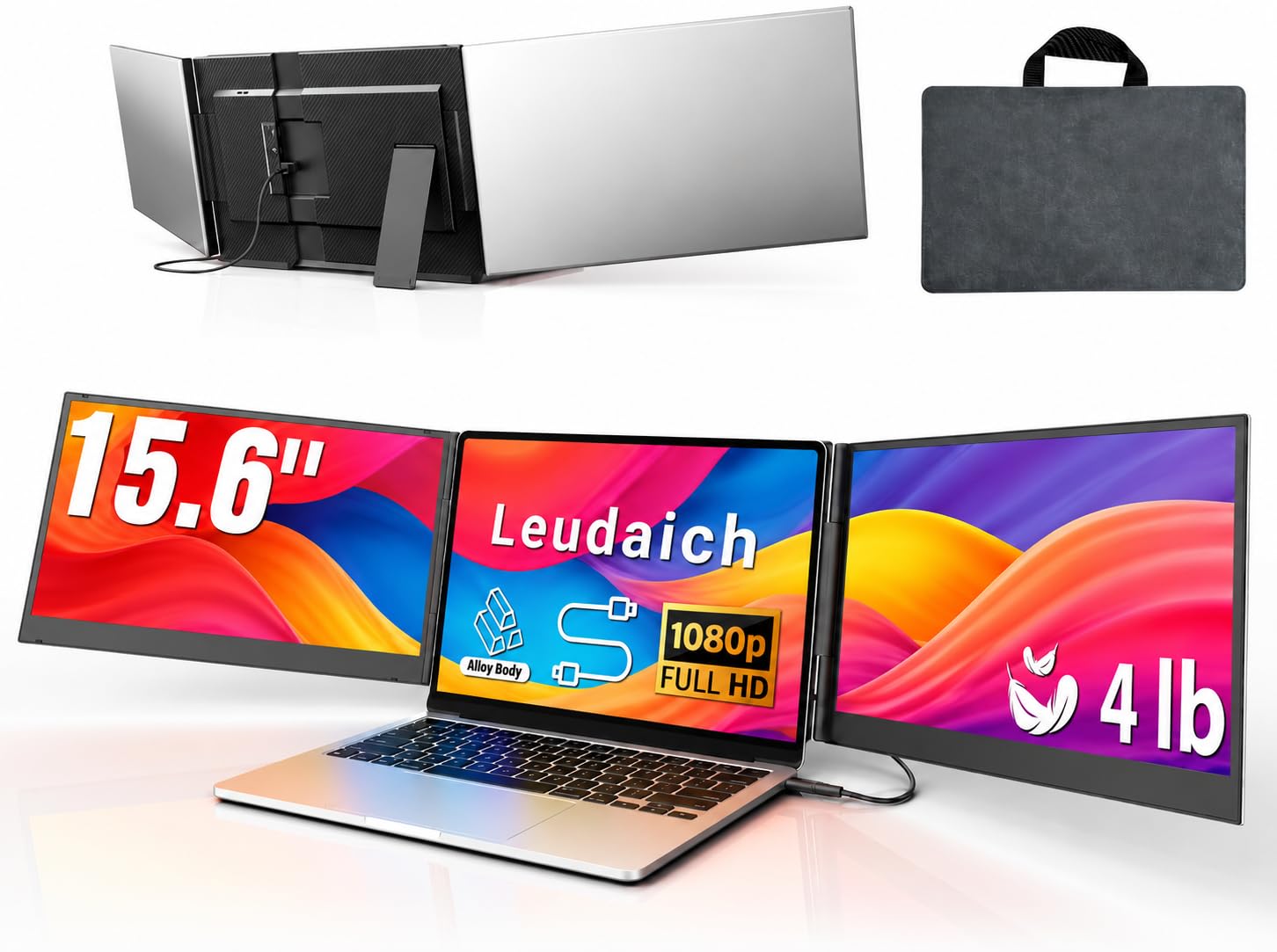
4. Leudaich One Cable 15.6″ Laptop Screen Extender
One cable, two extra screens, and a desk that finally looks like it belongs to a tidy person.
This is the pick for the person whose biggest annoyance is a nest of cables. After a one-time driver install, a single USB-C or even USB-A cable expands the laptop into a full triple-display setup — no hunting for a second full-function port on the machine. That single-cable design is the real difference from the two-cable picks above. The screens themselves are two 15.6-inch FHD 1080P IPS panels at 300 nits brightness and 100% sRGB color, with a blue light filter and anti-glare coating for long sessions.
Build quality pushes in the same direction. The aluminum alloy shell weighs 4 lbs and rotates 180 degrees, and the independent structure means no clamp hangs on the laptop lid, so hinge stress drops. A leather carry bag is in the box. For people who move between desk and couch and hotel, the combination of one wire and a free-standing body is genuinely useful.
There is one honest trade-off: the plug-and-play convenience is not instant on day one. The driver has to be installed before the one-cable trick works, so budget a few minutes of setup rather than a single plug-in. Brightness tops out at 300 nits, matching the SMISEACOW, and the unit spans a wider footprint at 28 inches across. If you want the cleanest desk and don’t mind one install, this is a strong mid-range pick.
Best for: cable-averse workers who want a triple display off one cord and will install the driver once.
Fair warning: the first session needs the driver install before the single cable route works, so it is not truly instant.
5. Vixtan 14″ Triple Laptop Screen Extender
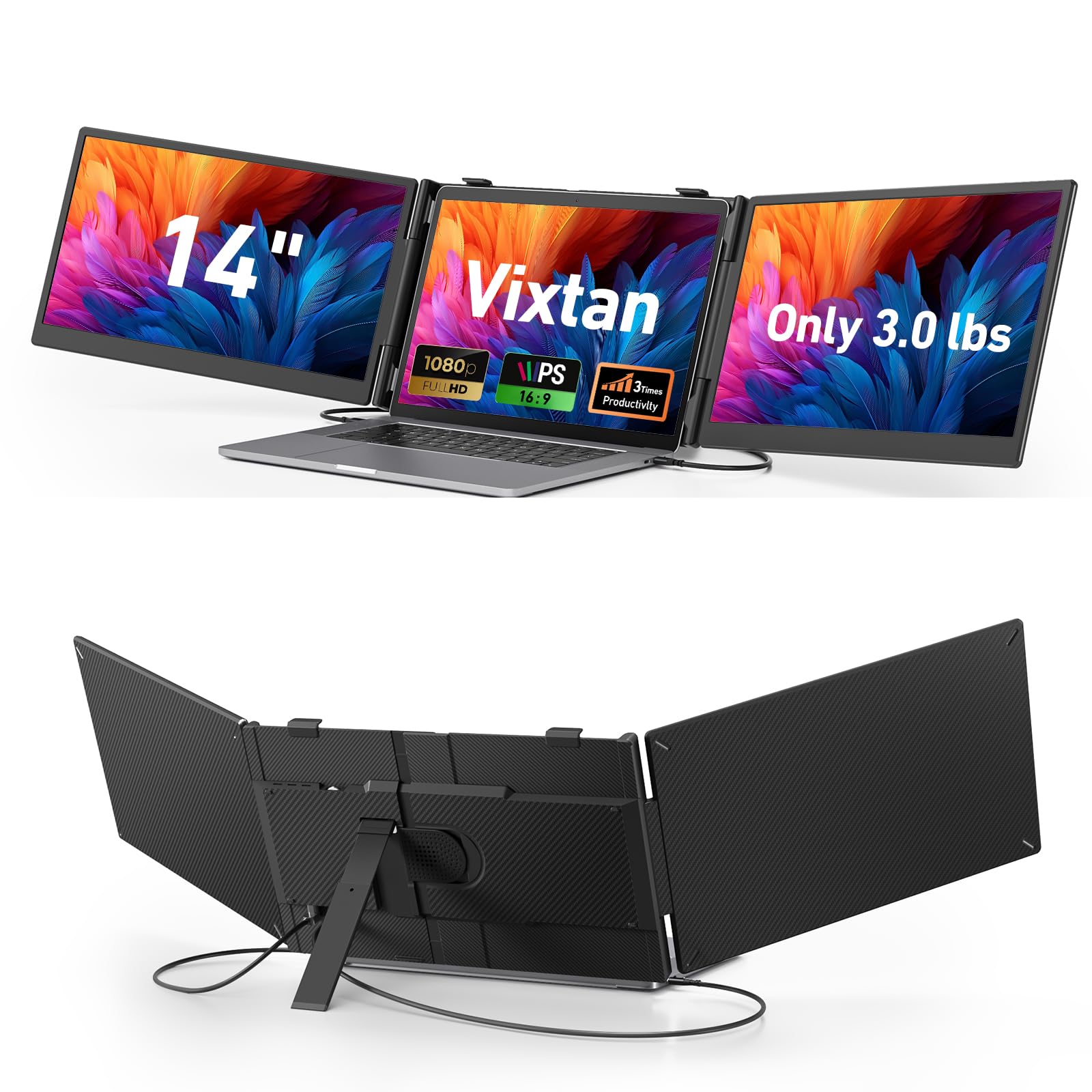
The lightest triple rig here — 3.0 lbs that disappear into a carry-on.
Travel is the whole reason this one exists. At 3.0 lbs and 0.3 inches thin it is the lightest of the 14-inch group and lighter than the 15.6-inch SMISEACOW’s 3.9 lbs. The 14-inch IPS panels still deliver 1920 by 1080 full HD, 300 nits brightness, and 100% sRGB color, with anti-glare coating and eye-care technology. A 178-degree viewing angle keeps the image readable even when you are squeezed into a middle seat.
Ported for universal compatibility: USB-C, USB-C to USB-A, and HDMI cables are all included, and it plugs and plays across Windows, macOS, ChromeOS, Android, and Linux with no drivers. The reinforced plastic stand gives multi-level height adjustment, 180-degree horizontal rotation, and fits laptops from 13 to 17.3 inches, with reinforced springs and rear stand holding it steady. For the one Mac limit worth knowing, M1, M2, and M3 MacBooks support only single-screen output, and a DisplayLink adapter is needed for a dual-screen setup.
Whether the screens shine depends a little on how you power them. If you see flicker or low brightness, the maker advises plugging a 5V/3A (or higher) adapter into the dedicated power port. That is a real nudge to keep the power brick handy on the road, and it is the one thing to plan for. For students and digital nomads who value a light bag over a wide screen, it is a sensible pick.
Why it earns the travel slot
- 3.0 lbs and 0.3 inches thin — the lightest unit in this lineup
- 300 nits with 100% sRGB color and anti-glare on 14-inch IPS panels
- All cables included and no driver needed for Windows, macOS, ChromeOS, Android, or Linux
What to plan around
- If screens flicker or dim, a 5V/3A adapter must plug into the dedicated power port
- M1, M2, and M3 MacBooks cap at single-screen output without a DisplayLink adapter
Reach for this if: your bag weight is the deciding vote and a 14-inch panel still fits your work.
Know before you go: carry the 5V/3A power adapter to keep brightness steady, and accept single-screen output on M-series MacBooks.
6. Blackview DCM5 14″ Laptop Screen Extender
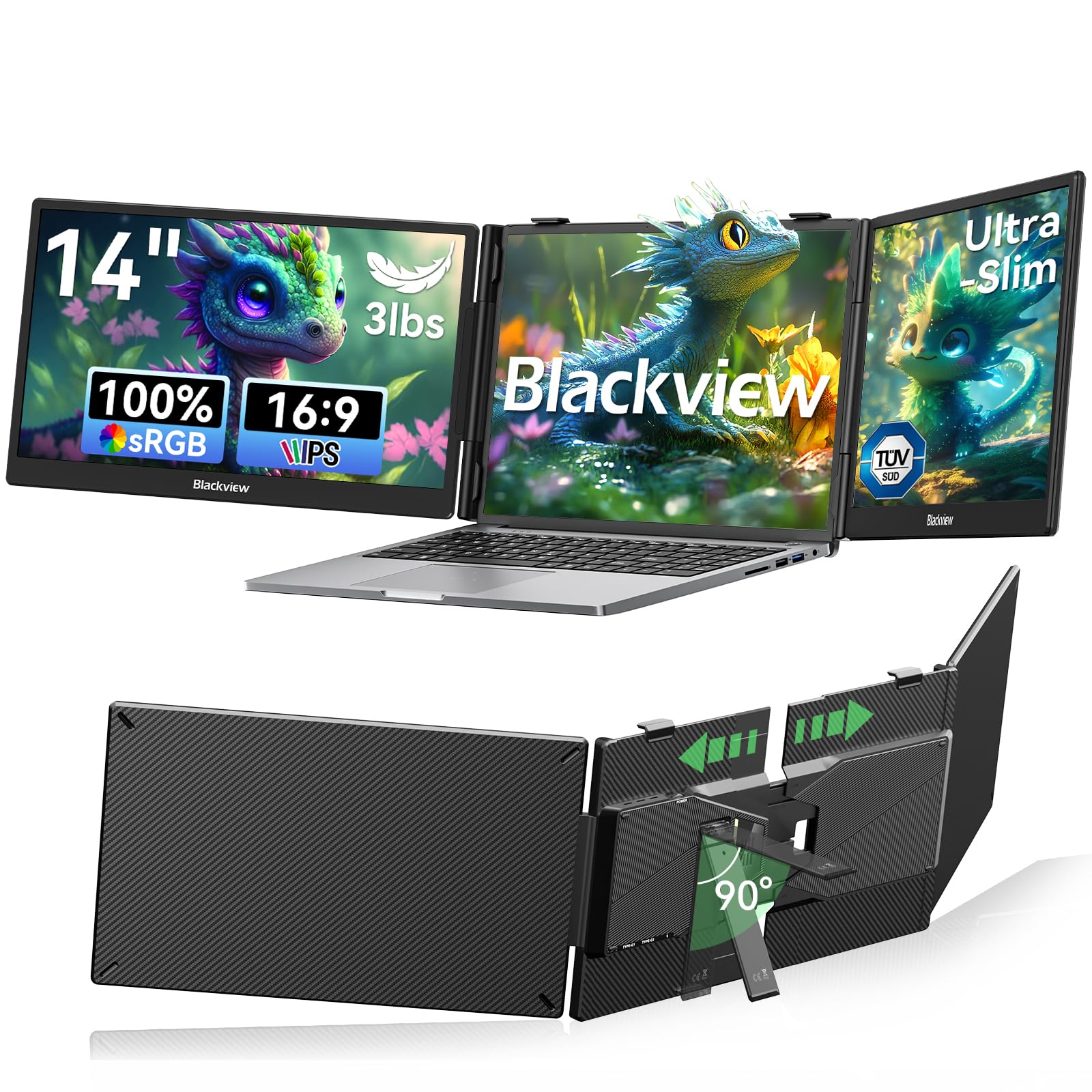
A galvanized steel shell that shrugs off the dings a travel monitor usually collects.
Most extenders here are aluminum. This one goes the other way with a galvanized steel shell and matte finish that resists scratches and fingerprints — a real difference if the unit rides loose in a bag. At 3 lbs it stays light despite that steel, and a 6-point mounting system with a 90-degree adjustable stand holds it solidly in place. It has a smaller following than the SMISEACOW, but the galvanized steel shell wins people over, and the maker backs it with an industry-leading 24-month warranty (typically 12 months) on a replacement-only policy.
You get a 14-inch IPS panel (a screen type with wide viewing angles) at 1080P full HD, so text and spreadsheets stay sharp. Brightness is 300 nits (a measure of screen brightness), enough to read indoors, with 180-degree viewing angles so people beside you can see the screen. Anti-glare cuts strain on long sessions. Narrow bezels make the panels feel bigger than their 14-inch size. The maker cites TÜV SÜD low blue light and flicker-free certification for eye comfort, though that is a maker claim rather than an independent lab result. Connection is plug-and-play through USB-C or HDMI, with mirror, extend, and portrait modes built in.
Compatibility is where this unit truly stretches. It covers laptops from 13 to 17.3 inches, and the maker lists support for Windows, Mac, ChromeOS, Android, and Linux, plus smartphones, Switch, and M1, M2, or M3 devices. It works best with two full-featured USB-C ports or one USB-C plus one HDMI. The honest note: value for money drew a mixed reaction in reviews, so weigh the rugged build against the tighter budget the same money would buy elsewhere.
The standout here: steel-shell durability, a 6-point mount, and 24-month warranty coverage make this the tougher choice for hard travel.
Where to weigh it up: value is the sticking point — reviewers were split on whether the rugged finish is worth the price premium over the aluminum-and-plastic crowd.
Go with this for: rough commutes and a device family that spans consoles, tablets, and MacBooks alongside your laptop.
Pass if: you mostly work at a desk and want the most screen for the money rather than the toughest shell.
7. Rizpak One Cable 15.6″ Triple Portable Monitor
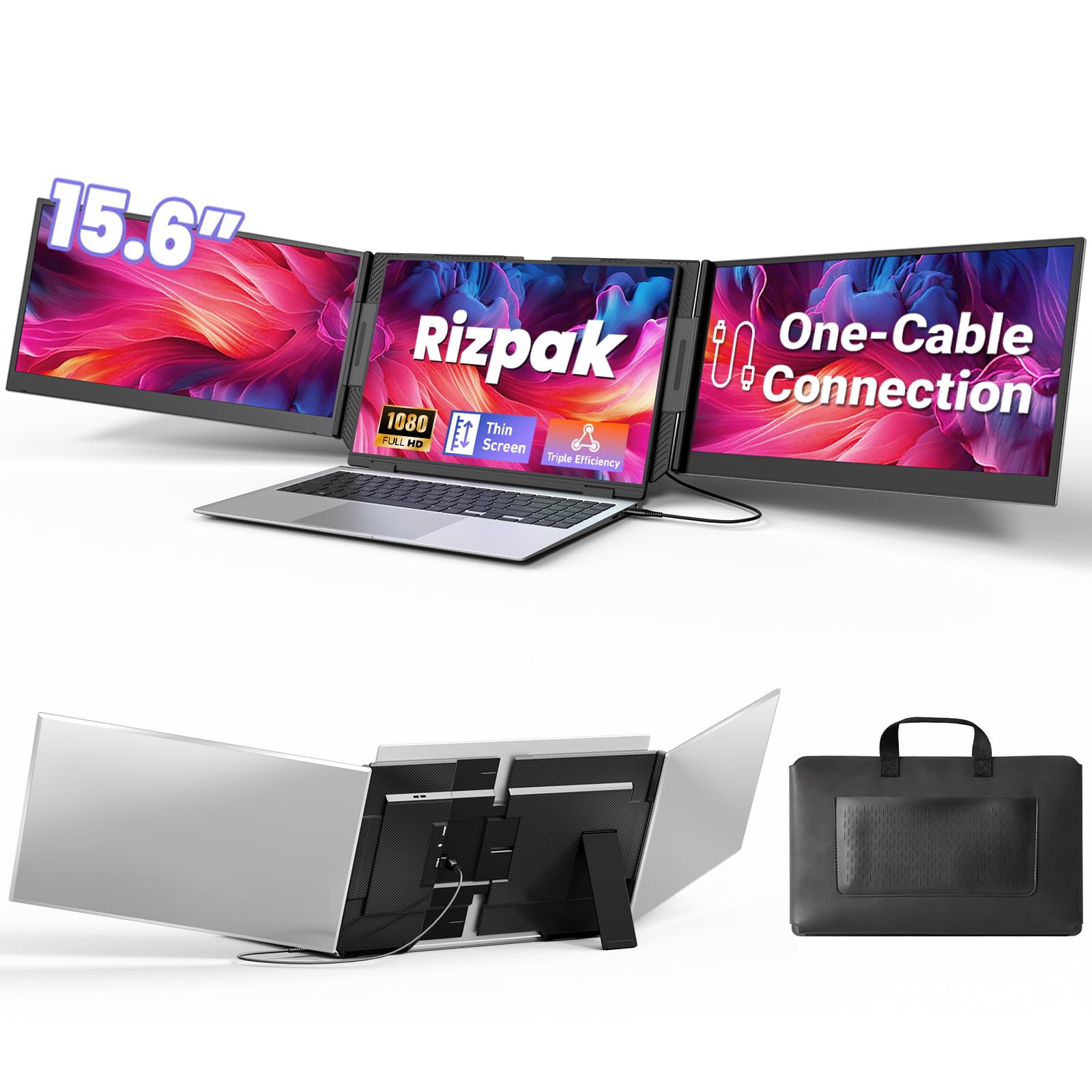
Big 15.6-inch panels and one cable, once you get past the driver install.
Buyers here care most about compatibility, and this model is broad. It drives Windows, macOS, Chrome OS, Android, and Linux systems, and it folds into extend, mirror, or presentation modes. The one-cable design — after the required driver install — cuts cable clutter and frees desk space, a real benefit on a cramped café table. It is a narrow miss on the plug-and-play promise of the SMISEACOW above, which wakes up with no driver at all, but it trades that for a cleaner single-cable work surface.
The screens are the largest point in its favor: two 15.6-inch 1080P FHD IPS panels with a 100% sRGB color gamut at a 178-degree viewing angle. At only 0.2 inches thick they stay thin in a bag, and the aluminum body with a reinforced metal stand avoids hanging anything on your laptop lid. Weight is 4 lbs. The panels fold 180 degrees, which helps hide sensitive content during flights or meetings.
Where this pick needs an honest word is long-term reliability. Durability and connectivity both came back mixed, with some units giving out months into use, so treat this as a strong performer that deserves careful handling and direct power feeding to the PD port for steady brightness. The back panel adjusts for laptops from 13 to 17.3 inches, and the kit includes all cables, a power adapter, and a carrying bag. It is a capable end-of-list pick if you want big panels and one cable.
What it brings
- Two full 15.6-inch FHD 1080P IPS panels with 100% sRGB color
- Single USB-C or USB-A cable cuts clutter after the driver install
- Aluminum body and reinforced metal stand keep the laptop lid free of weight
What to keep in mind
- Connectivity and durability drew mixed feedback, so handle it with care and power it well
- The one-cable convenience needs a one-time driver install first
Suits you if: large 15.6-inch panels and a single cable matter more than instant, driver-free setup.
Consider the SMISEACOW instead if: you want the same screen size without touching a driver.
Know the Specs
Full-Function USB-C
A full-function USB-C port carries video, data, and power through one connector, which is why it decides so much here. Two of them give you a clean two-cable setup. One plus an HDMI port works just as well with a different cable pair. A plain USB-C port without video output is the trap — it cannot feed a screen on its own, so always confirm the port can handle video before you buy. This matters most for M1, M2, and M3 MacBooks, several of which need a DisplayLink adapter or an H5 cable for a second external screen.
Nits, Lux, and Brightness
Brightness is the spec that decides whether you can actually read the screen near a window. Nits (candela per square meter) is the brightness of the display itself, and these panels run from 280 to 300 nits. Lux is a measure of light landing on a surface, so it is a slightly different unit of measure when a maker quotes it. Higher brightness keeps text readable in daylight, and note that 300 nits beats 280 nits for that purpose. If your panels flicker or dim, plug the power adapter into the unit’s dedicated power port.
Common Questions
Will a 3 screen laptop extender work with my MacBook?
Do I need a driver to use one of these triple monitors?
What is the difference between 1080P FHD and IPS on these panels?
How much does an extender weigh and will it fit in a carry-on?
Can these extenders attach to a gaming console or a phone?
Will the screen extender damage my laptop hinge?
What brightness do I need to work near a window or outdoors?
Is 14-inch or 15.6-inch better for a triple-screen setup?
Do these monitors include all the cables I need?
Can I set up mirrored mode instead of an extended desktop?
The Bottom Line
Want the least fuss? The SMISEACOW 15.6″ Triple Portable Monitor is the safest call. It wakes up with no driver, hits 300 nits, and stands free of your laptop lid, and it carries the strongest base of owner experience in this lineup. Want the flattest panels that never touch the lid? Take the Screnex P7, with its 0.16-inch screens. And if you plan to live out of a backpack, the Vixtan 14″ keeps your load down at 3.0 lbs. Check your ports first, and any of these three will give you a working triple display.
How we choose
We do not accept paid placement. Every pick is matched to a real buyer and a real use-case; we do not hands-on test units.
Sources
Specifications: manufacturer listings and product documentation. Review insights: verified customer reviews, as of November 2026. Pricing: not shown on this page (it changes often); check the current price via the retailer link.
As an Amazon Associate, My Heart Lives Here earns from qualifying purchases. This does not affect which products we feature.